Building a B2B email list sounds simple until the data becomes messy. A team may find hundreds of business names, but many records lack websites, emails, phone numbers, categories, or context. Some emails bounce. Some contacts are irrelevant. Some lists are too generic to support personalized outreach.
That is why the best email scraper for B2B lead lists is not always the tool that finds the most emails. It is the tool that helps a team collect useful business data, clean the results, verify contact details, and export a list that sales or marketing teams can actually use.
Why B2B Email Lists Fail Before Outreach
Most weak lead lists fail for three reasons.
First, the source is too broad. A purchased list may include companies that do not match the target industry, location, size, or need. Second, the email field is treated as the only important field. In reality, a strong B2B lead record should also include company name, website, phone number, address, category, source URL, and qualification signals. Third, teams skip verification. Unverified emails can create bounces, reduce deliverability, and damage sender reputation.
A better approach is to build the list from a clear source, filter the data before export, verify contacts, and only send relevant outreach.
What Makes a Good B2B Email Scraper?
A good B2B email scraper should help with more than email extraction.
It should support useful data sources. For local and service-based B2B campaigns, Google Maps, Google Search, company websites, directories, and public business profiles are often more useful than generic contact databases.
It should return structured data. CSV, Excel, JSON, and API outputs are easier to review, clean, import, and automate than raw page text.
It should fit the team’s workflow. Non-technical teams may need no-code tools. Developers may prefer API access. Agencies may care about repeatable exports and pay-per-success pricing.
Most importantly, it should help teams create cleaner lead lists before outreach, not just collect a larger pile of unverified contacts.
Quick Comparison: Best B2B Email Scraper Tools
Tool | Best For | Key Feature | Starting Price | Free Plan / Credits |
CoreClaw | Public B2B lead lists | No-code Workers + clean exports | From $3 | |
Saleshandy | Cold email + lead finder | Outreach + verified contacts | From $25/mo | 7-day trial + up to 50 credits |
Hunter | Domain email search | Finder + verifier | From $34/mo | 50 credits |
Snov.io | Email search + sequences | Finder, verifier, campaigns | From $39/mo | 50 credits + 100 recipients |
Apollo | Sales intelligence | B2B database + enrichment | From $49/user/mo | Free plan available |
Lusha | Contact enrichment | Email + phone reveals | Paid plans vary | 40 credit |
Outscraper | Google Maps leads | Maps + contact enrichment | From $3/1K records | First 500 records free |
PhantomBuster | LinkedIn workflows | Automation + enrichment | From $56/mo | 14-day trial + 50 email credits |
Best Email Scrapers for B2B Lead Lists in 2026
1. CoreClaw
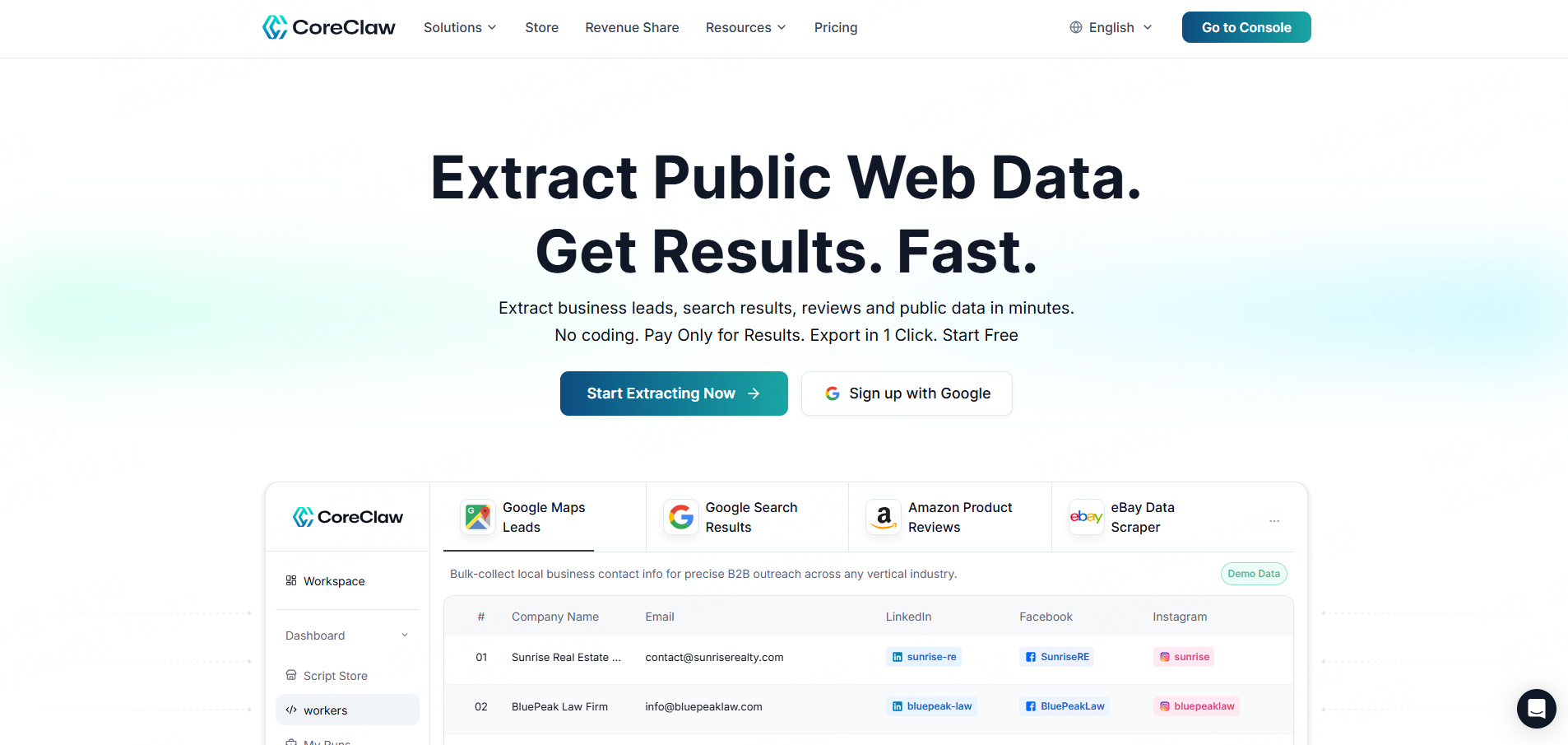
CoreClaw is the best fit for teams that want to build B2B lead lists from public business sources without coding. Its ready-made Workers help users collect structured data from sources such as Google Maps, Google Search, Amazon, Instagram, TikTok, YouTube, eBay, Walmart, LinkedIn, Yelp, Zillow, and other public platforms. CoreClaw Store highlights 100+ ready-to-use tools, no-code usage, pay-per-successful-result pricing, and free failed requests.
For B2B email lead lists, the Google Maps B2B Leads Generation Scraper is the most relevant Worker. It can help teams collect business names, websites, phone numbers, addresses, categories, ratings, reviews, opening hours, and available emails from public Google Maps business data.
CoreClaw is especially useful for agencies, sales teams, market researchers, and growth teams that want cleaned and filtered structured data before export. Users can export results to CSV, Excel, or JSON, use API access for internal workflows, or request a custom Worker when a ready-made Worker does not match the target source.
Best for: No-code B2B lead lists from public business data.
2. Saleshandy
Saleshandy is strong for teams that want lead discovery and cold email outreach in one platform. It positions itself as an all-in-one cold outreach platform with lead discovery, automated outreach, deliverability, AI-powered email sequences, and a large contact database.
Best for: Teams that want database-based prospecting plus cold email outreach.
3. Hunter
Hunter is a practical email finder and verifier for teams that already know the target company domains. Its tools include Domain Search, Email Finder, Email Verifier, integrations, and API access. Hunter’s verifier can also check lists of professional email addresses and supports API usage.
Best for: Domain-based email finding and verification.
4. Snov.io
Snov.io combines email finding, bulk email search, LinkedIn email finding, verification, and outreach automation. Its Email Finder page describes database search, bulk email finding, company filters, and prospect filters such as job title, company, management level, skills, industry, and location.
Best for: Email finding, verification, and outreach sequences.
5. Apollo
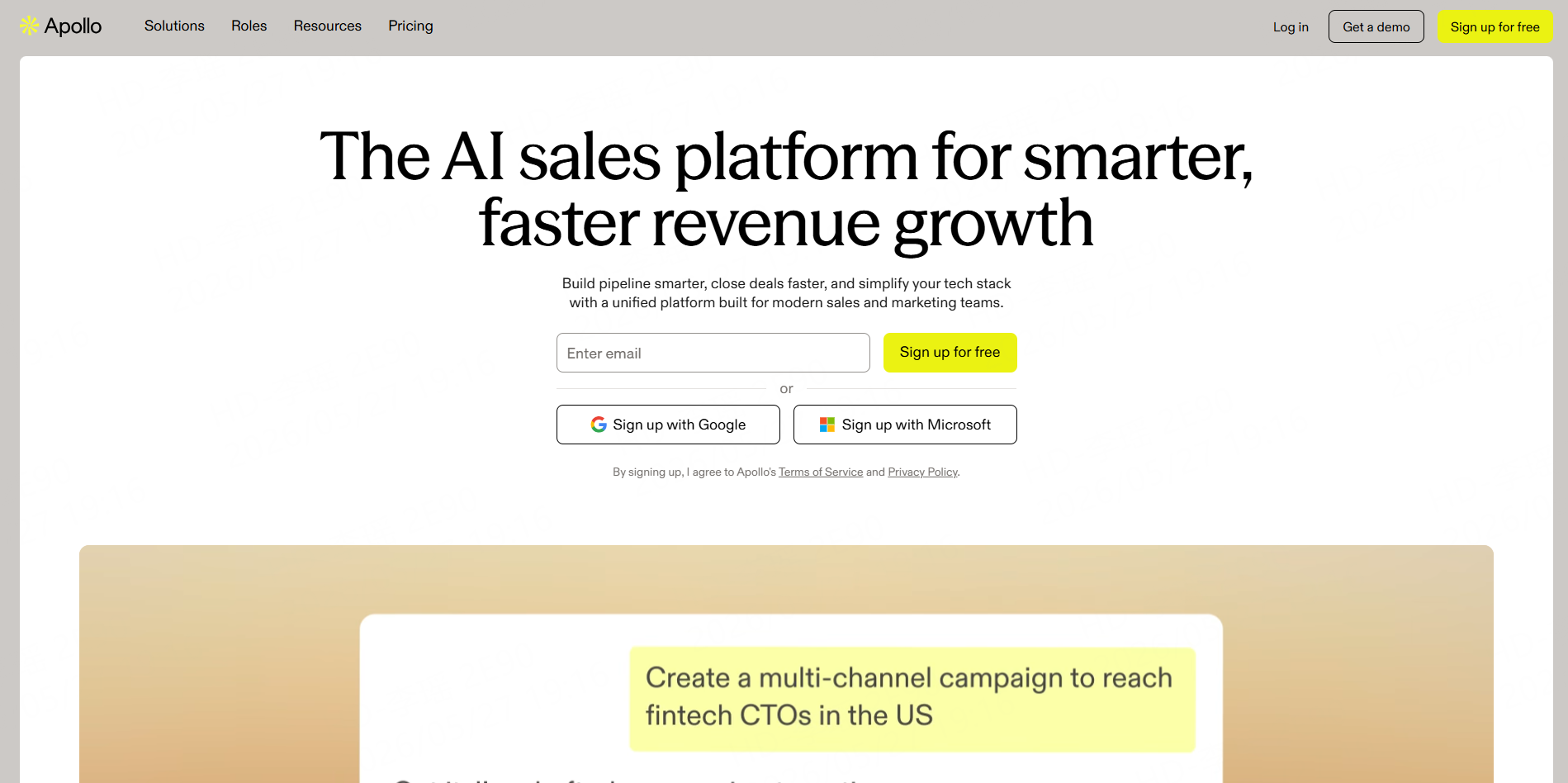
Apollo is an AI sales platform for prospecting, lead generation, and sales automation. Its official site positions it as a unified platform for modern sales and marketing teams. Apollo also offers an email finder with contact search, filters, bulk lookup, CSV export, and CRM workflow support.
Apollo is a strong option for revenue teams that want sales intelligence and outreach features. It may be more than needed for simple public business data collection.
Best for: Sales teams that need contact data, enrichment, and outbound workflow tools.
6. Lusha
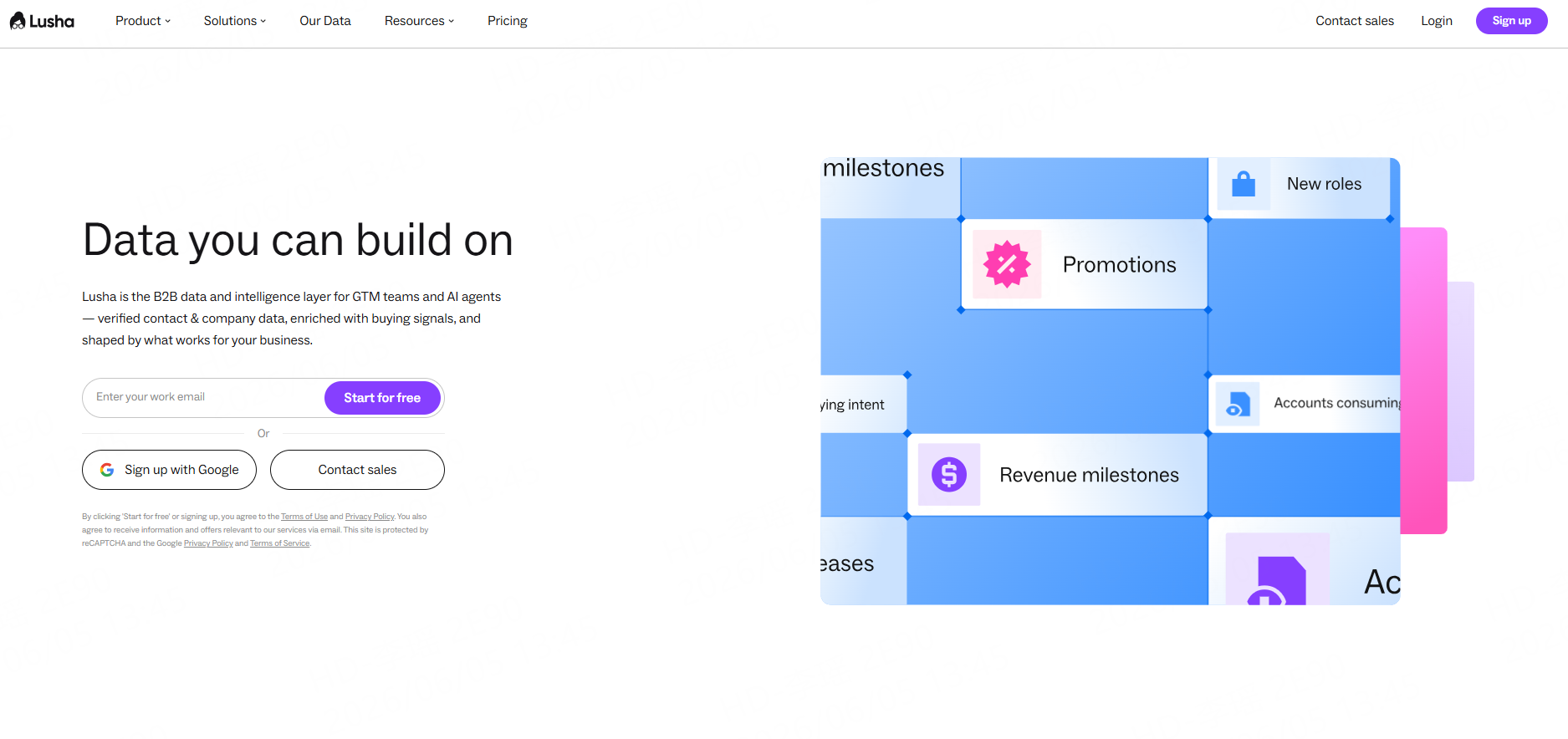
Lusha focuses on verified B2B contact and company data, buying signals, enrichment, and automation for go-to-market teams. It is useful when teams need person-level contact data and company enrichment.
Best for: Contact enrichment and GTM intelligence.
7. Outscraper
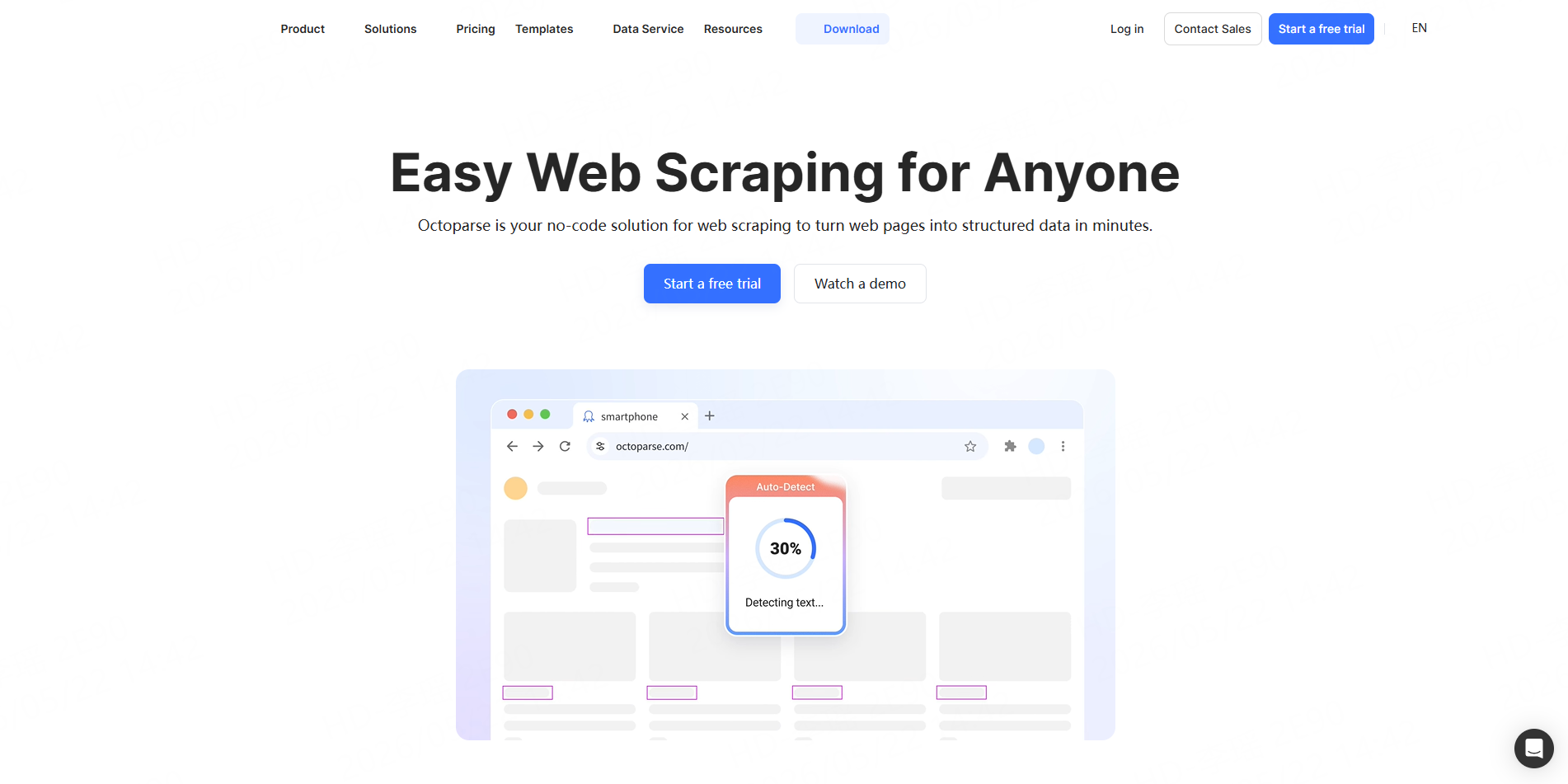
Outscraper is relevant for Google Maps-based prospecting. Its Google Maps Scraper can extract business names, emails, phone numbers, reviews, and ratings, and it can enrich Google Maps data with emails and contacts from business websites.
Best for: Google Maps scraping and local business data enrichment.
8. PhantomBuster
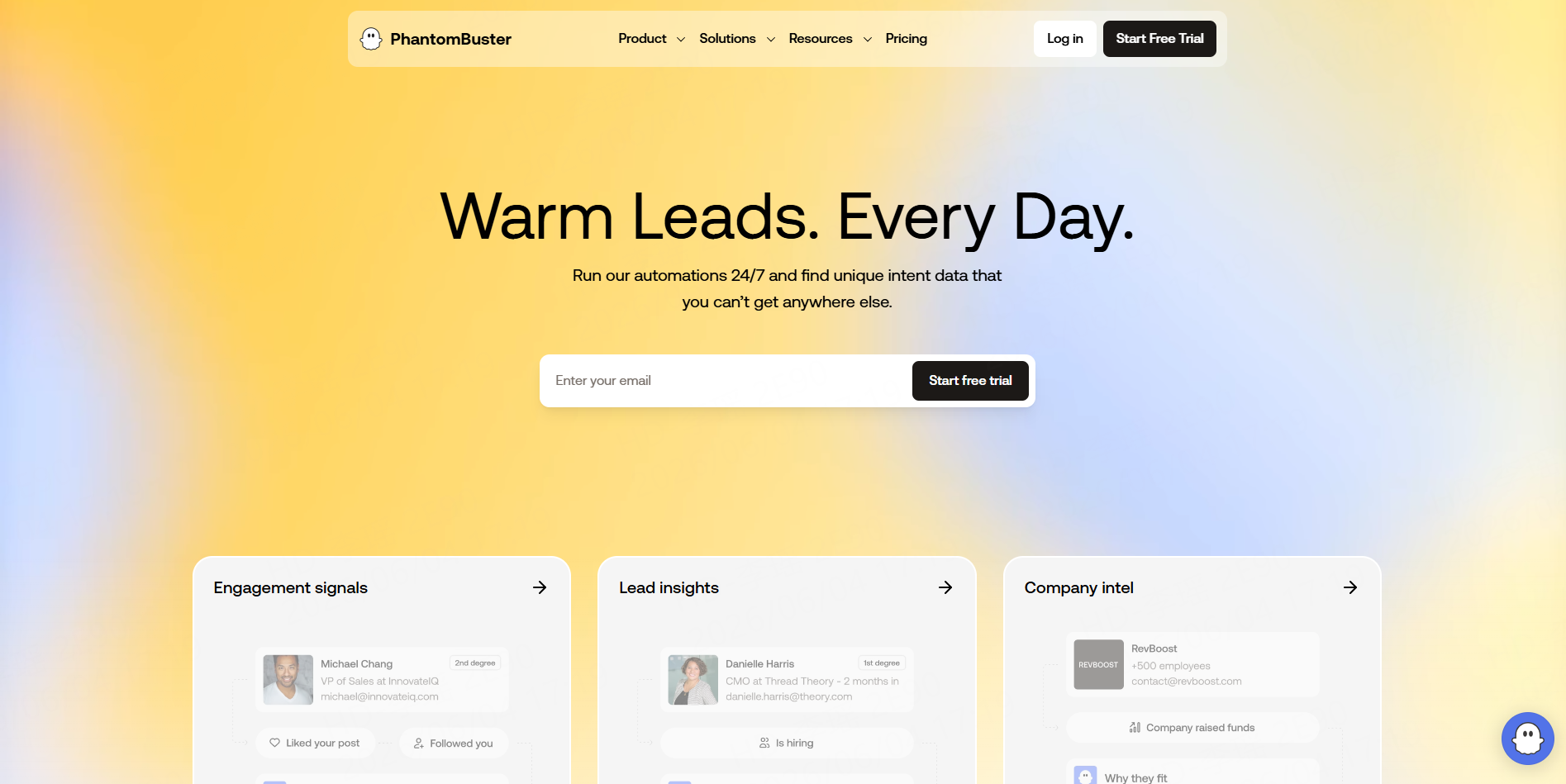
PhantomBuster is useful for LinkedIn and Sales Navigator workflows. Its Sales Navigator Profile Scraper extracts names, roles, companies, contact information, and more into ready-to-use spreadsheets.
It is best for LinkedIn-first prospecting. Teams should review platform terms and compliance requirements before using any LinkedIn automation tool.
Best for: LinkedIn and Sales Navigator lead workflows.
A Simple B2B Lead List Workflow with CoreClaw
CoreClaw keeps the lead generation process simple. Users do not need to write code, build a scraper, or clean messy raw data manually. Learn how to start running a worker.
1. Choose a ready-made Worker
Start with a Worker that matches your lead source, such as the Google Maps B2B Leads Generation Scraper for local business leads.
2. Enter keywords, URLs, or locations
Set the target search terms and areas, such as “dentists in Austin,” “restaurants in Seattle,” or a specific Google Maps URL.
3. Click Run
CoreClaw collects public business data and returns cleaned, filtered, structured results. The dataset can include business names, websites, phone numbers, available emails, addresses, categories, ratings, reviews, and source URLs.
4. Export the results
Download the data as CSV, Excel, or JSON, or use API access to connect it with a CRM, outreach tool, spreadsheet, or internal workflow.
For niche sources such as industry directories, franchise pages, or association websites, teams can request a custom Worker and follow the same simple process.
Responsible Email Scraping and Outreach
Email scraping should focus on publicly available business data and responsible use. Avoid private, sensitive, login-only, or restricted data unless there is clear permission and a valid legal basis.
For U.S. commercial email, the FTC’s CAN-SPAM guidance says senders should avoid false header information, avoid deceptive subject lines, identify the message appropriately, include a physical address, and provide a clear opt-out method. For EU-related workflows, teams should identify an appropriate legal basis before processing personal data.
The practical rule is simple: collect only what is needed, verify the data, personalize outreach, respect opt-outs, and review legal requirements for the markets where recipients are located.
Final Thoughts
The best email scraper for B2B lead lists in 2026 is not just an email extractor. It should help teams build a clean, relevant, and usable dataset before outreach begins.
With CoreClaw, teams can collect public business data through ready-made Workers, clean and filter results, export structured data in CSV, Excel, or JSON, and connect workflows through API access.
Frequently Asked Questions

Content Writer @CoreClaw · Last Updated 2026-06-05
Lena Kovalenko researches how modern software systems expose and organize information online. Her writing focuses on the interaction between APIs, web platforms, and automated data workflows. When exploring a topic she typically compares multiple tools to understand their design assumptions. These comparisons often lead to articles that help readers see how different technical approaches influence reliability and efficiency.
View Author Profile →Disclaimer: All information on the CoreClaw Blog is provided “as is” and for informational purposes only. CoreClaw makes no representations and assumes no liability for any consequences arising from your use of information published on the CoreClaw Blog or on any third-party websites linked from it. Before any scraping activity, consult legal counsel, review the target website’s terms of service, and obtain permission where required.