
Google Jobs data is useful for recruitment platforms, HR tech companies, job boards, market research teams, workforce analysts, salary intelligence tools, and sales teams targeting hiring companies. Instead of checking Google job results manually, teams often need a repeatable way to collect job titles, companies, locations, descriptions, salary signals, employment type, posting dates, and application links.
A Google Jobs scraper API helps collect public job listing data and return it in a structured format. The best tool depends on whether the team needs a developer API, a no-code workflow, a custom scraper, or clean exports for analysis. This guide compares seven Google Jobs scraper API options for 2026 and explains where CoreClaw fits into a practical job data workflow.
What Is a Google Jobs Scraper API?
A Google Jobs scraper API is a tool that collects job listing data from Google’s job search experience or Google job-related search results and returns the data in a structured format such as JSON, CSV, or Excel.
This is different from Google’s official JobPosting structured data. Google’s documentation explains how website owners can add JobPosting structured data so their own job pages may become eligible for a special job search experience in Google Search. That helps publishers appear in Google Jobs; it does not replace a data collection workflow for market research or job intelligence.
For data teams, the real value is not just fetching results. A useful job scraper should turn search results into organized records that can be filtered, exported, checked, and connected to internal systems.
What Job Data Should a Scraper Collect?
A strong Google Jobs scraper API should collect fields that support analysis and action.
Data field | Why it matters |
Job title | Identifies hiring demand by role |
Company name | Helps track employers and competitors |
Location | Supports local and remote workforce analysis |
Job description | Useful for skill extraction and hiring trend analysis |
Employment type | Helps separate full-time, part-time, contract, and internship roles |
Salary range | Useful for compensation benchmarking when available |
Posted date | Helps identify fresh hiring activity |
Apply link | Connects users to the job source |
Job source | Shows where the listing originally appears |
Timestamp | Helps audit when the data was collected |
Clean structure matters. Raw HTML is hard to analyze, while cleaned and filtered job records can be exported to spreadsheets, databases, dashboards, CRMs, or AI workflows.
Best Google Jobs Scraper APIs Compared
Tool | Best for | Main strength | Best user type |
CoreClaw | Custom job data workflows and export-ready results | Ready-made Workers, API, custom Worker option, cleaned exports | SaaS, HR tech, market research, growth teams |
SerpApi | Dedicated Google Jobs API access | Mature Google Jobs Results API | Developers |
SearchAPI | Structured Google Jobs JSON | Simple Google Jobs endpoint and JSON output | Developers and data teams |
Oxylabs | Enterprise scraping | Google Jobs Scraper API within Web Scraper API | Enterprise data teams |
Scrapingdog | Simple developer API | Job title, company, location, apply link extraction | Developers |
Apify | Marketplace scraper workflows | Multiple Google Jobs Actors and scheduling | Technical growth teams |
Outscraper | Source-specific extraction | Google Jobs-focused scraper product | Recruiters and research teams |
1. CoreClaw
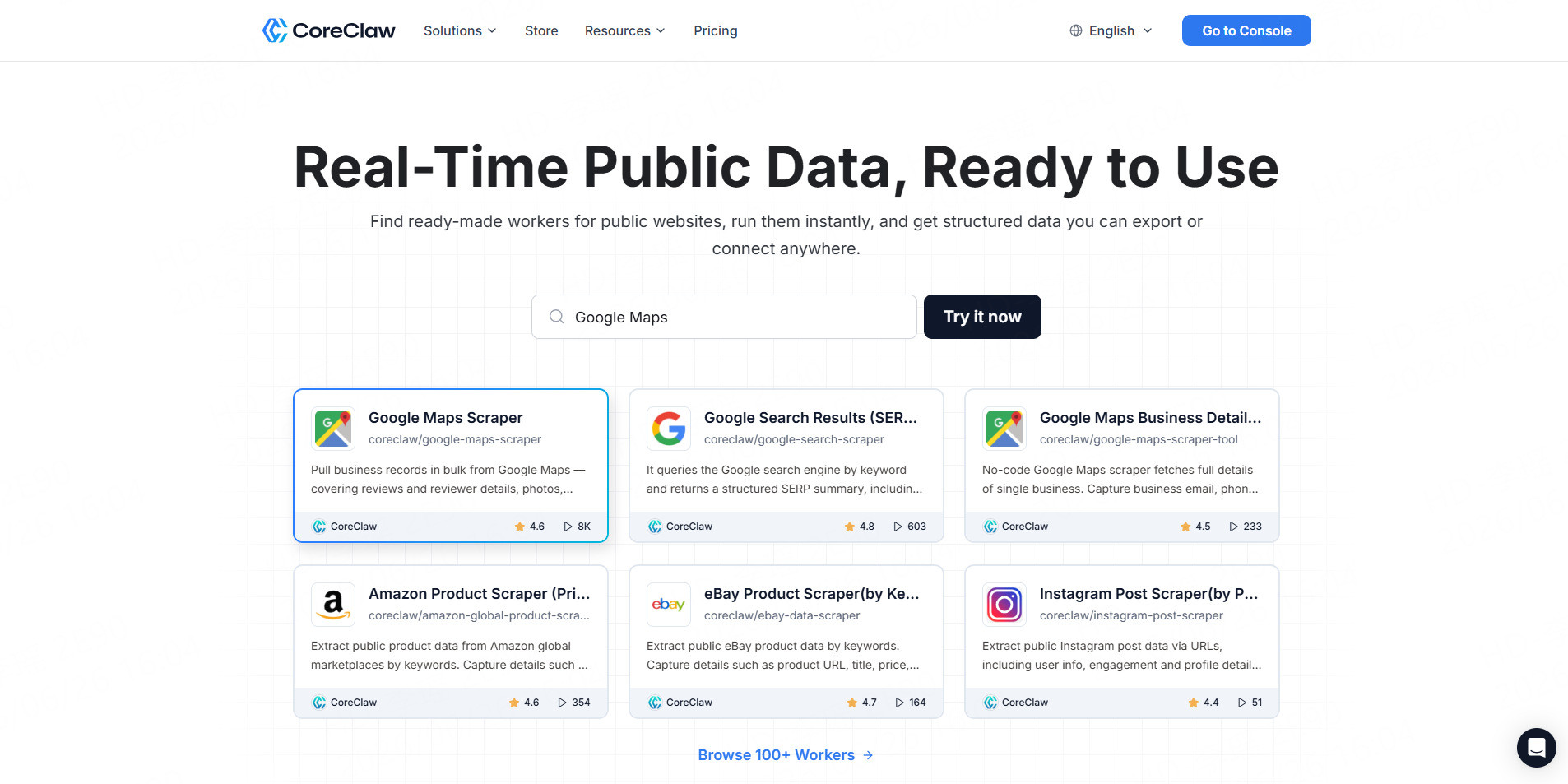
CoreClaw is a web scraping platform built around ready-made Data Workers and structured exports. Its Jobs Scrapers Store includes job-posting Workers for recruitment platforms such as Indeed and LinkedIn, while its Google Search Results Scraper API can support broader Google search result data collection workflows.
CoreClaw is the best fit when a team wants more than a one-off API call. For example, an HR tech team may want to collect job postings from several sources, clean duplicate records, export results to CSV or JSON, and later connect the workflow through the CoreClaw API.
CoreClaw’s advantage is workflow flexibility. Teams can use ready-made Workers when available, request custom Workers for specific job sources, export cleaner datasets, and use pay-only-for-successful-results pricing to focus spending on usable records rather than failed attempts.
Best for: Teams that need cleaned and filtered job data, CSV/JSON/Excel export, API access, and custom job-data workflows.
Watch-out: CoreClaw should not be described as having a dedicated Google Jobs Worker unless the exact Worker page is available. For Google Jobs-specific needs, teams should validate the current Store or request a custom Worker.
2. SerpApi
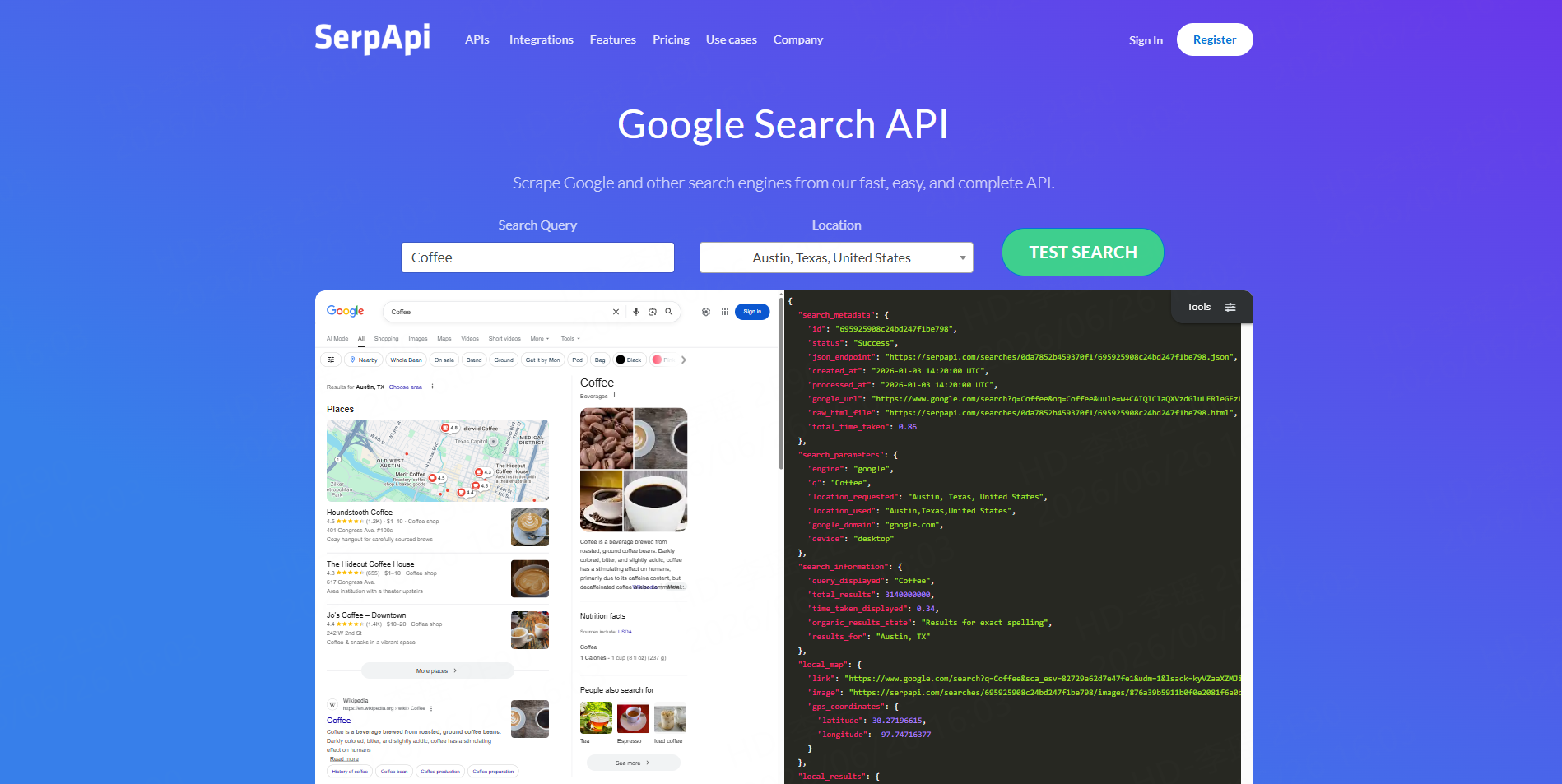
SerpApi offers a dedicated Google Jobs API for scraping Google Jobs results. Its page describes fields such as job titles, company names, locations, full-time or part-time filters, and structured job result details.
This makes SerpApi a strong option for developers who want a specialized Google Jobs endpoint and JSON results. It is useful for job boards, recruitment tools, job market dashboards, and internal research applications.
Best for: Developer teams that want direct Google Jobs API access.
Watch-out: Non-technical teams may still need engineering support to clean, filter, store, and export the returned data.
3. SearchAPI
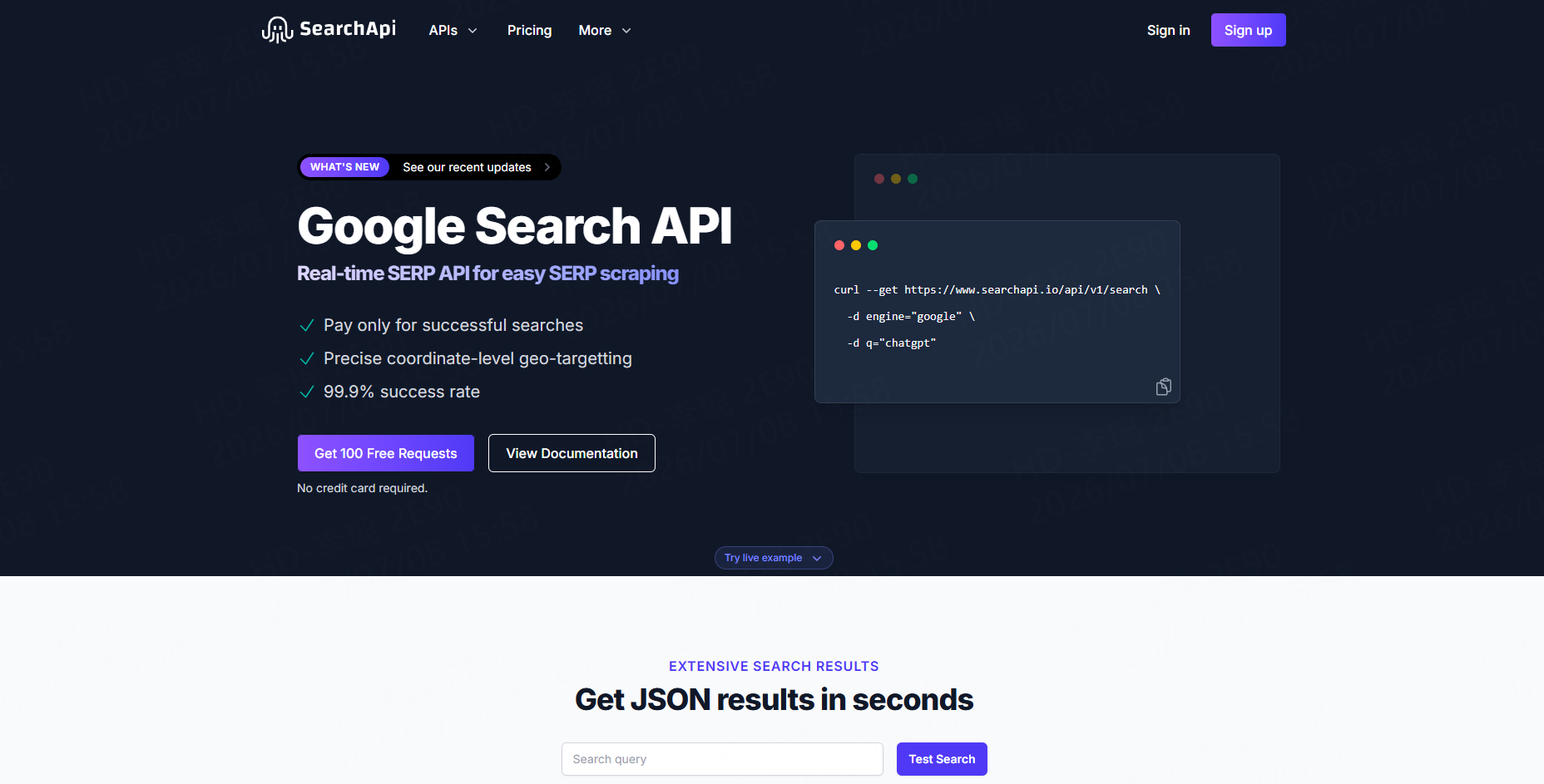
SearchAPI offers a Google Jobs API that can scrape job listings, company details, salary estimates, and related fields, with results returned as structured JSON. Its page also highlights real-time job listings and country coverage.
SearchAPI is useful when the team wants a straightforward API response for applications, dashboards, or data pipelines.
Best for: Developers who need structured JSON job data from Google Jobs.
Watch-out: Like most API-first tools, the downstream workflow still depends on the user’s own parsing, cleaning, validation, and storage logic.
4. Oxylabs
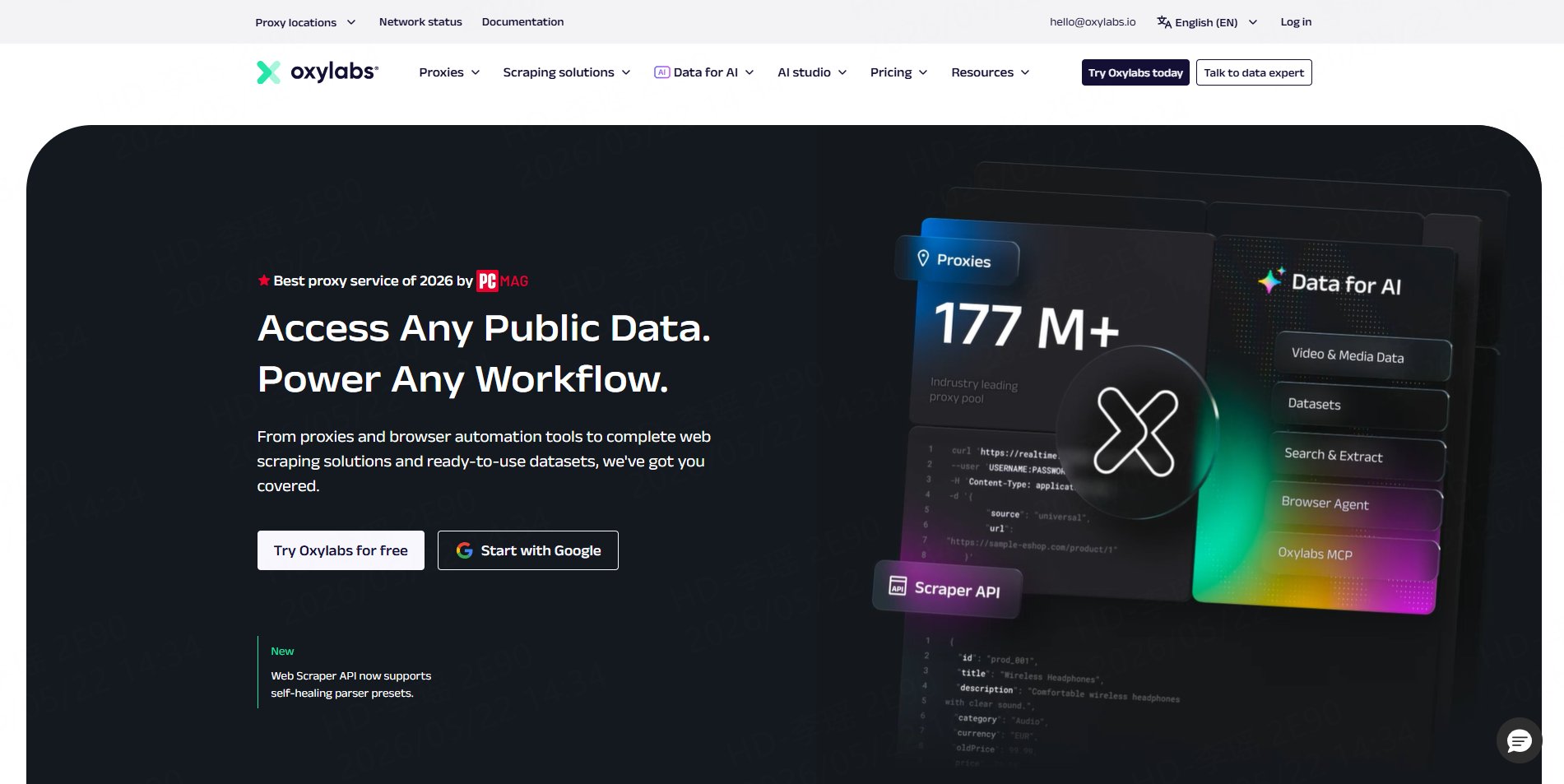
Oxylabs offers a Google Jobs Scraper API as part of its Web Scraper API. Its product page highlights job titles, locations, salaries, real-time jobs results, large-scale collection, and payment for successfully delivered data.
This makes Oxylabs a good fit for enterprise data teams that need scale, infrastructure, and more technical control.
Best for: Enterprise job data collection and high-volume scraping workflows.
Watch-out: Smaller teams may find it more technical and infrastructure-heavy than a ready-made Worker platform.
5. Scrapingdog
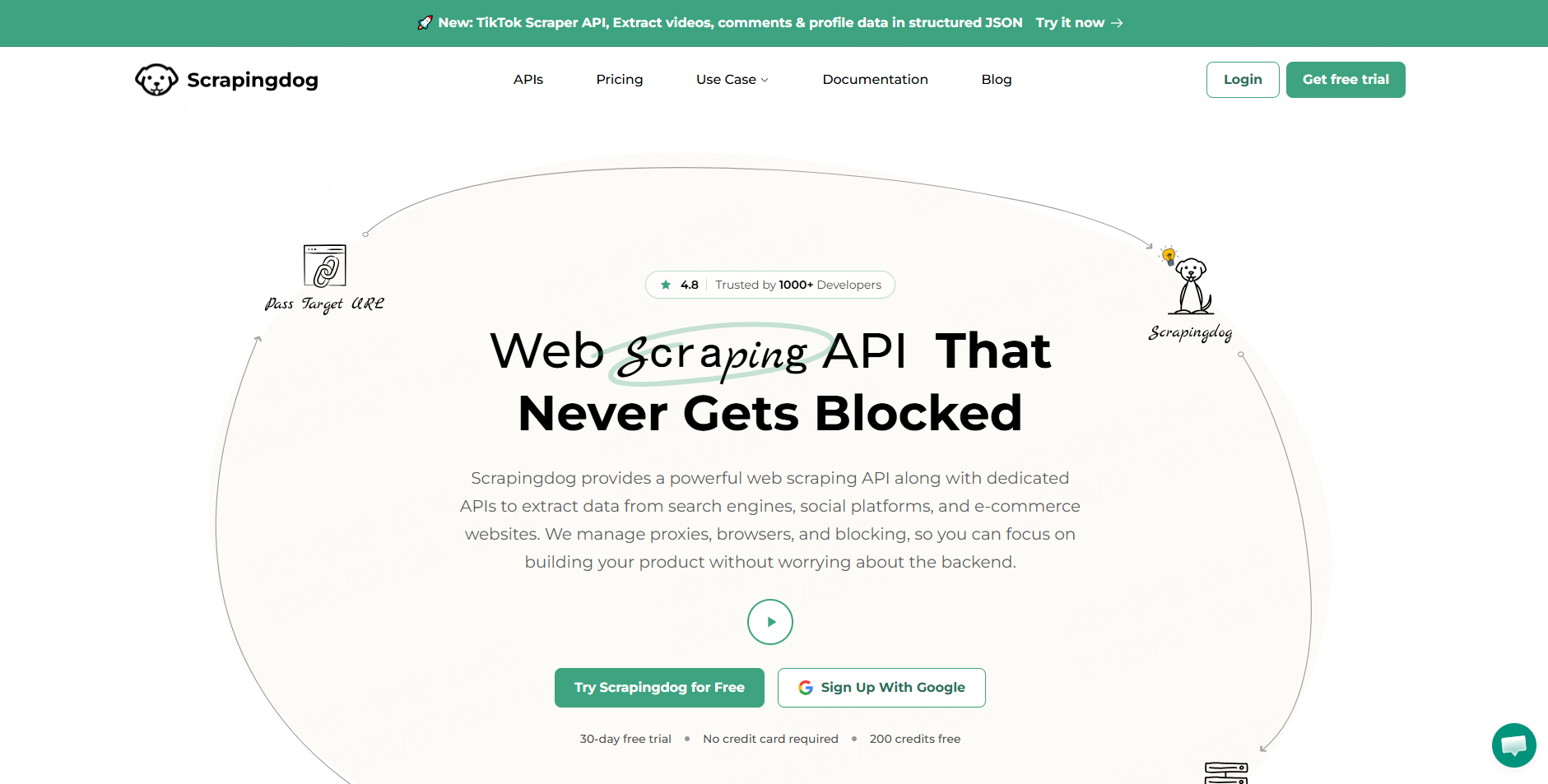
Scrapingdog provides a Google Jobs API designed to extract job data such as company name, title, location, and apply link from Google’s job board. Its positioning is simple and developer-focused.
This is a practical option for teams that want a simple API endpoint and plan to handle the rest of the workflow internally.
Best for: Developers who need basic Google Jobs fields through an API.
Watch-out: Teams may still need to normalize companies, remove duplicates, validate links, and format exports.
6. Apify
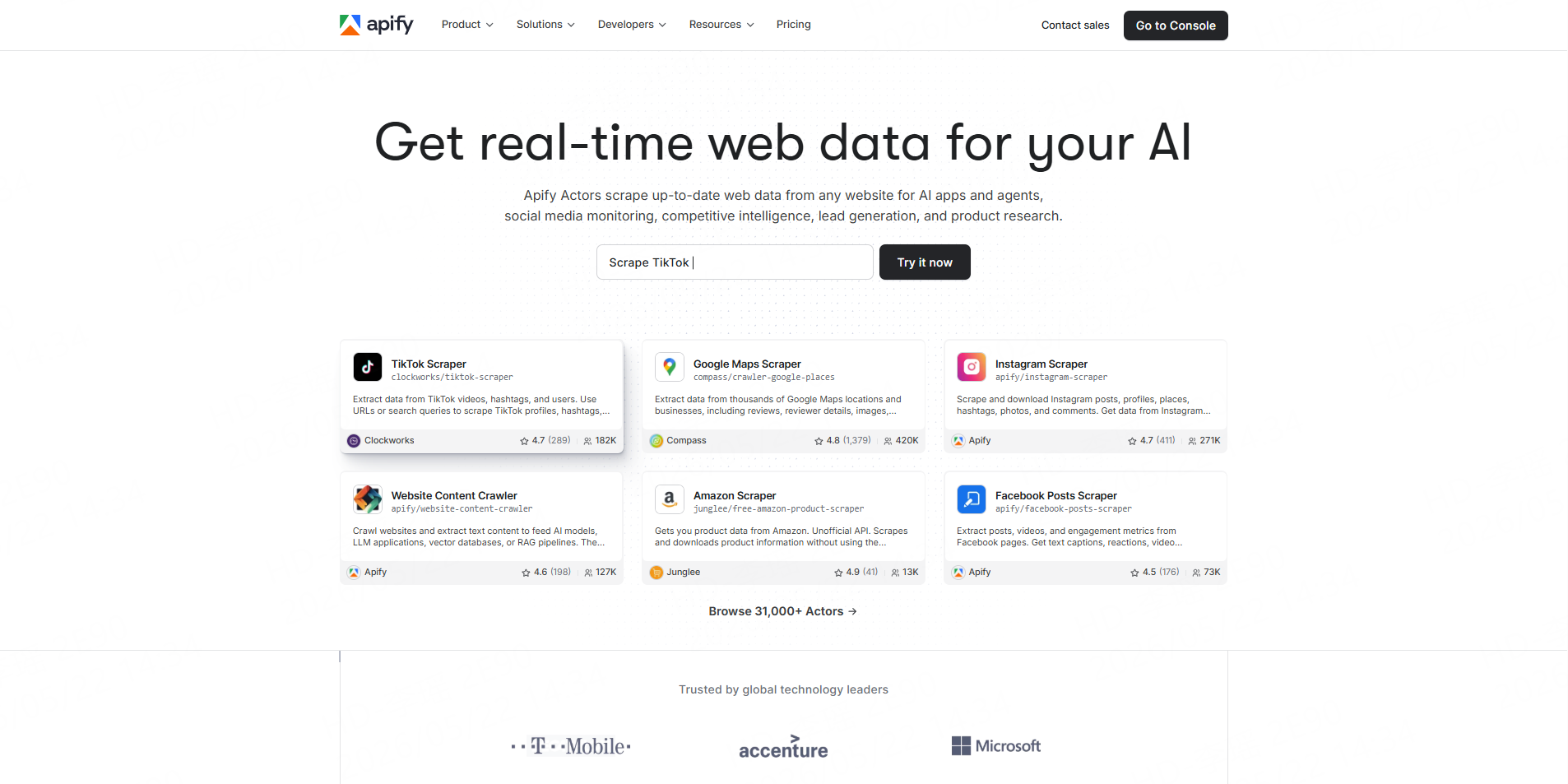
Apify offers Google Jobs scraper Actors through its marketplace. One Google Jobs Scraper listing describes extracting structured job posting data from Google’s job aggregation engine.
Apify is flexible because users can run marketplace Actors, schedule tasks, connect APIs, and build custom automation. It is strongest when the team has someone technical enough to evaluate Actor quality and maintain workflows.
Best for: Technical growth teams and automation builders.
Watch-out: Actor quality, pricing, fields, and maintenance may vary by developer.
7. Outscraper
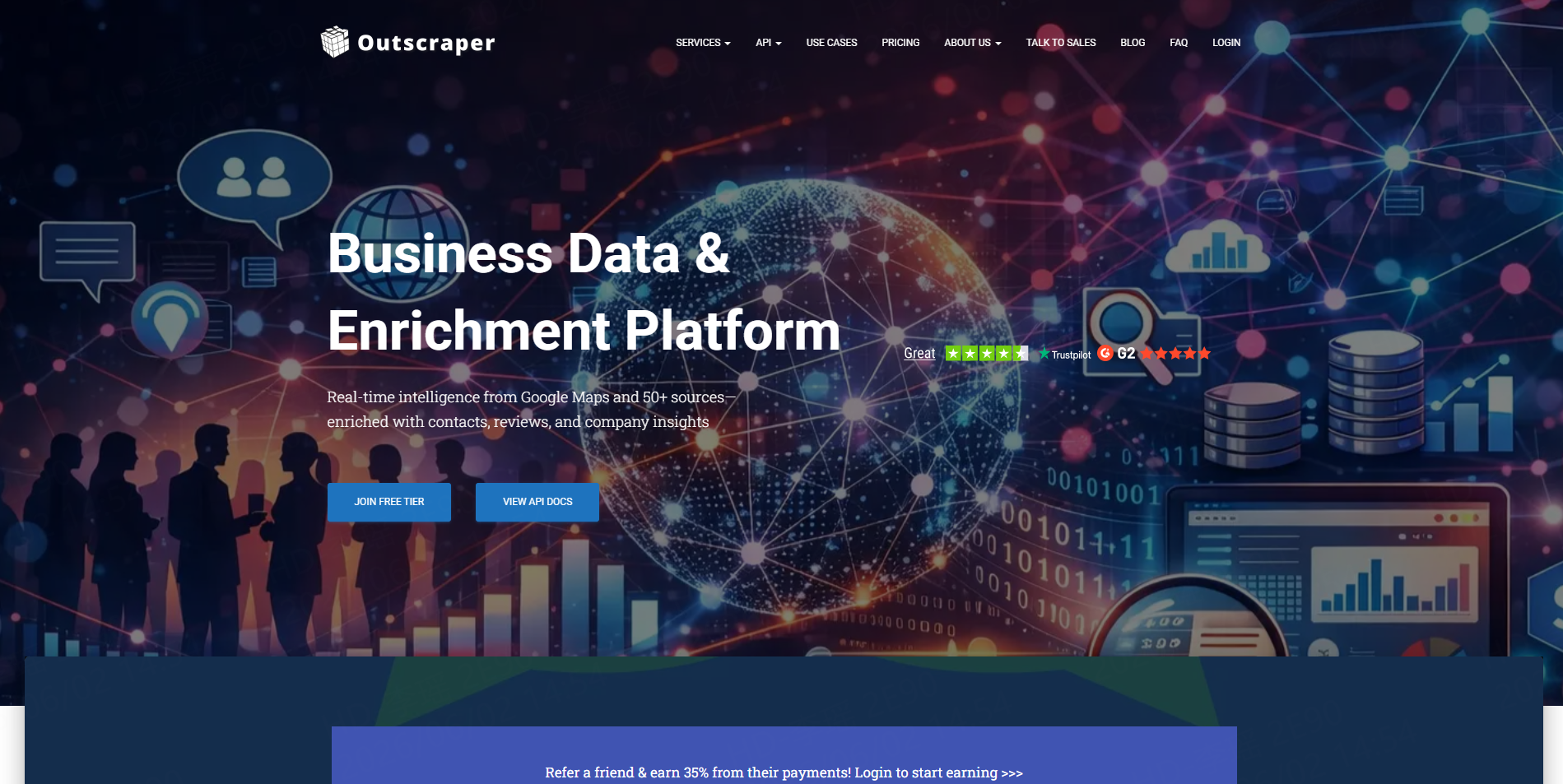
Outscraper provides a Google Jobs Scraper that focuses on extracting job listings from Google Jobs. Its page describes collecting job titles, company names, locations, and job descriptions.
Outscraper is a good option when a team wants a source-specific Google Jobs scraper rather than a broader scraping platform.
Best for: Teams focused mainly on Google Jobs extraction.
Watch-out: Teams that need multi-source job data, custom workflows, or broader web data collection may prefer a platform approach.
A Practical Job Data Workflow With CoreClaw
A strong job data workflow starts with a clear research question. For example: “Which companies are hiring data analysts in New York?” or “How many remote AI engineering jobs appeared this week?”
Next, choose the right data source. If the target is Google search data, start with the Google Search Results Scraper API. If the workflow involves job boards, review the CoreClaw Jobs Scrapers Store. If the source is not covered, request a custom Worker or build one using CoreClaw’s developer workflow.
Then clean and filter the dataset. Remove duplicate job listings, normalize company names, tag remote or hybrid jobs, extract skills from descriptions, and keep timestamps for trend tracking.
Finally, export the results. Business users may prefer CSV or Excel. Developers can use JSON or API access. Developers who already build scrapers can also publish Workers on CoreClaw and turn reusable job-data workflows into marketplace tools.
Conclusion
The best Google Jobs scraper API in 2026 is not simply the tool with the most fields. It is the tool that fits the team’s actual workflow.
For developers who need direct Google Jobs API access, SerpApi, SearchAPI, Scrapingdog, Oxylabs, Apify, and Outscraper are worth comparing. For teams that need cleaner job datasets, no-code Workers, API integration, CSV/JSON/Excel export, pay-only-for-successful-results pricing, and custom Worker options, CoreClaw offers a practical workflow-centered path. With CoreClaw, teams can move beyond raw job pages and build structured job data workflows that support research, hiring intelligence, HR tech products, and market analysis.
Frequently Asked Questions

Content Writer @CoreClaw · Last Updated 2026-07-08
Lena Kovalenko researches how modern software systems expose and organize information online. Her writing focuses on the interaction between APIs, web platforms, and automated data workflows. When exploring a topic she typically compares multiple tools to understand their design assumptions. These comparisons often lead to articles that help readers see how different technical approaches influence reliability and efficiency.
View Author Profile →Disclaimer: All information on the CoreClaw Blog is provided “as is” and for informational purposes only. CoreClaw makes no representations and assumes no liability for any consequences arising from your use of information published on the CoreClaw Blog or on any third-party websites linked from it. Before any scraping activity, consult legal counsel, review the target website’s terms of service, and obtain permission where required.




