Finding a creator’s email is only one part of YouTube outreach. Brands and agencies also need to identify relevant channels, decide whether a creator fits the campaign, keep useful channel context beside each contact, and move qualified records into an outreach workflow.
That means the best YouTube email finder is not necessarily the tool that returns the largest list. For creator outreach, the more important question is whether it helps turn YouTube channels into clean, relevant, and usable contact records.
What Makes a Good YouTube Email Finder for Creator Outreach?
YouTube supports Business Inquiry Emails that creators can choose to provide for professional contact, but not every channel publishes one.
A useful outreach tool should therefore combine contact discovery with enough context to judge whether the creator is worth contacting.
Tool | Best For | Discovery | Qualification | Bulk/Automation |
CoreClaw | Structured outreach workflow | Yes | Yes | Yes |
Scravio | Email verification | Yes | Yes | Yes |
SocLeads | Keyword prospecting | Yes | Limited | Yes |
IGLeads | No-code lead generation | Yes | Limited | Yes |
Apify | Configurable automation | Partial | Yes | Yes |
5 YouTube Email Finder Tools Compared
1. CoreClaw
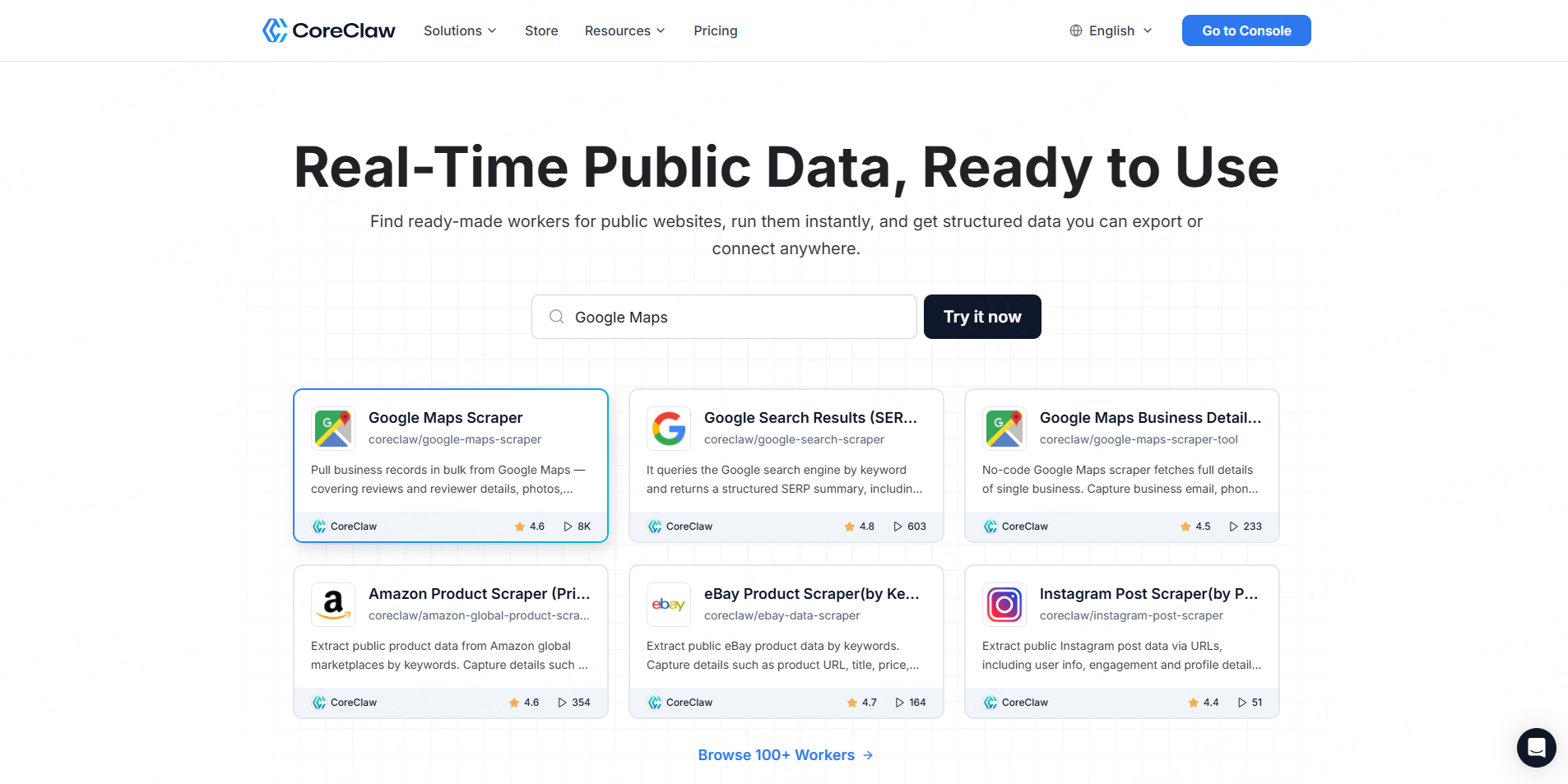
CoreClaw’s YouTube Channel Email Scraper accepts channel IDs, handles, or URLs and collects creator-provided business inquiry emails when available. It is designed specifically for influencer outreach, sponsorship prospecting, partnerships, and bulk YouTube lead generation.
Best for: Agencies, partnership teams, and no-code users.
Key features: Bulk channel inputs, structured results, API workflows.
Pros: Can connect discovery, qualification, and contact extraction.
Cons: Not every creator publishes a business email.
Use case: Turn a qualified channel list into an outreach-ready dataset.
2. Scravio
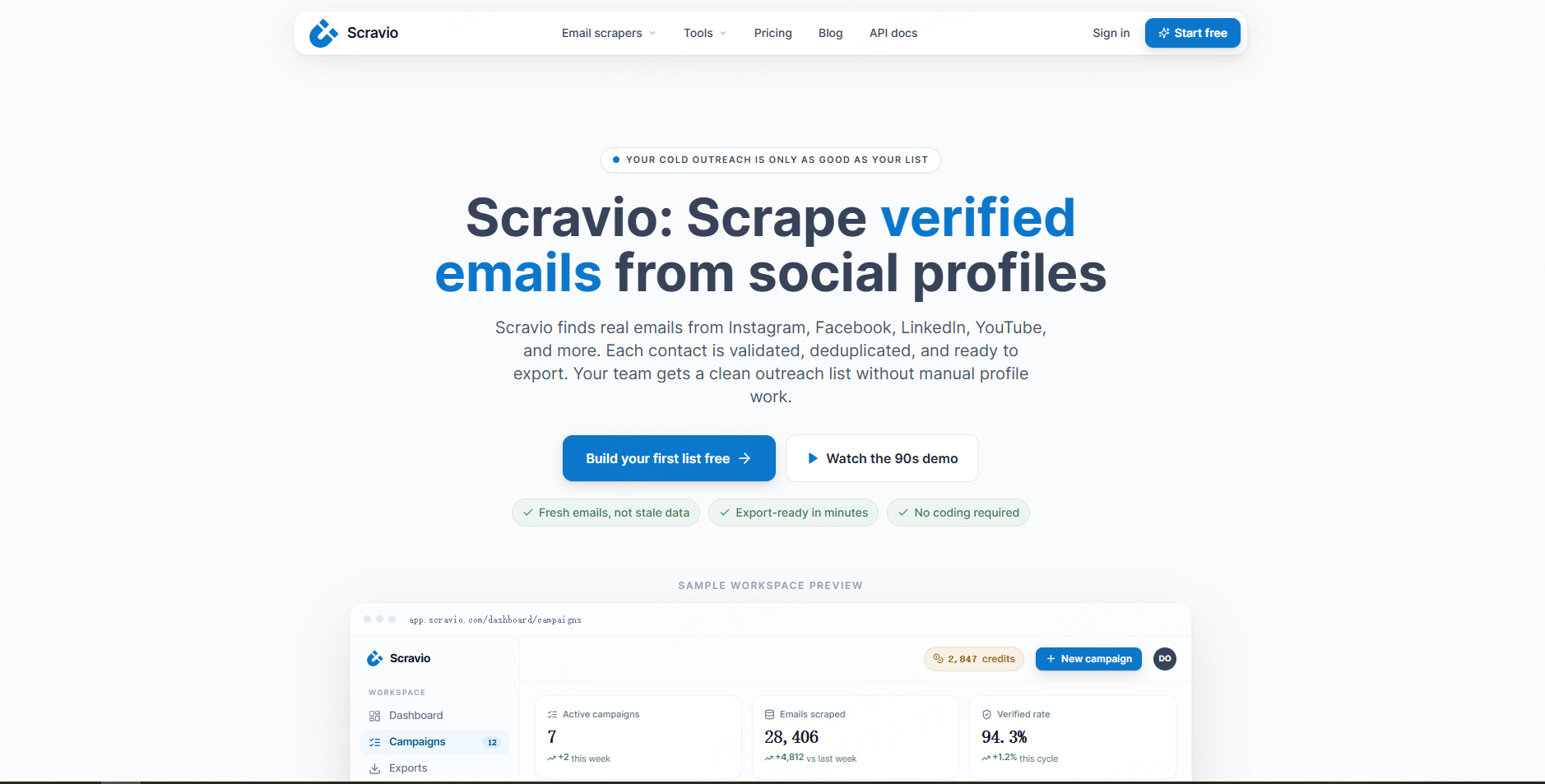
Scravio combines keyword-based YouTube discovery with channel statistics and real-time email verification, helping teams qualify creators and identify risky or invalid addresses before export.
Best for: Outreach teams focused on contact quality.
Use case: Build niche creator lists with verification included.
Best for: Campaign shortlisting and creator evaluation.
3. SocLeads
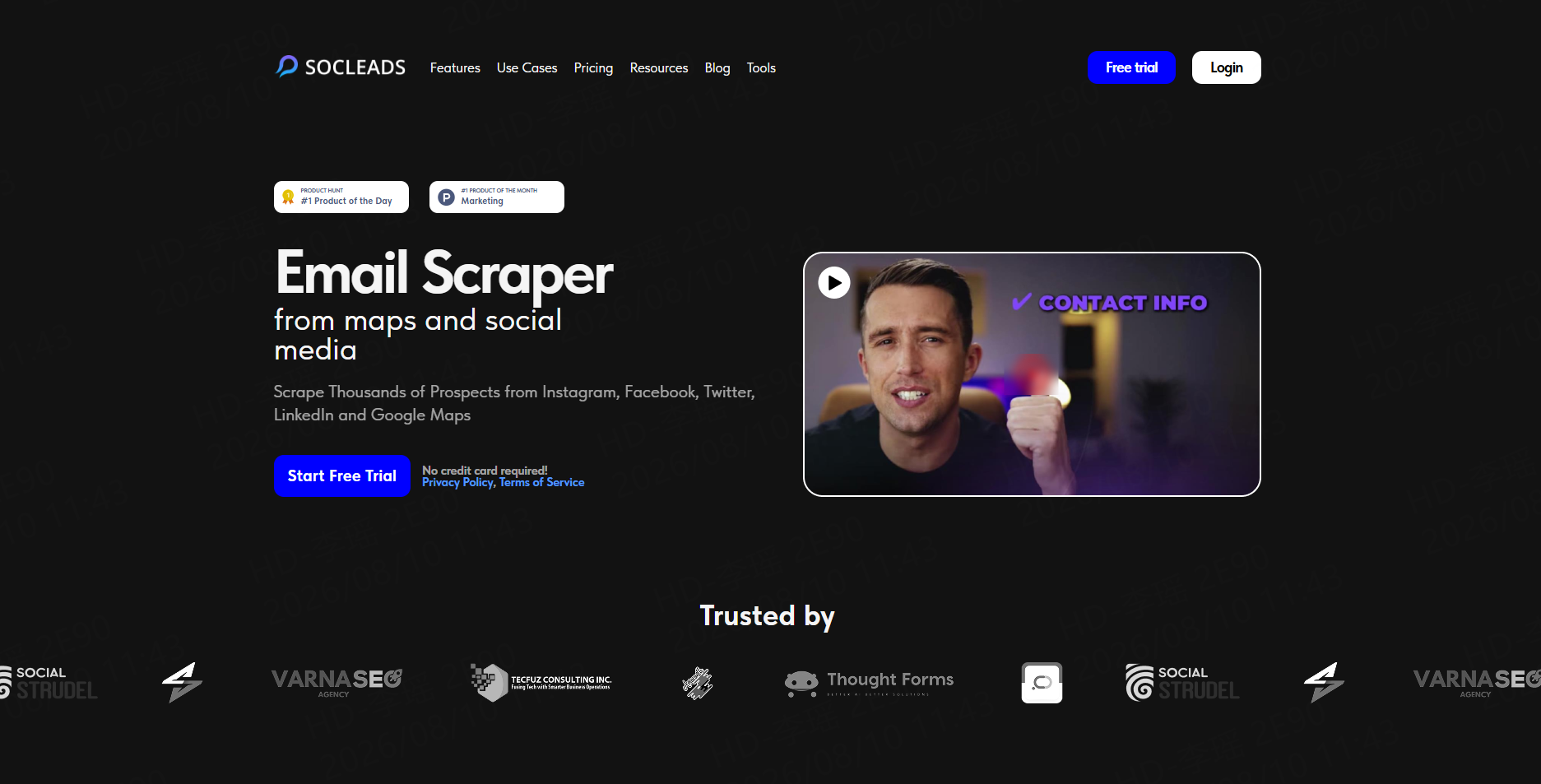
SocLeads provides a YouTube Email Finder that searches and exports contact records and includes email validation and duplicate removal in its broader email-scraping workflow.
Best for: Agencies building contact lists from niche keywords.
4. IGLeads
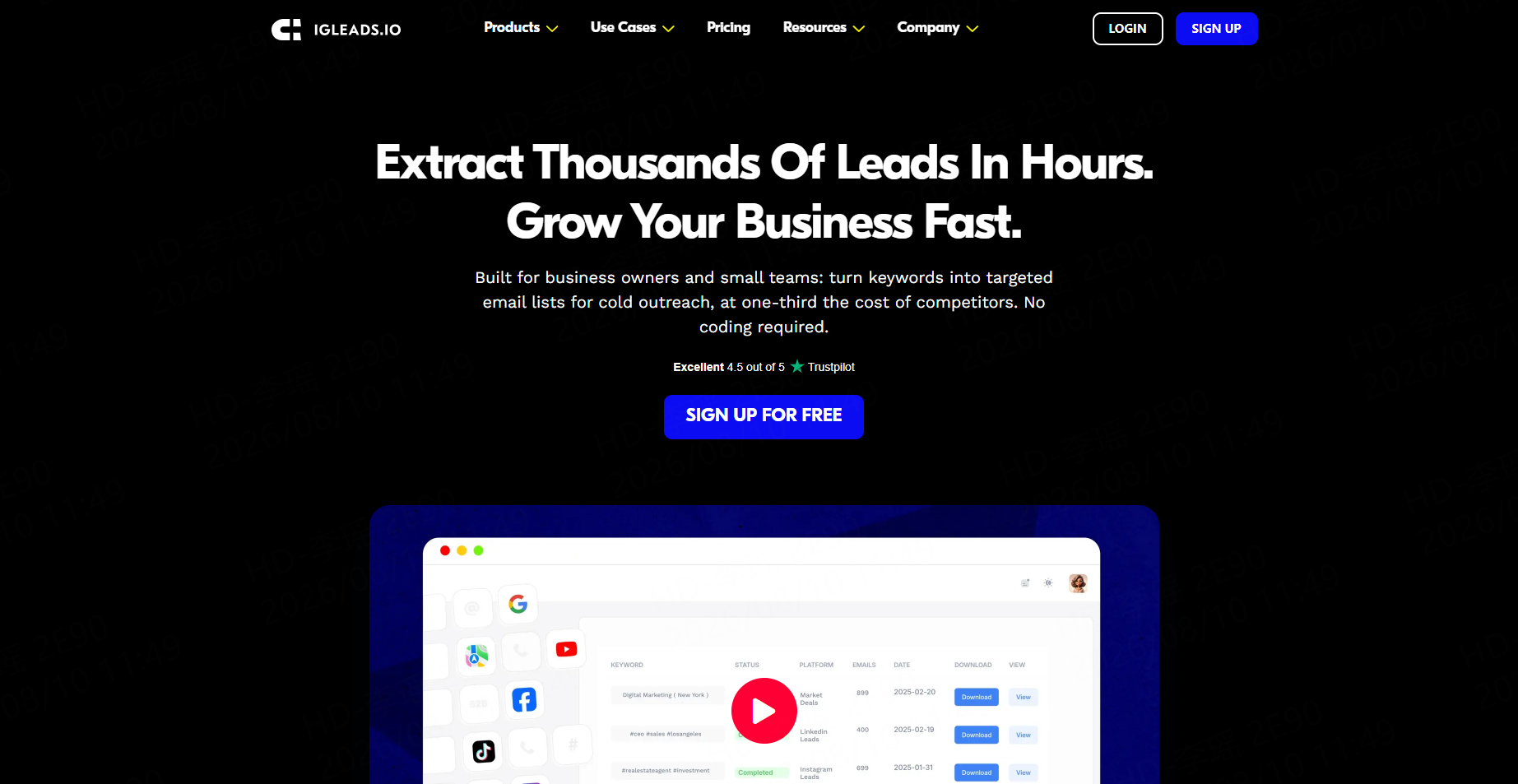
IGLeads lets users enter keywords and collect emails found in public YouTube descriptions or bios while also supporting other social platforms.
Best for: Growth teams prospecting across several social networks.
5. Apify
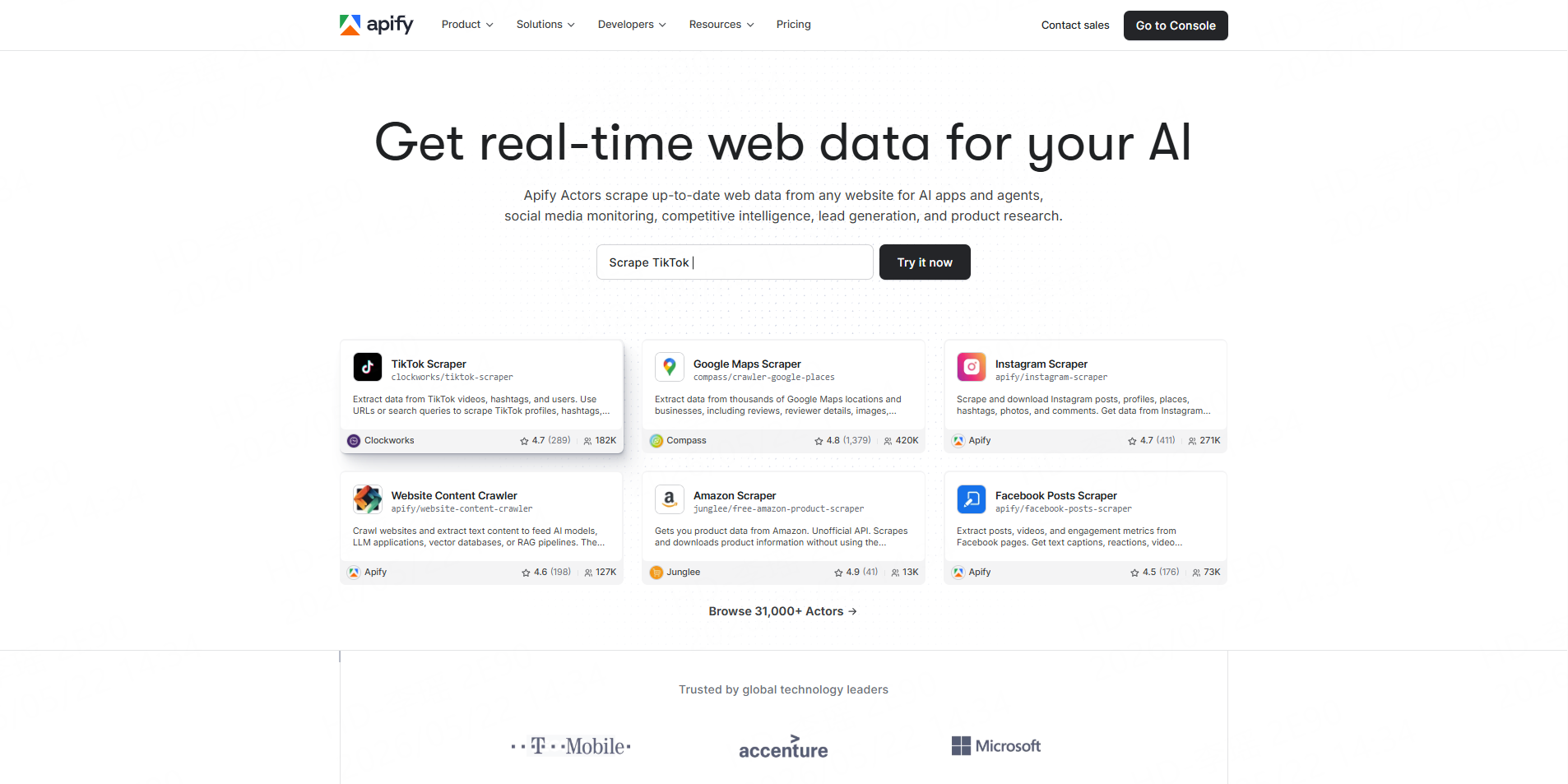
Apify’s marketplace includes YouTube creator email Actors that can process channel data in bulk and export structured results to formats such as CSV, JSON, or Excel.
Best for: Technical teams that need configurable, API-led workflows.
Build a Creator Outreach Workflow With CoreClaw
Start with the YouTube Search Scraper to identify relevant channels, then use the YouTube Channel Scraper to review subscribers, views, descriptions, popular videos, and other public channel fields.
Only send good-fit channels into the YouTube Channel Email Scraper. This produces a cleaner sequence:
Discover → Qualify → Find Email → Clean & Filter → Outreach
Recurring projects can use the CoreClaw API to launch Workers and retrieve or export results programmatically.
For a deeper implementation guide, CoreClaw’s YouTube-to-email workflow explains how channel research, email collection, and automation fit together.
Use Creator Contacts Responsibly
A published business email should still be used for relevant professional communication. In the United States, the FTC’s CAN-SPAM guidance requires commercial messages to use accurate sender information and subject lines, include a valid postal address, and provide a clear opt-out mechanism.
Requirements vary by jurisdiction, so outreach teams should review the rules that apply to their recipients and campaign.
Conclusion
The best YouTube email finder depends on where the creator outreach process begins.
With CoreClaw, teams can discover channels, qualify creators, collect available business contacts, clean and filter the dataset, and connect recurring work through an API rather than treating email finding as an isolated task. Applicable Workers use pay-only-for-successful-results pricing, so results a run does not produce are not billed as successful records.
Frequently Asked Questions

Content Writer @CoreClaw · Last Updated 2026-08-13
Lena Kovalenko researches how modern software systems expose and organize information online. Her writing focuses on the interaction between APIs, web platforms, and automated data workflows. When exploring a topic she typically compares multiple tools to understand their design assumptions. These comparisons often lead to articles that help readers see how different technical approaches influence reliability and efficiency.
View Author Profile →Disclaimer: All information on the CoreClaw Blog is provided “as is” and for informational purposes only. CoreClaw makes no representations and assumes no liability for any consequences arising from your use of information published on the CoreClaw Blog or on any third-party websites linked from it. Before any scraping activity, consult legal counsel, review the target website’s terms of service, and obtain permission where required.