
Google Maps reviews are one of the most useful public data sources for local reputation analysis, competitor research, and customer feedback mining. Each review can contain a star rating, written feedback, review date, reviewer context, photos, likes, and sometimes a business owner reply.
For one business location, manual review checking may be enough. For 50 restaurants, 200 dental clinics, or a national franchise network, manual work quickly becomes unreliable. This is where a Google Maps reviews scraper helps: it turns public review pages into structured data that teams can filter, export, and analyze.
Why Google Maps Review Data Matters
Google Maps review data helps teams answer practical business questions.
A local SEO agency may want to find businesses with many negative reviews but no owner replies. A reputation management company may track new one-star reviews across client locations. A market research team may compare customer complaints across cities. An AI team may collect review text for sentiment analysis or topic clustering.
Useful review data usually includes business name, rating, review text, review date, reviewer name, owner response, source URL, language, and timestamp. When these fields are exported in a clean structure, teams can move beyond reading reviews one by one and start analyzing patterns.
What Makes a Good Google Maps Reviews Scraper?
A good scraper should return usable data, not raw page content. Look for structured fields, CSV/Excel/JSON export, API access, filtering options, and clear pricing.
For business users, no-code setup matters. For developers, API access and scheduling may be more important. For agencies, repeatable workflows and clean exports are essential because review data often needs to move into spreadsheets, dashboards, client reports, or CRM notes.
Data quality also matters. Review scraping is not only about collecting more rows. The final dataset should be cleaned, filtered, deduplicated, and easy to audit before it supports business decisions.
Top 10 Google Maps Reviews Scraper Tools Compared
1. CoreClaw
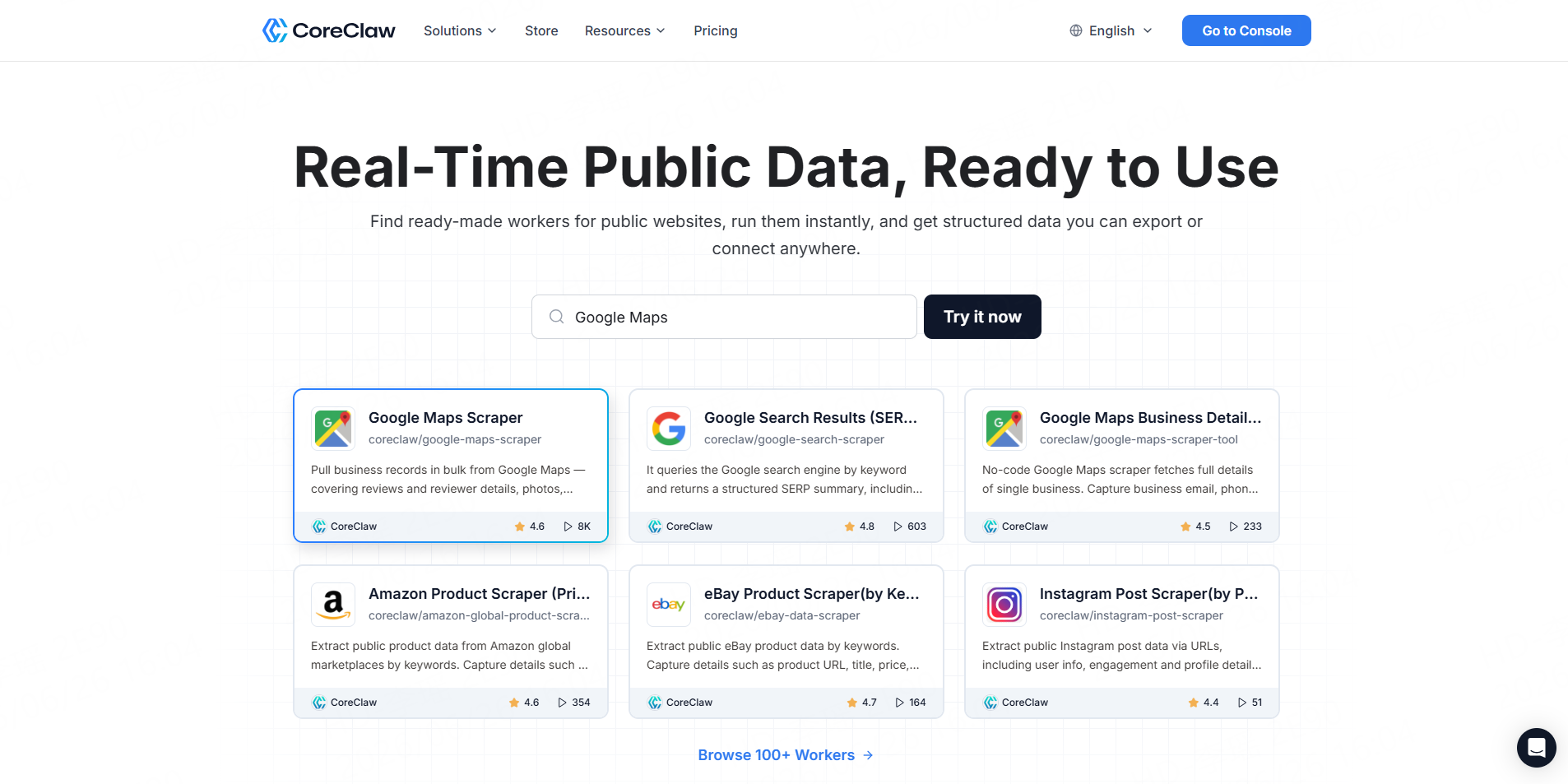
CoreClaw is the strongest fit for teams that want a practical, no-code way to collect and use Google Maps review data. Its Google Maps Reviews Scraper is designed to bulk extract public review data such as star ratings, review text, reviewer details, owner responses, and image URLs. It also supports keyword filtering, multilingual translation, and structured outputs.
The main advantage is workflow fit. CoreClaw is not only a scraper; it is a web data collection platform built around ready-made web data Workers. Teams can run a Worker, clean and filter the output, export the data, or connect it to internal systems.
CoreClaw is best for local SEO teams, reputation agencies, market researchers, and non-technical business users who want clean review datasets without building and maintaining scraping scripts.
Best for: No-code Google Maps review data collection, cleaned and filtered outputs, CSV/JSON/Excel export, API workflows, and pay-per-successful-result pricing.
2. Outscraper
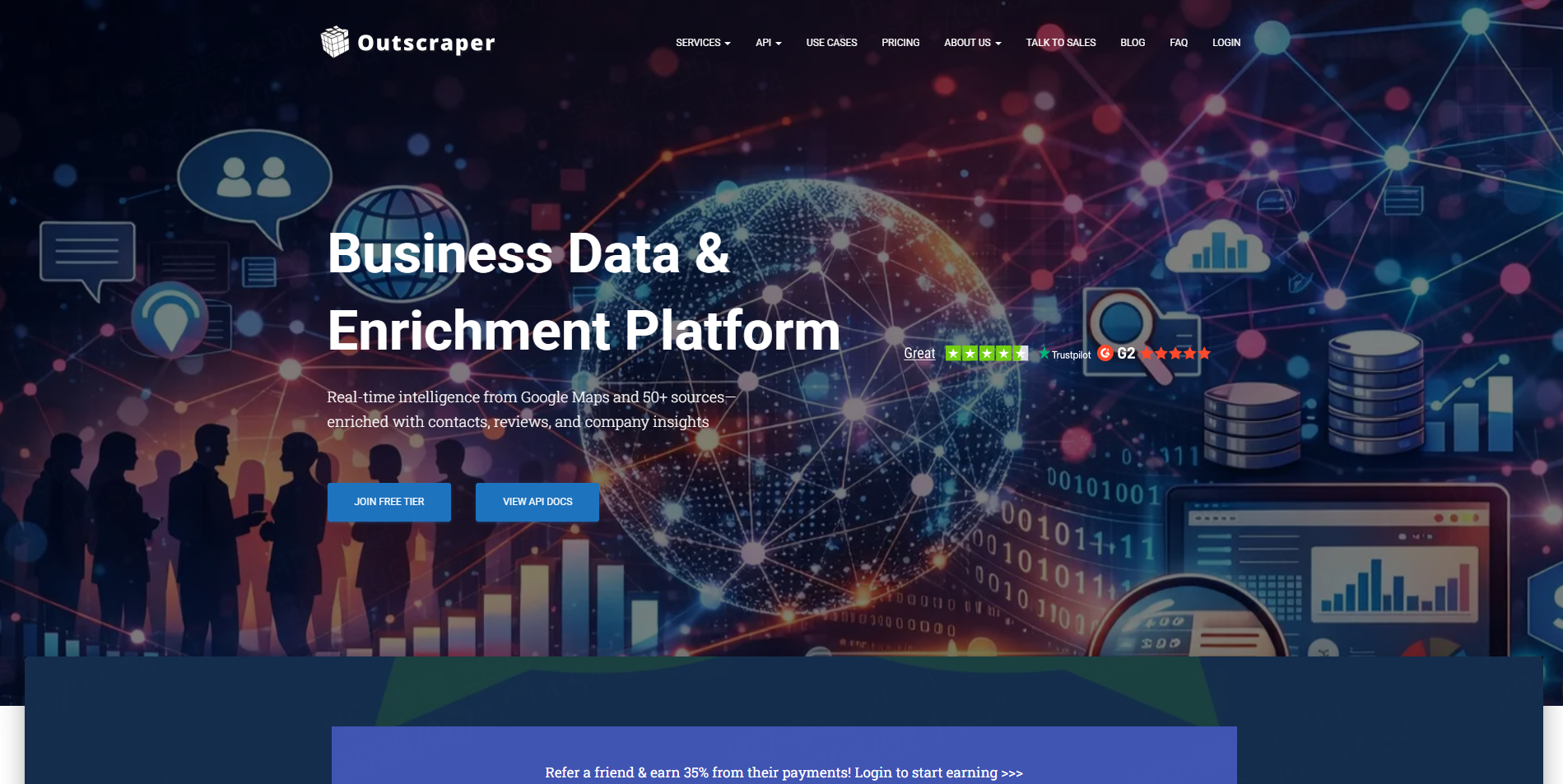
Outscraper is a well-known Google Maps scraping provider. Its Google Maps Reviews Scraper helps users export Google Maps reviews and ratings for businesses in bulk. It also offers API options for teams that want to integrate review collection into software or reporting workflows.
Outscraper is useful for teams that are already focused on Google Maps data and want a direct review extraction tool. It is a practical choice for reputation monitoring, competitive analysis, and local business research.
Best for: Google Maps-focused review extraction and API-based review exports.
3. Apify
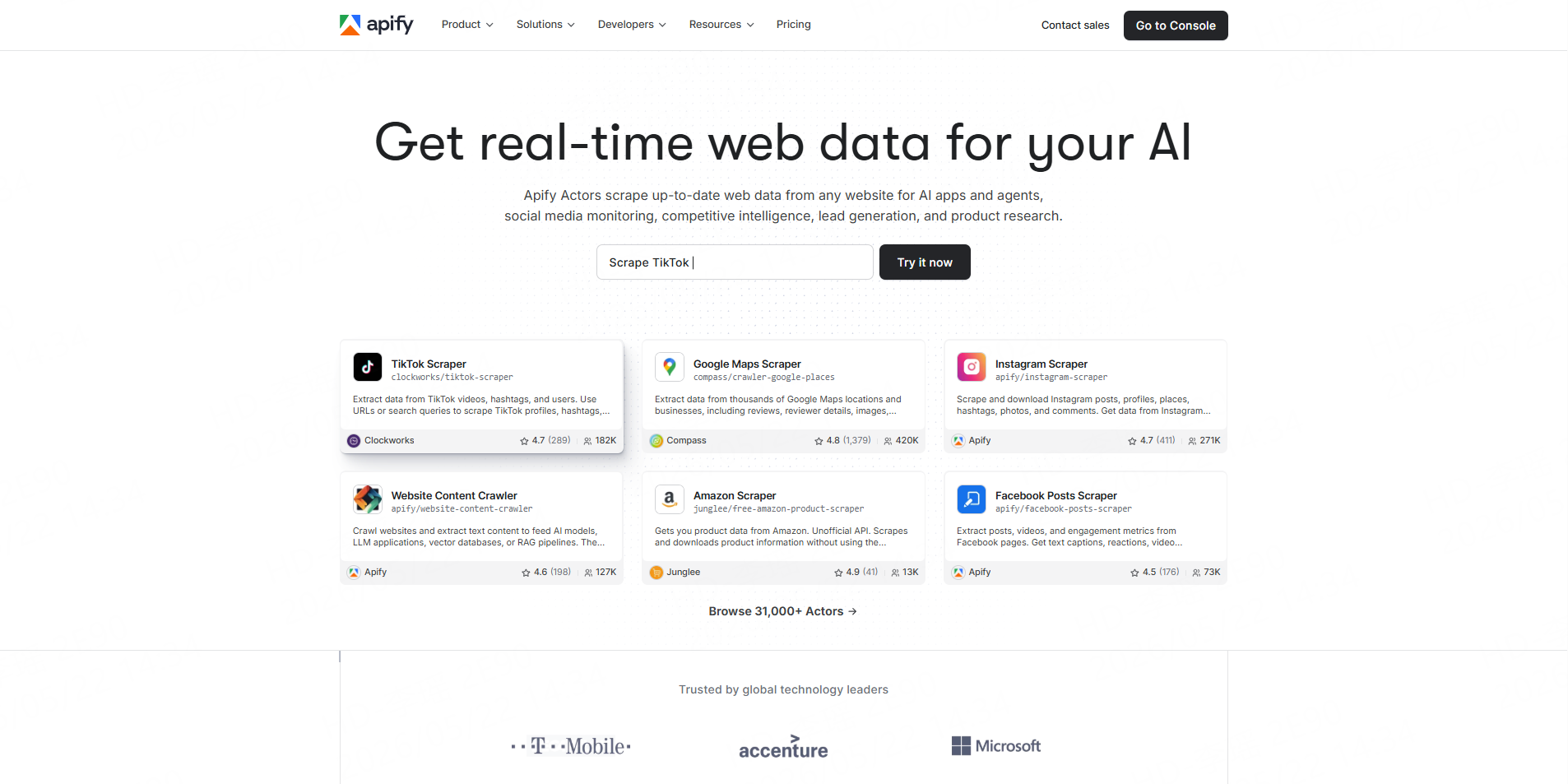
Apify is a cloud automation platform with a large marketplace of scraping tools called Actors. Its Google Maps Reviews Scraper extracts reviews from Google Maps place URLs and can return review text, ratings, reviewer details, owner responses, review URLs, and attached images.
Apify is more flexible than many simple no-code tools, but it may require more setup. Users often need to choose between different Actors, understand input settings, and manage task runs.
Best for: Technical teams, automation workflows, and users who want marketplace-based scraper options.
4. Bright Data
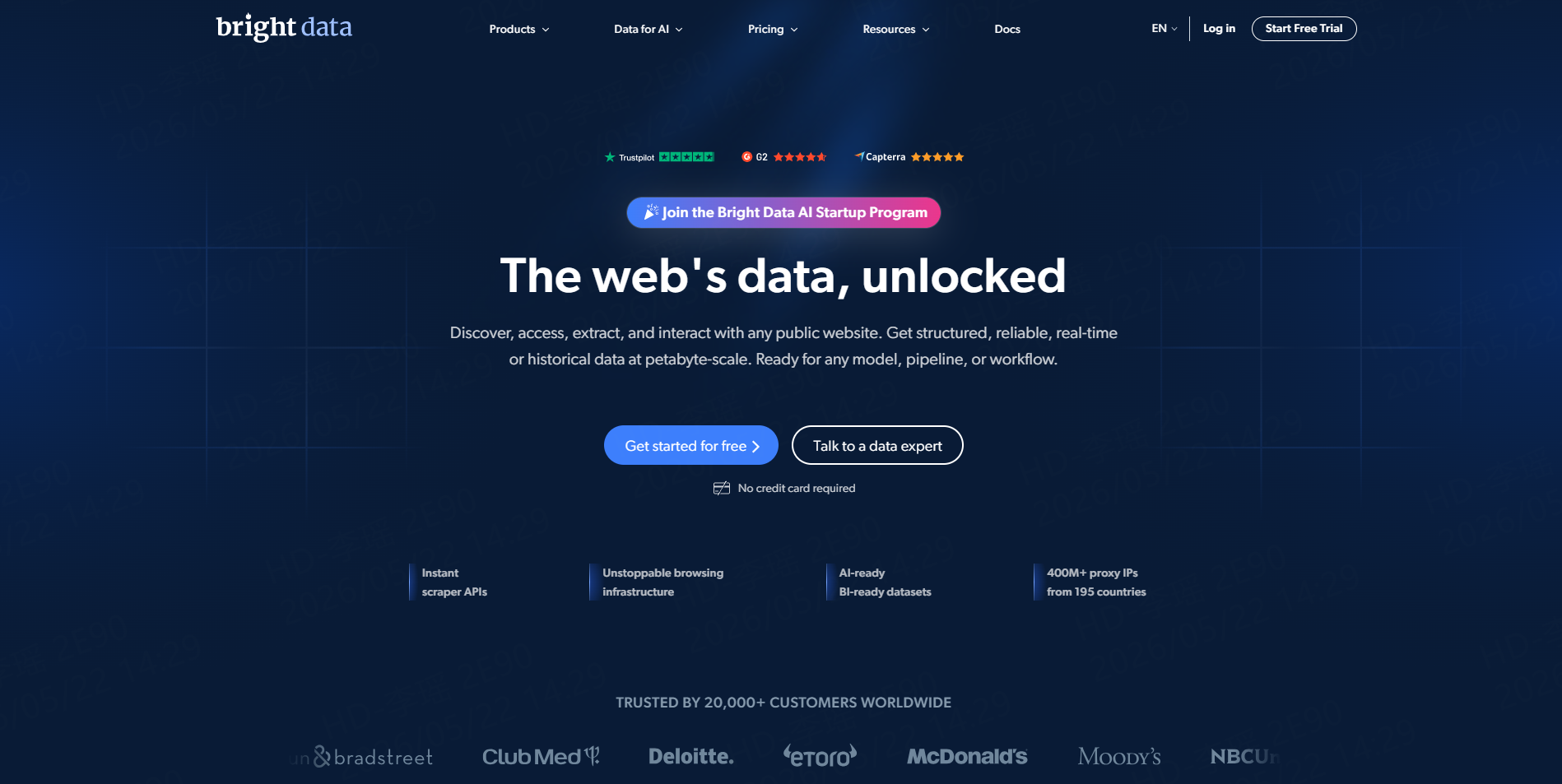
Bright Data is an enterprise-grade data platform. Its Google Reviews API is built for collecting customer reviews and ratings through an API-based workflow. Bright Data is especially relevant for teams that need large-scale infrastructure, web unlocking, structured data delivery, and enterprise support.
For smaller teams that only need a clean spreadsheet, Bright Data may feel more advanced than necessary. For data teams that need stable API pipelines, it can be a strong option.
Best for: Enterprise review data pipelines and high-scale API use cases.
5. SerpApi
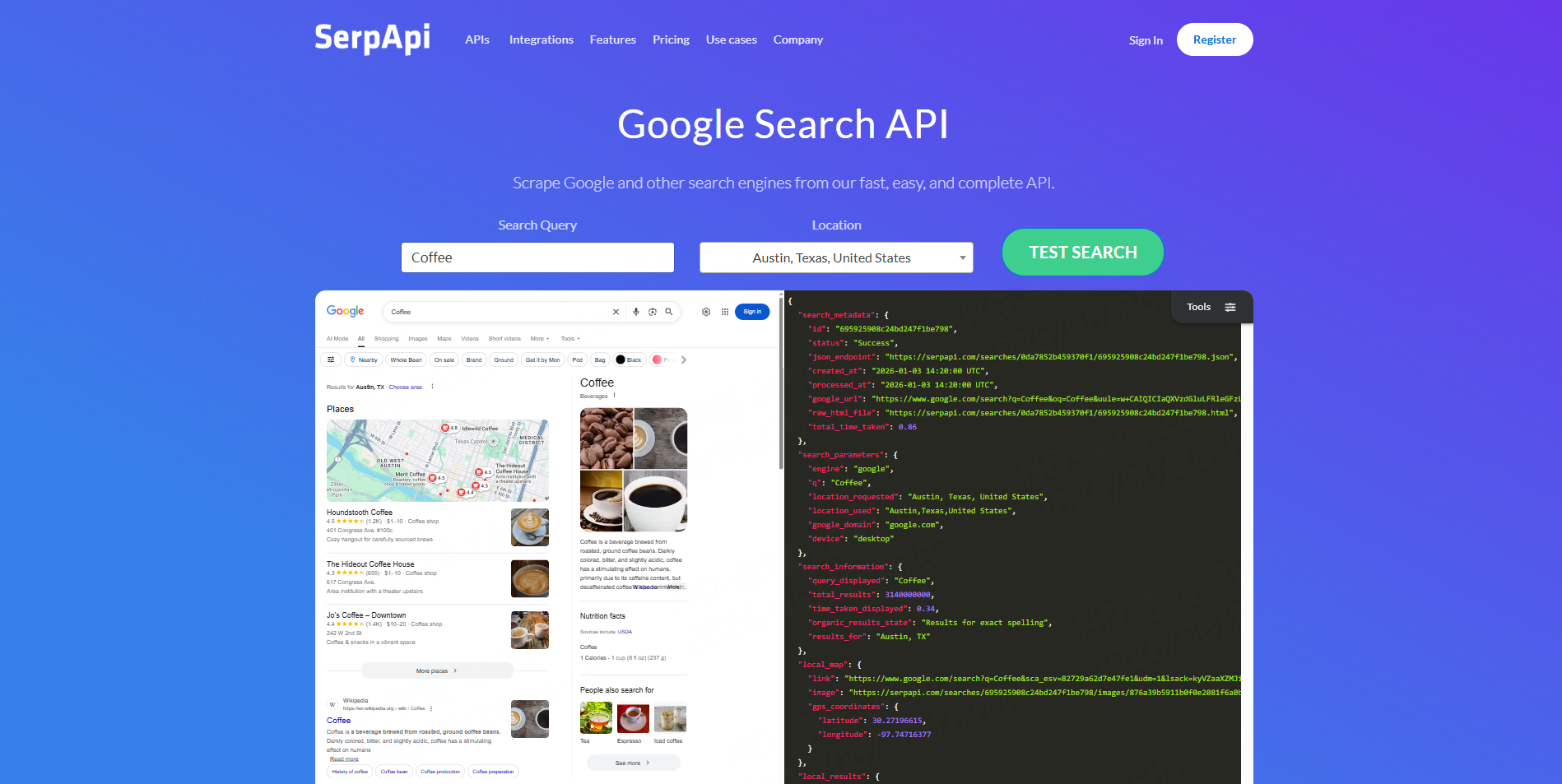
SerpApi provides a Google Maps Reviews API that allows developers to scrape customer reviews from a Google Maps listing. It is API-first, which makes it useful for software teams building review monitoring tools, SEO dashboards, or internal reporting systems.
The main tradeoff is technical setup. Non-technical teams may need developer help to run requests, handle pagination, store results, and format the output.
Best for: Developers building custom review data applications.
6. DataForSEO
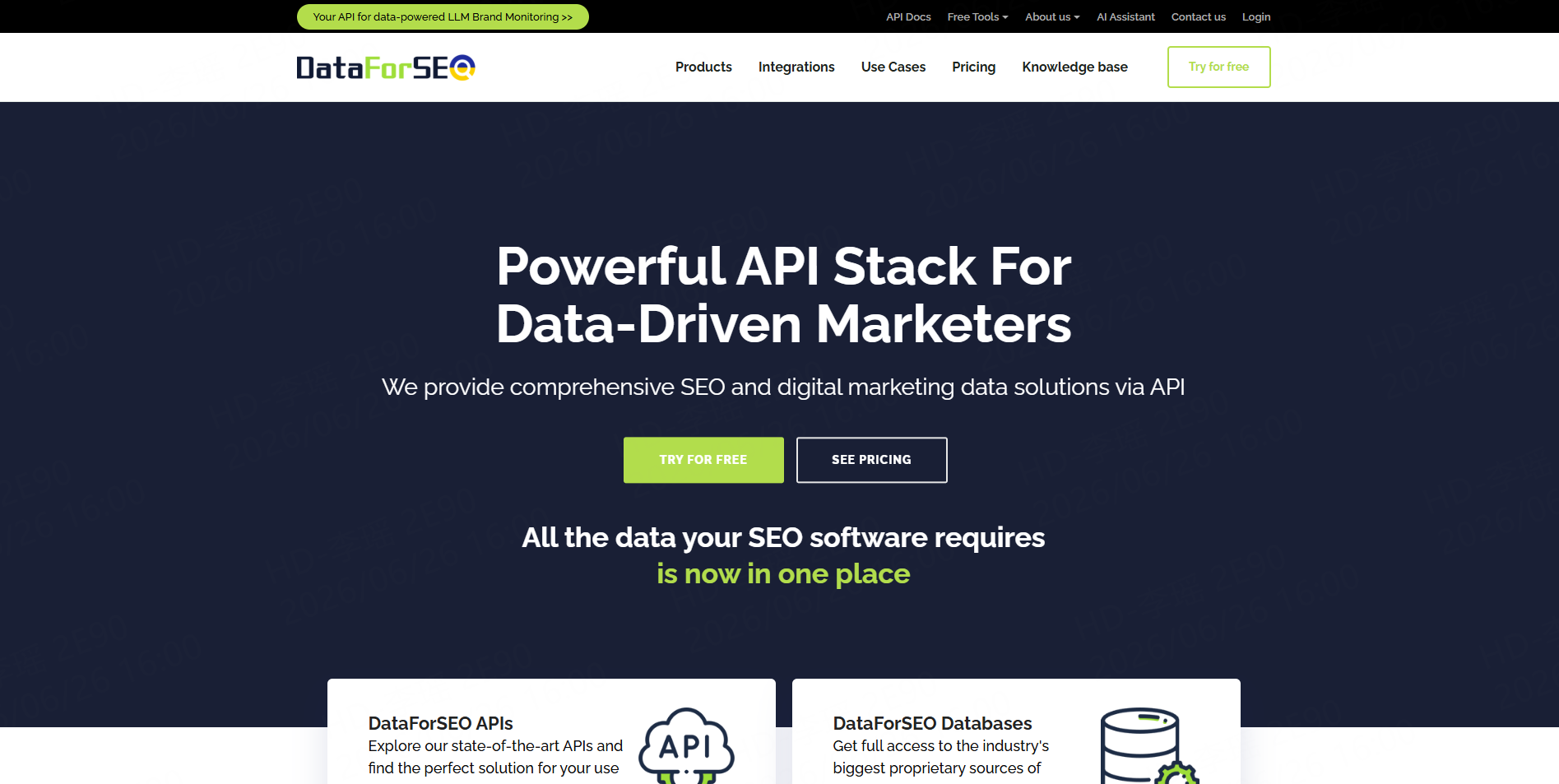
DataForSEO offers a Google Reviews API within its business data products. It is suitable for SEO platforms, local search tools, reputation dashboards, and companies that already work with API-based data feeds.
DataForSEO is a strong fit when review data is part of a larger SEO or search intelligence product. It may be less suitable for business users who simply want to upload place URLs and download an Excel file.
Best for: SEO software teams, data products, and API-first workflows.
7. HasData
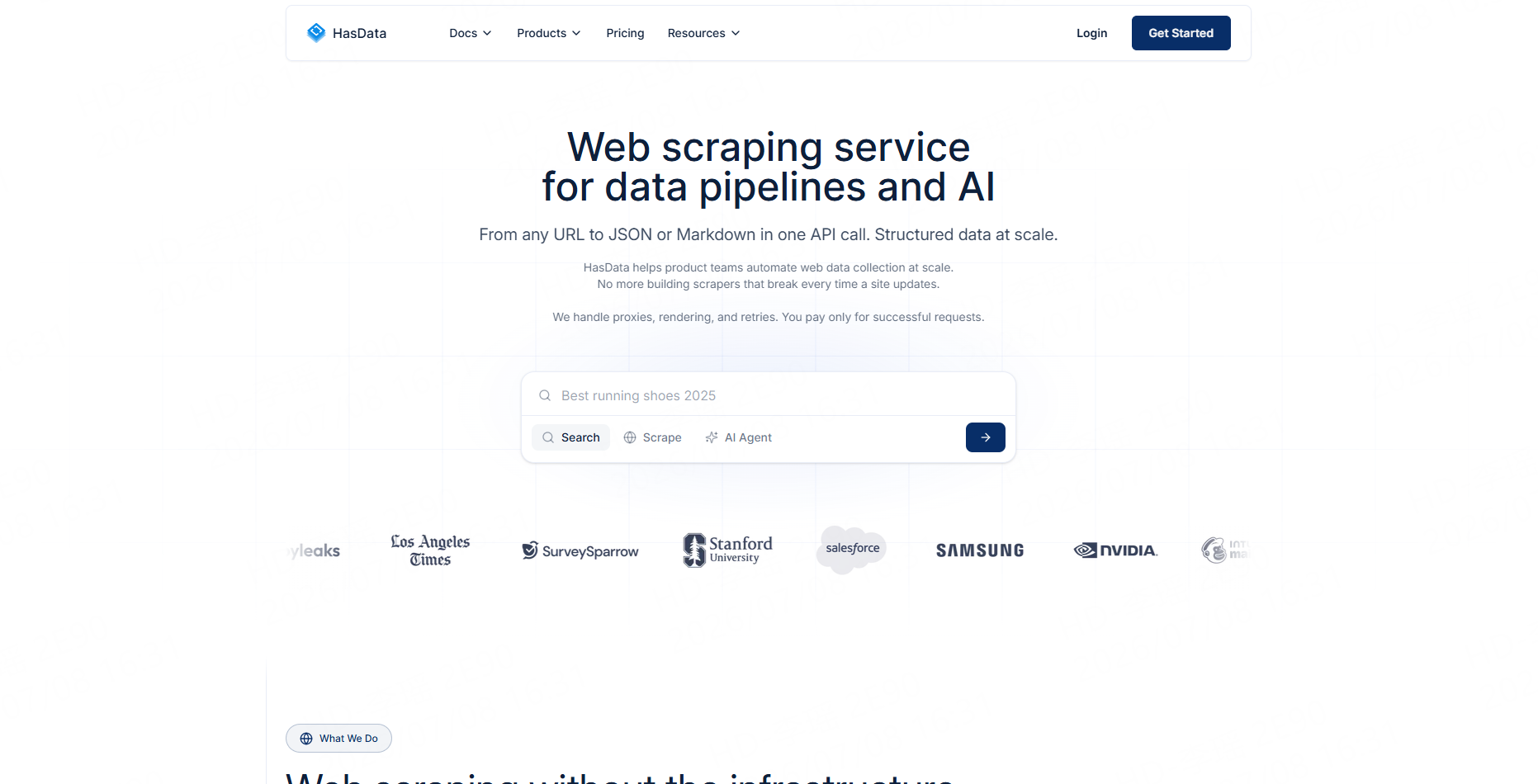
HasData offers both no-code and API options for collecting Google Maps review data. Its Google Maps Reviews Scraper can extract ratings, review text, and reviewer information for local SEO and sentiment analysis.
HasData is useful for teams that want a simpler interface than enterprise platforms but still want API flexibility. Before choosing it, users should test whether its filters and export fields match their exact reporting needs.
Best for: Teams that want a balance between no-code scraping and developer API access.
8. Lobstr
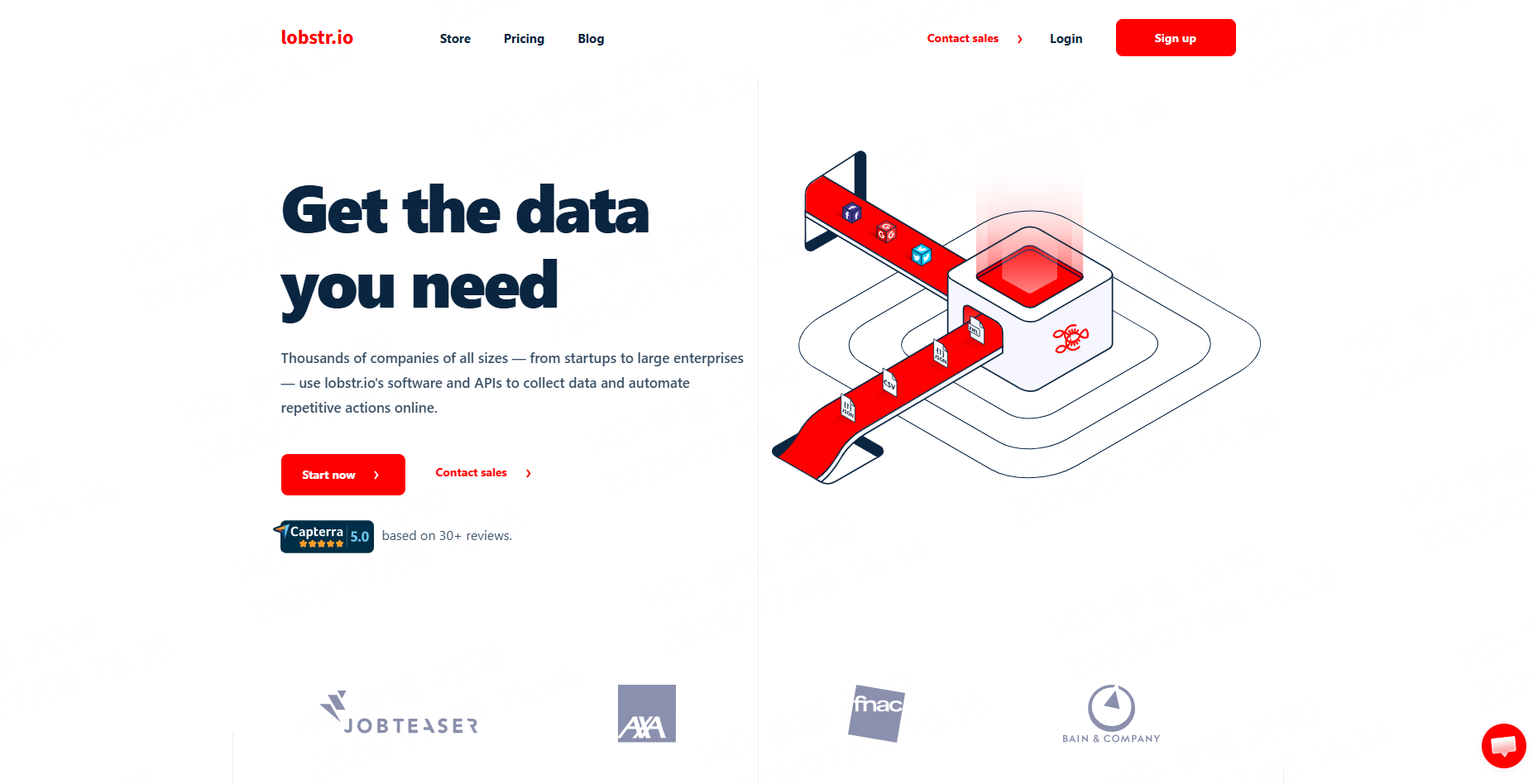
Lobstr provides a Google Maps Reviews Scraper that focuses on exporting reviews from Google Maps local business URLs into Google Sheets. This spreadsheet-first approach is useful for users who want to review, sort, and share data quickly.
Lobstr is practical for agencies and analysts who live in Google Sheets. For broader multi-source scraping or custom workflows, teams may need a more flexible platform.
Best for: Google Sheets-based review monitoring.
9. Octoparse
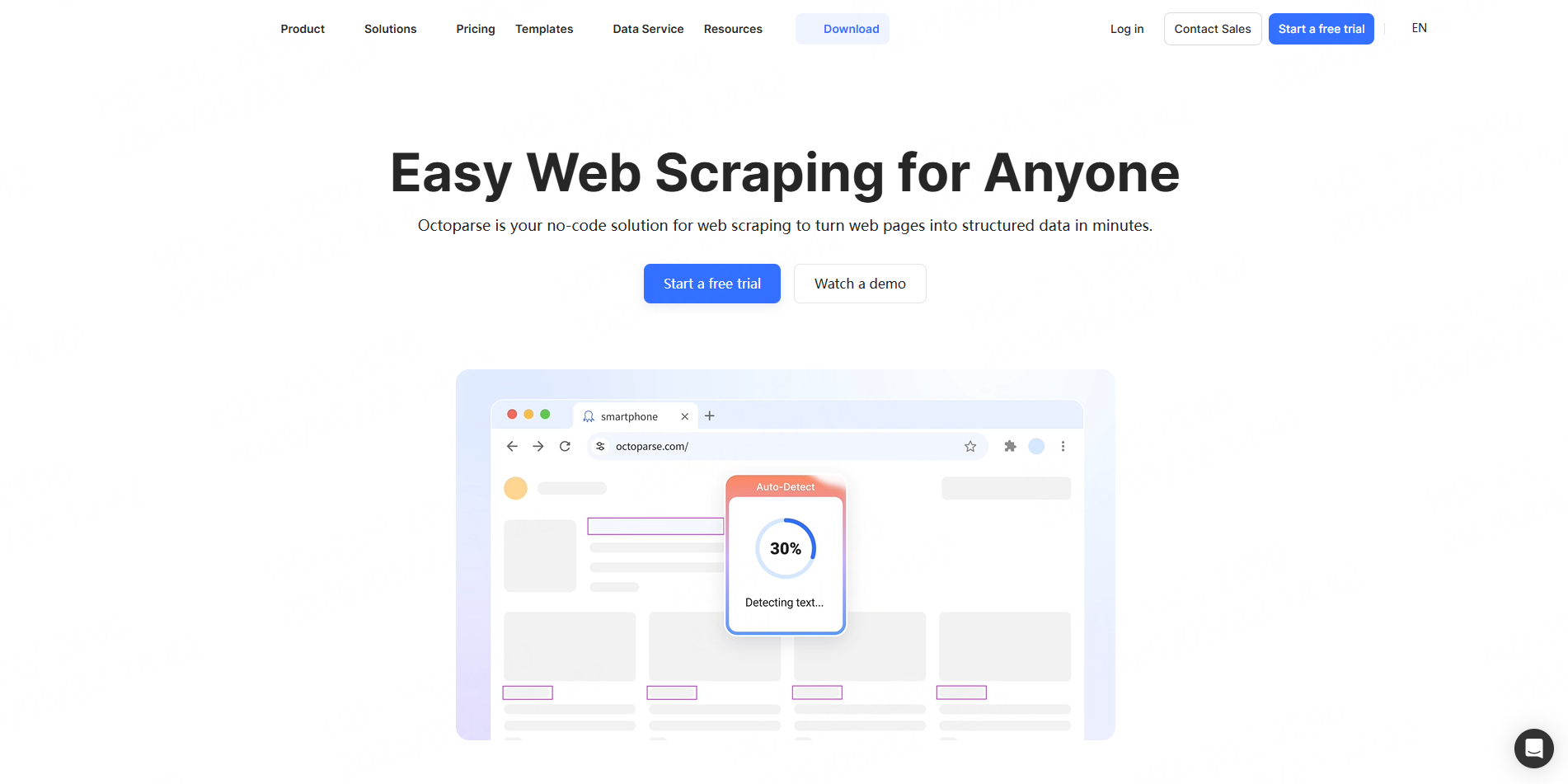
Octoparse offers Google Maps review scraper templates for no-code users. Its cloud template can extract reviewer name, rating, review text, date, likes, and replies from Google Maps place URLs without local setup.
Octoparse works well for users who prefer visual scraping templates. However, template-based scraping may require adjustments if the page layout changes or if the project needs more advanced logic.
Best for: Visual no-code scraping and template-based workflows.
10. G Maps Extractor
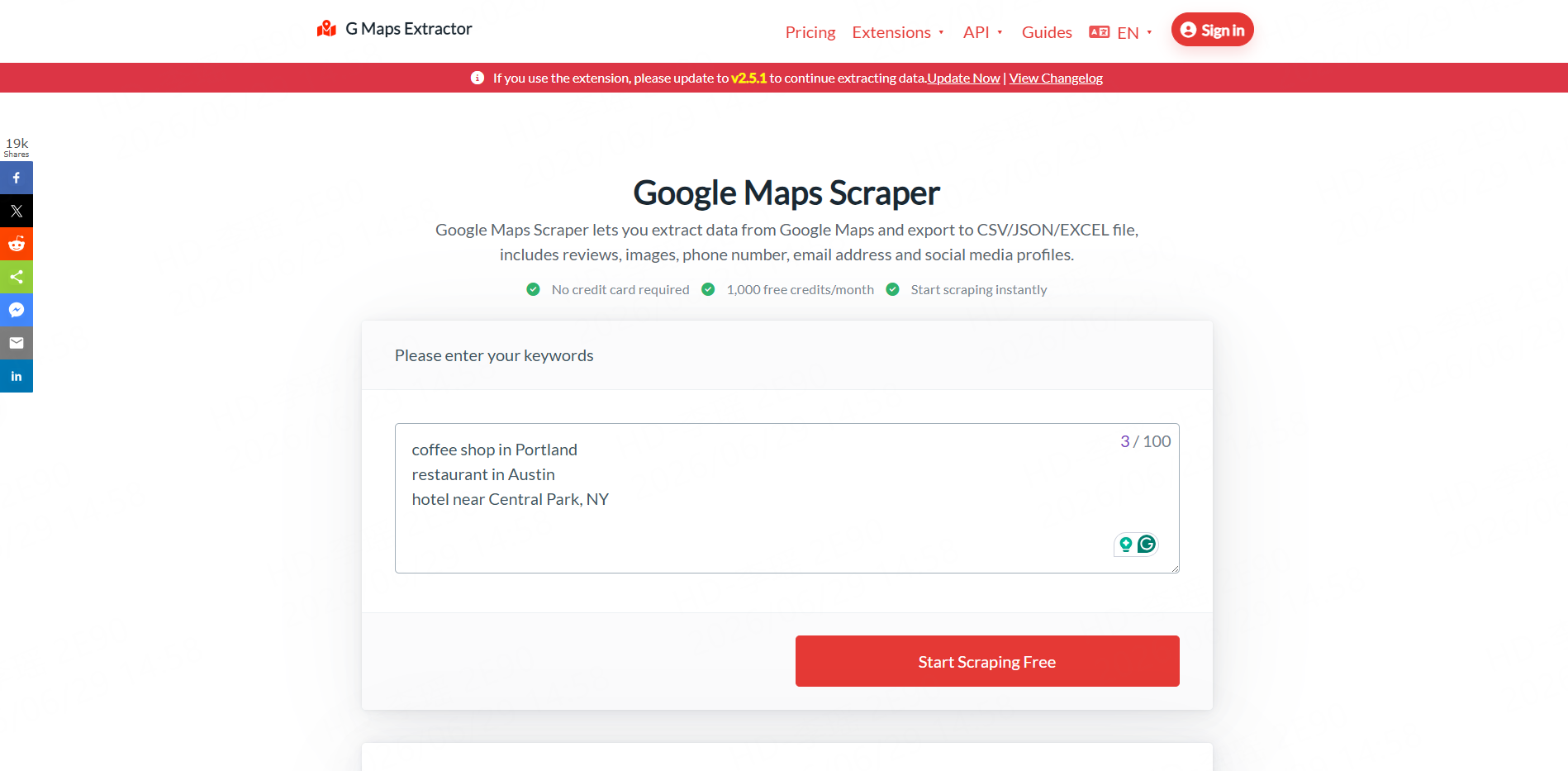
G Maps Extractor is a Google Maps scraping tool that supports exporting Google Maps data to CSV, JSON, and Excel. It can include reviews, images, phone numbers, email addresses, and social profiles where available.
It is a simple option for users who need basic Google Maps extraction. Teams with deeper review analysis needs should test field quality, filtering, and export structure before using it at scale.
Best for: Simple Google Maps exports with review-related fields.
Google Maps Reviews Scraper Tools Comparison Table
Tool | Best For | No-Code Friendly | API Friendly | Main Strength |
CoreClaw | Clean review data workflows | Yes | Yes | Ready-made Workers, exports, pay only for successful results |
Outscraper | Google Maps review extraction | Yes | Yes | Google Maps-focused scraping |
Apify | Automation and custom workflows | Partial | Yes | Large scraper marketplace |
Bright Data | Enterprise pipelines | Partial | Yes | Scalable review data infrastructure |
SerpApi | Developer-built tools | No | Yes | Simple API endpoint |
DataForSEO | SEO data products | No | Yes | Review data for SEO platforms |
HasData | No-code plus API | Yes | Yes | Review scraper and API options |
Lobstr | Spreadsheet workflows | Yes | Partial | Google Sheets export |
Octoparse | Visual templates | Yes | Partial | No-code cloud templates |
G Maps Extractor | Basic Maps exports | Yes | Partial | CSV/JSON/Excel export |
A Practical Review Data Workflow with CoreClaw
A good review scraping workflow starts before collecting reviews. First, define the business question. For example: “Which dental clinics in Phoenix have repeated complaints about appointment delays?” or “Which restaurant competitors in Austin receive the most one-star reviews about service?”
If the team does not already have place URLs, it can start with CoreClaw’s Google Maps Local Business Scraper. This Worker helps collect public business data such as names, addresses, categories, ratings, review counts, phone numbers, websites, and Google Maps URLs.
Next, run the selected place URLs through the Google Maps Reviews Scraper. Filter the output by rating, keyword, date, language, or owner response. This keeps the dataset focused and avoids unnecessary rows.
After cleaning and filtering, export the review data to CSV, Excel, or JSON. Developers and data teams can use the CoreClaw API to connect results with dashboards, internal tools, CRM workflows, or AI analysis pipelines.
CoreClaw’s pricing model also matters for review projects. Teams can pay only for successful results, which is useful when testing different cities, categories, or competitor lists.
For SEO teams, review scraping can also connect with SERP research. CoreClaw’s Google Search Results Scraper API can collect organic results, related queries, People Also Ask data, and other search signals. This helps teams combine local review insights with keyword and content opportunities.
For AI teams, review text can support sentiment analysis, topic clustering, complaint detection, and customer feedback mining. CoreClaw’s Data for AI workflows help teams prepare cleaner structured datasets before analysis, while still requiring human review for important business decisions.
Conclusion
The best Google Maps reviews scraper is not simply the tool that collects the most rows. The better question is: which tool gives your team clean, structured, usable review data with the least operational friction?
For developers, API-first tools such as SerpApi, DataForSEO, and Bright Data may be suitable. For template users, Octoparse and Lobstr can work well. For teams that want a practical no-code workflow with structured exports, API access, cleaned and filtered outputs, and pay only for successful results, CoreClaw is a strong starting point.
With CoreClaw, teams can collect Google Maps review data, connect it with local business data, export it to CSV/Excel/JSON, send it through API workflows, and prepare cleaner datasets for reputation analysis, local SEO, market research, and AI use cases. For broader comparison research, teams can also read CoreClaw’s guide to the best web scraping services.
Frequently Asked Questions

Content Writer @CoreClaw · Last Updated 2026-07-10
Lena Kovalenko researches how modern software systems expose and organize information online. Her writing focuses on the interaction between APIs, web platforms, and automated data workflows. When exploring a topic she typically compares multiple tools to understand their design assumptions. These comparisons often lead to articles that help readers see how different technical approaches influence reliability and efficiency.
View Author Profile →Disclaimer: All information on the CoreClaw Blog is provided “as is” and for informational purposes only. CoreClaw makes no representations and assumes no liability for any consequences arising from your use of information published on the CoreClaw Blog or on any third-party websites linked from it. Before any scraping activity, consult legal counsel, review the target website’s terms of service, and obtain permission where required.




