
Google reviews are one of the richest public data sources for local reputation, customer sentiment, competitor research, and market analysis. A restaurant chain may want to understand recurring complaints across locations. A local SEO agency may track competitor ratings. A SaaS company may analyze review language to identify service gaps in a local market.
The challenge is that Google Maps reviews are not easy to analyze manually at scale. A Google review scraper helps collect public review data and convert it into structured fields such as star rating, review text, reviewer metadata, review date, owner response, image URLs, and place information. This guide compares the best Google review scraper tools in 2026 and explains how CoreClaw’s Google Maps reviews scraper helps teams turn review pages into cleaner, export-ready datasets.
What Is a Google Review Scraper?
A Google review scraper is a tool that collects public review data from Google Maps or Google Business Profile pages and organizes it into structured formats such as CSV, Excel, JSON, or API results.
A basic scraper may only collect review text and star ratings. A better workflow should capture review dates, reviewer details when publicly available, owner replies, review URLs, image links, sorting options, language settings, and source place URLs. For business use, the final dataset should be easy to filter, export, and validate.
This matters because review data is rarely useful as raw text alone. Teams usually need to compare ratings over time, group reviews by location, identify recurring complaints, measure response quality, and prepare data for sentiment analysis or internal reporting.
What Data Should a Google Review Scraper Collect?
The best Google review scraper tools should collect more than a single review field.
Data field | Why it matters |
Star rating | Measures customer satisfaction at review level |
Review text | Reveals complaints, praise, and service themes |
Review date | Helps track changes over time |
Reviewer name or profile URL | Supports audit and context when publicly available |
Local Guide flag | Helps understand reviewer activity level |
Owner response | Shows how the business handles feedback |
Review images | Useful for hospitality, retail, and location quality research |
Place URL | Keeps the source traceable |
Language | Helps multinational teams analyze reviews by market |
Sort option | Useful for newest, highest, lowest, or most relevant reviews |
For CoreClaw users, the goal is not just scraping pages. The goal is collecting cleaned and filtered structured review data that can be exported, analyzed, or connected to a wider workflow.
Best Google Review Scraper Tools Compared
Tool | Best for | Pricing style | Main strength |
CoreClaw | Clean review data, no-code use, API workflows | $3 free trial | Ready-made Worker, cleaned exports, pay only for successful results |
Outscraper | Pay-as-you-go Google reviews extraction | Free tier, then per 1,000 reviews | Google-focused extraction and API access |
Apify | Developer-friendly scraper workflows | Per 1,000 scraped reviews / Actor usage | Marketplace Actors, scheduling, API, integrations |
Bright Data | Enterprise review API workflows | Pay for successful requests / enterprise plans | Scale, location targeting, infrastructure |
Octoparse | Visual no-code scraping | Template and platform pricing | Beginner-friendly visual workflow |
Lobstr.io | Lightweight no-code review collection | Credit-based usage | Simple no-code interface |
HasData | API-based Google Maps reviews data | API credits | Developer API with free credits |
1. CoreClaw
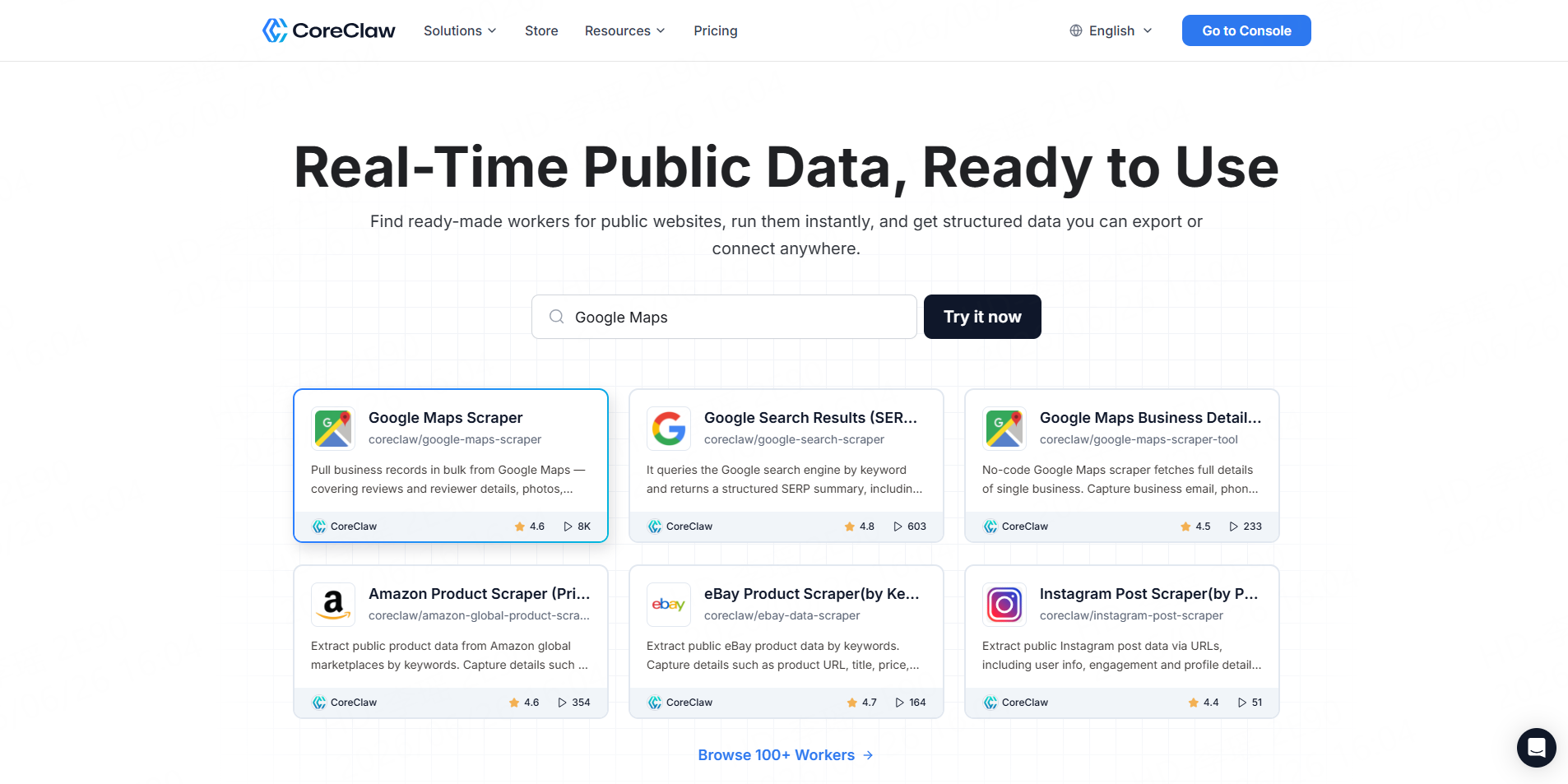
CoreClaw is a web scraping platform built around ready-made Data Workers. Its Google Maps Reviews Scraper collects public review data from a Google Maps place detail URL and returns one row per review.
CoreClaw can extract star ratings, review text, reviewer details, owner responses, image URLs, and related review fields. It also supports keyword filtering and multilingual translation, which is useful for teams analyzing reviews across regions or languages.
CoreClaw is strongest when teams need review data that is ready to use. Results can be exported to structured formats, connected through the CoreClaw API, or used alongside other Workers such as the Google Maps Scraper for broader local business research.
Best for: Local SEO agencies, reputation management teams, market researchers, SaaS teams, and analysts who need cleaned Google review datasets.
Pricing: A $3 free trial is offered before the paid plan begins.
Pros: No coding required, API access, structured exports, cleaned and filtered outputs, pay only for successful results, and custom workflow potential.
Cons: The review Worker is designed around Google Maps place detail URLs. Teams that need unusual sources or highly custom logic may need to request a custom Worker.
2. Outscraper
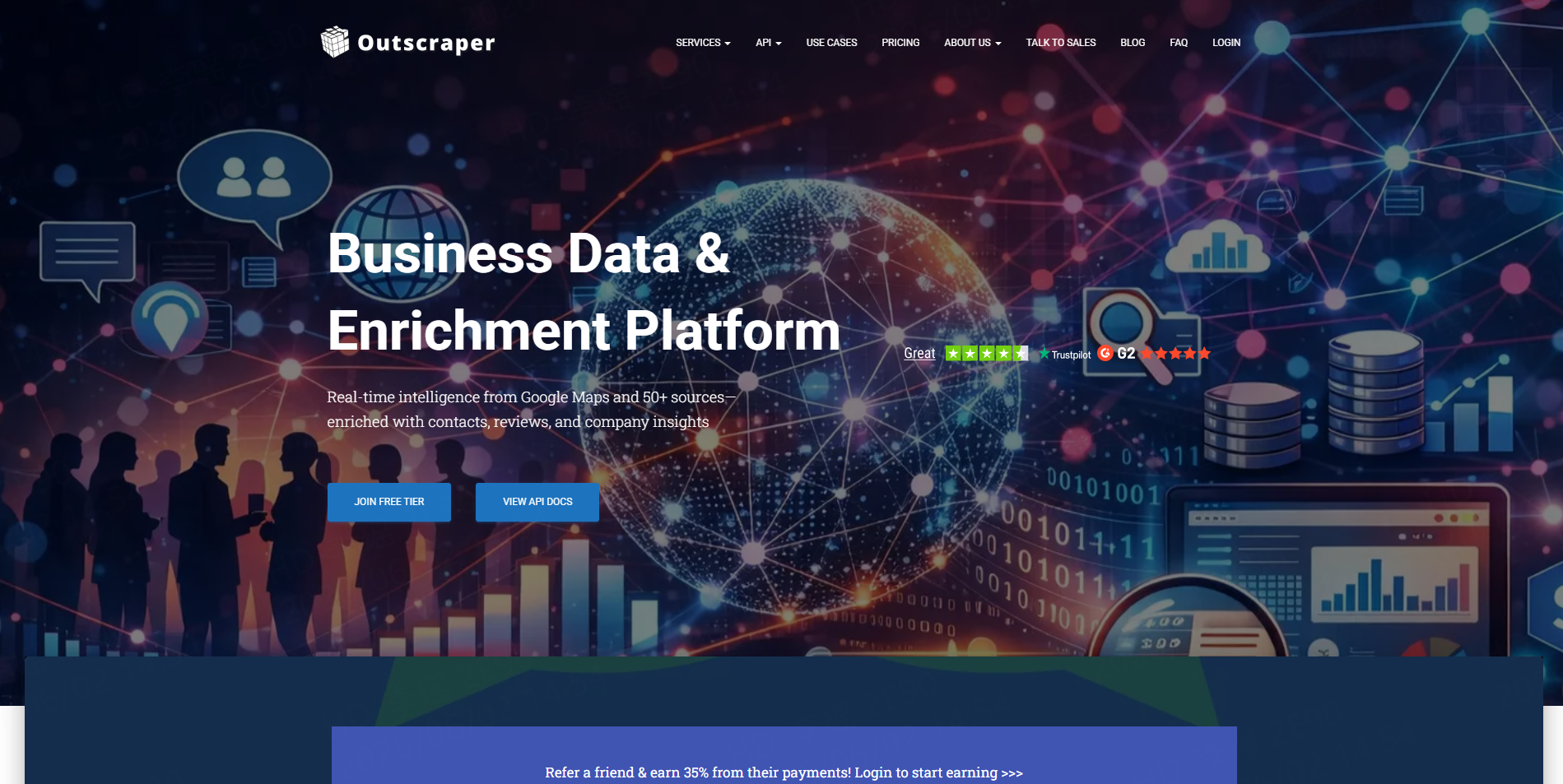
Outscraper is a well-known Google Maps and Google reviews extraction platform. Its Google Maps Reviews Scraper can export reviews and ratings from Google Maps places and supports CSV/XLSX export, sorting, and API access.
Best for: Teams that want a Google-focused review extraction tool with pay-as-you-go billing.
Pricing: Outscraper lists a free tier for the first 500 reviews, then paid usage tiers for additional reviews.
Pros: Google-focused product, API access, review sorting, spreadsheet exports.
Cons: Teams should review cost carefully before large review projects, especially when collecting many locations or very large review histories.
3. Apify
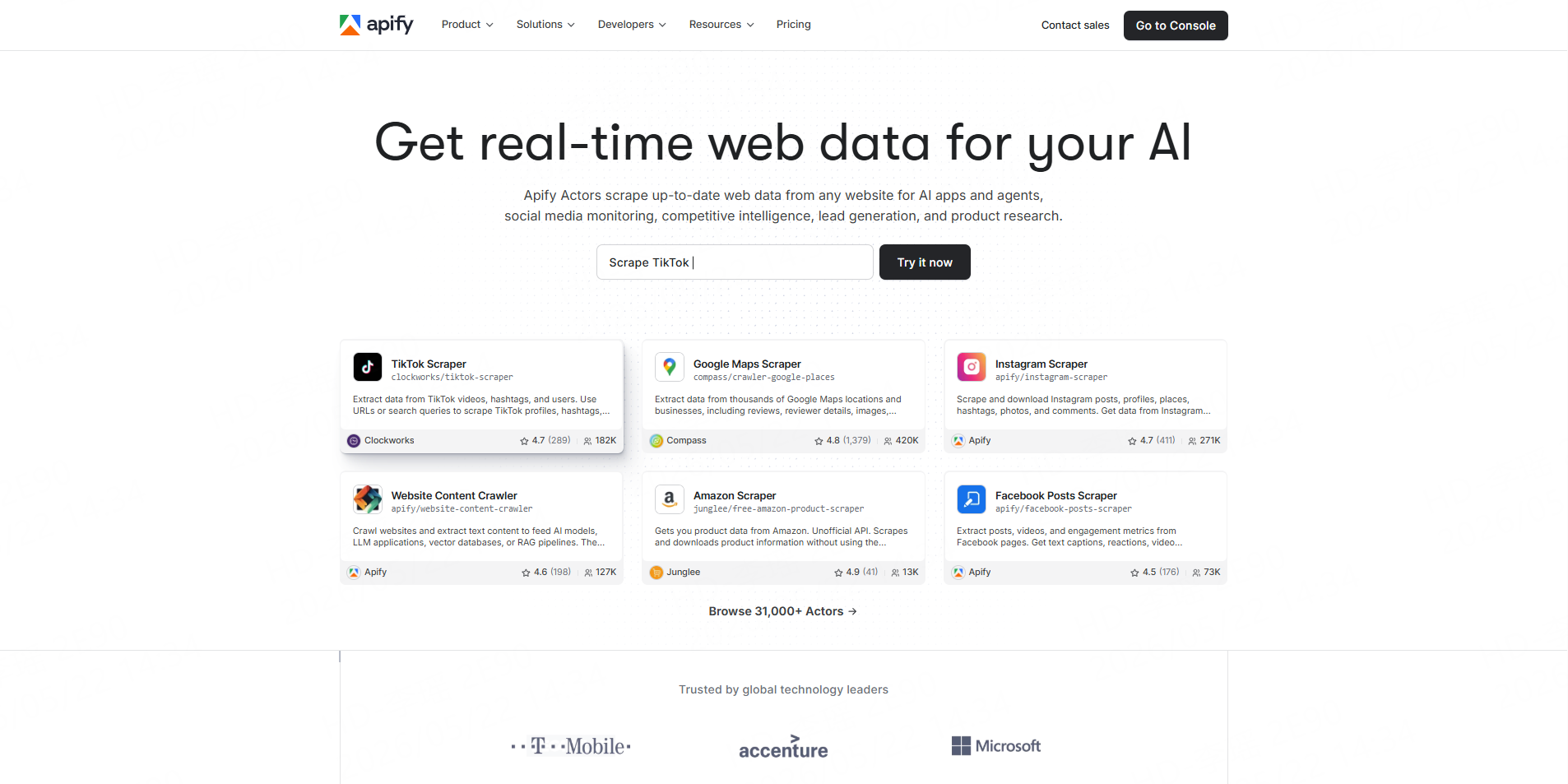
Apify is a cloud scraping and automation platform with marketplace tools called Actors. Its Google Maps Reviews Scraper Actor can extract review text, published date, owner response, review URL, and reviewer details from Google Maps place URLs.
Best for: Developers, data operations teams, and users who want scheduling, API runs, and marketplace-based workflows.
Pricing: Apify marketplace pricing can vary by Actor. One Google Maps Reviews Scraper listing starts from $0.30 per 1,000 scraped reviews.
Pros: API-friendly, flexible automation, scheduled runs, integrations, multiple Actor choices.
Cons: Users need to compare Actor quality, maintenance, input settings, and total run cost. Non-technical teams may need developer support.
4. Bright Data
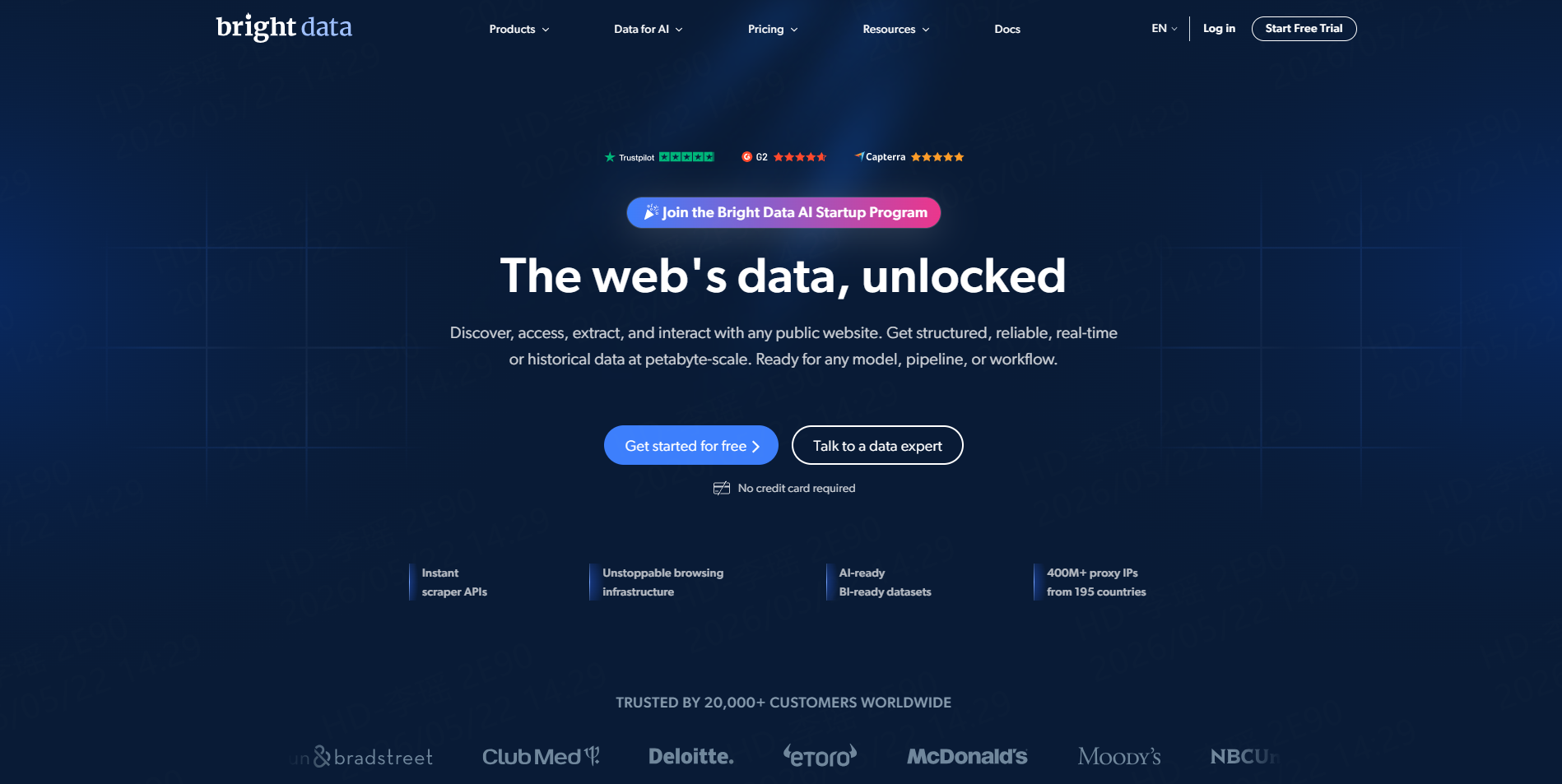
Bright Data offers Google Reviews API capabilities for collecting customer reviews and ratings from different locations. It is designed for enterprise-scale data collection, with infrastructure for proxies, location targeting, retries, and high-volume workflows.
Best for: Enterprises and data teams that need large-scale review data collection.
Pricing: Bright Data positions its Google Reviews API around successful requests and enterprise-grade usage.
Pros: Strong infrastructure, global targeting, scalable API workflows, enterprise support.
Cons: It may be more complex than smaller agencies, local SEO teams, or non-technical researchers need.
5. Octoparse
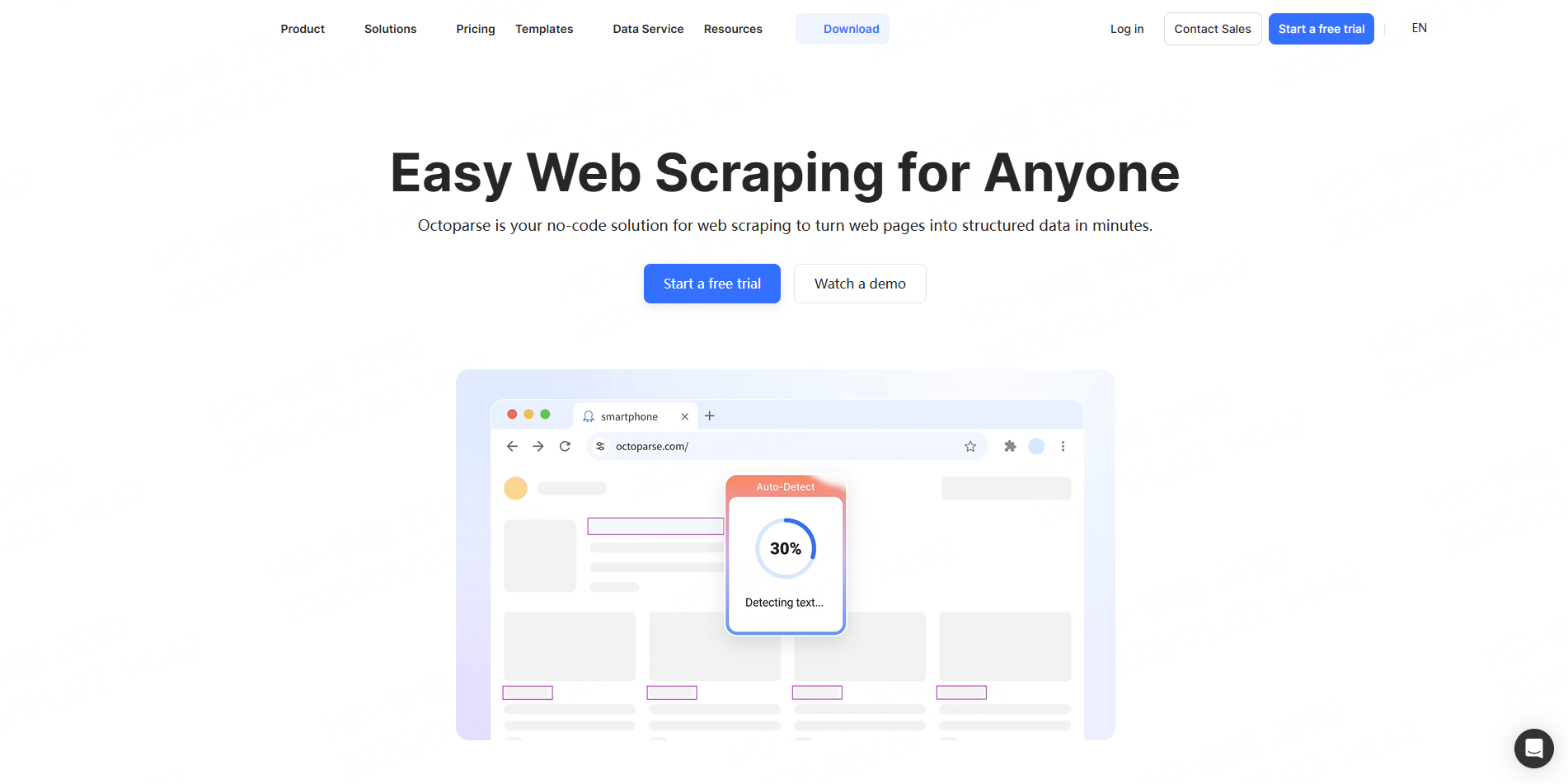
Octoparse offers ready-to-run Google Maps review scraping templates. Its Google Maps Reviews Scraper Lite template can extract reviewer name, star rating, review text, review date, helpful count, and owner replies.
Best for: Beginners who prefer a visual no-code scraping interface.
Pricing: Octoparse pricing depends on platform plans and template usage.
Pros: No-code interface, ready templates, useful for small to medium projects.
Cons: Visual scraping tools may require template tuning when pages change or when workflows become more complex.
6. Lobstr.io
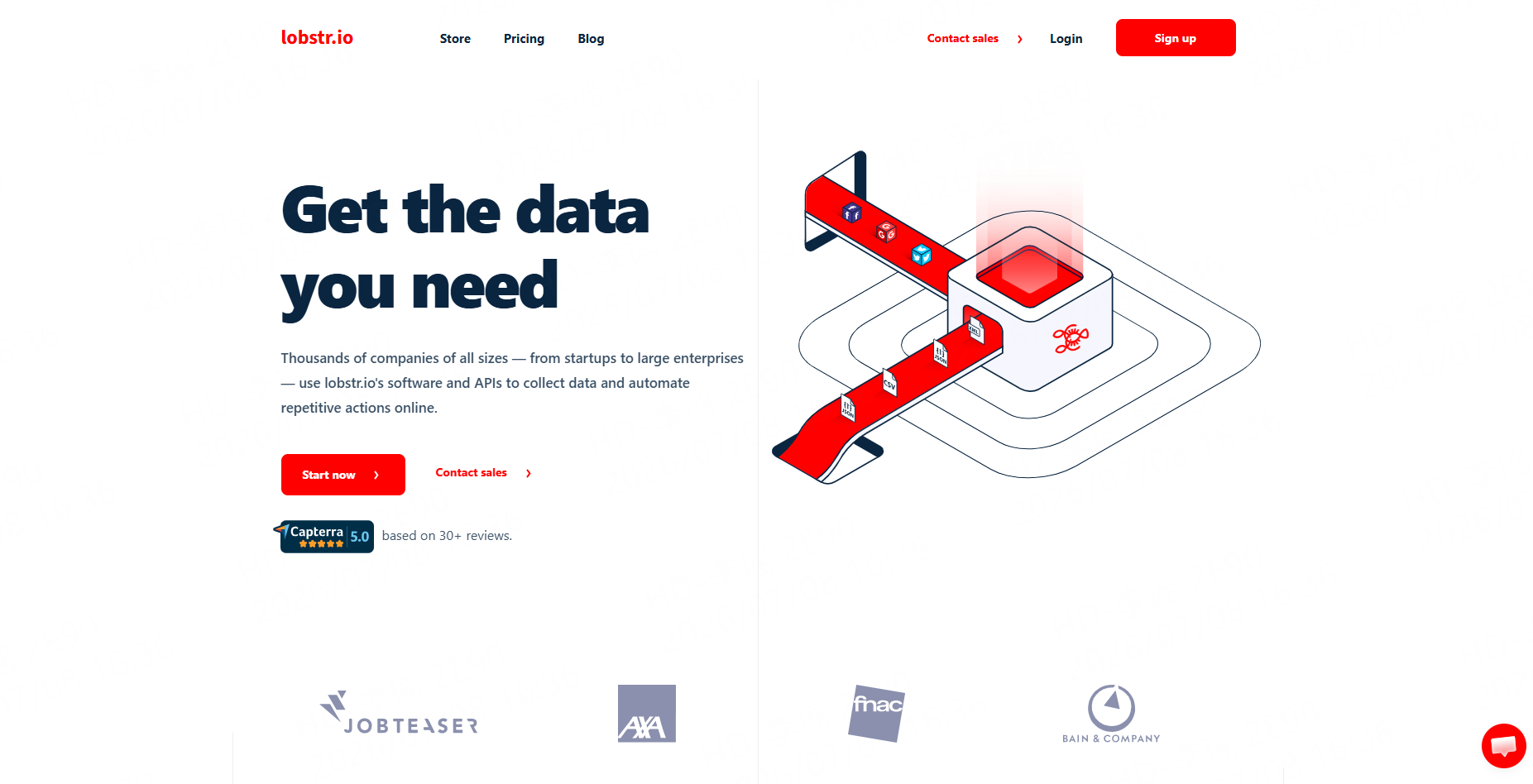
Lobstr.io offers a Google Maps Reviews Scraper that collects reviews from Google Maps listings using a credit-based model. It is positioned for no-code users who want a simple way to collect review data without building scripts.
Best for: Small teams and marketers who want lightweight review data collection.
Pricing: Lobstr.io uses credits, with review collection consuming credits per review.
Pros: Easy no-code setup, useful for smaller research workflows, credit-based usage.
Cons: Teams should check current credit pricing, API documentation, and export options before committing to recurring projects.
7. HasData
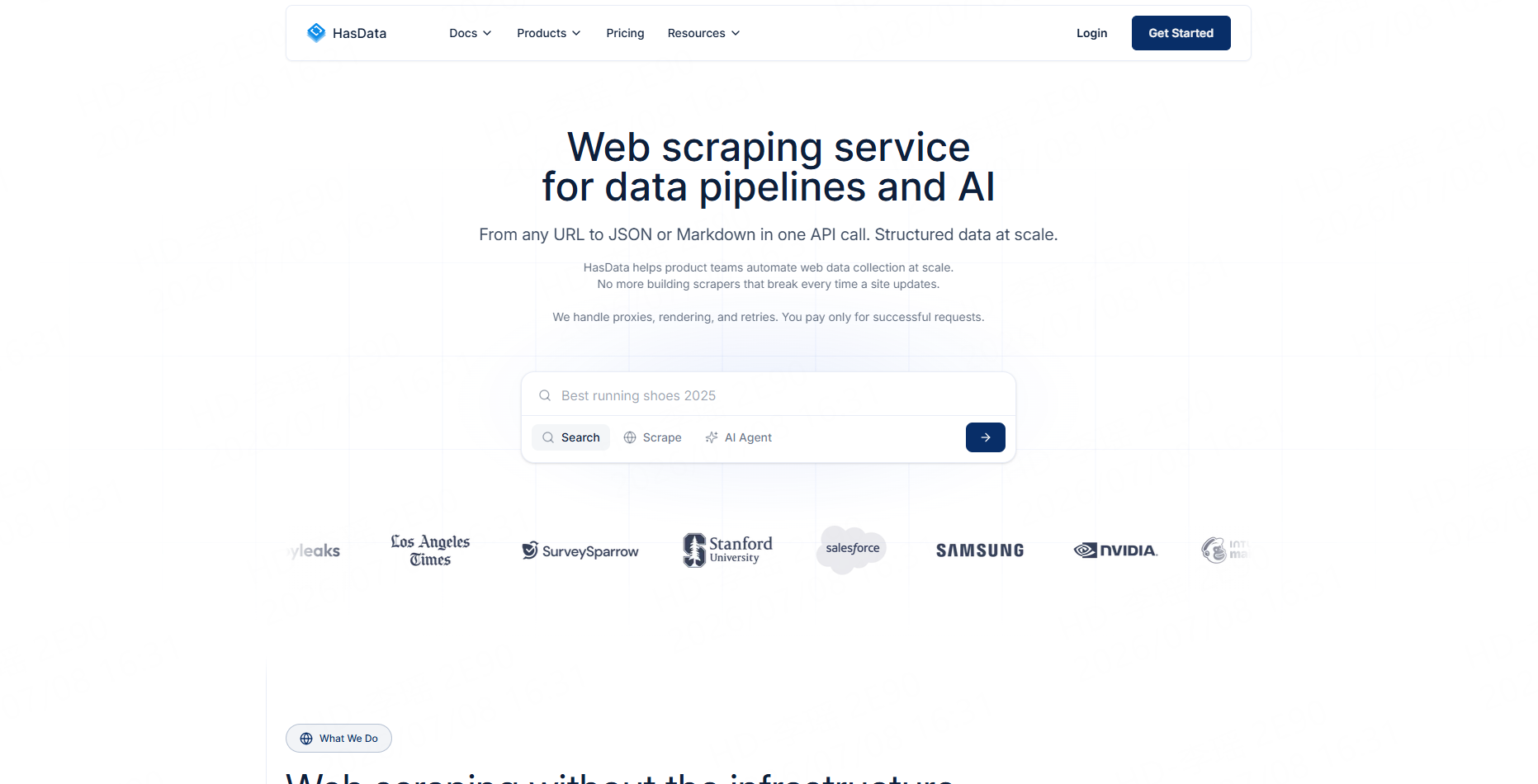
HasData offers a Google Maps Reviews Scraper for API-based review data collection. It provides free API credits and paid plans for larger usage.
Best for: Developers who want a review data API and prefer working with API credits.
Pricing: HasData offers 1,000 free API credits, with paid plans available for larger volumes.
Pros: API-first workflow, free starting credits, developer-friendly structure.
Cons: Business users may need technical help to turn API results into cleaned spreadsheet-ready datasets.
A Practical Google Review Data Workflow With CoreClaw
Start with a clear research goal. For example, a restaurant brand may want to find recurring complaints across city locations. A local SEO agency may want to compare review velocity and response quality across competitors. A market researcher may want to analyze customer sentiment for hotels, clinics, gyms, or retail stores.
Next, collect place URLs. If you already know the target businesses, use their Google Maps place detail URLs directly. If you need to discover businesses first, use CoreClaw’s Google Maps Scraper to collect local business data by keyword and location.
Then run the Google Maps Reviews Scraper. Configure max results, sorting, language, keyword filtering, and reviewer fields based on the project.
After collection, clean and filter the dataset. Remove irrelevant locations, group reviews by business, sort low-rating reviews, separate owner responses, and tag recurring themes such as pricing, wait time, staff, product quality, parking, delivery, or customer support.
Finally, export the results. Business users can work with CSV or Excel. Developers can use JSON or API access. Teams with recurring workflows can connect CoreClaw outputs into dashboards, CRMs, BI tools, or internal analysis systems. Developers can also publish scraping Workers if they build reusable review data workflows.
Responsible Use and Data Quality Checks
Google review scraping should focus on publicly available review data and legitimate business purposes. Teams should avoid private, restricted, or sensitive data and should review applicable laws, website terms, and internal compliance policies.
Data quality also matters. Review datasets should be sample-checked before business decisions. Make sure review dates, ratings, owner replies, and place URLs are captured correctly. For sentiment analysis, avoid relying only on automated labels. A manual sample review can reveal sarcasm, local language issues, duplicate reviews, or context that a model may miss.
CoreClaw helps reduce cleanup work by returning structured outputs, but review data should still be validated before being used for pricing, customer experience, reputation, or competitive strategy decisions.
Conclusion
The best Google review scraper tool in 2026 is not just the cheapest tool or the most technical API. It is the tool that helps teams collect the right public review data, clean and filter the output, export it in usable formats, and connect it to real business workflows.
With CoreClaw, teams can use a ready-made Google Maps Reviews Scraper, collect structured review data without coding, export results for analysis, connect workflows through API access, and pay only for successful results. For local SEO, reputation monitoring, competitor research, and customer sentiment analysis, CoreClaw provides a practical path from Google Maps reviews to ready-to-use review datasets.
Frequently Asked Questions

Content Writer @CoreClaw · Last Updated 2026-07-08
Lena Kovalenko researches how modern software systems expose and organize information online. Her writing focuses on the interaction between APIs, web platforms, and automated data workflows. When exploring a topic she typically compares multiple tools to understand their design assumptions. These comparisons often lead to articles that help readers see how different technical approaches influence reliability and efficiency.
View Author Profile →Disclaimer: All information on the CoreClaw Blog is provided “as is” and for informational purposes only. CoreClaw makes no representations and assumes no liability for any consequences arising from your use of information published on the CoreClaw Blog or on any third-party websites linked from it. Before any scraping activity, consult legal counsel, review the target website’s terms of service, and obtain permission where required.




