
Email scraper tools help teams find business contact data from public sources, company websites, directories, search results, and business profiles. For sales and marketing teams, this can turn slow manual research into a repeatable lead generation workflow.
But the best email scraper tool is not always the one that finds the most addresses. A useful tool should help teams build cleaner prospect data, verify important fields, avoid duplicates, and export records in a format that sales teams can actually use.
What Is an Email Scraper Tool?
An email scraper tool is software that helps collect email addresses or business contact information from public web sources. Some tools scan company websites. Some search by domain name. Some work through browser extensions. Others collect broader business data first, then include available emails as part of a structured lead record.
For business lead research, the email address is only one field. A stronger prospect record may also include business name, website, phone number, address, category, rating, review count, source URL, and notes. This context helps teams decide whether the prospect is a good fit before sending outreach.
What Makes an Email Scraper Useful for Lead Research?
A good email scraper should do more than return a random list of addresses. It should support four practical goals.
First, it should help users find the right businesses. This may mean searching by location, category, keyword, domain, company size, job title, or industry.
Second, it should return structured data. CSV, Excel, JSON, and API export make the data easier to review, filter, import, or connect with internal tools.
Third, it should support data quality. The workflow should make it easy to remove duplicates, filter irrelevant records, and verify emails before outreach.
Fourth, it should support responsible use. Teams should focus on public business information, avoid sensitive or private data, respect applicable rules, and provide clear opt-out options in commercial email campaigns. In the United States, FTC CAN-SPAM guidance says commercial emails should avoid false header information, avoid deceptive subject lines, identify the message appropriately, include a valid physical postal address, and provide a clear opt-out method.
Best Email Scraper Tools Compared
1. CoreClaw
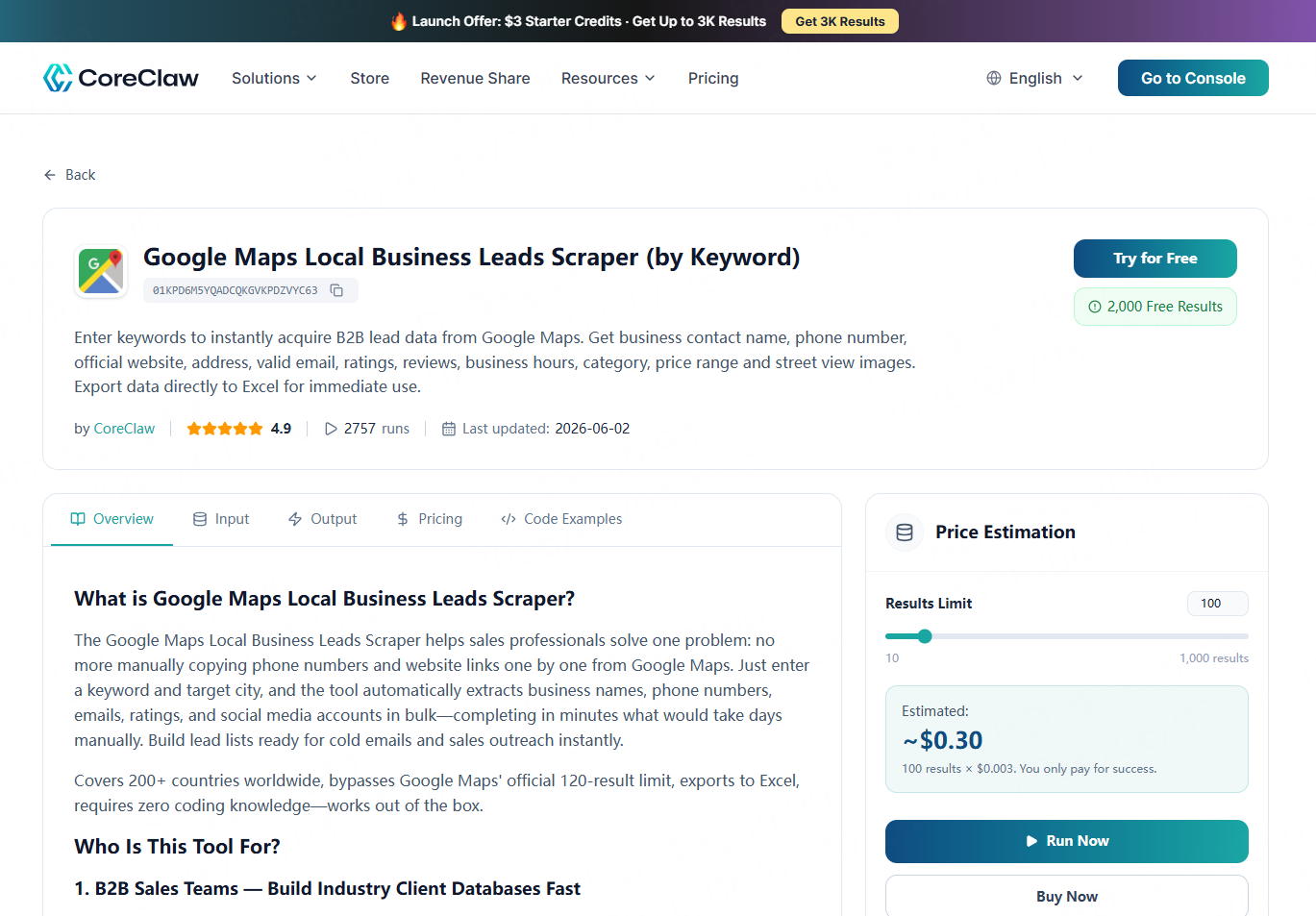
CoreClaw is a practical option for teams that want to collect public business lead data without coding. Instead of starting with only an email address, CoreClaw helps users collect structured business records that may include available emails, phone numbers, websites, addresses, ratings, reviews, categories, and source information.
For local lead research, CoreClaw’s Google Maps B2B Leads Generation Scraper lets users enter keywords and locations to collect public business data from Google Maps. This is useful for agencies, local service providers, sales teams, and researchers building lists such as “dentists in Austin,” “restaurants in Seattle,” or “roofing companies in Denver.”
CoreClaw is especially useful when teams need cleaned and filtered structured data before export. Results can be exported as CSV, JSON, or other supported formats, and API access can connect the data to internal workflows. CoreClaw also supports custom Workers when a team needs to collect public data from a niche directory or specific source.
Best for: Local business lead research, no-code prospect data collection, Google Maps-based lead lists, and structured exports.
2. Hunter
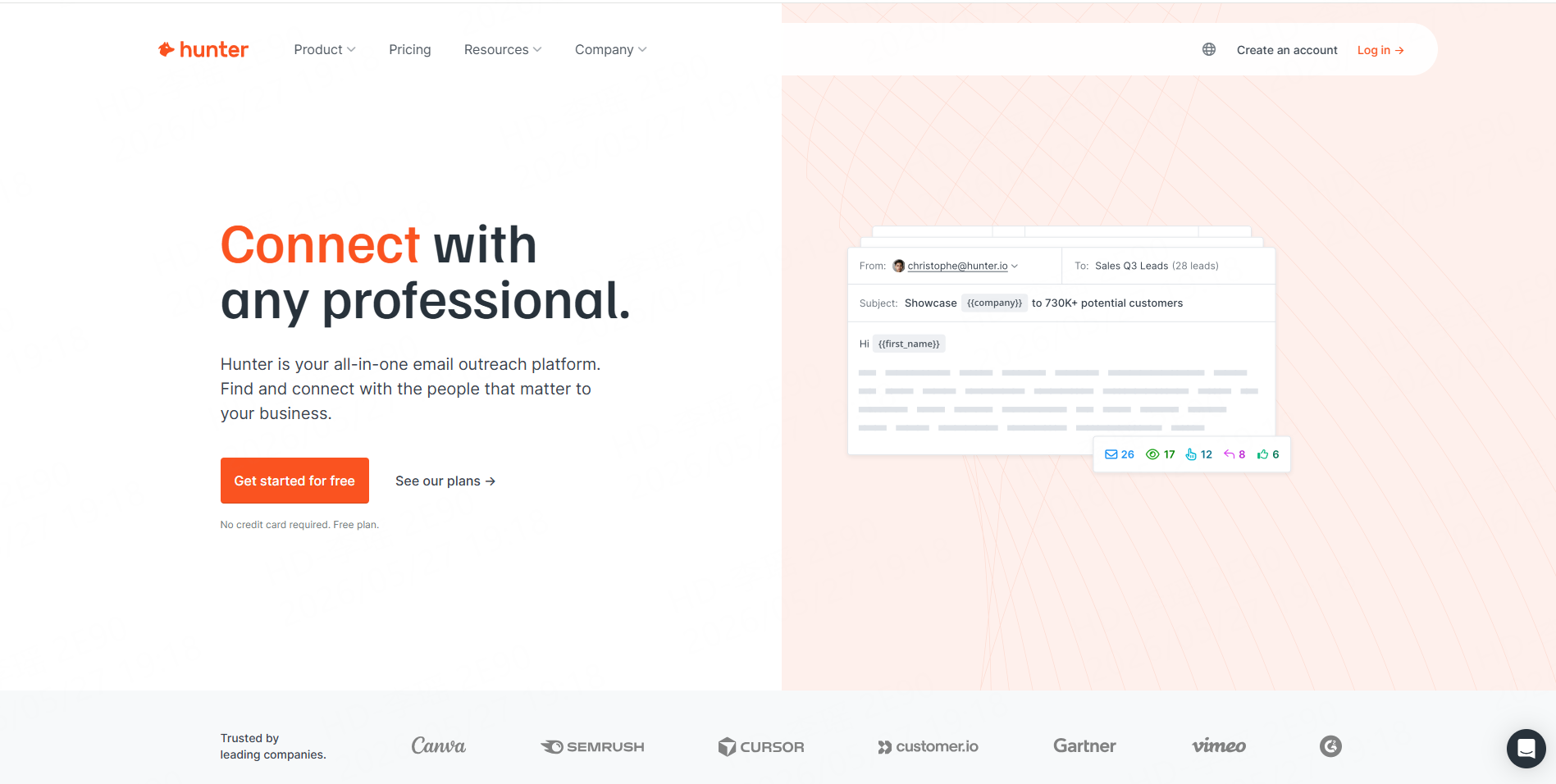
Hunter is best known for domain-based email discovery. Users can search by company domain, find publicly available email addresses, and use confidence scores or verification features to evaluate contact quality. Hunter’s product pages describe tools such as Domain Search, Email Finder, Email Verifier, cold email sequences, integrations, and API access.
Hunter works well when a team already knows the target company and wants to find possible contacts. For example, after collecting a list of business websites with CoreClaw, a user could use a domain-based email tool to enrich selected high-fit companies.
Best for: Domain search, email verification, company-based contact discovery, and enrichment after lead collection.
3. Apollo
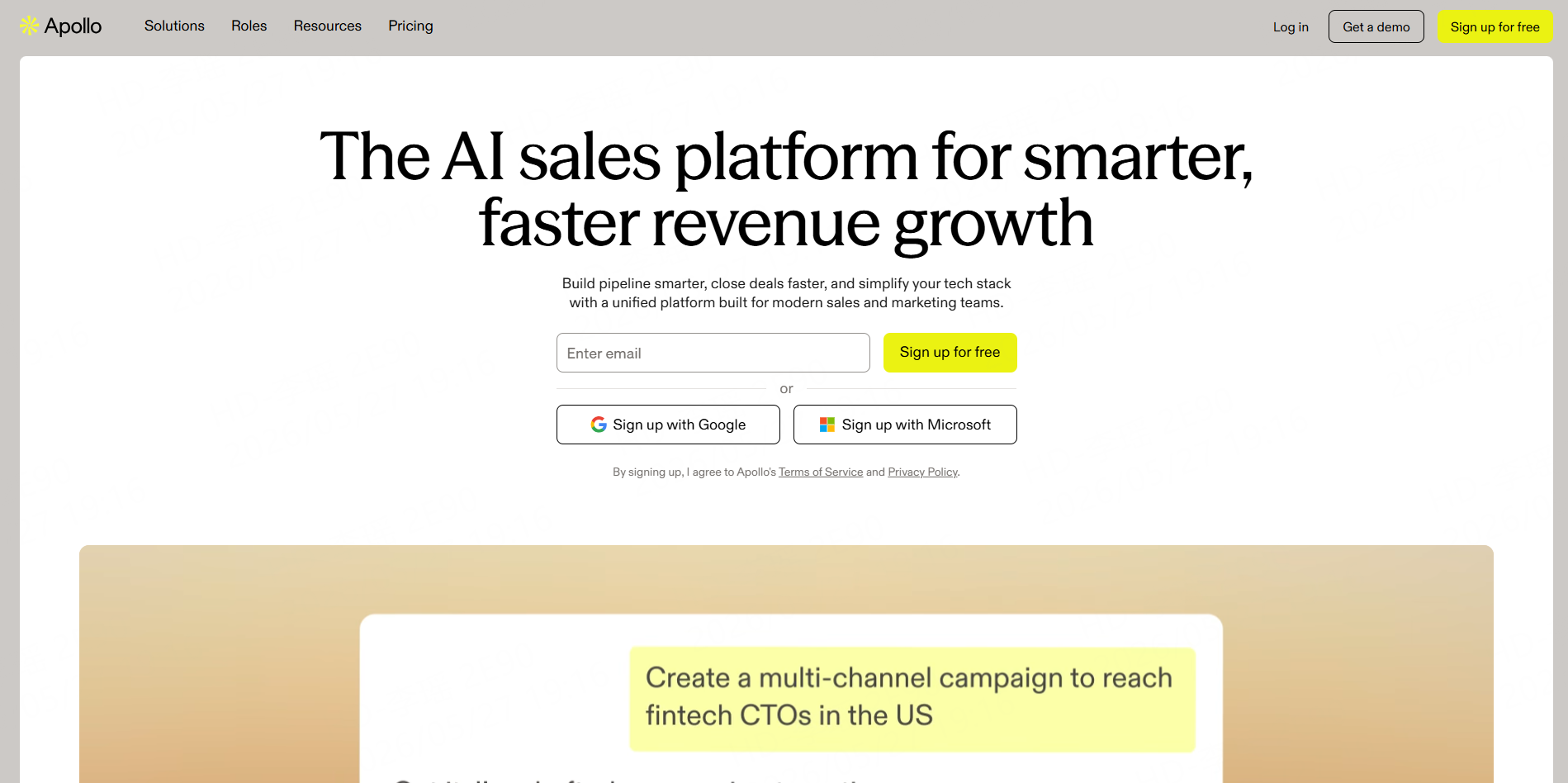
Apollo is a broader sales intelligence and engagement platform. Its public positioning focuses on prospecting, lead generation, sales automation, and revenue workflows.
Apollo is useful when teams need more than email scraping. It can support account search, contact discovery, outreach, and sales workflow management. It is usually a better fit for structured B2B sales teams than for simple one-time email extraction.
Best for: B2B sales teams, account-based prospecting, contact databases, and outreach workflows.
4. Snov.io
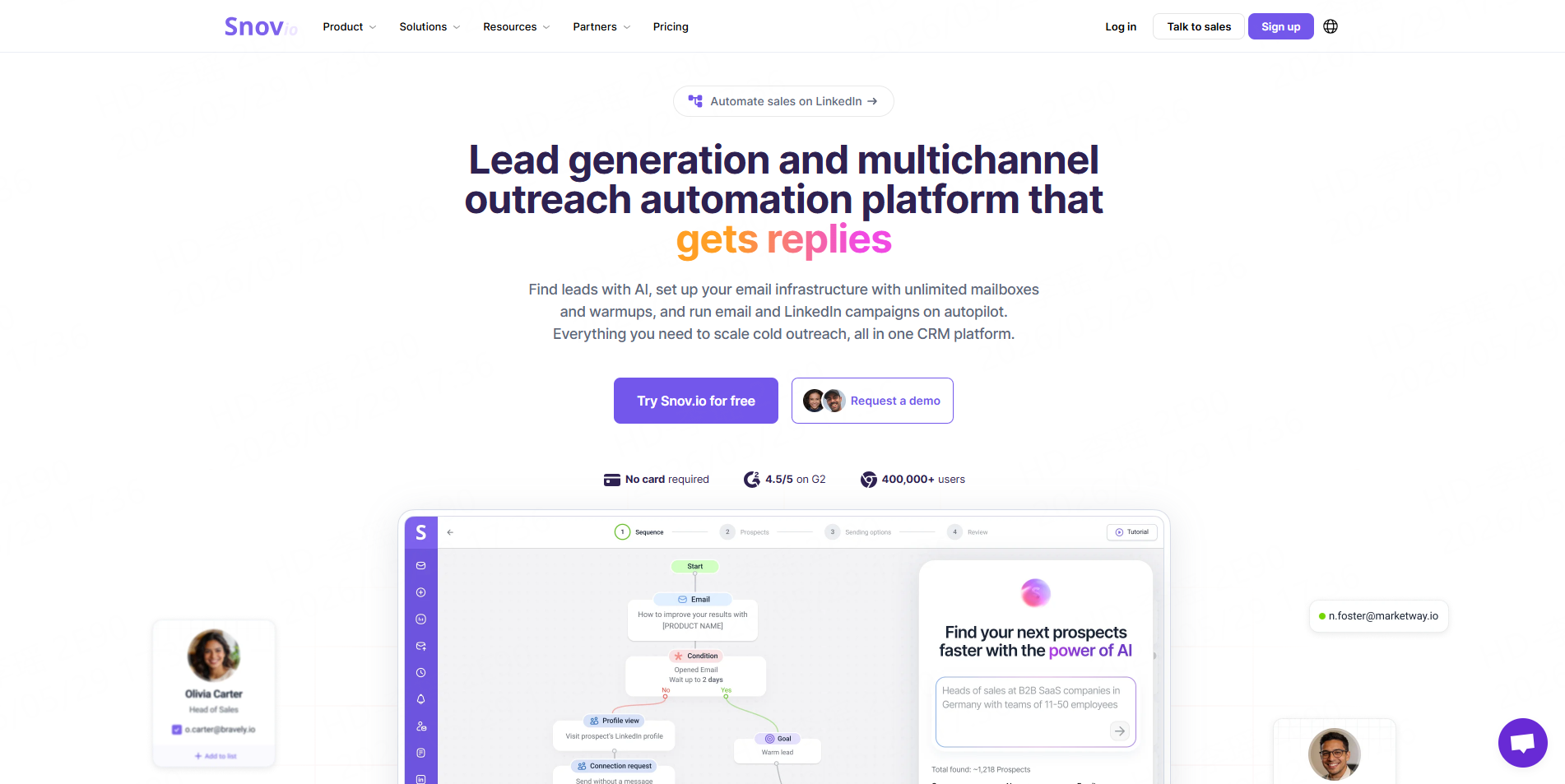
Snov.io offers email finding, verification, lead collection, and outreach automation features. Its Email Finder page describes searching by company, domain, job title, management level, industry, location, and other contact data points. Its Chrome extension can help collect emails from company websites, Google search results, and LinkedIn-style workflows.
Snov.io can be useful for teams that want email discovery and outreach tools in the same platform. It may be more workflow-heavy than a simple scraper, but that can help teams that want to move from lead research into campaigns.
Best for: Email finding, browser-based prospecting, verification, and outreach sequences.
5. Apify
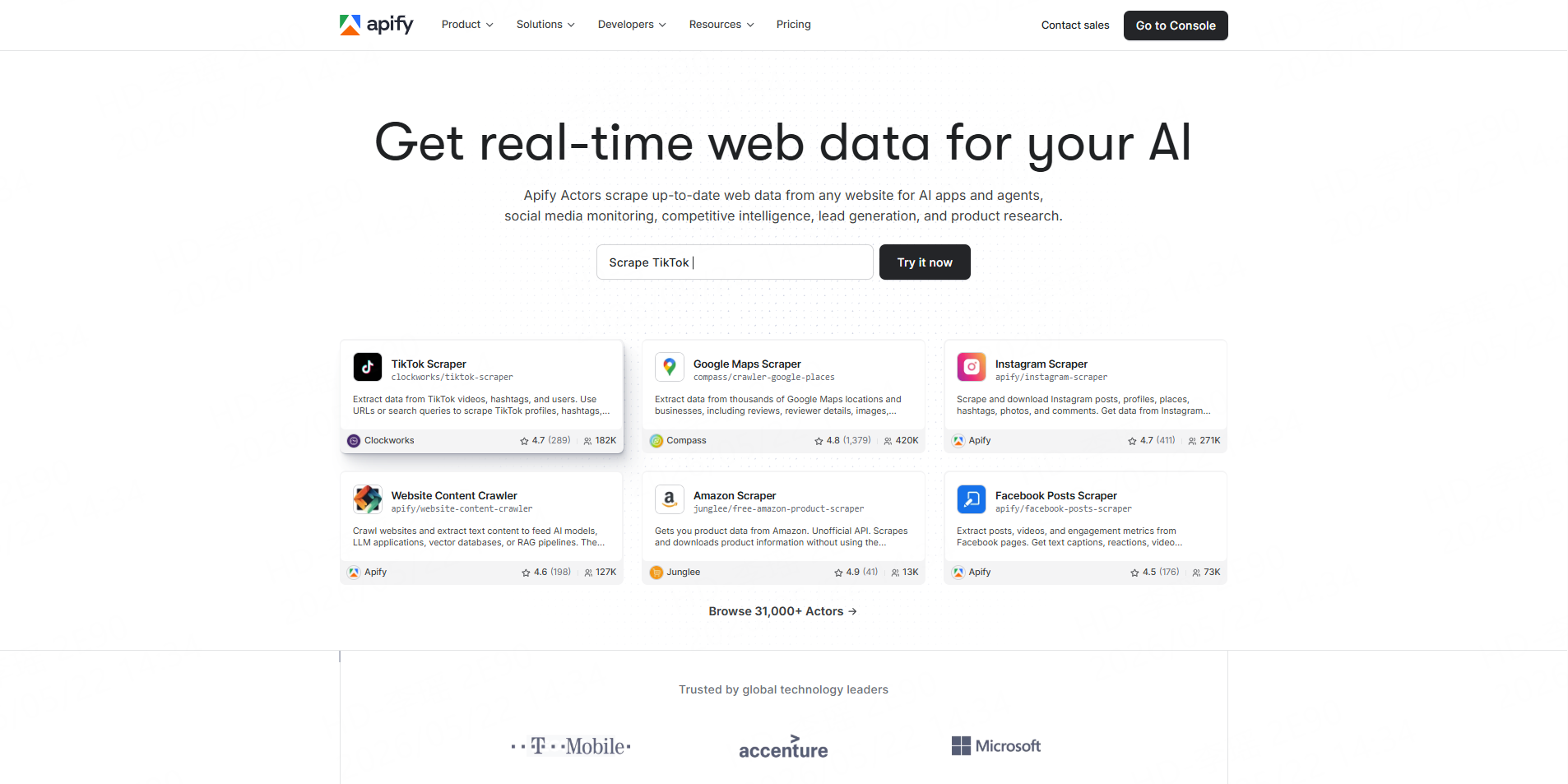
Apify is a scraper marketplace and cloud automation platform. For lead research, users can run ready-made scrapers or build custom automation workflows. Some Apify Google Maps scrapers export datasets in formats such as JSON, CSV, XML, Excel, HTML, or RSS and can be accessed through API workflows.
Apify is more flexible than a single email finder, but it may require more setup depending on the Actor and use case.
Best for: Technical users, scraper marketplace workflows, custom data collection, and automation.
6. ScrapingBee
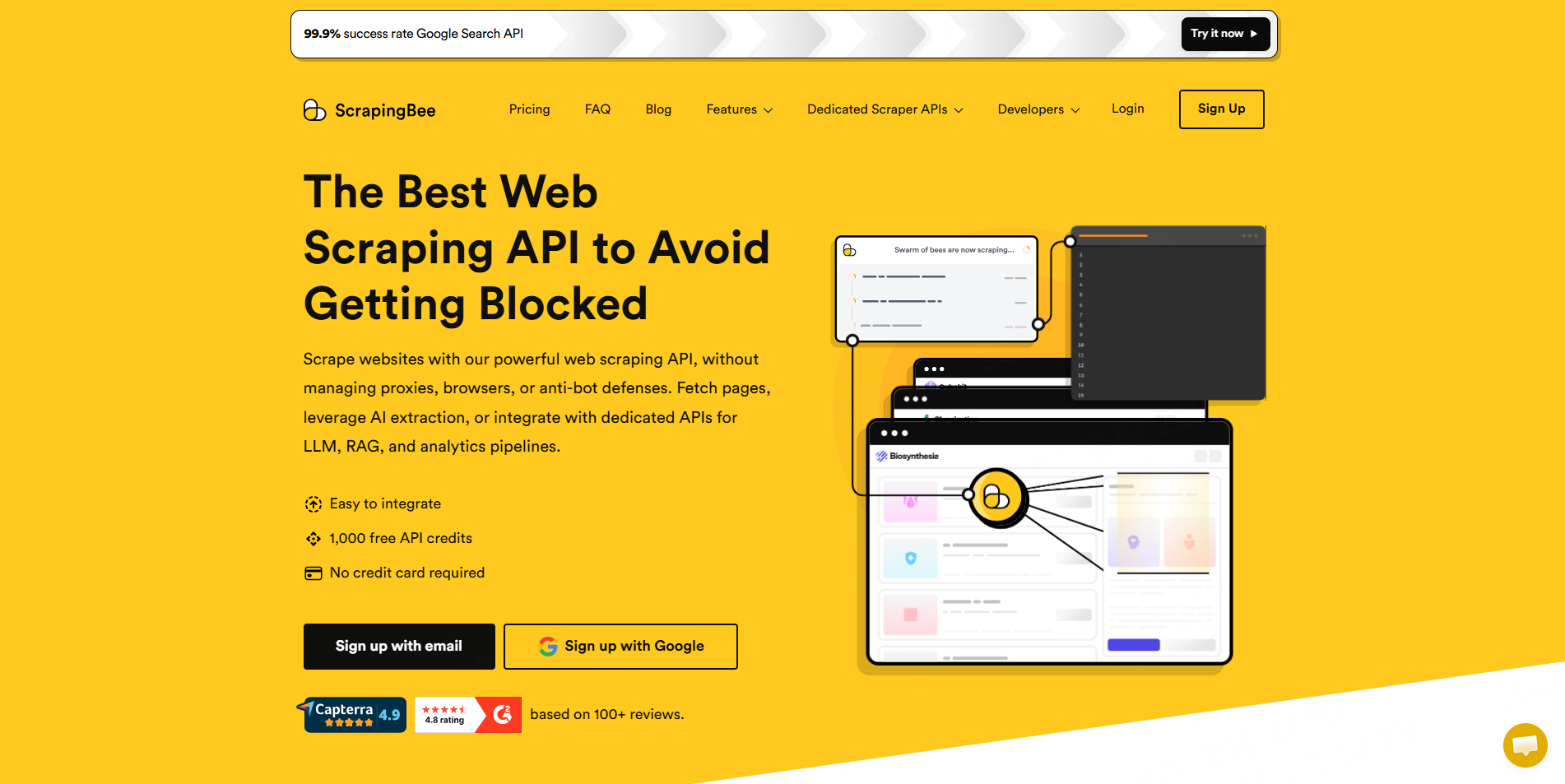
ScrapingBee is more of a scraping API than a dedicated email scraper. It is useful for developers who need to fetch public web pages without managing proxies or browser infrastructure themselves. Current lead scraper comparisons often position it for API-first teams that need reliable scraping infrastructure.
For email research, ScrapingBee may be useful when developers already know how to parse pages and extract fields. It is less suitable for non-technical users who simply want a spreadsheet-ready lead list.
Best for: Developers, API-first scraping, custom extraction, and technical lead research pipelines.
Email Scraper Tools Comparison Table
Tool | Best For | Main Strength | Best User Type |
Public business lead data | Ready-made Workers, structured exports, cleaned and filtered outputs | Agencies, sales teams, researchers | |
Hunter | Domain-based email search | Email finder, verifier, confidence signals | Sales and outreach teams |
Apollo | Sales intelligence | Contact database and engagement workflows | SDR and revenue teams |
Snov.io | Email finding and outreach | Finder, verifier, extension, campaigns | B2B sales and marketing teams |
Apify | Custom scraper workflows | Actor marketplace and automation | Technical users |
ScrapingBee | Scraping API | Developer infrastructure for extraction | Developers and data teams |
How to Build a Cleaner Email Lead Research Workflow
Step 1: Start with the Right Business Source
Do not begin by searching for emails alone. Start by defining the business category, location, industry, or account type. For local campaigns, Google Maps is often a strong starting point because it connects public business records with categories, addresses, websites, phone numbers, ratings, and reviews.
Step 2: Collect Structured Lead Data
Use CoreClaw to collect public business data from relevant sources. For example, the Google Maps B2B Leads Generation Scraper can help build a list of businesses by keyword and location. The output can include available emails along with business context, which makes the list more useful than a simple email-only export.
Step 3: Verify and Filter Emails
Before outreach, filter the list. Remove irrelevant categories, duplicates, closed businesses, incomplete records, and poor-fit companies. Then verify emails with a suitable verification tool. This helps reduce bounces and protects sender reputation.
Step 4: Export to CRM or Outreach Tools
Export the final list as CSV or Excel for manual review, or use JSON and API workflows for internal tools and automation. Add fields such as source, city, category, lead score, verification status, and campaign name before importing into a CRM.
Common Mistakes to Avoid
The first mistake is treating email volume as the main success metric. A large list with weak fit can damage deliverability and waste sales time.
The second mistake is collecting email addresses without business context. A contact is more useful when the team also knows the company, category, website, location, and reason for outreach.
The third mistake is skipping verification. Even public business emails can be outdated, role-based, or inactive.
The fourth mistake is ignoring responsible outreach. Data collection should focus on public business information, and commercial messages should be relevant, accurate, and easy to opt out of.
Final Thoughts
The best email scraper tools for business lead research are not just email collectors. They help teams build cleaner, more useful prospect data that can be filtered, verified, exported, and used responsibly.
CoreClaw helps teams start this workflow with structured public business data instead of disconnected email addresses. With ready-made Workers, cleaned and filtered outputs, CSV/JSON export, API access, pay-only-for-successful-results pricing, and custom Worker options, CoreClaw gives sales, agency, and research teams a practical way to turn public business information into better lead research workflows.
Frequently Asked Questions

Content Writer @CoreClaw · Last Updated 2026-06-04
Lena Kovalenko researches how modern software systems expose and organize information online. Her writing focuses on the interaction between APIs, web platforms, and automated data workflows. When exploring a topic she typically compares multiple tools to understand their design assumptions. These comparisons often lead to articles that help readers see how different technical approaches influence reliability and efficiency.
View Author Profile →Disclaimer: All information on the CoreClaw Blog is provided “as is” and for informational purposes only. CoreClaw makes no representations and assumes no liability for any consequences arising from your use of information published on the CoreClaw Blog or on any third-party websites linked from it. Before any scraping activity, consult legal counsel, review the target website’s terms of service, and obtain permission where required.




