
All Workers
View All
Google Maps Scraper
coreclaw/google-maps-scraper
Pull business records in bulk from Google Maps — covering reviews and reviewer details, photos, contact info (full name, email, job title), opening hours, prices and more. From there, export the data, trigger runs via API, schedule and watch them, or wire the results into your other tools.
 CoreClaw
Google Search Results (SERP) Scraper API
coreclaw/google-search-scraper
It queries the Google search engine by keyword and returns a structured SERP summary, including the final search parameters, organic results, related queries, and people-also-ask data.
CoreClaw
Amazon Product Scraper (Prices, Reviews & Listings)
coreclaw/amazon-global-product-scraper
Extract public product data from Amazon global marketplaces by keywords. Capture details such as product title, brand, price, discount, currency, review count, ASIN, sales, ranking, and more. Export the data, access it via API, or integrate it with third-party tools.
CoreClaw
Instagram Post Scraper(by Post URL)
coreclaw/instagram-post-scraper
Extract public Instagram post data via URLs, including user info, engagement and profile details. One-click CSV/JSON export, batch scraping, no coding needed.
CoreClaw
TikTok Scraper
vew5uoxb/tiktok-duo-gong-neng-jie-kou
Batch scrape TikTok videos, profiles, and hashtag data for competitor research, content analysis, and trend discovery. Collect video details, engagement metrics (views, likes, comments, and shares), creator information, and music data using video URLs, profile URLs, or search keywords. Export results and automate workflows with API access and scheduled runs.
 vew5uoxb
YouTube Channel Scraper(by URL)
coreclaw/youtube-channel-scraper
Extract public profile data in bulk by entering a URL, including channel name, subscriber count, video count, view count, description and popular videos. Export in CSV or JSON format for competitor analysis and user research, with one-click structured data export.
CoreClaw
Instagram Comment Scraper(by Post URL)
coreclaw/instagram-comment-scraper
Instagram Comment Scraper (by Post URL) extracts comments from Instagram posts and Reels. You can use the scraped comment data for sentiment analysis, audience research, content moderation, and building engagement reports.
CoreClaw
Facebook Post Scraper(by URL)
coreclaw/facebook-posts-scraper
Extract data in real time via URLs, easily capture posts, shares and engagement metrics, free from complex infrastructure maintenance and IP blocks. One-click CSV/JSON export supported.
CoreClaw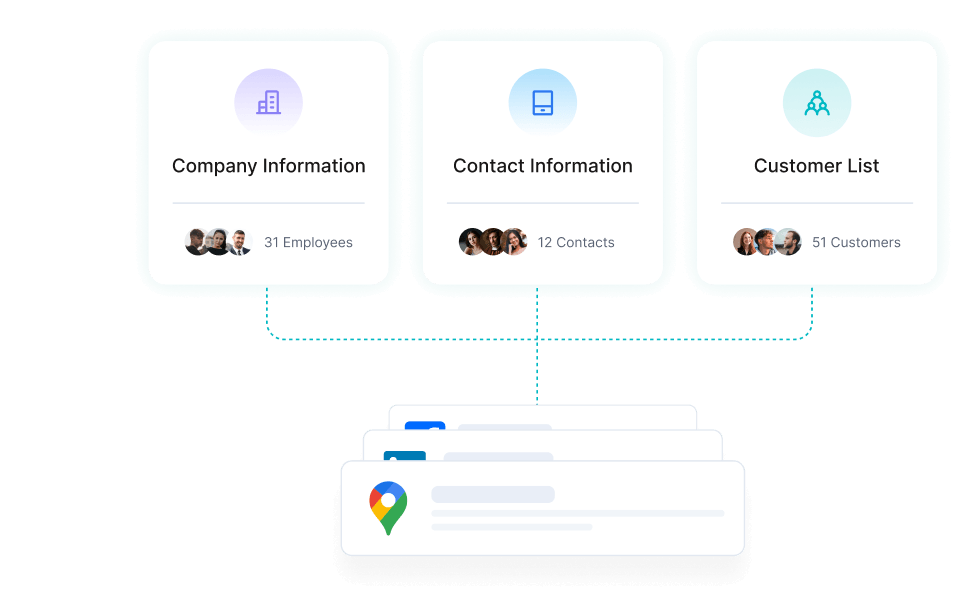
Precision Lead Generation
Discover high-intent prospects by scraping industry directories, social profiles, and business listings.
Lead Generation
View AllGoogle Maps Scraper
coreclaw/google-maps-scraper
Pull business records in bulk from Google Maps — covering reviews and reviewer details, photos, contact info (full name, email, job title), opening hours, prices and more. From there, export the data, trigger runs via API, schedule and watch them, or wire the results into your other tools.
CoreClawGoogle Search Results (SERP) Scraper API
coreclaw/google-search-scraper
It queries the Google search engine by keyword and returns a structured SERP summary, including the final search parameters, organic results, related queries, and people-also-ask data.
CoreClawYouTube Channel Scraper(by URL)
coreclaw/youtube-channel-scraper
Extract public profile data in bulk by entering a URL, including channel name, subscriber count, video count, view count, description and popular videos. Export in CSV or JSON format for competitor analysis and user research, with one-click structured data export.
CoreClaw
LinkedIn Jobs Search Scraper(by Keyword)
coreclaw/linkedin-jobs-scraper
Extract public LinkedIn job posting data by job keyword. Capture details such as job title, company name, job description, experience level, salary range, application link, and more. Export the data, access it via API, or integrate it with third-party tools.
CoreClaw
Facebook Pages Scraper(by List URL)
coreclaw/facebook-events-scraper-api
Extract public Facebook event data in bulk from event list URLs, including basic info, organizer and participant data. Export CSV/JSON with one click, no coding required.
CoreClaw
Google Maps Lead Finder | Local Business Leads & Verified Contacts
coreclaw/google-maps-lead-finder
Discover and collect sales-ready local business leads from Google Maps with company profiles, websites, phone numbers, reviews, decision-maker contacts, and verified emails for outreach campaigns.
CoreClaw
LinkedIn People Profile Scraper(by URL)
coreclaw/linkedin-people-profile-scraper
Extract public LinkedIn People Profile data by URL, including name, headline, location, current company, work experience, education, skills, follower count, and more. Export the data, access it via API, or integrate it with third-party tools.
CoreClaw
LinkedIn Company Scraper(by URL)
coreclaw/linkedin-company-scraper
Extract public company profile data by input LinkedIn company page URL. Capture details such as company name, company size, industry, description, company page link, and more. Export the data, access it via API, or integrate it with third-party tools.
CoreClaw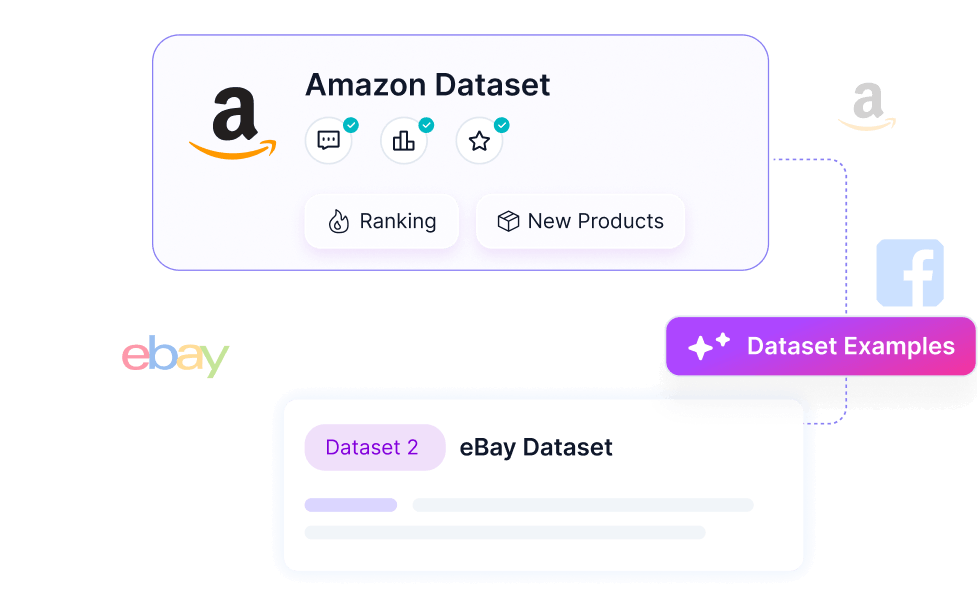
Instant E-commerce Intelligence
Capture pricing, reviews, and product data from any storefront. Precision-built scrapers for every retail scenario.
E-Commerce
View All
eBay Product Scraper(by Keywords)
coreclaw/ebay-data-scraper
Extract public eBay product data by keywords. Capture details such as product URL, title, price, reviews, seller information, shipping, return policy, and more. Export the data in structured formats, access it via API, or integrate it with third-party tools.
CoreClaw
ozon Product by urls
mn06pz6r/ozon-product-by-urls
Ozon product detail collection worker. Enter one or more product URLs.
mn06pz6r
eBay Product Scraper(By Url)
mn06pz6r/ebay-product-scraper-by-url
eBay product information is collected from product URLs.
mn06pz6r
shein product details (by product page url)
vew5uoxb/shein-shang-pin-xiang-xi-gen-ju-shang-pin-ye-de-url
Obtain product basic information, product pricing information, product images, product specification attributes, product SKU information, product rating and review information, review-corresponding SKU information, and store basic information.
vew5uoxb
Made-in-China Supplier Intelligence Scraper | Extract Company Profiles, Contacts & Trade Data
mmi0cuhn/made-in-china-com-zhong-guo-chu-hai-gong-si-xin-xi-huo-qu
Scrape Made-in-China supplier pages and collect structured company profiles, main products, audit report numbers, trade details, certificates, shipment images, and contact information for B2B sourcing workflows.
mmi0cuhn
Quince.com Product Scraper - Prices, Discounts, Reviews & More
q9w5f5h8/quince-com-product-scraper-prices-discounts-reviews-and-more
Search products and walk away with selling prices, retail prices, discounts, hero images, and the latest customer reviews for every product, ready to drop into your spreadsheet, dashboard, or BI tool. The Quince.com Product Scraper turns catalog into clean, structured product data in minutes.
 Techforce Global
Shopify Product Scraper
odin-kael/shopify-scraper-worker
Extract titles, prices, SKUs, variants, images, inventory status & metadata from any Shopify store. Just enter the URL—we handle sitemap discovery, WAF bypass & structured output automatically.
 Kael Odin
Google Maps Reviews Scraper(by place detail URL)
coreclaw/google-maps-reviews-scraper
Google Maps Review Scraper bulk extracts star ratings, text, reviewer details, owner responses, and image URLs. Precisely analyze customer sentiment, monitor competitors, optimize local SEO, and comprehensively boost your business reputation. Supports keyword filtering and multilingual translation, delivers structured data.
CoreClaw
Advanced Social Data Tools
Leverage specialized CoreClaw Workers to capture high-quality data from leading social networks.
Social media
View AllInstagram Post Scraper(by Post URL)
coreclaw/instagram-post-scraper
Extract public Instagram post data via URLs, including user info, engagement and profile details. One-click CSV/JSON export, batch scraping, no coding needed.
CoreClawYouTube Channel Scraper(by URL)
coreclaw/youtube-channel-scraper
Extract public profile data in bulk by entering a URL, including channel name, subscriber count, video count, view count, description and popular videos. Export in CSV or JSON format for competitor analysis and user research, with one-click structured data export.
CoreClawFacebook Post Scraper(by URL)
coreclaw/facebook-posts-scraper
Extract data in real time via URLs, easily capture posts, shares and engagement metrics, free from complex infrastructure maintenance and IP blocks. One-click CSV/JSON export supported.
CoreClaw
TikTok Bulk Video Scraper
coreclaw/tiktok-post-data-scraper
Extract public TikTok post data via profile URLs, including engagement, viral trends and audio info. One-click CSV/JSON export, zero code required.
CoreClaw
TikTok Comment Scraper(by posts URL)
coreclaw/tiktok-comments-scraper
Extract public TikTok video comment data in batches by entering video URLs, including comment content, user information, like counts, reply lists, etc., outputting in CSV or JSON format. Supports sentiment analysis and user insights with zero-code operation and one-click structured data export.
CoreClaw
TikTok Profile Scraper (By Username)
coreclaw/tiktok-profile-data-scraper
Turn any TikTok username or user ID into structured profile video data — author info, engagement, music, media URLs — in one bulk run.
CoreClaw
YouTube Video List Scraper(by keywords )
coreclaw/youtube-data-scraper
By entering keywords, batch extract public YouTube channel data, including channel name, subscriber count, video count, view count, description, popular videos, etc., outputting in CSV or JSON format. Supports competitor analysis, user research, zero-code operation, one-click export of structured data.
CoreClaw
TikTok Profile Data Scraper (by URL)
coreclaw/tiktok-profile-scraper
By entering URLs, batch extract public TikTok creator profile data, including bio, follower count, content performance, engagement metrics, and more, outputting in CSV or JSON format. Support user analysis and marketing decisions with zero-code operation and one-click export of structured data.
CoreClaw