
B2B email research can begin with a city and industry, a company domain, a person’s name, a LinkedIn profile, or a list of company websites. The right tool depends on which of these inputs a team already has and what information it needs before outreach.
A useful email scraping workflow should return more than addresses. It should preserve company names, websites, roles, locations, source URLs, verification status, and qualification signals. Platforms such as CoreClaw can also help teams collect cleaned and filtered public business data before exporting it to a spreadsheet, CRM, or internal system.
Email Scraper, Email Finder, or Contact Database?
The term “email scraper” covers several product types. Website scrapers collect addresses published on public pages. Email finders use a person’s name and company domain to identify likely work addresses. Sales intelligence databases let users search existing contact records by role, industry, location, or company size.
No single category is best for every campaign. Local business prospecting often starts with map data, while account-based sales may start with selected company domains or job titles.
10 Email Scraping Tools Compared
Tool | Best Starting Input | Best For |
CoreClaw | Industry and location | Local business lead discovery |
Hunter | Company domain and name | Domain search and verification |
Apollo | ICP filters and job titles | Sales intelligence and outreach |
Snov.io | Domains, names, or profiles | Finding, verifying, and sequencing |
Saleshandy | Person and company filters | Verified contact database search |
Outscraper | Domains or Google Maps data | Website contact extraction |
PhantomBuster | URLs and social workflows | Multi-step lead enrichment |
Apify | Website URL lists | Custom crawling and automation |
Skrapp | LinkedIn profiles and domains | LinkedIn-focused email finding |
GetProspect | LinkedIn and database filters | Bulk B2B contact research |
1. CoreClaw
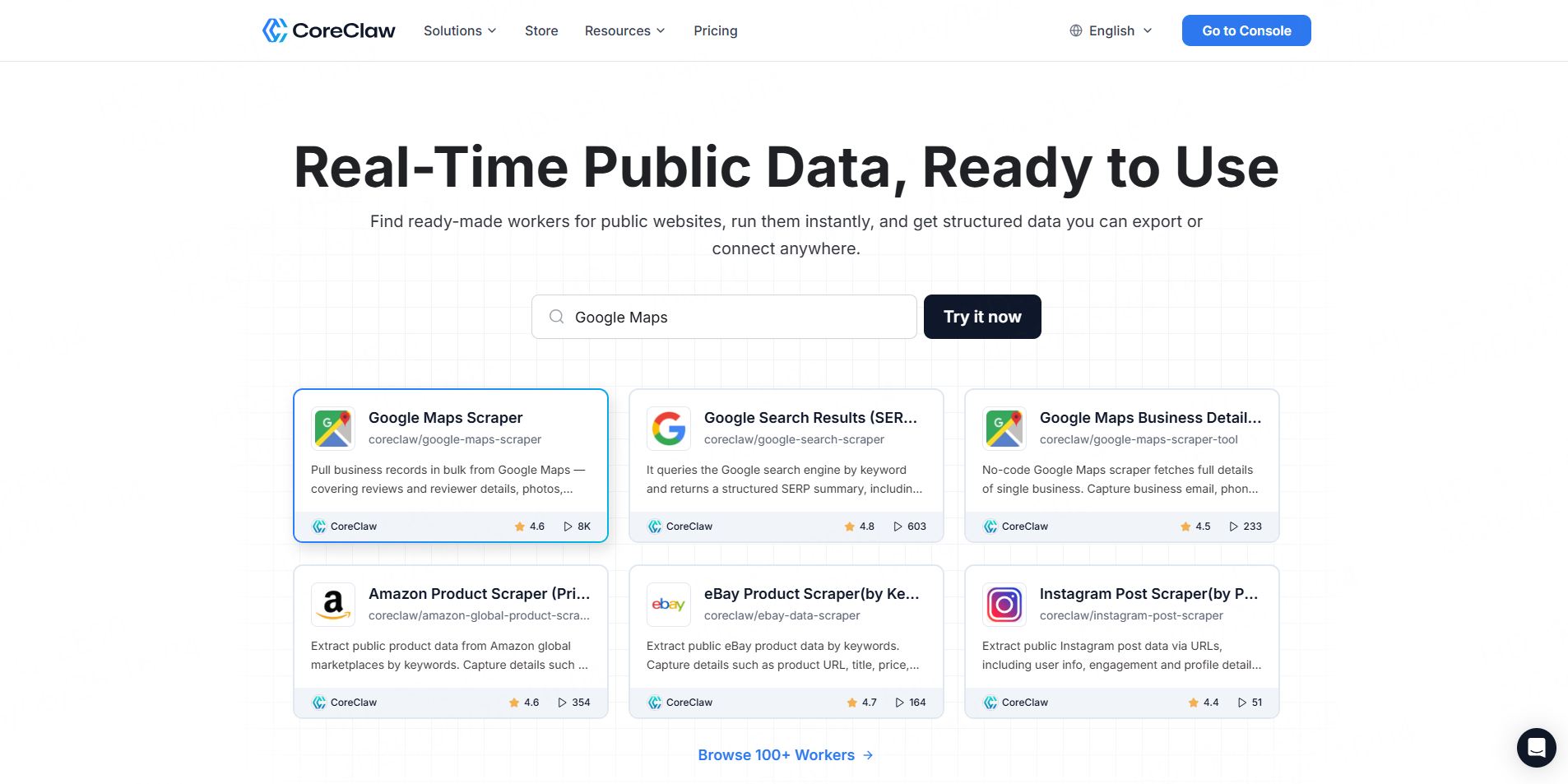
CoreClaw is best for teams that need to discover relevant businesses before finding contacts. Its Google Maps Local Business Scraper can collect business names, websites, phone numbers, categories, ratings, locations, and available emails by keyword and region. Results can be cleaned, filtered, and exported in structured formats.
Best for: Local agencies, B2B sales teams, market researchers, and no-code users.
2. Hunter
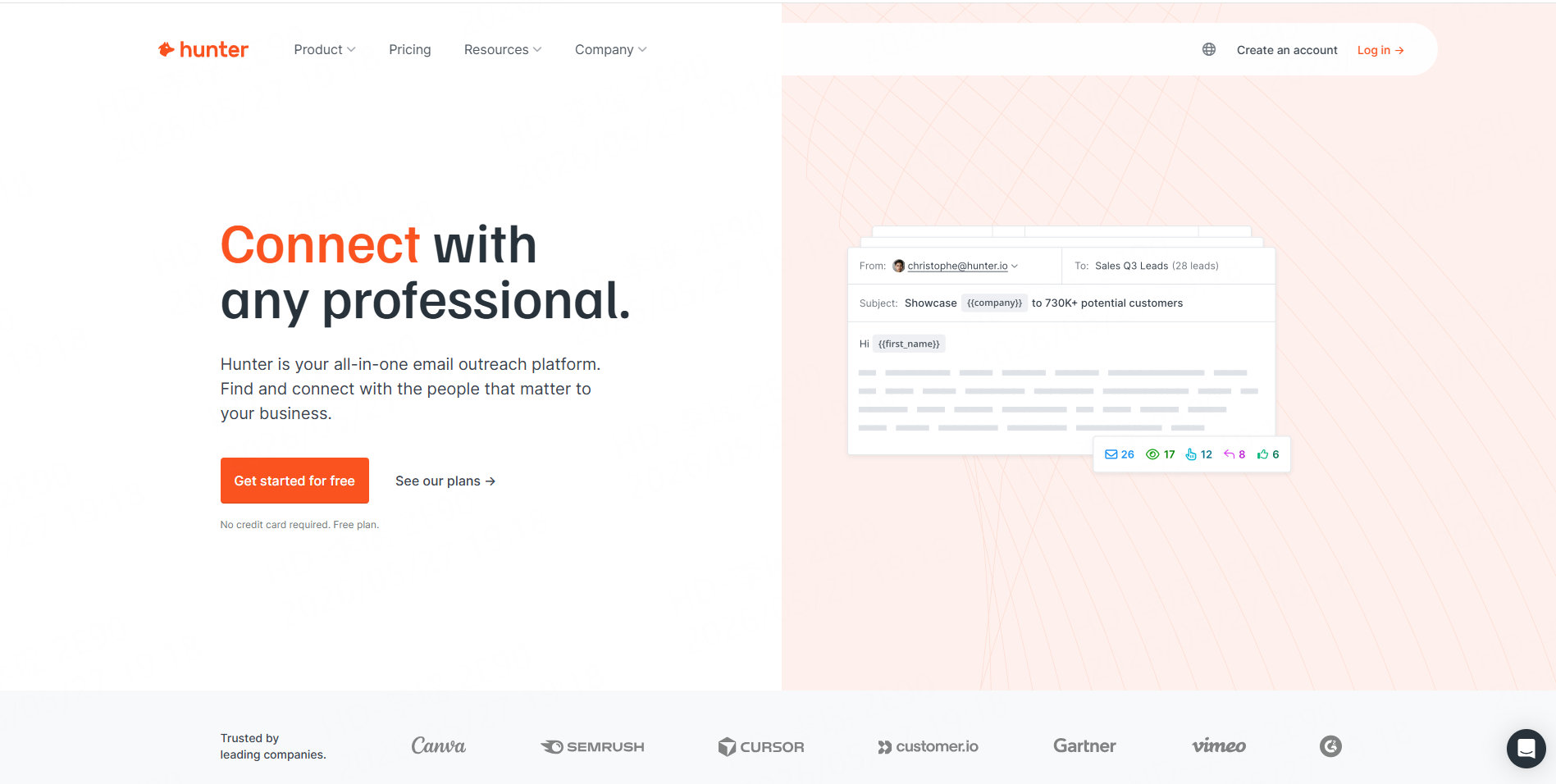
Hunter works well when the company and domain are already known. Domain Search finds professional contacts associated with a website, while Email Finder combines a person’s name and company domain. Hunter also provides bulk lookup, verification, API access, and outreach sequences.
Best for: Domain-based enrichment and email verification.
3. Apollo
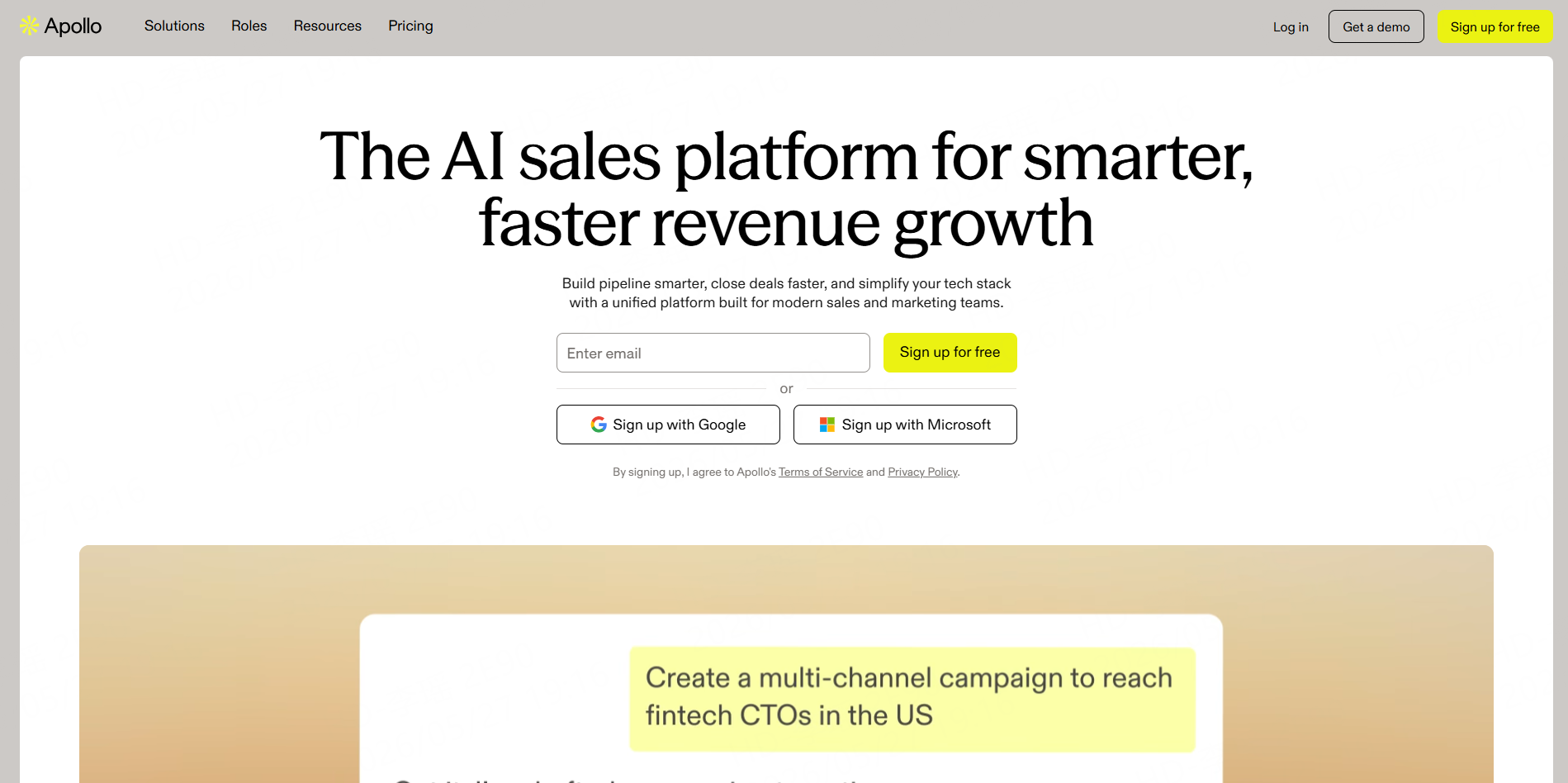
Apollo combines a searchable B2B contact database with filters, enrichment, CRM integrations, sequences, and sales automation. It is more suitable for structured outbound teams than for extracting emails from a specific public website.
Best for: SDR teams that want prospect data and outreach in one platform.
4. Snov.io
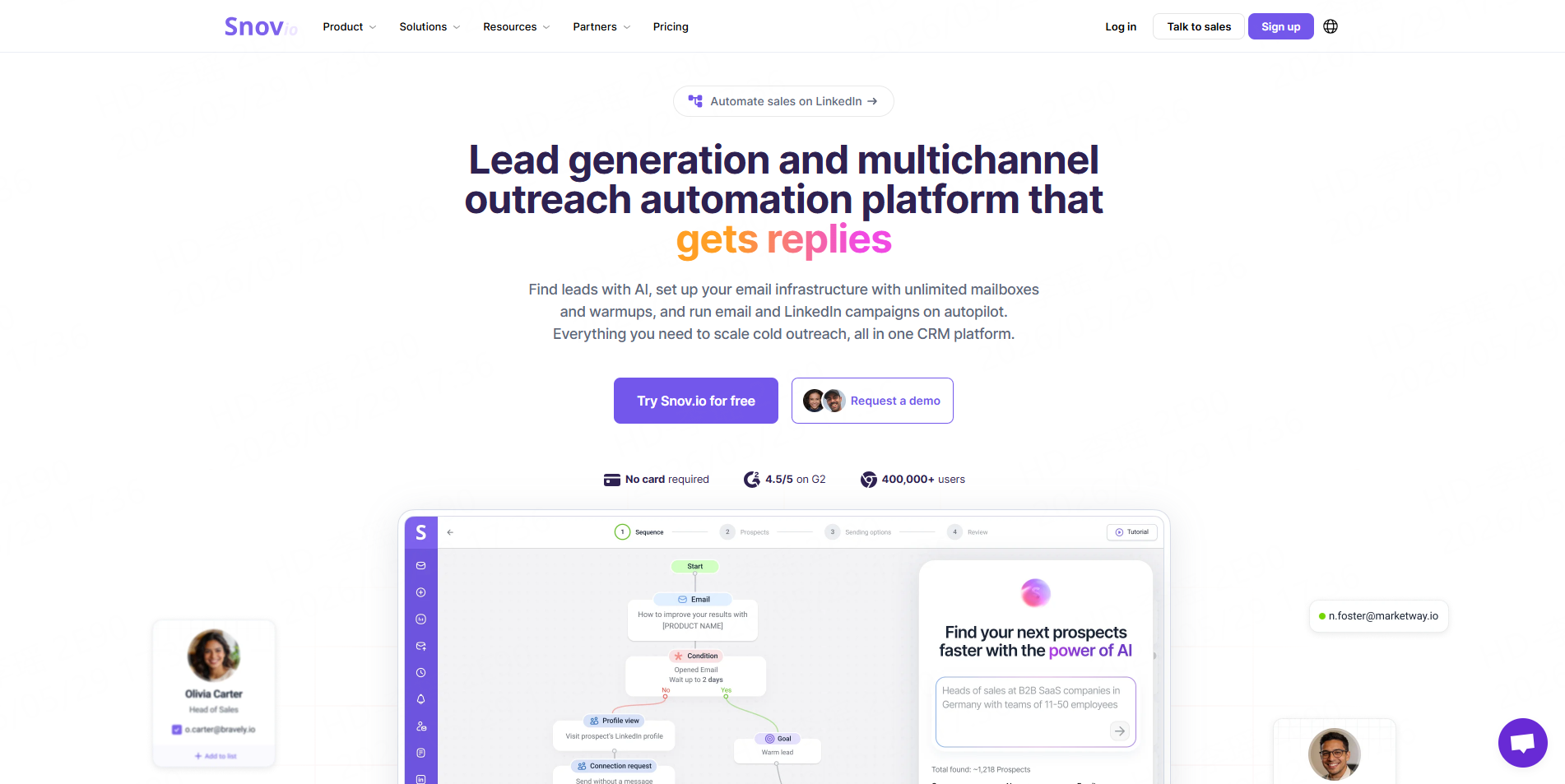
Snov.io supports email finding by domain, company, person, job title, industry, and location. It also combines verification, bulk operations, browser-based prospecting, campaigns, and CRM features.
Best for: Teams that want one tool for discovery, verification, and email sequences.
5. Saleshandy
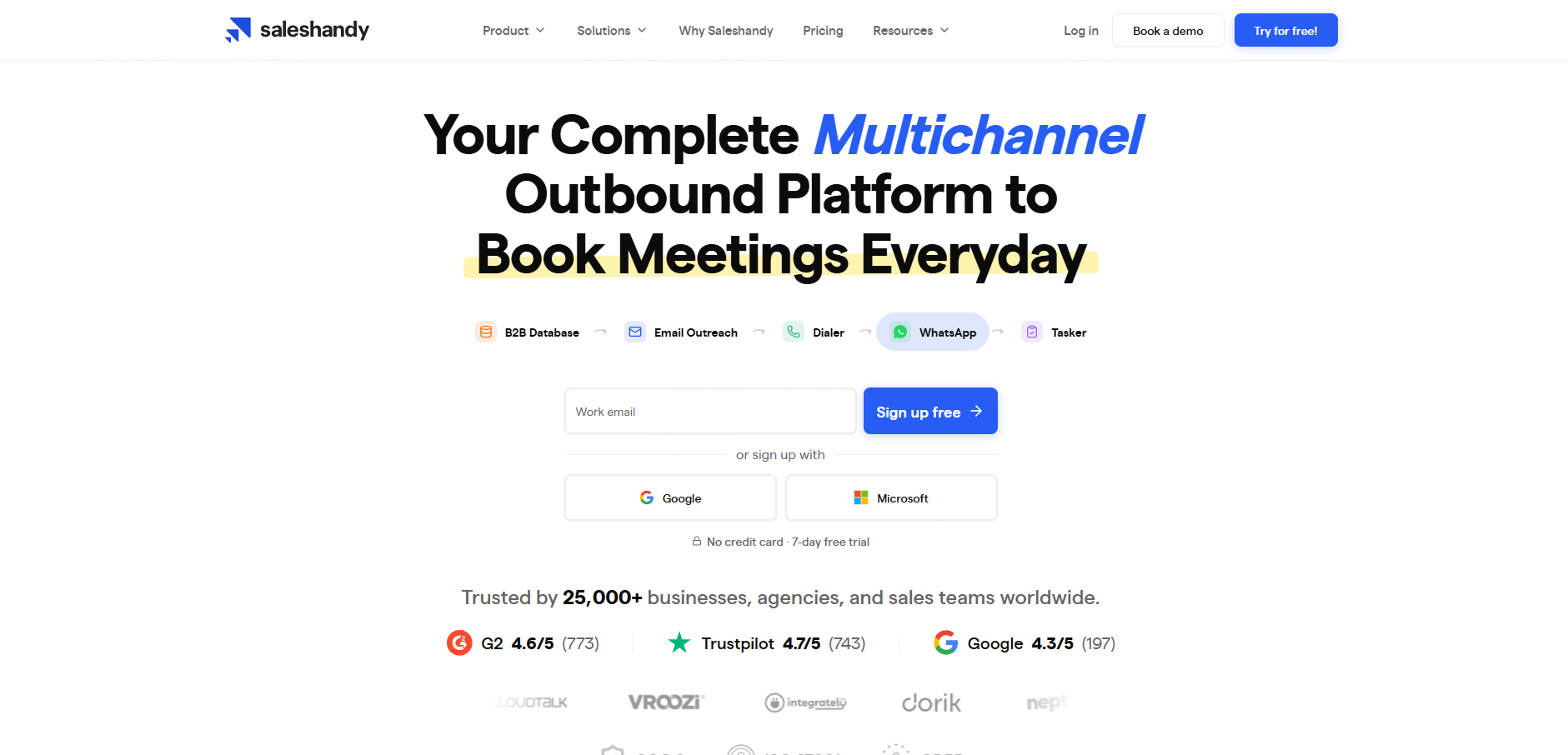
Saleshandy Lead Finder searches people and companies and returns verified work emails, phone numbers, and additional lead fields. Its credits and outreach products are managed separately, so teams should compare the complete workflow cost.
Best for: Database-driven B2B prospecting with built-in outreach options.
6. Outscraper
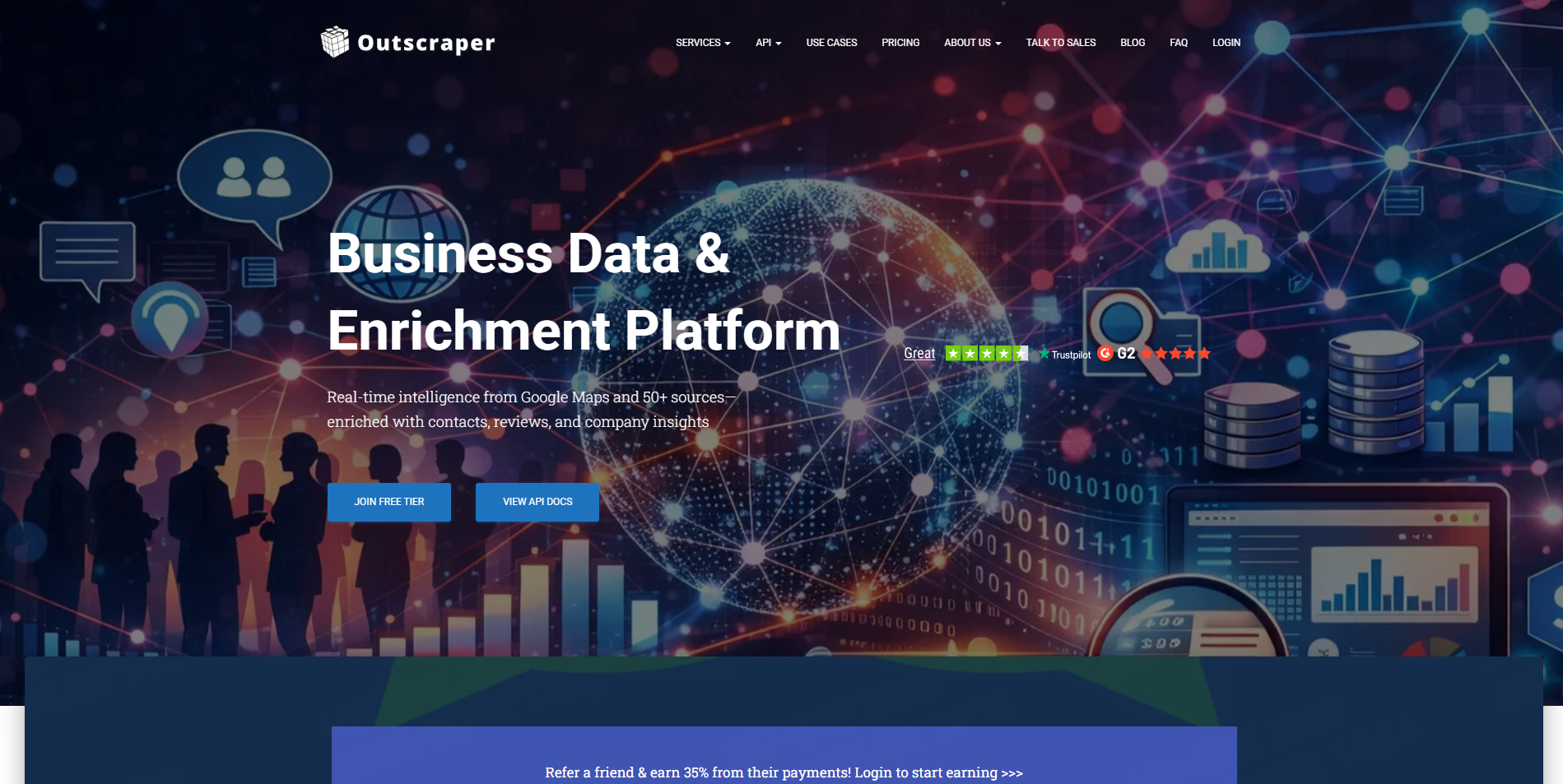
Outscraper’s Email Extractor accepts company domains and searches public sources for emails, phone numbers, and social profiles. It is especially relevant when a team has already collected business websites from Google Maps or another directory.
Best for: Bulk website contact extraction and local-business enrichment.
7. PhantomBuster
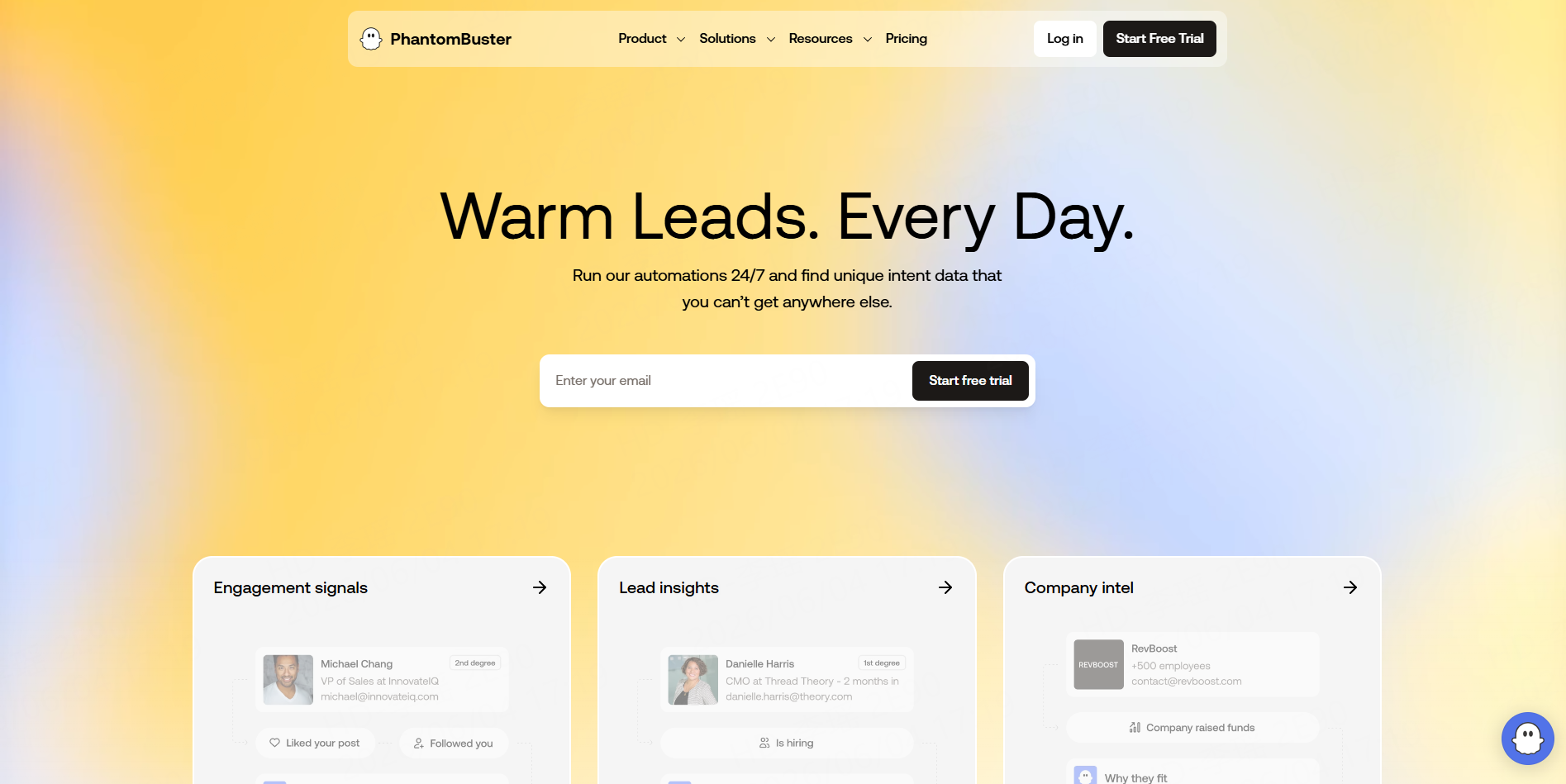
PhantomBuster supports multi-step workflows that combine profile or website extraction with professional email discovery. Its standalone extractor only finds addresses published on supplied pages, while deeper research may require additional Phantoms or enrichment steps.
Best for: LinkedIn-oriented and spreadsheet-driven sales automations.
8. Apify
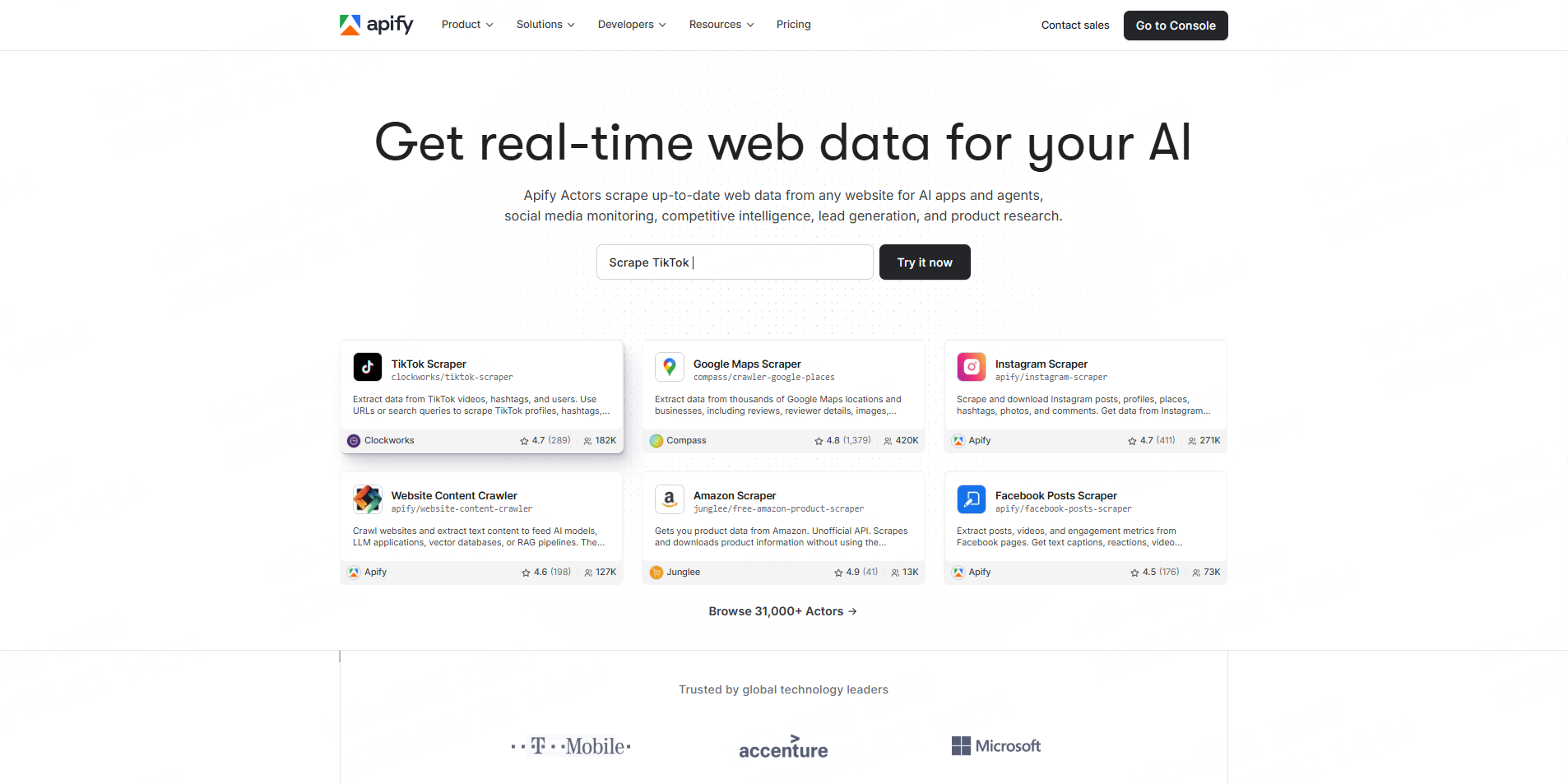
Apify provides a marketplace of Actors that crawl websites and collect emails, phone numbers, and social links. Some Actors follow contact, about, team, and legal pages, but schemas, pricing, and maintenance differ between developers.
Best for: Developers and growth teams that need customizable crawlers.
9. Skrapp
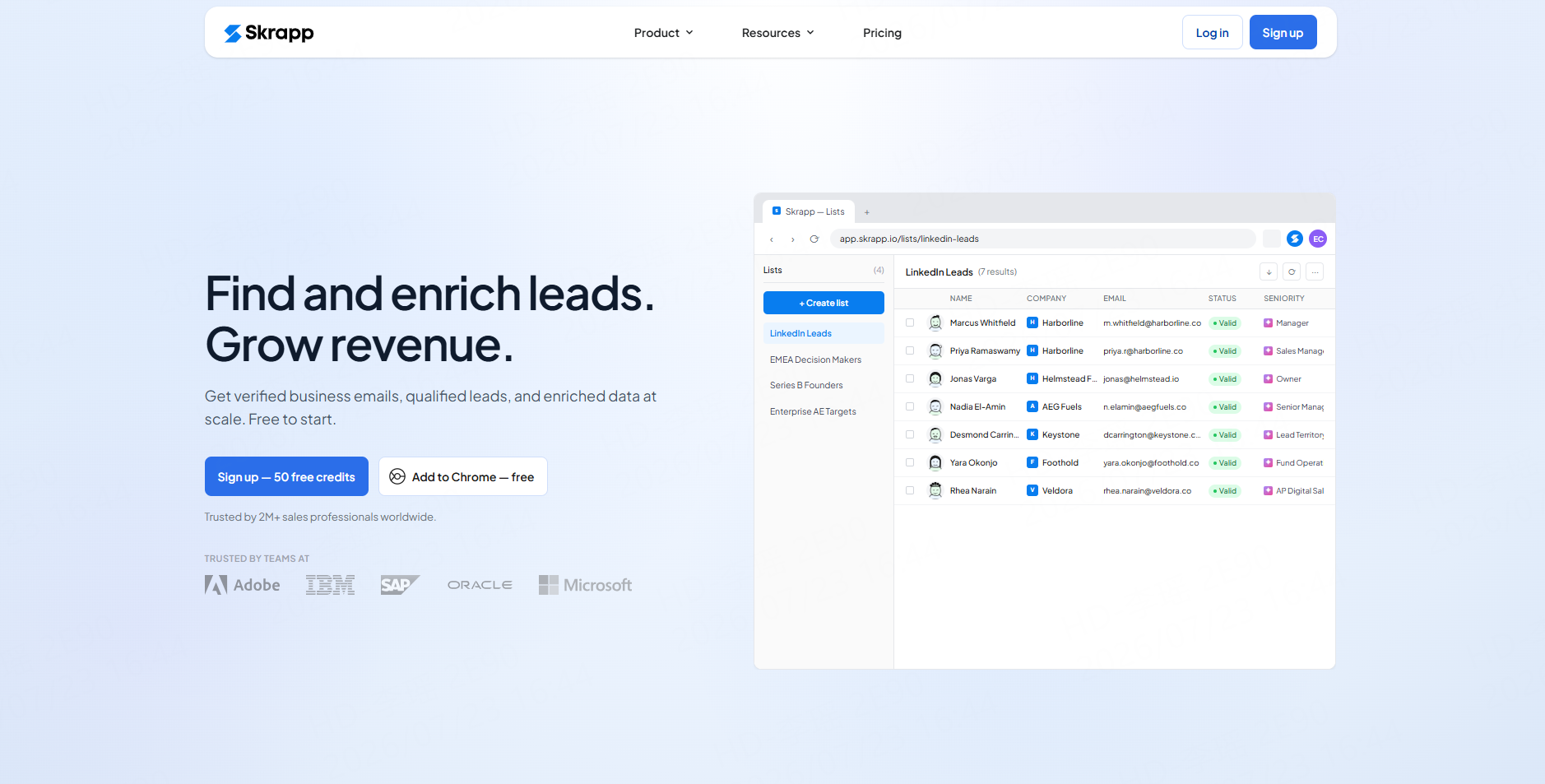
Skrapp combines a professional contact database, email finding, verification, LinkedIn integrations, bulk search, and a Chrome extension. Its pricing model emphasizes charging for deliverable email results.
Best for: LinkedIn, Sales Navigator, and company-domain prospecting.
10. GetProspect
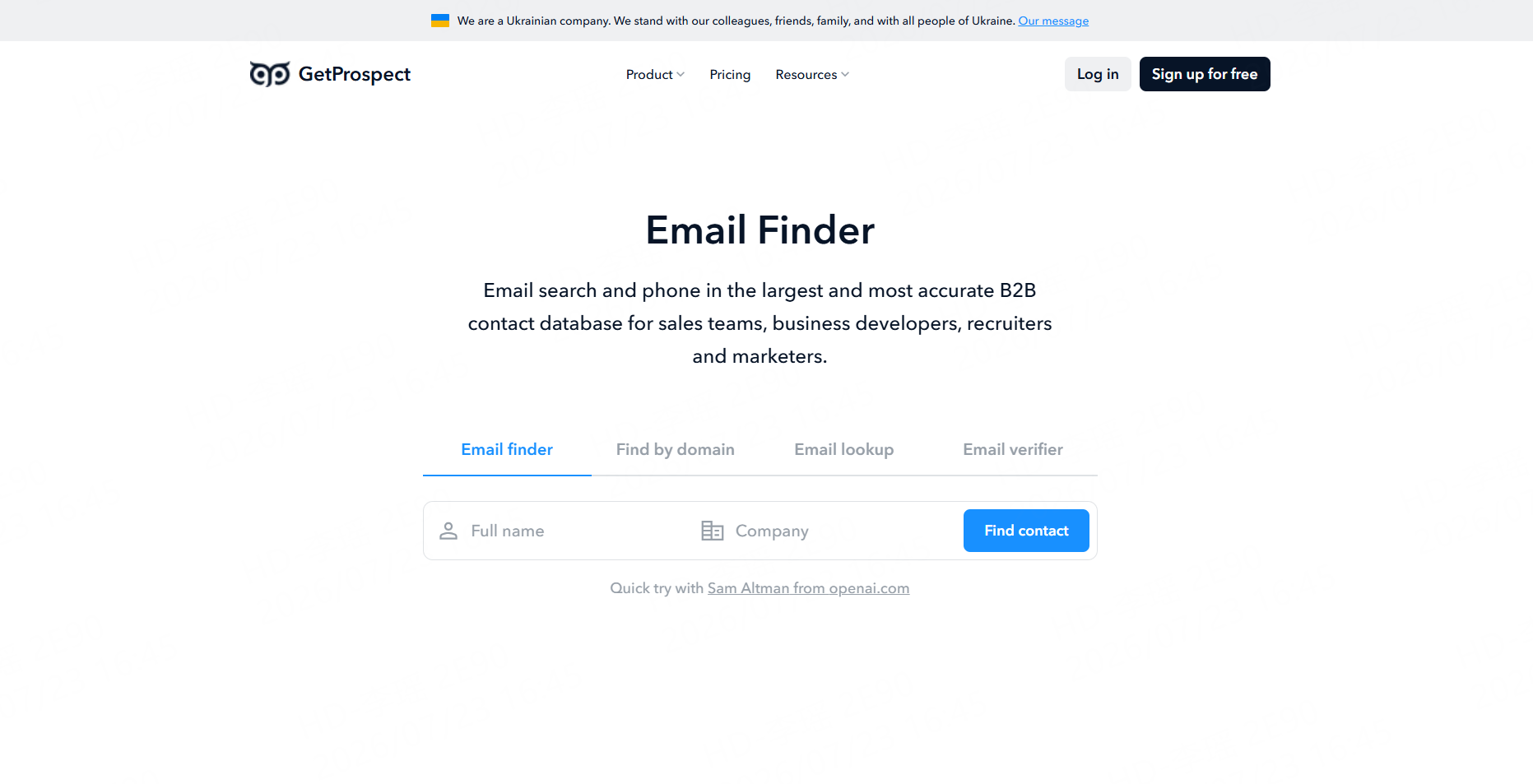
GetProspect supports database search, LinkedIn-oriented lead collection, bulk email finding, verification, CSV export, and team workspaces. Plans are based on the number of valid email addresses saved.
Best for: Small teams building and enriching LinkedIn-based contact lists.
How to Choose Based on Your Starting Data
Choose CoreClaw when the team starts with a market definition such as “accounting firms in Chicago.” Choose Outscraper or Apify when it already has a list of websites. Hunter is practical for known names and domains, while Apollo or Saleshandy is better for searching by role, company size, industry, and other ICP filters.
PhantomBuster, Skrapp, and GetProspect are most relevant when the workflow begins with professional profiles. Before subscribing, test each option on a representative sample and compare match rate, verification status, missing records, export fields, and cost per usable lead.
A Practical B2B Email Workflow with CoreClaw
First, define the target customer, location, qualification signals, and required fields. Then select a relevant tool from the CoreClaw Worker Store and collect public business records from sources such as Google Maps.
Filter the results by category, location, website availability, rating, or contact coverage. Verify important email addresses with a dedicated verifier rather than assuming every published address is current.
Business users can export cleaner records to CSV or Excel. Recurring workflows can use the CoreClaw API to start runs, check their status, retrieve results, and generate export files. Developers can also publish scraping Workers when they have reusable extraction workflows.
Responsible Email Collection and Outreach
Focus on relevant public business information and avoid private, sensitive, login-only, or unnecessary personal data. Maintain source URLs, verification status, collection dates, and suppression lists.
For commercial email in the United States, FTC guidance requires accurate sender information and subject lines, a valid physical address, and a clear opt-out method. Other countries may require consent or a specific lawful basis, so teams should review the rules that apply to each market.
Final Thoughts
The best email scraping tool depends on what the team knows before research begins. Databases are useful for role-based searches, domain finders help enrich known accounts, and website crawlers collect published contact details.
CoreClaw provides a practical starting point when teams need to discover businesses and build structured lead records before email enrichment. Ready-made Workers, cleaner outputs, CSV/Excel/JSON export, API access, custom workflows, and pay-only-for-successful-results pricing help connect public data collection with a usable B2B lead process.
For related workflows, read CoreClaw’s guides to email scraper tools for business lead research and building business lead lists that sales teams can use.
Frequently Asked Questions

Content Writer @CoreClaw · Last Updated 2026-07-23
Lena Kovalenko researches how modern software systems expose and organize information online. Her writing focuses on the interaction between APIs, web platforms, and automated data workflows. When exploring a topic she typically compares multiple tools to understand their design assumptions. These comparisons often lead to articles that help readers see how different technical approaches influence reliability and efficiency.
View Author Profile →Disclaimer: All information on the CoreClaw Blog is provided “as is” and for informational purposes only. CoreClaw makes no representations and assumes no liability for any consequences arising from your use of information published on the CoreClaw Blog or on any third-party websites linked from it. Before any scraping activity, consult legal counsel, review the target website’s terms of service, and obtain permission where required.




