Google Maps scraper tools turn public business listings into structured records containing fields such as company names, categories, addresses, websites, phone numbers, opening hours, ratings, reviews, and coordinates. Sales teams use them to find local prospects, while agencies and researchers use the resulting data for local SEO, market analysis, reputation monitoring, and location intelligence.
The tools in this category are not interchangeable. Some provide ready-made no-code workflows, while others offer APIs, browser automations, visual workflow builders, or open-source software. The best choice depends on the required fields, technical resources, geographic scale, export format, and amount of cleanup needed after collection.
Google Maps Scraper Tools at a Glance
Tool | Best For | Main Interface | Typical Output |
CoreClaw | Clean local business datasets | No-code Worker and API | CSV, Excel, JSON |
Apify | Customizable cloud automation | Actor, API, schedules | Datasets and files |
Outscraper | Maps data and enrichment | Cloud interface and API | CSV, JSON |
Bright Data | Enterprise API workflows | Scraper API | HTML, JSON |
Scrap.io | Filtered local lead lists | No-code platform and API | Business records |
Octoparse | Visual no-code scraping | Templates and workflow builder | CSV, Excel, JSON |
PhantomBuster | Sales automation chains | Cloud Phantom | CSV, JSON |
ScrapeHero Cloud | Bulk search-query projects | Cloud scraper and API | CSV, Excel, JSON |
SerpApi | Real-time Maps search results | Developer API | JSON |
Omkar Cloud | Open-source customization | Python and API | Developer-defined |
The 10 Best Google Maps Scraper Tools
1. CoreClaw
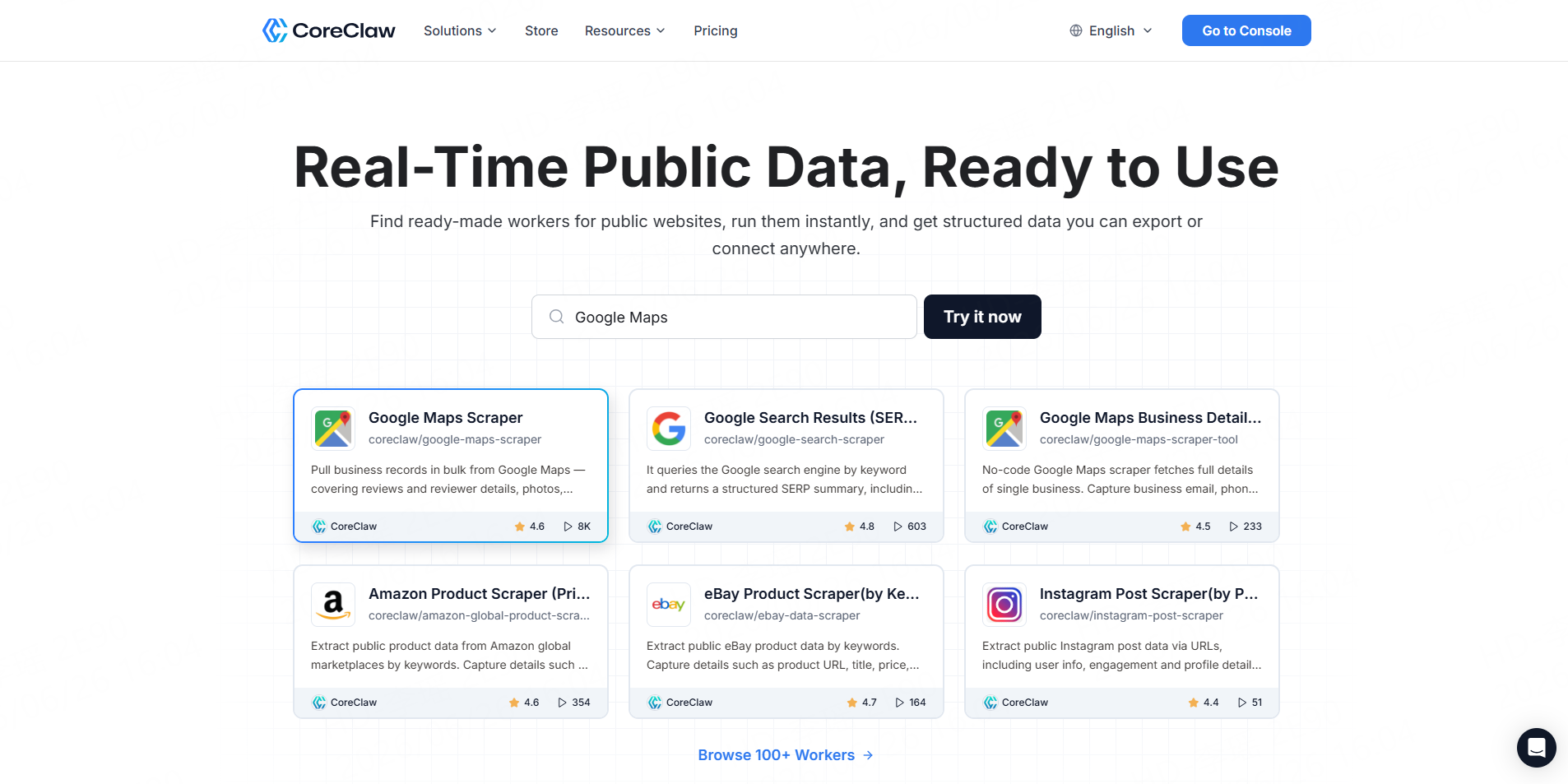
The CoreClaw Google Maps Local Business Scraper collects business listings by keyword and location, with optional website-contact and social-profile enrichment. Results can be cleaned, filtered, scheduled, exported in multiple structured formats, or retrieved through an API. CoreClaw charges for successful results rather than failed requests.
Best for: Sales teams, agencies, researchers, and non-technical users that need ready-to-use business data.
Watch-out: Highly specialized sources may require a custom Worker.
2. Apify
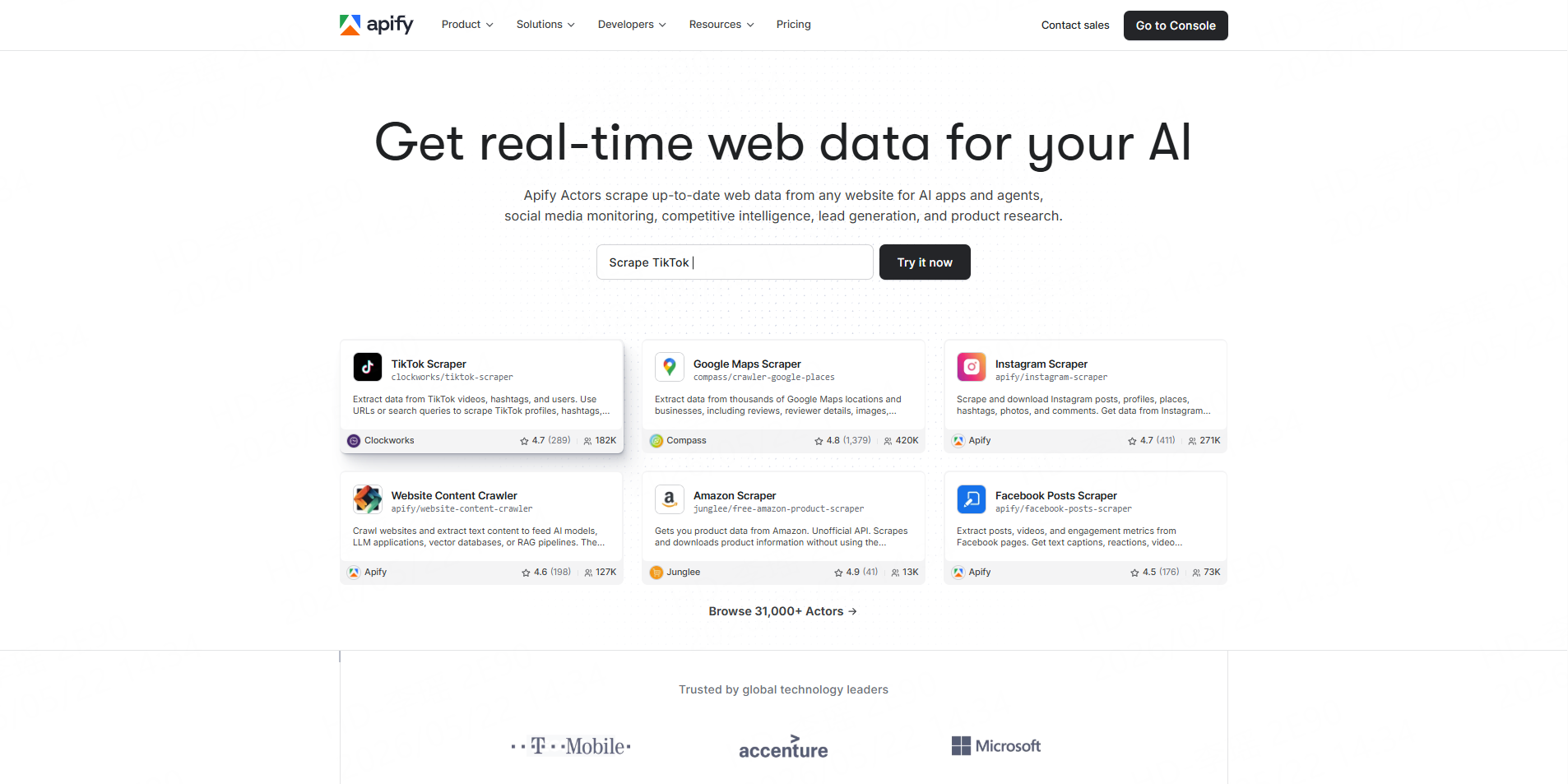
Apify’s Google Maps Scraper is a cloud Actor that supports business records, reviews, images, contact information, hours, prices, API runs, schedules, and integrations. It is one of the more configurable options and can process searches, URLs, categories, or geographic inputs.
Best for: Developers and growth teams that need flexible automation.
Watch-out: Advanced configurations and Actor pricing may require technical review.
3. Outscraper
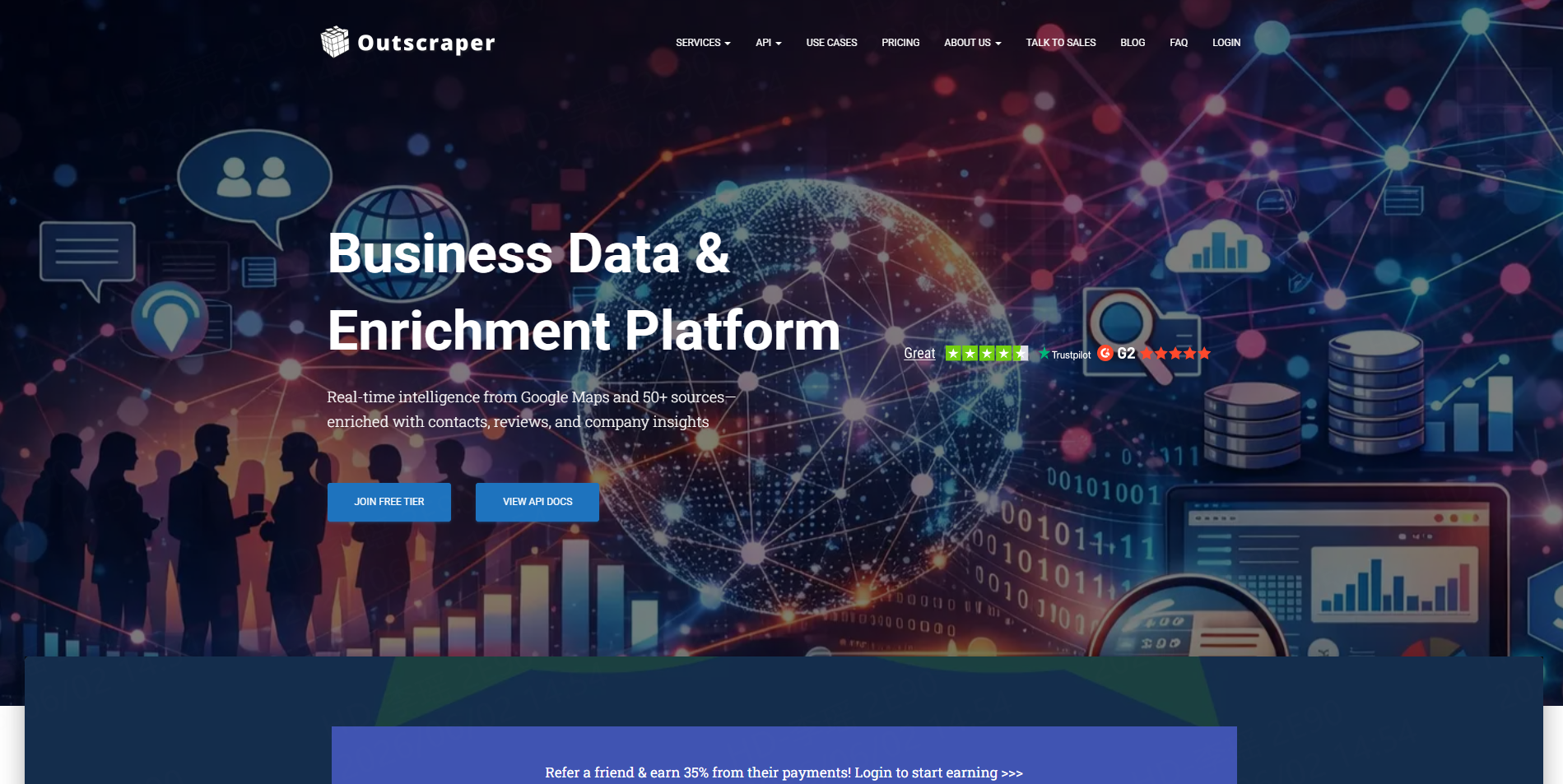
Outscraper provides a dedicated Google Maps Scraper for names, locations, phones, websites, ratings, and reviews. Its Emails and Contacts enrichment can visit associated business websites to find available emails and social profiles.
Best for: Agencies that want specialized Maps extraction and optional contact enrichment.
Watch-out: Enrichment can add separate processing steps and costs.
4. Bright Data
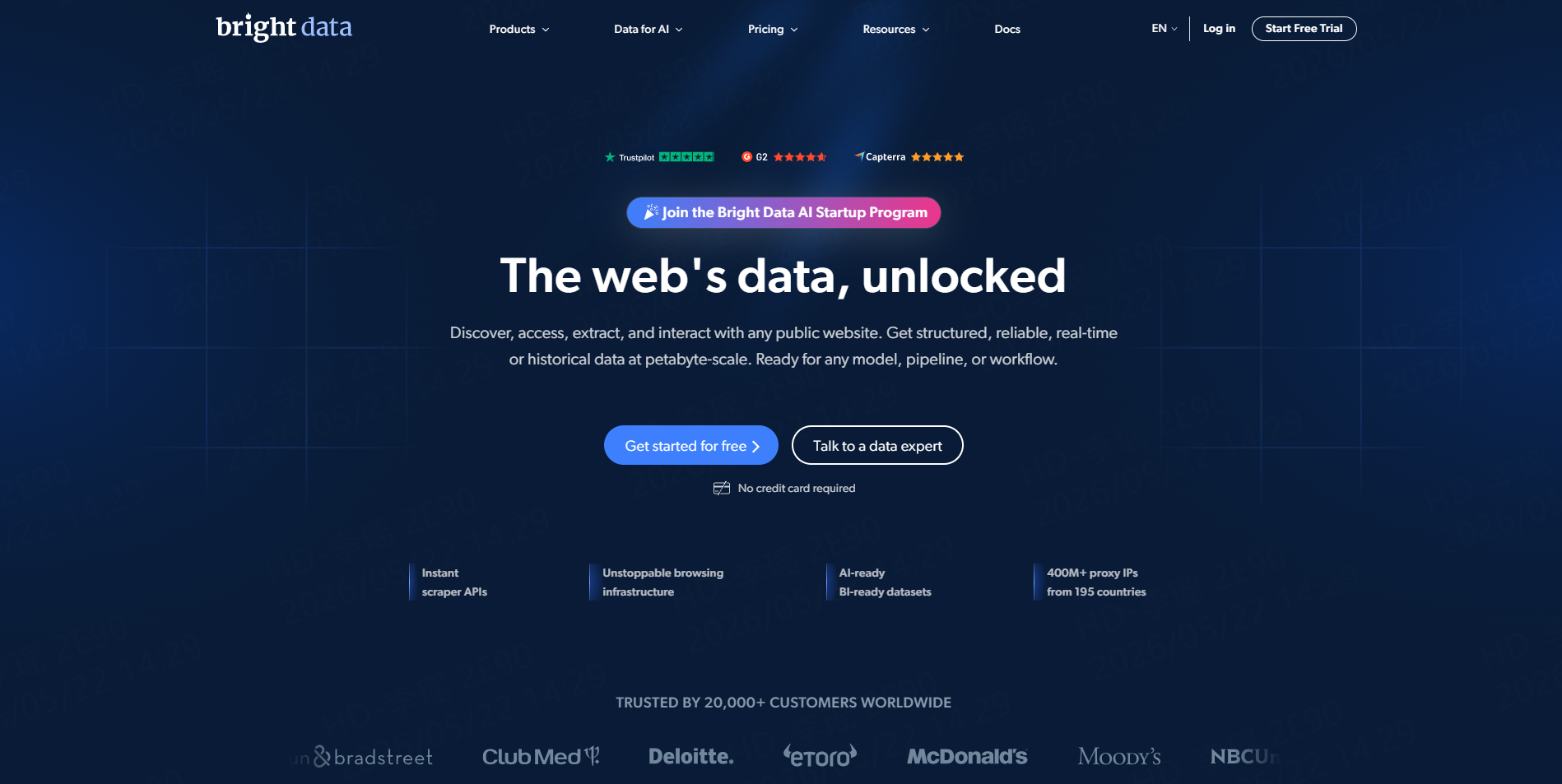
Bright Data offers a Google Maps Scraper API with city-level targeting, real-time results, proxy management, browser fingerprinting, CAPTCHA handling, retries, and HTML or JSON responses. Its product page states that failed requests are not charged.
Best for: Enterprise and developer-led, high-volume API workflows.
Watch-out: The infrastructure is more complex than many spreadsheet-based projects require.
5. Scrap.io
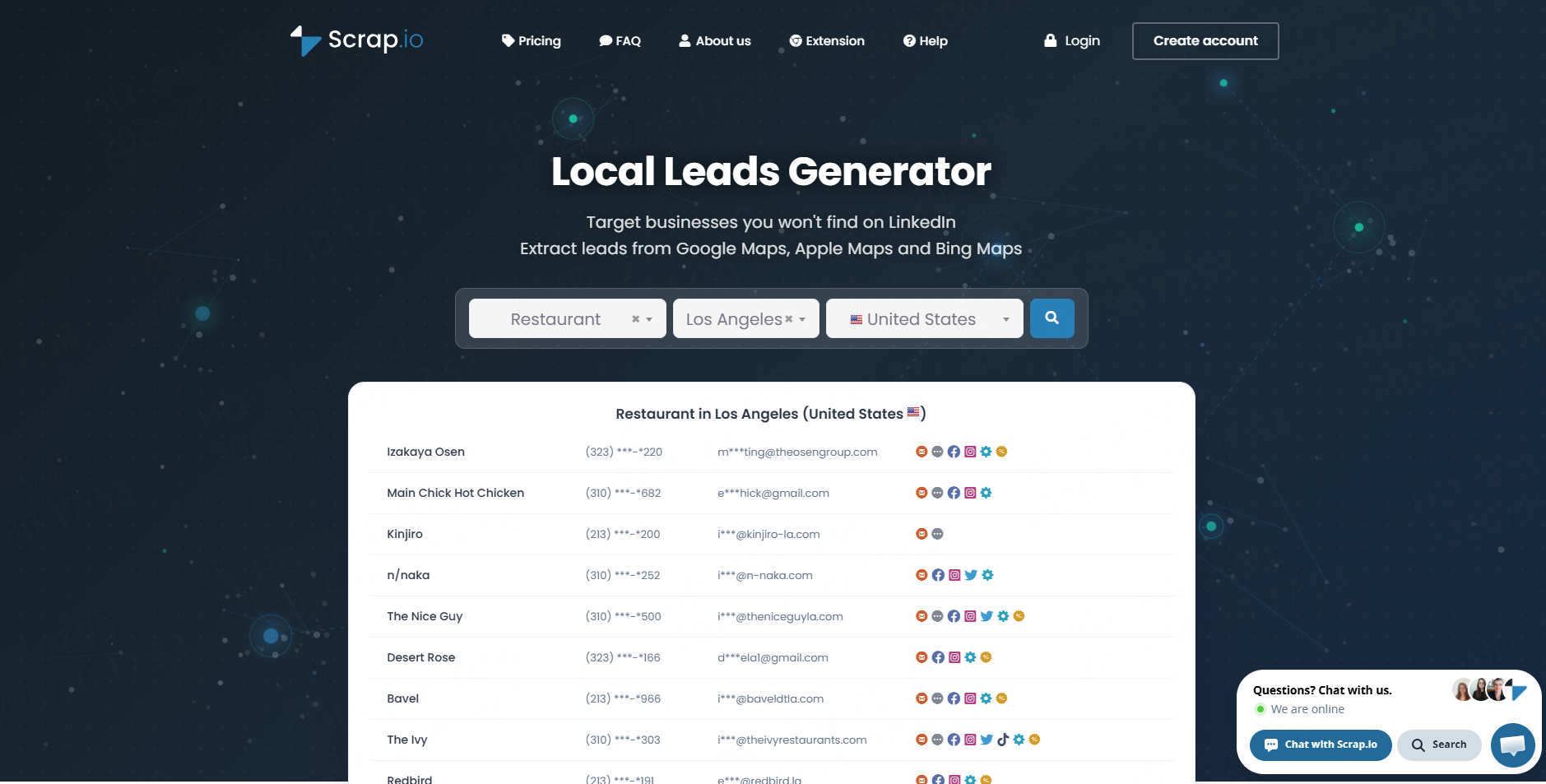
Scrap.io focuses on business discovery across Google Maps, Apple Maps, and Bing Maps. It supports category and geographic searches, contact fields, reviews, pre-export filters, polygon or radius targeting, and a REST API.
Best for: Users who want to filter local businesses before exporting leads.
Watch-out: It is more specialized in map-based business data than general web scraping.
6. Octoparse
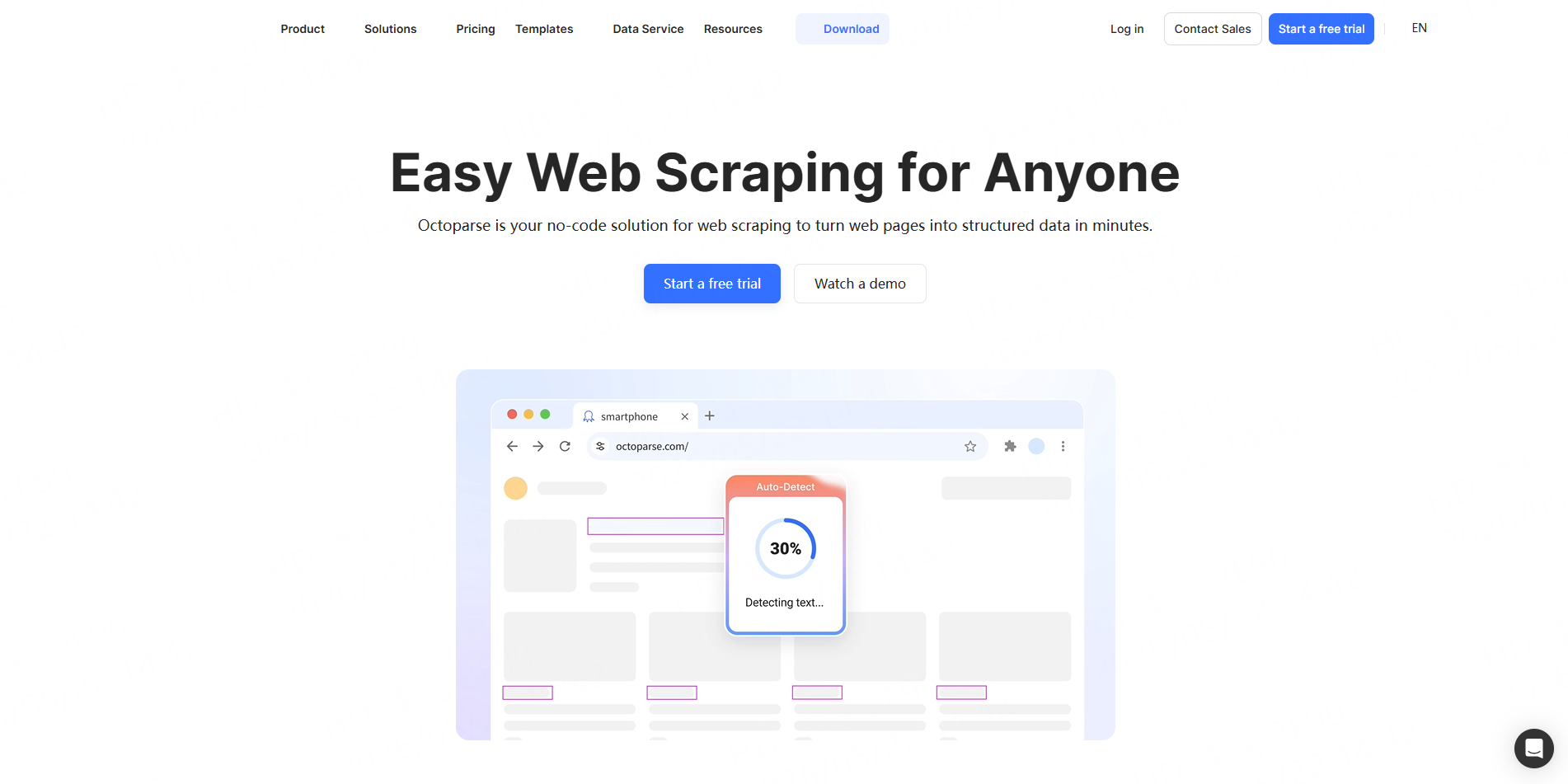
Octoparse provides ready-made Google Maps templates and a visual no-code workflow builder. Users can scrape by keywords, URLs, locations, and languages, then export names, contacts, ratings, geolocation, reviews, and other fields to CSV, Excel, or JSON.
Best for: Business users who prefer templates and visual configuration.
Watch-out: Custom workflows may require more setup than a dedicated one-form scraper.
7. PhantomBuster
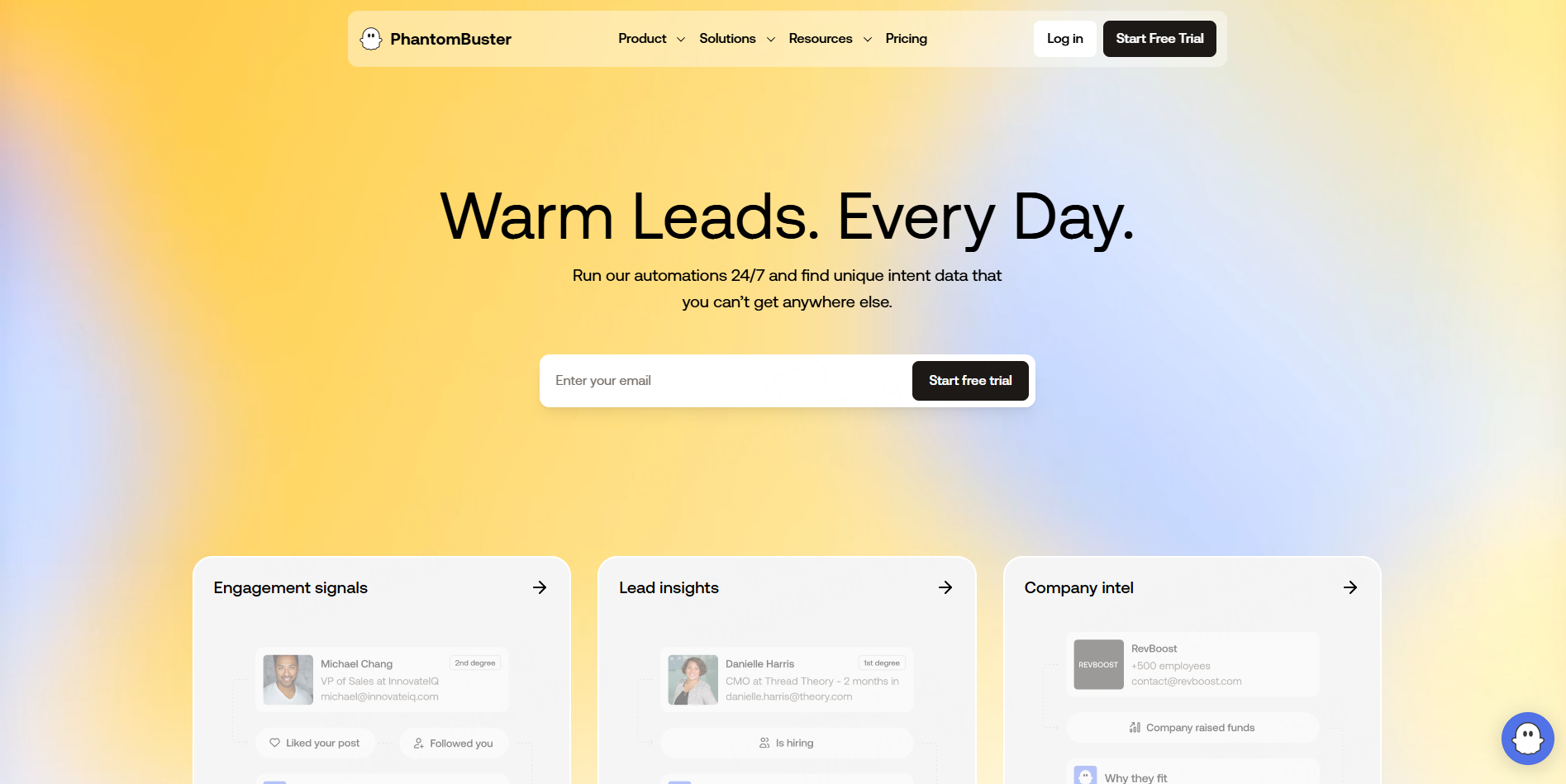
PhantomBuster’s Google Maps Search Export collects listing results into CSV or JSON and can automatically skip duplicate results. Related Phantoms can visit business websites to retrieve available emails, phone numbers, and social links.
Best for: Sales teams combining Maps discovery with multi-step enrichment.
Watch-out: Large geographic projects require granular searches and careful proxy configuration.
8. ScrapeHero Cloud
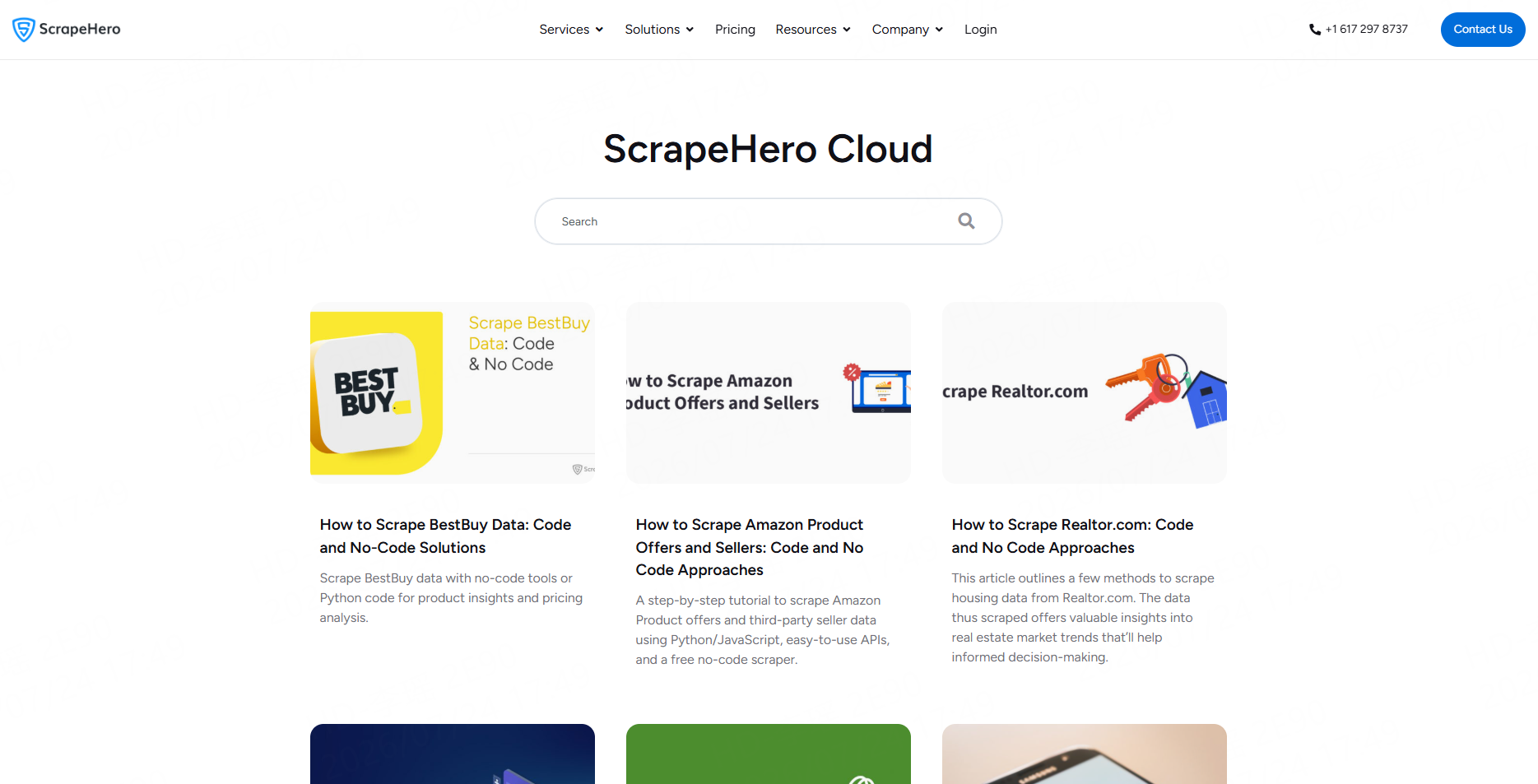
ScrapeHero Cloud accepts large batches of search queries and exports business names, phone numbers, addresses, websites, ratings, and other listing fields. It supports recurring collection and can be paired with a separate Contact Details Scraper for emails and social profiles.
Best for: Bulk query projects and scheduled spreadsheet delivery.
Watch-out: Contact enrichment is a separate stage rather than part of every base result.
9. SerpApi
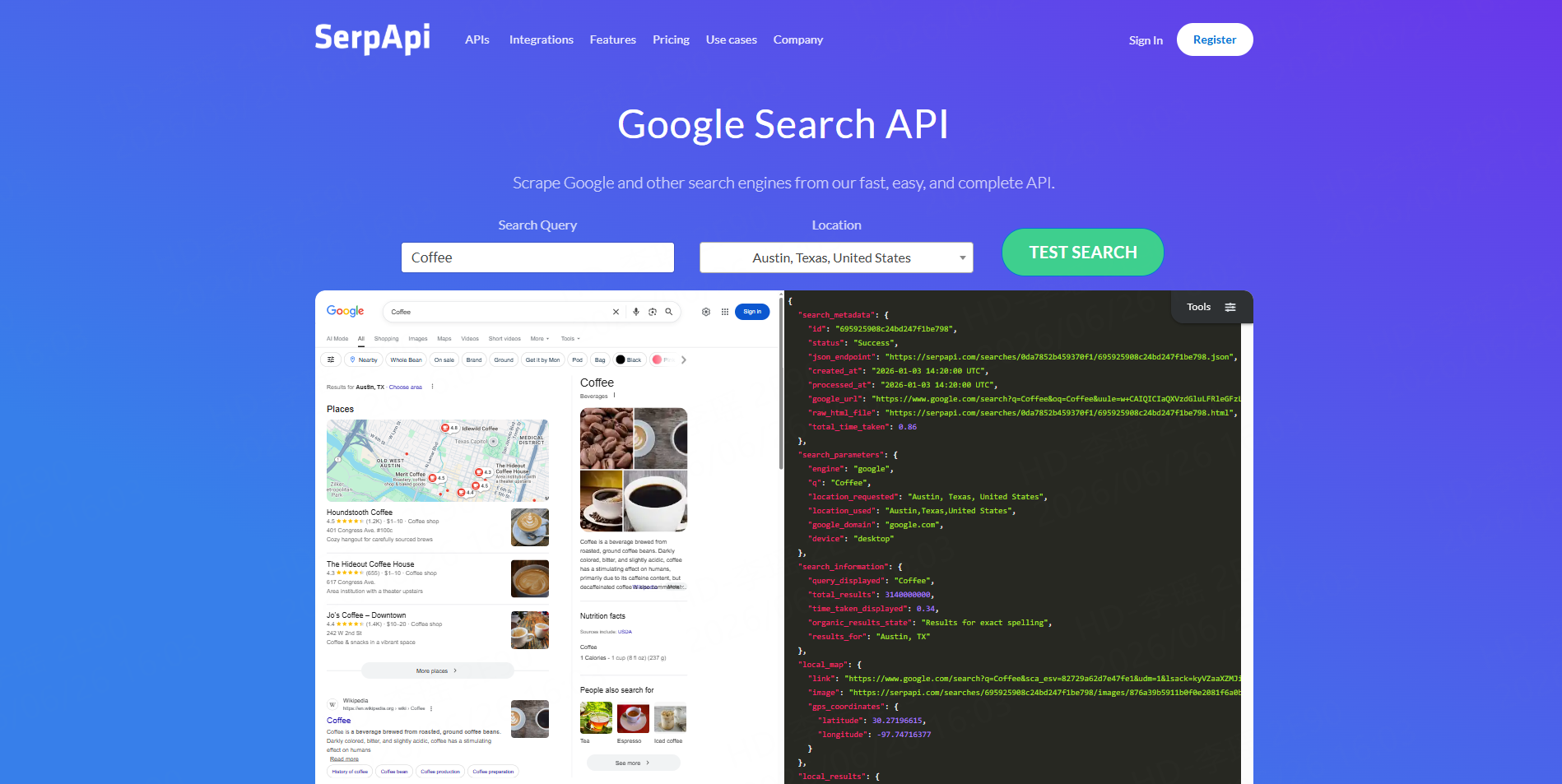
SerpApi provides structured Google Maps and local-search results through a real-time developer API, with location controls and JSON output. It is useful when Maps results must feed directly into an application or data service.
Best for: Developers who need real-time search-result responses.
10. Omkar Cloud Google Maps Scraper
Omkar Cloud’s open-source Google Maps Scraper is available on GitHub and supports business fields, reviews, phones, websites, and optional email or social enrichment. It also offers API-oriented deployment options.
Best for: Developers who want source-code access and greater control.
Watch-out: Self-managed software requires hosting, monitoring, updates, and data-cleaning work.
Turning Raw Google Maps Results Into Usable Data
Start with a limited sample containing realistic keywords and locations. Check whether the returned businesses match the target market before expanding the run.
Next, standardize domains, telephone numbers, addresses, category names, and geographic fields. Remove duplicates using Place IDs, website domains, phone numbers, and name-plus-address matching.
The CoreClaw Google Maps Worker Store includes separate Workers for business discovery, detailed place data, lead enrichment, and the collection of Google Maps reviews. This allows teams to enrich only the businesses that pass initial qualification.
Recurring workflows can use the CoreClaw API integration to start runs, monitor tasks, retrieve results, and generate filtered exports. The Google Places API alternatives guide explains when a scraper workflow may be more practical than an application-focused location API.
Responsible Google Maps Data Collection
Review Google’s current terms, the selected provider’s policies, and the laws applying to the project. Focus on necessary public business information and avoid private, sensitive, login-only, or unrelated personal data. Google’s general terms and service-specific policies can change, so compliance should be reviewed when a workflow is created or materially expanded.
Important datasets should also be sample-checked. A successful extraction does not guarantee that every business detail is current or that every enriched contact belongs to the correct company.
Final Thoughts
The best Google Maps scraper is the one that matches the team’s actual workflow.
Apify offers extensive configuration, Bright Data supports enterprise APIs, Octoparse provides visual templates, PhantomBuster connects Maps results with sales automations, and open-source software provides developer control.
With the CoreClaw web data platform, teams can run a ready-made Google Maps Worker without coding, work with cleaned and filtered structured data, export CSV, Excel, or JSON files, and automate recurring runs through an API. Its pay-per-successful-result model also helps align cost with delivered results.
Developers can build specialized workflows in Python, Node.js, or Go and publish scraping Workers when an existing Store tool does not cover the required source or process.
Frequently Asked Questions

Content Writer @CoreClaw · Last Updated 2026-07-24
Lena Kovalenko researches how modern software systems expose and organize information online. Her writing focuses on the interaction between APIs, web platforms, and automated data workflows. When exploring a topic she typically compares multiple tools to understand their design assumptions. These comparisons often lead to articles that help readers see how different technical approaches influence reliability and efficiency.
查看作者资料 →免责声明:CoreClaw 博客上的所有信息均按“原样”提供,仅供参考。对于因您使用 CoreClaw 博客上发布的信息(或通过链接跳转至的任何第三方网站上的信息)而产生的任何后果,CoreClaw 不作任何陈述,亦不承担任何责任。在进行任何数据抓取活动之前,请务必咨询法律顾问,查阅目标网站的服务条款,并在必要时获取许可。