
Google Maps is one of the most practical sources for finding local businesses by industry and location. A single search can reveal company names, categories, addresses, websites, phone numbers, ratings, review counts, opening hours, and other signals that help sales teams identify relevant prospects.
The difficulty is scale. Copying hundreds of listings manually is slow, while raw exports often contain duplicates, incomplete contacts, and businesses outside the target market. The best Google Maps data scraper should therefore do more than collect rows. It should help teams produce cleaned, filtered, and export-ready business lead data.
What Makes a Google Maps Data Scraper Useful for Lead Generation?
A useful scraper should support searches by keyword and location. For example, a local SEO agency may search for “dentists in Austin,” while a commercial supplier may need “independent restaurants in London.”
It should also collect enough context to qualify each business. Important fields include:
· Business name and category
· Address, city, and coordinates
· Website and phone number
· Rating and review count
· Opening hours and business status
· Google Maps URL or Place ID
· Publicly available email and social links
· Collection timestamp
Email data requires special attention. Google Maps does not normally present email as a standard listing field. Scrapers that offer email enrichment may visit the public website connected to the listing and look for contact details there. Some businesses use contact forms or publish no email, so no tool should be expected to return an address for every record.
Best Google Maps Data Scrapers Compared
Tool | Best For | No-Code | API | Main Strength |
CoreClaw | Ready-to-use local business lead lists | Yes | Yes | Cleaned outputs and pay per successful result |
Outscraper | Google Maps extraction and contact enrichment | Yes | Yes | Strong Maps-focused feature set |
Apify | Flexible scraping and automation | Partial | Yes | Large marketplace and customizable Actors |
Bright Data | Enterprise-scale data pipelines | Partial | Yes | Scraping infrastructure and location targeting |
PhantomBuster | Multi-step sales prospecting workflows | Yes | Yes | Maps extraction combined with contact enrichment |
Octoparse | Visual no-code scraping | Yes | Partial | Templates and spreadsheet-friendly exports |
1. CoreClaw
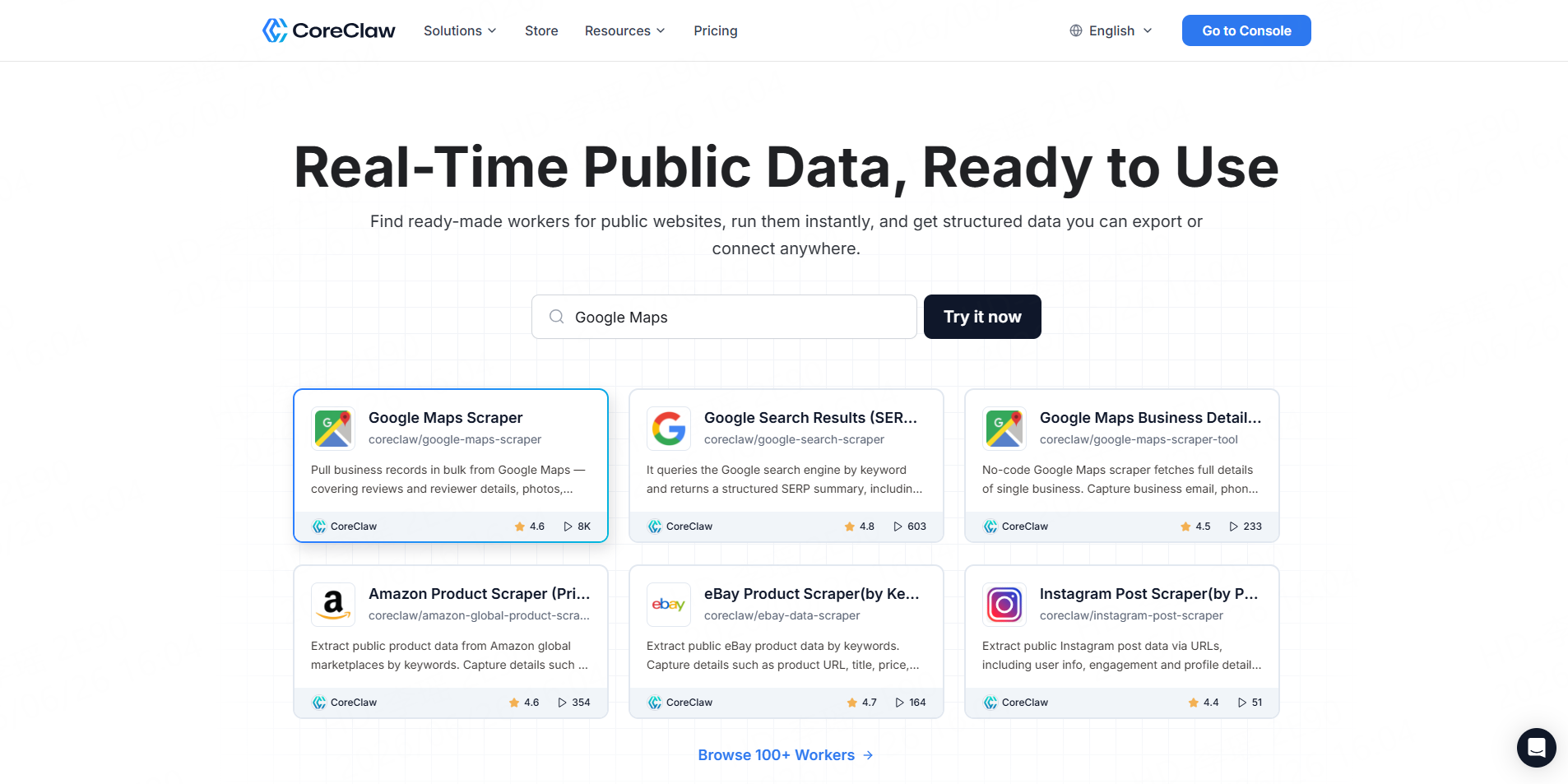
CoreClaw is a cloud-based web data collection platform built around ready-made Workers. A Worker is a reusable tool that collects structured data from a particular website or platform.
For local lead generation, the Google Maps Local Business Scraper can collect business names, locations, websites, phones, contact details, ratings, review counts, categories, opening hours, and related fields. Results can be exported to CSV, Excel, JSON, and other structured formats or connected to downstream systems through an API.
Best for: Sales teams, marketing agencies, researchers, and non-technical users who need organized business records without building a scraper.
Key advantages:
- Ready-made Google Maps Worker
- No-code input and task configuration
- Cleaned and filtered structured results
- CSV, Excel, JSON, and API access
- Scheduling and reusable task configurations
- Pay only for successful results
- Failed results do not count as successful records
CoreClaw is particularly useful when the goal is not simply downloading Google Maps listings but preparing a dataset for filtering, spreadsheet analysis, CRM import, or outreach. Its pay-per-successful-result pricing can also suit teams that prefer usage-based collection instead of paying for unsuccessful requests.
Limitation: A ready-made Worker may not cover every niche directory or custom data source. For specialized workflows, teams may need a custom Worker or a developer-built solution.
2. Outscraper
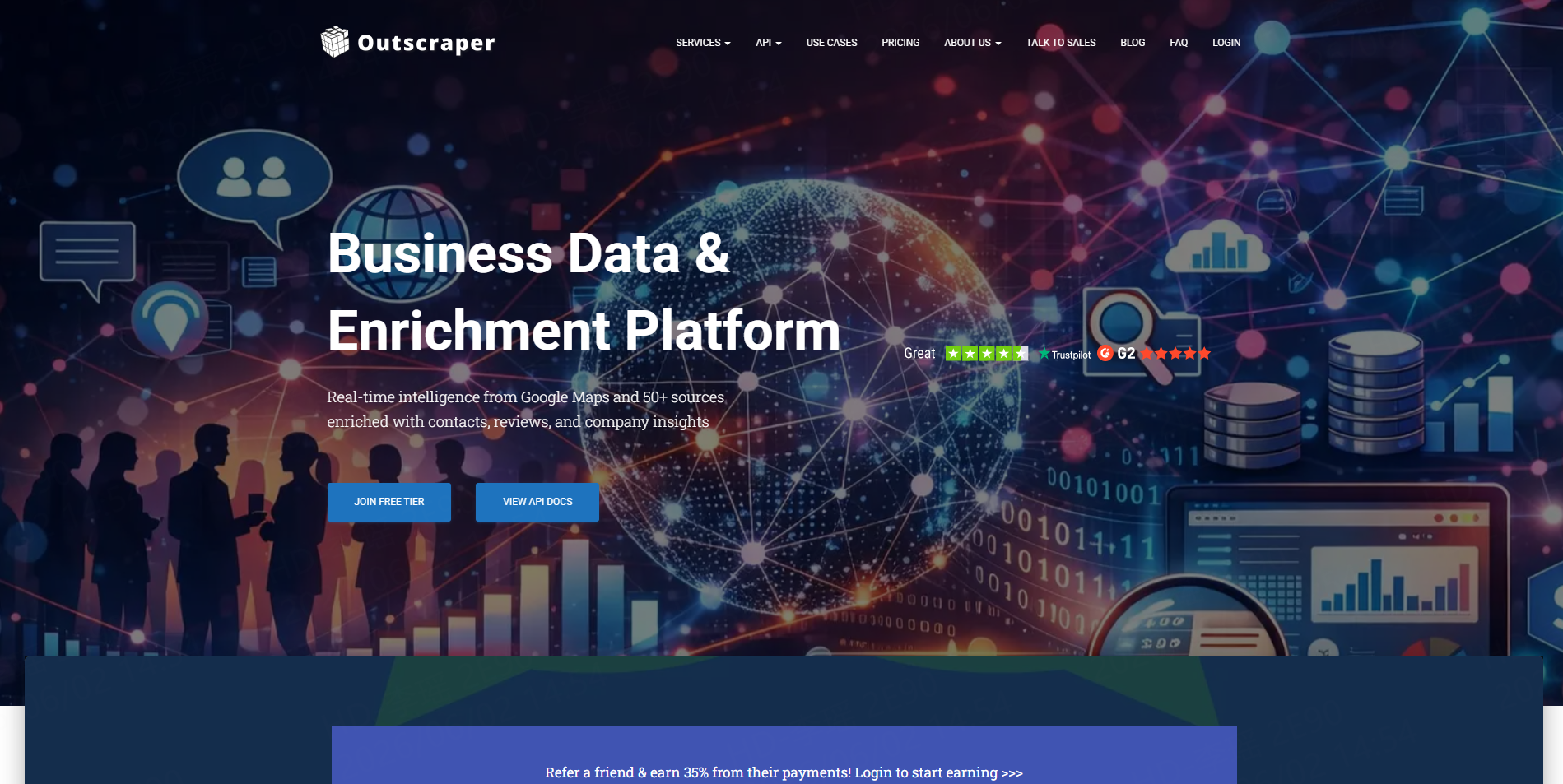
Outscraper offers a dedicated Google Maps Scraper that collects business details such as names, phone numbers, websites, ratings, reviews, and location information. Its workflow also supports an additional email and contact enrichment step.
Best for: Teams that primarily work with Google Maps and want built-in enrichment options.
Pros:
- Maps-specific search configuration
- Keyword and location targeting
- Contact enrichment options
- Spreadsheet and API workflows
Cons:
- Teams may still need to clean, segment, and validate the final list
- More complex enrichment can add workflow steps and cost
3. Apify
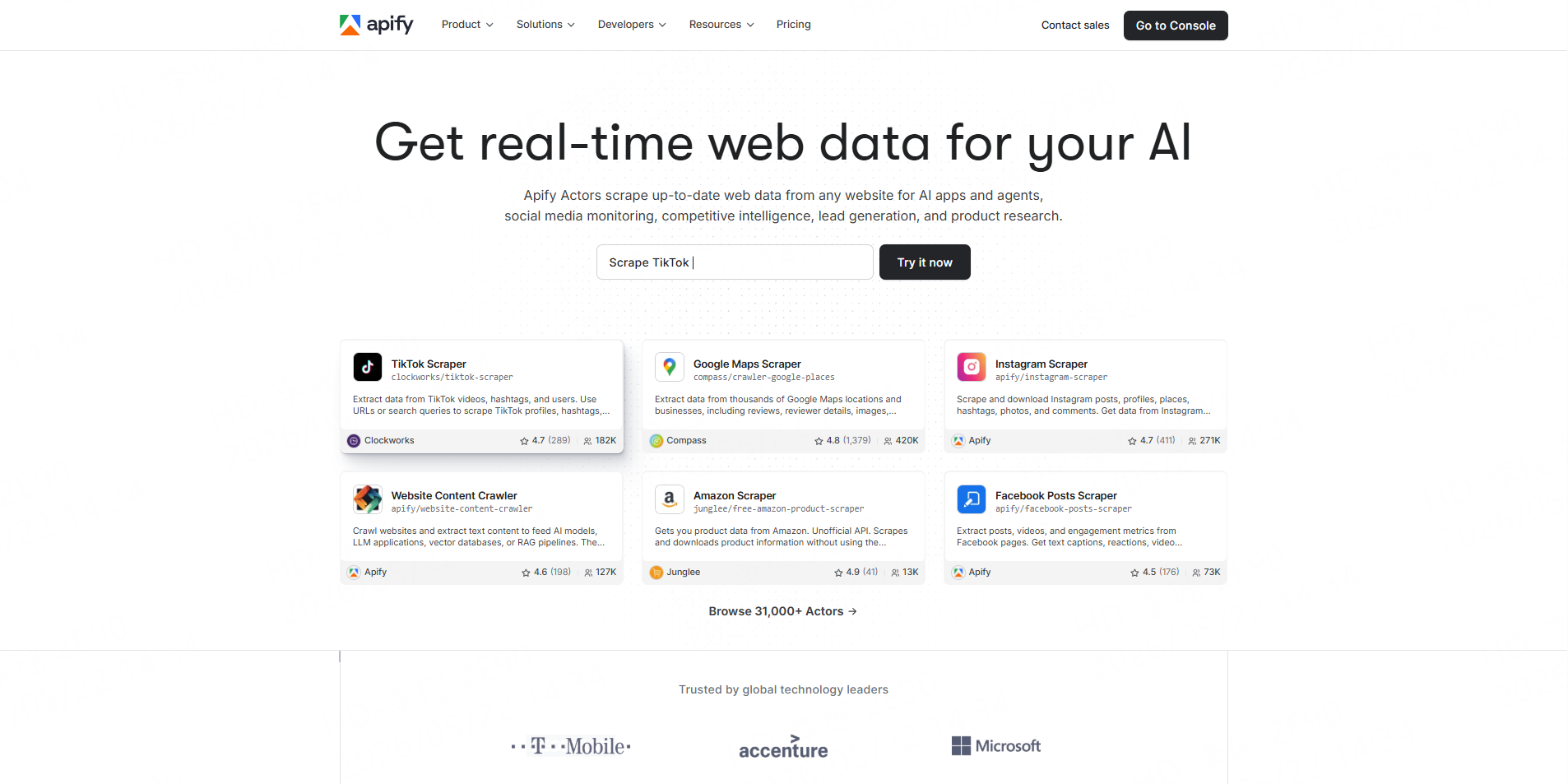
Apify provides Google Maps scrapers through its marketplace of tools called Actors. Its main Google Maps solutions support searches by query, location, coordinates, or URL and can collect contact details, ratings, opening hours, images, reviews, and popular times. Runs can be scheduled, accessed through an API, or connected to other applications.
Best for: Technical growth teams and developers that want flexible automation.
Pros:
- Large marketplace of specialized Actors
- Scheduling and API access
- Multiple Google Maps extraction options
- Support for custom automation
Cons:
- Quality and pricing can vary between Actors
- Advanced workflows may require technical knowledge
- Users must choose between several overlapping tools
4. Bright Data
Bright Data offers a Google Maps Scraper API with city-level targeting, proxy management, browser fingerprinting, CAPTCHA handling, retries, and JSON or HTML responses. It is designed for teams that want to integrate Google Maps collection into a larger data infrastructure.
Best for: Enterprises, data engineering teams, and high-volume API workflows.
Pros:
- Managed scraping infrastructure
- Geographic targeting
- API-first delivery
- Suitable for recurring large-scale collection
Cons:
- More technical than a simple no-code lead-generation tool
- Enterprise functionality may be more than small teams need
- Additional processing may be required before CRM import
5. PhantomBuster
PhantomBuster offers a Google Maps Search Export automation that converts Maps search results into CSV data. Its Google Maps Search to Contact Data workflow can then visit business websites to find available emails, phone numbers, and social media profiles.
Best for: Sales teams that want to connect Maps extraction with broader prospecting automations.
Pros:
- No-code workflow
- Contact and social profile enrichment
- CSV output
- Integrates with other PhantomBuster automations
Cons:
- Multi-step workflows can become harder to manage
- Usage limits depend on the selected plan
- Lead cleaning and verification remain necessary
6. Octoparse
Octoparse provides Google Maps templates that collect names, addresses, ratings, reviews, phone numbers, websites, opening hours, and location data. Users can search by keyword, URL, location, or language and export results to CSV, Excel, or JSON.
Best for: Analysts and business users who prefer visual scraping templates.
Pros:
- No-code templates
- Flexible input methods
- Spreadsheet-friendly exports
- Useful for testing smaller projects
Cons:
- Larger workflows may require additional setup
- Email enrichment may require a separate contact-detail process
- Visual scrapers can require adjustment when source layouts change
A Practical Workflow for Building Business Lead Lists
Start with a clear market definition. Specify the business category, geographic area, and qualification signals. “Plumbers in California” is broad; “commercial plumbers in San Diego with fewer than 30 reviews” is more actionable.
Next, run a small test with the CoreClaw Google Maps scraper. Check whether the categories, cities, websites, phones, ratings, and source URLs are complete.
Then clean and filter the dataset. Remove duplicate Place IDs, exclude closed businesses, normalize categories, and separate records with missing websites or contacts. Important commercial decisions should still include sample checks against the original listings.
Finally, export the qualified records to CSV or Excel for manual review. Developer-led teams can use the CoreClaw API to start Worker runs, retrieve results, and connect recurring collection tasks to CRM, reporting, or enrichment systems.
Final Thoughts
The best Google Maps data scraper depends on whether a team needs raw extraction infrastructure or usable business leads.
With CoreClaw, teams can run ready-made Workers without coding, export CSV, Excel, or JSON files, connect results through an API, and pay only for successful results. For additional planning, see CoreClaw’s guide to the best local lead generation tools.
Frequently Asked Questions

Content Writer @CoreClaw · Last Updated 2026-07-22
Lena Kovalenko researches how modern software systems expose and organize information online. Her writing focuses on the interaction between APIs, web platforms, and automated data workflows. When exploring a topic she typically compares multiple tools to understand their design assumptions. These comparisons often lead to articles that help readers see how different technical approaches influence reliability and efficiency.
View Author Profile →Disclaimer: All information on the CoreClaw Blog is provided “as is” and for informational purposes only. CoreClaw makes no representations and assumes no liability for any consequences arising from your use of information published on the CoreClaw Blog or on any third-party websites linked from it. Before any scraping activity, consult legal counsel, review the target website’s terms of service, and obtain permission where required.




