Contractor lead generation websites are usually discussed from one angle: how contractors can get more homeowner or construction project inquiries. That is why many ranking articles focus on Angi, HomeAdvisor, Thumbtack, Houzz, BuildZoom, ConstructConnect, and Google Business Profile.
But there is another important search intent behind “contractor leads.” Many SaaS companies, local SEO agencies, building material suppliers, market research teams, and B2B sales teams are not contractors looking for jobs. They want to find contractor businesses as prospects.
For these teams, the best contractor lead generation websites are not always lead marketplaces. They are data collection platforms that can collect public contractor business data from sources like Google Maps, local directories, review platforms, and business websites, then export the results into CSV, Excel, JSON, or API workflows.
This guide compares the best contractor lead generation websites for building contractor lead lists at scale, with a focus on CoreClaw and its main data scraping competitors.
What Makes a Contractor Lead Generation Website Useful?
A useful contractor lead generation website should help teams collect structured contractor data, not just show a list of businesses.
For B2B prospecting, a contractor lead list should include fields such as:
Field | Why It Matters |
Business name | Identifies the contractor company |
Website | Helps verify the company and review its online presence |
Phone number | Supports direct outreach |
Available email | Useful when publicly listed |
Address or service area | Helps segment by location |
Business category | Confirms whether the company matches the target |
Rating | Shows reputation strength |
Review count | Helps estimate local visibility |
Opening hours | Helps confirm business activity |
Source URL | Supports audit and later verification |
This is different from buying shared contractor leads. A shared lead marketplace sells access to customer inquiries. A data scraping platform helps teams build their own contractor company database from public sources.
Quick Comparison of Contractor Lead Generation Websites
Website | Best For | No-Code Friendly | API Available | Best User Type |
Contractor lead lists from public local data | Yes | Yes | Agencies, SaaS, suppliers, sales teams | |
Apify | Flexible scraping workflows | Partial | Yes | Technical teams and automation users |
Outscraper | Google Maps business data extraction | Yes | Yes | Local lead generation teams |
Scrap.io | Google Maps, Apple Maps, and Bing Maps leads | Yes | Not the main focus | Sales teams focused on local business data |
Bright Data | Enterprise Google Maps data and APIs | Partial | Yes | Enterprise data and engineering teams |
Octoparse | Visual no-code scraping templates | Yes | Partial | Business users and analysts |
PhantomBuster | Prospecting automation and exports | Yes | Partial | Growth teams and sales ops |
ParseHub | General website scraping | Partial | Yes | Users scraping custom websites |
1. CoreClaw
Best for: Teams that want to collect contractor leads without coding and export cleaned local business data.
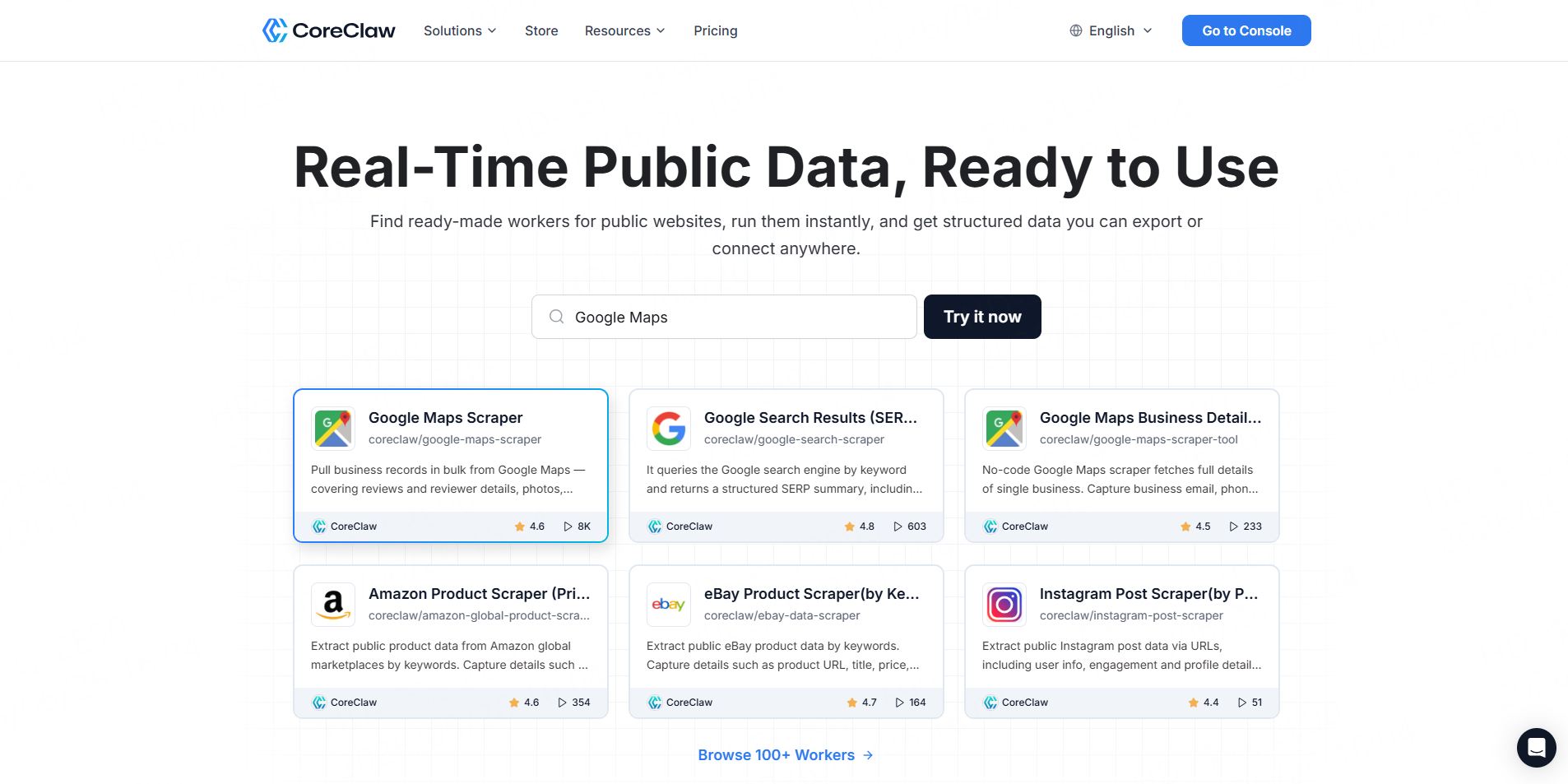
CoreClaw is a web scraping platform built around ready-made data Workers. For contractor lead generation, its strongest use case is collecting public local business data from sources like Google Maps. Users can enter contractor-related keywords and locations, run a ready-made Worker, and export structured records.
CoreClaw’s Google Maps Scraper can help collect public business data such as names, addresses, phone numbers, websites, ratings, review counts, categories, and business hours. CoreClaw also supports export formats such as CSV, JSON, JSONL, XLS, XLSX, HTML, XML, and RSS, with field selection before export.
This makes CoreClaw useful for teams targeting contractors such as roofers, HVAC companies, plumbers, electricians, remodelers, builders, landscapers, painters, and general contractors.
Key features
- Ready-made Google Maps and local business data Workers
- No-code workflow for business users
- CSV, Excel, JSON, and API export
- Cleaned and filtered structured data
- Pay only for successful results
- Custom Worker option for niche sources
Pros
CoreClaw is practical for teams that want usable contractor data, not raw web pages. It is easy to start with because users do not need to write scraping scripts, manage proxies, or build a data pipeline from scratch.
Cons
CoreClaw is strongest when a matching ready-made Worker exists. For niche contractor directories, regional trade associations, or highly custom sources, teams may need to request a custom Worker.
2. Apify
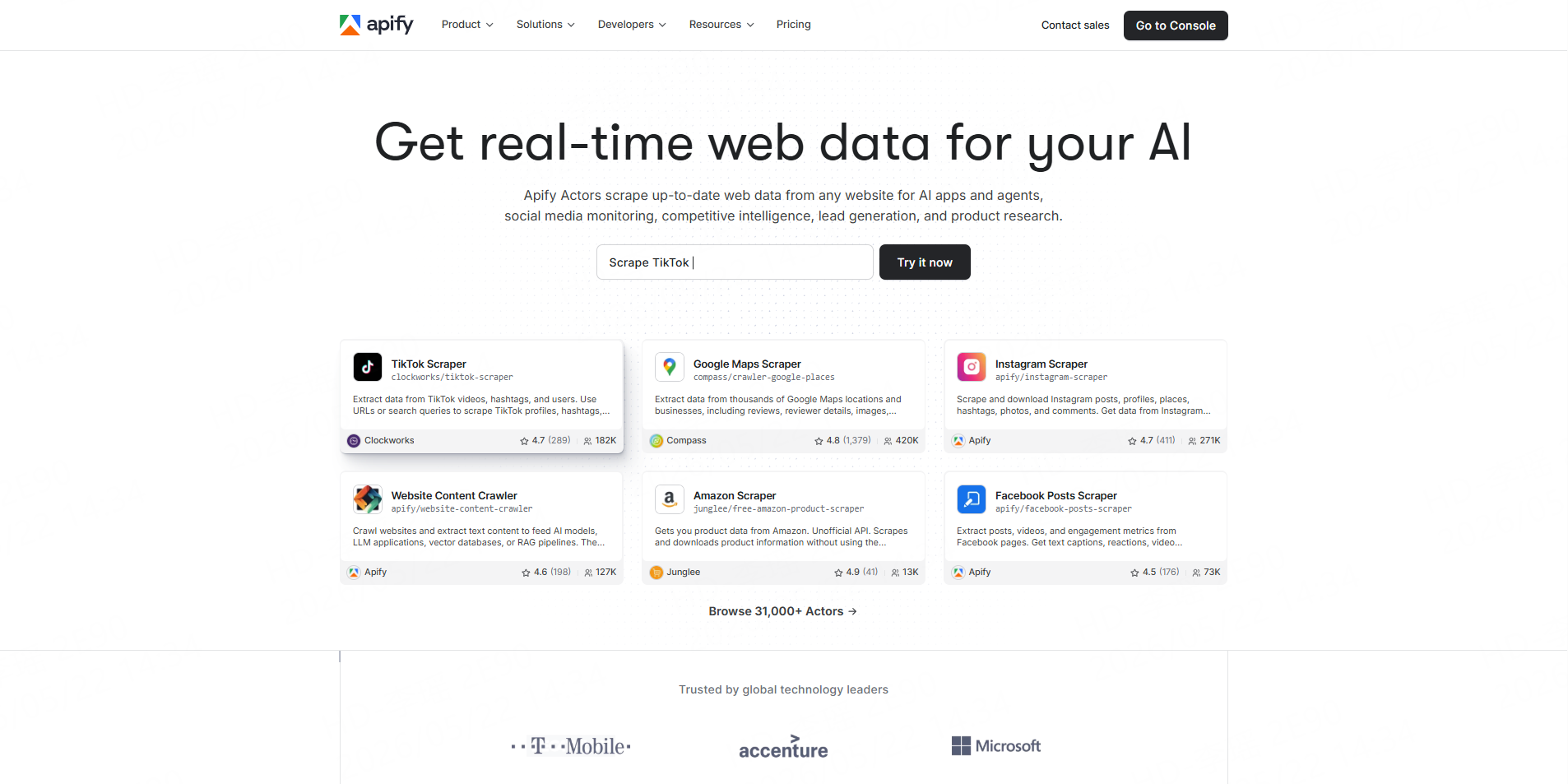
Best for: Flexible scraping workflows and technical automation.
Apify is a scraping and automation platform with a marketplace of tools called Actors. Its Google Maps Scraper helps users extract business data from Google Maps for lead generation, competitor analysis, and growth workflows. Apify also explains that users can start a Google Maps scraping task and download data in formats such as CSV.
Apify is powerful because it gives users access to many ready-made Actors and developer-friendly automation options. It can work well for teams that want to combine scraping, scheduling, API usage, and custom workflows.
Key features
- Actor marketplace
- Google Maps scraping tools
- API access
- Scheduling and automation
- Custom Actor development
- Multiple export options
Pros
Apify is flexible and developer-friendly. It is a good fit for technical users who want control over workflows and may need to customize extraction logic.
Cons
Some Apify workflows may feel technical for non-technical sales or marketing users. Actor quality and configuration can also vary depending on the specific Actor selected.
3. Outscraper
Best for: Google Maps business leads and contact enrichment.
Outscraper is a data extraction platform with a strong focus on Google Maps. Its Google Maps Scraper is designed to extract business names, emails, phone numbers, reviews, ratings, contact information, and location data from Google Maps. Outscraper also offers enrichment options such as Emails & Contacts Scraper.
For contractor lead generation, Outscraper can be used to collect local contractor profiles by keyword and location, such as “plumbers in Dallas,” “HVAC contractors in Phoenix,” or “general contractors in Chicago.”
Key features
- Google Maps data extraction
- Business names, phone numbers, emails, ratings, and reviews
- Contact enrichment options
- API support
- Advanced filters
Pros
Outscraper is focused on local business data and can be useful for teams that specifically want Google Maps lead extraction.
Cons
Teams still need to clean, segment, and validate exported contractor data before outreach. Depending on the workflow, users may also need to combine Outscraper with other tools for CRM import, enrichment, or campaign management.
4. Scrap.io
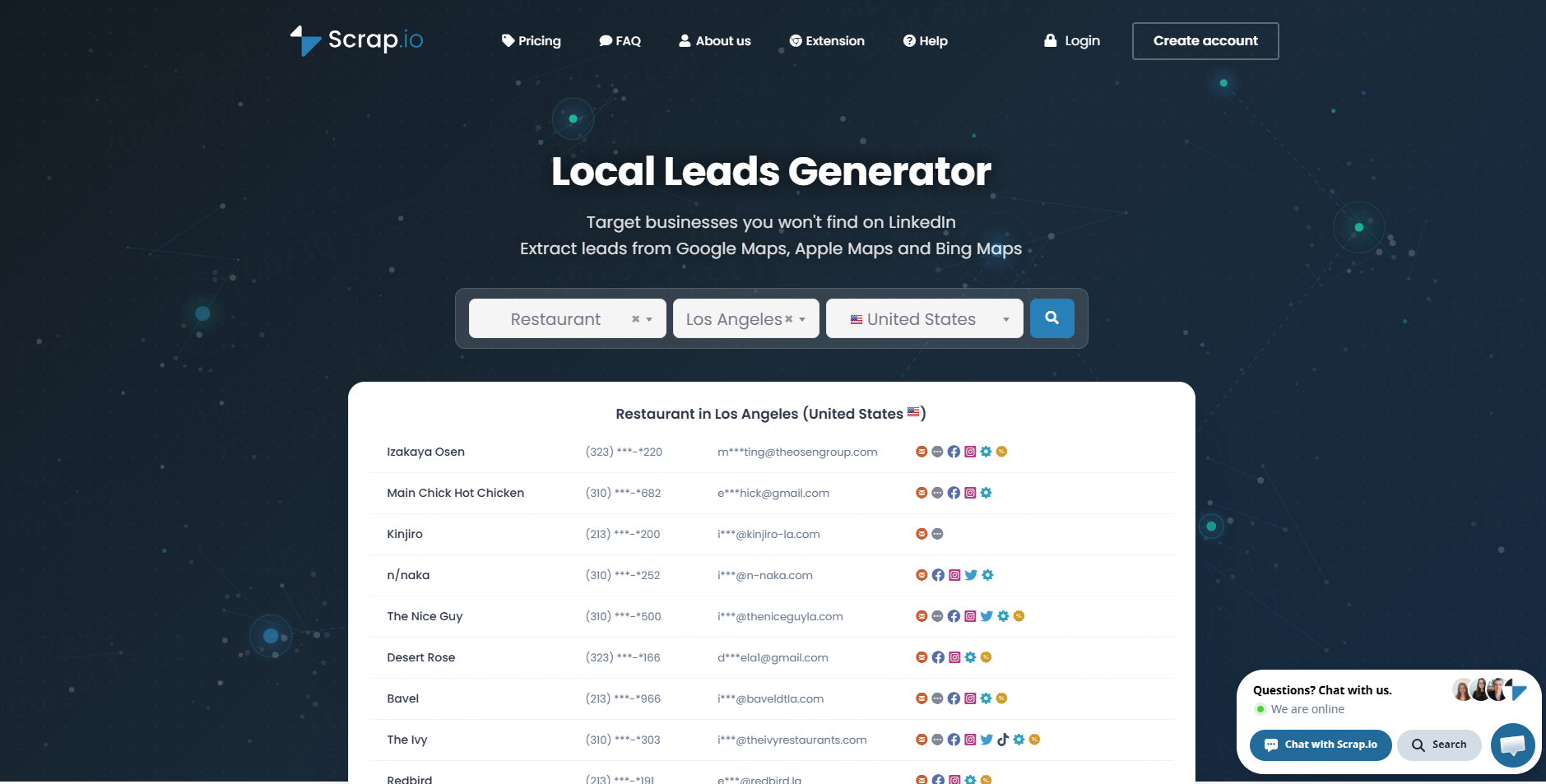
Best for: Local business leads from Google Maps, Apple Maps, and Bing Maps.
Scrap.io positions itself as a scraper for Google Maps, Apple Maps, and Bing Maps. It says users can extract business data such as names, addresses, phone numbers, emails, websites, social media links, reviews, and more.
This multi-map coverage can be useful for teams that do not want to rely on only one local data source. For contractor prospecting, users can search by category and geography to collect contractor businesses across cities, states, or countries.
Key features
- Google Maps, Apple Maps, and Bing Maps scraping
- Business names, addresses, phones, emails, websites, and reviews
- Local lead generation focus
- Category and location targeting
Pros
Scrap.io is focused on local business prospecting and may be attractive for users who want multiple map sources in one platform.
Cons
Teams should review whether its workflow, exports, filters, and API options match their internal sales or data operations needs.
5. Bright Data
Best for: Enterprise-scale Google Maps data and scraping APIs.
Bright Data offers a Google Maps Scraper API that can return Google Maps data in HTML or JSON. Its API includes proxy management, browser fingerprinting, CAPTCHA solving, and automated retries.
Bright Data also offers Google Maps datasets with business information such as name, address, description, reviews, and ratings. Its dataset page describes snapshot-based delivery and API access for selected records.
For contractor lead generation, Bright Data is usually a better fit for enterprise or data engineering teams than small sales teams. It is powerful, but it may be more complex than necessary for users who simply want a spreadsheet of contractor leads.
Key features
- Google Maps Scraper API
- HTML and JSON output
- Proxy and browser infrastructure
- Google Maps datasets
- Enterprise data delivery options
Pros
Bright Data is strong for high-volume, technical, and enterprise-grade data collection.
Cons
It may be too infrastructure-heavy for non-technical teams that want a simple no-code contractor lead list.
6. Octoparse
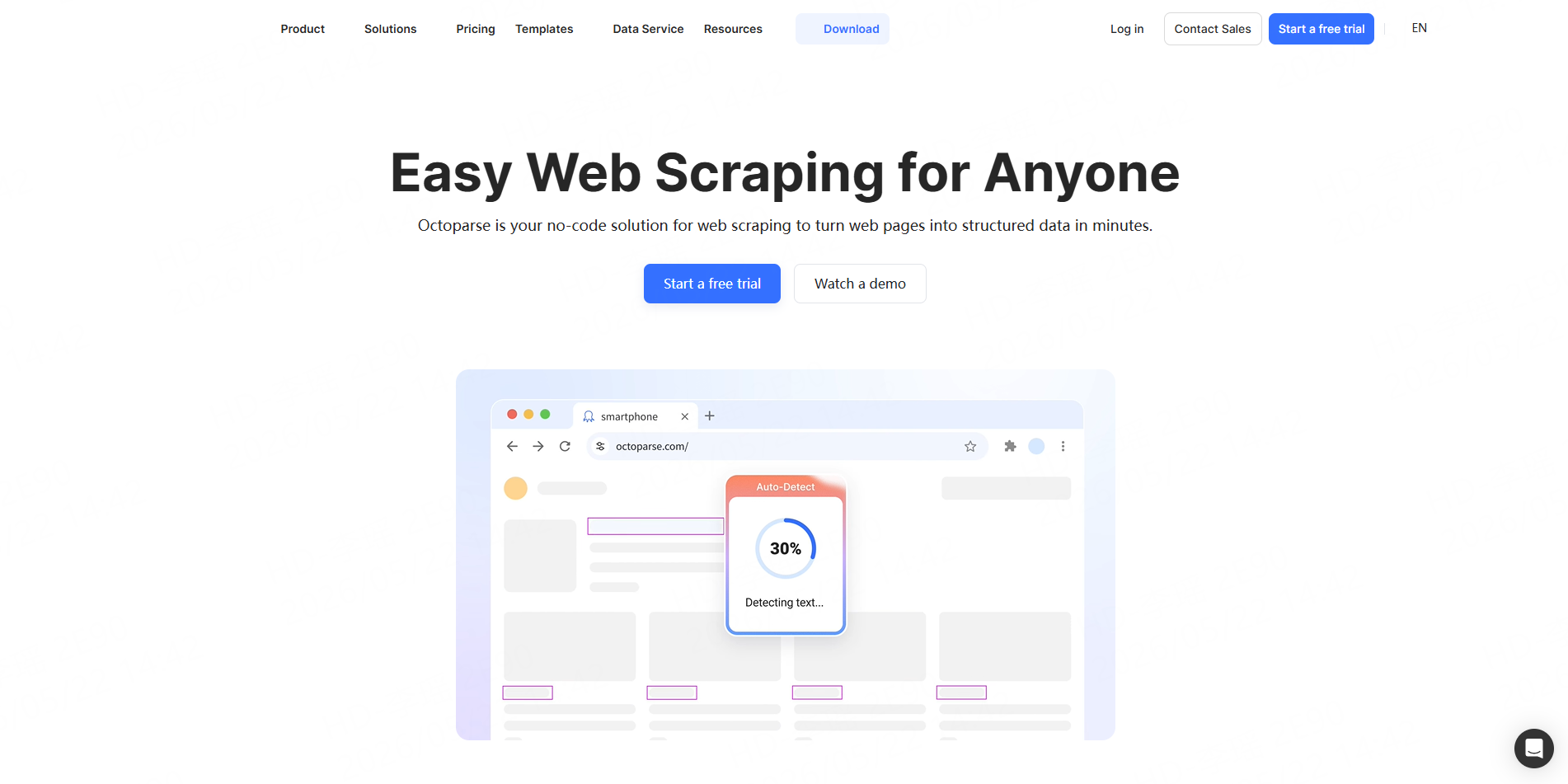
Best for: Visual no-code scraping with templates.
Octoparse offers Google Maps scraping templates that can collect data such as names, contact info, ratings, geolocation, images, reviews, and prices. Its Google Maps template page says users can scrape by keywords, URLs, location, and language, and export results in CSV, Excel, or JSON formats.
Octoparse is a general visual web scraper, so it can be useful for business users who want a click-based interface and templates instead of code.
Key features
- Visual scraping interface
- Google Maps scraping templates
- CSV, Excel, and JSON export
- Keyword, URL, and location-based scraping
- No-code workflow
Pros
Octoparse is approachable for non-technical users and can support many general web scraping tasks.
Cons
Because it is a general scraper, users may need to configure workflows carefully for high-quality contractor lead extraction, deduplication, and filtering.
7. PhantomBuster
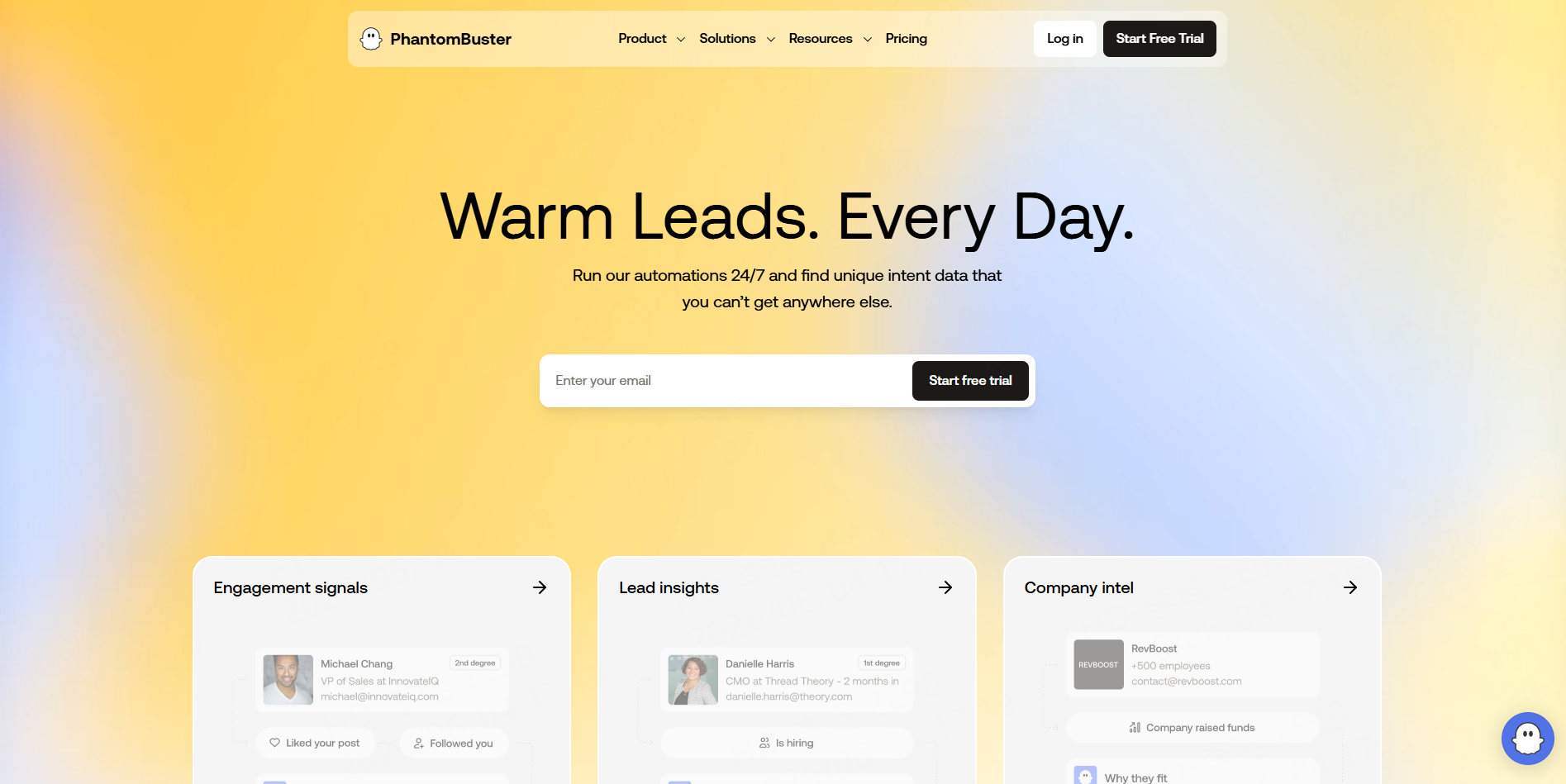
Best for: Prospecting automation and spreadsheet exports.
PhantomBuster offers a Google Maps Search Export automation that scrapes and exports Google Maps search results into a spreadsheet. Its page explains that the tool can export available Google Maps search result data and skip duplicates between searches.
PhantomBuster is often used by sales and growth teams because it supports many prospecting automations, not only Google Maps. It can be useful when contractor lead collection is part of a broader outreach workflow.
Key features
- Google Maps Search Export automation
- Spreadsheet exports
- Duplicate skipping
- Multi-platform prospecting automations
- Scheduling options
Pros
PhantomBuster is helpful for sales teams that want simple automations connected to prospecting workflows.
Cons
It may not be as specialized for cleaned contractor datasets as a dedicated local business data platform. Users may need additional tools for enrichment, validation, and CRM preparation.
8. ParseHub
Best for: Custom website scraping beyond Google Maps.
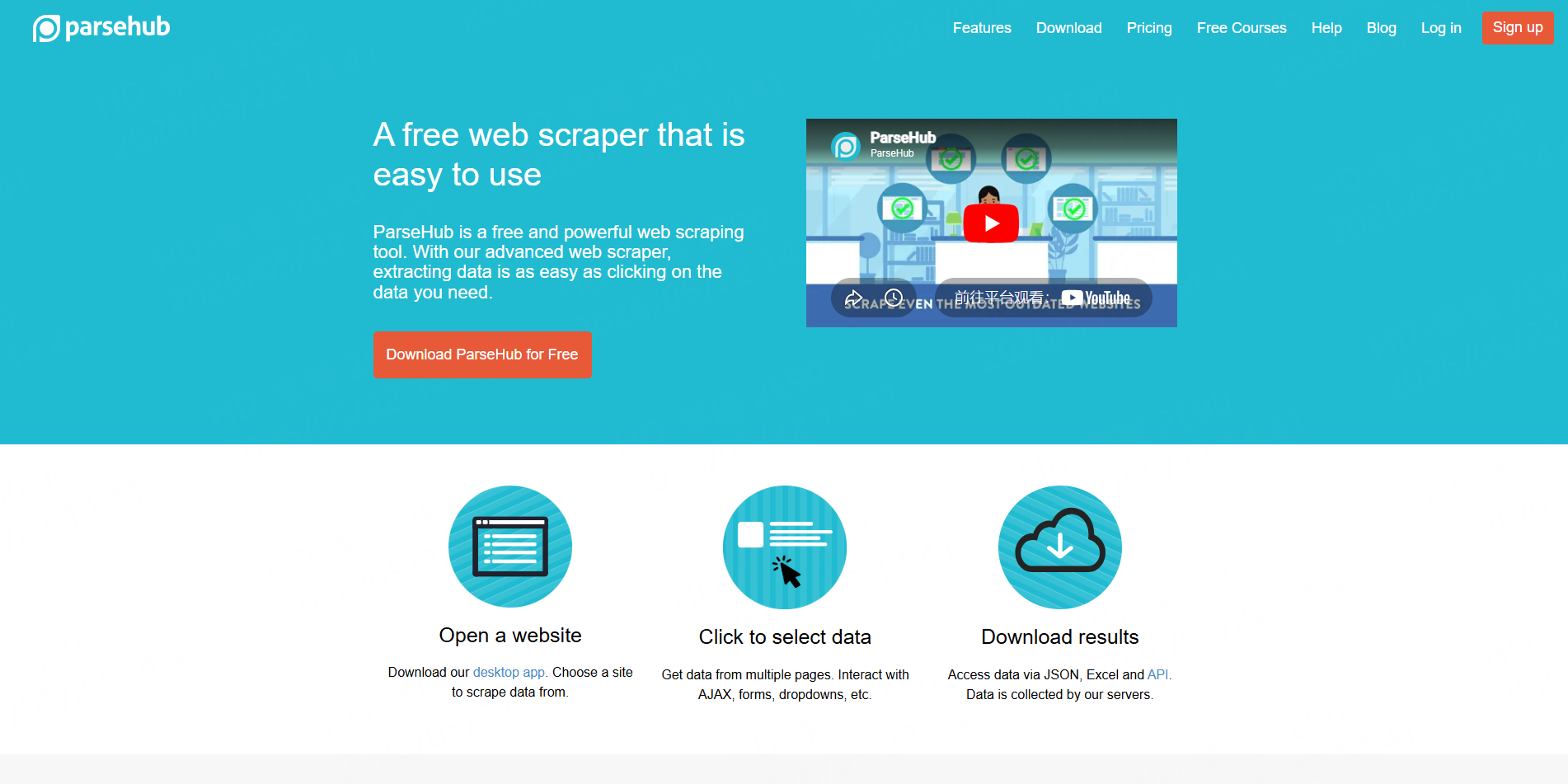
ParseHub is a general web scraping tool that turns websites into spreadsheets or API data. Its website describes it as a tool where users can click on the data they want to extract and turn a site into a spreadsheet or API.
For contractor lead generation, ParseHub is useful when the source is not Google Maps. For example, a team may want to scrape a contractor directory, association member list, supplier directory, or niche regional listing website.
Key features
- General website scraping
- Visual point-and-click extraction
- Spreadsheet and API output
- Useful for custom sources
Pros
ParseHub is flexible for scraping custom web pages and directories.
Cons
It is less specialized for ready-made contractor lead generation. Users may need to build and maintain their own projects, especially when target websites change.
A Practical Contractor Lead Workflow with CoreClaw
Start by defining your target contractor segment. For example:
Contractor Segment | Search Example |
Roofing contractors | roofing contractors in Austin |
HVAC companies | HVAC contractors in Phoenix |
Electricians | commercial electricians in Chicago |
Plumbers | plumbing companies in Denver |
Remodelers | home remodeling contractors in Miami |
General contractors | general contractors in Dallas |
Next, run CoreClaw’s Google Maps Worker and collect public business records. Instead of manually copying search results, the Worker returns structured data fields that are easier to review and export.
Then clean and filter the results. Remove irrelevant categories, closed businesses, duplicate records, and incomplete entries. Segment the list by trade, city, rating, review count, website availability, and contact availability.
Finally, export the clean contractor lead list. CSV and Excel are best for spreadsheet review and CRM import. JSON and API access are better for automated workflows, dashboards, enrichment, or recurring contractor data pipelines.
This workflow is useful for:
- Local SEO agencies targeting contractors with weak local visibility
- Web design agencies finding contractors without strong websites
- SaaS companies selling to home service businesses
- Building material suppliers researching local contractor markets
- Market research teams comparing contractor density by city
- Sales teams building segmented contractor prospect lists
Final Thoughts
The best contractor lead generation website depends on what kind of leads you need. If you are a contractor looking for homeowner jobs, traditional lead marketplaces may help. But if your team sells to contractors, researches contractor markets, or builds local business datasets, scraping platforms are often more useful.
CoreClaw helps teams collect public contractor business data without coding, use ready-made Workers such as the Google Maps Scraper, clean and filter structured results, export CSV, Excel, JSON, or API data, and pay only for successful results. For agencies, SaaS companies, suppliers, sales teams, and researchers, CoreClaw turns contractor lead generation into a repeatable data workflow instead of a manual copy-and-paste task.
Frequently Asked Questions

Content Writer @CoreClaw · Last Updated 2026-07-03
Lena Kovalenko researches how modern software systems expose and organize information online. Her writing focuses on the interaction between APIs, web platforms, and automated data workflows. When exploring a topic she typically compares multiple tools to understand their design assumptions. These comparisons often lead to articles that help readers see how different technical approaches influence reliability and efficiency.
View Author Profile →Disclaimer: All information on the CoreClaw Blog is provided “as is” and for informational purposes only. CoreClaw makes no representations and assumes no liability for any consequences arising from your use of information published on the CoreClaw Blog or on any third-party websites linked from it. Before any scraping activity, consult legal counsel, review the target website’s terms of service, and obtain permission where required.