In an increasingly competitive local lead generation landscape, Google Maps has evolved from a simple navigation tool into a key source of potential customers. Local service providers, SEO teams, international trade businesses, and sales teams all aim to efficiently collect business names, phone numbers, websites, ratings, and other details, and turn them into sustainable sales leads. However, manual data collection is inefficient, and official APIs also come with cost and volume limitations. As a result, more and more teams are turning to automated tools for bulk lead generation. This article provides a comprehensive comparison of the best Google Maps scraper in 2026 and helps you find the right solution for your current stage of business.
TL;DR - Top Recommendations
If you simply want to quickly know “which tool is best for you,” the simplified recommendation table below can help you make a decision immediately.
Use Case | Recommendation | Why |
Best for Lead Generation | CoreClaw | Complete data, bulk scraping, suitable for long-term lead generation |
Best Advanced Custom Scraper | Apify | Highly flexible, workflow support, strong customization |
Best No-Code Scraping Tool | CoreClaw | No coding required, intuitive operation, ready-made tools |
Best Value Option | CoreClaw | Generous free credits, high cost-effectiveness, suitable for continuous use |
Best Automation Platform | PhantomBuster | Automated tasks, multi-platform integration |
Best for Fast Data Collection | G Maps Extractor | Simple installation, direct search, quick to get started |
Best for Developers | Apify | Supports cloud deployment, suitable for complex data workflows |
What is a Google Maps Scraper?
A Google Maps Scraper is essentially a tool or service that automatically retrieves business data from Google Maps pages. It can batch extract public data from specific locations based on user-defined parameters, such as business names, phone numbers, addresses, websites, ratings, business hours, review counts, and more, and export the data into formats such as Excel, CSV, or JSON.
For many businesses, these tools have already become an important part of sales lead generation. In the past, data had to be manually searched, copied, and organized, but now complex tasks can be handled automatically in a single process. Especially in local marketing, B2B lead generation, SEO, and market research scenarios, more and more teams are using the best Google Maps scraper tools to build their own prospect databases, thereby improving sales efficiency and market coverage.
Why do you Need a Google Maps Scraper Tool?
Google Maps has become one of the core channels users rely on to find local businesses. A large number of businesses update their information, accumulate reviews, and optimize rankings on the platform every day, and behind this data are highly valuable customer leads. For sales teams, map data means not only “contact information,” but also a continuous source of highly targeted prospects.
Many teams originally used the official Places API to obtain data, but the problem is that official APIs are usually charged based on request volume, and each search returns only a limited amount of data. For businesses that require bulk collection, long-term scaling, and continuous data updates, the cost of this approach gradually increases. This is why more and more teams are adopting Google Maps scraper API solutions to obtain more complete data through automation.
Compared with the Places API, using a Google Maps scraper usually provides the following advantages:
● Lower cost, especially suitable for teams that need long-term bulk data collection.
● Not restricted by strict API result limits, allowing access to more business results.
● Richer extractable fields, including reviews, email addresses, social links, and other public information.
What can Google Maps Data Provide for you?
Almost all map scraping tools can help users extract large amounts of business data from Google Maps, such as business names, phone numbers, websites, addresses, categories, and more. This data is not only useful for sales teams, but also for SEO, market research, and local business expansion.
Typical uses of this data include:
● Bulk generation of local prospect lists to improve sales outreach efficiency.
● Analyzing competitor rankings and review performance on Google Maps.
● Building local SEO databases to optimize regional keyword strategies.
● Quickly finding enterprise customers and business partners in specific industries.
● Monitoring rating changes and user feedback trends.
● Building market research datasets for regional business analysis.
How to Choose the Best Google Maps Scraper?
There are many Google Maps data scraping tools on the market, but not all of them can run stably. What truly matters is not only "whether it can scrape," but also data completeness, stability, cost, and whether it is suitable for long-term team usage.
When choosing a tool, you should focus on the following aspects:
1. Whether it supports bulk scraping, because manually searching one by one cannot meet large-scale lead generation needs.
2. Whether it provides stable data output capabilities to avoid frequent captchas, bans, or scraping failures.
3. Whether it supports API integration, because API capabilities become critical if automated workflows are needed in the future.
4. Whether it supports exporting CSV, Excel, JSON, and other common formats for easier data organization.
5. Whether it includes filtering capabilities, such as filtering businesses by country or city.
6. Whether it is suitable for no-code users, since many sales teams do not have development experience.
7. Whether the pricing is reasonable, especially for cost control during long-term, large-scale scraping.
8. Whether it supports continuous updates and maintenance, because Google Maps page structures constantly change.
Best Tools for Scraping Google Maps
CoreClaw
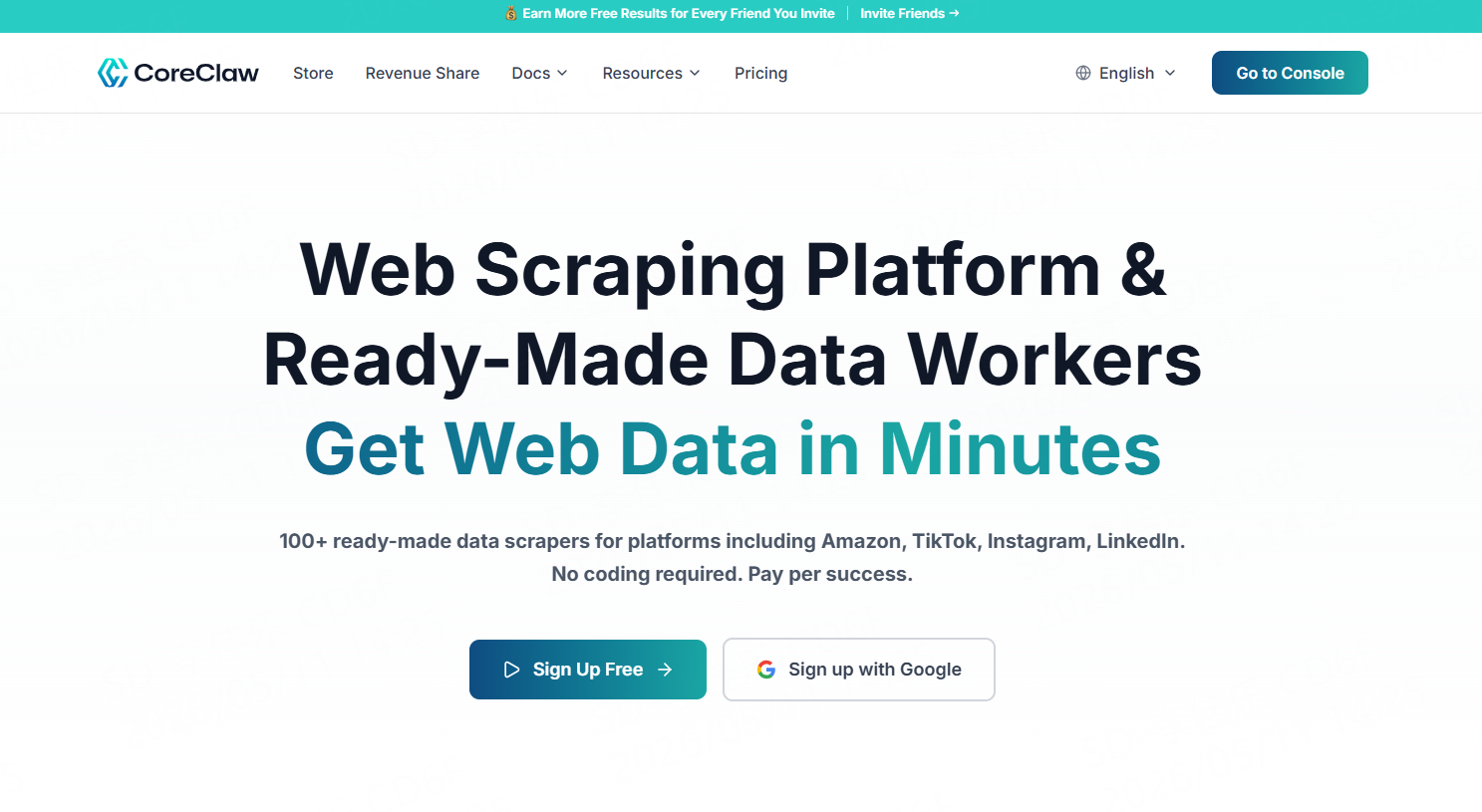
CoreClaw is a comprehensive no-code data scraping platform that provides 100+ ready-made data scrapers designed to help users bulk collect structured data from search engines, map platforms, social media, eCommerce websites, and job platforms. Users do not need development experience; they only need to configure tasks through a visual interface to quickly complete data collection and export. As a result, it is widely used for sales lead generation, SEO, market research, and related business scenarios.
For Google Maps data scraping, CoreClaw can batch extract public data such as business names, phone numbers, websites, ratings, and review counts, while supporting exports in CSV, Excel, and JSON formats. Compared with many tools that only provide basic scraping functionality, CoreClaw places more emphasis on the combination of “complete data + long-term stability + automation capabilities.” It is suitable not only for one-time business list collection, but also for continuously building local lead databases. For businesses that need long-term local customer acquisition, it is not just a simple scraping tool, but more like a complete data acquisition solution.
The platform also supports APIs, making it suitable both for beginners without development experience and technical teams that require automated workflows. Many users choose it not only because of scraping speed, but because it offers a more balanced performance in terms of field completeness, batch processing capability, and long-term stability.
Tool Type: No-code web scraping platform + API interface
Key Features:
● 100+ ready-to-use workers covering multiple data sources
● Supports batch keyword or target URL configuration
● Exports CSV, JSON, and Excel files
● Provides APIs for integration with business systems and automation platforms
● Supports proxy management and anti-blocking mechanisms to improve scraping stability
● Supports extraction of business phone numbers, websites, and other fields
● No coding or local deployment required, get data in three steps
● Provides 99.9% SLA guarantees and professional technical support
● Supports developers building and publishing custom workers
Available Fields:
Title, description, phone number, address, website, category, coordinates, business status, business owner name, business profile link, rating, review count, reviews, business hours, popular times, price range, plus_code, images, menu, online ordering options, CID identifier, and more.
Pros:
● Extremely complete data fields, suitable for lead generation
● High API stability, suitable for long-term business scaling
● Compatible with both no-code and developer workflows
● High batch scraping efficiency, suitable for team usage
Cons:
● Large-scale usage requires proper quota planning
Pricing Model:
Charged based on successful results, failed requests are completely free
Pricing:
● Launch Offer — $9/ 30 days (~10k results)
● Starter — $39/30 days (~16.7k results)
● Pro — $89/30 days (~79k results)
● Business — $199/30 days (~221.1k results)
G Maps Extractor
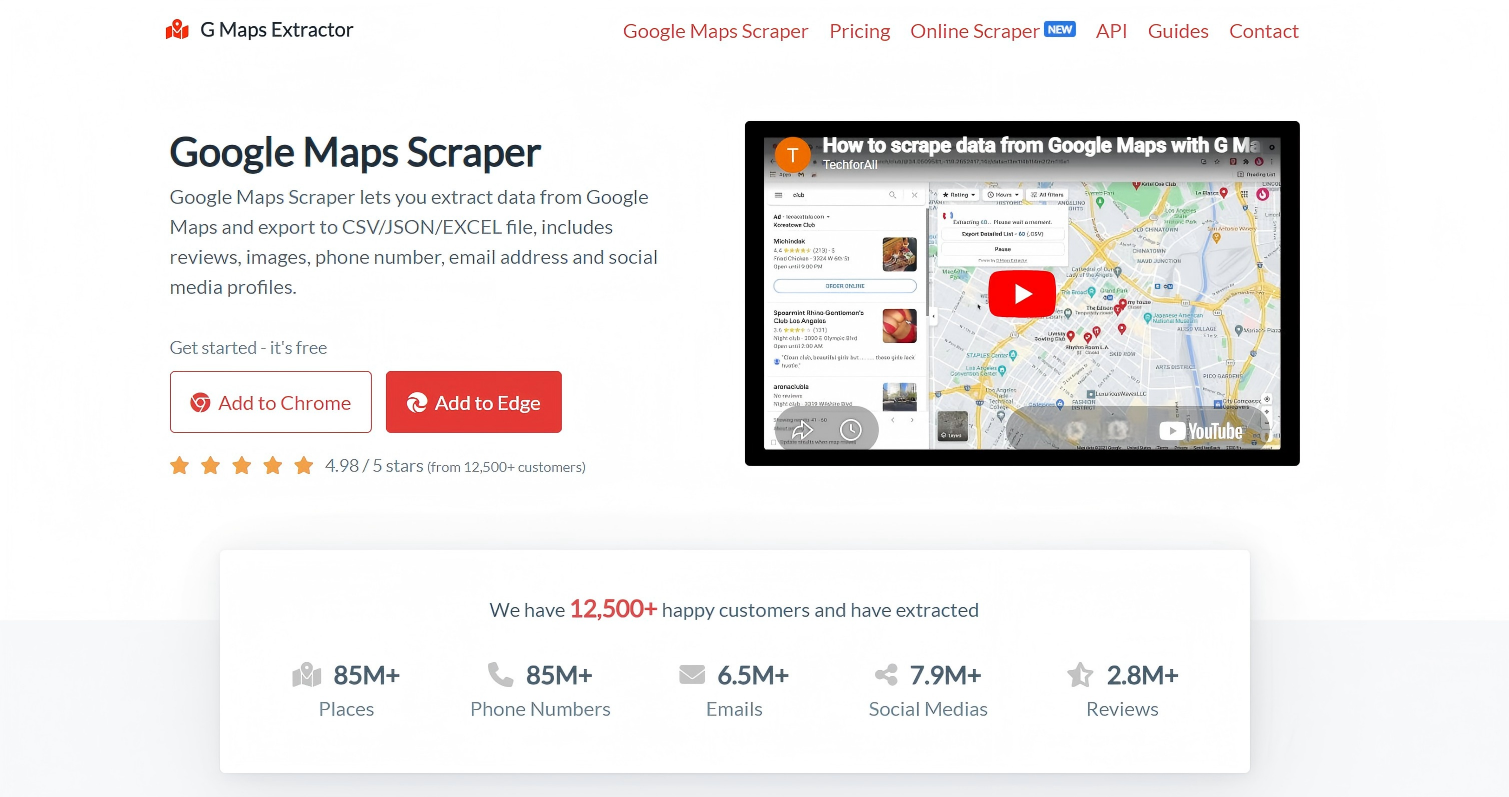
G Maps Extractor is a browser extension designed more for lightweight users, with its core advantage being simple installation and straightforward operation. Many users can quickly obtain business data from Google Maps simply by entering keywords and locations, without requiring complex configuration. For beginners who are new to map data collection, this type of tool has a very low learning barrier.
Tool Type: Browser extension
Key Features:
● Supports quick business searches by keyword
● Exports CSV/JSON/EXCEL data
● Simple user interface suitable for beginners
● Supports phone number and address extraction
Available Fields:
Business name, description, website, phone number, address, rating, category, price, Plus code, business hours, and more.
Pros:
● Low learning curve
● Ready to scrape immediately after installation
● Suitable for quickly building small-scale lists
Cons:
● Weak API capabilities
● Limited scalability
● Average stability for large-scale scraping
Pricing:
● Professional — $39
● Business — $99
Apify
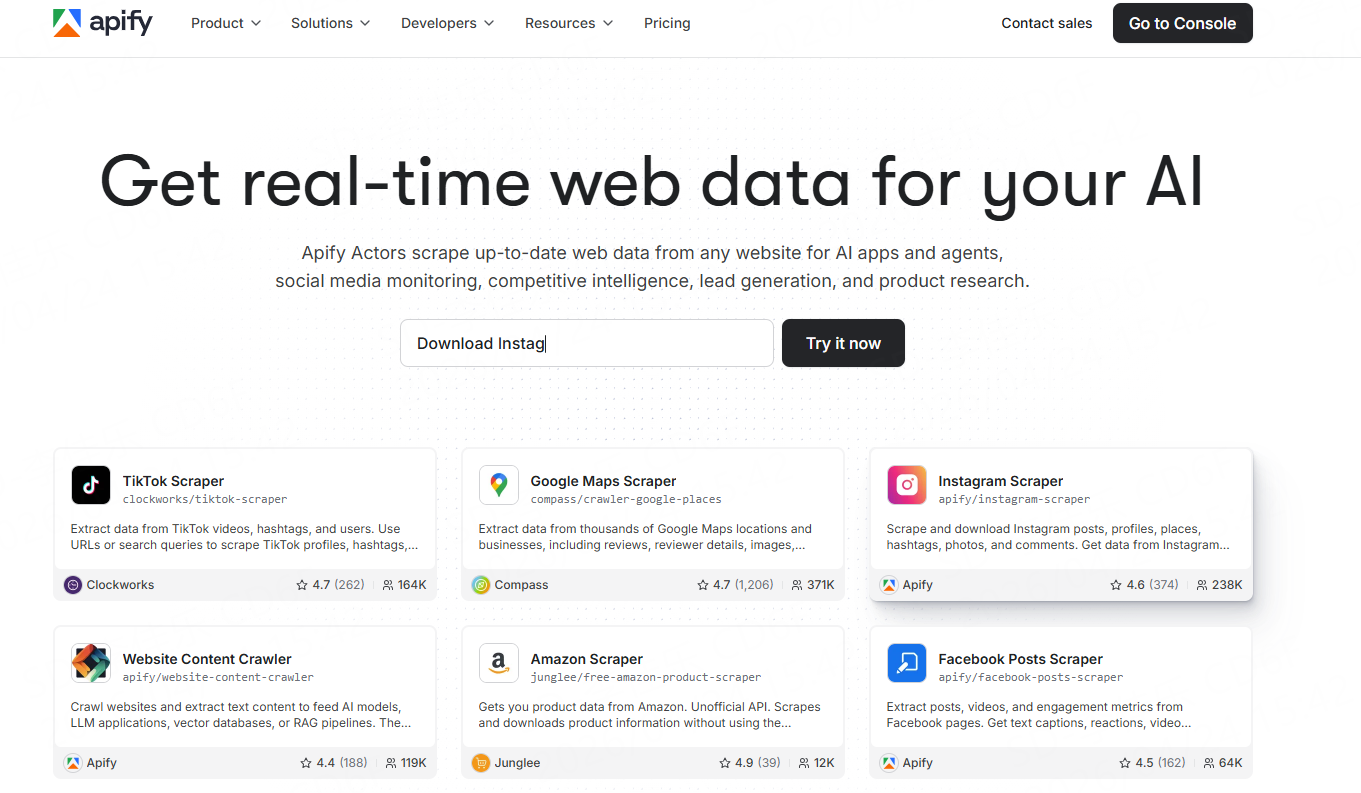
Apify is a data collection and web automation platform designed for developers and automation teams. Compared with many tools that only provide a single scraping function, Apify is more like a complete automation ecosystem. Users can not only directly use ready-made scrapers, but also freely build, modify, and extend scraping workflows according to their business needs. For teams that need long-term automated operations, Apify’s greatest advantage lies in its flexibility and scalability. It supports cloud-based task execution, scheduling, proxy management, and API integration, making it highly suitable for enterprises and development teams with complex workflows.
Tool Type: Cloud-based automation data collection platform
Key Features:
● Supports Google Maps, Google Search, eCommerce platforms, and many other scraping scenarios
● Provides a large number of ready-made actor templates for quick task execution
● Supports custom automation workflows and complex scraping logic
● Supports cloud execution and scheduled tasks without requiring continuous local operation
● Supports developers building and publishing custom Actors
Available Fields:
Business name, phone number, address, website, rating, review count, business status, category tags, review content, email address, coordinates, and more.
Pros:
● Extremely flexible, suitable for complex data collection needs
● Strong automation capabilities for long-term tasks
● Supports extensive API and third-party integrations
● Highly scalable, suitable for deep customization by development teams
Cons:
● Relatively high learning curve for beginners
● Advanced configuration requires development experience
● Costs increase gradually with large-scale operations
● Some complex workflows require self-maintenance
Pricing:
● Starter — $29/month + pay as you go
● Scale — $199/month + pay as you go
● Business — $999/month + pay as you go
PhantomBuster
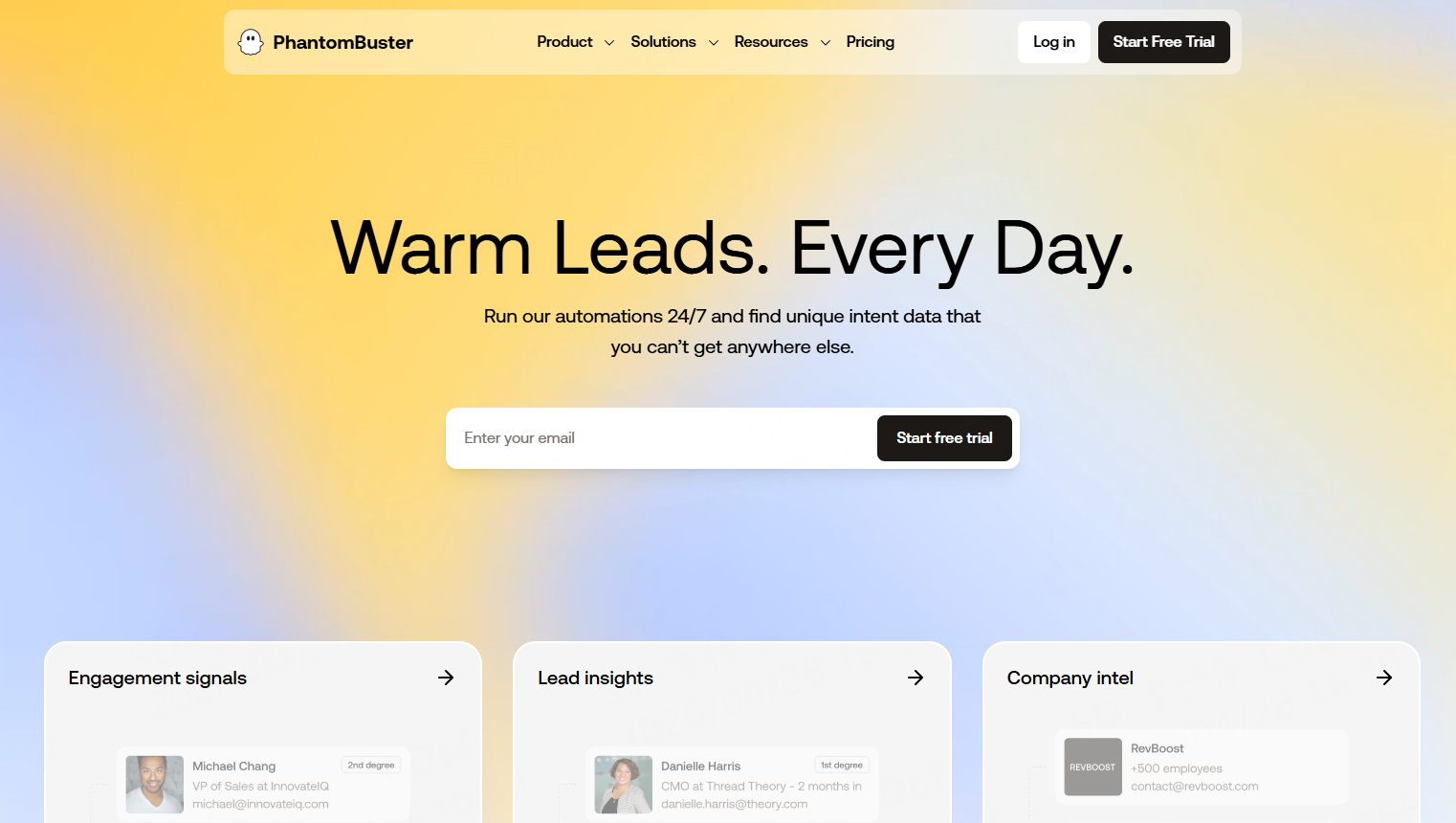
PhantomBuster is a platform focused on automated lead generation and data collection. It mainly helps users automatically collect data and perform repetitive tasks across social media, search engines, map platforms, and public websites. Its biggest advantage is that it can “run automatically without development.” Many sales teams use it for automated data collection from platforms such as LinkedIn and Google Maps.
Tool Type: No-code automation tool
Key Features:
● Provides ready-made automation templates for quick task startup
● Supports scheduled tasks for automatic data updates
● Enables bulk data collection without complex development
● Supports cloud execution without requiring local devices to stay online
Available Fields:
Business name, phone number, address, website, rating, review count, social media links, email address, business status, user profile information, and more.
Pros:
● Strong automation capabilities, suitable for repetitive long-term tasks
● No-code workflow is more friendly for sales teams
● Supports unified collection and management of data across multiple platforms
Cons:
● Relatively limited free credits
● Some advanced automation features require paid plans
● High costs for large-scale operations
● Some complex scenarios still require learning time
Pricing:
● Start — $56/month
● Grow — $128/month
● Scale — $352/month
NoDataNoBusiness
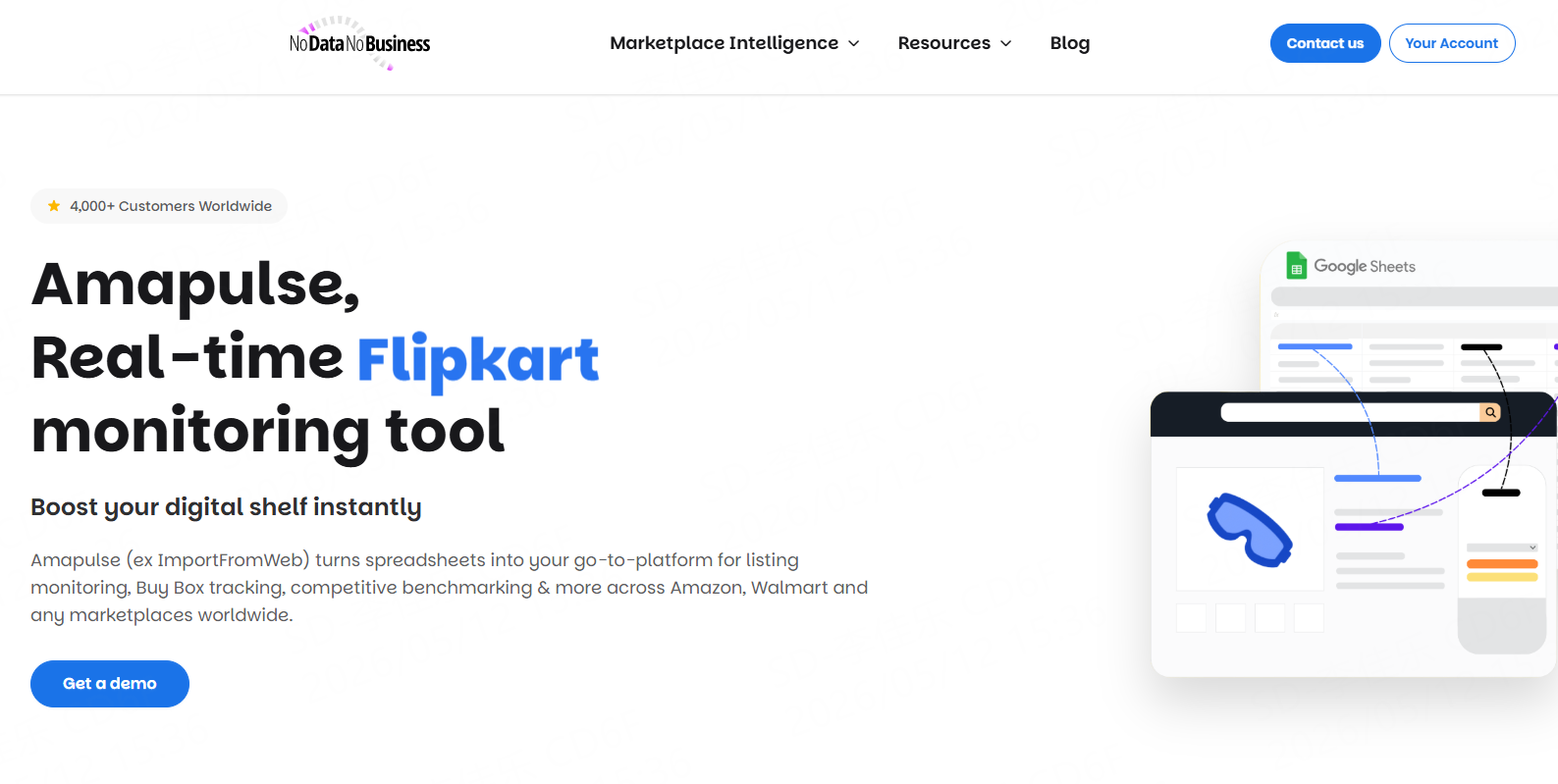
NoDataNoBusiness is an online data collection platform focused on local business data acquisition. Many small teams, freelancers, and local marketing agencies use it to build basic prospect lists, collect local business information, and conduct simple market research. For users with limited budgets who want to quickly start collecting business data, NoDataNoBusiness provides a relatively lightweight solution.
Tool Type: Online map data collection tool
Key Features:
● Supports bulk scraping of Google Maps business data
● Can be used online directly without software installation
● Simple workflow suitable for users without development experience
Available Fields:
Business name, phone number, address, website, rating, review count, category tags, business status, map links, and more.
Pros:
● No coding required for map data collection
● Simple data export process for easy organization
● More convenient online operation without local deployment
Cons:
● Relatively limited data field completeness
● Weak API and automation capabilities
● Not suitable for ultra-large-scale long-term scraping
● Fewer advanced filtering capabilities
Pricing:
● Starter — €33/month
● Business — €110/month
Best Google Maps Scraper Free Tools: Summary Table
Tool | Anti-Bot Capability | API Support | No-Code | Data Completeness | Bulk Scraping | Suitable Users | Ease of Use |
CoreClaw | Very Strong | Strong | ✅ | Very High | Strong | Enterprises / Sales / Marketing Teams | Very High |
G Maps Extractor | Weak | Weak | ✅ | Medium | None | Beginner Users | High |
Apify | Strong | Strong | ❌ Partial Support | High | Strong | Development Teams | Medium |
PhantomBuster | Medium | Medium | ✅ | Medium | Medium | Beginner Users | High |
NoDataNoBusiness | Weak | Weak | ✅ | Medium | Medium | Small Teams | High |
How Should You Choose the Right Google Maps Scraper?
The right tool usually depends on your current business stage. Many teams initially only need a small amount of data, but as their customer base grows, they gradually begin to focus on automation, stability, and data scale. If a tool cannot scale long-term, future migration costs can become extremely high.
Decision Tree
● Need to quickly obtain prospect lists?
→ Choose CoreClaw
● Want to directly use APIs to build sales systems?
→ Choose CoreClaw
● Need highly customized automation workflows?
→ Choose Apify
● Don’t know how to code and just want simple data scraping?
→ Choose PhantomBuster or G Maps Extractor
● Limited budget and only running small-scale tests?
→ Choose NoDataNoBusiness
● Want long-term stable usage while maintaining data completeness?
→ Prioritize the best free Google Maps scraper, such as CoreClaw
Conclusion
Google Maps has become an important data source for modern local lead generation, and map data collection tools are helping more and more businesses build their own prospect systems. The biggest differences between tools are not just pricing, but also stability, data completeness, and suitability for long-term business scaling. If usage is only occasional, smaller tools may already be sufficient. However, if you need continuous customer development, SEO data infrastructure, and automated sales workflows, choosing a stable Google Maps scraper free tool is more suitable for long-term investment. For most businesses, what truly matters is not simply "collecting data," but whether that data can continuously be converted into real customers.
Frequently asked questions

Content Writer @CoreClaw · Last Updated 2026-05-29
Lena Kovalenko researches how modern software systems expose and organize information online. Her writing focuses on the interaction between APIs, web platforms, and automated data workflows. When exploring a topic she typically compares multiple tools to understand their design assumptions. These comparisons often lead to articles that help readers see how different technical approaches influence reliability and efficiency.
View Author Profile →Disclaimer: All information on the CoreClaw Blog is provided “as is” and for informational purposes only. CoreClaw makes no representations and assumes no liability for any consequences arising from your use of information published on the CoreClaw Blog or on any third-party websites linked from it. Before any scraping activity, consult legal counsel, review the target website’s terms of service, and obtain permission where required.