
Facebook pages, posts, comments, groups, events, ads, and Marketplace listings can support competitor research, campaign analysis, community research, and brand monitoring. Manually copying this information becomes impractical when a project includes hundreds of URLs or requires repeated updates.
A Facebook web scraper collects accessible page information and converts it into structured records. The best option depends on the target data, whether the user wants a no-code interface or API, and how much cleaning is required before analysis.
Facebook Scraper Tools Compared
Tool | Best for | Ready-made Facebook coverage | No-code | API |
CoreClaw | Business-ready structured datasets | Posts, pages, profiles, comments, events, ads | Yes | Yes |
Apify | Flexible scraper marketplace | Posts, pages, groups, comments, ads, Marketplace | Yes | Yes |
Bright Data | Enterprise data pipelines | Profiles, pages, posts, comments, events, Marketplace | Partial | Yes |
PhantomBuster | Session-based growth workflows | Profiles, group members, commenters, likers | Yes | Partial |
ScrapeCreators | Developer social applications | Posts, profiles, comments, groups, ads | No | Yes |
Octoparse | Visual custom scraping | User-configured workflows | Yes | Yes |
Zyte | Developer-built custom extraction | General web access and extraction | No | Yes |
What Should a Facebook Web Scraper Collect?
Useful fields may include page or profile name, source URL, post text, publishing date, media links, reactions, comments, shares, hashtags, event details, ad creatives, Marketplace prices, and collection timestamps.
The required tool should match the page type. A post scraper is not automatically suitable for group members, ads, events, or Marketplace listings.
The 7 Best Facebook Web Scraper Tools
1. CoreClaw
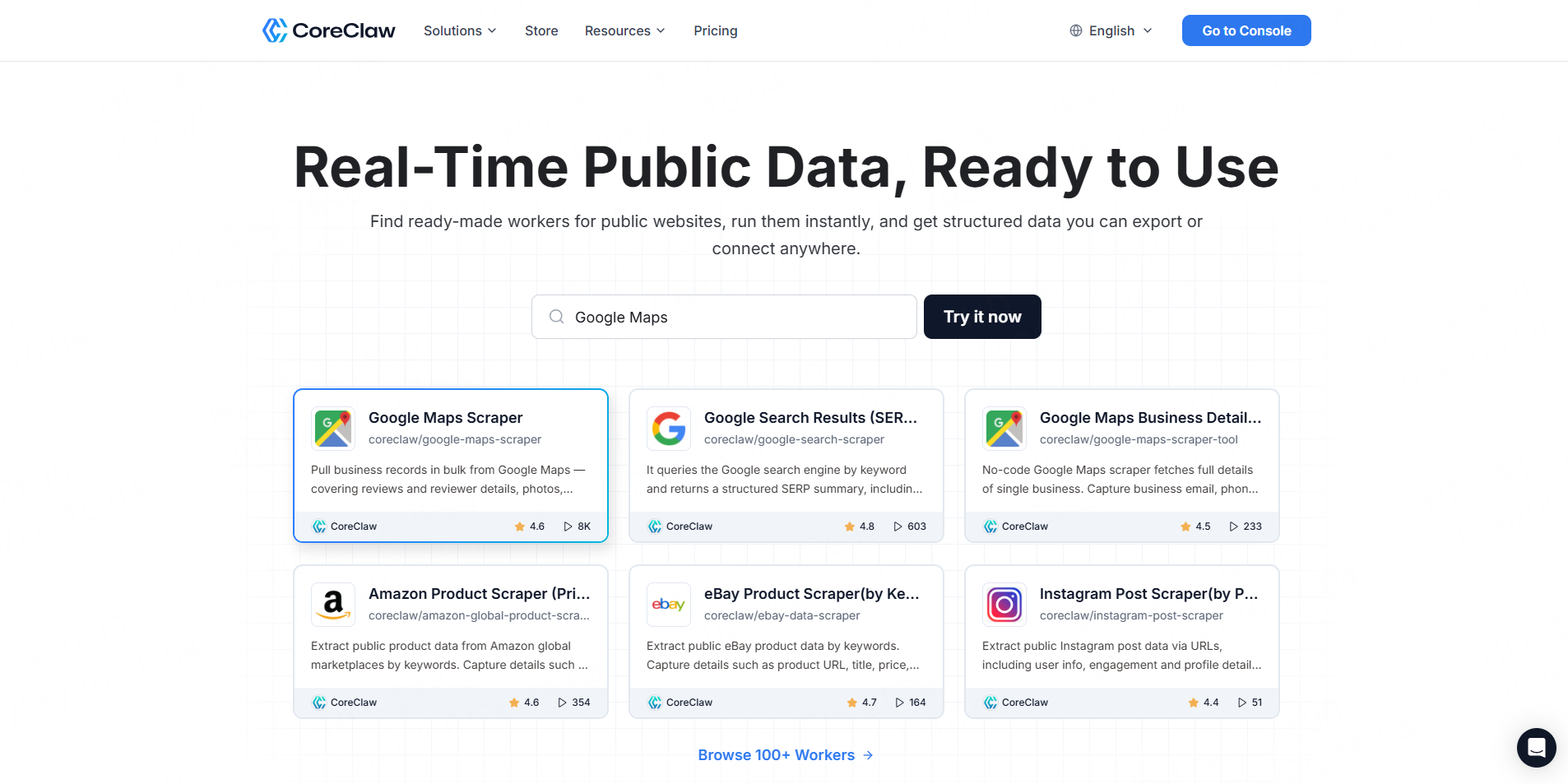
Best for: Teams that need ready-to-use Facebook data without building scraping infrastructure.
The CoreClaw Facebook Scraper Store includes ready-made Workers for public posts, comments, profiles, pages, events, ads, and other Facebook workflows. Outputs are organized into structured fields and can be exported or connected to internal systems through an API.
The Facebook Post Scraper, for example, collects text, links, publishing dates, engagement metrics, media, author fields, and related page information.
Pros: No coding, cleaned outputs, API access, and pay only for successful results.Cons: Very specialized sources may require a custom Worker.
2. Apify
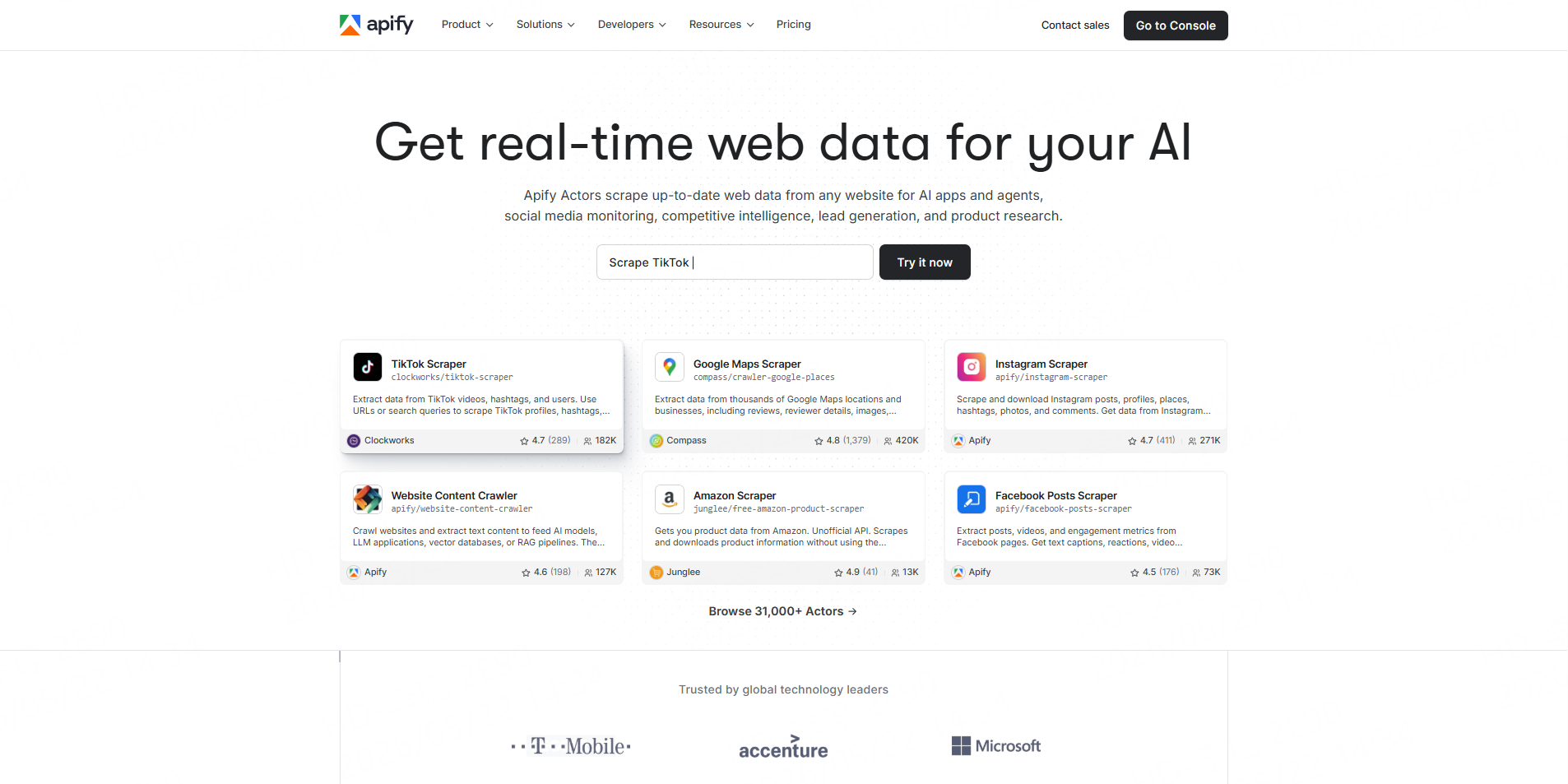
Best for: Technical teams that want a broad scraper marketplace.
Apify maintains a collection of Facebook Actors covering posts, comments, pages, advertisements, reviews, images, groups, and Marketplace information. Actors can generally be run through the interface, scheduled, or integrated through APIs.
Pros: Broad Actor selection and flexible automation.Cons: Actor schemas, maintenance, and pricing vary by developer.
3. Bright Data
Best for: Enterprise-scale, API-first Facebook collection.
Bright Data provides dedicated endpoints for Facebook profiles, pages, posts, comments, events, Reels, reviews, and Marketplace listings. It supports API and no-code collection, bulk URL requests, and structured delivery.
Pros: Broad dedicated coverage and large-scale pipeline support.Cons: More infrastructure and configuration than many small projects require.
4. PhantomBuster
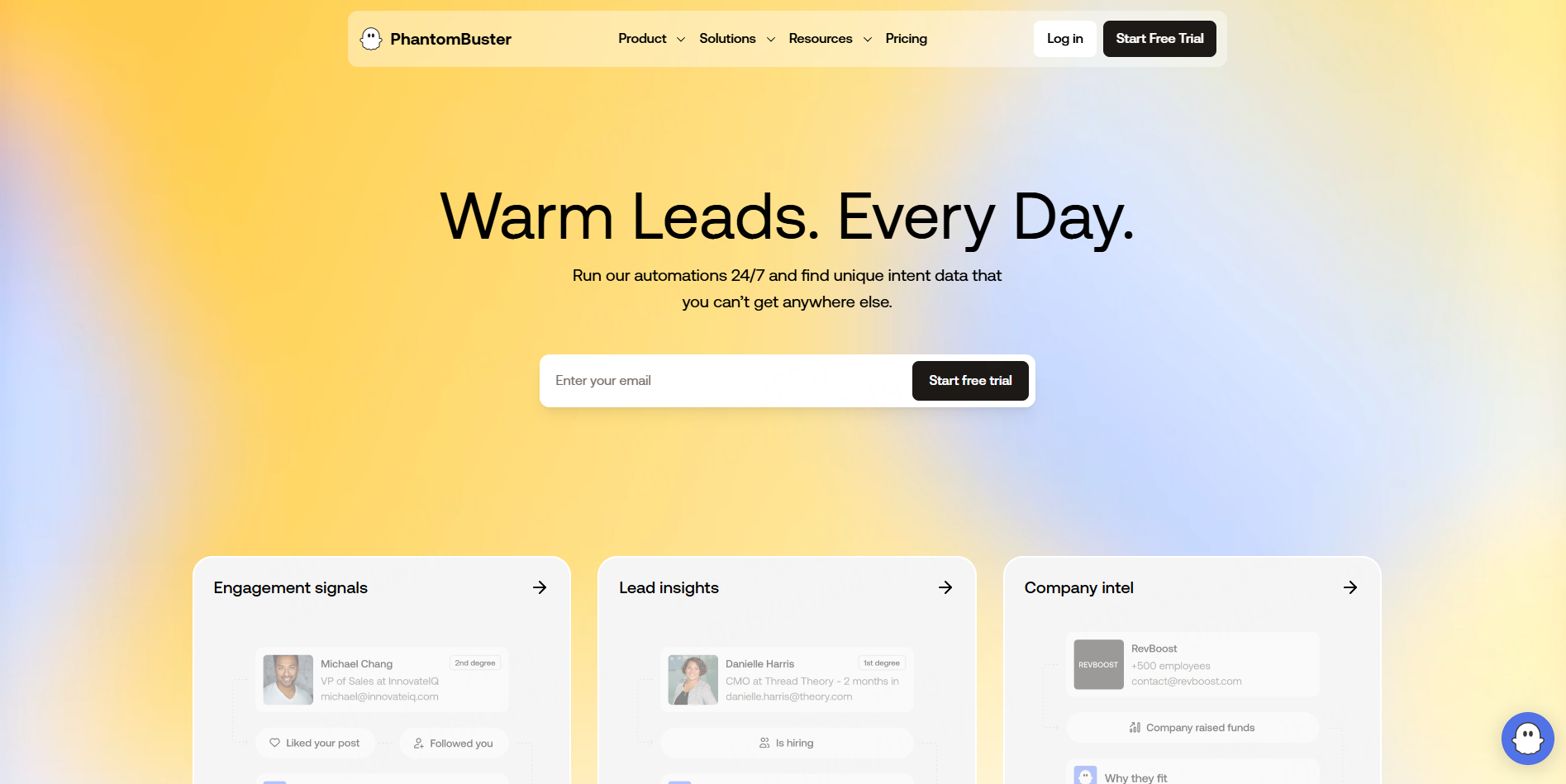
Best for: Sales and growth teams using Facebook sessions.
PhantomBuster provides focused automations for profiles, post commenters, post likers, and group members. Its group-member workflow can export members from groups the connected user has joined, but it requires a Facebook cookie or session.
Pros: Convenient spreadsheet-led automations.Cons: Session-based workflows must be kept within conservative account limits.
5. ScrapeCreators
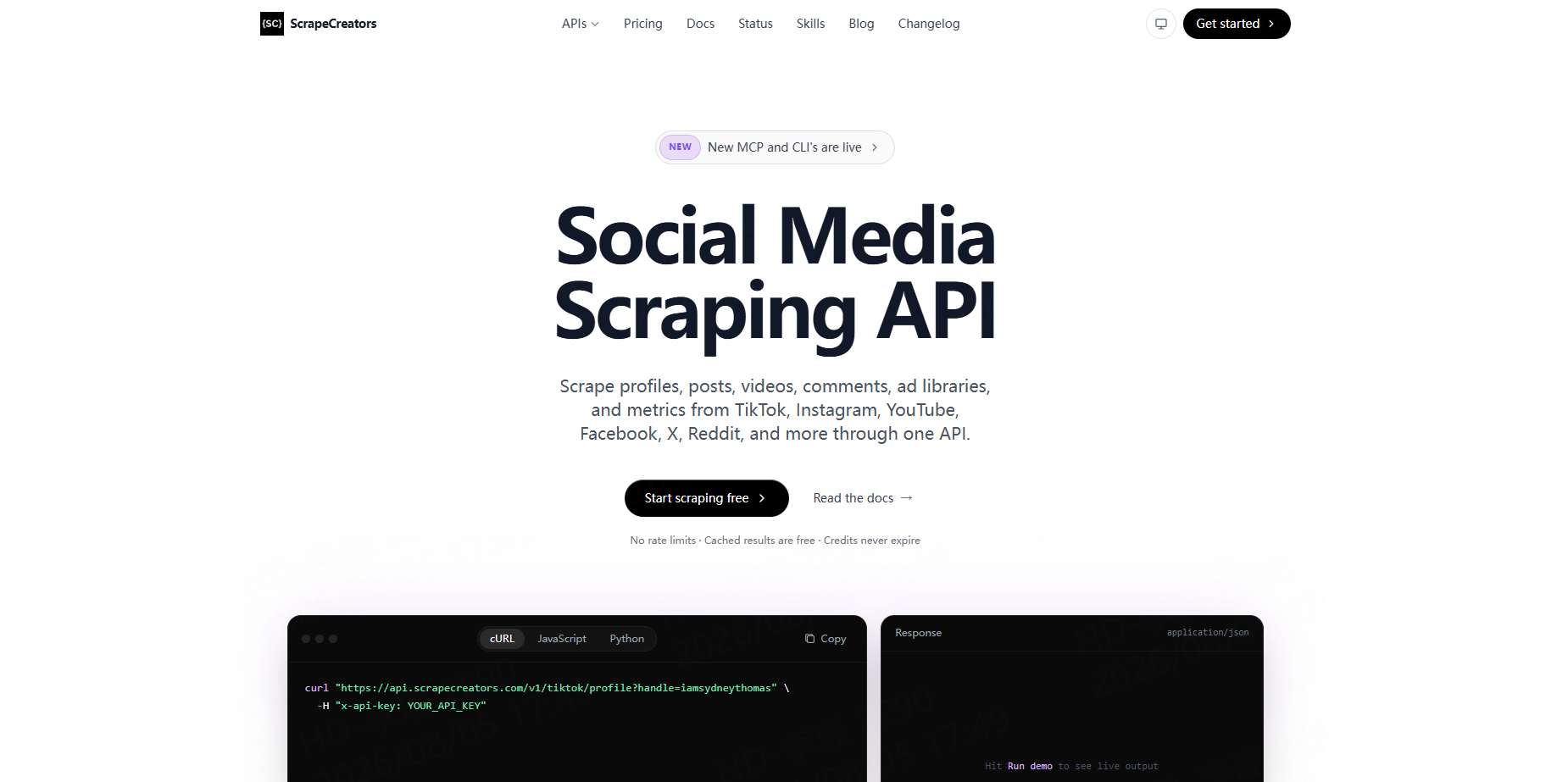
Best for: Developers building social-media research products.
ScrapeCreators offers one API covering Facebook profiles, posts, comments, groups, and Ad Library data alongside other social platforms. It is designed around JSON responses and direct application integration.
Pros: Straightforward developer workflow and multi-platform coverage.Cons: Not designed primarily for non-technical spreadsheet users.
6. Octoparse
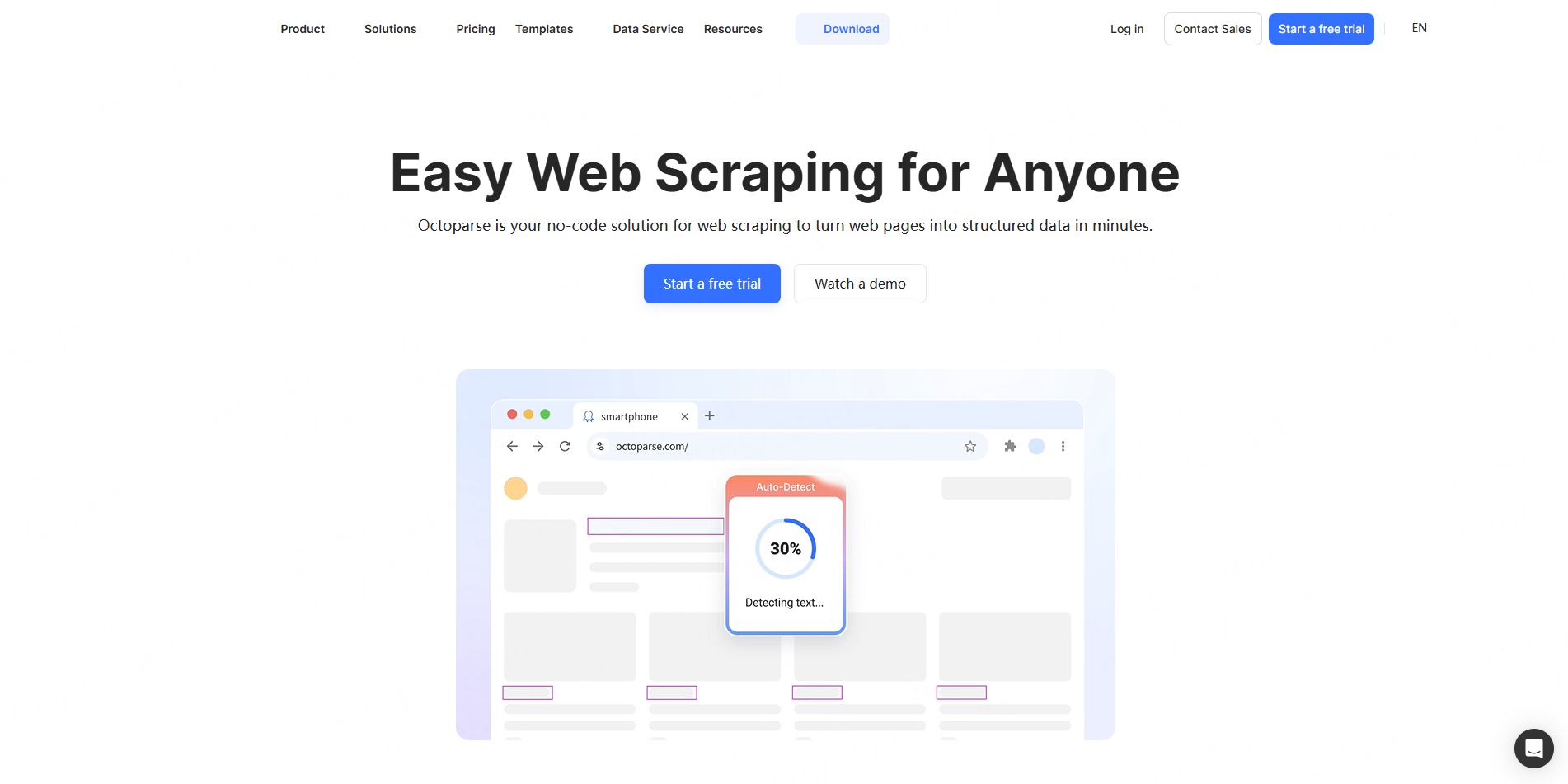
Best for: Business users building visual extraction workflows.
Octoparse is a general no-code scraper with automatic page detection, drag-and-drop workflow editing, dynamic-page support, desktop execution, and cloud runs. It is useful when no dedicated Facebook template matches the required page layout.
Pros: Flexible visual configuration.Cons: Facebook-specific workflows may require manual setup and ongoing maintenance.
7. Zyte
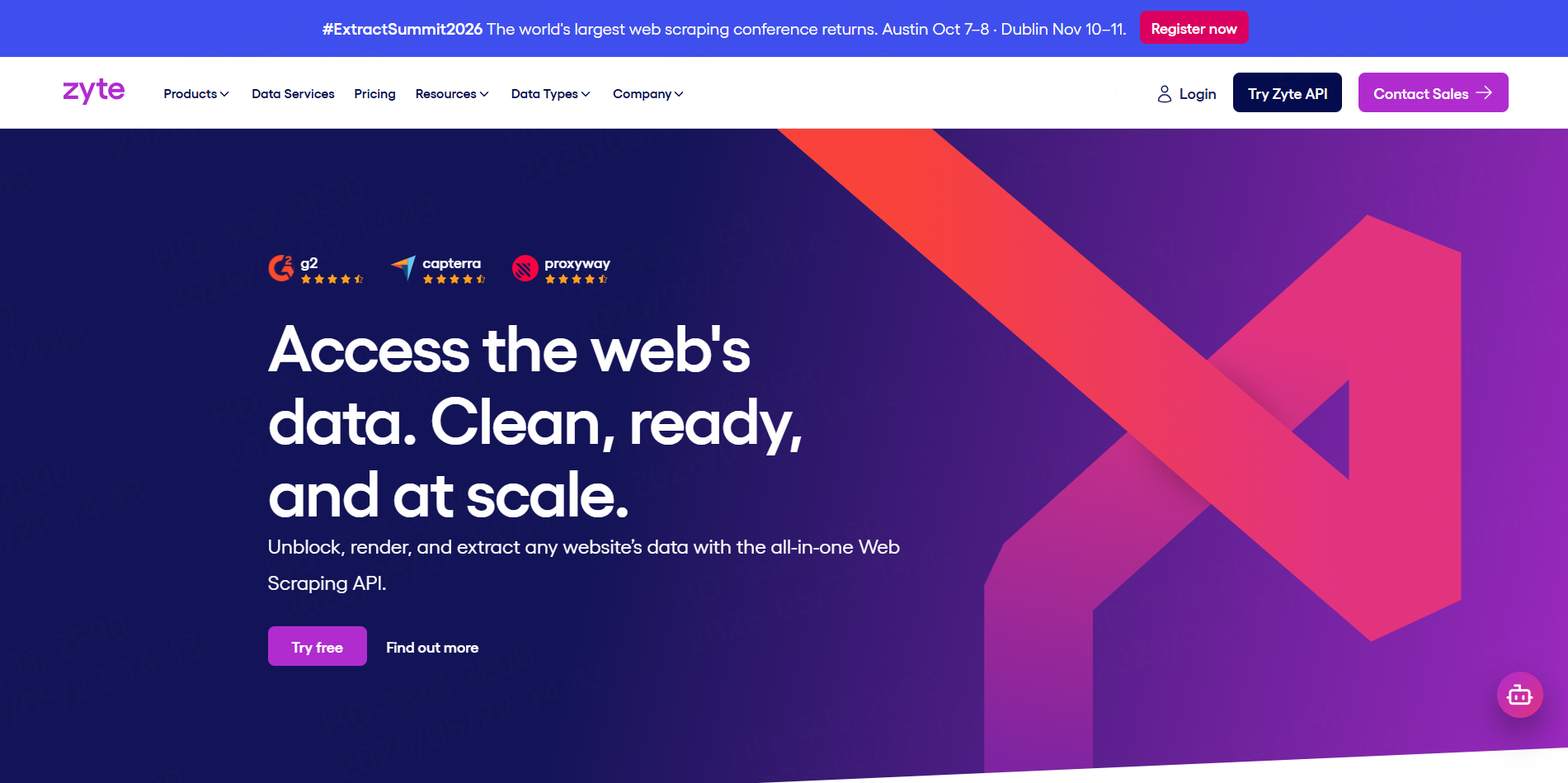
Best for: Engineering teams that need custom fetching and extraction.
Zyte API combines page access, browser rendering, unblocking, and extraction through a programmable interface. It is a general scraping platform rather than a ready-made Facebook dataset product.
Pros: Strong foundation for developer-controlled pipelines.Cons: Teams must create and maintain their own Facebook parsing logic.
How to Choose the Right Facebook Scraper
Choose by data type before comparing general features. CoreClaw, Apify, and Bright Data provide the broadest ready-made Facebook coverage. PhantomBuster is more relevant to session-based growth workflows. ScrapeCreators suits developer applications, while Octoparse, Zyte, and Data Miner require more custom configuration.
Also review export formats, scheduling, API access, data cleaning, session requirements, and how failed or empty requests are billed.
A Practical Facebook Data Workflow with CoreClaw
Start with known public URLs and select the matching Worker. Use the Facebook Posts Scraper for content and engagement, then add the Facebook Comments Scraper when discussion-level analysis is needed.
Run a small sample, check important fields against the source pages, remove duplicates, and filter irrelevant records before export. Teams can download CSV or JSON, or use the CoreClaw API to schedule runs and send results into Google Sheets, databases, dashboards, or internal systems.
Responsible Facebook Data Collection
Facebook’s terms restrict automated collection without prior permission, and Meta provides separate Automated Data Collection Terms. The official Page Public Content Access feature also requires review when an application needs public content from Pages it does not manage.
Teams should limit projects to necessary public information, avoid private or login-restricted content, minimize personal data, preserve timestamps and source URLs, and obtain legal review for higher-risk uses.
Conclusion
The best Facebook scraper depends on whether the team needs ready-made structured data or scraping infrastructure.
CoreClaw is the most practical overall choice for business teams that need public Facebook posts, profiles, comments, pages, events, or ads without building separate scrapers. Its ready-made Workers, cleaned and filtered outputs, CSV/JSON export, API access, and pay-only-for-successful-results pricing provide a direct route from Facebook URLs to usable datasets. Specialized projects can also use a custom Worker, while developers can publish reusable scraping workflows to the CoreClaw Store.
Frequently Asked Questions

Content Writer @CoreClaw · Last Updated 2026-08-05
Lena Kovalenko researches how modern software systems expose and organize information online. Her writing focuses on the interaction between APIs, web platforms, and automated data workflows. When exploring a topic she typically compares multiple tools to understand their design assumptions. These comparisons often lead to articles that help readers see how different technical approaches influence reliability and efficiency.
View Author Profile →Disclaimer: All information on the CoreClaw Blog is provided “as is” and for informational purposes only. CoreClaw makes no representations and assumes no liability for any consequences arising from your use of information published on the CoreClaw Blog or on any third-party websites linked from it. Before any scraping activity, consult legal counsel, review the target website’s terms of service, and obtain permission where required.




