

Facebook scraping can fail when a workflow sends too many requests, depends on an unstable browser session, targets restricted content, or repeatedly retries blocked pages. A connected personal account may also face a different risk when an automation tool requires its login cookie or active session.
No Facebook scraper can guarantee that blocking or account restrictions will never happen. The more practical goal is to use a managed tool that limits personal-account exposure, handles infrastructure in the cloud, and focuses on necessary public data.
What “Without Getting Banned” Actually Means
The word “banned” can describe several different problems:
- A request or IP address is temporarily blocked.
- Facebook presents a login wall or challenge.
- A scraping task returns missing or failed records.
- A connected personal Facebook account is restricted.
These risks should not be treated as identical. Managed scraper platforms can handle rendering, retries, scheduling, and network infrastructure, but they cannot make restricted or private information public.
For authorized Page data, businesses should also consider Meta’s official APIs. Meta provides permission-based access to public Page content for approved applications, while its Automated Data Collection Terms govern relevant automated collection activity.
Quick Comparison of Facebook Scraper Tools
Tool | Best for | Facebook-ready tools | Main limitation |
CoreClaw | No-code public-data workflows | Yes | Coverage depends on the selected Worker |
Bright Data | Enterprise-scale collection | Yes | May be more infrastructure than small teams need |
Apify | Flexible templates and automation | Yes | Quality and pricing vary between Actors |
Zyte API | Custom developer pipelines | No | Requires custom Facebook extraction logic |
ScrapingBee | Simple API-based page retrieval | No | Developers must define and process outputs |
The 5 Best Tools for Reducing Facebook Scraping Blocks
1. CoreClaw
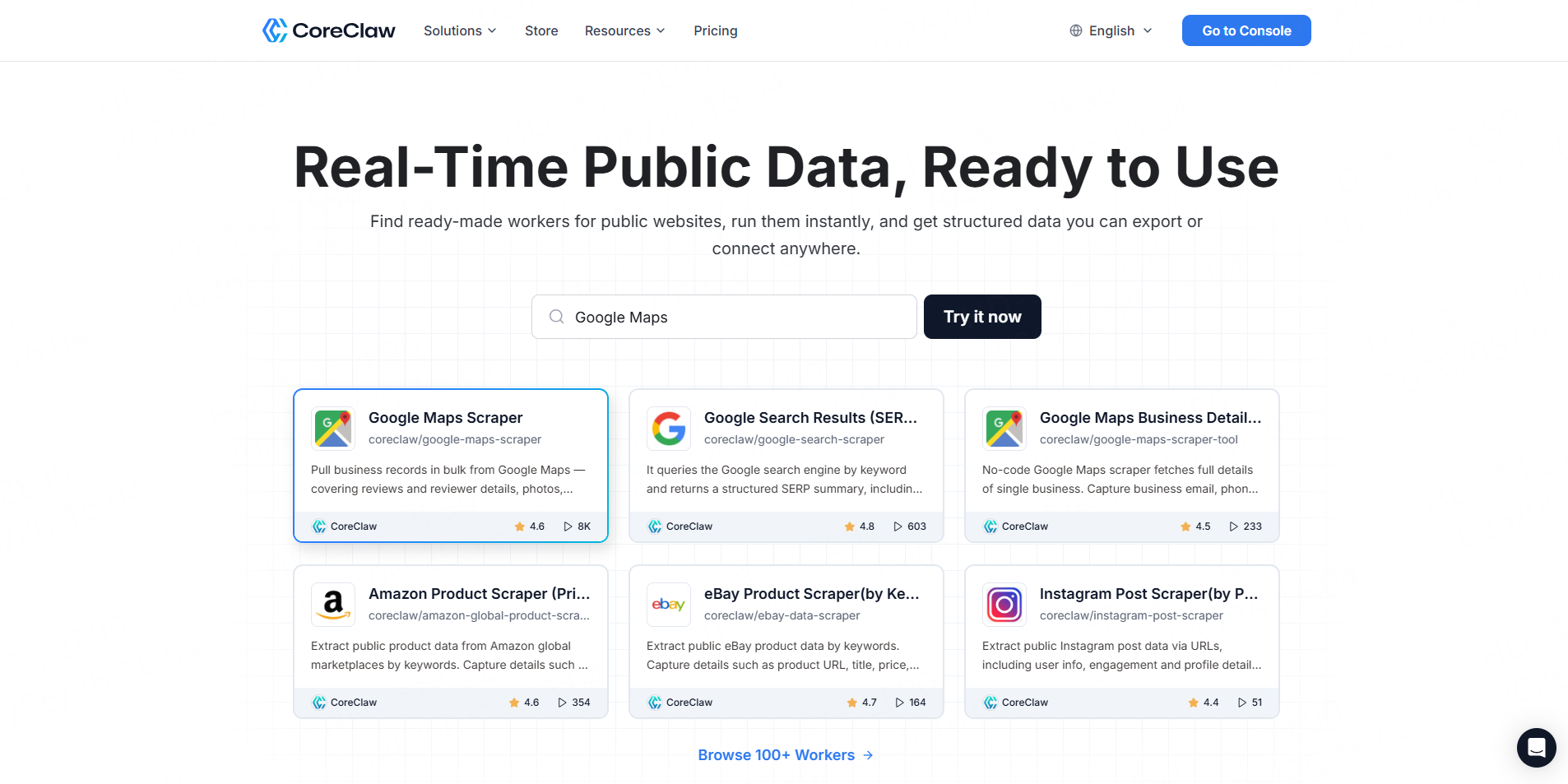
Best for: Business users that want structured Facebook data without connecting a personal Facebook session.
The CoreClaw Facebook Scraper Store contains ready-made Workers for public posts, comments, profiles, Pages, events, ads, and other supported Facebook sources. Results are returned as structured fields instead of raw webpage content.
The Facebook Post Scraper runs through CoreClaw’s cloud infrastructure. CoreClaw handles proxy rotation, scheduling, normalization, and delivery without asking users to provide personal Facebook account information. It supports batch URLs and CSV or JSON exports.
Pros: No coding, no connected personal Facebook session, ready-made schemas, cleaned outputs, and failed results are not charged.
Cons: A highly specialized Facebook source may require a custom Worker.
2. Bright Data
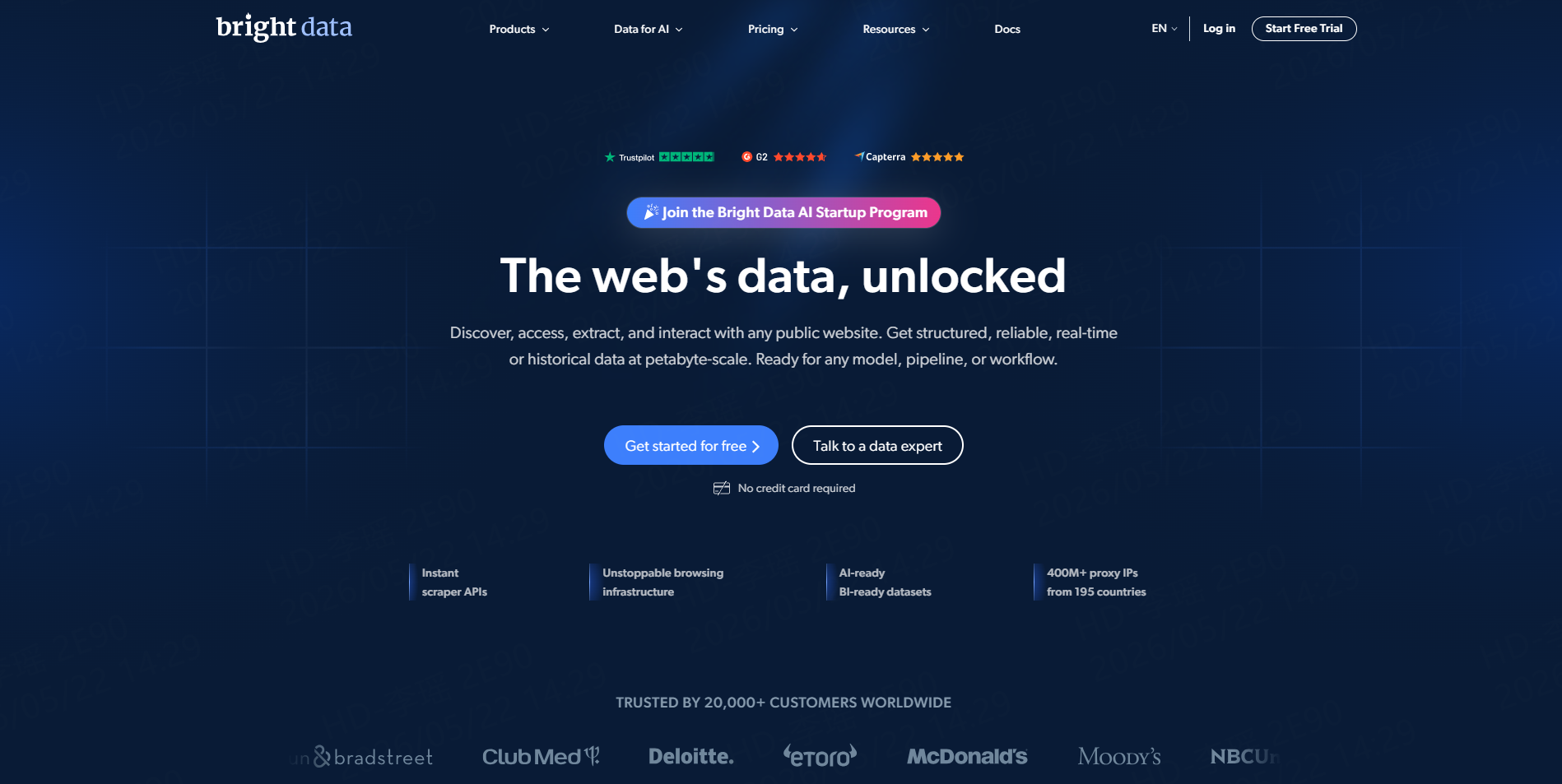
Best for: Enterprises collecting high volumes of Facebook data.
Bright Data provides dedicated Facebook scrapers for posts, comments, Pages, profiles, groups, events, Reels, and Marketplace listings. Workflows can be run through an API or no-code interface, with structured delivery and bulk URL support.
Pros: Broad Facebook coverage, managed infrastructure, batch processing, and enterprise-oriented delivery.
Cons: The platform may be more complex and costly than necessary for small, occasional exports.
3. Apify
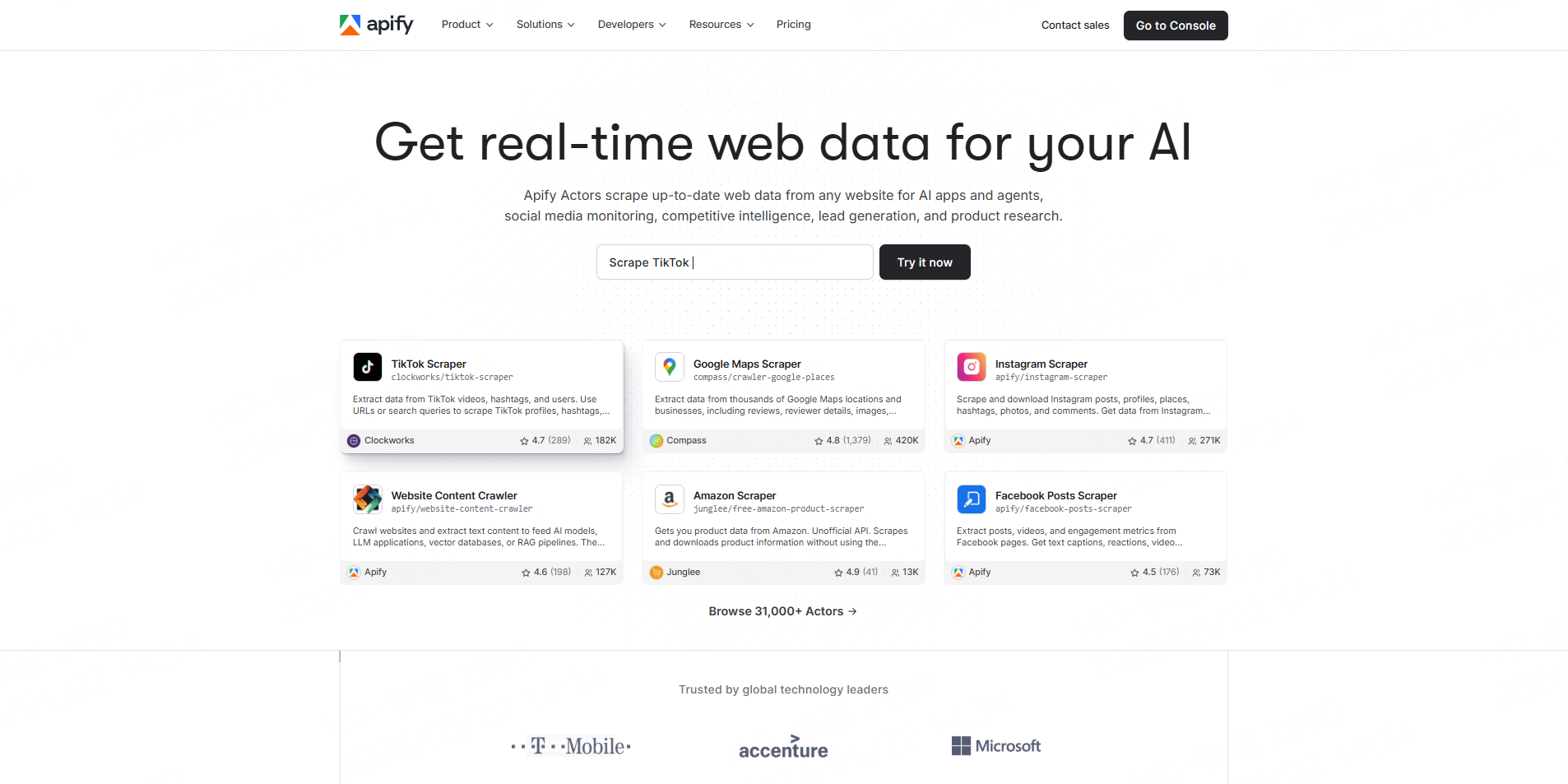
Best for: Technical teams that want a marketplace of configurable Facebook scrapers.
Apify offers Actors for public Facebook groups, Pages, profiles, posts, comments, ads, reviews, Reels, images, and Marketplace data. Results can be exported to formats such as JSON, CSV, and Excel, scheduled, or connected to other tools through an API.
Pros: Large selection, scheduling, APIs, integrations, and customizable workflows.
Cons: Actors are maintained by different developers, so inputs, output fields, reliability, and billing models can vary.
4. Zyte API
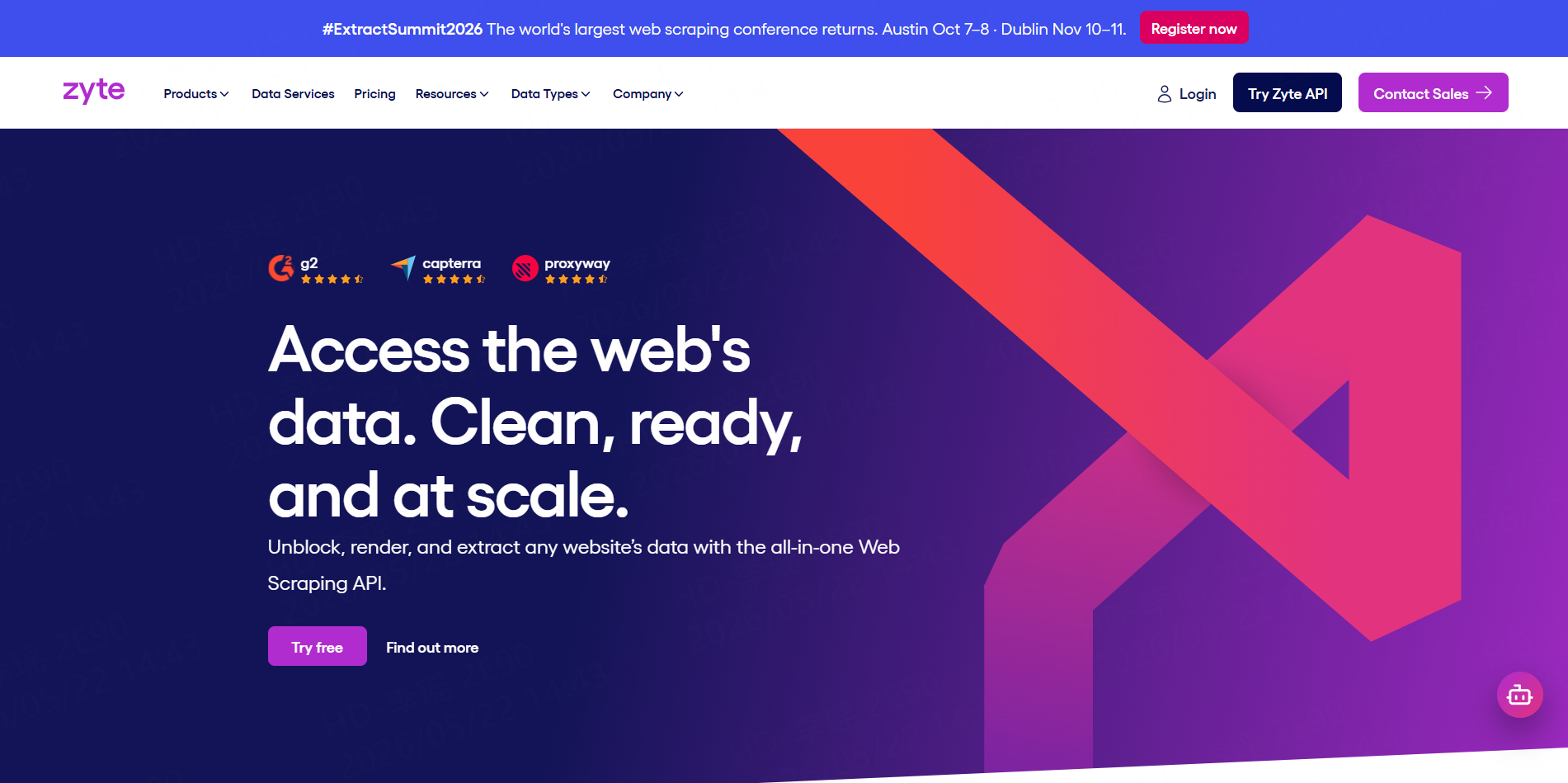
Best for: Developers building and maintaining their own Facebook extraction logic.
Zyte API combines browser rendering, automated session management, ban handling, proxy selection, and extraction in one developer API. Its compliance controls restrict certain login mechanisms and place conditions on access to higher-trust infrastructure.
Pros: Strong access infrastructure, managed browsers, configurable extraction, and compliance guardrails.
Cons: Zyte does not provide the same ready-made Facebook schemas as a dedicated Worker marketplace. Developers still need to define the pages, fields, and processing logic.
5. ScrapingBee
Best for: Developers that want a simpler API for public social media pages.
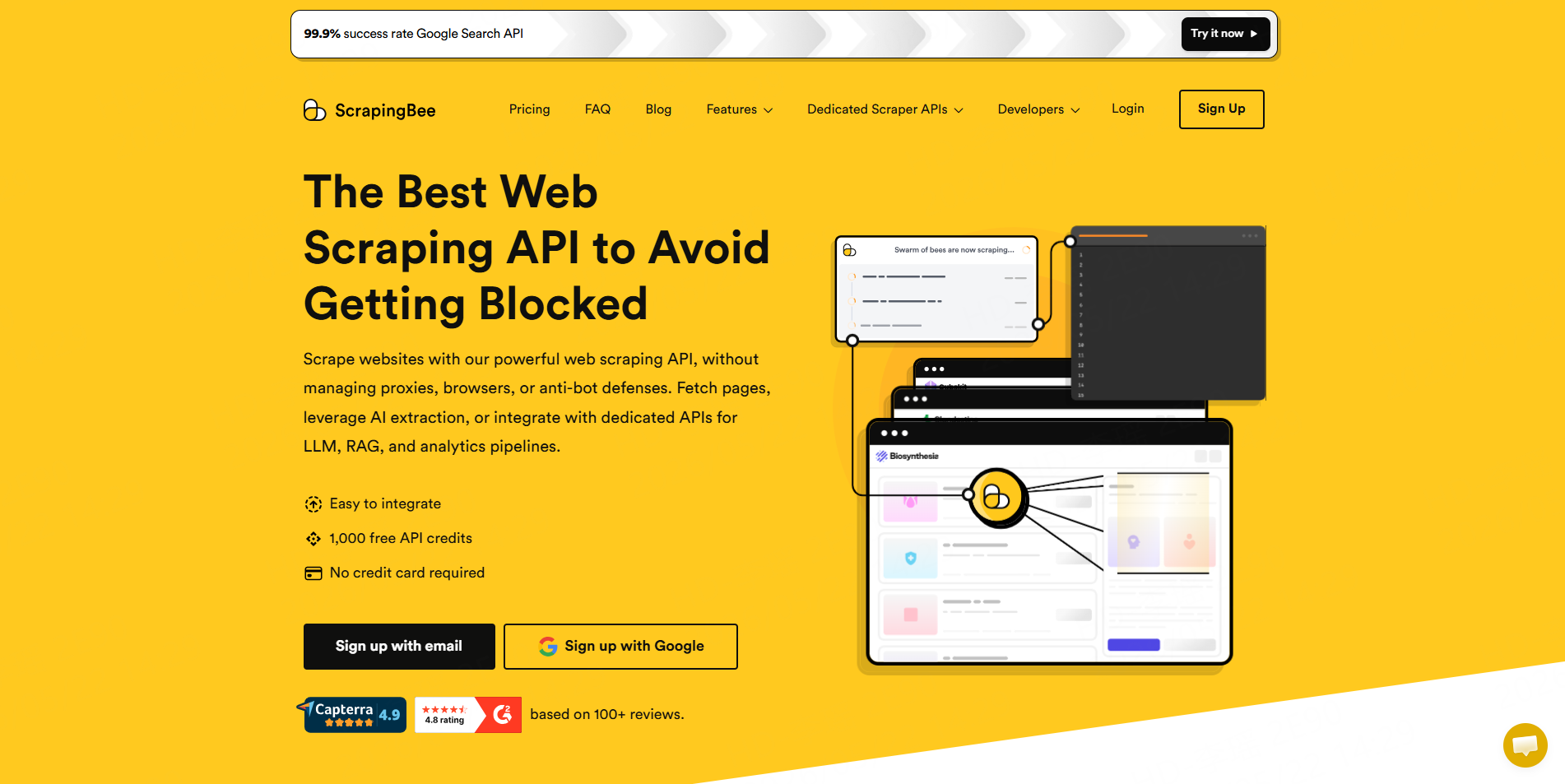
ScrapingBee’s social media API handles JavaScript rendering, browser infrastructure, and proxy rotation. Developers send a public profile or post URL and can retrieve rendered content or define extraction requirements for structured results.
Pros: Straightforward API, multiple programming-language SDKs, managed rendering, and optional extraction rules.
Cons: It is a general scraping API rather than a collection of Facebook-specific Workers. Teams must design and validate their own output schema.
How to Reduce Facebook Scraping Risk
Start with public URLs and collect only the fields required for the project. Private profiles, login-only pages, direct messages, and restricted information should not be treated as scraping targets.
Avoid running personal-account browser automation when a cloud Worker or approved API can complete the task. Session-based tools create an additional dependency on the connected account and its activity limits.
Run a small test before processing a large URL list. Check which records succeed, which fields are blank, and whether the output matches the source pages.
Use reasonable collection intervals. Repeatedly requesting the same pages adds little analytical value and increases technical and compliance risk.
Finally, retain source URLs and timestamps, clean duplicate records, and sample-check important results. Managed infrastructure can reduce operational failures, but it cannot guarantee complete or permanently accurate data.
Conclusion
The best way to reduce Facebook scraping blocks is not to search for a guaranteed bypass. It is to use a focused public-data workflow, avoid unnecessary account-based automation, test inputs at a small scale, and rely on managed infrastructure when appropriate.
With CoreClaw, teams can use ready-made Facebook Workers, obtain cleaner and filtered structured results, and export data through CSV, JSON, Excel-compatible files, or the CoreClaw API. Pricing follows a pay-only-for-successful-results model, while developers can publish and monetize custom Workers for specialized workflows.
Frequently Asked Questions

Content Writer @CoreClaw · Last Updated 2026-08-06
Lena Kovalenko researches how modern software systems expose and organize information online. Her writing focuses on the interaction between APIs, web platforms, and automated data workflows. When exploring a topic she typically compares multiple tools to understand their design assumptions. These comparisons often lead to articles that help readers see how different technical approaches influence reliability and efficiency.
View Author Profile →Disclaimer: All information on the CoreClaw Blog is provided “as is” and for informational purposes only. CoreClaw makes no representations and assumes no liability for any consequences arising from your use of information published on the CoreClaw Blog or on any third-party websites linked from it. Before any scraping activity, consult legal counsel, review the target website’s terms of service, and obtain permission where required.




