
A Facebook Post Scraper converts publicly accessible posts into structured records containing text, publication dates, engagement metrics, media links, author details, and source URLs. Marketing teams can use these datasets for competitor research, content analysis, campaign monitoring, community research, and audience-response analysis.
The tools in this comparison serve different workflows. Some provide ready-made Facebook extractors, while others offer browser extensions, general web scraping APIs, visual workflow builders, or authorized access to posts from Pages managed by the user.
Best Facebook Post Scraper at a Glance
Tool | Best For | Main Interface |
CoreClaw | Clean no-code post datasets | Worker and API |
Bright Data | Enterprise Facebook pipelines | No-code scraper and API |
Apify | Configurable cloud automation | Actor and API |
Lobstr | Public Facebook group posts | No-code scraper and API |
Thunderbit | Browser-based extraction | Chrome extension |
Data365 | Social-data applications | API |
Octoparse | Visual custom workflows | Desktop and cloud builder |
Oxylabs | Developer-managed collection | Web Scraper API |
ParseHub | Dynamic page projects | Visual desktop scraper |
Meta Graph API | Authorized Page data | Official API |
What Is a Facebook Post Scraper?
A Facebook Post Scraper is a tool that collects publicly accessible information from Facebook posts and converts it into structured data. Instead of manually copying post text, publication dates, reactions, comments, shares, author details, and media links, users can process selected Facebook URLs and export the results for analysis.
Depending on the tool and the type of public content, a Facebook Post Scraper may collect post IDs, captions, hashtags, images, videos, external links, engagement metrics, Page or profile information, and source URLs. The data can support competitor research, campaign monitoring, content analysis, community research, and social media reporting.
10 Best Facebook Post Scraper Tools
1. CoreClaw
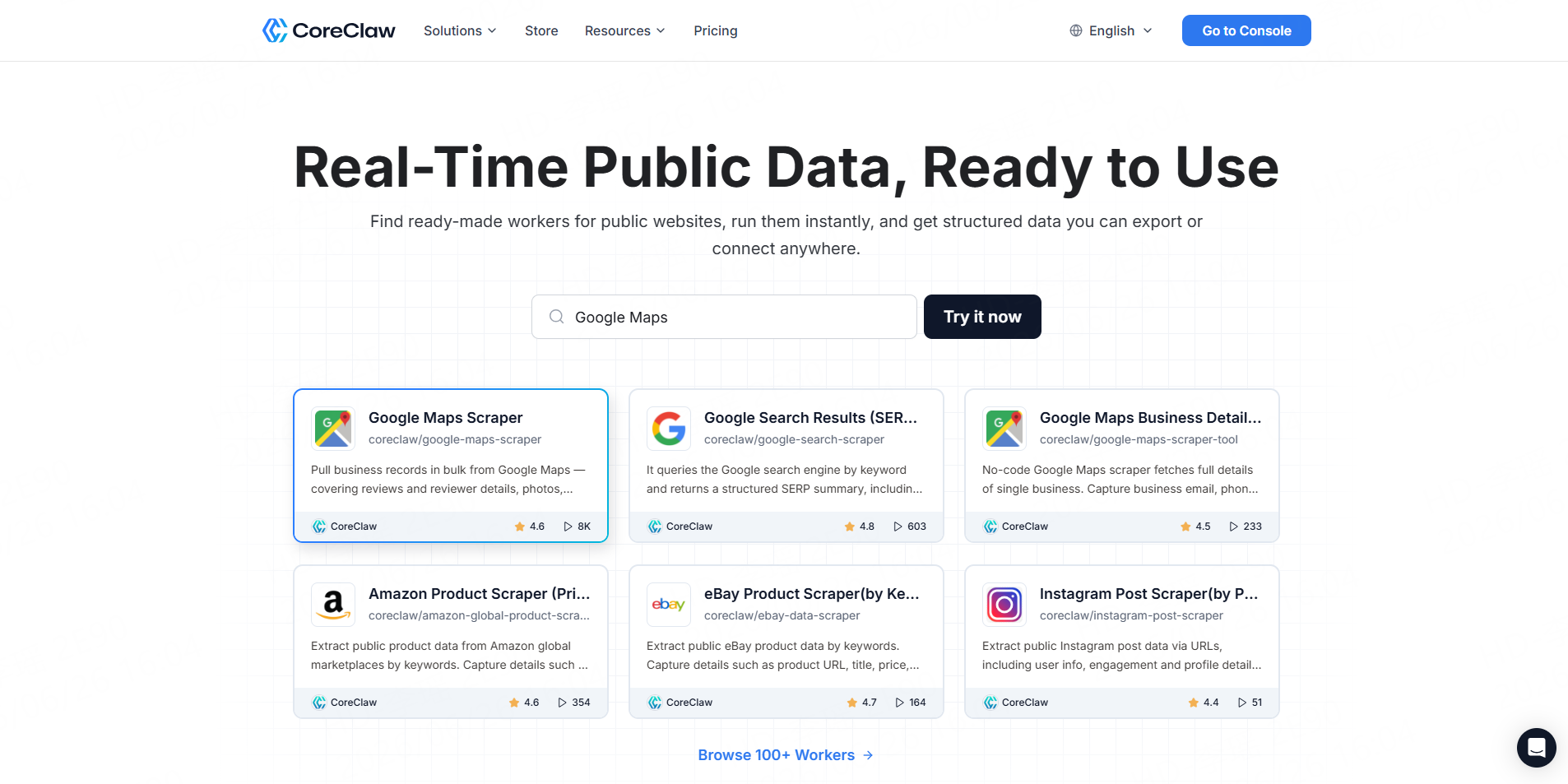
CoreClaw provides a purpose-built Facebook Post Scraper for processing known public URLs without coding. It collects post text, IDs, dates, hashtags, reactions, comments, shares, external links, author information, and media fields.
Best for: Agencies, researchers, social teams, and developers that need cleaner structured results without maintaining scraper infrastructure.
Consideration: The workflow is intended for publicly accessible content and known Facebook URLs.
2. Bright Data
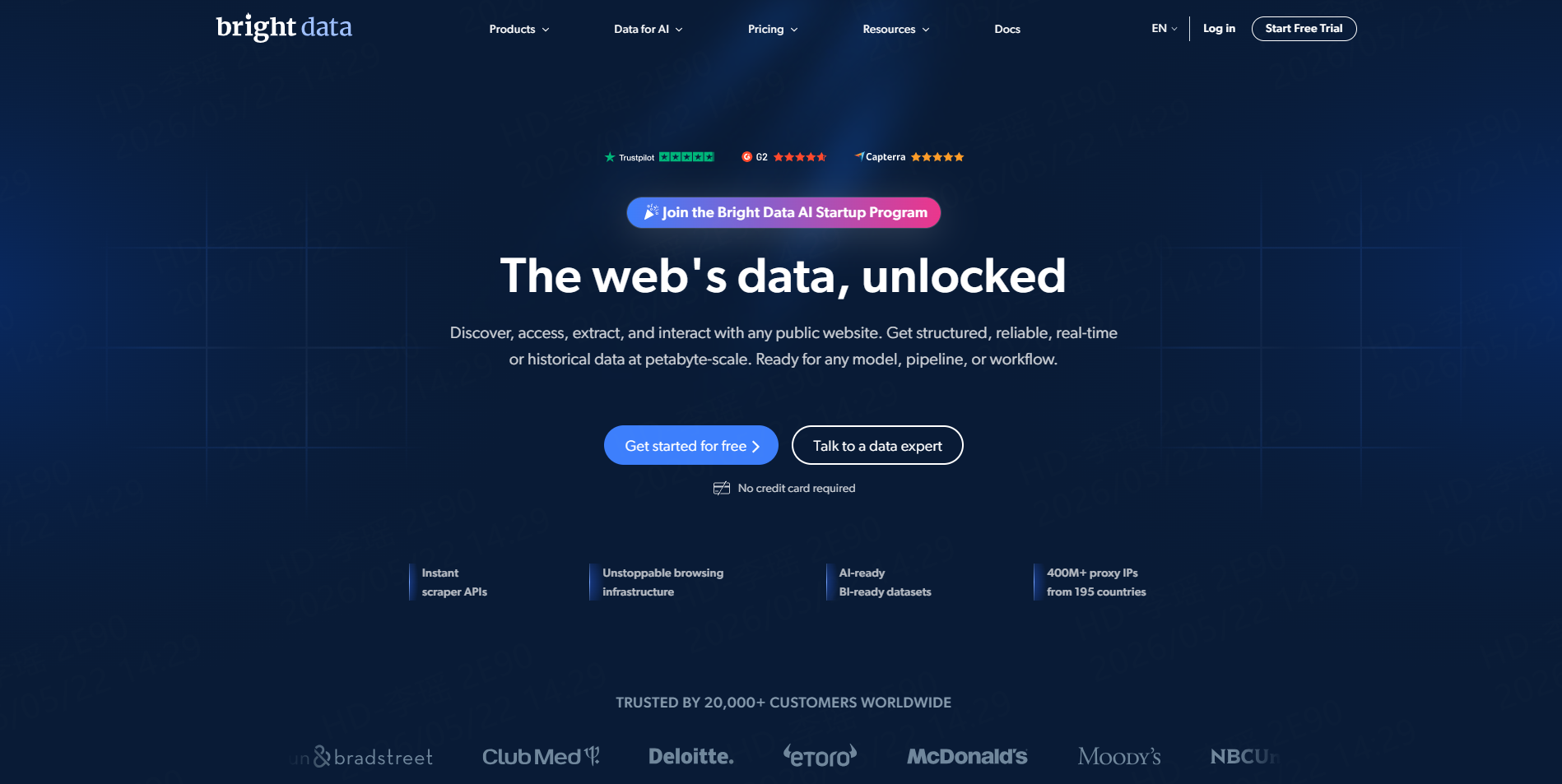
Bright Data offers dedicated scrapers for Facebook posts, Pages, profiles, comments, groups, Reels, events, and Marketplace listings. Its post product supports no-code or API collection, structured output, bulk URL requests, and pay-per-delivered-result processing.
Best for: Enterprise teams and high-volume data pipelines.
Consideration: Its infrastructure and product range may be more than a small spreadsheet project requires.
3. Apify
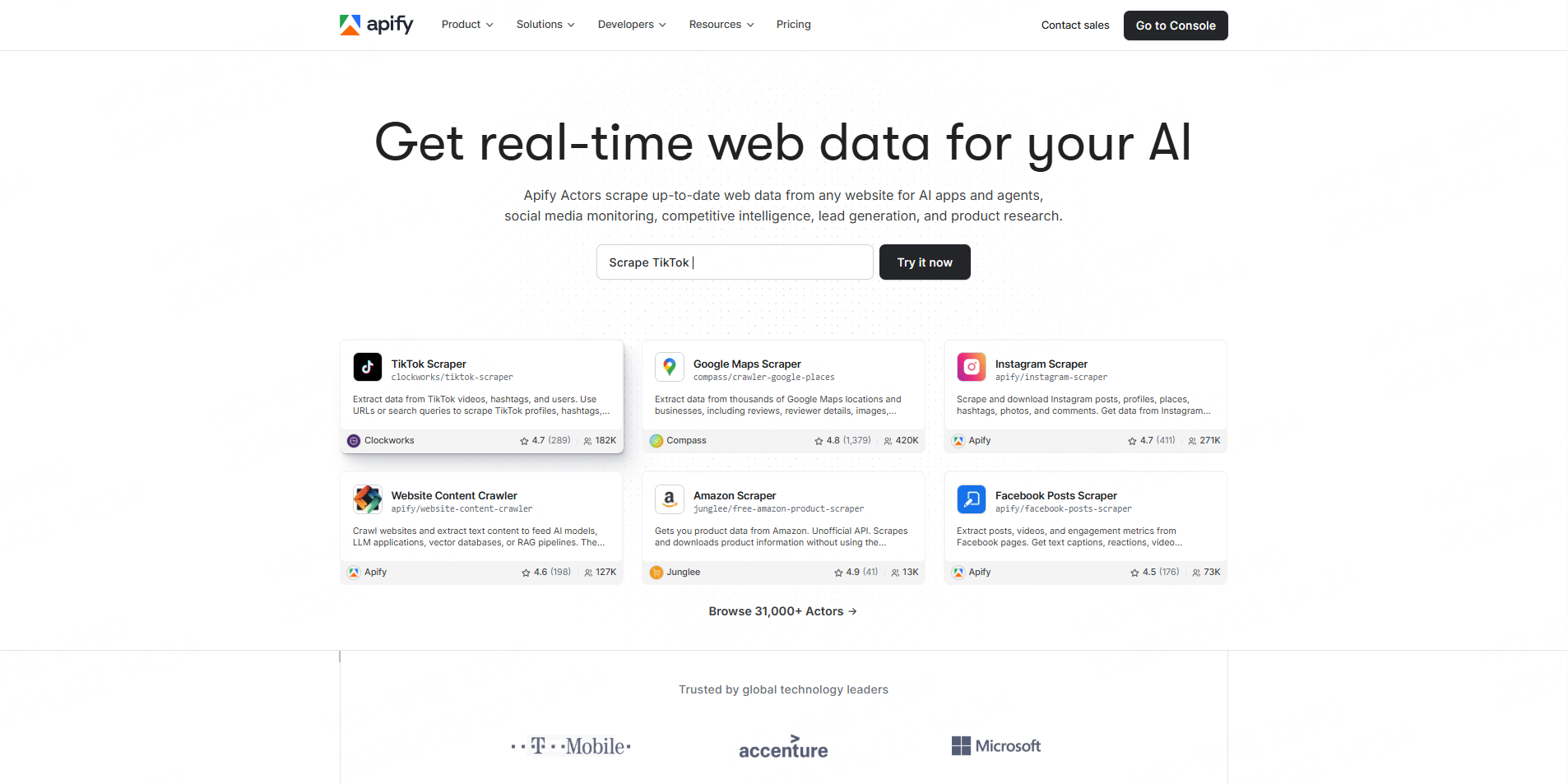
Apify’s official Facebook Posts Scraper processes public Page and profile URLs. It supports date filters, engagement metrics, thumbnails, media assets, video transcripts, API runs, webhooks, and exports to CSV, Excel, JSON, XML, or HTML.
Best for: Developers and growth teams that need configurable cloud automation.
Consideration: Users should monitor Actor usage and confirm accessible data on representative URLs.
4. Lobstr
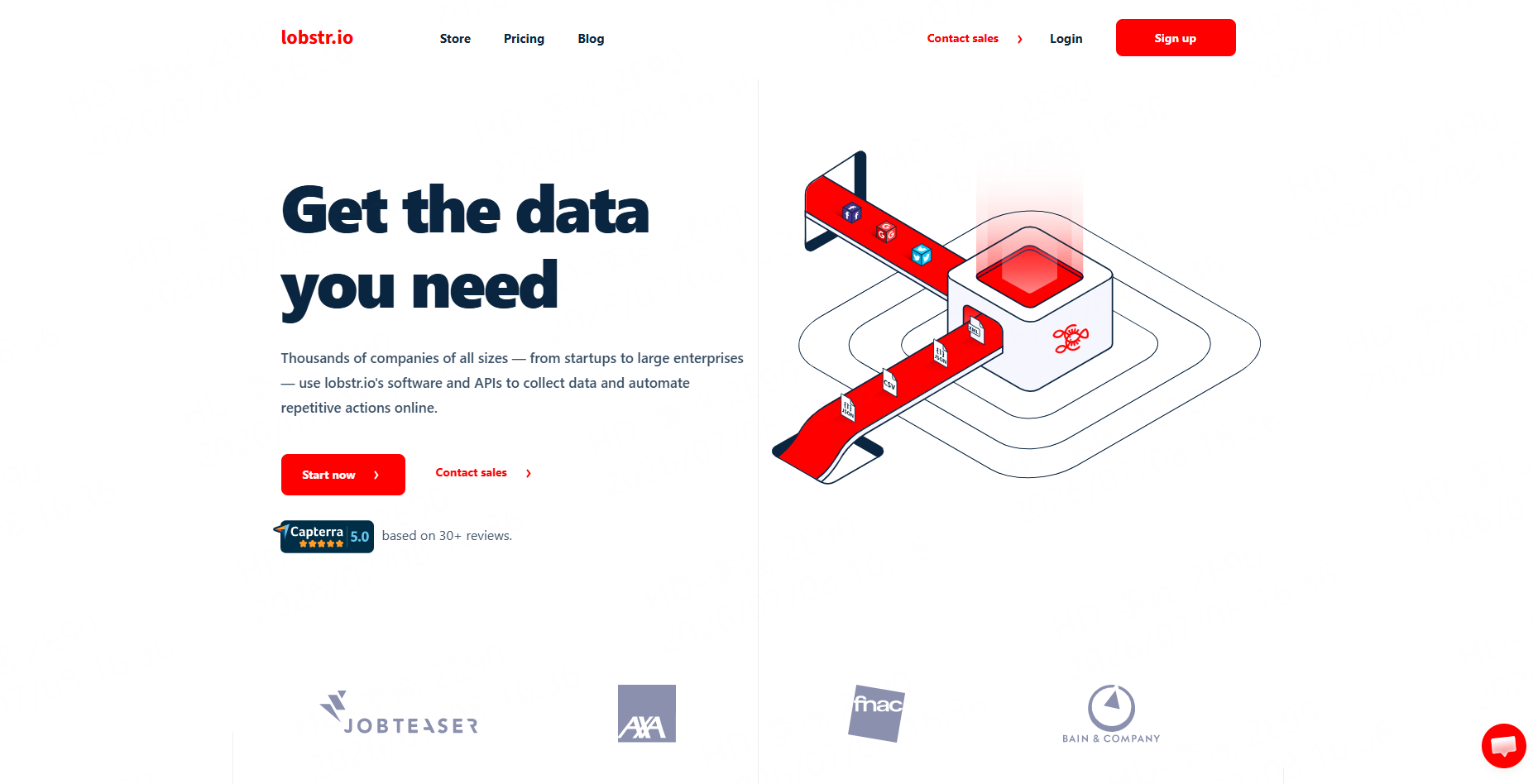
Lobstr provides separate tools for public and authorized private Facebook group posts. Its public-group scraper returns post text, media, links, reaction breakdowns, comments, shares, timestamps, and poster information.
Best for: Community research and Facebook group analysis.
Consideration: It is more specialized in group posts than general Page or profile monitoring.
5. Thunderbit
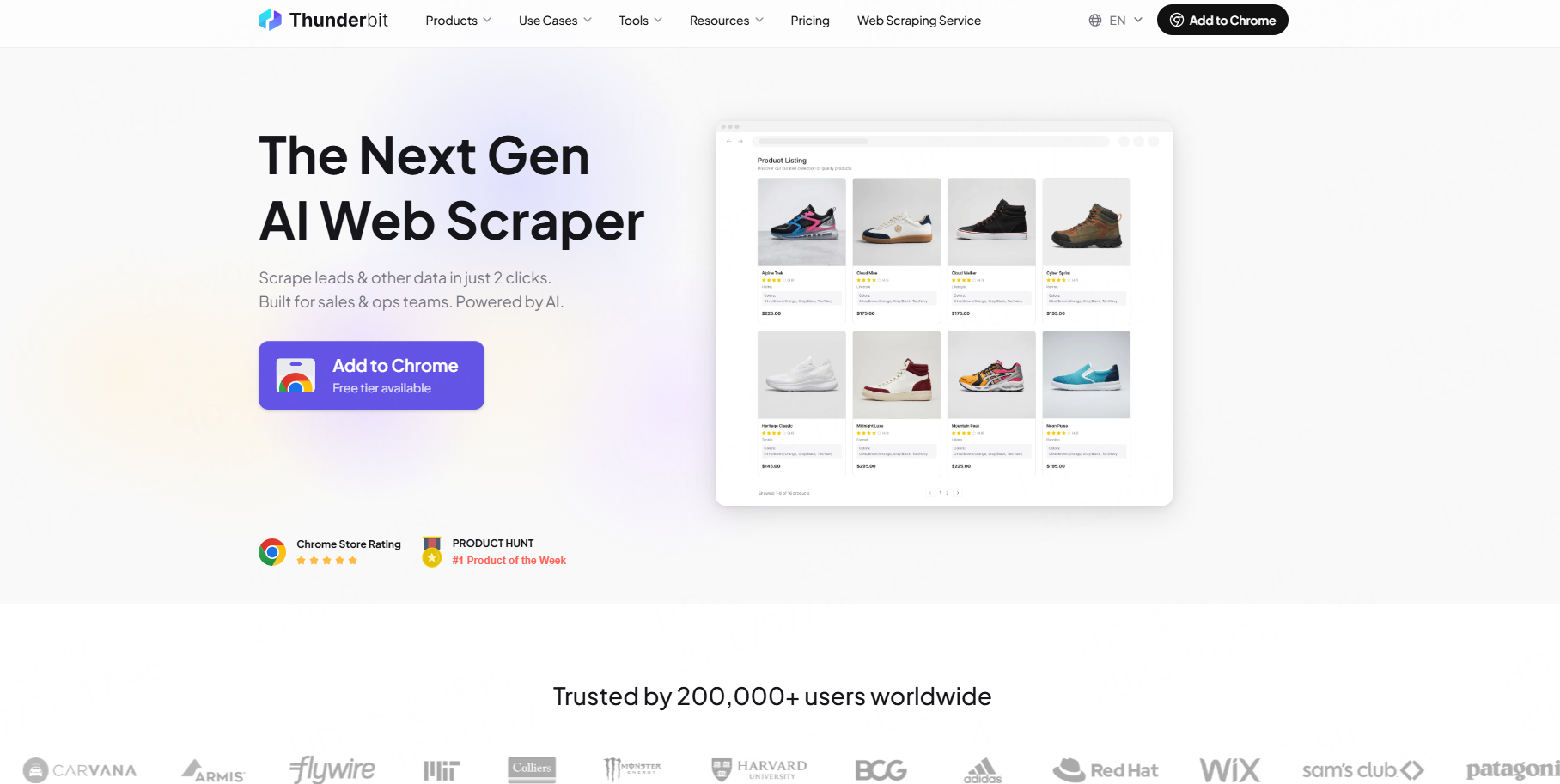
Thunderbit is an AI-powered browser scraper that can identify post text, authors, dates, comments, engagement fields, and other visible page elements. It exports results to Excel, Google Sheets, Airtable, Notion, CSV, or JSON.
Best for: Non-technical users working from Facebook pages visible in their browser.
Consideration: Browser-based extraction depends on the page state, session, loaded content, and scrolling behavior.
6. Data365
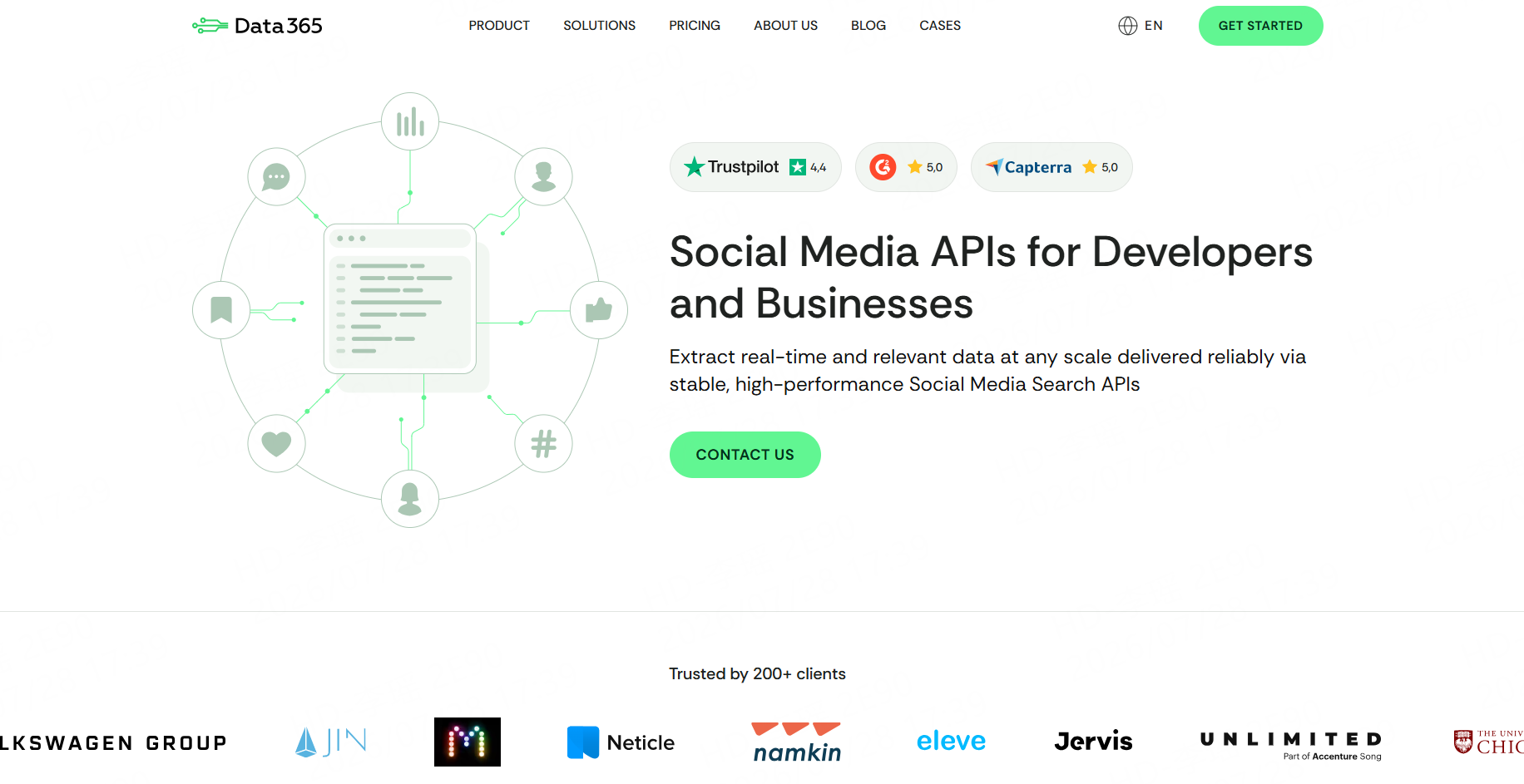
Data365 provides an API for collecting public Facebook profiles, feeds, posts, comments, and other social data. It is positioned as an alternative for developers who need structured social-media information beyond the workflows available through the official Graph API.
Best for: Social-listening applications and developer-managed analytics systems.
Consideration: API users must still design storage, cleanup, validation, and update rules.
7. Octoparse
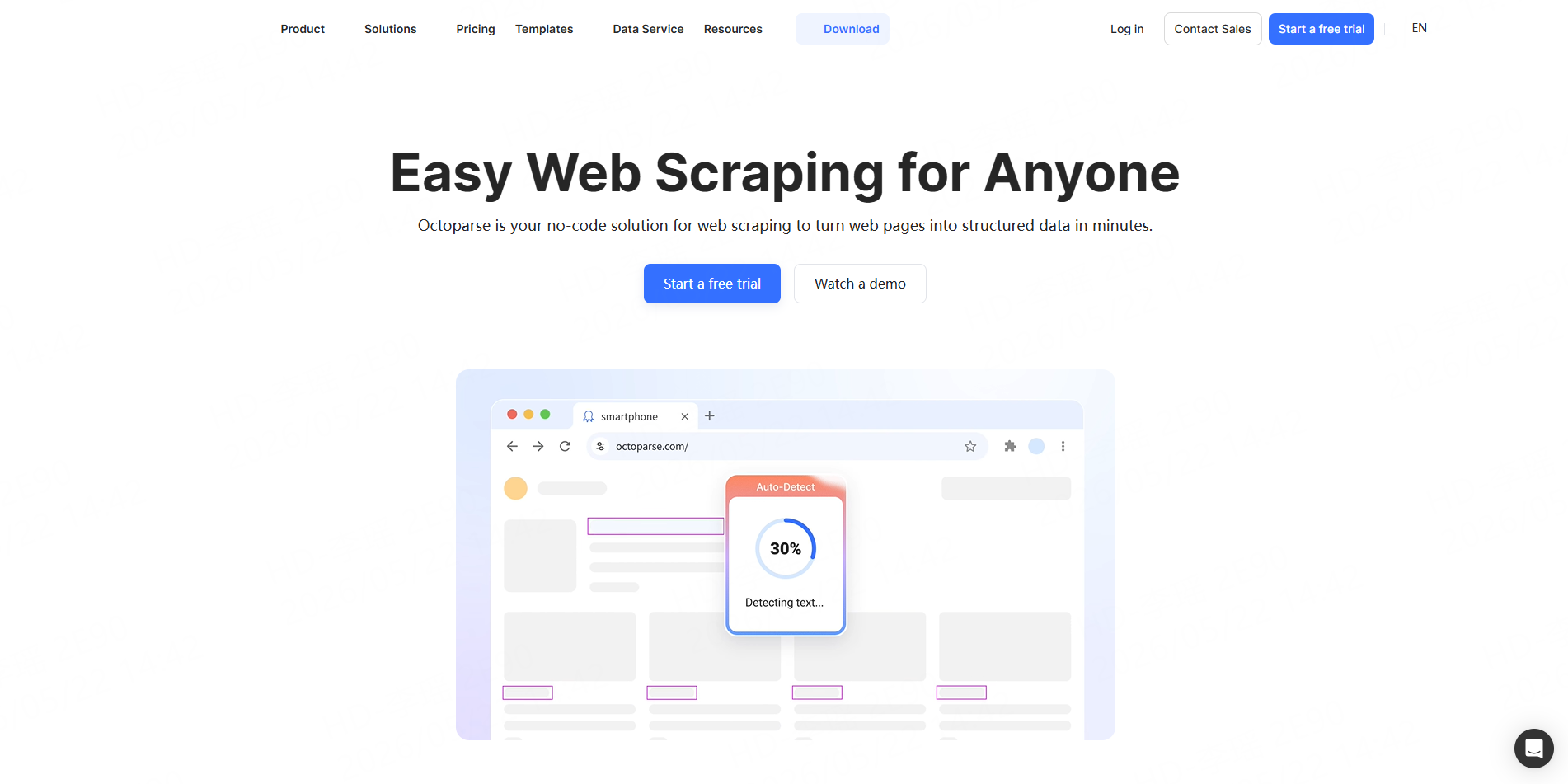
Octoparse is a visual no-code scraping platform that supports dynamic websites, cloud execution, schedules, APIs, and exports to Excel, CSV, JSON, databases, and Google Sheets.
Best for: Analysts who want to build a custom point-and-click workflow.
Consideration: It does not currently present a dedicated one-click Facebook Post Scraper on its main template pages, so users may need to build and maintain the extraction logic.
8. Oxylabs
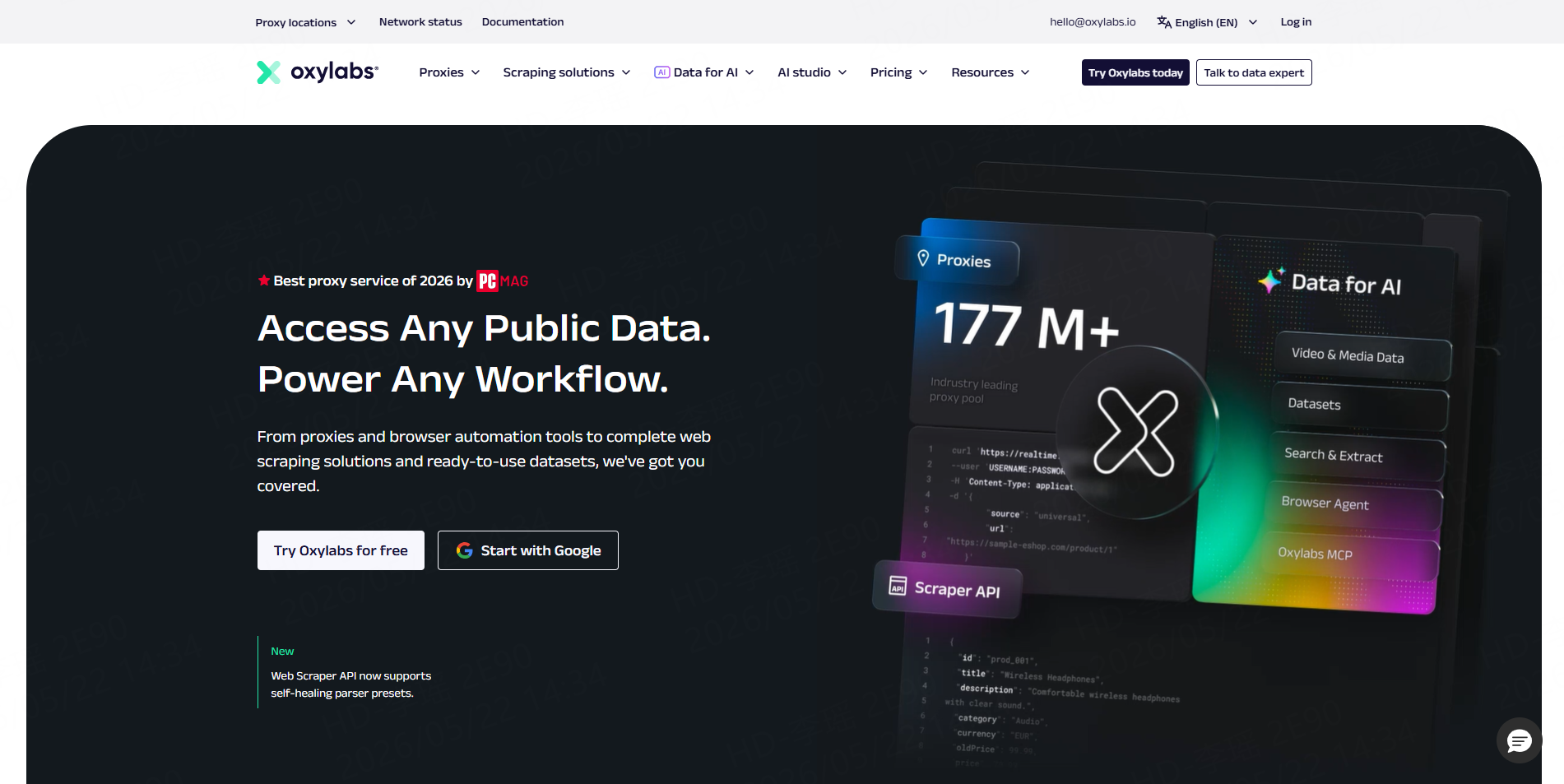
Oxylabs Web Scraper API handles page access, IP blocks, JavaScript content, browser instructions, and delivery to cloud storage. Developers can submit public URLs and build custom parsing logic.
Best for: Engineering teams that need managed access infrastructure.
Consideration: Oxylabs does not document a dedicated Facebook parser, so Facebook post fields may require custom parsing and testing.
9. ParseHub
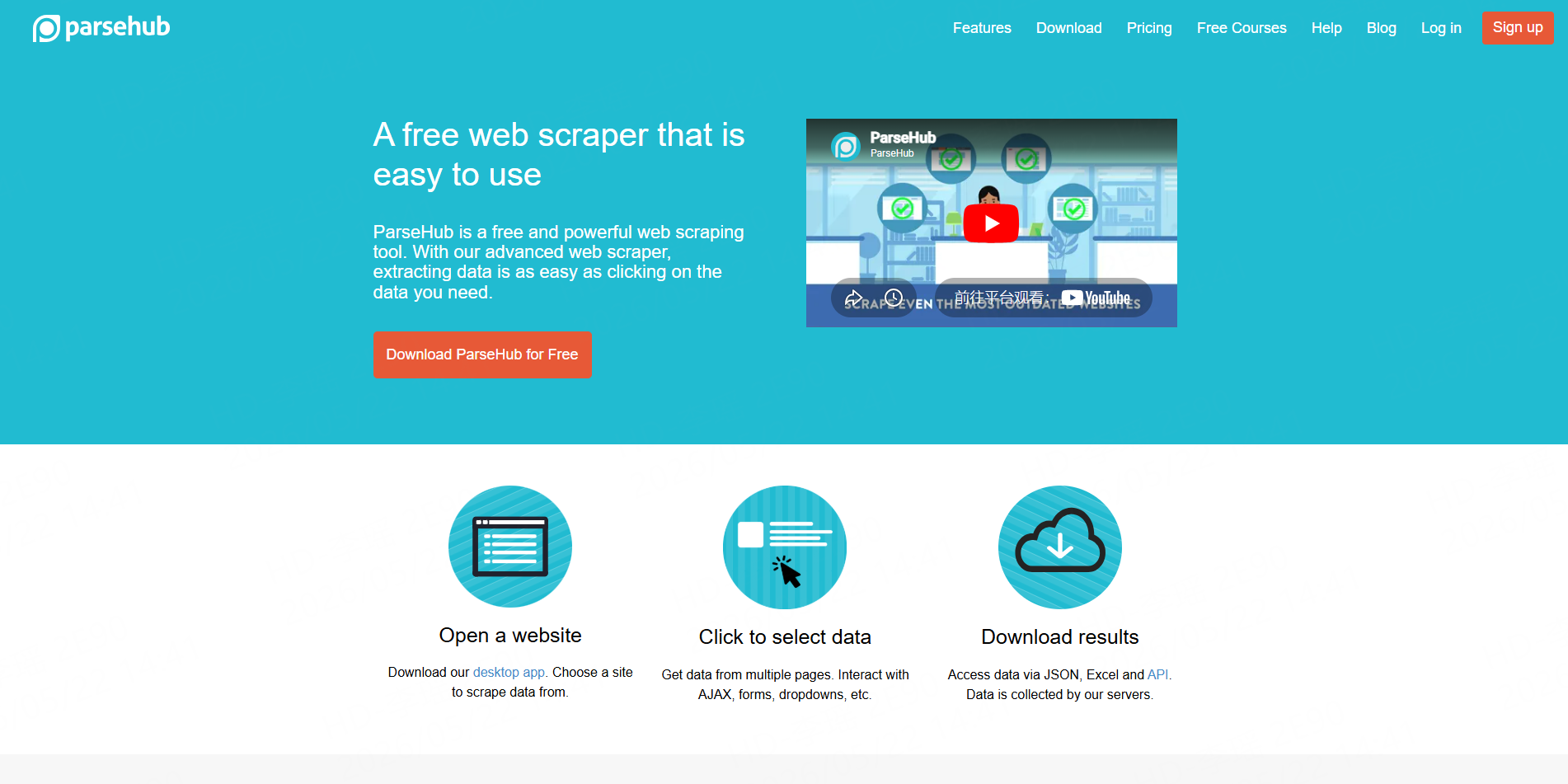
ParseHub is a visual desktop scraper for dynamic websites. It supports clicks, pagination, infinite scrolling, JavaScript content, schedules, REST API access, and CSV, Excel, or JSON delivery.
Best for: Custom one-time projects where users want visual control.
Consideration: Facebook layout and access changes can require workflow maintenance, making it less convenient than a dedicated post Worker.
10. Meta Graph API
Meta’s Graph API is the official option for reading and managing data from authorized Facebook Pages. Page access tokens and relevant permissions can provide access to posts for Pages the application is permitted to manage.
Best for: Owned-Page publishing, moderation, insights, and authorized integrations.
Consideration: It is not a general competitor-post scraper and requires app setup, permissions, tokens, and compliance with Meta’s access rules.
Which Facebook Post Scraper Is Best for Your Use Case?
Choose CoreClaw when the team wants a direct no-code workflow for public posts, Pages, profiles, or groups with structured CSV or JSON results.
Bright Data is suited to enterprise pipelines, while Apify provides broader automation flexibility. Lobstr is the more specialized choice for group-post research. Thunderbit works well for browser-based projects, and Data365 fits API-based social analytics.
For comments and audience reactions, the CoreClaw Facebook Comments Scraper can collect public comment text, commenter information, likes, replies, and timestamps from selected post URLs.
How Should You Clean and Export Facebook Post Data?
Use the post ID and source URL to remove duplicates. Keep Page, profile, and group posts in separate categories because their structures and research context can differ.
Standardize dates, reaction counts, author names, URLs, hashtags, and content types. Preserve the original source URL and collection timestamp so records can be reviewed later.
CoreClaw users can explore additional tools in the Facebook Scraper Worker Store, which covers posts, comments, profiles, events, Pages, ads, and Marketplace data. Recurring projects can use the CoreClaw API integration to trigger Workers and send results into databases, dashboards, or internal systems.
Final Thoughts
The best Facebook Post Scraper depends on the content source and intended output.
CoreClaw provides a practical option for teams that want a ready-made Worker instead of a custom browser workflow. Public post data can be collected in batches, organized into cleaner structured fields, and exported for campaign analysis, competitor monitoring, community research, or internal reporting.
Teams can also review CoreClaw’s guide to extracting public Facebook posts and Pages. CoreClaw’s pricing is based on successful results, while failed results are not counted as successful deliveries.
Frequently Asked Questions

Content Writer @CoreClaw · Last Updated 2026-07-28
Lena Kovalenko researches how modern software systems expose and organize information online. Her writing focuses on the interaction between APIs, web platforms, and automated data workflows. When exploring a topic she typically compares multiple tools to understand their design assumptions. These comparisons often lead to articles that help readers see how different technical approaches influence reliability and efficiency.
View Author Profile →Disclaimer: All information on the CoreClaw Blog is provided “as is” and for informational purposes only. CoreClaw makes no representations and assumes no liability for any consequences arising from your use of information published on the CoreClaw Blog or on any third-party websites linked from it. Before any scraping activity, consult legal counsel, review the target website’s terms of service, and obtain permission where required.




