Google Maps reviews can help businesses understand customer complaints, compare locations, monitor competitors, and identify recurring service problems. A review scraper converts this public feedback into structured records containing fields such as review text, star rating, publication date, owner response, reviewer information, images, and location details.
The best Google Maps review scraper depends on the intended workflow. A local SEO agency may need an Excel file for several locations, while a developer may need an API, asynchronous processing, and JSON delivery. This comparison focuses on five tools with clearly different strengths.
The Best Google Maps Review Scrapers at a Glance
Tool | Best For | Interface | Starting Price or Model |
CoreClaw | Best overall for business teams | No-code Worker and API | From $1.20 per 1,000 successful results |
Apify | Flexible cloud automation | Actor, API, schedules | From $0.30 per 1,000 reviews |
Lobstr | Low-cost high-volume collection | No-code scraper and API | Plan- and volume-based |
Outscraper | Pay-as-you-go spreadsheet projects | Dashboard and API | First 500 reviews free |
Bright Data | Enterprise review pipelines | Scraper API | Usage-based enterprise API |
Prices and offers can change. Teams should confirm the current product page and test a representative location before estimating a complete project.
How We Compared the Tools
The comparison uses five practical criteria.
Review fields: The tool should provide review text, ratings, dates, review identifiers, owner responses, and location context.
Collection controls: Sorting, date limits, rating filters, language settings, and keyword filters can reduce unnecessary processing.
Output quality: Structured rows, stable identifiers, consistent dates, and source URLs make the dataset easier to clean and analyze.
Automation: APIs, schedules, callbacks, and integration options matter for recurring reputation monitoring.
Cost per usable review: Missing records, failed runs, platform fees, and manual cleanup can be more important than the advertised request price.
Five Google Maps Review Scrapers Compared
1. CoreClaw
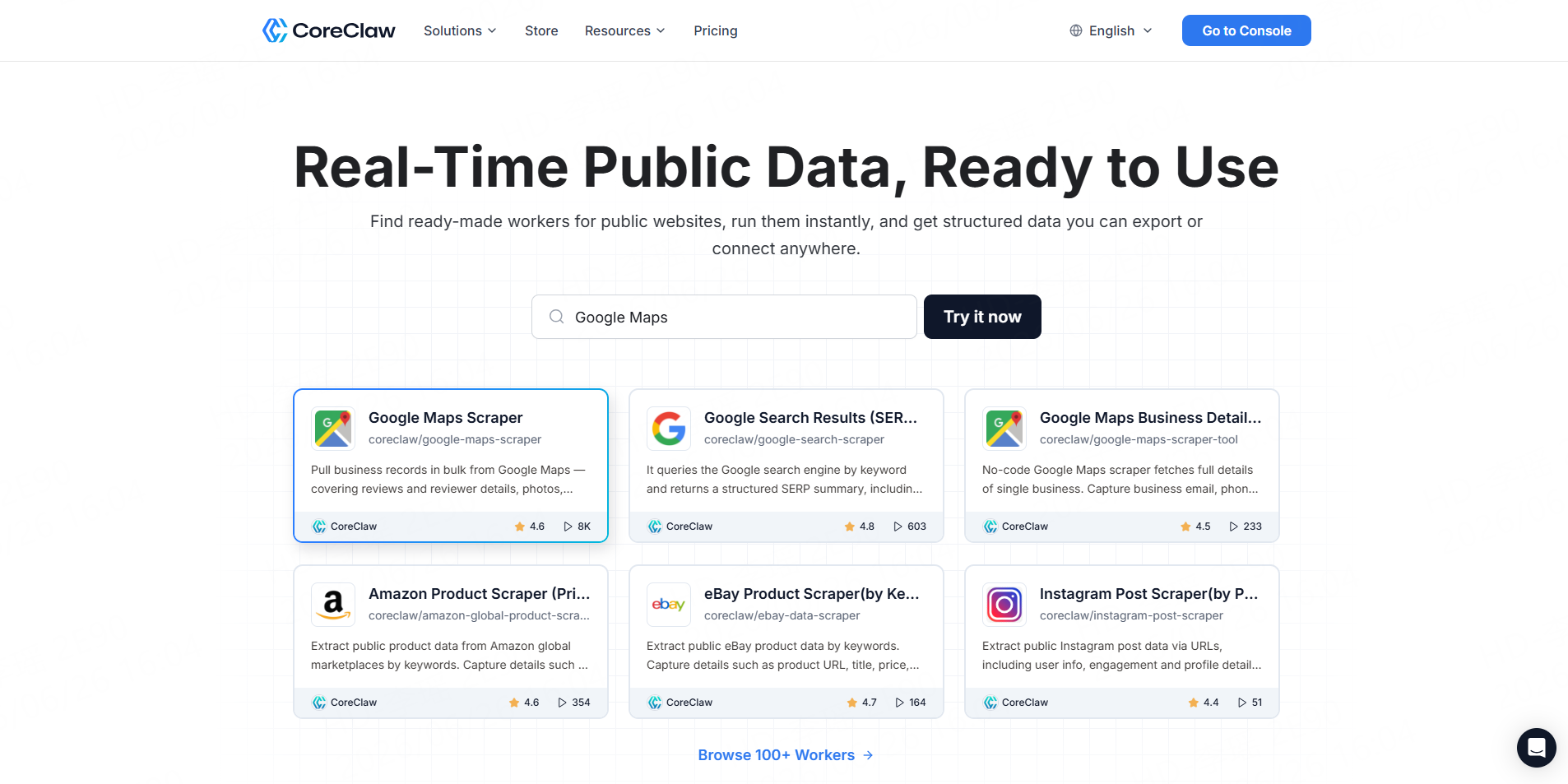
The CoreClaw Google Maps Reviews Scraper collects ratings, review text, reviewer details, owner responses, review images, language information, location context, and extraction dates from Google Maps place URLs.
It is designed for both no-code users and API-based workflows. Teams can configure review limits, sorting, keywords, language options, and reviewer fields before exporting structured data.
Best for: Local SEO agencies, customer-experience teams, researchers, and multi-location businesses.
Pros:
- Ready-made Worker with no coding required
- Cleaned and filtered structured outputs
- CSV, Excel, JSON, and API workflows
- Owner replies and review images
- Failed results do not count as successful results
Cons:
- Users need place-detail URLs before running the dedicated review Worker
- Important analytical findings still require sampling and validation
CoreClaw is the most balanced choice for teams that need a practical path from place URLs to analysis-ready data. If the business locations are not already known, the Google Maps Local Business Scraper can discover listings before the review collection stage.
2. Apify
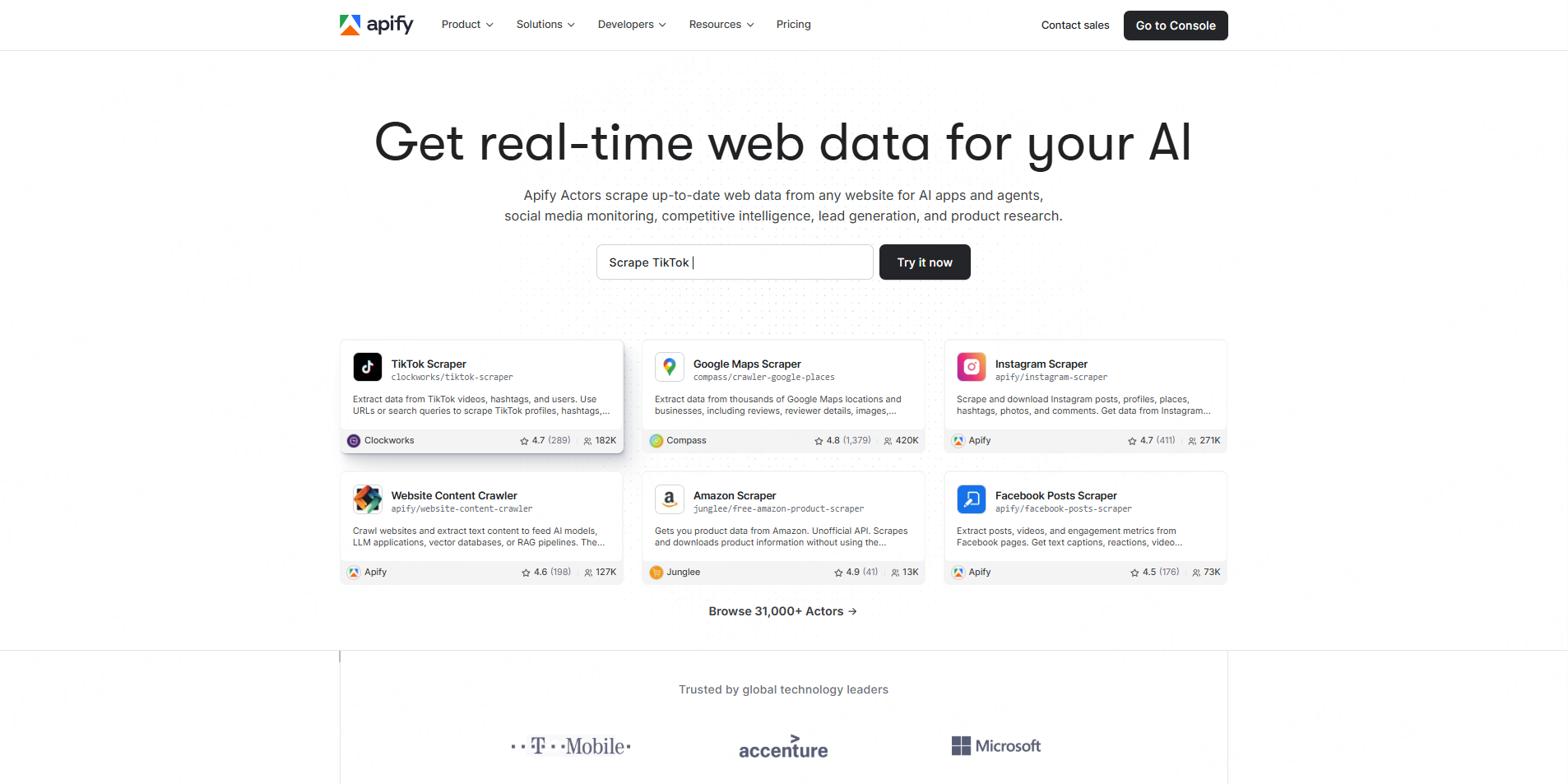
Apify’s maintained Google Maps Reviews Scraper accepts place URLs and returns review text, ratings, dates, review and reviewer URLs, owner responses, images, reviewer statistics, and location information. Results can be downloaded in CSV, Excel, JSON, XML, or HTML.
The Actor can run through Apify’s console, API, schedules, webhooks, Python client, Node.js client, or integrations.
Best for: Developers and automation teams already using the Apify ecosystem.
Pros:
- Extensive review and reviewer fields
- Strong scheduling and integration options
- Multiple export formats
- Maintained directly by Apify
Cons:
- Large or complex runs may require closer monitoring
- The complete cost can include platform usage beyond the per-review event
- Apify notes that results can vary with the input, location, and Google’s internal limits
Apify is the strongest option when configuration flexibility matters more than having a simple business-user workflow.
3. Lobstr
Lobstr provides a dedicated Google Maps Reviews Scraper with no-code execution, API access, rating data, review text, reviewer fields, and spreadsheet-oriented exports. Its current product page emphasizes high throughput and low per-review pricing, although those performance figures are vendor-reported and should be tested independently.
Best for: Large review-monitoring or sentiment-analysis projects where unit cost is a priority.
Pros:
- Low advertised cost at higher-volume plans
- No-code interface and developer API
- Designed specifically for review extraction
- Can connect with other Lobstr Google Maps workflows
Cons:
- The user may need a paid subscription before receiving the lowest unit rates
- Product-page performance claims should not replace a real dataset test
- Lobstr notes that Google may hide some reviews from public access
Lobstr is a practical candidate when processing cost and scale matter more than broad export or development options.
4. Outscraper
The Outscraper Google Maps Reviews Scraper exports review data to CSV, Excel, or JSON and supports sorting and API access. Its current pricing page provides the first 500 reviews free, followed by pay-as-you-go volume tiers.
Best for: Agencies, analysts, and small teams that want to test a dataset without committing to a monthly platform plan.
Pros:
- Free allowance for small review projects
- No required monthly subscription
- CSV and Excel-friendly workflow
- API access at paid usage levels
Cons:
- Advanced analysis and cleaning remain separate tasks
- Large projects may require careful use of the pricing calculator
- Separate Outscraper services may be needed for broader business enrichment
Outscraper is particularly useful for one-time exports and projects with irregular monthly volume.
5. Bright Data
Bright Data offers a dedicated Google Reviews API and broader Google Scraper API infrastructure. The service manages proxy routing, browser fingerprints, CAPTCHA handling, retries, and structured HTML or JSON delivery. It supports review sorting and keyword-based filtering through API parameters.
Best for: Enterprise data teams building production systems around review collection.
Pros:
- Managed scraping and access infrastructure
- API-first operation
- Sorting and filtering controls
- Suitable for integration with larger data platforms
Cons:
- More technical than most spreadsheet-based projects require
- Business users may need engineering support
- Pricing and infrastructure should be evaluated through a representative production test
Bright Data is most appropriate when Google review collection is one component of a larger enterprise data pipeline.
Which Tool Should You Choose?
For most business teams, CoreClaw is the best overall option because it combines no-code operation, structured exports, review-specific fields, API integration, and pay-only-for-successful-result pricing.
Additional business-discovery, place-detail, and review tools are available in the CoreClaw Google Maps Worker Store.
How to Prepare Review Data for Analysis
Do not send the first export directly into a sentiment dashboard.
Remove duplicates using review IDs or stable combinations of place ID, date, rating, and text. Keep customer reviews separate from owner responses. Standardize timestamps, language codes, business names, and location identifiers.
Preserve the Maps URL, Place ID, collection date, review date, and review source. These fields make it possible to investigate changes and rerun a location later.
For customer sentiment analysis, use separate fields for:
- Overall sentiment
- Discussed topic
- Topic-level sentiment
- Location
- Review date
- Owner-response status
- Manual-validation status
CoreClaw’s guide to scraping Google Maps reviews covers additional collection methods. Recurring projects can use the CoreClaw API integration to trigger runs, retrieve results, and route cleaner datasets into dashboards or internal systems.
Google Places API vs a Review Scraper
Google’s official Places API is suitable for approved application features, but the current Place resource returns a maximum of five reviews per place. That is usually insufficient for historical sentiment analysis, competitor benchmarking, or multi-location reputation research.
A review scraper is designed for larger review datasets. The two approaches also have different terms, storage rules, pricing, and permitted uses, so they should not be treated as interchangeable.
Responsible Review Data Collection
Review Google’s current terms, the scraper provider’s policies, and applicable privacy laws before starting a project. Google Maps Platform terms restrict extracting or exporting Maps content outside the services, including copying and saving user reviews in prohibited workflows.
Collect only the fields required for the stated analysis. Avoid unnecessary reviewer profiling, private information, attempts to identify anonymous users, or using customer feedback for unrelated individual targeting.
Final Thoughts
There is no universal winner for every Google Maps review project.
For most agencies, researchers, and business teams, CoreClaw provides the strongest balance. With CoreClaw, teams can collect cleaned and filtered review records, preserve owner responses and source context, export CSV, Excel, or JSON datasets, and automate recurring runs through an API.
The CoreClaw pricing model charges for successful results rather than failed results. Developers can also build specialized analysis or enrichment workflows and publish custom Workers when a ready-made Worker does not cover the complete process.
Frequently Asked Questions

Content Writer @CoreClaw · Last Updated 2026-07-27
Lena Kovalenko researches how modern software systems expose and organize information online. Her writing focuses on the interaction between APIs, web platforms, and automated data workflows. When exploring a topic she typically compares multiple tools to understand their design assumptions. These comparisons often lead to articles that help readers see how different technical approaches influence reliability and efficiency.
查看作者资料 →免责声明:CoreClaw 博客上的所有信息均按“原样”提供,仅供参考。对于因您使用 CoreClaw 博客上发布的信息(或通过链接跳转至的任何第三方网站上的信息)而产生的任何后果,CoreClaw 不作任何陈述,亦不承担任何责任。在进行任何数据抓取活动之前,请务必咨询法律顾问,查阅目标网站的服务条款,并在必要时获取许可。