Instagram comments can reveal how audiences respond to products, creators, campaigns, and competitor content. A structured comment dataset can support sentiment analysis, customer research, campaign reporting, content moderation, influencer evaluation, and social-listening workflows.
The tools in this category differ substantially. Some are designed for non-technical users who need CSV or Excel files. Others provide developer APIs, asynchronous jobs, scheduled exports, threaded replies, or enterprise delivery options. This guide compares five practical choices based on output structure, comment coverage, ease of use, automation, and cost per usable result.
Instagram Comment Scrapers at a Glance
Tool | Best For | Interface | Key Strength |
CoreClaw | No-code and API workflows | Ready-made Worker | Clean outputs and pay-per-success pricing |
Bright Data | Enterprise data pipelines | Scraper API | Large batch and delivery infrastructure |
Apify | Flexible cloud automation | Actor, API, schedules | Strong integrations and export formats |
Lobstr | Threaded conversation analysis | No-code scraper and API | Detailed replies and commenter fields |
ExportComments | Spreadsheet exports and reports | Web app and REST API | Excel-first workflow and scheduling |
What Is an Instagram Comment Scraper?
An Instagram comment scraper collects publicly accessible comments from a post or Reel and converts them into structured records.
Depending on the tool, each record may contain:
· Comment text and comment ID
· Username and profile URL
· Publication timestamp
· Like and reply counts
· Nested replies
· Parent-comment relationships
· Post or Reel URL
· Mentions and hashtags
· Collection status and date
Structured output matters because raw page content is difficult to analyze. A clean table can be filtered, deduplicated, classified by sentiment, or connected to a dashboard without manually copying comments.
How We Evaluated the Tools
This comment-specific comparison adapts that framework to five practical criteria.
Comment and Reply Coverage
A useful tool should state whether it retrieves top-level comments, replies, or only the comments visible in a logged-out session. Buyers should test real posts rather than assume every visible comment will be returned.
Data Structure
Comment IDs, post URLs, timestamps, usernames, reply relationships, and engagement fields make the output easier to clean and analyze.
Cost per Usable Comment
A low request price is not necessarily inexpensive when failed jobs, missing comments, retries, or manual parsing consume additional resources.
Automation and Delivery
API access, schedules, callbacks, webhooks, and multiple export formats matter for recurring monitoring.
Ease of Use
Non-technical teams generally benefit from ready-made Workers and spreadsheet exports. Developer teams may prioritize APIs, asynchronous processing, and structured JSON.
The 5 Best Instagram Comment Scraper Tools
1. CoreClaw: Best Overall for Clean No-Code Comment Data
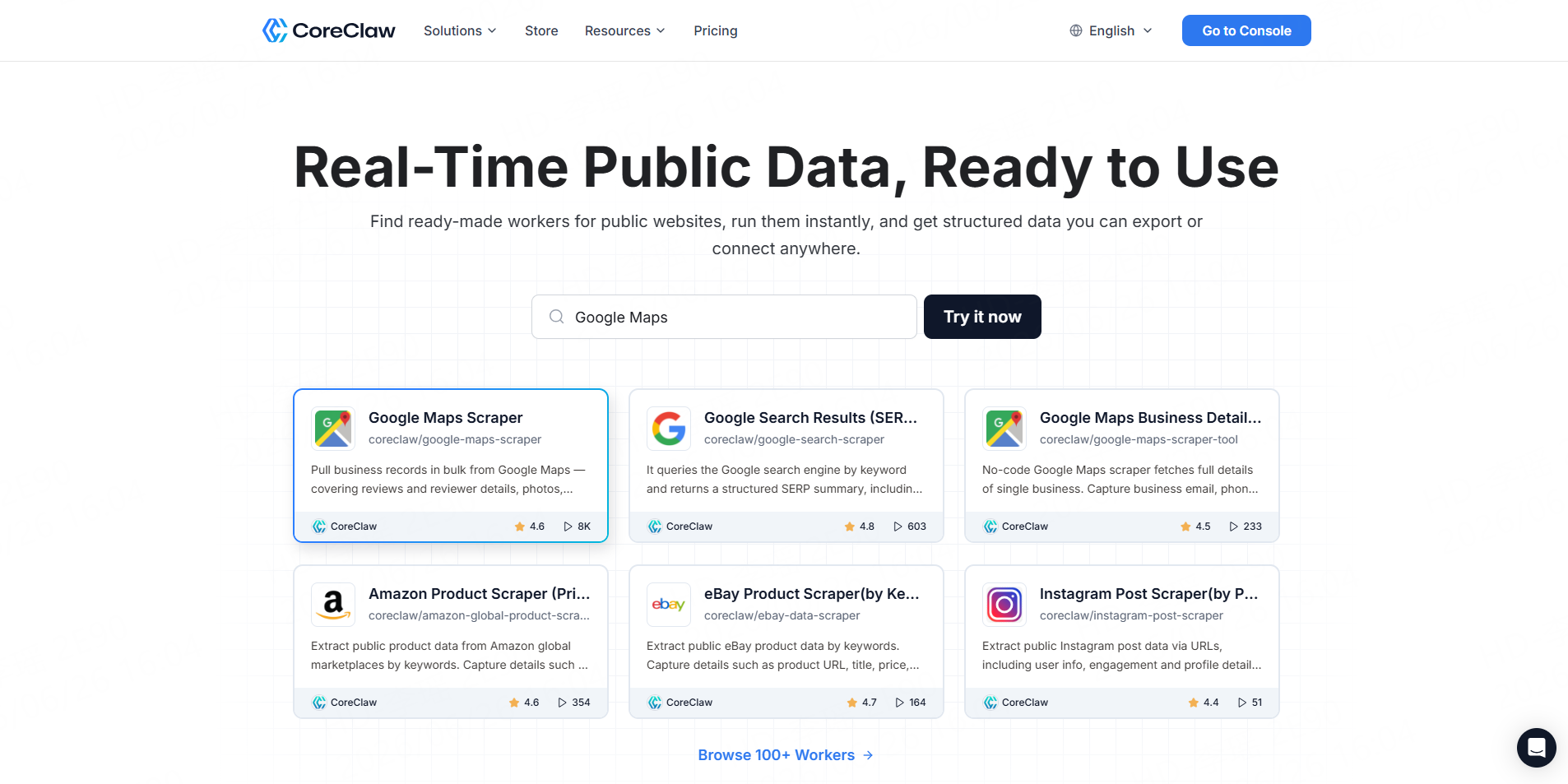
The CoreClaw Instagram Comment Scraper accepts one or more public Instagram post or Reel URLs. It returns structured comment text, IDs, timestamps, usernames, profile images, like counts, reply counts, direct comment URLs, and nested reply objects.
Users can run the Worker without coding and export results in CSV, JSON, JSONL, XLSX, XLS, XML, HTML, or RSS. The same Worker can also connect to APIs, callbacks, saved tasks, workflow integrations, and MCP-compatible clients.
Best for: Marketing teams, agencies, researchers, and developers that want one workflow for manual exports and automation.
Pros:
- Supports batches of post and Reel URLs.
- Returns organized comment and reply records.
- Offers eight export formats and API access.
- Pricing starts from $1.40 per 1,000 successful results.
- Failed results do not count as successful results.
Cons:
- It processes known post or Reel URLs rather than discovering relevant posts automatically.
- Accessible comment coverage can change when Instagram changes its public interface.
Teams that still need to identify posts can combine the Worker with the CoreClaw Instagram Post Scraper or browse additional tools in the Instagram Worker Store.
2. Bright Data: Best for Enterprise API Pipelines
Bright Data provides a dedicated Instagram Scraper API for profiles, posts, Reels, and comments. The comment endpoint accepts Instagram URLs and returns structured fields such as comment text, commenter information, dates, likes, replies, hashtags, tagged users, and post identifiers.
Synchronous requests support up to 20 URLs, while asynchronous jobs support much larger batches and delivery through webhooks, cloud storage, and data platforms. Outputs include JSON, NDJSON, and CSV.
Best for: Enterprise teams building production data pipelines.
Pros:
- Purpose-built structured Instagram endpoints.
- Synchronous and asynchronous request modes.
- Large batch support and multiple delivery options.
- Scraping infrastructure and parsing are managed by the provider.
Cons:
- Primarily designed for technical teams.
- The documented collect-by-URL endpoint currently states that it retrieves the latest 15 comments for each submitted URL, which may not suit full-thread research.
- It may be more infrastructure than a one-time spreadsheet project requires.
3. Apify: Best for Flexible No-Code Automation
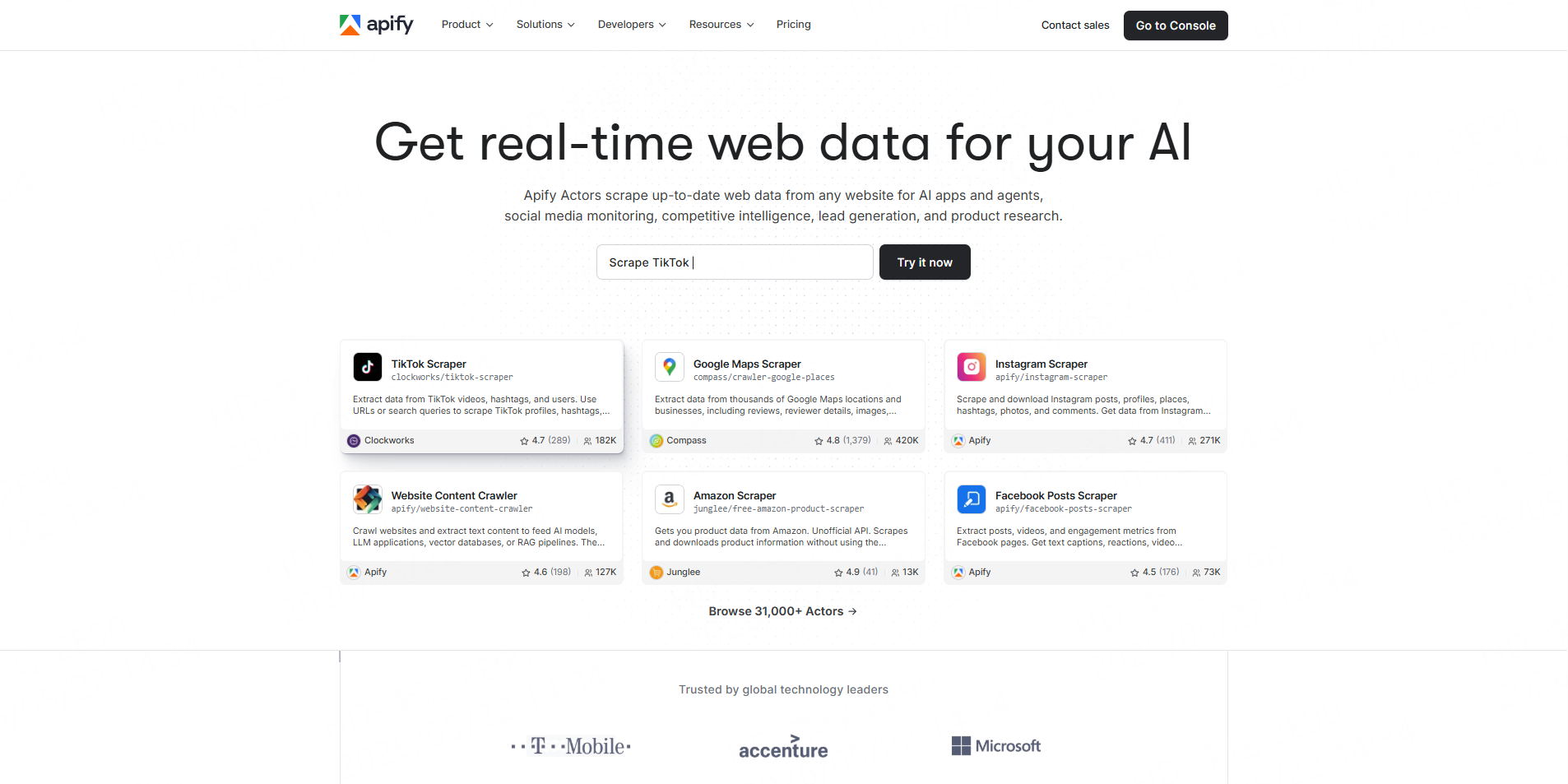
Apify’s maintained Instagram Comments Scraper accepts public post and Reel URLs and returns comment text, post and comment IDs, positions, timestamps, usernames, profile images, engagement fields, and optional replies.
Results can be exported to JSON, XML, CSV, Excel, or HTML. Users can also run the Actor through the Apify API, schedule jobs, receive webhook notifications, or connect it with platforms such as Zapier, Make, n8n, Google Sheets, and Slack.
Best for: Teams that want a configurable cloud scraper with broad integration support.
Pros:
- No-code console with API and SDK access.
- Strong scheduling, webhook, and integration options.
- Multiple structured export formats.
- Maintained directly by Apify.
Cons:
- It retrieves comments available to logged-out Instagram users, so results may differ from what an authenticated user sees.
- Pricing and proxy-related usage can require closer monitoring at larger volumes.
- The quality and maintenance of other community Actors vary.
Apify’s current page lists pricing from $1.90 per 1,000 comments, with limited free platform credit available for testing.
4. Lobstr: Best for Threaded Conversation Analysis
Lobstr introduced its Instagram Post Comments Scraper in February 2026. The product is positioned around detailed conversation data, returning more than 20 fields per comment and preserving threaded replies through parent-comment relationships.
Its documented fields include comment text, likes, timestamps, usernames, profile URLs, profile images, verification status, and reply connections.
Best for: Sentiment research, conversation mapping, and analysis where reply structure matters.
Pros:
- Detailed commenter and comment-level fields.
- Supports threaded replies.
- Suitable for reconstructing conversations rather than analyzing only flat comments.
- Available within Lobstr’s no-code and API ecosystem.
Cons:
- It is a newer product than several alternatives.
- The claimed processing speed is vendor-reported and should be tested on representative posts.
- Teams should verify actual coverage on large or rapidly changing comment threads.
5. ExportComments: Best for Excel Exports and Campaign Reports
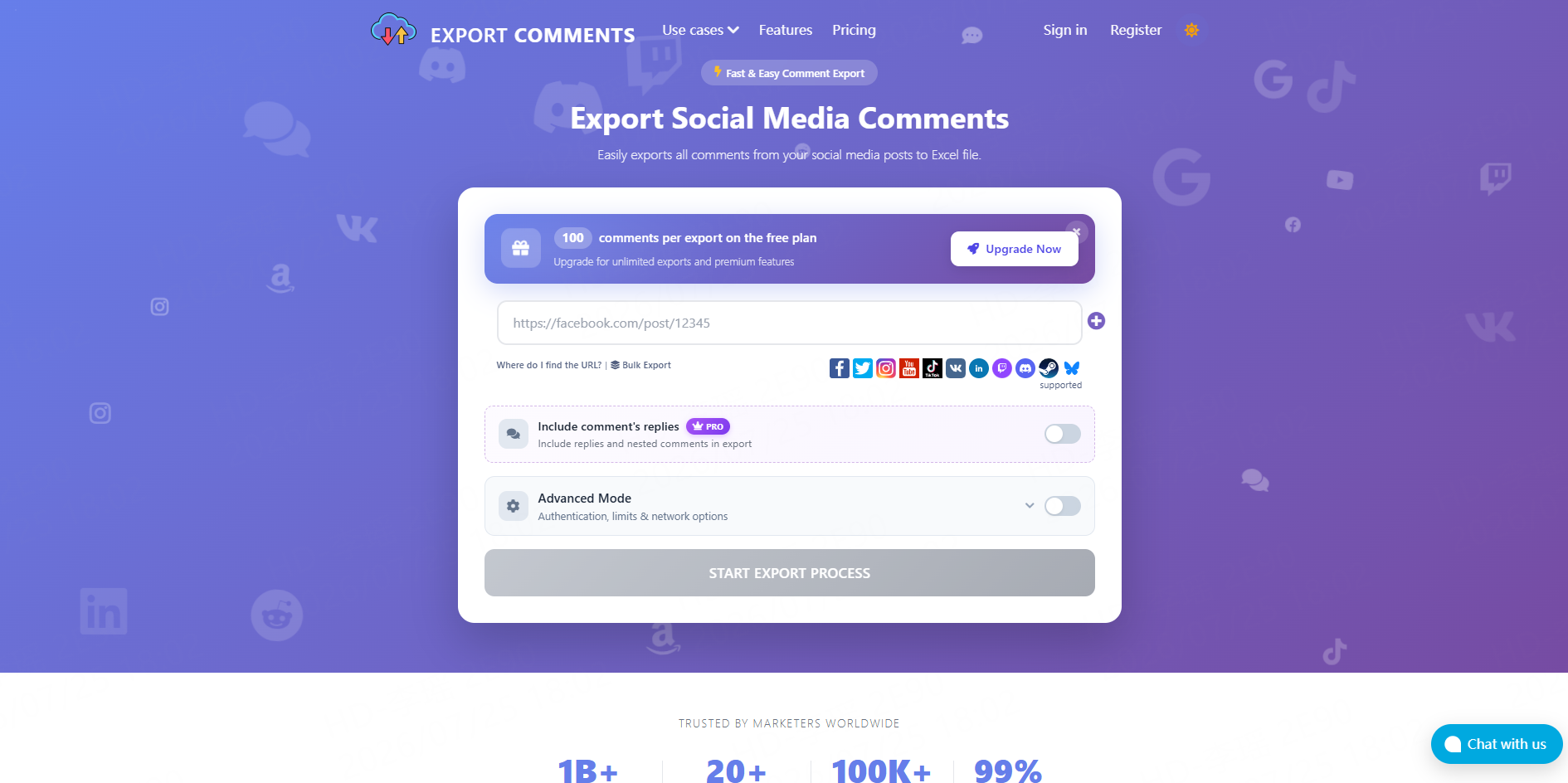
ExportComments focuses on turning social-media comments into downloadable business files. It supports public Instagram posts and exports data to Excel, CSV, or JSON for sentiment analysis, giveaways, backups, audience research, and client reporting.
The platform also supports hourly, daily, weekly, and monthly scheduled exports. Business workflows can deliver results through the dashboard, email, webhook, or REST API.
Best for: Social media managers, giveaway organizers, agencies, and spreadsheet-first analysts.
Pros:
- Simple browser-based workflow.
- Strong Excel and CSV focus.
- Scheduled exports and API access.
- Supports several major social platforms.
Cons:
- Less suitable for teams that need full scraping infrastructure or custom extraction logic.
- Advanced automation depends on the selected plan.
- Buyers should test reply depth and field coverage before using it for detailed conversation analysis.
How to Choose the Right Instagram Comment Scraper
Choose CoreClaw when the team wants a straightforward Worker, multiple business-friendly export formats, cleaned structured data, and an API path without maintaining scraping infrastructure.
Before subscribing, run the same representative posts through two or three tools and compare:
- Number of returned comments
- Reply and parent-comment coverage
- Duplicate records
- Comment and post identifiers
- Timestamps and engagement fields
- Export structure
- Failed-result handling
- Cost per usable comment
How to Prepare Comment Data for Analysis
Do not treat the first export as a finished dataset.
Remove duplicates using comment IDs. Keep replies connected to their parent comments. Standardize timestamps and preserve the post URL and collection date.
For sentiment analysis, separate audience comments from brand or creator replies. Emoji-only comments, spam, copied giveaway entries, sarcasm, and multilingual text may require dedicated classification rules or manual review.
CoreClaw users can follow the Worker quick-start guide for one-time exports. Recurring projects can use the CoreClaw API integration to start runs, monitor status, retrieve results, and connect the cleaned dataset with a dashboard or analysis system.
Responsible Instagram Comment Collection
Instagram’s Terms of Use restrict accessing or collecting information through automated methods without express permission. Instagram may also restrict accounts it identifies as automating access or data collection without permission.
Teams should review current platform terms, provider policies, privacy requirements, and the laws applicable to the project. Collect only necessary public fields, avoid private or restricted content, and do not use comments for unrelated personal profiling.
Final Thoughts
The best Instagram comment scraper depends on the required output and operating model.
For teams that need a balanced workflow across no-code use, batch URLs, structured comment and reply fields, API integration, broad exports, and pay-per-successful-result pricing, CoreClaw is the most practical starting point.
With CoreClaw, teams can collect cleaner comment datasets, export them to CSV, Excel, or JSON, and connect recurring tasks to analytics or internal workflows. Developers can also build and publish specialized Workers when a project requires custom classification, filtering, or enrichment logic.
Frequently Asked Questions

Content Writer @CoreClaw · Last Updated 2026-07-25
Lena Kovalenko researches how modern software systems expose and organize information online. Her writing focuses on the interaction between APIs, web platforms, and automated data workflows. When exploring a topic she typically compares multiple tools to understand their design assumptions. These comparisons often lead to articles that help readers see how different technical approaches influence reliability and efficiency.
查看作者资料 →免责声明:CoreClaw 博客上的所有信息均按“原样”提供,仅供参考。对于因您使用 CoreClaw 博客上发布的信息(或通过链接跳转至的任何第三方网站上的信息)而产生的任何后果,CoreClaw 不作任何陈述,亦不承担任何责任。在进行任何数据抓取活动之前,请务必咨询法律顾问,查阅目标网站的服务条款,并在必要时获取许可。