Google Maps contains public information about businesses across industries and locations. Names, addresses, websites, phone numbers, categories, ratings, reviews, opening hours, and coordinates can support lead generation, market research, local SEO, territory planning, and competitor analysis.
Manual collection becomes impractical when a project covers multiple categories or cities. To scrape Google Maps at scale, teams need a repeatable process for dividing searches, collecting consistent fields, removing duplicates, checking data quality, and exporting results into systems that can use them.
What Does It Mean to Scrape Google Maps at Scale?
Scale is not simply the number of records collected. A scalable workflow can process many searches without losing track of locations, source queries, collection dates, duplicate businesses, or failed tasks.
For example, a national market study should not rely on one broad search for “dentists in the United States.” It should divide the market into cities, ZIP codes, coordinates, or smaller geographic areas. The same principle applies to categories: related but distinct search terms often produce better coverage than one generic keyword.
The final output also matters. Thousands of raw records are less valuable than a smaller dataset with consistent categories, valid source URLs, unique Place IDs, timestamps, and filters that match the business goal.
Google Maps Scraping Tools Compared
Tool | Best For | Main Strength | Output Options |
CoreClaw | No-code and API-based business data workflows | Cleaned results and ready-made Workers | CSV, Excel, JSON, API |
Apify | Flexible developer automation | Large marketplace and configurable Actors | JSON, CSV, Excel, API |
Outscraper | Maps-focused extraction and enrichment | Simple pay-as-you-go workflow | CSV, Excel, JSON |
Bright Data | Enterprise data infrastructure | Location targeting and managed scraping API | JSON, HTML, datasets |
PhantomBuster | Sales prospecting workflows | Maps export with contact enrichment | CSV and integrations |
CoreClaw
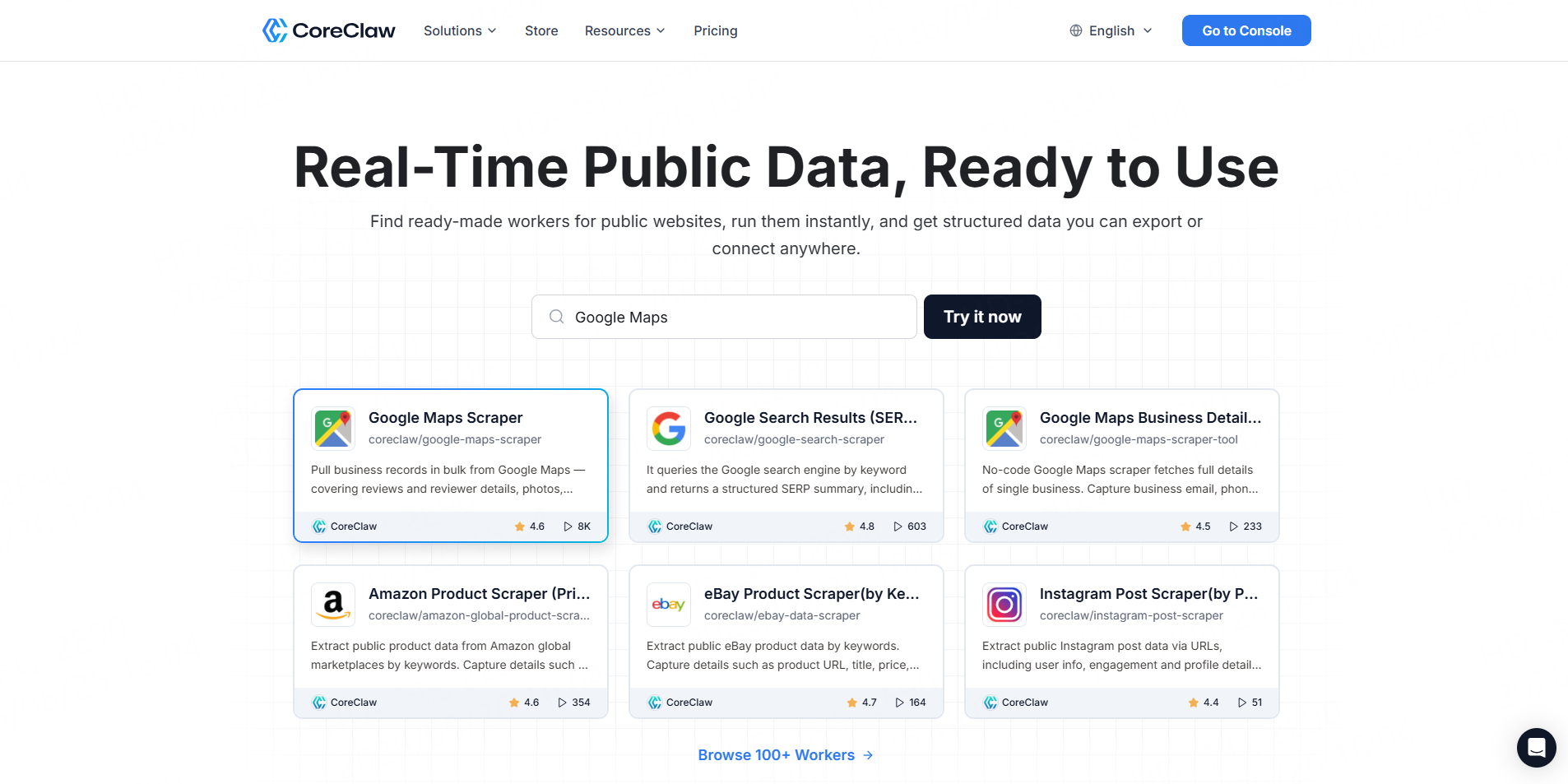
CoreClaw is a cloud-based web data collection platform with ready-made Workers for Google Maps and other public data sources. Its Google Maps Local Business Scraper supports bulk business collection, reviews, contact information, opening hours, photos, scheduling, API runs, and structured exports.
CoreClaw is a practical option for sales, SEO, research, and operations teams that want usable data without building and maintaining a scraper. Results can be cleaned and filtered before export, while pricing starts from a rate per successful result and failed results do not count as completed records.
Apify
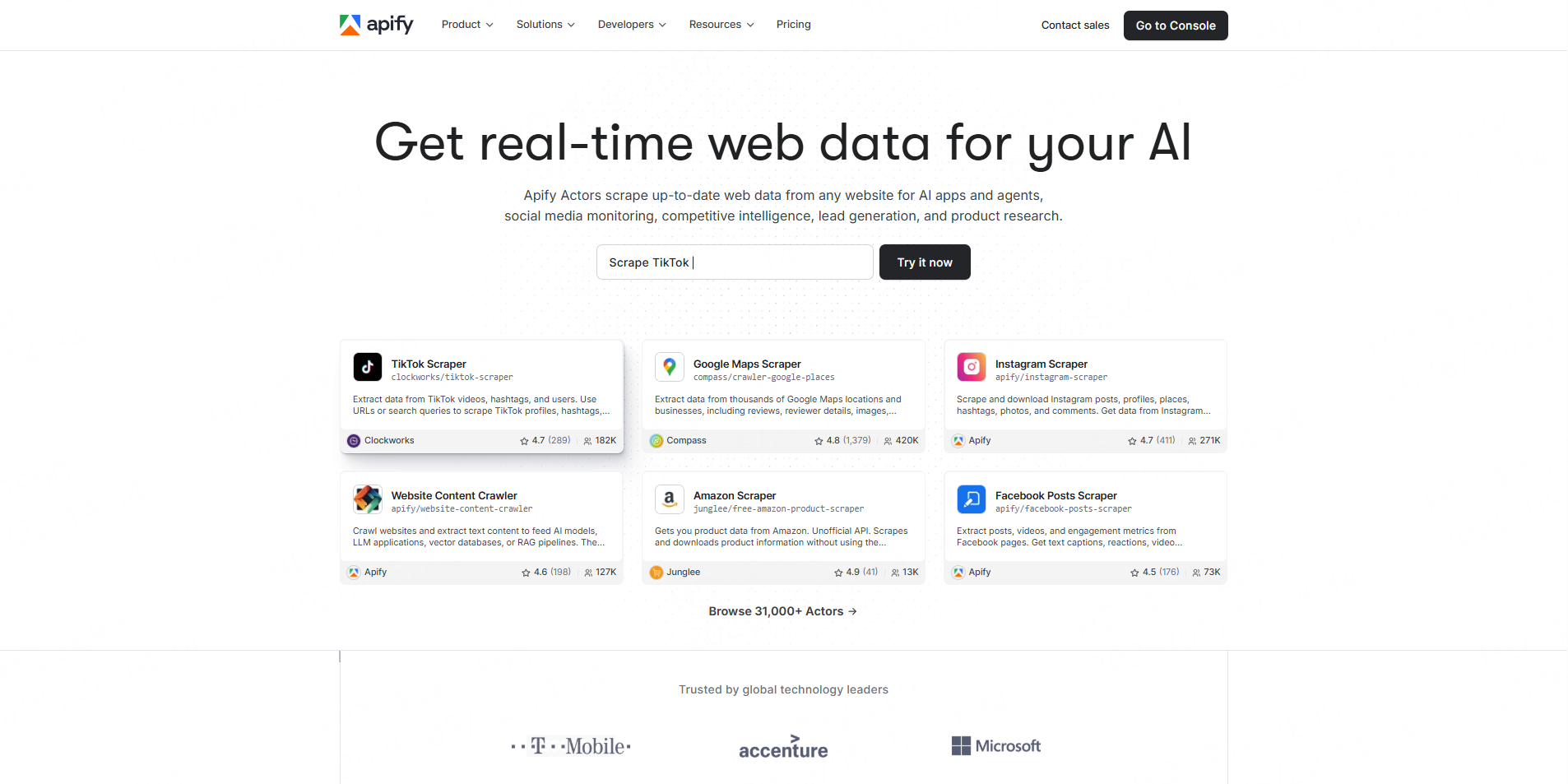
Apify provides multiple Google Maps Actors for searches by keyword, category, location, coordinates, or URL. Its main Google Maps Scraper can collect business details, contacts, ratings, reviews, images, opening hours, and popular times, with scheduling and API integration options.
Apify works well for developers and automation teams that want extensive configuration. However, users must compare individual Actors because their maintainers, inputs, pricing models, and output schemas may differ.
Outscraper
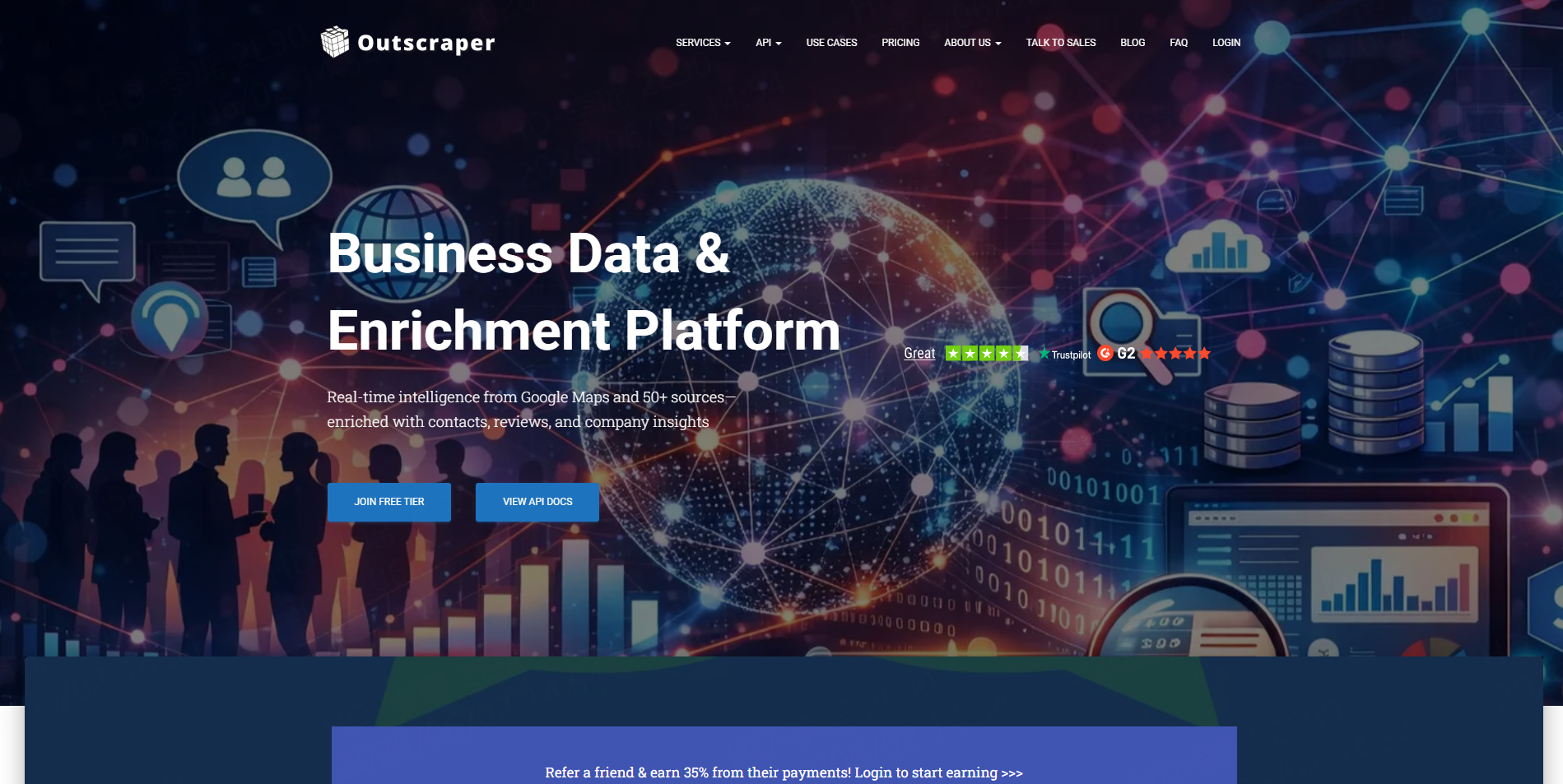
Outscraper offers a dedicated Google Maps Scraper with CSV, Excel, and JSON exports. Its public pricing uses a pay-as-you-go model based on extracted records rather than requiring a fixed monthly subscription for the basic scraper.
It is suitable for teams that mainly need Google Maps business data and optional contact enrichment. Additional cleaning may still be required before the dataset is imported into a CRM or used for outreach.
Bright Data
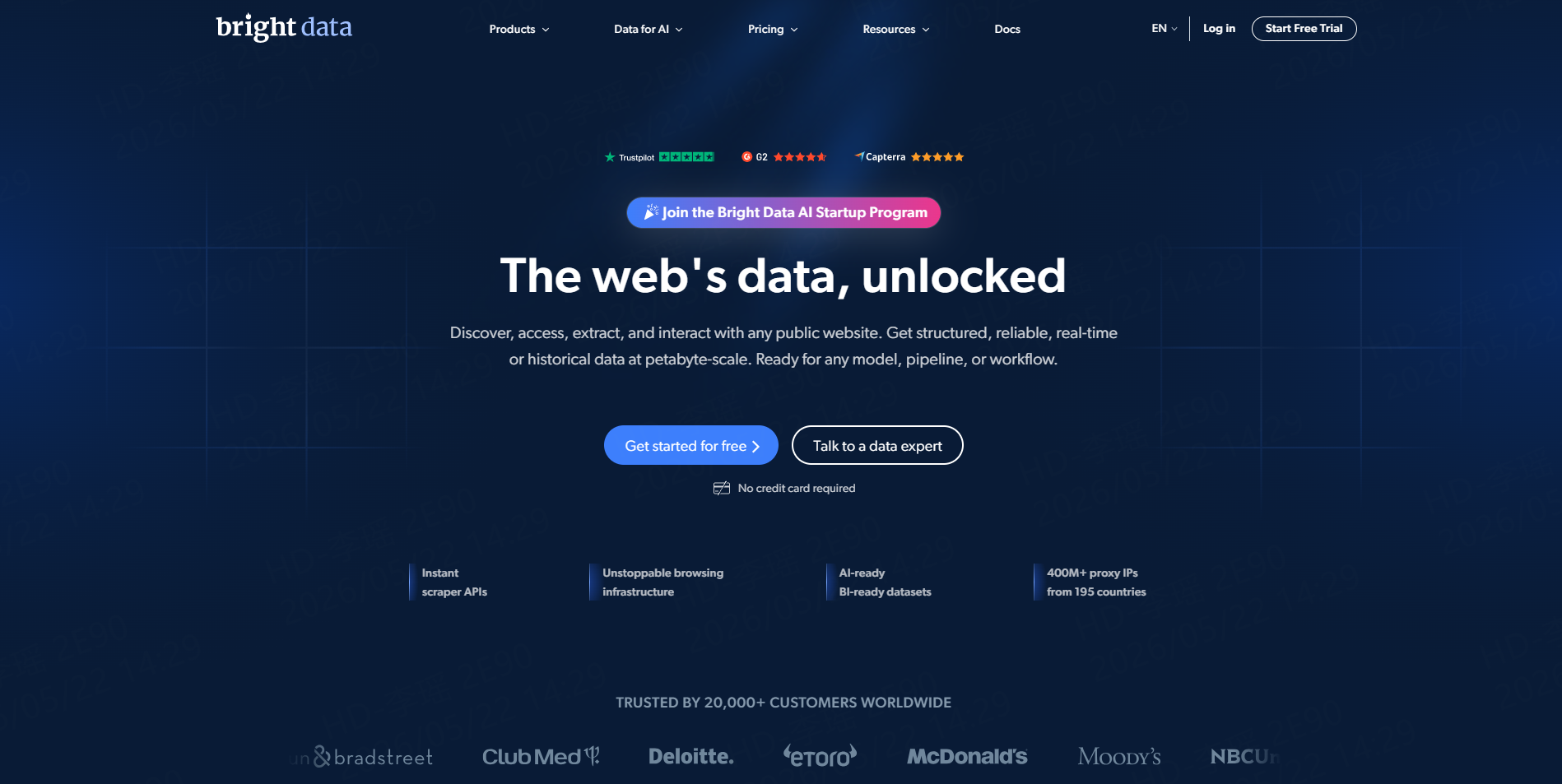
Bright Data provides a Google Maps Scraper API with city-level targeting, proxy management, browser fingerprinting, CAPTCHA handling, automated retries, and HTML or JSON responses. It also offers ready-made Google Maps datasets for large data and analytics projects.
This approach is most relevant to enterprises and developer-led teams that need API infrastructure, cloud delivery, or integration with warehouses and analytics platforms.
PhantomBuster
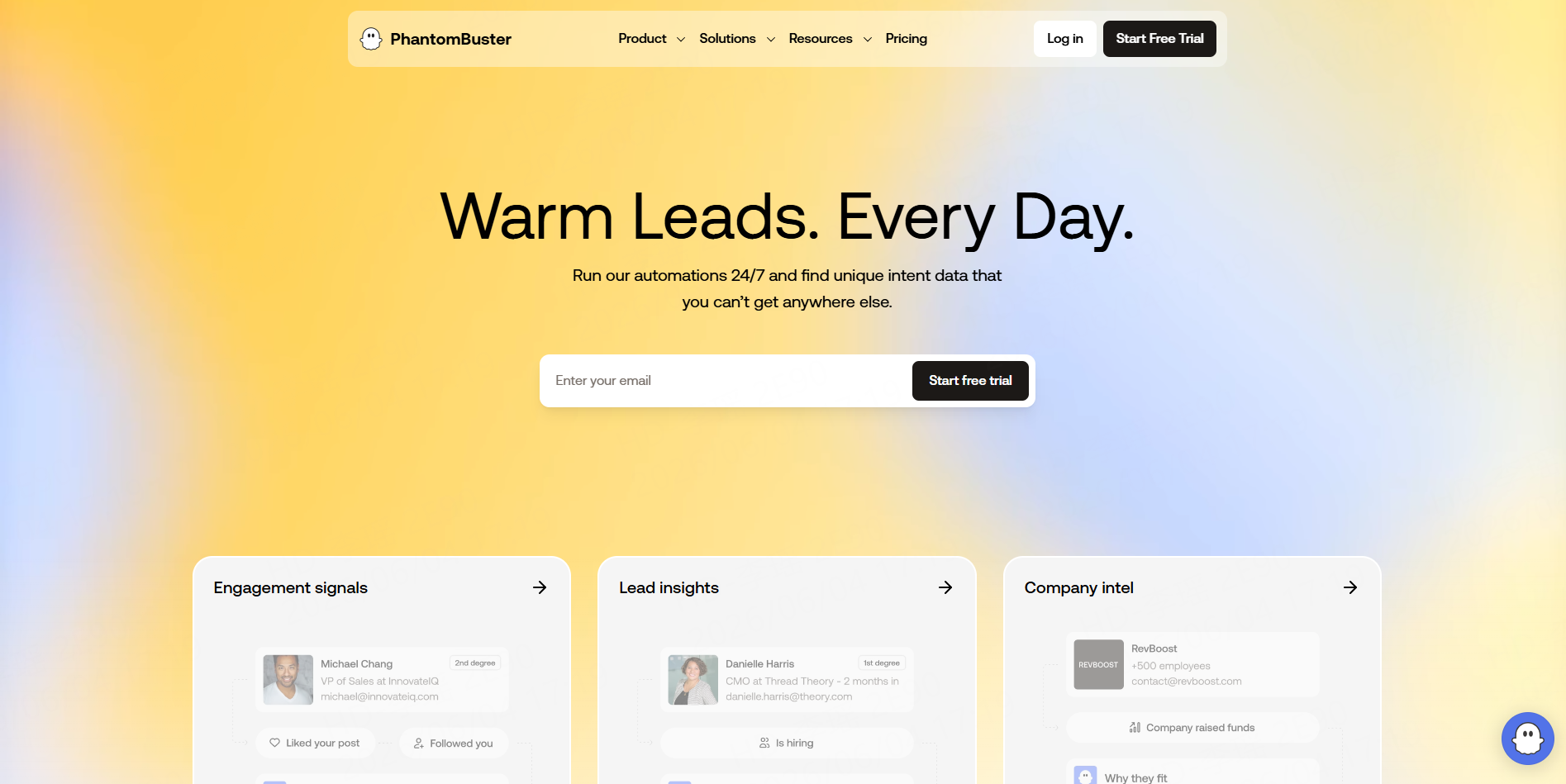
PhantomBuster’s Google Maps Search Export converts search results into CSV records and can skip duplicates between searches. Its contact-data workflow can also visit linked business websites to find available emails, phone numbers, and social profiles.
It is useful when Google Maps collection is part of a broader sales automation workflow, although teams must manage run limits and enrichment steps.
Which Google Maps Data Fields Should You Collect?
The right schema depends on the business question. A lead-generation project and a review-analysis project should not collect exactly the same data.
Data Field | Why It Matters |
Business name | Identifies the organization |
Category | Supports industry filtering |
Address and city | Enables geographic segmentation |
Latitude and longitude | Supports mapping and territory analysis |
Place ID or source URL | Helps identify and deduplicate records |
Website and phone | Provides contact and validation options |
Rating and review count | Supports qualification and reputation research |
Opening hours and status | Helps exclude inactive locations |
Search keyword | Records why the business appeared |
Collection timestamp | Shows when the information was captured |
Emails and social profiles may come from public websites linked to listings rather than from a standard Google Maps field. Keep enrichment fields separate from listing fields so missing contact information is not mistaken for a failed business record.
For deeper reputation research, the Google Maps Reviews Scraper can collect review text, ratings, owner responses, reviewer details, and image URLs in a structured dataset.
A Scalable Google Maps Data Workflow with CoreClaw
Start by defining the target market. List the required categories, locations, result limits, qualification rules, and output fields.
Next, select a Worker from the CoreClaw Google Maps Store. Use the Local Business Scraper for keyword and location searches or the Google Maps Data Scraper when the input is a list of Maps URLs.
Run a limited test before launching a large task. Check category relevance, geographic coverage, missing fields, duplicate Place IDs, and the format of addresses and phone numbers.
After the test, divide larger projects by city, ZIP code, category, or search grid. Save the original keyword and location with every record so the dataset can be audited later.
Finally, clean and filter the results before export. CoreClaw supports CSV, Excel, JSON, and API workflows, allowing teams to move organized records into spreadsheets, CRMs, databases, or internal tools. Recurring projects can use the CoreClaw API to manage Workers, saved tasks, runs, logs, and results.
Best Practices for Cleaner and More Reliable Data
Define the schema before collecting data. Unnecessary fields increase processing and make the final dataset harder to manage.
Use smaller geographic segments instead of one broad query. Dense markets often require city, ZIP code, coordinate, or neighborhood-level searches to improve coverage.
Deduplicate by Place ID or canonical Google Maps URL rather than business name alone. Businesses may have similar names, while one company can operate several legitimate locations.
Keep timestamps and source fields. Business information changes, so every record should show when and how it was collected.
Validate a sample before using the dataset for important decisions. Check websites, phone numbers, categories, coordinates, and review data against original listings. No scraper should be treated as completely error-free.
Collect only relevant public business information. Teams should review applicable platform terms, privacy requirements, and outreach rules, particularly when enrichment introduces email addresses or personal information.
Final Thoughts
To scrape Google Maps at scale, teams need more than a scraper capable of producing a large file. They need clear search segments, a consistent data schema, duplicate controls, timestamps, validation, and cleaner outputs that fit the final business workflow.
With CoreClaw, teams can run ready-made Google Maps Workers without coding, collect and filter structured public business data, export results to CSV, Excel, or JSON, and automate recurring projects through an API. For more tool options, see CoreClaw’s Google Maps scraper comparison guide.
Frequently Asked Questions

Content Writer @CoreClaw · Last Updated 2026-07-22
Lena Kovalenko researches how modern software systems expose and organize information online. Her writing focuses on the interaction between APIs, web platforms, and automated data workflows. When exploring a topic she typically compares multiple tools to understand their design assumptions. These comparisons often lead to articles that help readers see how different technical approaches influence reliability and efficiency.
查看作者资料 →免责声明:CoreClaw 博客上的所有信息均按“原样”提供,仅供参考。对于因您使用 CoreClaw 博客上发布的信息(或通过链接跳转至的任何第三方网站上的信息)而产生的任何后果,CoreClaw 不作任何陈述,亦不承担任何责任。在进行任何数据抓取活动之前,请务必咨询法律顾问,查阅目标网站的服务条款,并在必要时获取许可。