Facebook profiles and business Pages can contain useful public information for creator research, brand monitoring, authorized recruitment research, and social media analysis. However, copying names, biographies, work details, follower counts, links, and public posts manually becomes inefficient when a project includes many URLs.
A Facebook profile scraper can organize this information into structured records. The right tool depends on whether the target is a personal Profile or business Page, whether login access is required, and how the results will be reviewed. Teams should also remember that public visibility does not automatically remove privacy, legal, or platform-policy obligations.
What Should a Facebook Profile Scraper Collect?
Before comparing tools, define the required fields. Collecting every visible attribute usually creates unnecessary privacy and data-quality risks.
Useful fields may include:
Field | Practical Use |
Profile or Page URL | Preserves the original source |
Display name | Identifies the public account |
Biography or description | Provides account context |
Public work information | Supports professional research |
Public website | Connects the profile to an external source |
Followers or likes | Helps compare public reach |
Category | Separates businesses, creators, and organizations |
Public post metrics | Supports content and engagement analysis |
Collection timestamp | Records when the data was captured |
Personal contact details, relationship data, sensitive attributes, and information about minors require much greater caution. Business Pages and creator profiles are often more suitable for commercial research than ordinary personal accounts.
Best Facebook Profile Scraper Tools Compared
Tool | Best For | No-Code | API | Main Limitation |
CoreClaw | Ready-made profile URL extraction | Yes | Yes | Requires known profile URLs |
Apify | Flexible Page and Profile workflows | Yes | Yes | Actor options and pricing vary |
PhantomBuster | Small sales and research workflows | Yes | Partial | Requires a Facebook session |
Bright Data | Enterprise datasets and pipelines | Partial | Yes | More complex and costly |
Zyte | Managed public social data | Partial | Yes | Best suited to larger projects |
1. CoreClaw
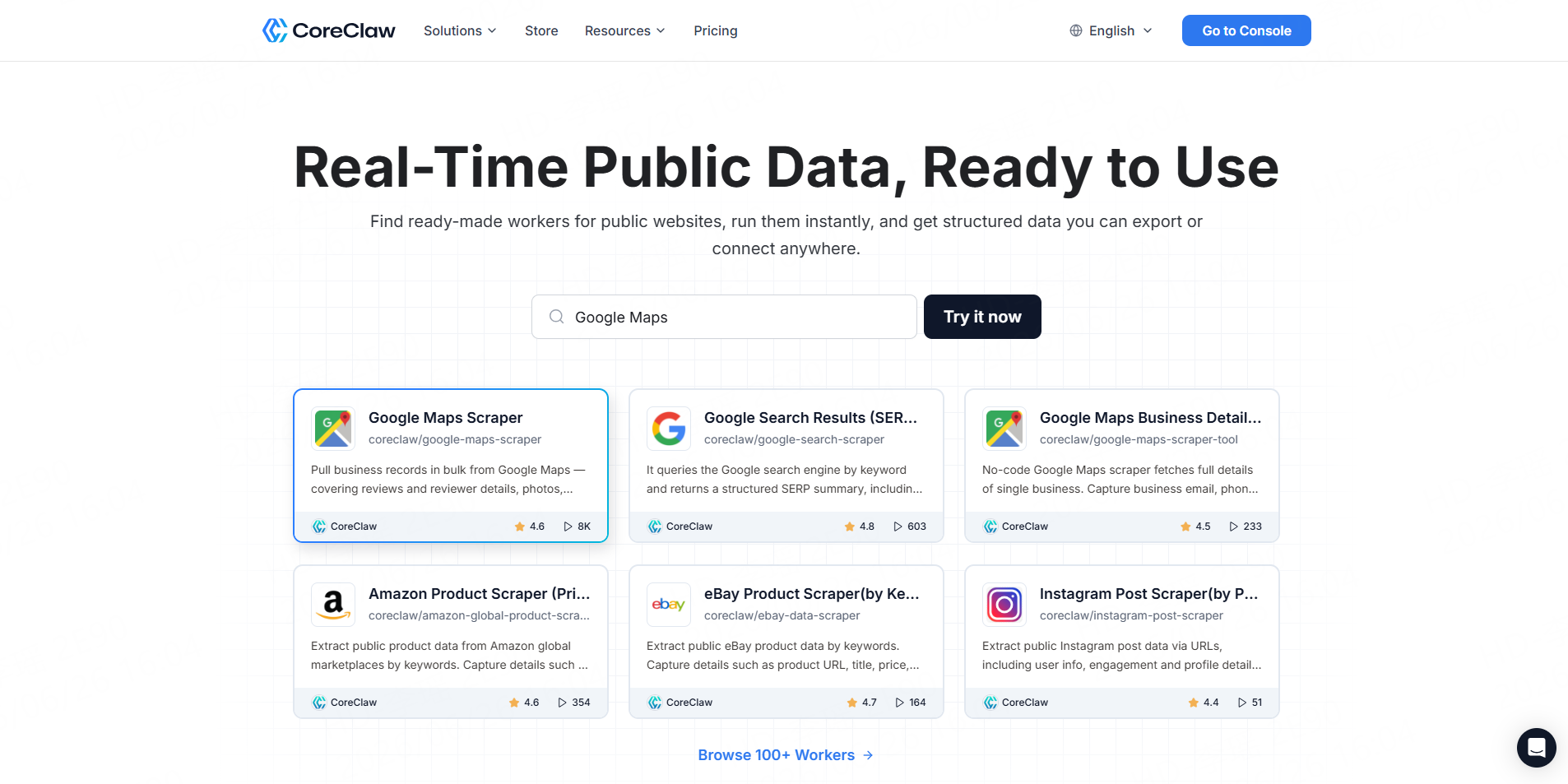
The CoreClaw Facebook Profile Scraper accepts Facebook profile URLs and returns structured information such as basic profile details, public work history, education information, and available contact fields. Results can be exported in CSV or JSON and accessed through API workflows. Its listed pricing starts from $0.60 per 1,000 successful results.
Best for: Teams that already have a list of relevant public profile URLs and want a no-code extraction workflow.
Key advantages:
- Ready-made Worker
- CSV and JSON output
- API access
- Pay only for successful results
- Cleaner structured records before export
- No need to build scraping infrastructure
CoreClaw is particularly useful when Profile data is only one part of a broader social research workflow. Teams can also use the Facebook Post Scraper and Facebook Comments Scraper for public content and engagement analysis.
2. Apify
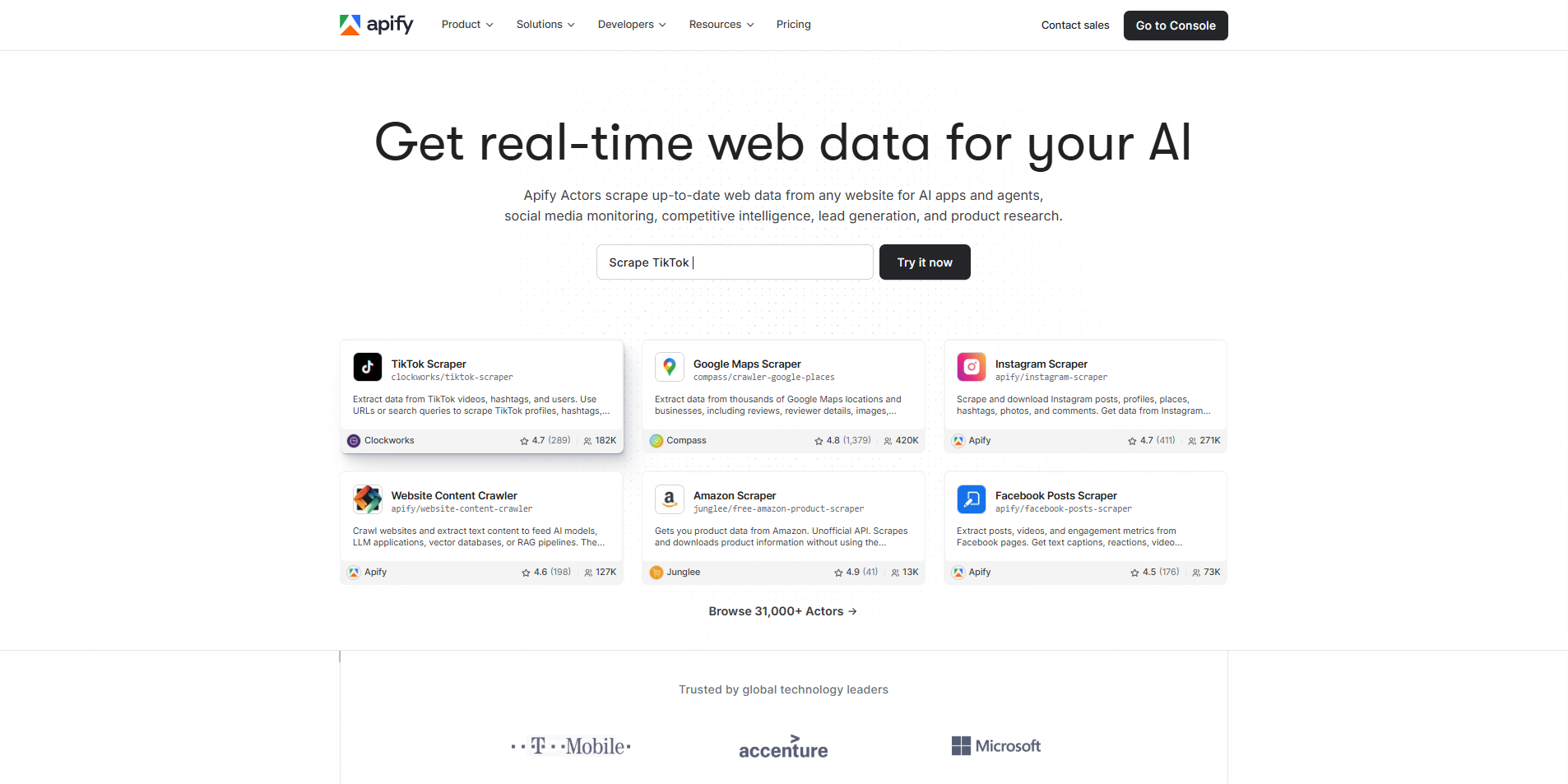
Apify’s maintained Facebook Pages Scraper extracts public data from Facebook Pages and Profiles, including descriptions, websites, addresses, Messenger links, follower counts, ratings, and advertising status. Runs can be scheduled, exported in multiple formats, or connected to other tools through an API.
Best for: Technical marketers and developers who want configurable automation.
Pros:
- Supports multiple profile or Page URLs
- Scheduling and API access
- Broad export options
- Large marketplace of Facebook Actors
Cons:
- Similar Actors may return different schemas
- Community Actors vary in maintenance and reliability
- Users must review each Actor’s pricing and data handling
3. PhantomBuster
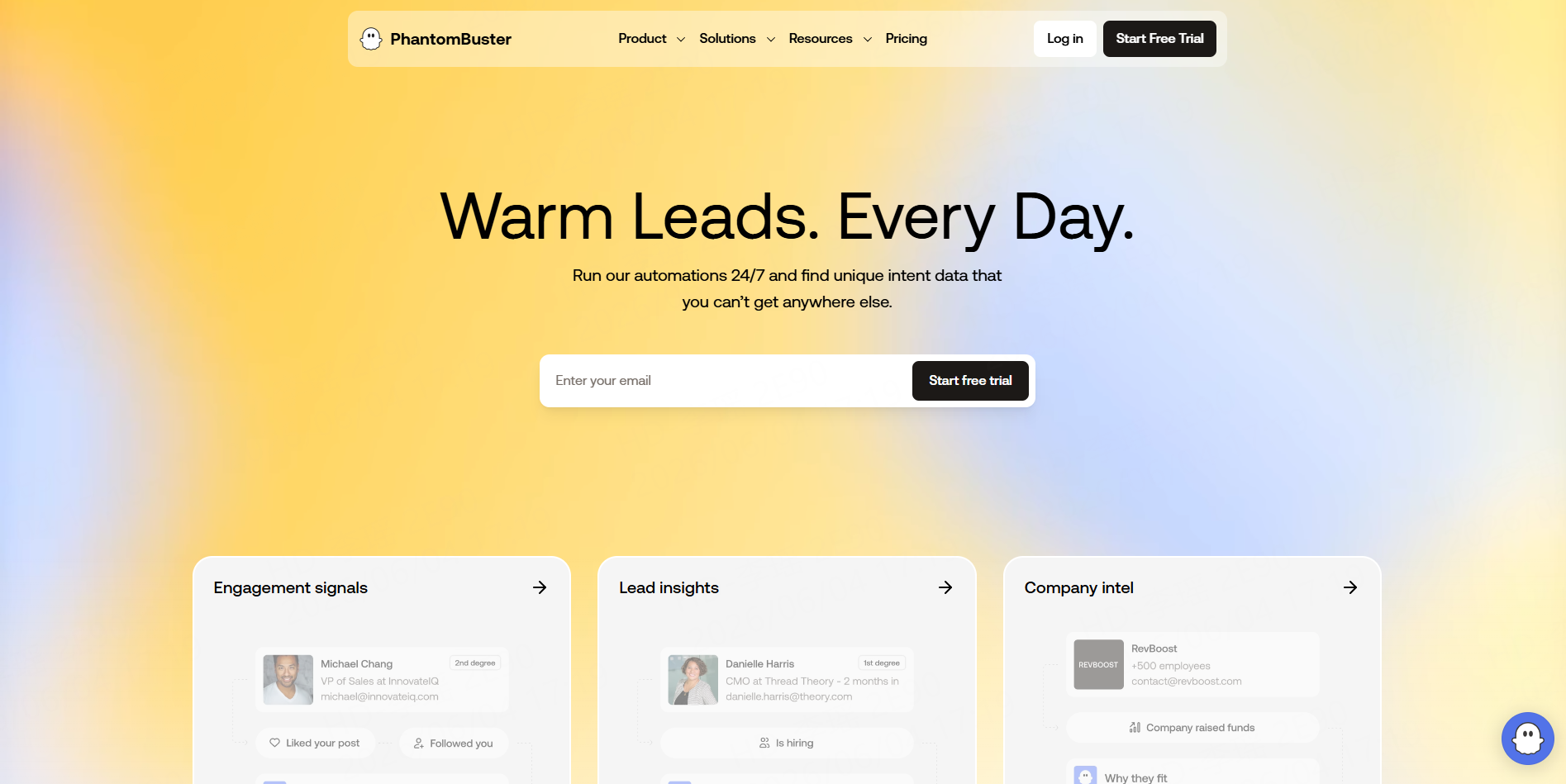
PhantomBuster’s Facebook Profile Scraper processes a single URL or a list supplied through a spreadsheet or CSV file. It returns available public profile fields in a downloadable CSV.
The workflow requires users to connect a Facebook session. PhantomBuster’s documentation recommends processing a limited number of profiles per launch, making it more appropriate for smaller or carefully controlled projects than large anonymous extraction tasks.
Best for: Existing PhantomBuster users running small research or sales operations.
Main concern: Session-based automation may expose the connected account to platform limits or restrictions. Teams should not use it to bypass access controls.
4. Bright Data
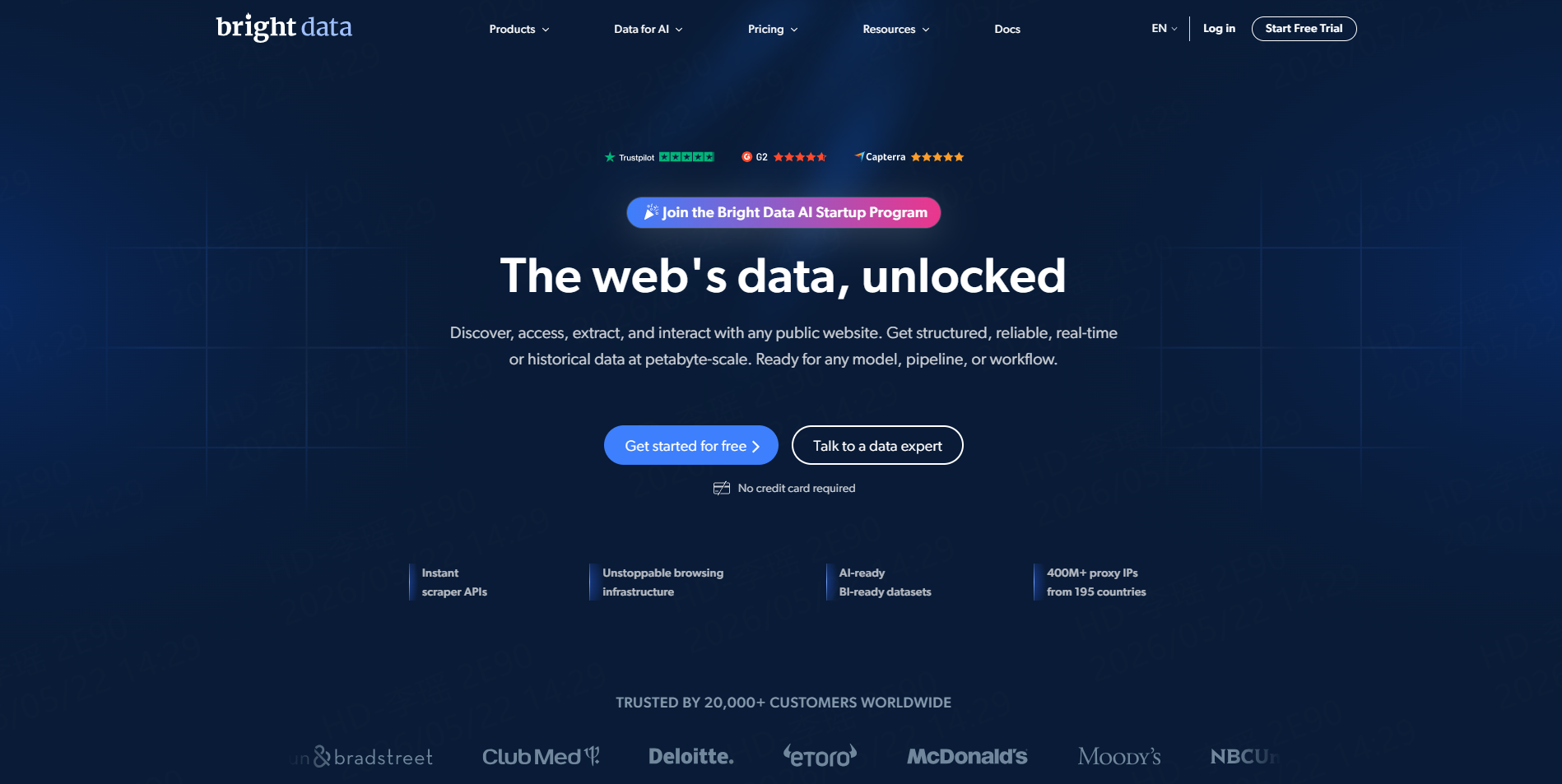
Bright Data offers Facebook scraper APIs and pre-collected Profile datasets. Its Profile dataset can include public URLs, names, images, work history, job titles, and education details. Delivery options include CSV, XLSX, JSON, Parquet, cloud storage, data warehouses, and APIs.
Best for: Enterprise data teams that need large datasets, recurring refreshes, or warehouse delivery.
Pros:
- Large-scale dataset delivery
- Filters and selected fields
- Multiple data formats
- Cloud and warehouse integrations
- API-based snapshots and updates
Cons:
- More infrastructure than small teams need
- Dataset pricing starts at a higher project size
- Buyers still need governance and data-retention controls
5. Zyte
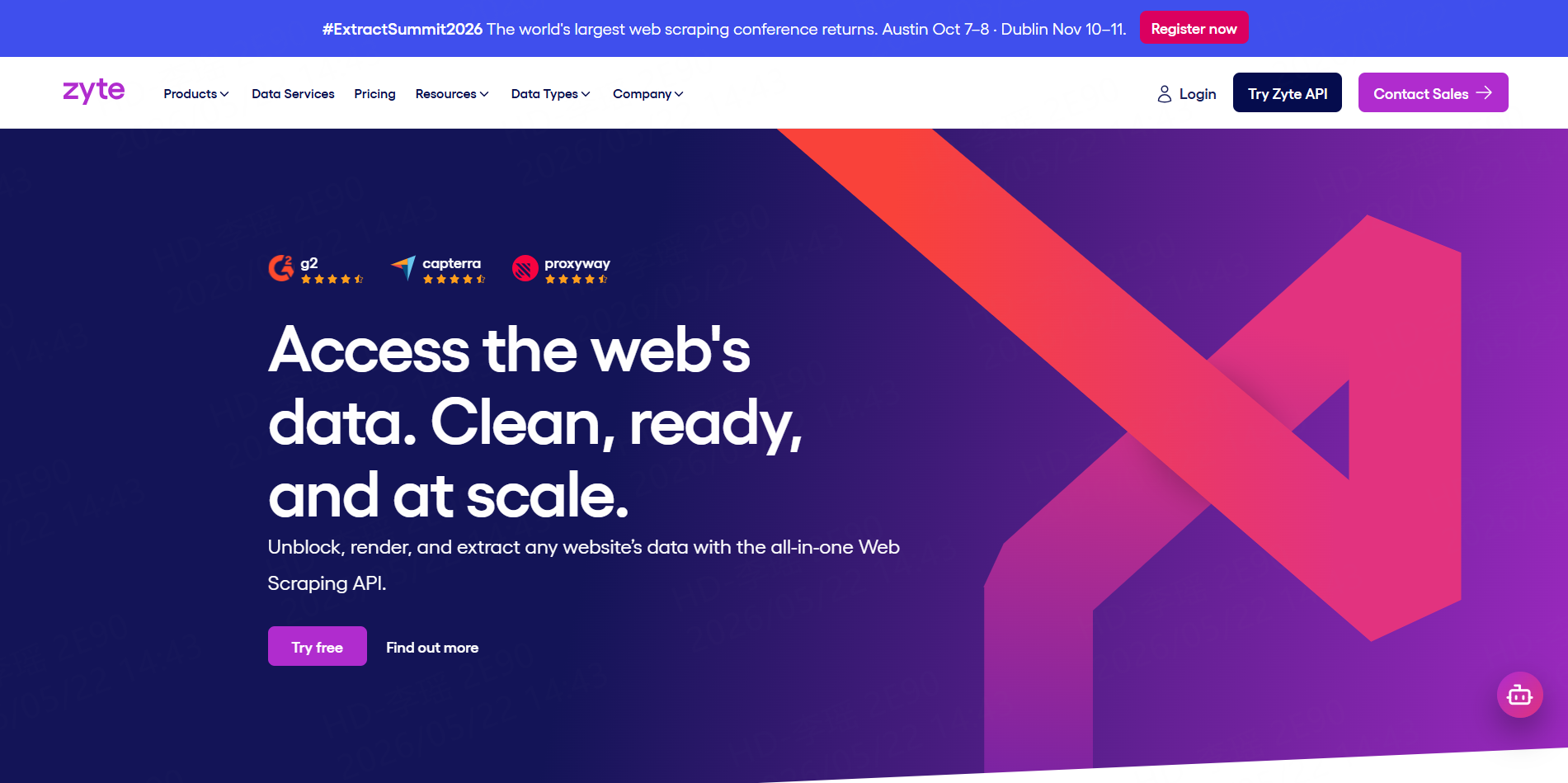
Zyte offers a social media scraping API and managed data services. Its social-data positioning is limited to public information and explicitly excludes personally identifiable information and data behind a login. It also provides standardized schemas for research, brand monitoring, sentiment analysis, and business-information projects.
Best for: Organizations that want developer infrastructure or a managed extraction service with a clearly defined public-data scope.
A Responsible Facebook Profile Data Workflow
Start with a documented business purpose and collect only fields required for that purpose. Prefer public business Pages, professional creator accounts, and profiles whose information is clearly relevant to the research.
Provide profile URLs as inputs and run a small test. Check whether the output matches the original pages, whether fields are consistently formatted, and whether private or irrelevant information has entered the dataset.
Clean and filter the results before export. Remove duplicates, preserve source URLs, add collection timestamps, and exclude sensitive or unnecessary fields. Important decisions should include manual sample checks.
Meta’s terms state that automated collection generally requires prior permission. Teams must review Meta’s current terms, applicable privacy laws, and the requirements of their own jurisdiction before running a project. They should not collect private content, bypass login restrictions, infer sensitive traits, or use scraped profiles for spam, harassment, or discriminatory decisions.
Developers with an authorized specialized workflow can also publish scraping Workers on CoreClaw after testing and platform review.
Final Thoughts
The best Facebook profile scraper depends on the target data, project scale, technical resources, and authorization available.
CoreClaw is the most practical overall option for teams that have public profile URLs and want structured results without building a scraper. Its ready-made Workers, API access, cleaned outputs, and pay-only-for-successful-results model provide a direct path from URL input to usable CSV or JSON data.
Regardless of the tool, responsible projects should remain limited to necessary public information, use clear retention rules, validate important records, and comply with Meta’s terms and applicable privacy requirements.
Frequently Asked Questions

Content Writer @CoreClaw · Last Updated 2026-07-22
Lena Kovalenko researches how modern software systems expose and organize information online. Her writing focuses on the interaction between APIs, web platforms, and automated data workflows. When exploring a topic she typically compares multiple tools to understand their design assumptions. These comparisons often lead to articles that help readers see how different technical approaches influence reliability and efficiency.
查看作者资料 →免责声明:CoreClaw 博客上的所有信息均按“原样”提供,仅供参考。对于因您使用 CoreClaw 博客上发布的信息(或通过链接跳转至的任何第三方网站上的信息)而产生的任何后果,CoreClaw 不作任何陈述,亦不承担任何责任。在进行任何数据抓取活动之前,请务必咨询法律顾问,查阅目标网站的服务条款,并在必要时获取许可。