
Facebook comments can reveal customer complaints, product questions, campaign reactions, feature requests, and the language people use when discussing a brand. Collecting these conversations manually becomes impractical when research covers several posts, videos, Reels, or long reply threads.
A Facebook comment scraper automates this process and converts accessible discussions into structured records. The best tool depends on whether the team needs a simple spreadsheet, nested conversations, recurring monitoring, or an API connected to an internal application.
What Is a Facebook Comment Scraper?
A Facebook comment scraper collects comments from supported Facebook posts and organizes them into fields such as comment text, author name, publication time, likes, reactions, replies, comment ID, and source URL.
Unlike a screenshot or copied text file, structured output can be filtered, deduplicated, categorized, and imported into a spreadsheet, dashboard, research tool, or sentiment-analysis workflow.
Best Facebook Comment Scraper Tools Compared
Tool | Best for | Interface | Main limitation |
CoreClaw | Clean no-code datasets | Worker and API | Best when a matching Worker exists |
Apify | Configurable automation | Actor, API, schedules | Requires more configuration |
Bright Data | Enterprise pipelines | No-code scraper and API | More complex for small projects |
ExportComments | Spreadsheet exports | Web application | Limited custom extraction logic |
ScrapeCreators | Developer applications | REST API | Requires technical integration |
1. CoreClaw
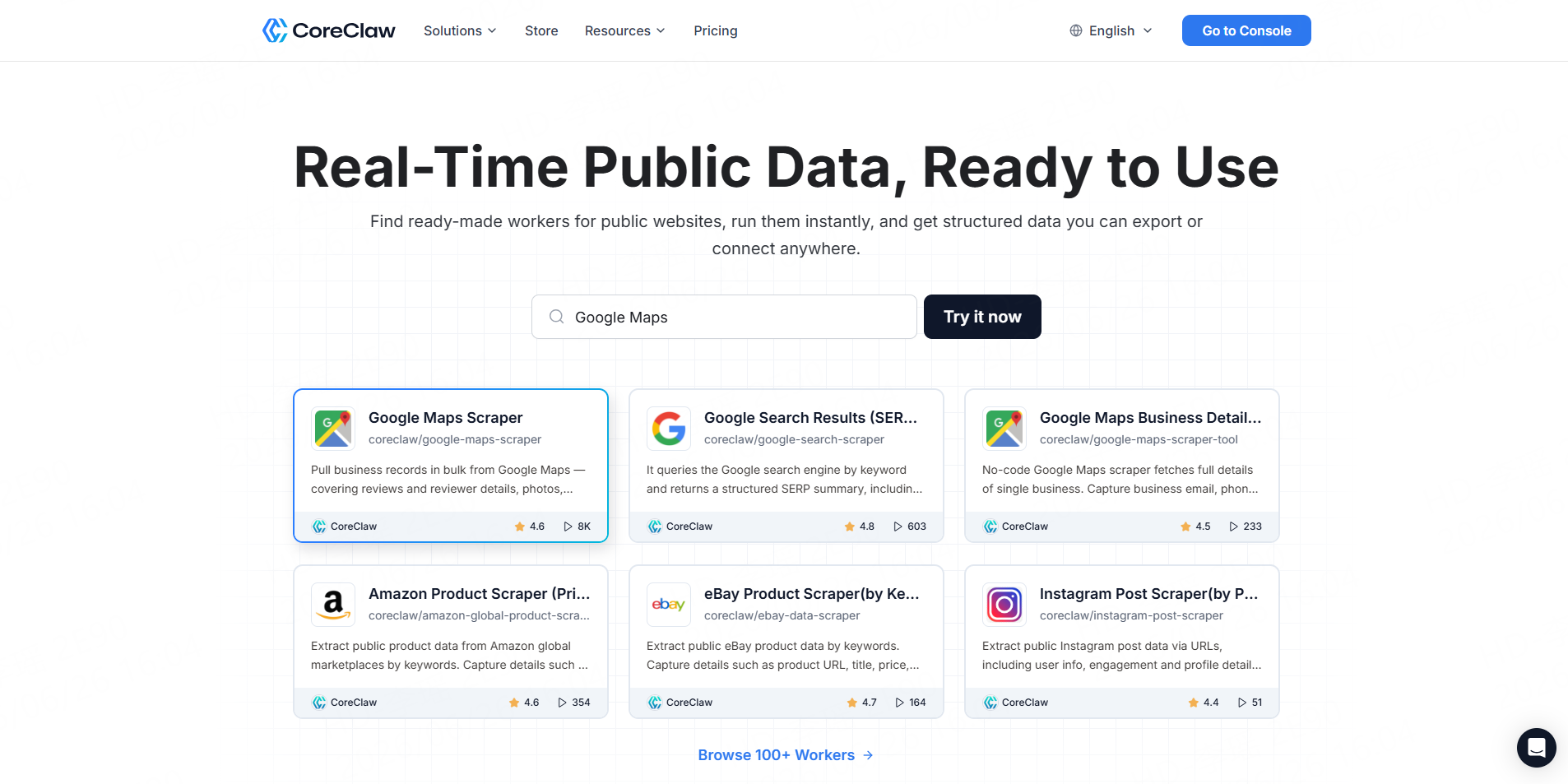
Best for: Agencies, researchers, marketers, and non-technical teams.
The CoreClaw Facebook Comments Scraper accepts one or more public post URLs and returns comment content, commenter details, timestamps, likes, reactions, comment identifiers, reply counts, and nested replies. Users can run it without writing code and export cleaned, structured results to CSV or JSON.
CoreClaw also handles task scheduling, proxy infrastructure, normalization, and delivery. This makes it a practical choice when the goal is a usable dataset rather than raw webpage content.
Pros: No-code operation, batch URLs, nested replies, structured output, API access, and pay only for successful results.
Cons: Highly specialized sources or output requirements may need a custom Worker.
2. Apify
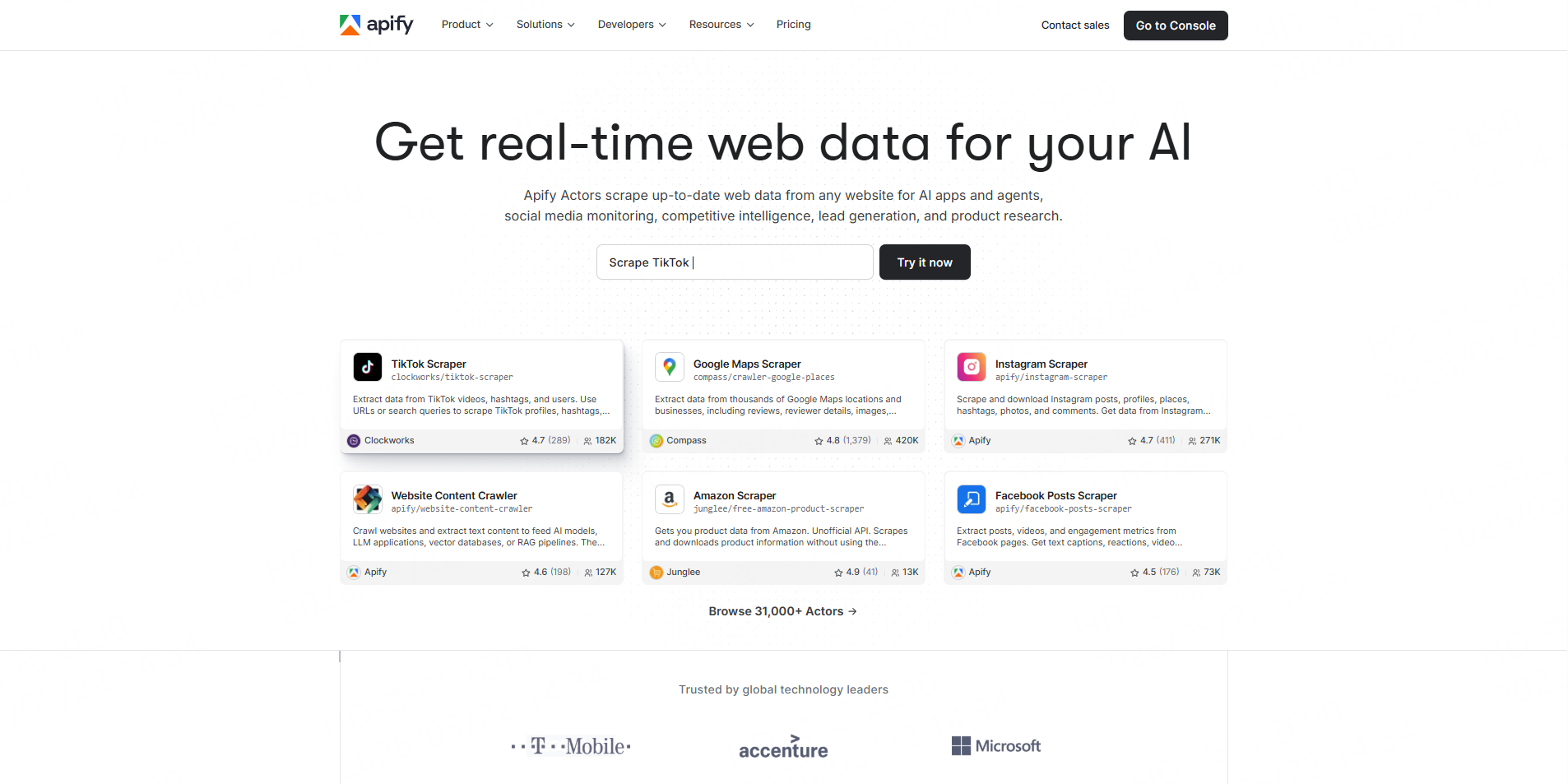
Best for: Developers and technical growth teams requiring configurable automation.
Apify’s maintained Facebook Comments Scraper supports posts, photos, videos, and Reels. It can collect text, timestamps, likes, commenter details, reply counts, and threading depth. Users can filter by date, select comment order, schedule runs, use webhooks, or export to JSON, CSV, Excel, and HTML.
Pros: Flexible inputs, broad exports, scheduling, webhooks, and Python or Node.js integration.
Cons: Users must manage Actor configuration, platform usage, and potentially variable operating costs.
3. Bright Data
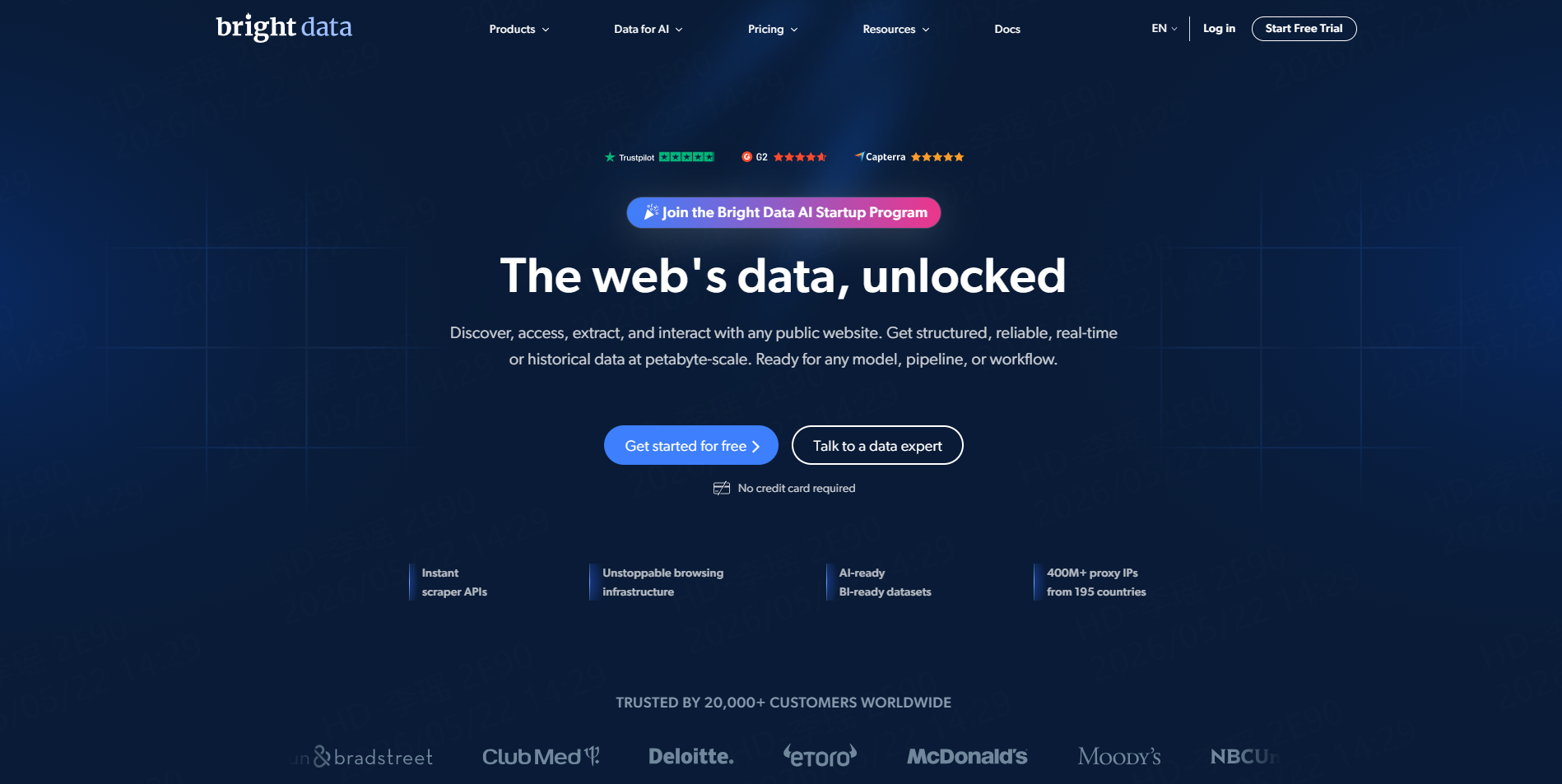
Best for: Enterprise data teams and large recurring pipelines.
Bright Data provides a dedicated Facebook Comments Scraper through both a no-code control panel and API. It supports bulk inputs, scheduled collection, automated parsing, and delivery through JSON, CSV, APIs, or webhooks. Its current product page also advertises batch handling for up to 5,000 URLs.
Pros: Enterprise-scale infrastructure, batch processing, structured delivery, and broader Facebook scraper coverage.
Cons: The platform may provide more infrastructure and configuration than a small spreadsheet project needs.
4. ExportComments
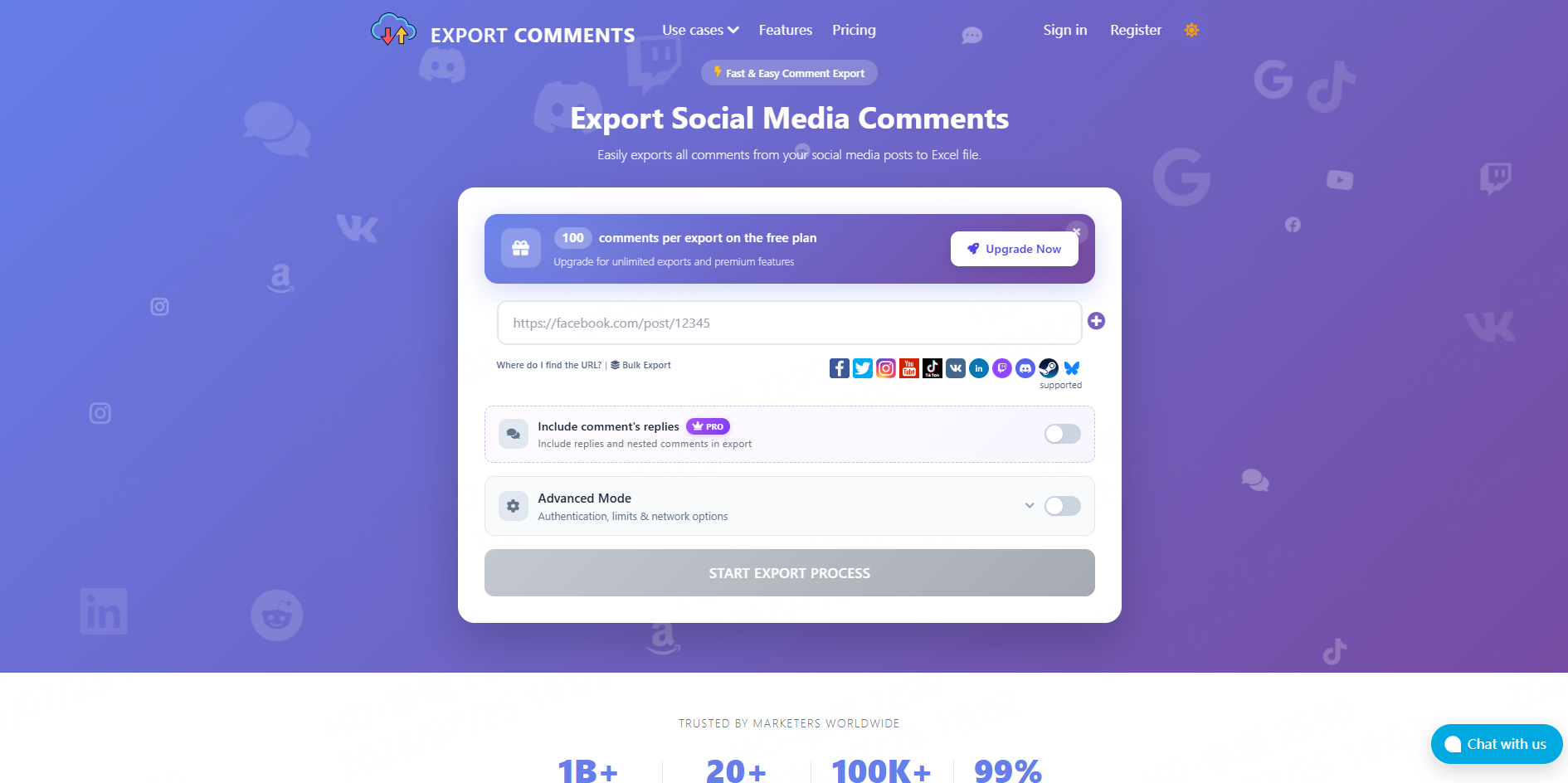
Best for: Social media managers, giveaway organizers, and spreadsheet-first analysts.
ExportComments lets users paste a public Facebook post, Reel, video, or public-group URL and download comments as Excel, CSV, or JSON. Replies remain connected to their parent discussions, while reaction details are included when Facebook exposes them.
Pros: Simple URL-based workflow, Excel-first output, replies, reaction fields, and a free tier for small tests.
Cons: It is less suitable for custom scraping logic or broad multi-source data pipelines.
5. ScrapeCreators
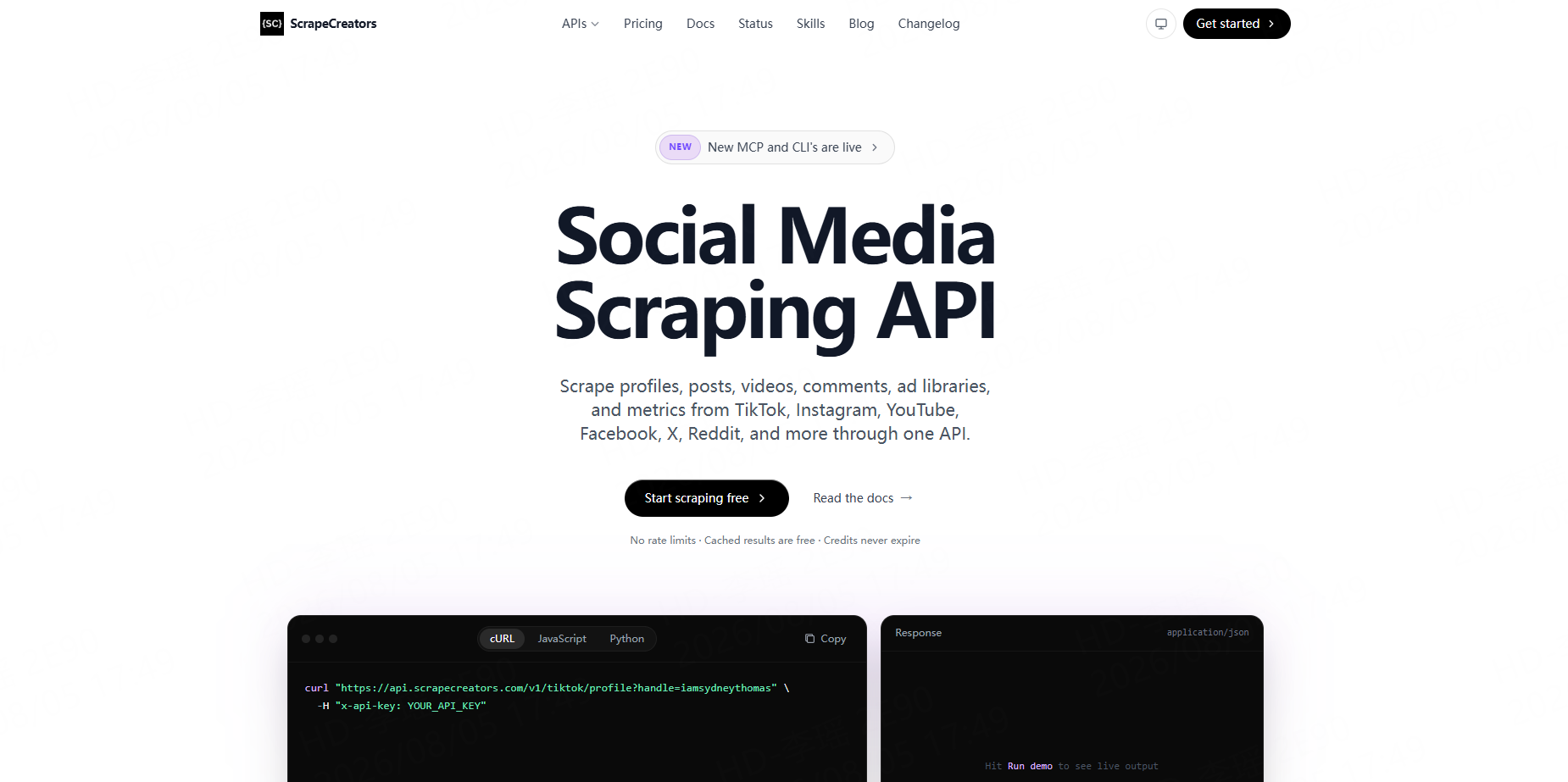
Best for: Developers building dashboards, applications, or automated analysis systems.
ScrapeCreators offers a REST endpoint for retrieving comments from Facebook posts and Reels. It also provides a separate replies endpoint, cursor-based pagination, API-key authentication, and structured JSON responses.
Pros: Focused API endpoints, straightforward authentication, JSON output, and free testing credits.
Cons: It is an unofficial API and requires development work to store, clean, and present the results.
How to Choose a Facebook Comment Scraper
Begin with the required output.
Choose CoreClaw or ExportComments when business users need a downloadable dataset. Choose Apify when configurable automation and integrations matter. Bright Data is more appropriate for enterprise-scale pipelines, while ScrapeCreators suits developers who want a focused REST endpoint.
Also compare nested-reply support, batch limits, sorting options, timestamps, reaction fields, API availability, scheduled runs, and how failed results are billed.
A Practical Facebook Comment Workflow
Start by collecting the URLs of relevant public Facebook posts. Run five to ten URLs as a test before processing the entire list.
Using the CoreClaw Facebook Comments Scraper, teams can collect top-level comments and replies, review the table output, and remove irrelevant or duplicate records before export.
Keep comment IDs, parent-comment relationships, source URLs, and collection timestamps. Recurring projects can use the CoreClaw API to start Workers, monitor runs, retrieve results, and send filtered datasets into dashboards or internal tools.
Responsible Facebook Comment Collection
Collect only information needed for a defined and legitimate purpose. Avoid private groups, friends-only posts, direct messages, restricted content, and unnecessary individual profiling.
Meta’s current terms state that users may not collect data through automated means without prior permission, and its Automated Data Collection Terms require express written authorization or another explicitly authorized method. Teams should review these terms, applicable privacy laws, and their intended use before collecting Facebook data.
For Pages managed by the organization, Meta’s official Graph API may be more appropriate. Access to certain Page-post comment fields requires the relevant Page management permissions or tasks.
Conclusion
The best Facebook comment scraper depends on the team’s technical skills, required output, and project size. Apify offers flexible automation, Bright Data supports enterprise pipelines, ExportComments focuses on spreadsheets, and ScrapeCreators provides a compact developer API.
For most business teams, CoreClaw provides the most balanced workflow. Teams can use ready-made Facebook Workers, collect cleaned and filtered comments and replies, export structured results, and automate recurring runs through an API. CoreClaw uses pay-only-for-successful-results pricing, while developers can publish their own scraping Workers for specialized requirements.
Frequently Asked Questions

Content Writer @CoreClaw · Last Updated 2026-08-06
Lena Kovalenko researches how modern software systems expose and organize information online. Her writing focuses on the interaction between APIs, web platforms, and automated data workflows. When exploring a topic she typically compares multiple tools to understand their design assumptions. These comparisons often lead to articles that help readers see how different technical approaches influence reliability and efficiency.
View Author Profile →Disclaimer: All information on the CoreClaw Blog is provided “as is” and for informational purposes only. CoreClaw makes no representations and assumes no liability for any consequences arising from your use of information published on the CoreClaw Blog or on any third-party websites linked from it. Before any scraping activity, consult legal counsel, review the target website’s terms of service, and obtain permission where required.




