
Facebook comments can reveal product questions, customer complaints, campaign reactions, recurring objections, and the language an audience uses to describe its needs. Manually copying these discussions becomes impractical when a research project includes multiple posts, videos, Reels, or long reply threads.
A Facebook comments scraper turns accessible discussions into structured records. In 2026, the main options include ready-made Workers, Meta’s official API, scraper marketplaces, enterprise scraping APIs, and custom development. The best approach depends on account ownership, data volume, technical resources, and the required output.
What Facebook Comment Data Can You Collect?
Depending on the source and method, a comment dataset may contain:
Field | Why it matters |
Comment text | Sentiment, topic, and feedback analysis |
Comment ID | Deduplication and record tracking |
Commenter name or ID | Conversation and author analysis |
Publishing time | Trend and response-time analysis |
Reactions or likes | Visible engagement context |
Parent comment ID | Connects replies to discussion threads |
Reply count and reply text | Preserves conversation context |
Post and comment URLs | Supports verification and auditing |
Not every visible Facebook comment will necessarily appear in an export. Availability can be affected by privacy settings, deleted content, reply visibility, geographic differences, and Facebook’s dynamic comment loading.
Five Ways to Scrape Facebook Comments
1. Use a Ready-Made CoreClaw Worker
Best for: Marketing teams, researchers, agencies, and non-technical users.
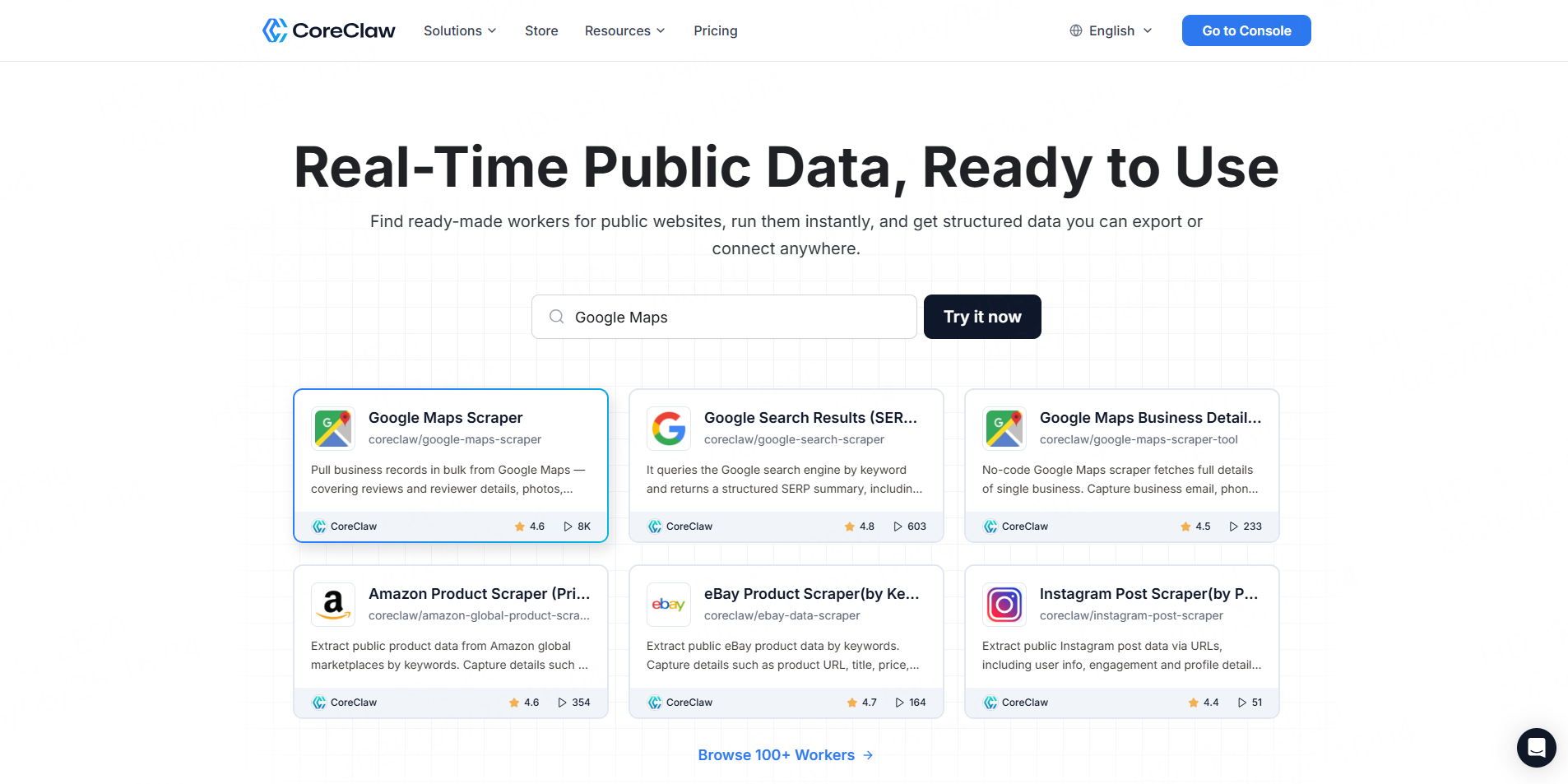
The CoreClaw Facebook Comments Scraper accepts one or more public Facebook post URLs. It can collect comment text, commenter information, timestamps, likes, reactions, comment identifiers, reply counts, and nested reply data.
CoreClaw handles task scheduling, proxy infrastructure, data normalization, and delivery. Users can run the Worker without coding and download the results in CSV or JSON.
This is the most direct method when a team already has the target post URLs and wants cleaned, structured results rather than raw page content.
2. Use Meta’s Official Graph API
Best for: Organizations managing their own Facebook Pages.
Meta’s Pages API supports reading, creating, and moderating comments through authorized Page workflows. Access depends on the Page, application permissions, access tokens, and the management tasks assigned to the user or application.
The official API is generally the better option for comments on Pages the organization owns or manages. It is less suitable for unrestricted competitor or public-market research because access is permission-based.
3. Run an Apify Facebook Comments Actor
Best for: Technical marketers and developers who need configurable cloud automation.
Apify’s maintained Facebook Comments Scraper accepts post, video, image, and Reel URLs. Users can select the comment order, set date filters, include replies, schedule runs, and export results to JSON, CSV, Excel, or HTML. It also supports API endpoints, webhooks, and Python or Node.js clients.
Apify provides more configuration and integration options than a basic spreadsheet exporter. However, users must monitor Actor settings, proxy usage, result volume, and platform costs.
4. Use Bright Data’s Facebook Comments Scraper API
Best for: Enterprise teams and recurring, high-volume pipelines.
Bright Data provides both an API-based Facebook Comments Scraper and a no-code control-panel workflow. It supports bulk requests, structured comment fields, scheduled collection, and delivery through JSON, NDJSON, CSV, APIs, or webhooks.
This method is appropriate when Facebook comment collection is part of a larger social-listening, market-intelligence, or data-engineering system. It may be more infrastructure than a small, one-time research project needs.
5. Build a Custom Scraping Worker
Best for: Developers with specialized fields, filters, or integrations.
A custom workflow can be built with Python, Node.js, or Go and browser-automation frameworks such as Playwright, Puppeteer, or Selenium. The team is then responsible for extraction logic, pagination, reply relationships, retries, output validation, and maintenance.
CoreClaw lets developers create private Workers or publish scraping Workers to its Store after review. This provides a deployment path for custom scripts without requiring the developer to build an entire execution and delivery platform.
How to Scrape Facebook Comments with CoreClaw
Start by collecting the URLs of the public Facebook posts, videos, or Reels relevant to the research project.
Open the Facebook Comments Scraper and add a small batch of URLs. Set an appropriate maximum result count and decide whether nested replies are necessary. Reply collection provides more context but also increases the size and complexity of the dataset.
Run a small test before processing the complete URL list. Check comment text, timestamps, source links, reaction fields, and reply relationships against several original posts.
After reviewing the results, remove irrelevant records and export the dataset. The Worker supports CSV and JSON, while CoreClaw’s API export endpoints also support formats including XLS and XLSX. Recurring workflows can use the CoreClaw API to start runs and retrieve files programmatically.
Facebook Comment Scraping Best Practices
Collect only information needed for a defined purpose. Avoid private groups, friends-only posts, direct messages, login-restricted content, and unrelated personal profiling.
Keep the post URL, comment URL, and collection timestamp with every record. These fields make it easier to verify results if the original discussion changes.
Meta’s Automated Data Collection Terms state that automated collection requires express written permission or another form of explicit authorization. Teams should review those terms, applicable privacy laws, data-retention requirements, and their intended use before starting a project.
For important business or research decisions, compare a sample of exported comments with the original posts. A structured scraper can reduce manual work, but it cannot guarantee that every visible comment or reply will always be available.
Conclusion
The best way to scrape Facebook comments depends on the operating model.
For most business teams, CoreClaw provides the most practical route from public post URLs to cleaned and filtered comment data. Teams can run a ready-made Worker without coding, export CSV, JSON, or Excel-compatible results, and automate recurring tasks through an API. CoreClaw uses pay-only-for-successful-results pricing, and specialized requirements can be addressed through a custom Worker.
For a vendor-by-vendor comparison, see 5 Best Facebook Comments Scraper Tools.
Frequently Asked Questions

Content Writer @CoreClaw · Last Updated 2026-08-06
Lena Kovalenko researches how modern software systems expose and organize information online. Her writing focuses on the interaction between APIs, web platforms, and automated data workflows. When exploring a topic she typically compares multiple tools to understand their design assumptions. These comparisons often lead to articles that help readers see how different technical approaches influence reliability and efficiency.
View Author Profile →Disclaimer: All information on the CoreClaw Blog is provided “as is” and for informational purposes only. CoreClaw makes no representations and assumes no liability for any consequences arising from your use of information published on the CoreClaw Blog or on any third-party websites linked from it. Before any scraping activity, consult legal counsel, review the target website’s terms of service, and obtain permission where required.




