











Best GMaps Extractor Alternative

GMaps Extractor is a tool for scraping Google Maps data and has its own API. In contrast, CoreClaw is not just a single tool, but a more complete data collection platform that offers 200+ ready-to-use Workers, including a Google Maps scraper. Read on to see the key differences between the two.

Start free trial

G Maps Extractor

Feature

Why Choose CoreClaw Over GMaps Extractor?

CoreClaw is better suited for teams that need large-scale collection, automated execution, and continuous updates of Google Maps data.

Not limited by Google's 120-location cap

Google Maps Scraping

Country or Region

New York

Number of results

10,000

Number of reviews

10,000

Advanced Google Maps Scraping Tool

Use our industry-leading Google Maps scraping tool to configure tasks by country or region, number of results, and number of reviews. It fits Google data collection needs of different scales and is not limited by Google's 120-location cap.

Go to CoreClaw Store

Keywords

Locations

List URLs

3 minutes

Business Name

Address

Phone Number

Start Collection Tasks Quickly

Simply choose the Google Maps scraping tool (Worker), enter keywords, locations, or list URLs, and launch the task. Within 3 minutes, it returns fields such as business name, address, phone number, website, rating, reviews, and more.

Free 2K Results

CoreClwa Pricing Plans

Starter

$29.00/30 Days

PRO

$79.00/30 Days

Business

$199.00/30 Days

GMaps Extractor

Starter

1,000/Monthly Leads Extract

PRO

100,000/Monthly Leads Extract

Business

500,000/Monthly Leads Extract

vs

Flexible Pricing Plans

CoreClaw offers a simple $29/month plan with unlimited access to 200+ scraping tools. By contrast, GMaps Extractor uses a usage-based model and charges per request.

View Pricing Plans
Worker Marketplace

Ready-Made Workers for Popular Platforms

Pick a ready-made Worker, enter your scraping parameters, and download structured data results in minutes.

Google Maps Scraper

@CoreClaw
4.6

Pull business records in bulk from Google Maps — covering reviews and reviewer details, photos, contact info (full name, email, job title), opening hours, prices and more. From there, export the data, trigger runs via API, schedule and watch them, or wire the results into your other tools.

Success Rate
98.21%
Input
Keywords
Total Runtime
7160

It queries the Google search engine by keyword and returns a structured SERP summary, including the final search parameters, organic results, related queries, and people-also-ask data.

Success Rate
93.59%
Input
-
Total Runtime
596

No-code Google Maps scraper fetches full details of single business. Capture business email, phone, website, social accounts, reviews, opening hours and location data, instantly export complete valid B2B leads.

Success Rate
79.25%
Input
URL
Total Runtime
191

Extract public product data from Amazon global marketplaces by keywords. Capture details such as product title, brand, price, discount, currency, review count, ASIN, sales, ranking, and more. Export the data, access it via API, or integrate it with third-party tools.

Success Rate
95.03%
Input
-
Total Runtime
347

Extract public eBay product data by keywords. Capture details such as product URL, title, price, reviews, seller information, shipping, return policy, and more. Export the data in structured formats, access it via API, or integrate it with third-party tools.

Success Rate
100.00%
Input
Keywords
Total Runtime
161

Extract public Instagram post data via URLs, including user info, engagement and profile details. One-click CSV/JSON export, batch scraping, no coding needed.

Success Rate
65.85%
Input
URL
Total Runtime
43

Extract public TikTok post data via profile URLs, including engagement, viral trends and audio info. One-click CSV/JSON export, zero code required.

Success Rate
100.00%
Input
URL
Total Runtime
32

Extract public profile data in bulk by entering a URL, including channel name, subscriber count, video count, view count, description and popular videos. Export in CSV or JSON format for competitor analysis and user research, with one-click structured data export.

Success Rate
98.85%
Input
URL
Total Runtime
87
Browse Full Marketplace

Or publish your Worker and start earning revenue

Worker Marketplace

CoreClaw vs. GMaps Extractor

If your team cares more about ease of getting started, controllable costs, and reliable delivery, CoreClaw is a more straightforward choice.

CoreClaw

GMaps Extractor

Product Positioning

Full-stack web scraping platform

Single-purpose Google Maps scraper

Query Limit

Supports deep scraping by city

Up to 120 requests each time

Output

500 results in under 3 minutes

Only 36 attributes, lacking deeper place details

Price

From $29/month

From $39/month

Export Formats

JSON, HTML, CSV, Excel

Excel, CSV, JSON

Free Trial

2,000 results per month

100 leads

Advantages

CoreClaw's Advantages

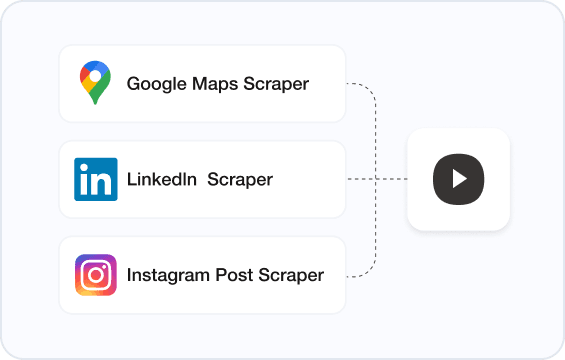
Google Maps Scraper

Linkedln Scraper

Instagram Post Scraper

Launch Tasks Quickly

Once you choose a ready-made Worker, you can start immediately without building a scraper from scratch or separately maintaining proxies and debugging workflows.

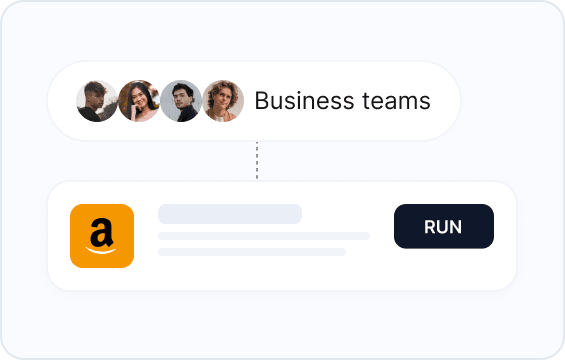
Business teams
RUN

Suitable for Non-Technical Teams

No development background is required, reducing cross-team collaboration costs and helping business teams get results faster.

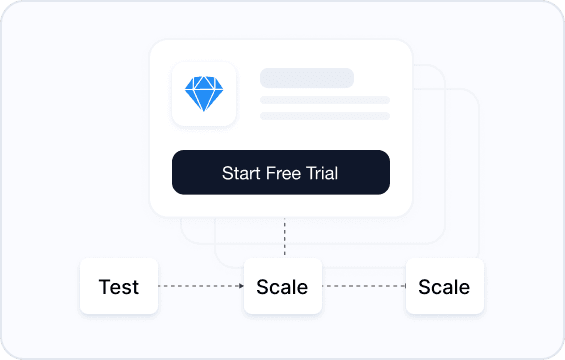
Start Free Trial
Test
Scale
Scale

Clear Pricing Strategy

Pay only for successful results, with a free trial included. This is ideal for teams that want to validate needs first and then gradually scale data collection.

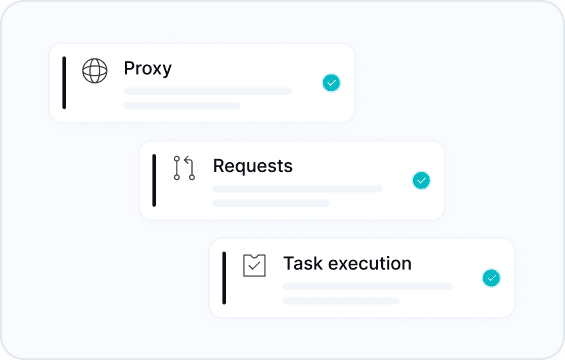
Proxy

Requests

Task execution

No Infrastructure Burden

Proxies, request handling, and task execution are all managed by the platform, reducing day-to-day maintenance effort.

Customer Reviews

Loved by Our Customers

Real feedback from Used by teams worldwide

"We used to spend hours manually copying contacts from Google Maps. Now it takes 5 minutes. Collecting contacts and info from Google Maps manually is reduced from hours to minutes, powering cold outreach and saving your team 10+ hours weekly."

Olivia Carter
Olivia Carter
Sales Director
B2B Marketing Agency

"Finally a price tracking tool that works. We monitor ~500 SKUs on Amazon. Had some rate limit issues at first, but support sorted it out. Would be great if they add Shopee."

William Clark
William Clark
E-commerce Manager
Cross-border E-commerce

"Not a developer, so building scrapers was always a pain. These Workers are pretty plug-and-play. CSV export fits right into my pipeline. Took a bit to learn the scheduling, but now it just runs."

Daniel Lewis
Daniel Lewis
Data Analyst
Market Research Firm
Use Cases

Turn public web data into business decisions

CoreClaw Workers can scrape the latest web data from any public website—no code required.

Data for AI

Extract clean web content, product data and reviews to support AI training, RAG, and data enrichment workflows.

View Details

B2B Lead Generation

Extract public business information from platforms like Google Maps and LinkedIn, and turn it into prospect data.

View Details

E-Commerce

Collect product listings, prices, seller information, and availability data from ecommerce platforms for analysis and monitoring.

View Details

Price Monitoring

Monitor product prices, stock status, promotions, and seller changes across ecommerce websites.

View Details

Influencer Discovery

Extract public posts, engagement data, hashtags, and profile information from social platforms to find creators for potential partnerships.

View Details

Market Research

Track public market signals from reviews, product listings, search results, forums, and competitor pages.

View Details

Need Help With Web Data? We’ve Got You Covered

From setup to custom scraping, our team helps you choose the right Worker, learn with documentation, or build a custom data workflow.

Learn with Documentation
Follow step-by-step guides to run Workers, configure inputs, export results, and connect data to your workflow.
Get Custom Workers
Our experienced team can help you design, implement, and successfully execute your web scraping project.

Request a Custom Worker

Tell us what website, data fields, and delivery format you need. Our team will review your request and suggest the best approach.

View Documentation
Average response time: under 2 hoursOur team will help you choose the right Worker or design a custom workflow.

Frequently Asked Questions