A Facebook scrape website helps teams collect data from Facebook and turn it into structured records for analysis. Depending on the tool, those records may include public Page information, posts, comments, engagement metrics, profiles, events, ads, or Marketplace data.
The difficulty is choosing the right workflow. Some platforms are built for developers managing APIs and scraping infrastructure. Others let business users run ready-made scrapers and export usable datasets without coding. The best choice therefore depends on the Facebook data required, the technical resources available, and what needs to happen after collection.
What Should a Facebook Scrape Website Actually Do?
A useful scraper should produce structured fields rather than an unorganized copy of a webpage. For example, a research team analyzing competitor content may need post text, URLs, timestamps, reactions, comments, and engagement counts in separate columns.
CoreClaw’s Facebook Scraper Store includes ready-made Workers for public Facebook Pages, posts, comments, profiles, events, ads, and other supported Facebook sources. Its Facebook tools are designed around structured output rather than raw page content.
5 Best Facebook Scrape Website Tools Compared
Tool | Best for | Approach |
CoreClaw | Ready-to-use public Facebook data | No-code Workers + API |
Apify | Flexible technical workflows | Actor marketplace |
Bright Data | Enterprise-scale collection | Scraper APIs |
Octoparse | Custom visual extraction | No-code workflow builder |
PhantomBuster | Social automation | Cloud automations |
1.CoreClaw
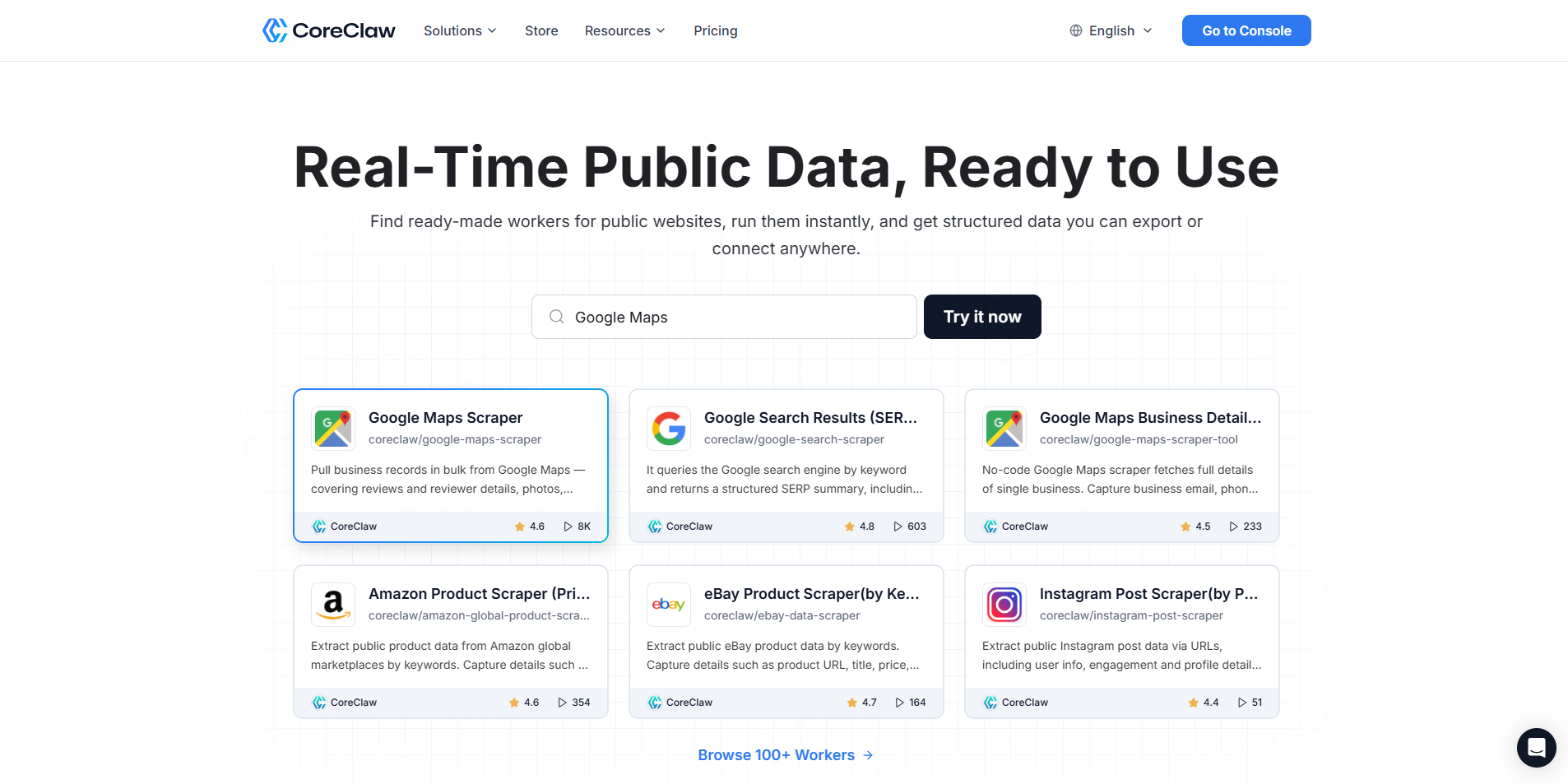
CoreClaw is practical when the goal is usable Facebook data rather than building scraping infrastructure. Teams can run a Facebook Posts Scraper for post content and engagement data or a Facebook Comments Scraper for comments, replies, timestamps, and interaction fields.
Results can be organized into structured outputs and moved into CSV, JSON, Excel, or API-based workflows. CoreClaw also uses pay-only-for-successful-results pricing for applicable Workers, so failed results are not billed as successful data entries.
Best for: Marketing, research, competitive analysis, and non-technical teams that want ready-made Facebook Workers.
2.Apify
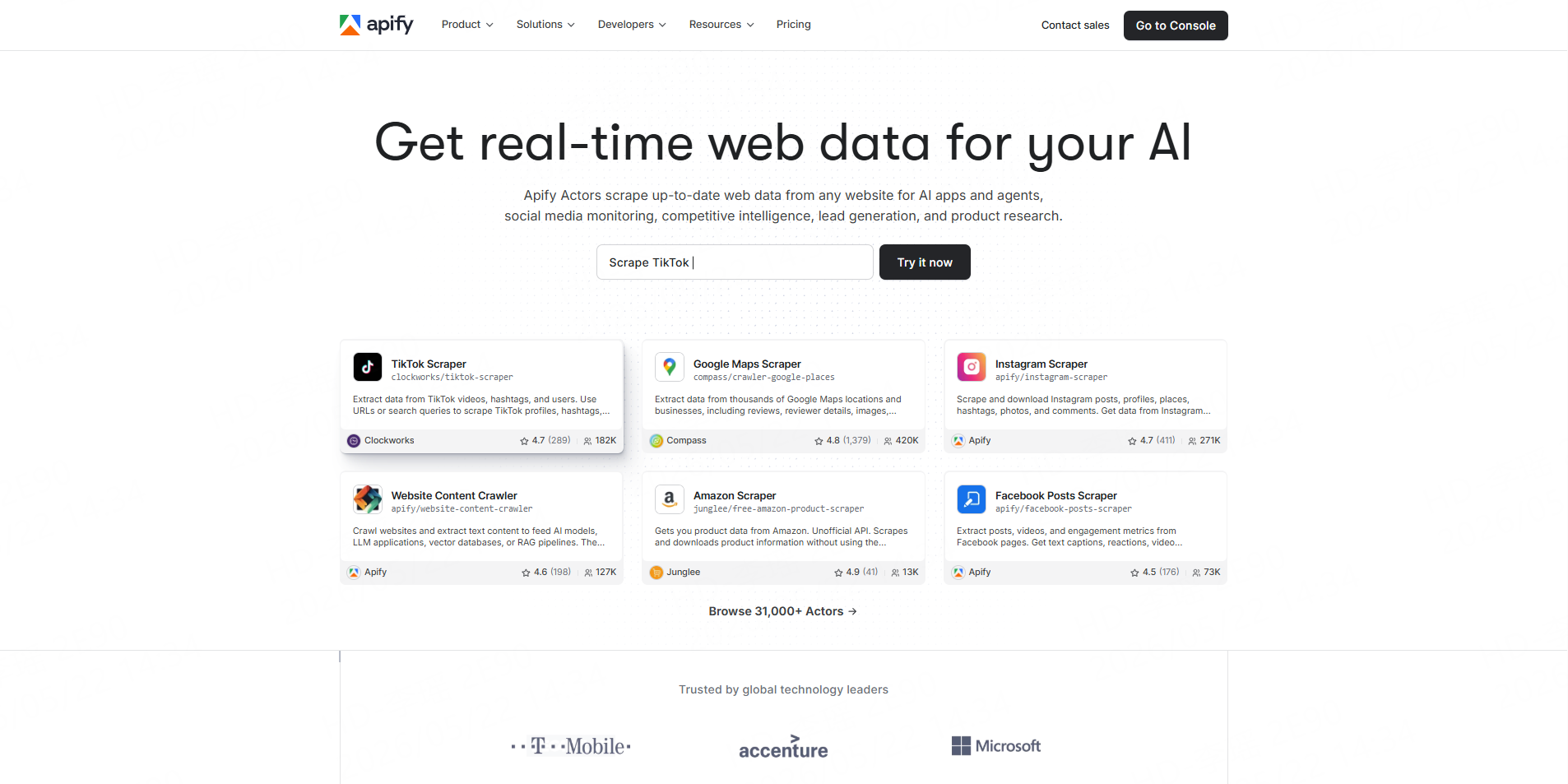
Apify provides a collection of Facebook Actors covering Pages, posts, comments, groups, ads, reviews, Marketplace data, and other sources. Its maintained Facebook Pages Actor can also export results in formats including JSON, CSV, and Excel and connect with API workflows.
Best for: Developers and automation teams that want a large scraper marketplace with customization options.
3.Bright Data
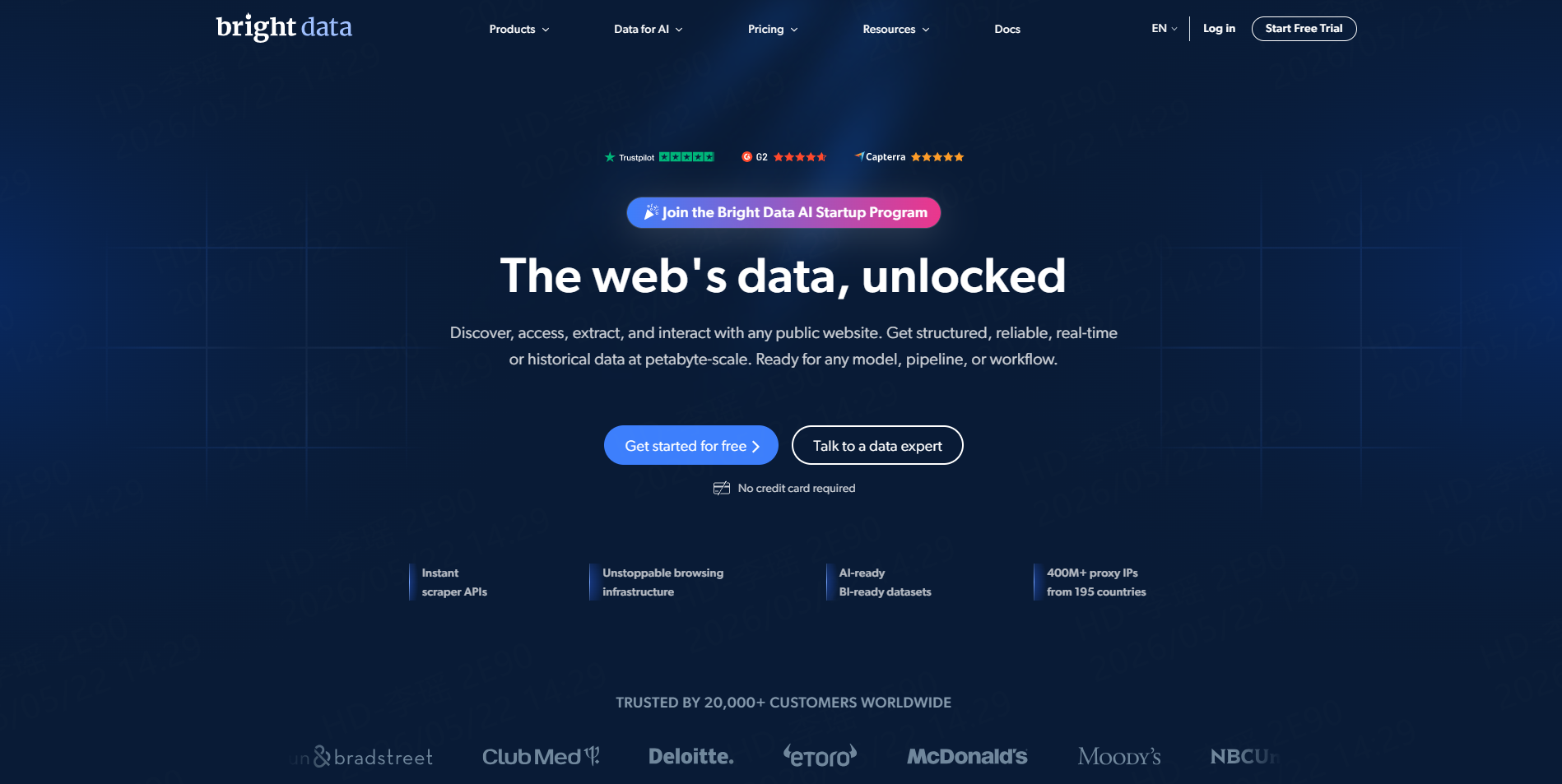
Bright Data offers Facebook Scraper APIs for profiles, Pages, posts, Marketplace listings, events, and other supported datasets. Its documentation describes a URL-to-structured-JSON workflow in which the service handles infrastructure such as proxies, parsing, and common access challenges.
Best for: Enterprise teams building high-volume data pipelines.
4.Octoparse
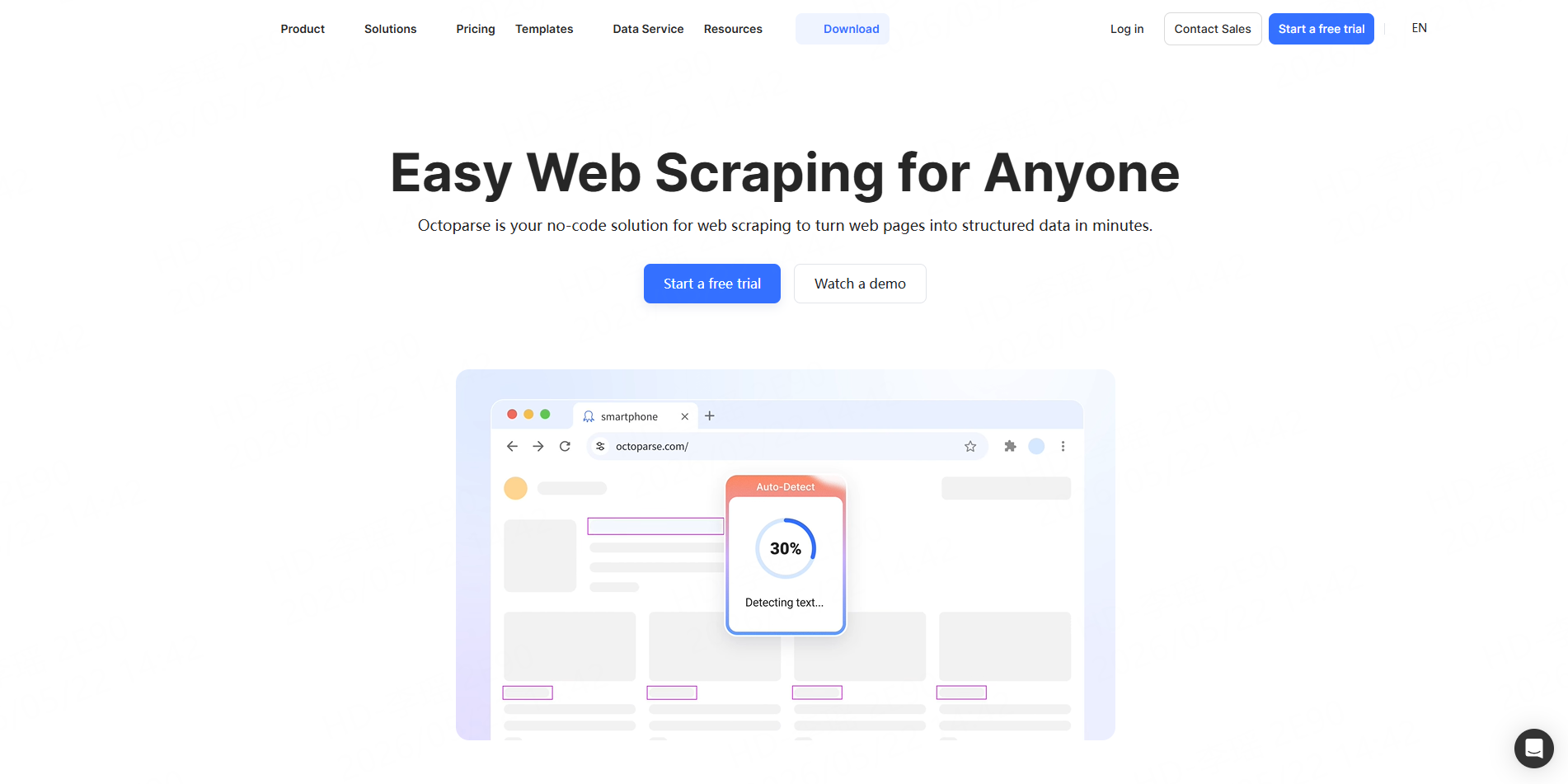
Octoparse is a general-purpose no-code web scraping platform. Users can create visual extraction workflows and turn web pages into structured datasets without programming. This provides more control than a source-specific Worker, although custom workflows may require additional configuration and maintenance.
Best for: Business users who prefer designing extraction rules visually.
5.PhantomBuster
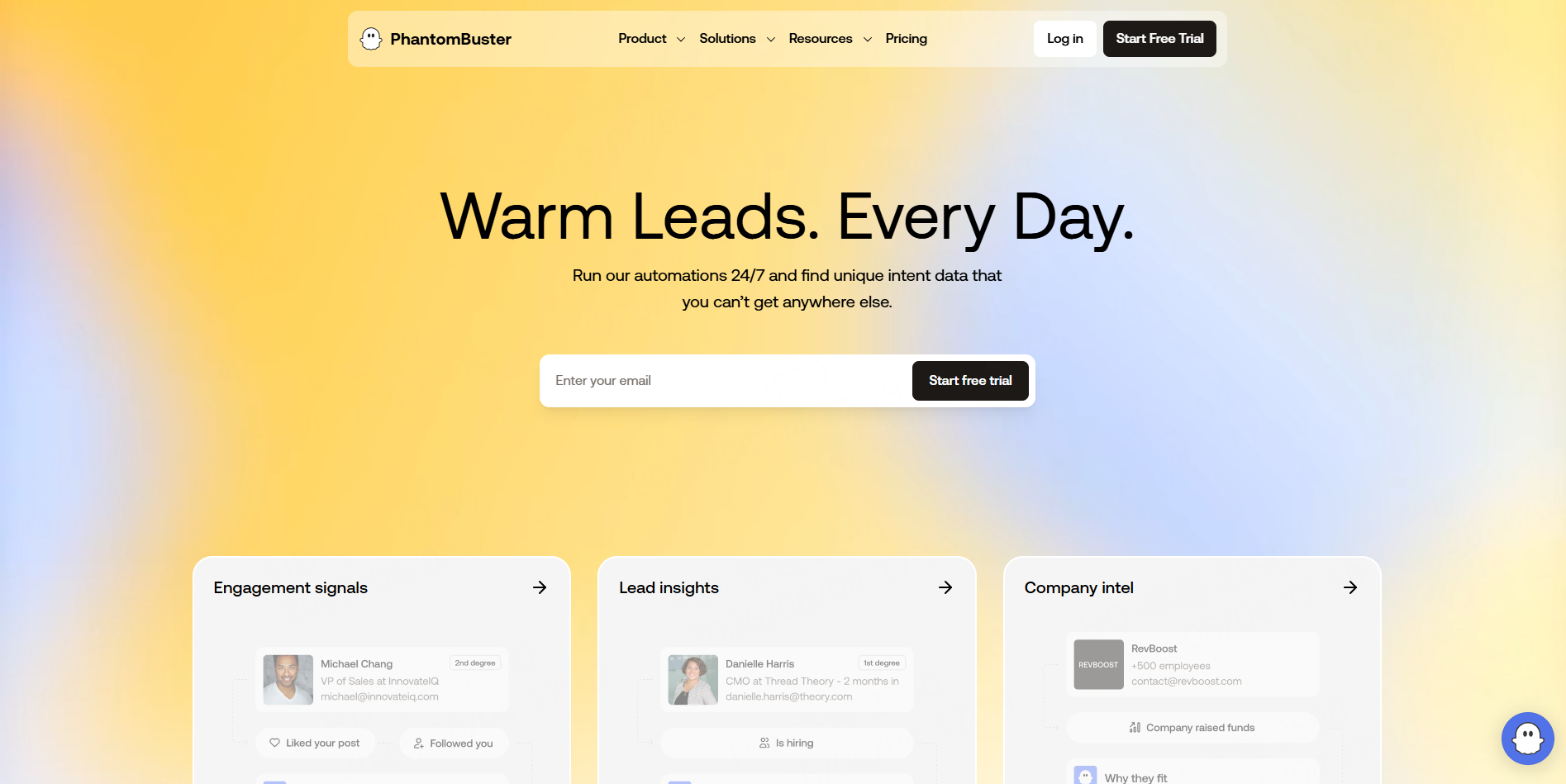
PhantomBuster combines extraction with social automation. Its Facebook tools include profile scraping, Ads Library extraction, and related automations. Some workflows connect through a Facebook session, so teams should review authentication requirements before choosing it for recurring projects.
Best for: Growth and sales teams combining lightweight extraction with automation.
Match the Tool to the Facebook Data You Need
A tool should be selected around the dataset rather than the brand name.
For competitor content analysis, posts and engagement metrics may be enough. Brand research may require comments and replies. Page research may need categories, follower information, links, and other public Page fields. Ad research may require Facebook Ads Library data.
CoreClaw’s existing Facebook website scraper guide provides a broader breakdown of Pages, posts, and comments for teams deciding which dataset to collect first.
A Practical Facebook Data Workflow With CoreClaw
Start by defining the business question and selecting only the fields required. Then choose the matching Worker from the Facebook Store and provide the supported public URLs or other required inputs.
After collection, remove duplicates, unnecessary fields, unavailable records, and irrelevant entries. Important datasets should still be checked with a sample before being used for business decisions.
Business users can export the final dataset to spreadsheet formats, while recurring workflows can use CoreClaw API integration to connect Workers with internal systems. Developers can also build and publish Workers when a reusable custom workflow is required.
Data Quality and Responsible Facebook Collection
Public visibility does not automatically mean unrestricted automated collection. Meta distinguishes authorized from unauthorized scraping and says it uses measures such as rate limits, data limits, and automated blocking against unauthorized collection. Teams should review Meta’s current terms, applicable privacy rules, and their intended use before starting a project.
Collection should focus on data genuinely required for the project. Private, sensitive, login-restricted, or unnecessary personal information should not be treated as ordinary public research data.
Conclusion
The best Facebook scrape website depends on whether a team needs a simple spreadsheet, a configurable scraper, social automation, or an enterprise API.
With CoreClaw, teams can start with ready-made Facebook Workers, collect structured public data without building scraping infrastructure, clean and filter results, export CSV/JSON/Excel files, or connect recurring workflows through an API. Applicable Workers use pay-only-for-successful-results pricing, while custom and developer-built Workers provide another path when a standard workflow does not cover the required dataset.
Frequently Asked Questions

Content Writer @CoreClaw · Last Updated 2026-08-10
Lena Kovalenko researches how modern software systems expose and organize information online. Her writing focuses on the interaction between APIs, web platforms, and automated data workflows. When exploring a topic she typically compares multiple tools to understand their design assumptions. These comparisons often lead to articles that help readers see how different technical approaches influence reliability and efficiency.
查看作者资料 →免责声明:CoreClaw 博客上的所有信息均按“原样”提供,仅供参考。对于因您使用 CoreClaw 博客上发布的信息(或通过链接跳转至的任何第三方网站上的信息)而产生的任何后果,CoreClaw 不作任何陈述,亦不承担任何责任。在进行任何数据抓取活动之前,请务必咨询法律顾问,查阅目标网站的服务条款,并在必要时获取许可。