In the era of data-driven growth, obtaining accurate local business data has become a key competitive factor for enterprises, and the google maps scraper is the core tool for this need.
In this article you will see:
● What is a google maps scraper?
● Why you need a Google Maps scraping tool?
● Tips for choosing a Google Maps scraping service
● The best Google Maps scraping tools in 2026
What is a Google Maps Scraper?
A google maps scraper is an automated tool used to extract structured business data from Google Maps, such as company names, addresses, phone numbers, and review information. It accesses pages and collects data through automation, helping businesses efficiently obtain local market information.
Why do you Need a Google Maps Scraper?
Google’s official Places API can retrieve map data programmatically. However, it has obvious limitations in call volume, data fields, and cost, making it difficult to meet large-scale data collection needs.
Therefore, using scraping services has become increasingly popular among enterprise teams. In particular, using a google maps scraper can bring the following benefits:
● Higher data acquisition freedom: not limited by API call quotas and limits
● Stronger data coverage: access richer business and user information
● Better for large-scale collection: supports batch scraping of thousands or even millions of records
How to Choose a Google Maps Scraper?
Choosing the right tool is not only about features, but also stability and long-term cost. The following are key factors to consider when selecting a scraping service:
1. Positioning: whether the tool is an API, no-code platform, or browser extension
2. Features: whether it supports batch tasks, automation workflows, and other core capabilities
3. Anti-bot capability: whether it has IP rotation, browser simulation, and other anti-blocking mechanisms
4. Data depth: richness of extractable fields
5. Ease of use: whether it provides a visual interface or no-code operation
6. Free service: whether it provides trial quotas or free scraping credits
7. Pricing: starting price of subscription plans
Best Google Maps Scraper Tools
CoreClaw
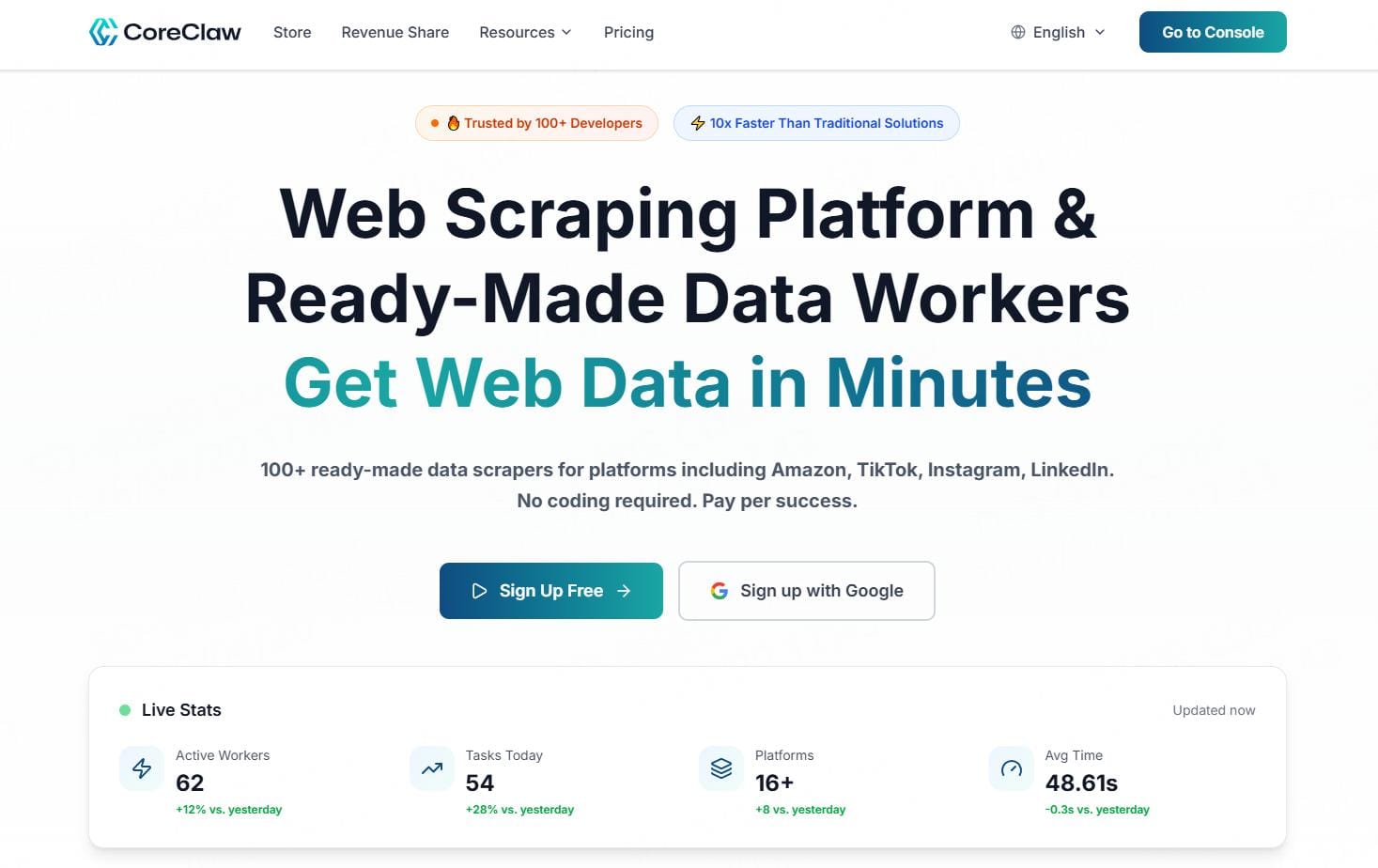
CoreClaw is a comprehensive web data scraping platform focused on providing highly automated data collection capabilities for businesses and developers.
It has 200+ built-in scraping tools (Workers), covering Amazon, Walmart, LinkedIn, Instagram, YouTube, Indeed, and other major platforms, enabling one-stop acquisition of e-commerce, social media, recruitment, and local business data.
It supports batch configuration of scraping task parameters, retrieves real-time data each run, and returns structured results within an average of 3 minutes, allowing export in JSON, CSV, and other standard formats.
At the same time, the platform allows users to create Workers and integrate with mainstream programming frameworks, enabling developers to extend custom scraping logic based on business needs and build more flexible data pipelines.
Tool positioning: All-in-one cloud web data scraping platform
Features:
1. Built-in 200+ reusable Workers
2. Supports batch task configuration and automated execution
3. Real-time data updates, ensuring the latest results each time
4. Supports JSON, CSV and other structured data export
5. Customizable Worker extension scraping logic
6. Supports seamless integration with mainstream development frameworks.
Anti-bot capability:
IP rotation, browser fingerprint simulation, CAPTCHA bypass, request rate limiting, dynamic behavior simulation
Data depth:
Location name, link, data ID, CID identifier, contact information, description, rating, reviews, price range, operating status, category, peak hours, online ordering, menu, images, and other multi-dimensional fields
Ease of use:Provides a visual control panel and requires zero code, so even non-technical users can quickly get started
Free service:New users receive 2000 free data scraping credits upon registration
Pricing: starting at $29/month
Map Lead Scraper
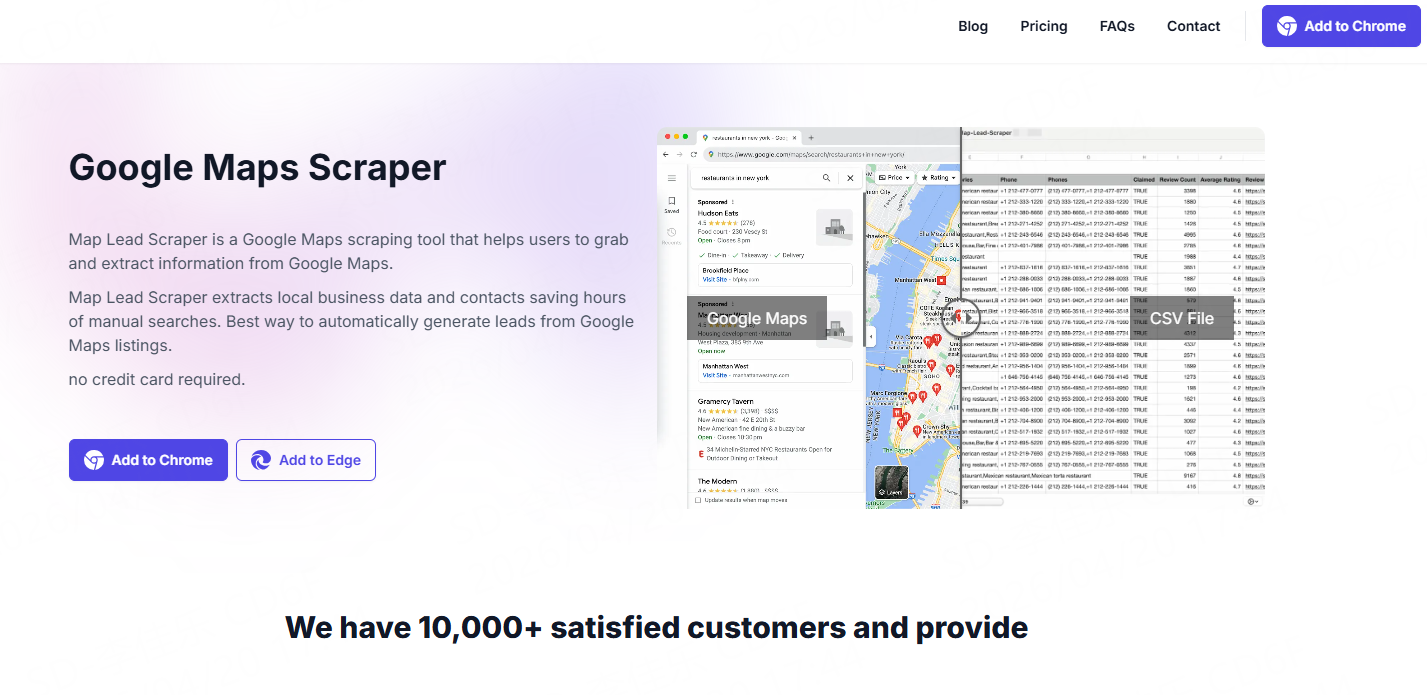
Map Lead Scraper is a Google Maps scraping tool designed for lightweight data collection needs, mainly used to quickly extract local business and potential customer information. It usually runs as a browser extension, allowing users to directly extract basic business data on Google Maps pages.
Tool positioning: Browser extension
Features:
1. One-click scraping of Google Maps business data
2. Supports quick export of CSV and XLS files
3. Focused on local business and sales lead collection scenarios
4. Simple operation process, no technical background required
Anti-bot capability:Relies on local browser execution with basic request simulation capabilities
Data depth:Business name, address, phone number, rating, and basic category information
Ease of use:Install and use directly, very intuitive operation
Free service:Provides basic free features with export quantity limitations
Pricing: starting at $19.9/month
G Maps Extractor
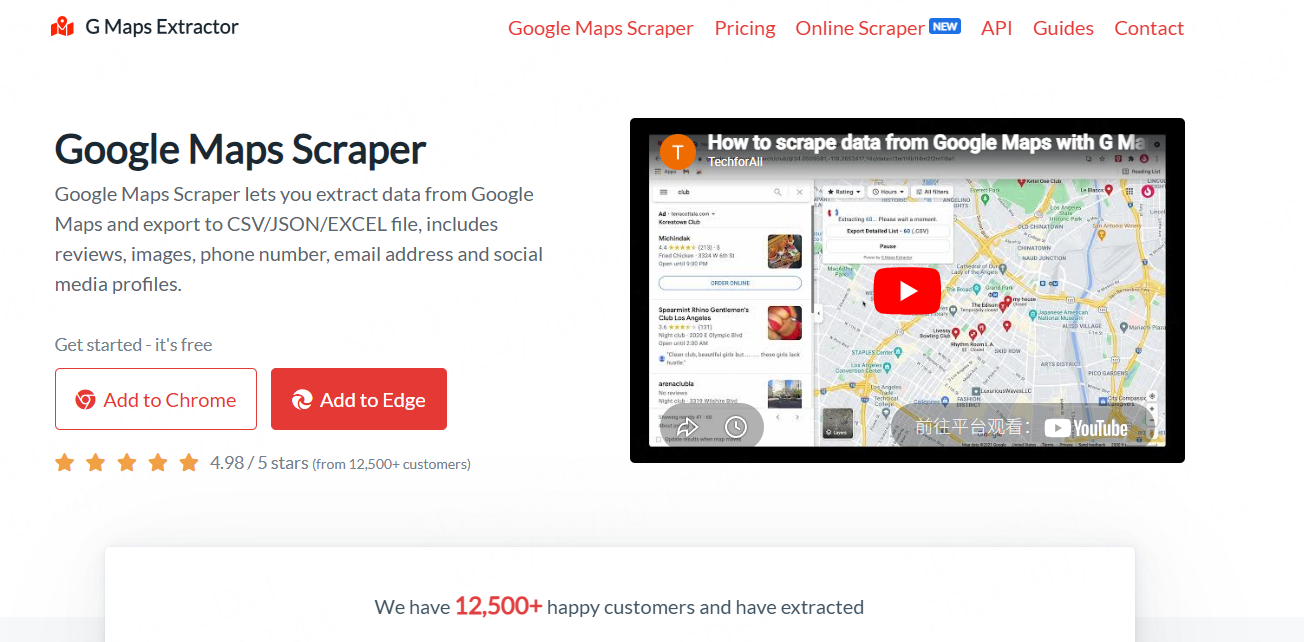
G Maps Extractor is a lightweight tool used to extract business data from Google Maps, usually provided as a browser extension, mainly targeting users who need to quickly obtain local business information.
Tool positioning: Browser extension
Features:
1. Supports keyword-driven business data scraping
2. Batch export of structured data files
3. Supports filtering by region or industry category
4. Provides basic data sorting and filtering functions
Anti-bot capability:Supports basic IP rotation and request interval control to reduce blocking risk
Data depth:Business name, address, phone number, rating, and partial basic business information
Ease of use:Relatively intuitive interface, suitable for non-developers
Free service:Provides limited free trial version (100 leads)
Pricing: starting at $39/month
MapsScraper
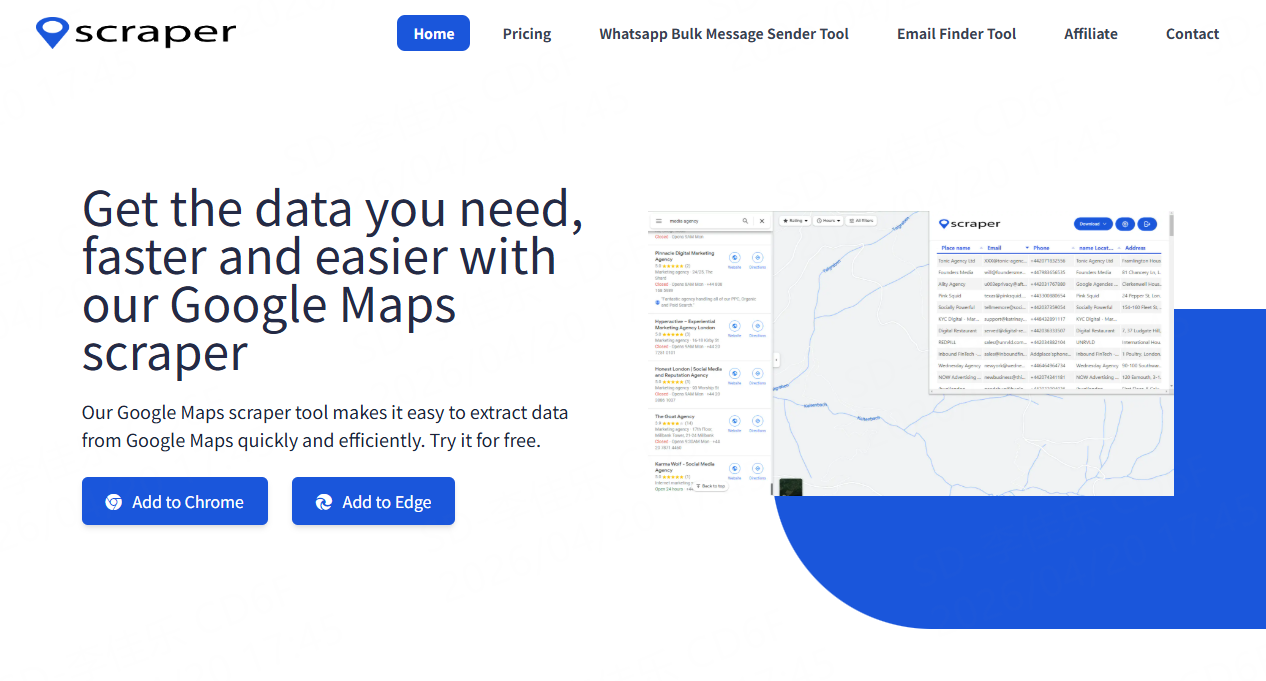
MapsScraper is an automated tool for Google Maps data collection, usually provided as a browser extension, mainly targeting users who need batch local business data. Overall, this tool is more suitable for medium-scale data collection tasks, balancing efficiency and ease of use.
Tool positioning: Browser extension
Features:
1. Supports keyword and region-based scraping
2. Provides basic filtering and data organization functions
3. Supports multi-task parallel processing
Anti-bot capability: Not disclosed
Data depth:Business name, email, phone number, address, rating, reviews, etc.
Ease of use:Clear interface, suitable for non-technical users
Free service:Limited trial available
Pricing: starting at $19/month
ScrapingBee
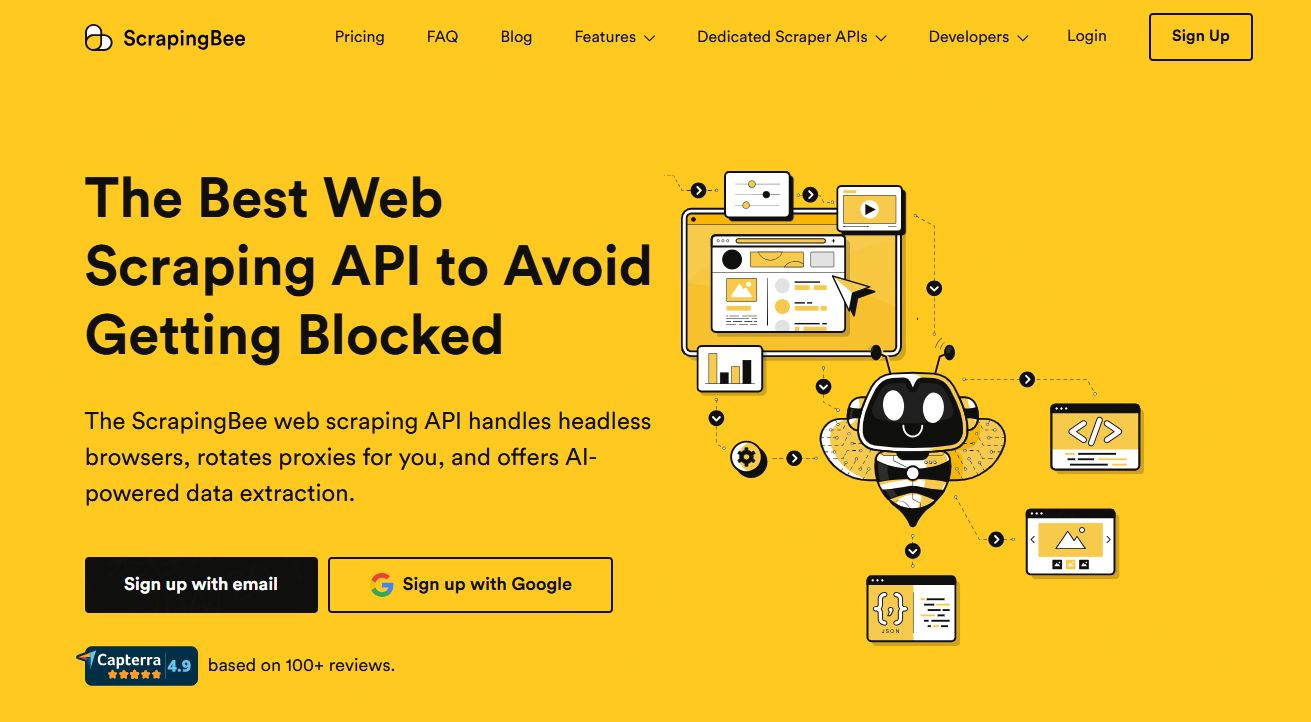
ScrapingBee is a developer-oriented web scraping API service designed to simplify web access and data extraction. Users can quickly retrieve structured data from websites like Google Maps via API.
Tool positioning: API-based web scraping service
Features:
1. Automatically handles JavaScript-rendered pages
2. Simple REST API interface
3. Built-in proxy management and request optimization
4. Supports high-concurrency scraping tasks
Anti-bot capability:Automatic IP rotation, browser fingerprint simulation, and request header randomization
Data depth:Business information, address, ratings, reviews, and structured web data
Ease of use:Developer-friendly, quick integration via API
Free service:Provides 1000 free API calls
Pricing: starting at $49/month
Google Maps Scraper Tools: Summary Table
Tool name | Type | Data format | Ease of use | Free trial | Starting price |
CoreClaw | No-code data scraping platform | JSON/CSV/Excel etc. | High | 2000 free data credits | $29/mo |
Map Lead Scraper | Browser extension | CSV/XLS | High | Limited | $19.9/mo |
G Maps Extractor | Browser extension | Excel/CSV/JSON | Medium | Limited | $39/mo |
MapsScraper | Browser extension | Excel/CSV/JSON | Medium | Limited | $19/mo |
ScrapingBee | API service | Markdown/JSON | Medium | Limited | $49/mo |
Start Scraping Data by Choosing a Google Maps Scraper
In actual data collection workflows, choosing the right tool is only the first step. The real key is how to efficiently start scraping tasks and continuously obtain stable data output. Taking CoreClaw as an example, users can quickly enter the Google Maps data collection process through simple configuration, achieving a complete workflow from target definition to data export, thereby efficiently completing business data acquisition.
Register a CoreClaw account
Registering a CoreClaw account allows access to the Workers marketplace.
Choose a Google Maps scraping tool
After entering the marketplace, select the corresponding Google Maps data scraping tool:
1. Google Maps Scraper: keyword-based data scraping
2. Google Maps Scraper Tool: URL-based detailed scraping
Set scraping parameters
Configure data collection conditions based on business needs, including target keywords, URLs, country/city, language preferences, number of records, and review data volume, to ensure results meet analysis requirements.
Export map data
After task completion, data can be exported in JSON, CSV, and other structured formats for further system integration use.
Conclusion
In 2026, data acquisition capability directly determines enterprise growth speed, and google maps scraper tools have become indispensable tools. From browser extensions to enterprise-grade web data scraping platforms, different tools meet different needs. For teams that want long-term stable data acquisition, choosing a solution like CoreClaw can significantly improve efficiency and data quality.
Frequently asked questions

Last Updated · 2026-05-08 · 6 min read
免责声明:本文观点仅代表作者,不构成任何商业承诺。
查看作者资料 →