An API for web scraping helps teams collect public web data without building every part of a scraper from scratch. API means “application programming interface,” which is a way for software tools to talk to each other. In web scraping, an API can help fetch pages, render JavaScript, manage retries, return structured data, or send results into another tool.
But not every scraping API solves the same problem. Some APIs give developers raw HTML. Others provide proxy and browser infrastructure. Some platforms, such as CoreClaw, focus on ready-made Workers that help users collect cleaned and filtered structured data from common sources, then export it through CSV, JSON, Excel, or API workflows.
What Is an API for Web Scraping?
An API for web scraping is a service that lets users request web data programmatically. Instead of opening a browser, copying information, and cleaning it manually, a user or application sends a request to an endpoint and receives a response.
The response may be raw HTML, rendered page content, screenshots, structured JSON, or a cleaned dataset. Developer-focused APIs often handle proxies, JavaScript rendering, CAPTCHA handling, and retries. Ready-made data platforms may go further by returning organized fields such as product names, prices, ratings, URLs, business names, reviews, or search results.
Why Teams Use Web Scraping APIs
Teams use web scraping APIs when manual data collection becomes too slow or inconsistent. Ecommerce teams may monitor product prices. SEO teams may track search results. Sales teams may collect public business information. Data teams may feed public web data into internal dashboards, AI workflows, or research pipelines.
A good API workflow should reduce repetitive work. It should also produce data that is easy to review, filter, export, and reuse. Raw pages can be useful for developers, but business teams usually need structured output that can be imported into spreadsheets, CRMs, BI tools, or databases.
API for Web Scraping Comparison Table
Tool | Best For | No-Code Friendly | API Access | Main Strength |
Business teams and data workflows | Yes | Yes | Ready-made Workers and cleaned structured exports | |
ScrapingBee | Developers | No | Yes | Simple API with rendering and proxy handling |
Apify | Automation teams | Partial | Yes | Actor marketplace and custom automation |
Bright Data | Enterprises | Partial | Yes | Large-scale infrastructure and prebuilt scrapers |
Oxylabs | Data teams | No | Yes | Scalable API and structured JSON workflows |
Zyte | Engineering teams | Partial | Yes | Full-stack scraping and extraction |
ScraperAPI | Developers | No | Yes | Simple URL-based scraping API |
7 Best API for Web Scraping Options in 2026
1. CoreClaw
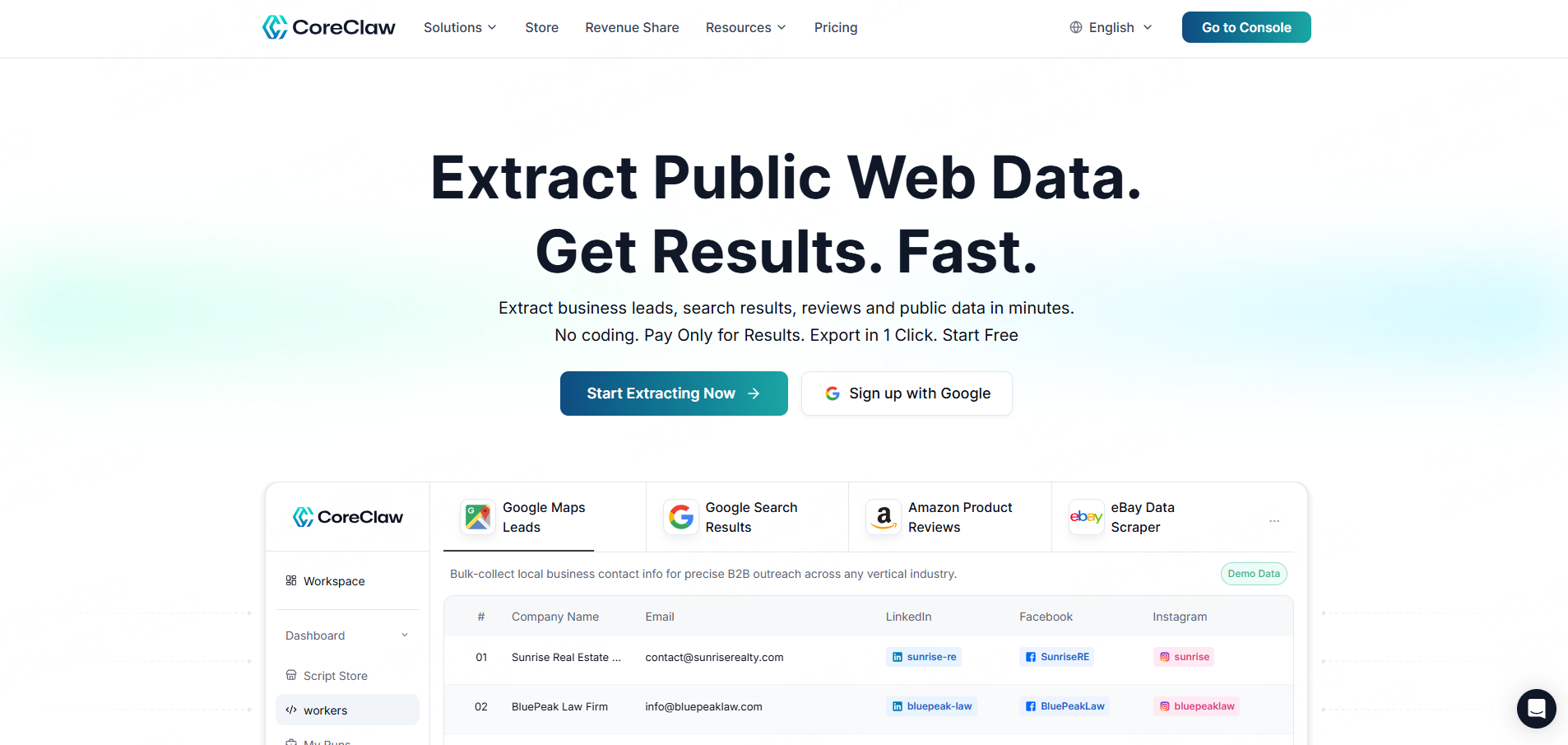
CoreClaw is a practical option for teams that want web data without building scraping infrastructure from the ground up. Instead of starting with raw URLs and parsing everything manually, users can choose ready-made Workers for public data sources such as Google Maps Scraper, Google Search Scraper, Amazon Scraper, eBay Scraper, TikTok Scraper, Instagram Scraper, Facebook Scraper, LinkedIn Scraper, YouTube, and other platforms.
CoreClaw is especially useful when the goal is not just scraping a page, but getting cleaned and filtered structured data. Users can run Workers without coding, export results in CSV, JSON, or Excel, or connect data through API workflows. CoreClaw also supports custom Workers when a ready-made Worker does not match the exact source or workflow.
Best for: SaaS teams, ecommerce teams, SEO teams, sales teams, market researchers, and business users who need ready-to-use public web data.
2. ScrapingBee
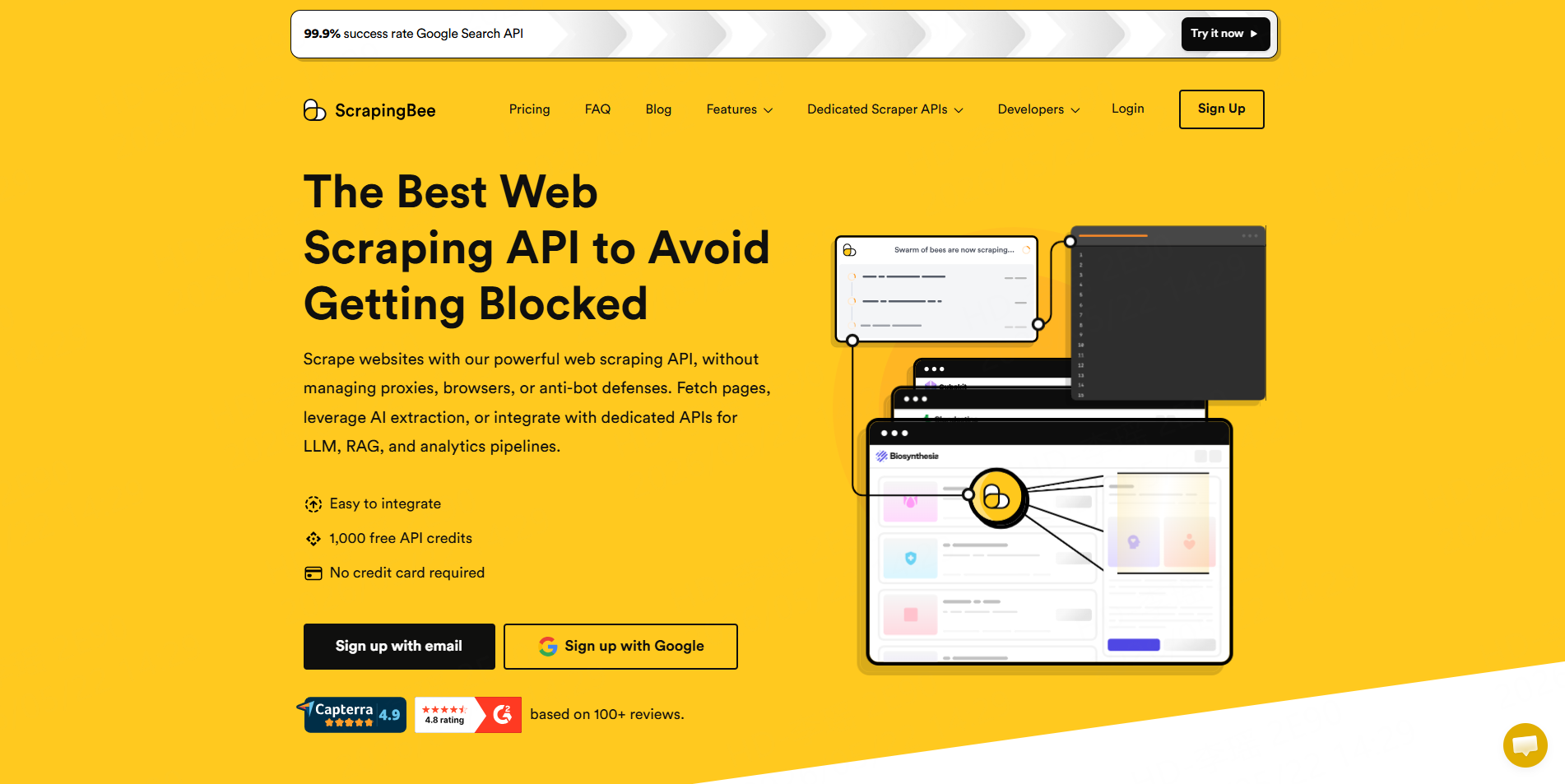
ScrapingBee is a developer-focused web scraping API. It handles page fetching, JavaScript rendering, proxies, and anti-bot logic, which helps developers focus on when to run scraping jobs and how to process the returned data.
Best for: Developers who want a simple API for scraping public web pages.
3. Apify
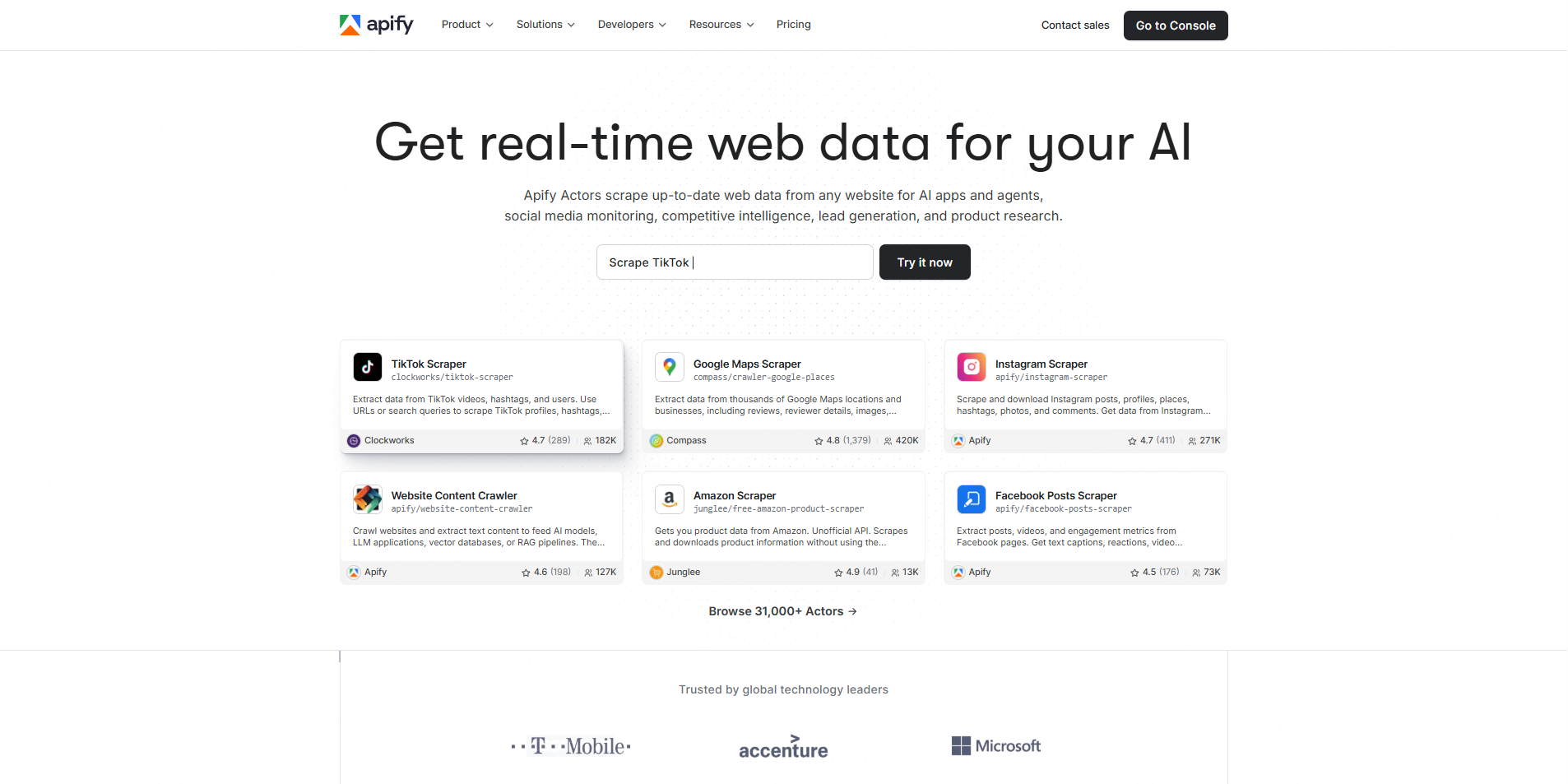
Apify combines web scraping, automation, and a marketplace of ready-made tools called Actors. Its platform includes thousands of Actors for scraping websites, automating workflows, and feeding AI or data operations.
Best for: Technical users, automation teams, and developers who want a marketplace plus custom workflows.
4. Bright Data
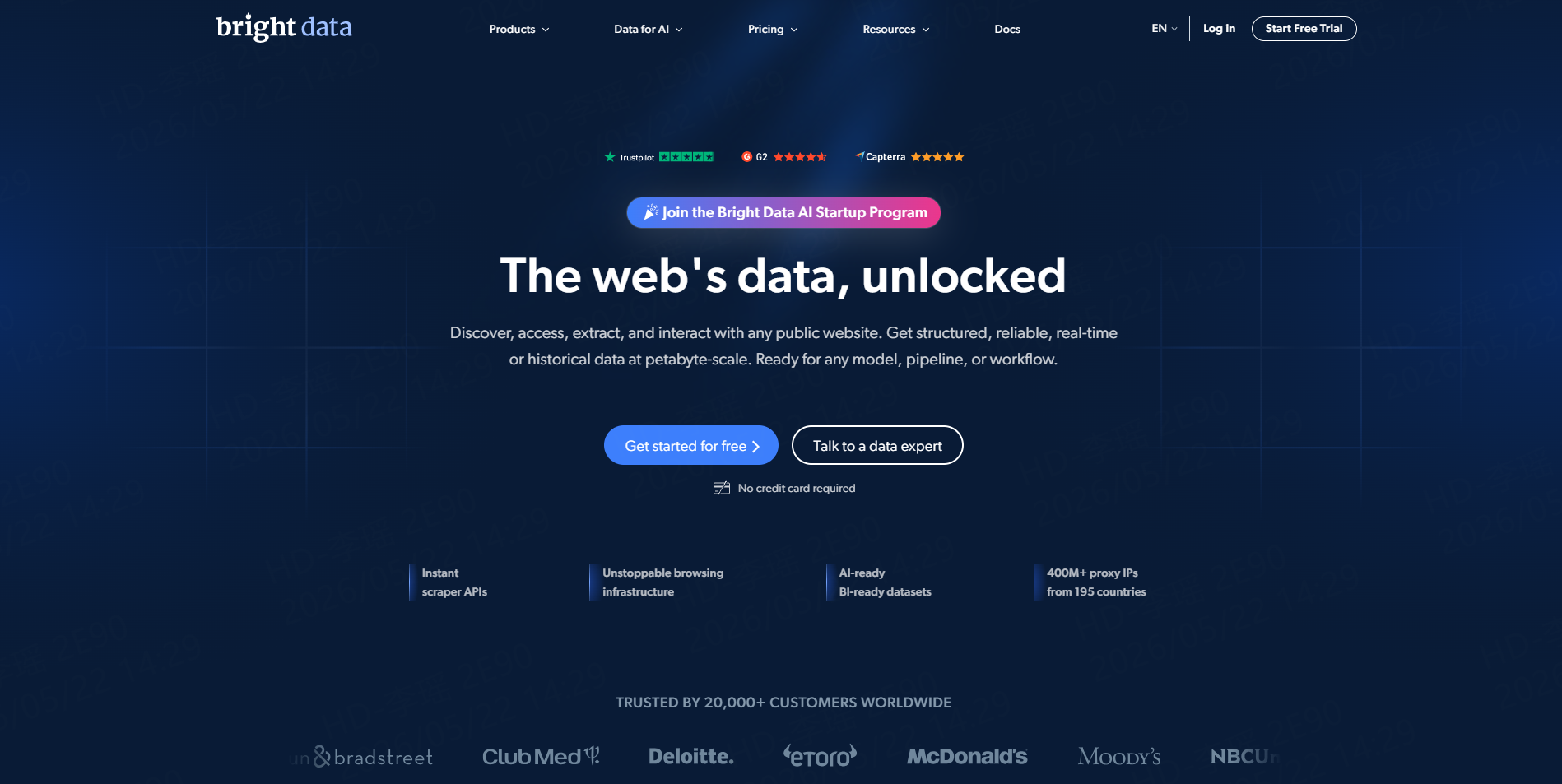
Bright Data is built for enterprise-scale web data collection. Its product set includes proxy infrastructure, browser automation, web scraping APIs, and pre-built scrapers for many popular websites. Its Browser API supports hosted browser automation with proxy management and CAPTCHA solving.
Best for: Enterprise teams with high-volume scraping and advanced infrastructure needs.
5. Oxylabs
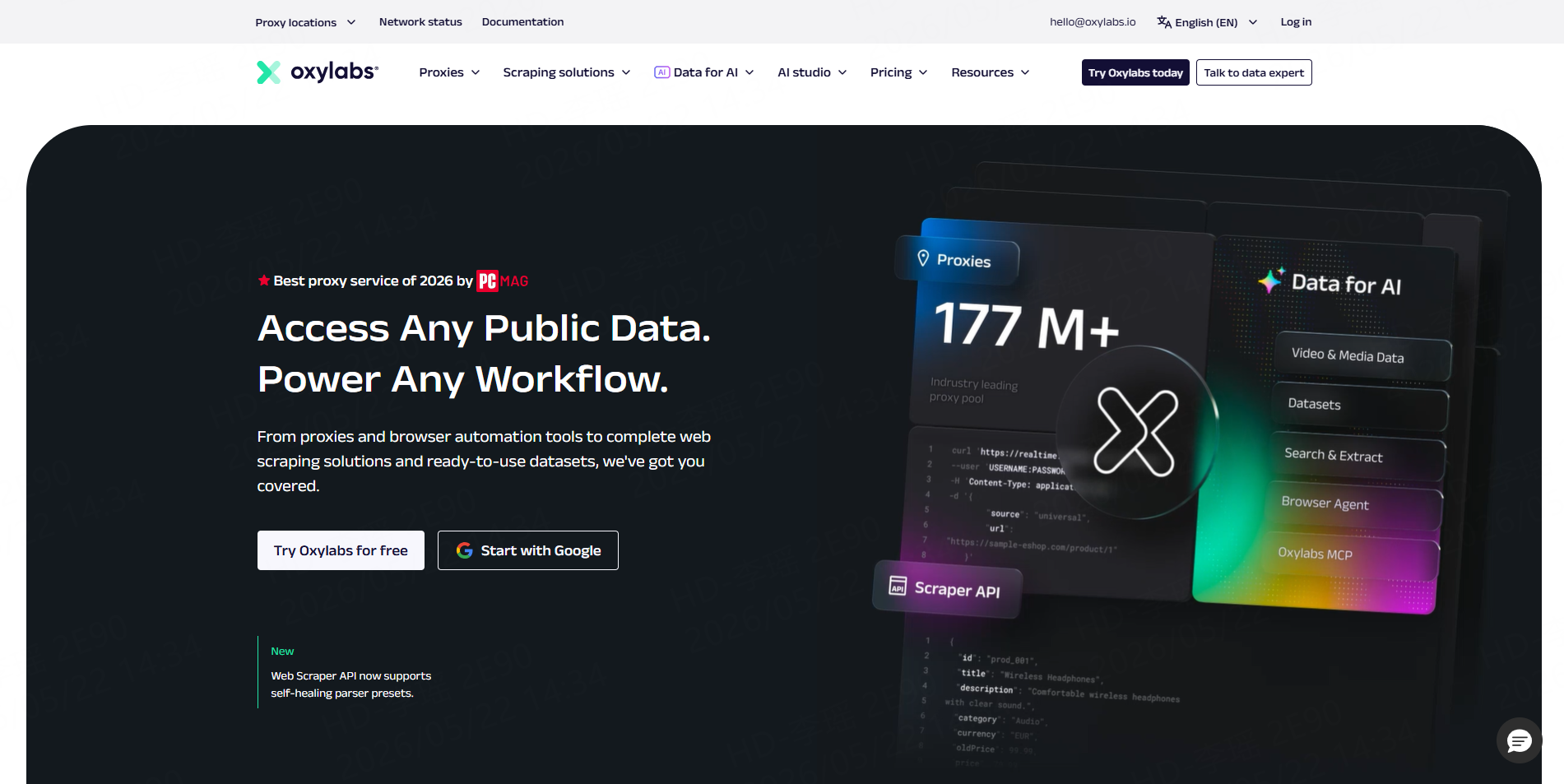
Oxylabs offers a Web Scraper API designed to collect public data at scale. Its API can return raw HTML or structured JSON and supports JavaScript rendering for dynamic pages. It also includes options for recurring scraping jobs through scheduling.
Best for: Data teams and enterprises that need scalable scraping APIs and structured JSON output.
6. Zyte
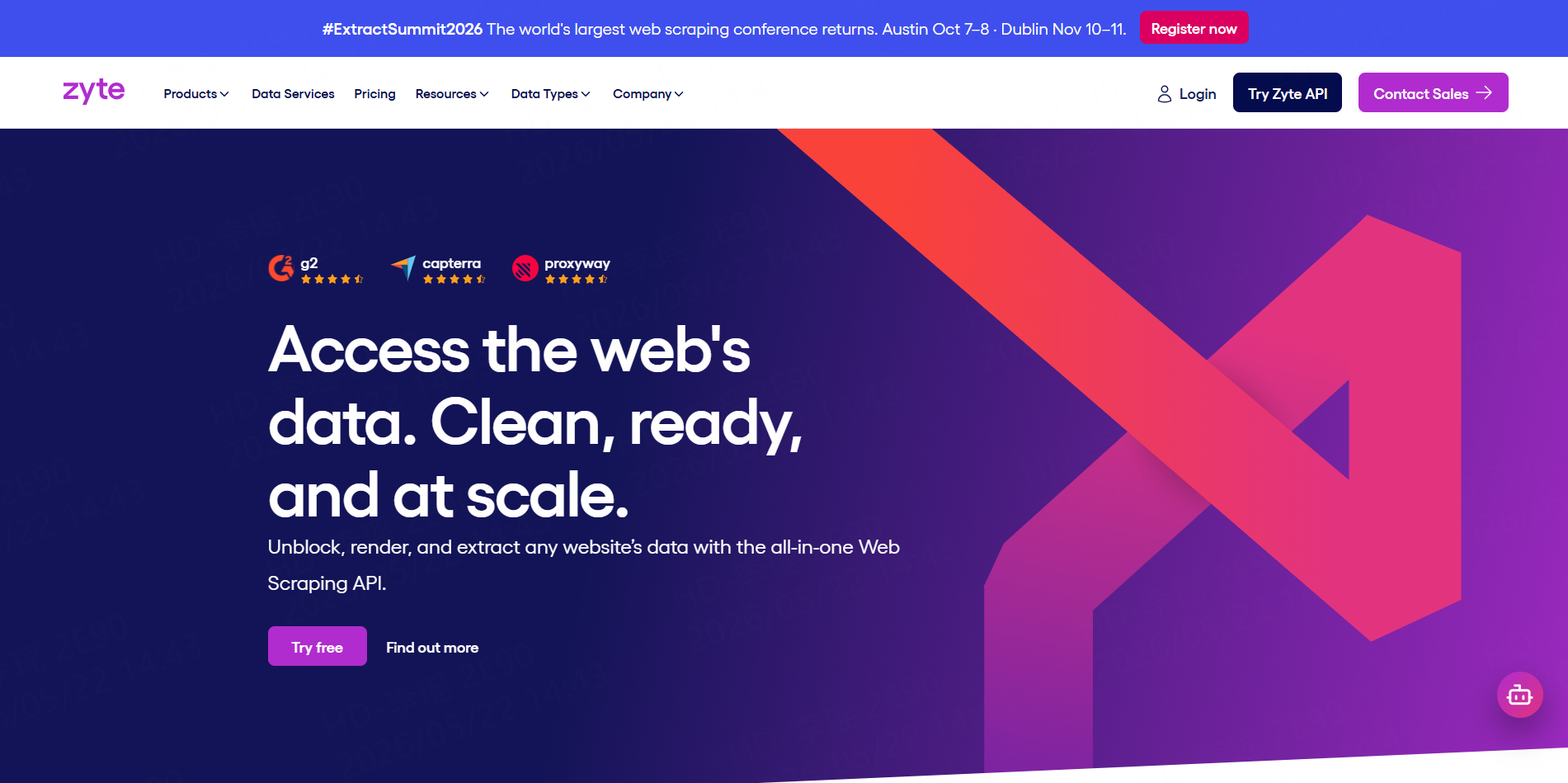
Zyte offers a full-stack web scraping API that combines unblocking, browser rendering, and data extraction in one toolkit. Its API is designed to reduce the work involved in handling browsers, bans, proxies, and extraction logic.
Best for: Engineering teams that need full-stack scraping and extraction support.
7. ScraperAPI
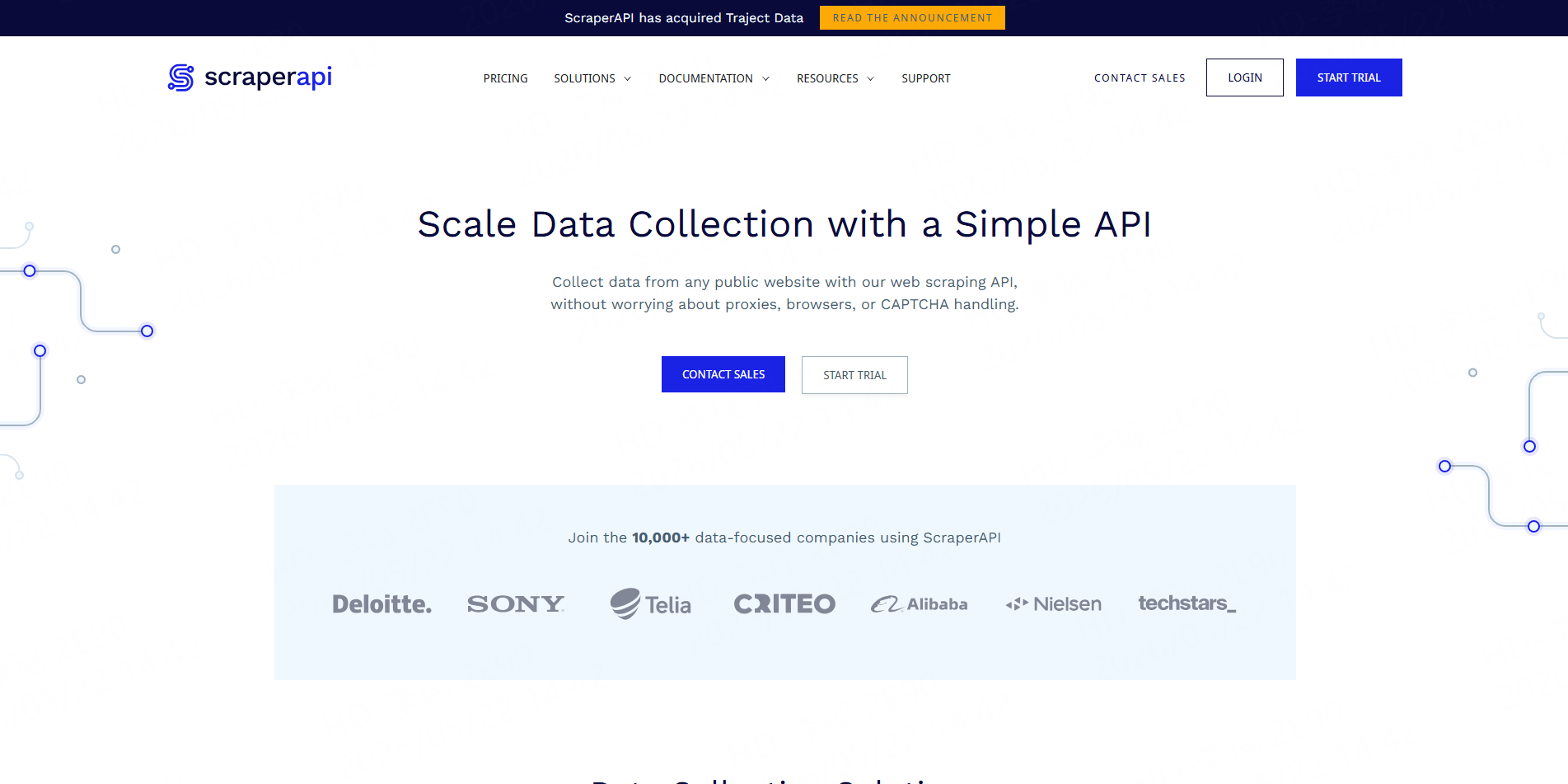
ScraperAPI is a simple web scraping API for collecting public website data without directly managing proxies, browsers, or CAPTCHA handling. It lets developers send a target URL through an API and receive the page response for parsing.
Best for: Developers who want a straightforward page-fetching API.
How to Choose the Right Web Scraping API
Start with the output you need. If your team wants raw HTML for custom parsing, a developer API may be enough. If your team needs ready-to-use rows for spreadsheets, dashboards, CRMs, or AI workflows, choose a platform that can return structured data instead of raw pages.
Next, check the target source. A ready-made Worker is usually faster for common platforms such as Google Maps, Google Search, Amazon, eBay, Walmart, Instagram, TikTok, YouTube, and LinkedIn. For highly custom sites, a developer API or custom Worker may be a better fit.
Finally, review pricing and data quality. Some tools charge by request, credits, bandwidth, subscription tier, or successful result. CoreClaw’s pay-only-for-successful-results model is useful for teams that want to focus spending on usable outputs rather than failed requests.
A Practical CoreClaw Workflow
A simple CoreClaw workflow starts with choosing a ready-made Worker. For example, an SEO team may use a Google Search Results Worker for SERP research, an ecommerce team may use an Amazon Product Scraper for price and listing data, and a sales team may use a Google Maps B2B Leads Generation Scraper for public local business records.
After the run, the results can be cleaned, filtered, and exported as CSV, Excel, or JSON. Developers can connect the workflow through API access, while business users can work directly in spreadsheets or import the data into CRM, analytics, or reporting tools.
For niche websites, teams can request a custom Worker. Developers can also publish scraping scripts and automation workflows as Workers, which gives technical users a way to turn reusable scraping logic into a productized data tool.
Final Thoughts
The right API for web scraping depends on whether your team needs scraping infrastructure or usable data.
Developer-first tools are useful when engineering teams want control over requests, rendering, proxies, and parsing. But many SaaS, ecommerce, SEO, sales, and market research teams need something more direct: clean, filtered, structured data that can be exported or connected to existing workflows.
With CoreClaw, teams can use ready-made Workers, API access, CSV/JSON/Excel export, pay only for successful results, request custom Workers, and collect public web data in a more practical workflow.
Frequently Asked Questions

Content Writer @CoreClaw · Last Updated 2026-06-03
Lena Kovalenko researches how modern software systems expose and organize information online. Her writing focuses on the interaction between APIs, web platforms, and automated data workflows. When exploring a topic she typically compares multiple tools to understand their design assumptions. These comparisons often lead to articles that help readers see how different technical approaches influence reliability and efficiency.
查看作者资料 →免责声明:CoreClaw 博客上的所有信息均按“原样”提供,仅供参考。对于因您使用 CoreClaw 博客上发布的信息(或通过链接跳转至的任何第三方网站上的信息)而产生的任何后果,CoreClaw 不作任何陈述,亦不承担任何责任。在进行任何数据抓取活动之前,请务必咨询法律顾问,查阅目标网站的服务条款,并在必要时获取许可。