Google Maps can help sales and research teams discover businesses by category and location. A search for “dentists in Austin,” for example, may reveal business names, addresses, websites, phone numbers, ratings, review counts, opening hours, and other useful prospecting signals.
Copying this information manually becomes impractical across multiple cities or industries. A Google Maps scraper automates the collection process and converts public listing information into structured rows. However, “free” rarely means unlimited use. Most tools offer a limited plan, monthly credits, restricted exports, or a temporary trial.
What Does a Free Google Maps Scraper Actually Include?
Free access usually falls into one of four categories:
- A permanent plan with monthly limits
- Renewable monthly usage credits
- A fixed number of free records
- A time-limited trial
The best option therefore depends on more than the word “free.” Teams should compare the number of records, available fields, export formats, enrichment options, automation features, and whether the tool runs locally or in the cloud.
The limits below were checked on July 21, 2026. Vendors may change their plans, so confirm the current terms before beginning a large project.
The 6 Best Free Google Maps Scraper Tools Compared
Tool | Free access | Best for | Main output |
Free trial | Ready-to-use local lead data | CSV, Excel, JSON, API | |
Outscraper | Renewable free tier | Pay-as-you-go extraction | CSV, Excel, JSON |
Apify | Monthly platform credits | Developer workflows | CSV, JSON, API |
Octoparse | Permanent limited plan | Visual no-code scraping | Excel, CSV, JSON |
PhantomBuster | 14-day trial | Scraping plus enrichment | CSV, JSON |
G Maps Extractor | Monthly free credits | Fast lead exports | CSV, Excel, JSON |
1. CoreClaw
Best for: Teams that want cleaned, filtered, and export-ready business data without building a scraper.
CoreClaw is a cloud-based web data collection platform with ready-made Workers for Google Maps and other public data sources. Its Google Maps Local Business Scraper collects fields such as business names, addresses, websites, contact details, categories, ratings, review counts, opening hours, social profiles, and extended place information.
Unlike browser tools that primarily copy what is visible on the screen, CoreClaw is designed to return organized structured outputs. Results can be exported to CSV, Excel, JSON, databases, CRMs, or connected workflows. API access, scheduling, webhooks, Make, and Zapier integrations support recurring lead-generation tasks.
Pros: No coding, ready-made Worker, optional contact enrichment, multiple export formats, API access, and pay only for successful results.
Cons: The free option is a trial rather than an unlimited plan. A niche directory or unusual workflow may require a custom Worker.
Use case: An SEO agency collects dental clinics in several cities, filters businesses by rating and review count, and exports the qualified records to Excel.
2. Outscraper
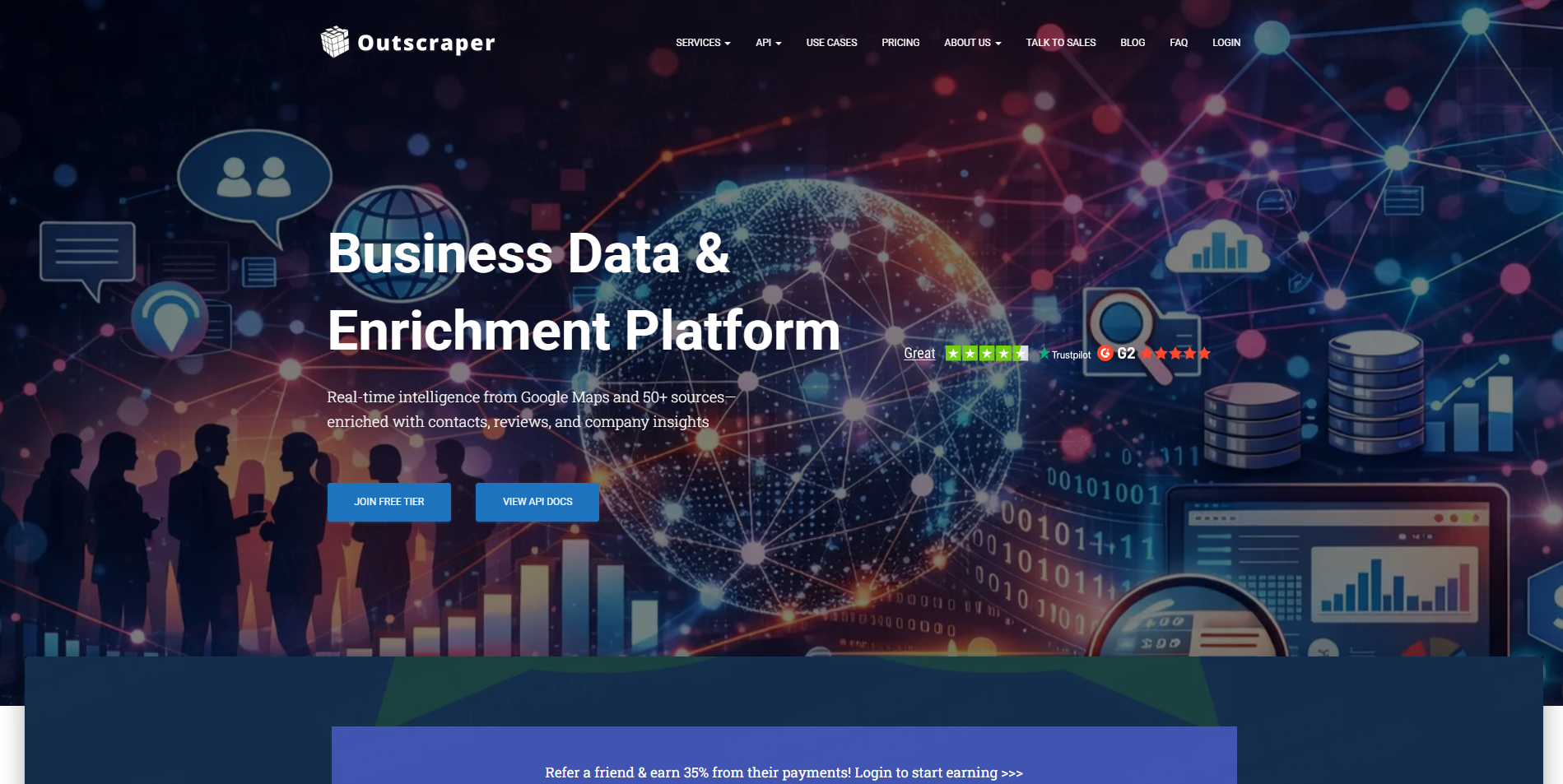
Best for: Agencies that prefer a specialized Google Maps tool with pay-as-you-go usage.
Outscraper collects Google Maps business records and can enrich them with public emails, phone numbers, social profiles, and company information. Its cloud-based jobs continue running without keeping the user’s computer open.
The company offers a renewable free tier, currently described as the first 500 Google Maps records. Additional records follow a usage-based model rather than requiring a fixed monthly subscription.
Pros: Simple no-code interface, cloud processing, enrichment options, API access, and flexible usage pricing.
Cons: Enrichment services may have separate usage costs, and large projects still require careful keyword and location planning.
Use case: A freelance marketer builds a one-time list of nearby restaurants and enriches the records with available website contact details.
3. Apify
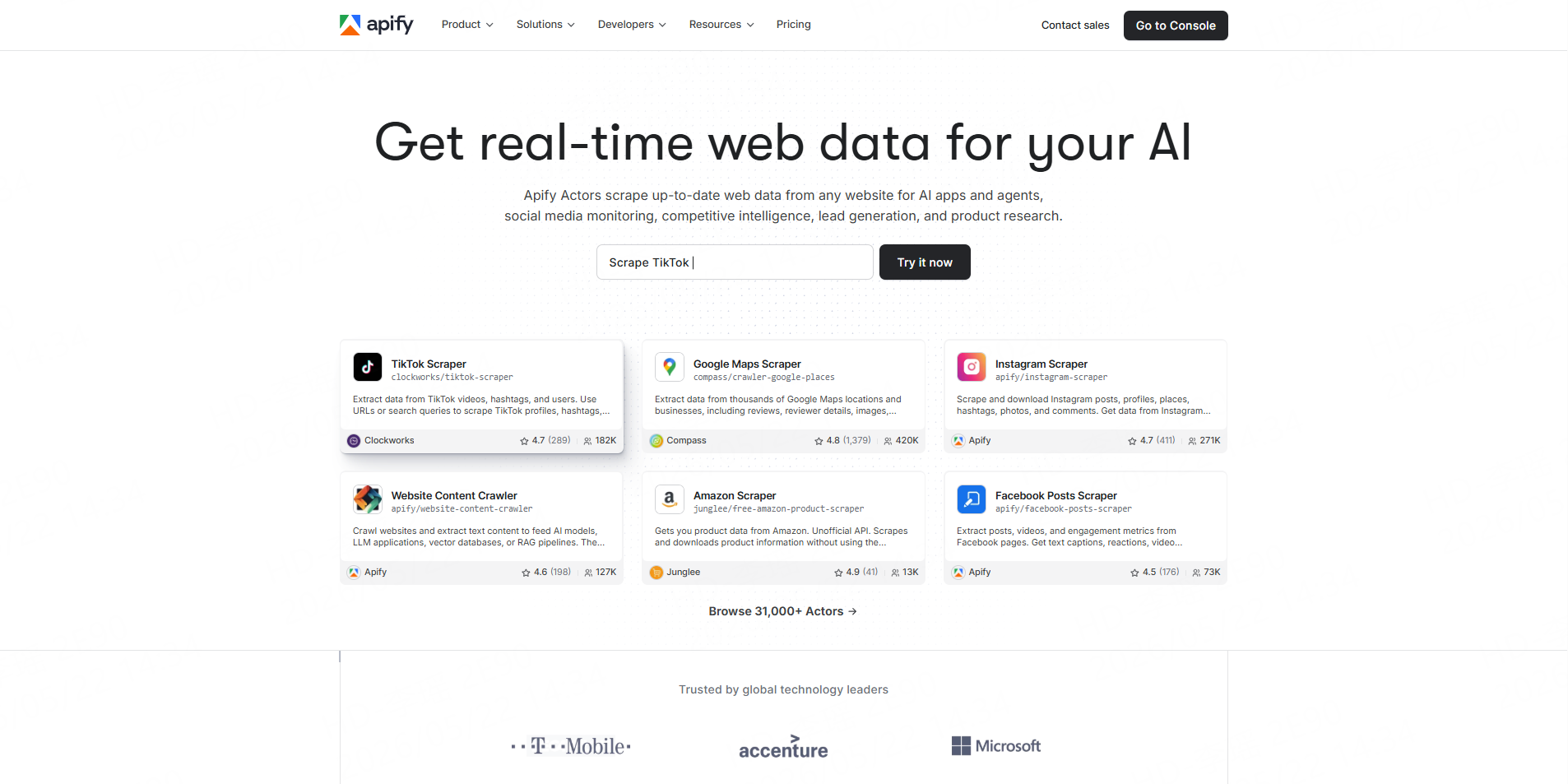
Best for: Developers and technical growth teams that need customizable automation.
Apify provides Google Maps scrapers through its Actor marketplace. Actors are cloud programs that can run from a form, API, schedule, webhook, or integration. Available Google Maps Actors collect places, reviews, coordinates, contact information, hours, prices, images, and other fields.
Apify’s free plan does not require a credit card and currently provides $5 in monthly platform usage. Actual record volume depends on the selected Actor and its pricing model.
Pros: Flexible inputs, large Actor marketplace, API access, scheduling, integrations, and extensive customization.
Cons: Pricing varies between Actors, and advanced workflows can present a learning curve for non-technical users.
Use case: A SaaS team schedules regional Google Maps runs and sends JSON results into an internal lead-scoring system.
4. Octoparse
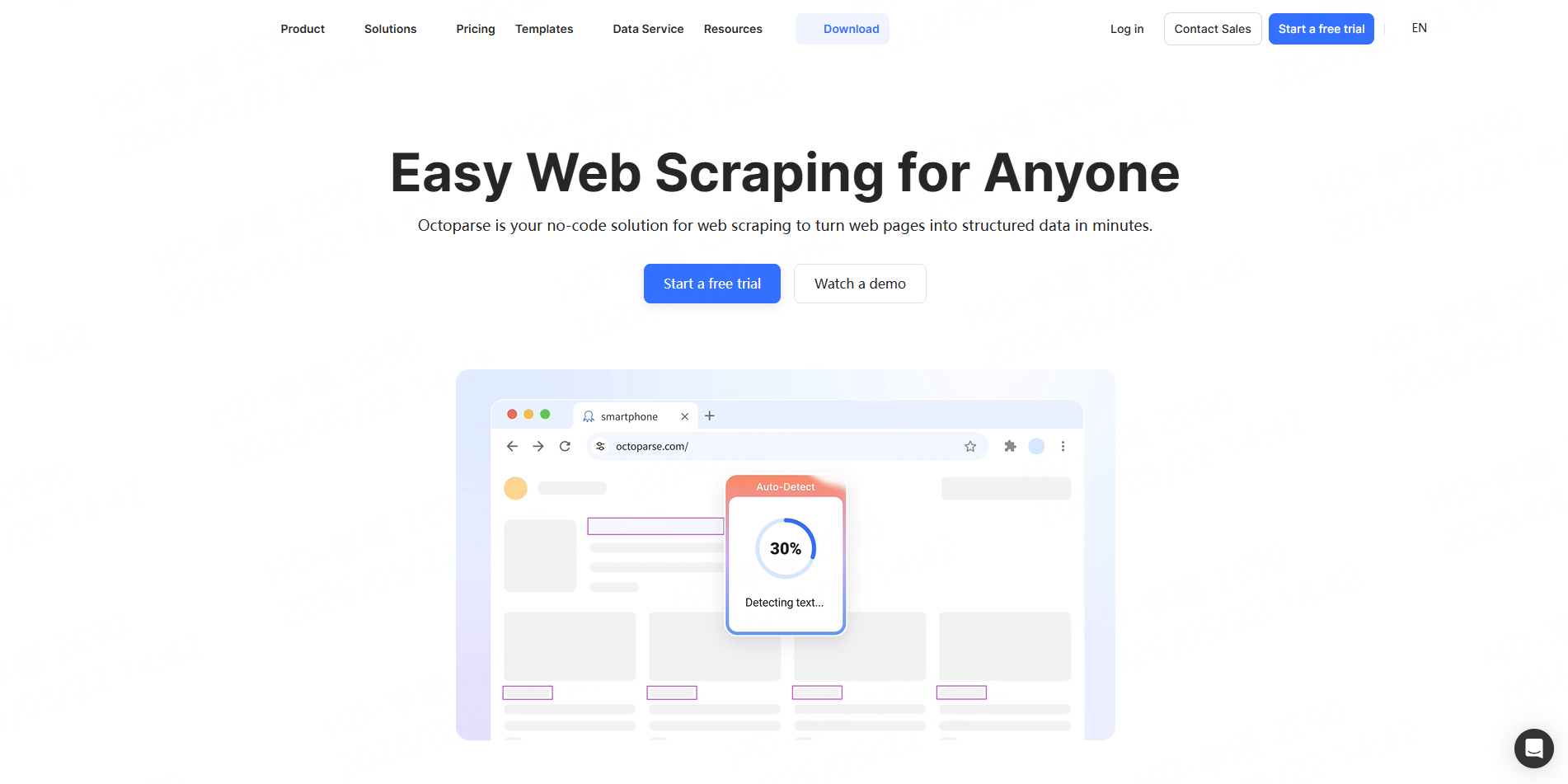
Best for: Business users who want a visual, general-purpose no-code scraper.
Octoparse provides ready-made Google Maps templates and a visual workflow builder. Users can collect listing data with search terms and locations, then export it in common spreadsheet and structured formats.
Its free plan is described as free forever and currently includes 10 scraping tasks, local extraction on one device, and up to 50,000 exported rows per month. Cloud scheduling, proxies, API access, and additional automation are paid features.
Pros: Permanent free plan, visual interface, reusable templates, and support for many websites beyond Google Maps.
Cons: The free plan relies on local extraction, and custom task design can take longer than running a dedicated lead Worker.
Use case: A market researcher tests Google Maps extraction before creating similar workflows for local directories.
5. PhantomBuster
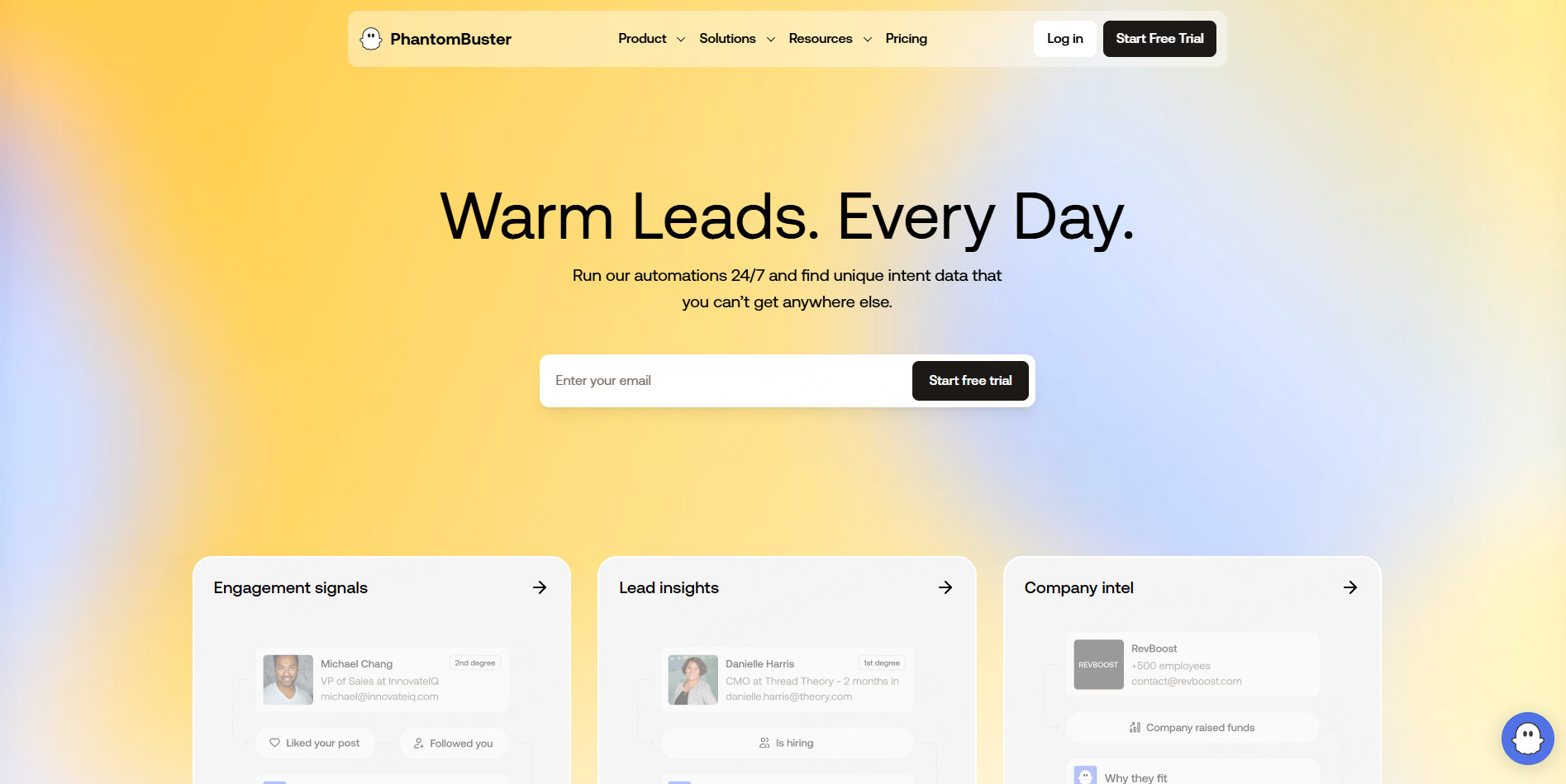
Best for: Sales teams that want to connect business discovery with contact enrichment.
PhantomBuster’s Google Maps Search Export collects map results into a spreadsheet. Its related workflows can visit business websites to find available emails, phone numbers, and social profiles. Because tasks run in the cloud, the user does not need to leave a browser open.
PhantomBuster currently offers a 14-day free trial without a credit card. The trial includes limited execution time and restricts exports to 10 rows.
Pros: Cloud automation, contact-enrichment chains, spreadsheet export, and broader outbound workflow options.
Cons: The trial export limit is small, and execution-time pricing can be harder to forecast than per-result pricing.
Use case: A sales team tests a workflow that collects local agencies and then checks their websites for public contact channels.
6. G Maps Extractor
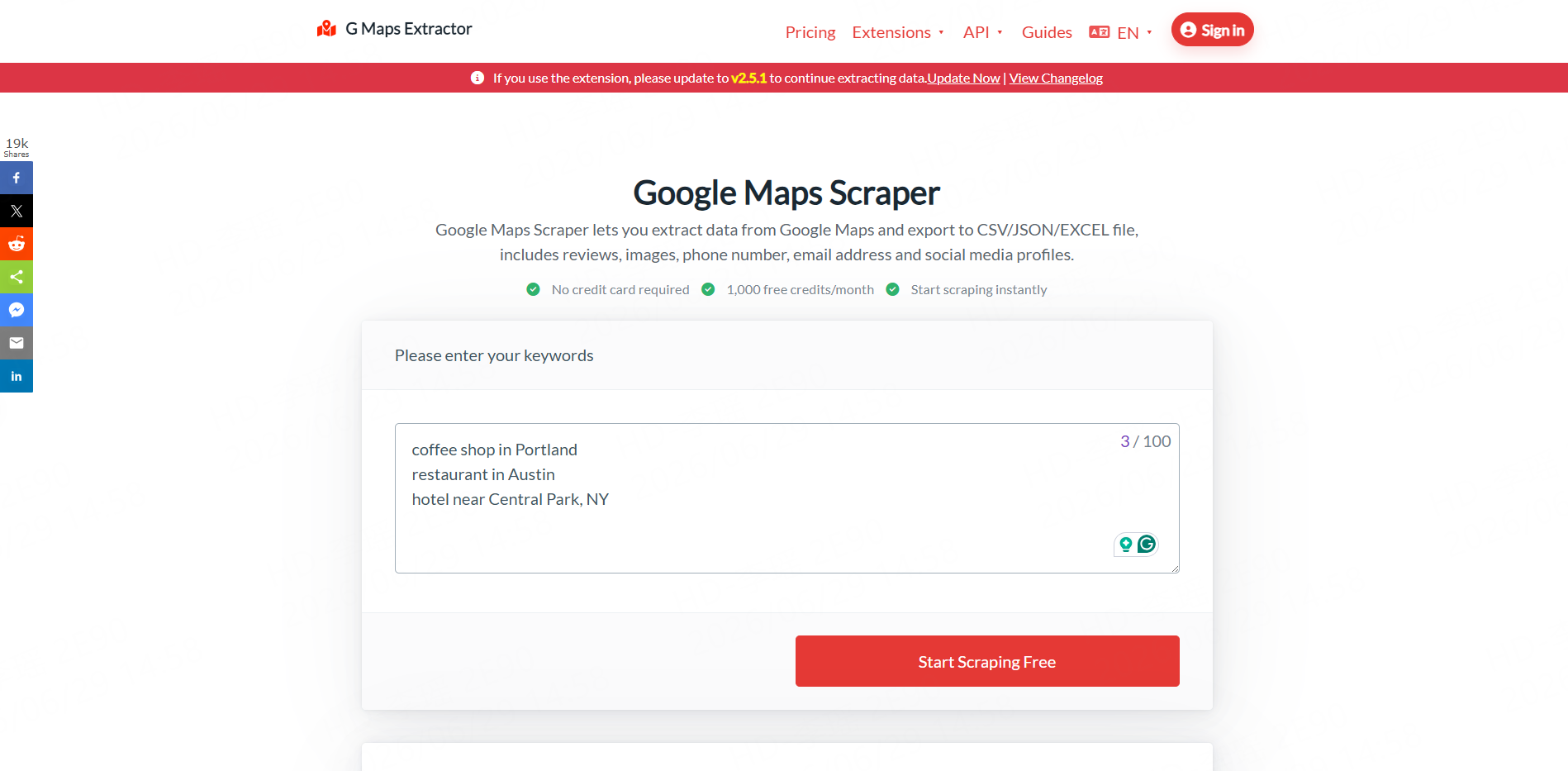
Best for: Users who want a dedicated Google Maps interface with a generous monthly test allowance.
G Maps Extractor offers browser and cloud-based Google Maps extraction. It supports business names, websites, phones, categories, ratings, reviews, opening hours, coordinates, emails, and social profiles when those fields are publicly available.
Its website currently advertises 1,000 free credits per month without requiring a credit card. The online scraper, browser extension, and API are separate products with different plans.
Pros: Dedicated Google Maps workflow, monthly free credits, familiar spreadsheet exports, and browser or cloud options.
Cons: Separate subscriptions may be needed for different product modes, and advanced workflow capabilities are more limited than a broader automation platform.
Use case: A solo consultant quickly exports nearby accountants for initial market research.
A Practical Local Lead Workflow with CoreClaw
Begin by defining the ideal prospect, such as “independent plumbers in San Diego with an active website and fewer than 50 reviews.”
Next, run a ready-made Google Maps Worker from the CoreClaw Store. Enter distinct business keywords and target locations rather than repetitive terms such as “best” or “near me.”
Review a small sample, remove irrelevant categories, deduplicate locations, and filter records by website, rating, review count, operating status, or contact availability. Export the cleaned results to CSV, Excel, or JSON.
Recurring projects can use the CoreClaw API—a way for software tools to communicate—to trigger runs and move results into CRMs, dashboards, or internal systems.
For reputation research, the Google Maps Reviews Scraper can collect structured review text, ratings, owner responses, dates, and related fields. For an unsupported source, teams can request a custom Worker, while developers can build their own Worker scripts.
Responsible Data Collection and Outreach
Collect only public business information that is necessary for a legitimate purpose. Avoid private, sensitive, login-only, or restricted information. Review relevant platform terms and the laws that apply to the source, location, data type, and intended use.
Before commercial email outreach, verify important contact records, use accurate sender information, avoid deceptive subject lines, and provide a clear opt-out method. In the United States, these are among the requirements described in the FTC’s CAN-SPAM guidance.
Final Thoughts
A free Google Maps scraper is useful for testing keywords, fields, data quality, and export formats. It should not be judged only by the number of free records. The better question is whether the tool can turn public map listings into an organized dataset that supports qualification, research, and responsible outreach.
With CoreClaw, teams can run ready-made Google Maps Workers, clean and filter structured results, and export them through CSV, Excel, JSON, or API workflows.
Frequently Asked Questions

Content Writer @CoreClaw · Last Updated 2026-07-21
Lena Kovalenko researches how modern software systems expose and organize information online. Her writing focuses on the interaction between APIs, web platforms, and automated data workflows. When exploring a topic she typically compares multiple tools to understand their design assumptions. These comparisons often lead to articles that help readers see how different technical approaches influence reliability and efficiency.
查看作者资料 →免责声明:CoreClaw 博客上的所有信息均按“原样”提供,仅供参考。对于因您使用 CoreClaw 博客上发布的信息(或通过链接跳转至的任何第三方网站上的信息)而产生的任何后果,CoreClaw 不作任何陈述,亦不承担任何责任。在进行任何数据抓取活动之前,请务必咨询法律顾问,查阅目标网站的服务条款,并在必要时获取许可。