eBay is a rich source of public ecommerce data. Sellers, brands, pricing teams, resale researchers, and marketplace analysts often need to monitor product listings, prices, item conditions, shipping details, seller information, and category trends.
The challenge is that manual research does not scale. Checking hundreds of listings by hand is slow, inconsistent, and difficult to repeat. An eBay scraper helps turn public listing pages into structured data that teams can export, filter, compare, and use in ecommerce workflows.
Why Ecommerce Teams Use an eBay Scraper
eBay scraper is a tool that collects public eBay data and converts it into structured formats such as CSV, Excel, JSON, or API output. Instead of copying product titles and prices manually, teams can collect data by keyword, category, product page, or search result page.
Common use cases include price monitoring, product sourcing, competitor research, resale analysis, category tracking, seller research, and marketplace trend detection. For example, a resale team may monitor used iPhones by condition. A brand may track unauthorized sellers. An ecommerce analyst may compare eBay prices against Amazon, Walmart, or Shopify store pricing.
What Data Can You Extract from eBay?
The most useful eBay datasets usually include product and marketplace context, not just a title and price.
Typical fields include:
Data Field | Why It Matters |
Product title | Identifies the listing |
Product URL | Lets users audit the source |
Item ID | Helps deduplicate listings |
Price and currency | Supports price comparison |
Condition | Separates new, used, refurbished, and parts-only items |
Seller name and rating | Helps evaluate seller quality |
Shipping cost and coverage | Affects total market price |
Return policy | Useful for competitive research |
Reviews and ratings | Adds product-level demand signals |
CoreClaw’s eBay Product Scraper is designed to collect public eBay product data by keyword, including product URL, item ID, title, category, price, condition, reviews, seller information, shipping, and return policy, with JSON and CSV export support.
Best eBay Scraper Tools Compared
1. CoreClaw
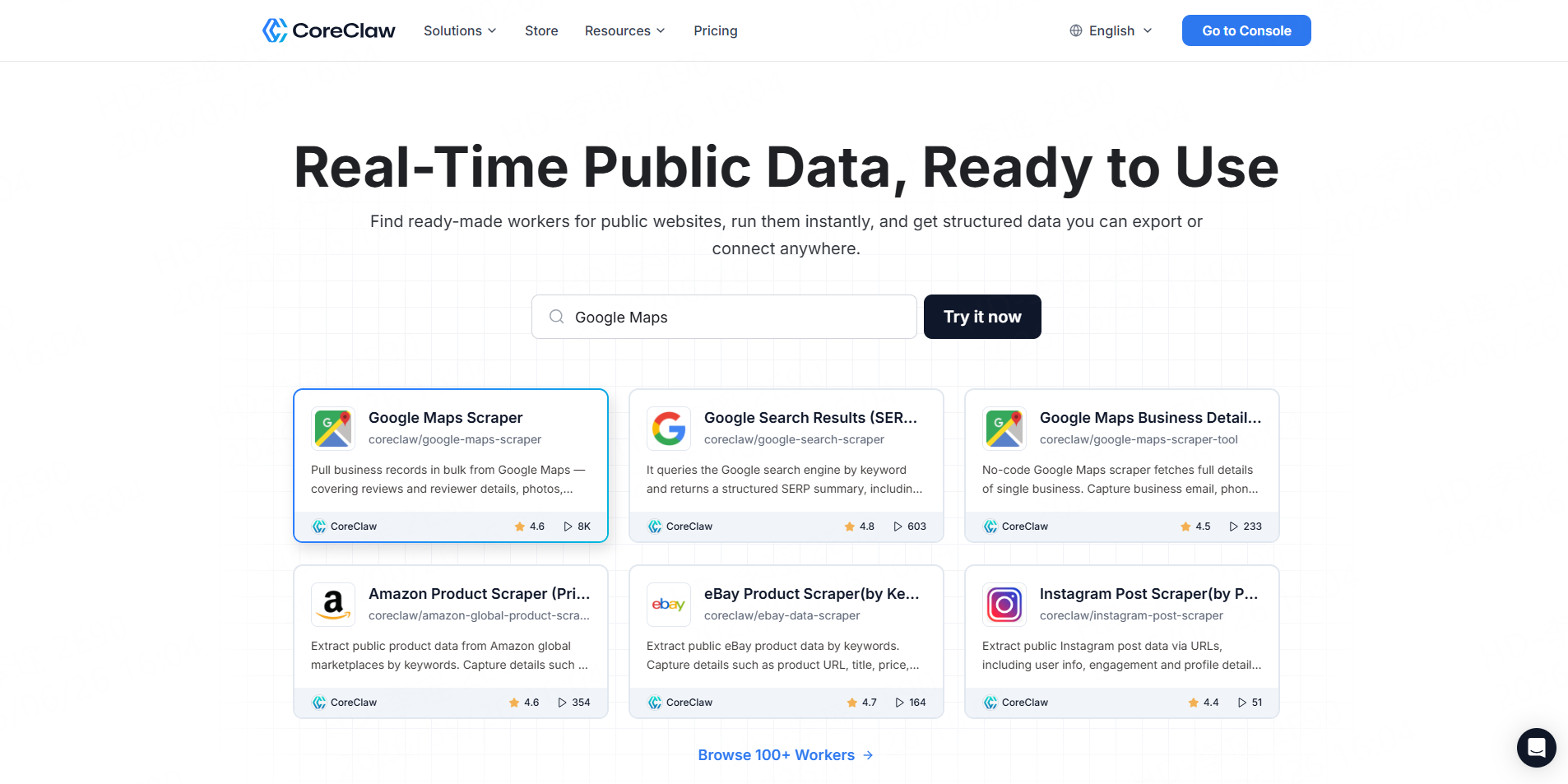
Best for: Ecommerce teams that want structured eBay product data without coding.
CoreClaw’s eBay Product Scraper is built for both developers and business users. Users can enter product keywords, run the Worker, view results in a structured table, and export data as CSV or JSON. CoreClaw also supports API access, which makes it useful for automated ecommerce workflows and internal dashboards.
CoreClaw is especially practical when teams need cleaned and filtered structured data instead of raw HTML. It fits workflows such as product monitoring, competitor price tracking, seller intelligence, and product sourcing research. For teams that need a specific marketplace source or custom field layout, CoreClaw can also support custom Worker requests.
Pros: No coding required, ready-made Worker, structured export, API access, pay only for successful results.Cons: Best when the required source or workflow matches an existing Worker; niche requirements may need a custom Worker.
2. Bright Data
Best for: Enterprise-scale ecommerce data collection.
Bright Data can be a strong fit for enterprise data teams that need large-scale scraping infrastructure. However, smaller ecommerce operators may find it more complex than a ready-made no-code Worker workflow.
Pros: Enterprise infrastructure, large-scale scraping support, advanced unblocking capabilities.Cons: May be more technical and infrastructure-heavy for small teams.
3. Oxylabs
Best for: Developer-led teams that need eBay scraping through an API.
Oxylabs offers an eBay Scraper API through its Web Scraper API product. Its page describes access to eBay search results, pricing, products, and ecommerce details, with features such as request management, batch scraping, JavaScript rendering, scheduling, and pay-for-successful-results pricing.
Oxylabs is suitable for data teams that already work with APIs and want to integrate eBay data into internal systems. Non-technical users may need developer support.
Pros: API-first, scalable, strong for automation.Cons: Requires technical setup for most workflows.
4. Apify
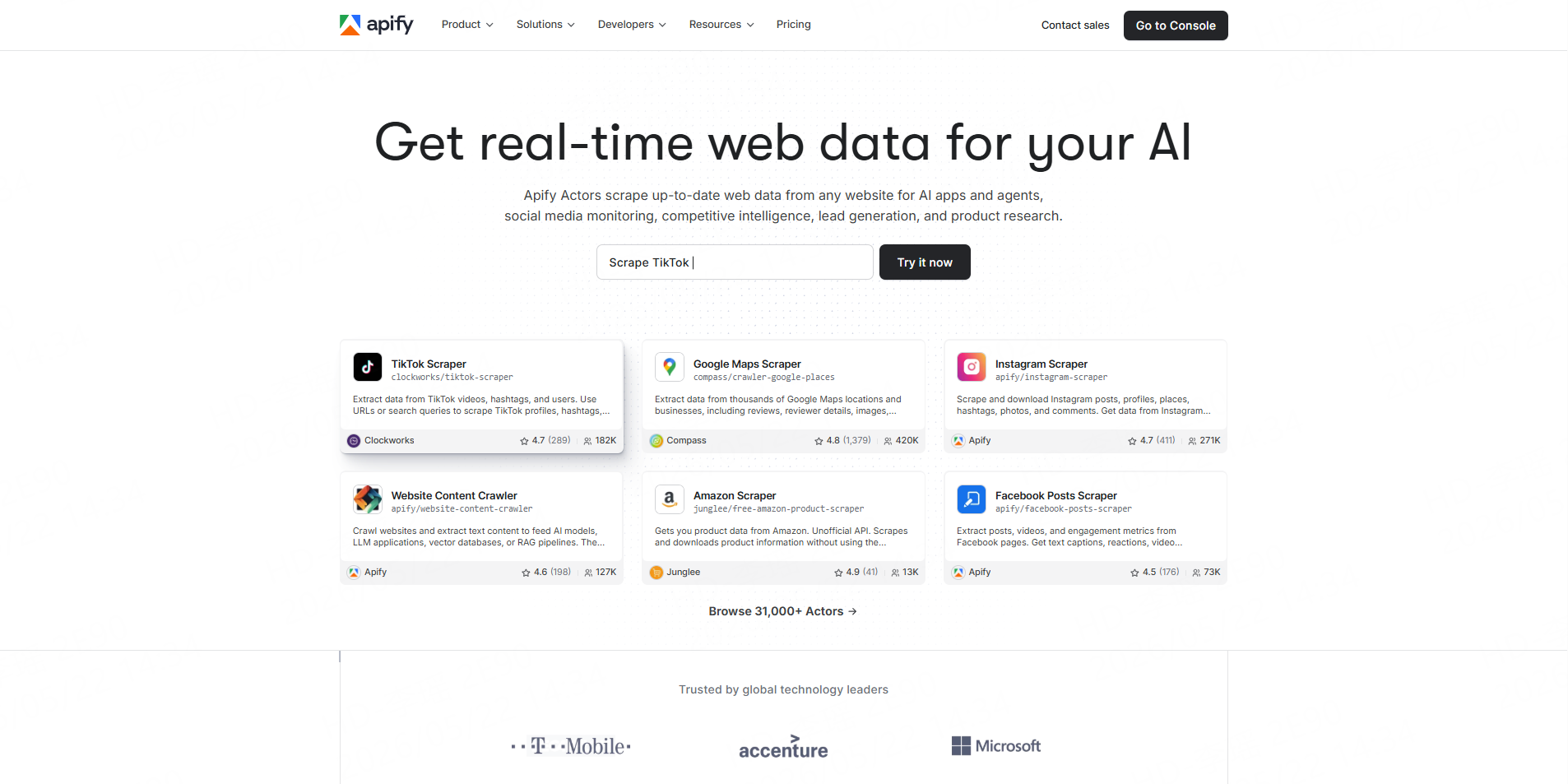
Best for: Teams that want marketplace-based scrapers and automation options.
Apify offers multiple eBay-related scrapers through its Actor marketplace, including tools for eBay listings, price scraping, and sold listing intelligence. Some eBay Actors focus on extracting price, seller feedback, shipping, condition, and resale analysis fields.
Apify is flexible, but users should evaluate each Actor carefully because quality, maintenance, fields, and pricing can vary by creator.
Pros: Flexible marketplace, API access, automation options.Cons: Requires tool selection and testing across different Actors.
5. Outscraper
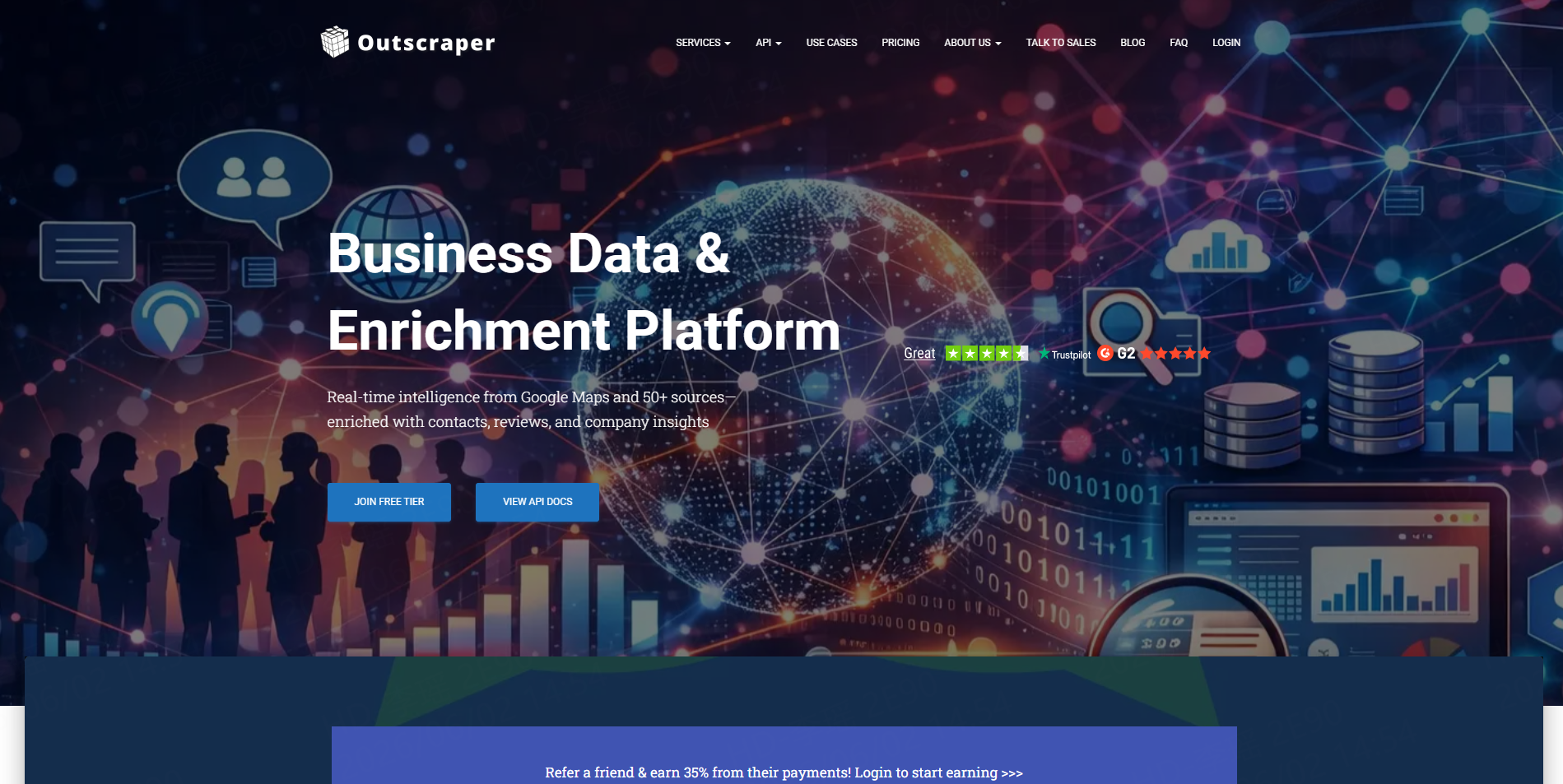
Best for: Simple eBay search data extraction.
Outscraper offers an eBay Search Scraper positioned for extracting product insights, prices, and trends. Its page also mentions CSV/XLSX export and API access.
Outscraper can work for teams that want a straightforward search scraper, especially if their workflow is centered on search result extraction rather than highly customized ecommerce pipelines.
Pros: Simple positioning, export options, API access.Cons: May be less flexible for highly specific field or workflow requirements.
6. WebScraper.io
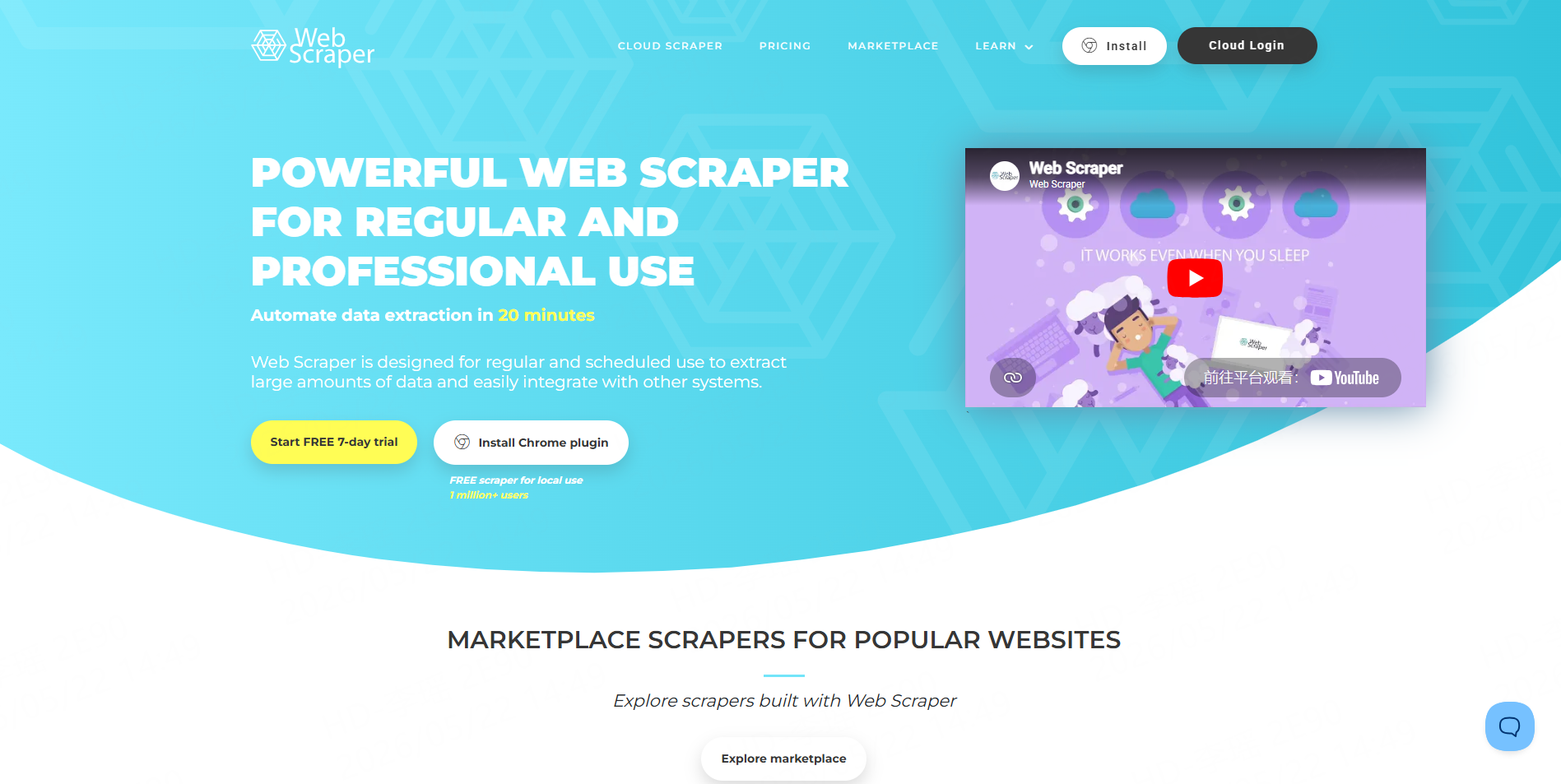
Best for: Users who prefer browser-based scraping templates.
WebScraper.io provides a prebuilt eBay product listings scraper sitemap that extracts structured product data from eBay category and search result pages, navigates pagination, discovers listings, and extracts product details from product pages.
This can be useful for users comfortable with visual scraping workflows. However, recurring large-scale ecommerce monitoring may require more configuration and maintenance.
Pros: Prebuilt sitemap, structured listing extraction, useful for visual workflows.Cons: May require manual setup and maintenance.
7. Scrapfly
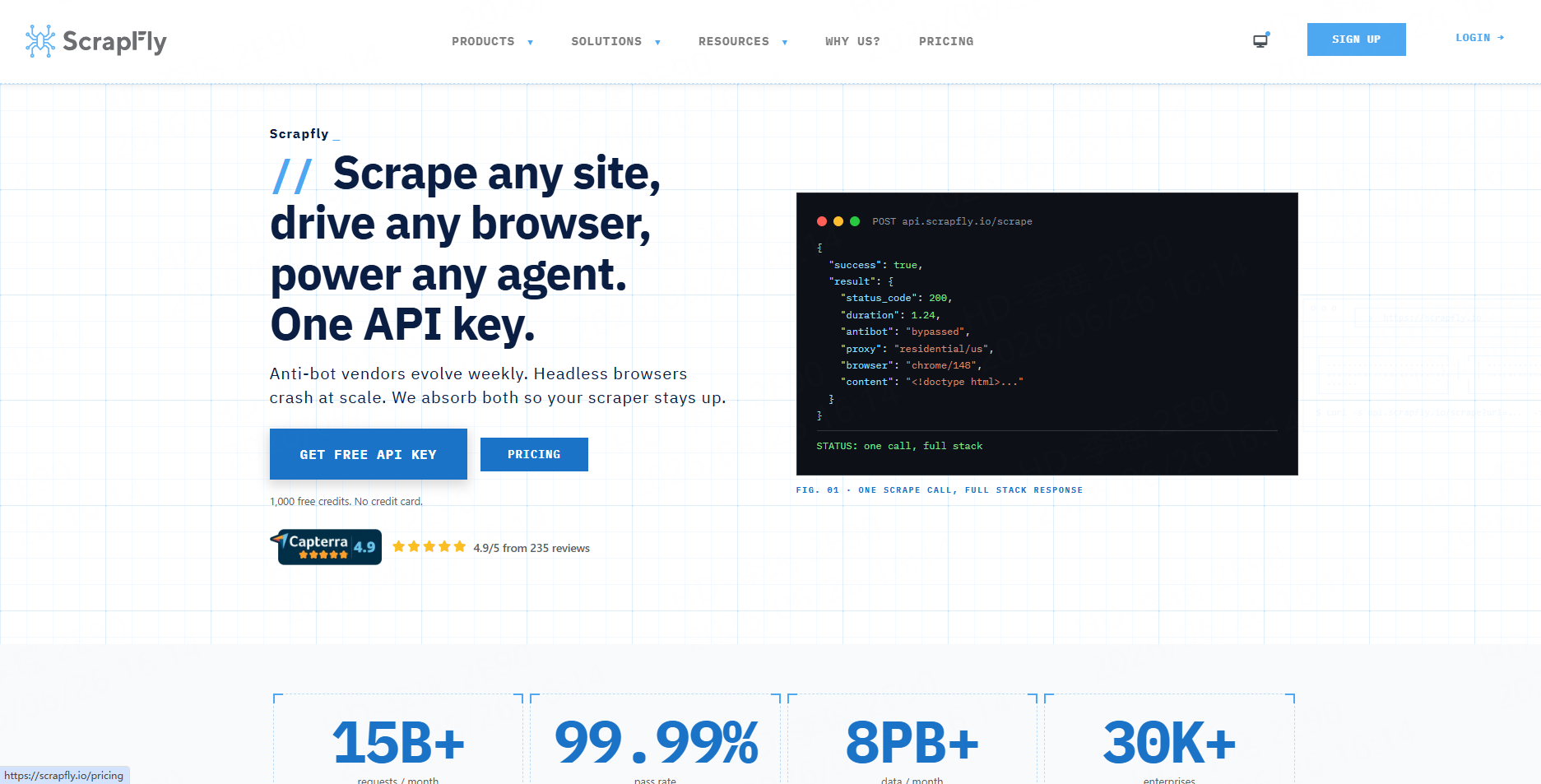
Best for: Developers who want to build their own eBay scraper.
Scrapfly’s 2026 tutorial explains how to scrape eBay search and listing pages for pricing, variants, features, and descriptions using code. It also notes that eBay offers official SDK/API access, while scraping remains common for data not covered by official endpoints.
Scrapfly is a better fit for developers than business users. It gives more control, but teams must handle code, parsing, testing, and maintenance.
Pros: Developer control, useful tutorials, custom implementation.Cons: Requires engineering time.
eBay Scraper vs eBay API: Which One Fits Your Use Case?
The official eBay Browse API lets developers search eBay items by keyword, category, image, product ID, GTIN, and other criteria, and retrieve item details.
An eBay API can be suitable when your use case fits official API rules and available endpoints. An eBay scraper is more useful when teams need data in a workflow built around public listing pages, keyword monitoring, visual search results, price tracking, or fields that are easier to collect from public pages.
For many ecommerce teams, the practical choice is not “API or scraper.” It is whether the final output is clean, complete, and easy to use. CoreClaw helps with this by turning public eBay pages into structured outputs that can be exported or connected through API workflows.
A Practical eBay Product Data Workflow with CoreClaw
- Sign up and create your CoreClaw account with your email.
- Open the eBay Product Scraper.
- Enter one or more product search keywords.
- Click the“Start”button and wait for the system to collect product data for those keywords.
- Download the results as JSON or CSV, or use them directly through API integration.
Final Thoughts
An eBay scraper is most valuable when it turns marketplace pages into clean, structured, ready-to-use product and price data.
With CoreClaw, teams can collect public eBay product data by keyword, export structured results, connect workflows through API access, and pay only for successful results. For ecommerce research, price monitoring, seller analysis, and product sourcing, CoreClaw provides a practical path from eBay listings to usable data without requiring teams to build and maintain their own scraper from scratch.
Frequently Asked Questions

Content Writer @CoreClaw · Last Updated 2026-06-26
Lena Kovalenko researches how modern software systems expose and organize information online. Her writing focuses on the interaction between APIs, web platforms, and automated data workflows. When exploring a topic she typically compares multiple tools to understand their design assumptions. These comparisons often lead to articles that help readers see how different technical approaches influence reliability and efficiency.
View Author Profile →Disclaimer: All information on the CoreClaw Blog is provided “as is” and for informational purposes only. CoreClaw makes no representations and assumes no liability for any consequences arising from your use of information published on the CoreClaw Blog or on any third-party websites linked from it. Before any scraping activity, consult legal counsel, review the target website’s terms of service, and obtain permission where required.