Against the backdrop of rapidly growing local business data, the demand for precise geospatial information continues to rise. As a core identifier within map data, Google Place ID is becoming a fundamental building block for data analysis and automation workflows. This article systematically explains the concept, lookup methods, and tool selection strategies to help businesses acquire and utilize map data more efficiently.
What is Google Place ID?
Google Place ID is a unique identifier assigned by Google to every location on its maps, used to accurately distinguish businesses or geographic places. Whether it is a restaurant, hotel, or office, this identifier ensures consistency of data across different systems.
In real-world applications, Place ID is often used to retrieve detailed business information such as address, ratings, and review counts—key data points for local market analysis. For teams relying on google place scraping, it serves not only as the entry point to data but also as a critical factor in ensuring data accuracy. During data integration and analysis, Place ID can significantly reduce data cleaning costs and improve overall efficiency.
What are the Methods to Find Google Place ID?
There are multiple ways to obtain Place IDs. Different methods suit teams of varying sizes and technical capabilities, and they also impact data acquisition efficiency and cost. Below are common approaches:
● Use the official Google Place API for direct queries. This is suitable for developers integrating systems, but requires handling quotas and costs.
● Manually extract from Google Maps page URLs. This is suitable for small-scale queries but has low efficiency.
● Use browser developer tools to analyze network requests and extract IDs from returned data.
● Use scripts for google maps web scraping, suitable for projects requiring deep customization.
● Use professional google maps scraper tools for automated extraction, enabling batch processing.
Google Place ID Finder Tool:Comparison Table
To better understand the differences between these methods, the table below compares them across multiple dimensions:
Method | Automation Level | Data Scale | Technical Barrier | Cost | Output Format | Use Case |
Google Place API | High | Medium | High | High | JSON | System development |
Manual Extraction | Low | Very small | Low | Free | Unstructured | Temporary queries |
Developer Tools | Medium | Small | Medium | Free | Semi-structured | Technical debugging |
Scraping Scripts | High | Large | High | Medium | Custom | Data engineering |
Scraping Tools | High | Large | Low | Medium | JSON/CSV | Commercial data collection |
How to Choose a Google Place ID Finder Tool?
When selecting a tool, it is essential to consider business scale, data requirements, and team technical capabilities. Different scenarios have significantly different needs.
1. Whether it supports batch google maps scraping is a key indicator of efficiency.
2. Whether the data output format is standardized, which directly affects downstream analysis workflows.
3. Tool stability determines the sustainability of long-term data collection.
4. Whether it supports multi-region and multilingual data extraction.
5. The higher the level of automation, the more suitable it is for continuous data tasks.
As needs evolve from simple queries to continuous data collection, scalability becomes increasingly important. For teams aiming to build long-term google maps data scraper capabilities, stability and maintainability often matter more than short-term cost.
Recommendations by business type:
1. Small-scale research: manual methods or lightweight tools
2. Small to medium data collection: Google Place API
3. Large-scale data collection: automated google maps scraper
4. Enterprise-level applications: combination of API and scraping tools
5 Best Google Place ID Finder Tools
CoreClaw
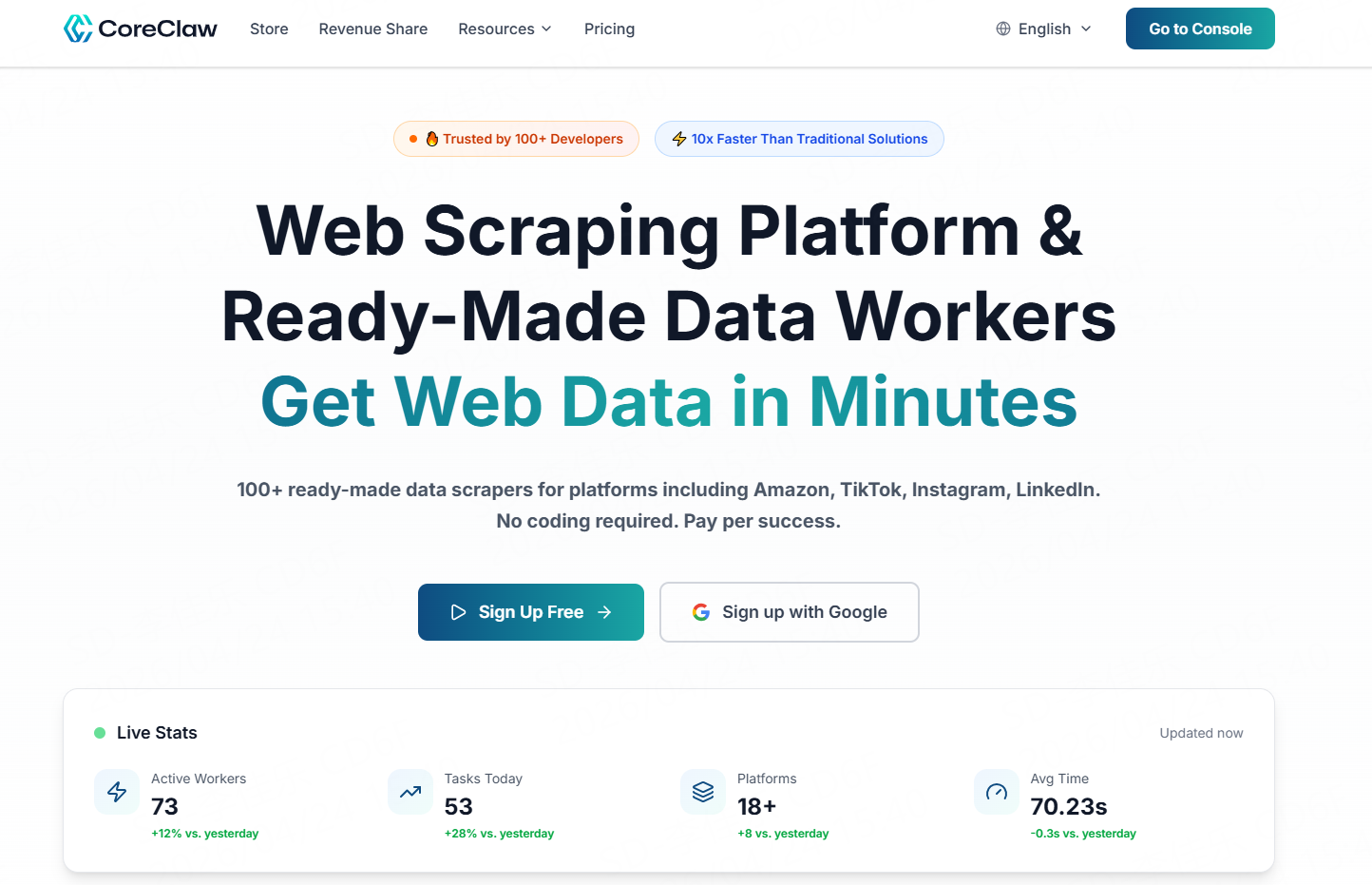
CoreClaw is an automated web data extraction platform focused on structured data collection, providing reliable scraping services for enterprises, researchers, and developers. It offers a wide range of scraping tools that support extracting structured data from multiple web sources, including Instagram, YouTube, Amazon, LinkedIn, and more, with outputs in JSON, CSV, and other formats for direct use in analysis or system integration.
In the Google Maps domain, CoreClaw provides dedicated data extraction capabilities, enabling batch retrieval of business information and Place IDs. It is particularly suitable for scenarios requiring continuously updated data. Its automation features can intelligently handle anti-bot mechanisms, helping teams efficiently and reliably complete google maps scraping tasks.
Pros:
● 200+ ready-to-use Workers for diverse business needs
● Built-in anti-bot bypass, IP rotation, and request scheduling
● Structured data output for easier analysis and processing
● No coding required—get started in three simple steps
● Custom services available, including tailored Workers or datasets
Cons:
● Rich Worker templates may require an onboarding learning curve
Best for:
● Medium to large enterprises, data analytics teams, market research organizations
G Maps Extractor
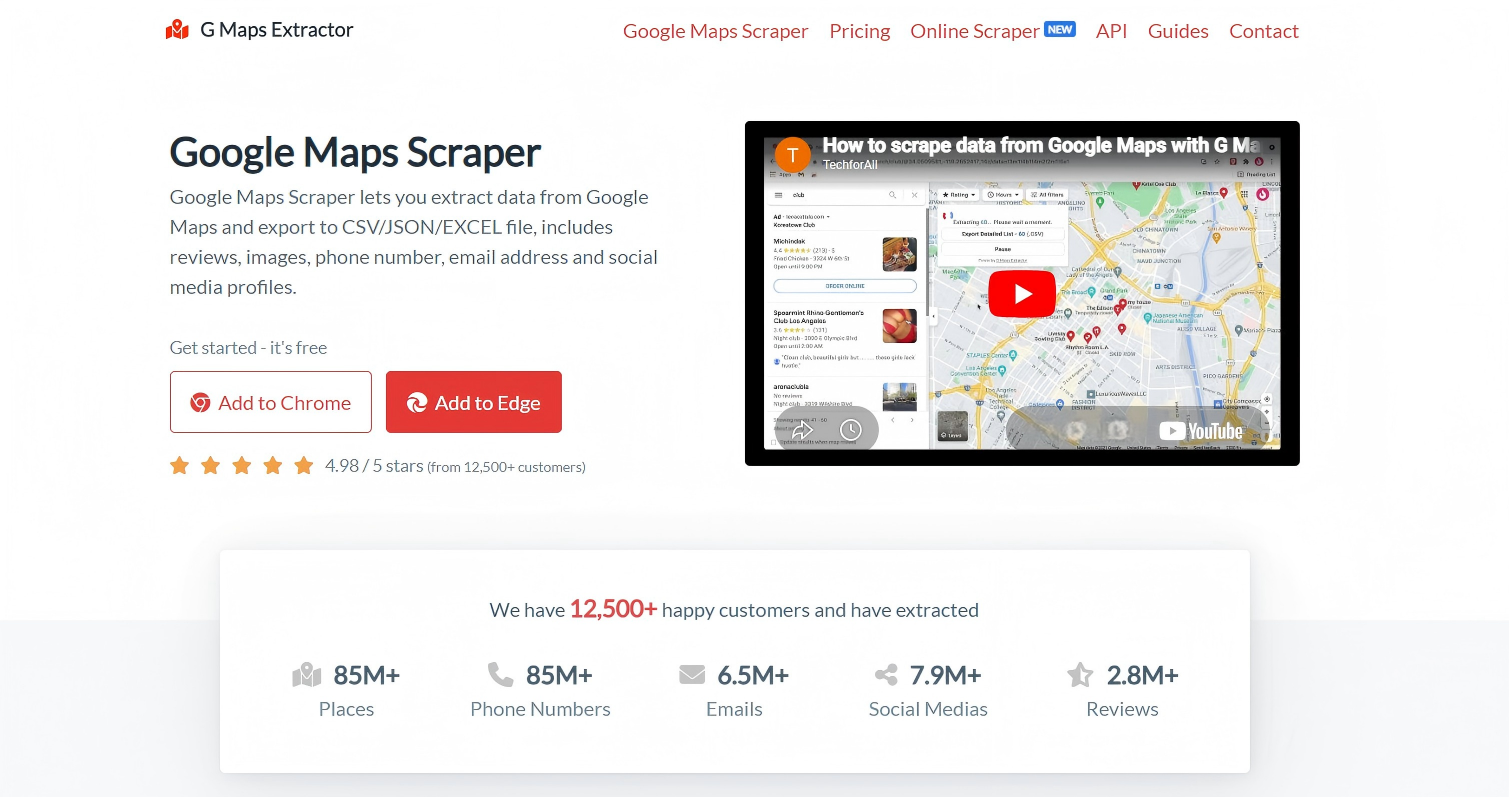
G Maps Extractor is a browser extension focused on extracting business data from Google Maps. It is designed for users who need to quickly obtain basic business information. By using keyword searches, users can export data such as business names, addresses, and partial contact details. For non-technical users who still need some level of automation, this tool offers a balanced solution.
Pros:
● Easy to install and use directly in the browser with no technical background required
● Supports keyword-based batch queries, covering basic google maps scraping needs
● Simple export functionality for use in spreadsheets or basic analysis
Cons:
● Limited data fields, making it difficult to support advanced analysis
● Stability limitations when handling large-scale or high-frequency tasks
● Lacks advanced filtering and automation capabilities
Best for:
● Small teams and scenarios requiring quick data validation
Maps Scraper AI
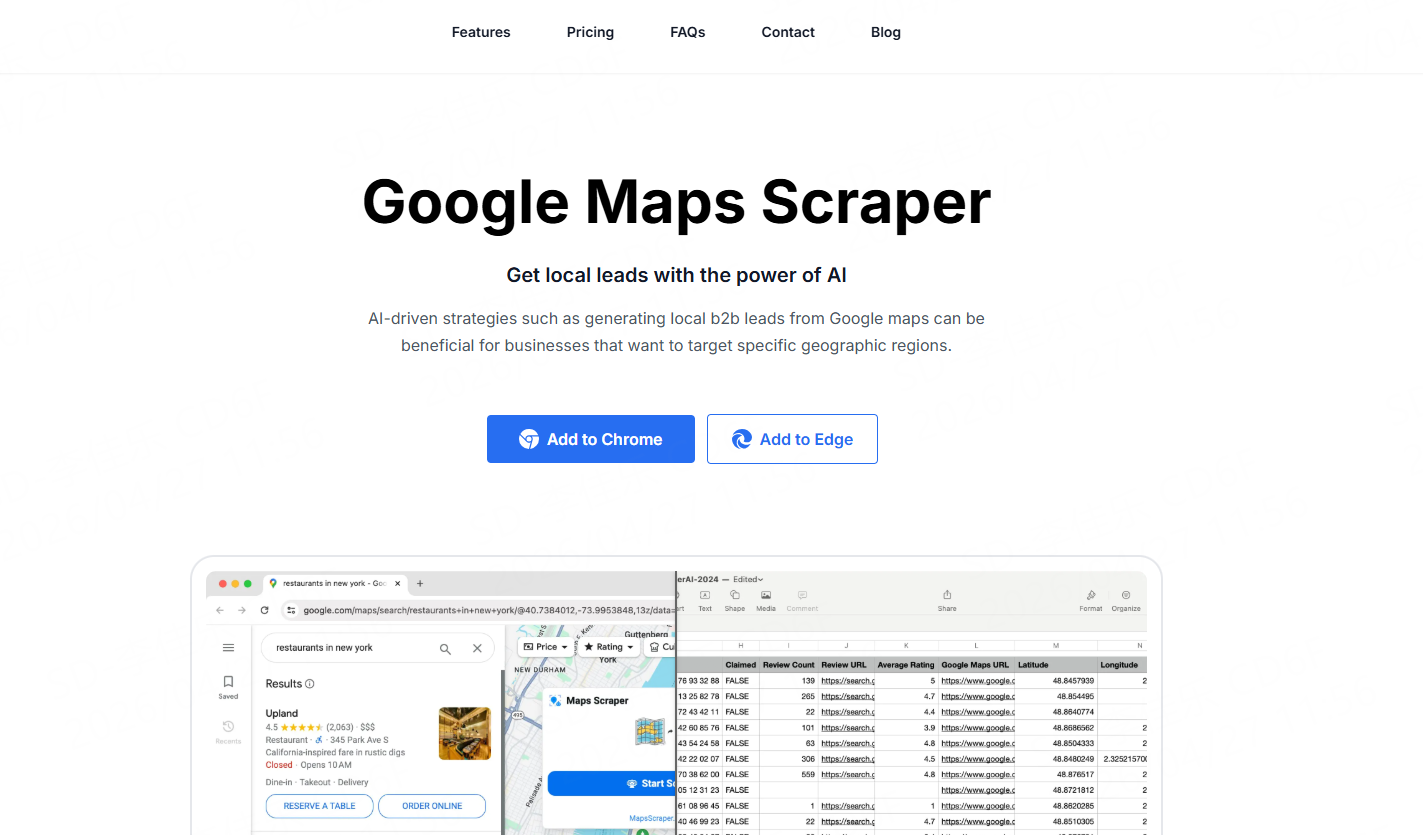
Maps Scraper AI is an automation- and AI-driven Google Maps data extraction tool, primarily delivered as a browser extension. It enables users to batch collect business information and potential lead data directly from map results. For teams needing continuous data acquisition or market expansion, it significantly lowers the barrier to entry.
Pros:
● Easy setup via extension, ideal for non-technical users
● Supports batch scraping of search results for common google maps scraper use cases
● Multi-field data export suitable for lead generation and market analysis
Cons:
● Limited support for complex filtering and deep customization
● Constraints in stability and scalability for large continuous tasks
● Basic data processing capabilities, not suitable for enterprise-grade pipelines
Best for:
● Small businesses and teams with limited technical resources
Map Lead Scraper
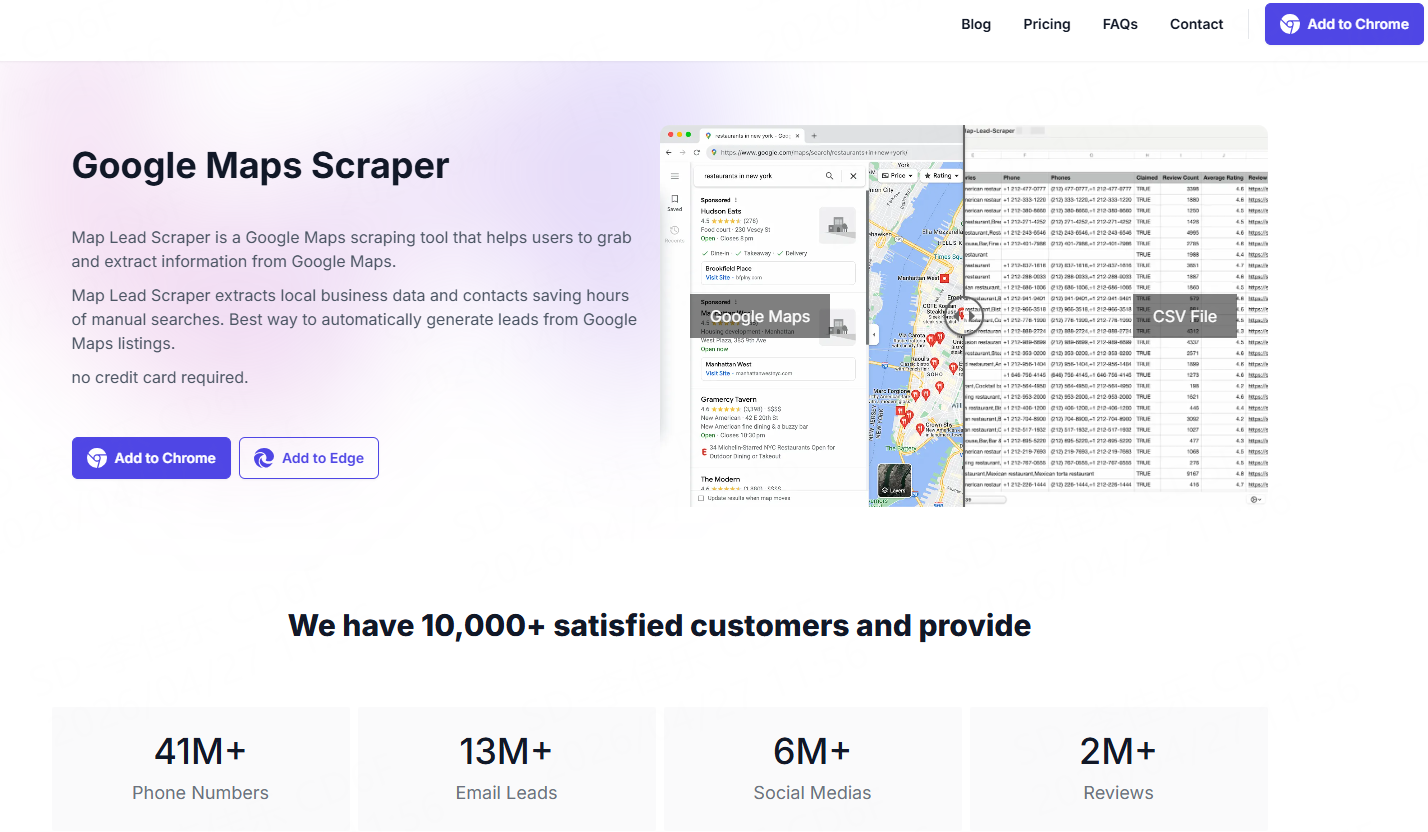
Map Lead Scraper is a browser extension focused on extracting business leads from Google Maps, targeting sales and marketing teams. It supports batch data collection based on keywords and geographic locations, retrieving key fields such as business name, phone number, email (partial), website, and social profiles. It is a typical google maps data scraper solution designed for lead generation.
Pros:
● Designed specifically for lead generation with relevant data fields
● Supports industry and location-based batch scraping to improve coverage
● Multiple export formats for integration with sales and marketing tools
Cons:
● Focused on lead extraction with limited data analysis capabilities
● Insufficient support for advanced filtering and automation
● Limited scalability for large continuous google maps scraping projects
Best for:
● Sales teams, B2B lead generation, and customer acquisition scenarios
GMPlus
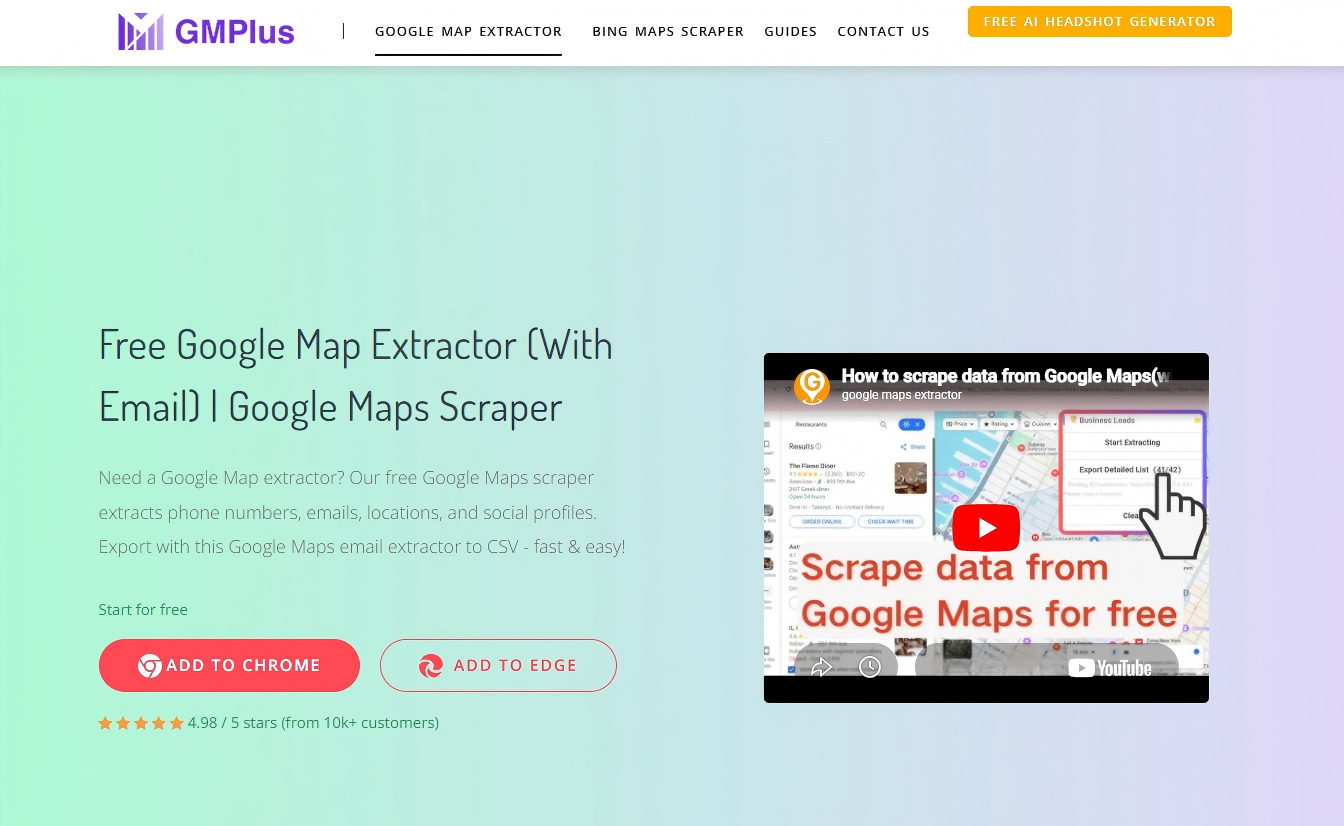
GMPlus is a browser plugin for extracting Google Maps data, allowing users to collect business information directly while browsing. It emphasizes a lightweight experience where users can capture data such as business names, contact details, and ratings without complex setup.
Pros:
● Easy-to-use plugin with no additional deployment required
● Real-time data extraction while browsing Google Maps
● Suitable for lightweight google maps scraping needs such as quick collection or validation
Cons:
● Limited data scale, not suitable for batch or automated tasks
● Basic functionality with limited data processing capabilities
● Not suitable for continuous or large-scale google maps web scraping projects
Best for:
● Individual users, small teams, and temporary data collection tasks
How to Find Google Place ID from Google Maps?
In practical business scenarios, automated tools have become the mainstream method for obtaining Place IDs, especially for batch data requirements. Taking CoreClaw’s google maps scraper as an example, users can extract business information and corresponding Place IDs from Google Maps without programming and export structured data for further analysis or integration. This approach improves efficiency while reducing manual errors.
Step 1: Register a CoreClaw Account
After creating an account, users can access the dashboard to start the data extraction process. New users typically receive 2,000 free credits for testing.
Step 2: Choose a Scraping Tool
CoreClaw provides two Google Maps Workers:
1. Google Maps scraper: keyword-based data extraction for specific industries or regions
2. Google Maps scraper tool: URL-based extraction for precise page targeting
Step 3: Configure Parameters
Before execution, configure parameters such as keywords or URLs, target country/region, language, and maximum results to ensure the data scope matches business needs.
Step 4: Export Data
After extraction, data can be exported in JSON or CSV formats, ready for use in analytics, CRM systems, or other business workflows.
Ethics and Compliance in Google Maps Scraping
When collecting map data, compliance is not only a technical consideration but also directly impacts long-term business stability and legal risk management. Whether for individuals or enterprises, it is essential to balance efficiency with compliance, ensuring that data sources, collection methods, and use cases meet regulatory requirements.
1. Comply with Google’s Terms of Service, understanding restrictions on data access, usage scope, and automation behavior.
2. Follow robots.txt policies to ensure scraping activities align with publicly stated website rules.
3. Control request frequency and access intensity to avoid overloading servers or triggering security mechanisms.
4. Adhere to data protection regulations such as GDPR and CCPA, ensuring lawful and transparent handling of user data.
5. Avoid collecting or processing sensitive personal information, including contact details and identity data.
6. Clearly define data usage, ensuring it is used only for legitimate purposes such as business analysis, market research, or product optimization.
Conclusion
As data-driven decision-making becomes the norm, google place id finder tools are essential infrastructure for accessing local business information. From manual lookup to automated extraction, each approach has its own use case, but the key to success lies in aligning the tool with business needs. For teams requiring continuous data acquisition, CoreClaw’s web scraping solution—with its stability, scalability, and structured output—offers strong long-term value. At the same time, maintaining compliance and responsible data usage is critical to ensuring sustainable growth and building a reliable data ecosystem.
Frequently asked questions

Last Updated · 2026-05-09 · 5 min read
Disclaimer: Views expressed are solely the author's and do not constitute business commitments.
View Author Profile →