Web scraping tools help businesses collect useful information from websites without copying everything by hand. They can extract product prices, search results, reviews, business listings, social media posts, job listings, and other public web data, then turn that information into formats like CSV, JSON, or spreadsheets.
The best web scraping tools today are much easier to use than old-school scraping scripts. Some are built for developers, some are made for non-technical users, and some offer ready-made scrapers for popular websites such as Google Maps, Amazon, Google Search, TikTok, Instagram, YouTube, eBay, and more.
This article compares 15 popular web scraping tools in 2026, including their key features, strengths, limitations, and best-fit users.
Quick Comparison of the Best Web Scraping Tools
Tool | Best For | Main Strength |
CoreClaw | Ready-made web data workers | No-code scraping for popular platforms |
ScrapingBee | Web scraping API | Simple API with proxy and browser handling |
Bright Data | Enterprise web data collection | Large proxy network and data tools |
Oxylabs | Large-scale scraping | Enterprise-grade scraping APIs |
Apify | Scraping marketplace | Large collection of ready-made actors |
ParseHub | Visual scraping | Point-and-click extraction |
Octoparse | No-code scraping | Easy desktop-style scraping workflows |
ScraperAPI | Developer scraping API | Handles proxies and browsers through API |
Zyte | Managed scraping | Data extraction infrastructure |
Diffbot | AI-powered extraction | Automatic page understanding |
Import.io | Business data extraction | Enterprise data workflows |
WebScraper.io | Browser-based scraping | Chrome extension and cloud scraping |
Scrapy | Python scraping framework | Flexible open-source crawling |
Beautiful Soup | Simple HTML parsing | Lightweight Python extraction |
Puppeteer | Browser automation | Scraping JavaScript-heavy pages |
1. CoreClaw
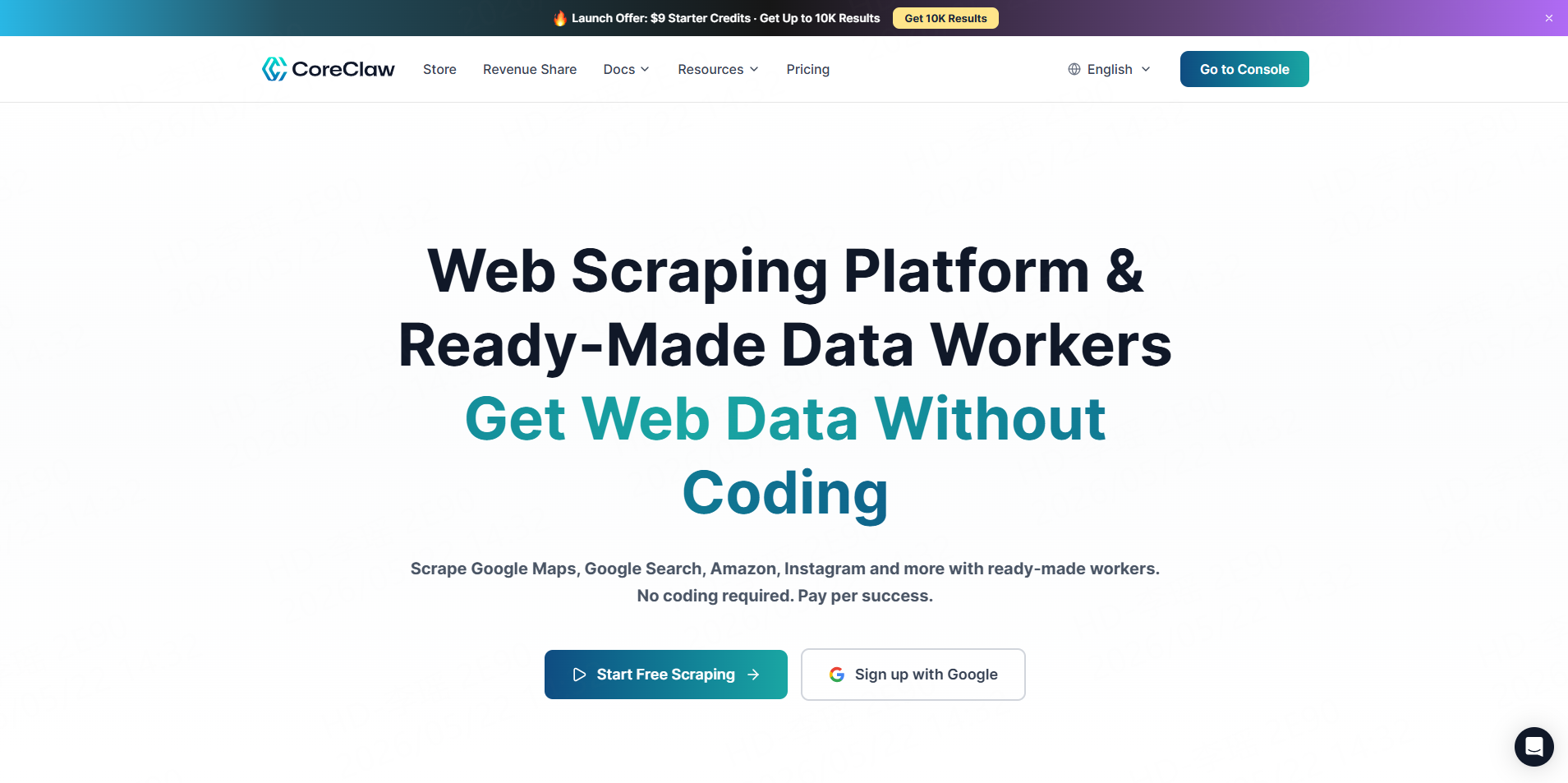
CoreClaw is a web scraping platform that helps users collect public web data through ready-made data Workers, without building scrapers from scratch. Instead of building a scraper from scratch, users can choose a Worker, enter the required input, run the task, and export structured data.
CoreClaw is especially useful for users who want data from common platforms without writing code. Its website describes Workers for Google Maps, Google Search, Amazon, Instagram, TikTok, Facebook, YouTube, eBay, Walmart, LinkedIn, Indeed, Yelp, Glassdoor, Zillow, and more. It also supports CSV, Excel and JSON export, and pay-per-success pricing.
Key Features
- Ready-made scraping Workers
- No coding required
- CSV, Excel and JSON export
- API access
- Pay per successful result
- Workers for Google Maps, Google Search, Amazon, Instagram, TikTok, YouTube, eBay, and more
- Option to request custom Workers
- Free Trial 2,000 Results
Pros
CoreClaw is easy to start with because users do not need to build or maintain scrapers. It is a practical choice for teams that need public web data quickly, especially from popular platforms.
Cons
CoreClaw is strongest when a matching Worker already exists. For very custom websites or unusual scraping needs, users may need a custom Worker.
Best For
CoreClaw is best for teams that want ready-made web scraping tools, simple exports, and no-code data collection.
2. ScrapingBee
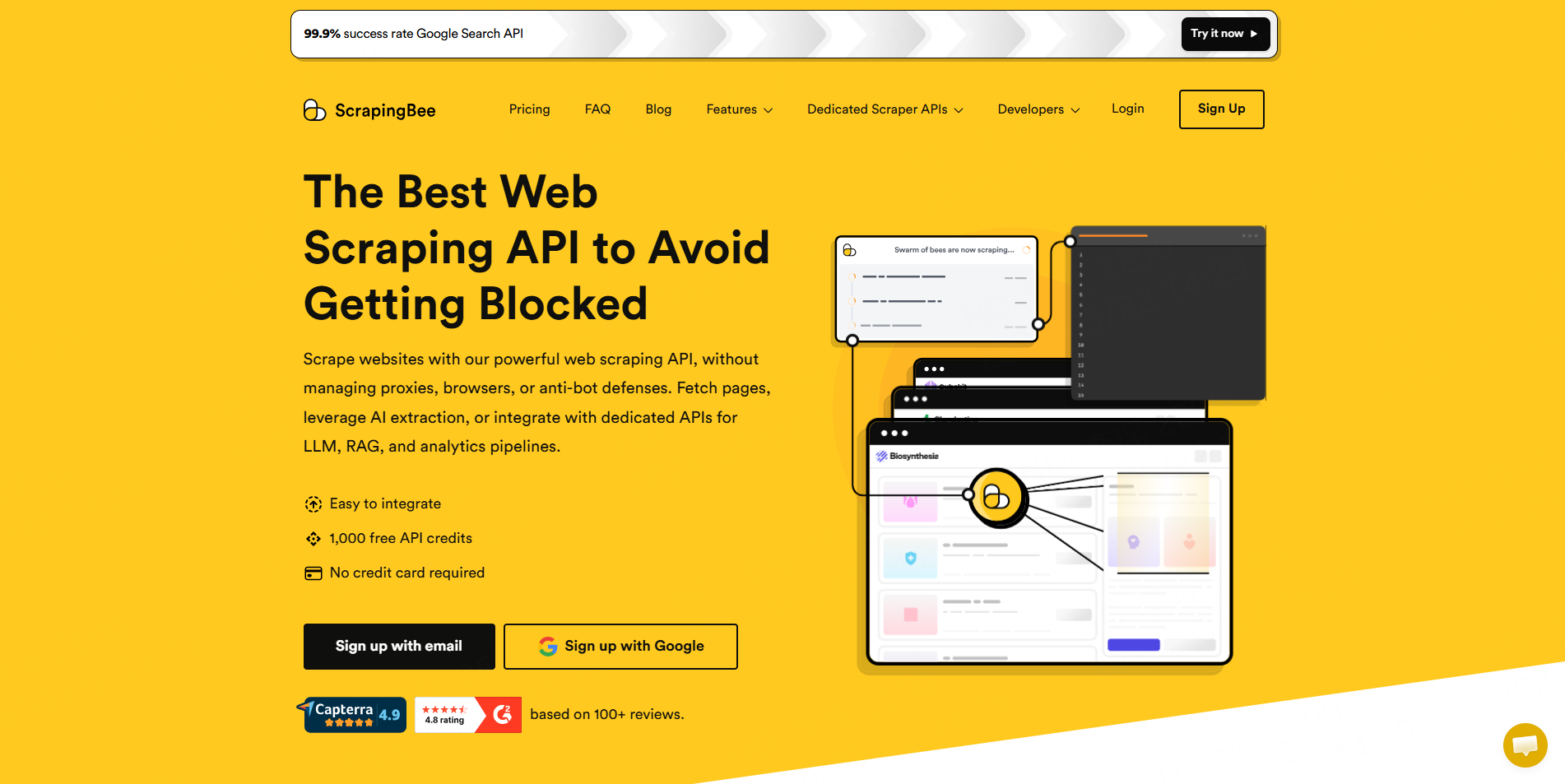
ScrapingBee is a popular web scraping API. It helps developers scrape web pages without managing proxies, browsers, or anti-bot handling themselves. Users send a request to the API and receive the page data back.
Key Features
- Web scraping API
- JavaScript rendering
- Proxy rotation
- CAPTCHA and anti-bot handling
- AI data extraction
- Search and e-commerce scraping endpoints
- Integrations with tools like Zapier, Make, and n8n
Pros
ScrapingBee is simple for developers to integrate and removes much of the scraping infrastructure work.
Cons
It is still an API product, so non-technical users may need help from developers.
Best For
ScrapingBee is best for developers and teams that want a reliable scraping API.
3. Bright Data
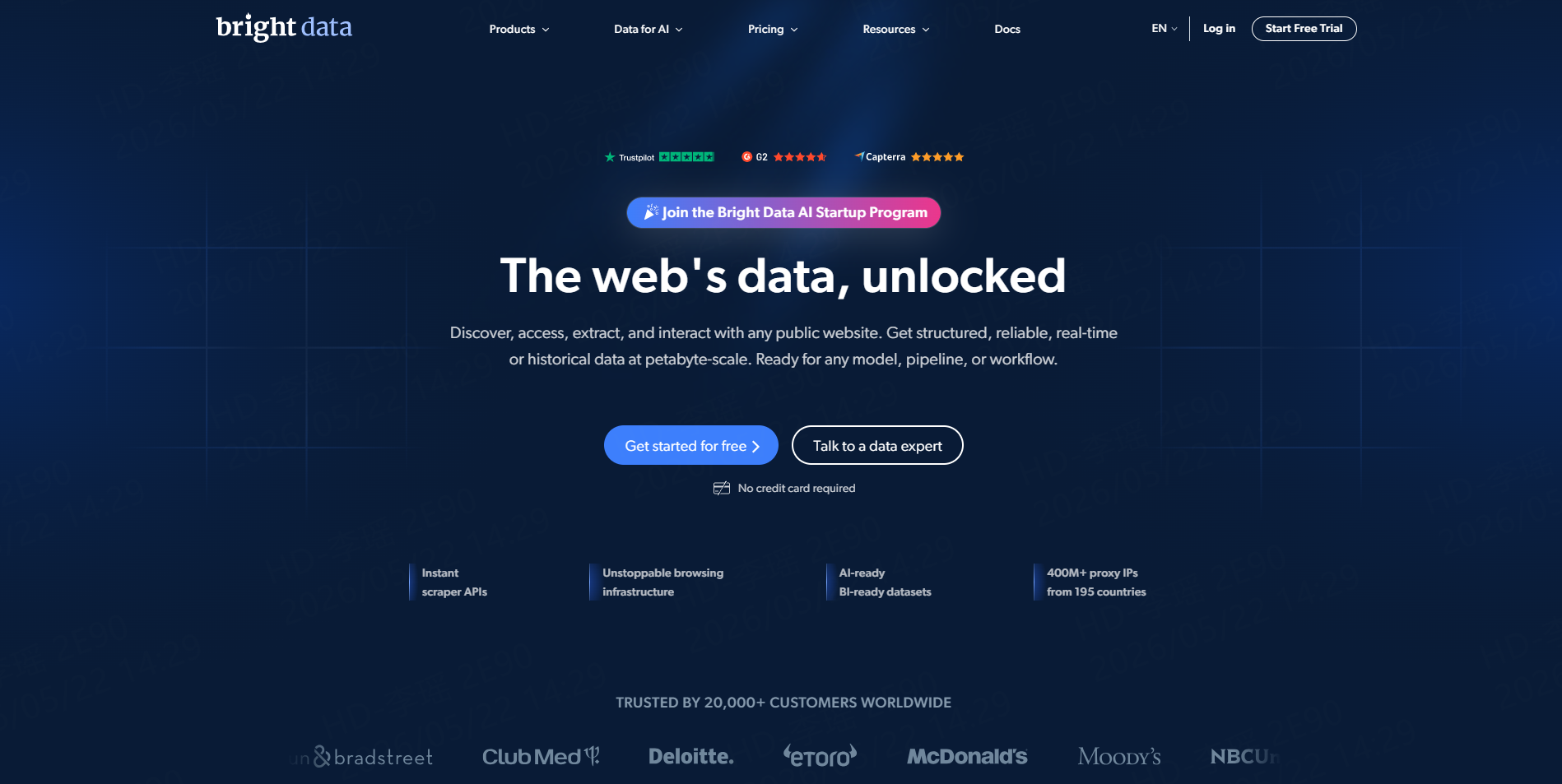
Bright Data is one of the most established names in web data collection. It offers proxy services, scraping APIs, datasets, and no-code data collection tools.
Bright Data is often used by larger teams that need high-volume data collection, location-based scraping, and advanced infrastructure.
Key Features
- Large proxy network
- Web scraper APIs
- Ready-made scraping templates
- Dataset products
- Browser automation support
- Enterprise-level controls
Pros
Bright Data is powerful and suitable for complex scraping projects.
Cons
It can feel expensive and complicated for smaller teams or simple scraping tasks.
Best For
Bright Data is best for enterprise teams with large-scale web data needs.
4. Oxylabs
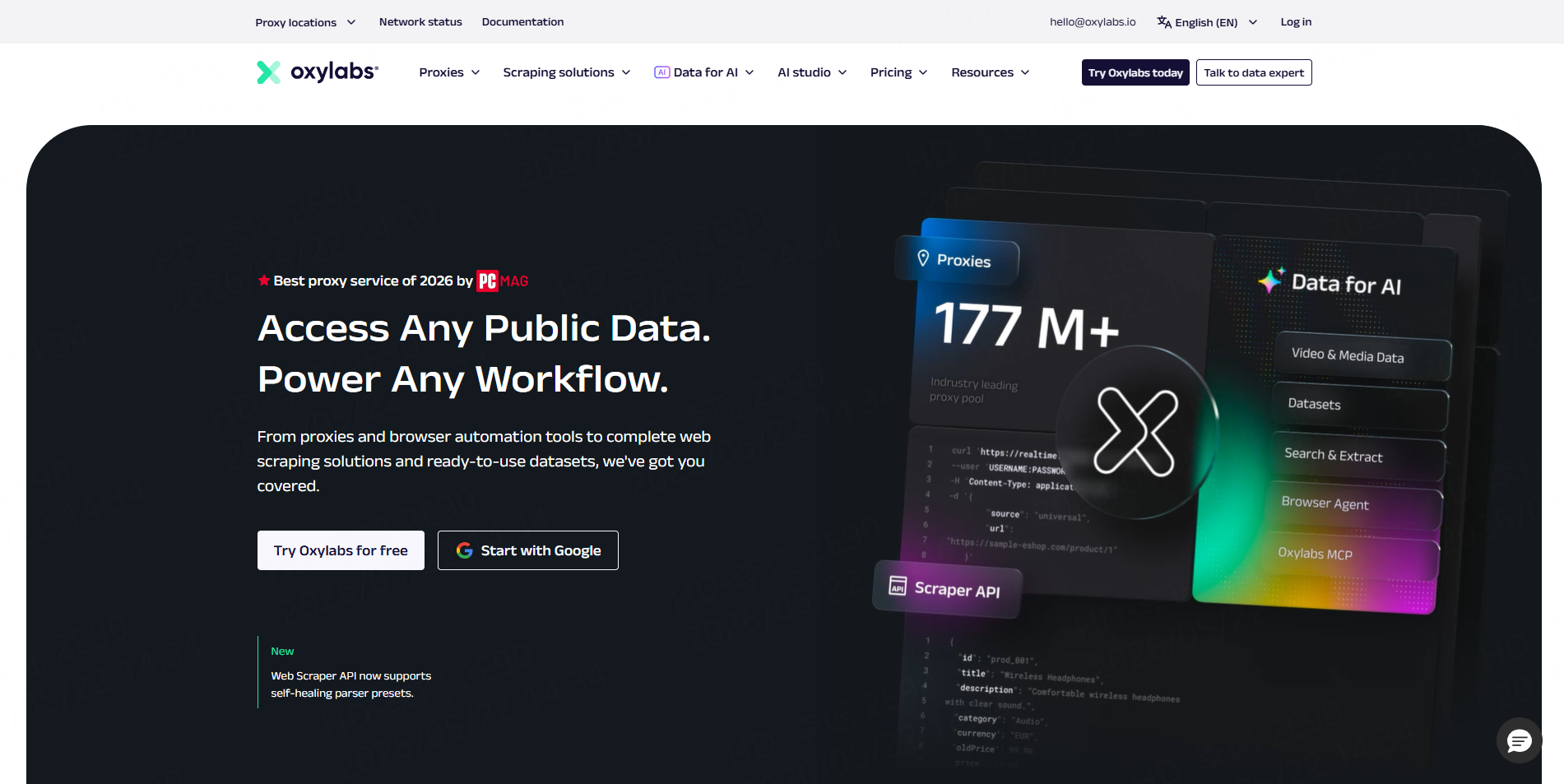
Oxylabs is another major web scraping and proxy provider. It offers scraper APIs, proxy infrastructure, and data collection solutions for businesses.
Its tools are often used for search engine data, e-commerce data, travel data, real estate data, and market intelligence.
Key Features
- Web scraper API
- Proxy management
- JavaScript rendering
- CAPTCHA handling
- SERP scraping
- E-commerce scraping
- Enterprise support
Pros
Oxylabs is strong for large projects that need reliable infrastructure.
Cons
It may be more than what small teams need.
Best For
Oxylabs is best for companies that need large-scale and enterprise-level scraping.
5. Apify
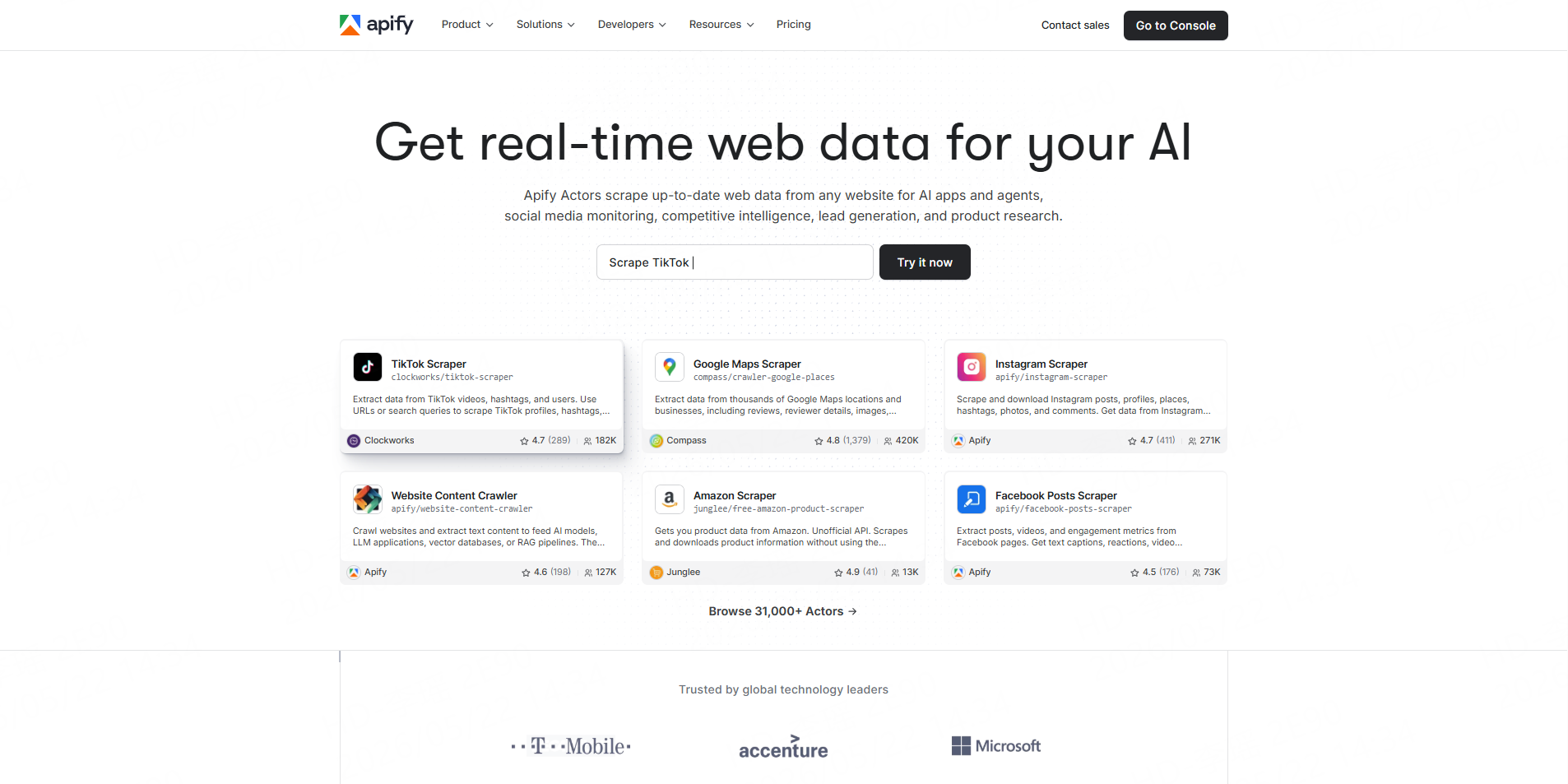
Apify is a scraping and automation platform with a large marketplace of ready-made scrapers, called Actors. Users can run existing Actors or build their own.
It is popular because it combines developer flexibility with marketplace convenience.
Key Features
- Marketplace of ready-made scrapers
- Cloud scraping platform
- Scheduling
- API access
- Data storage
- Support for custom scraping workflows
Pros
Apify offers many prebuilt tools and gives developers room to customize.
Cons
The platform may take time to learn, especially for non-technical users.
Best For
Apify is best for users who want a large scraper marketplace and flexible automation.
6. ParseHub
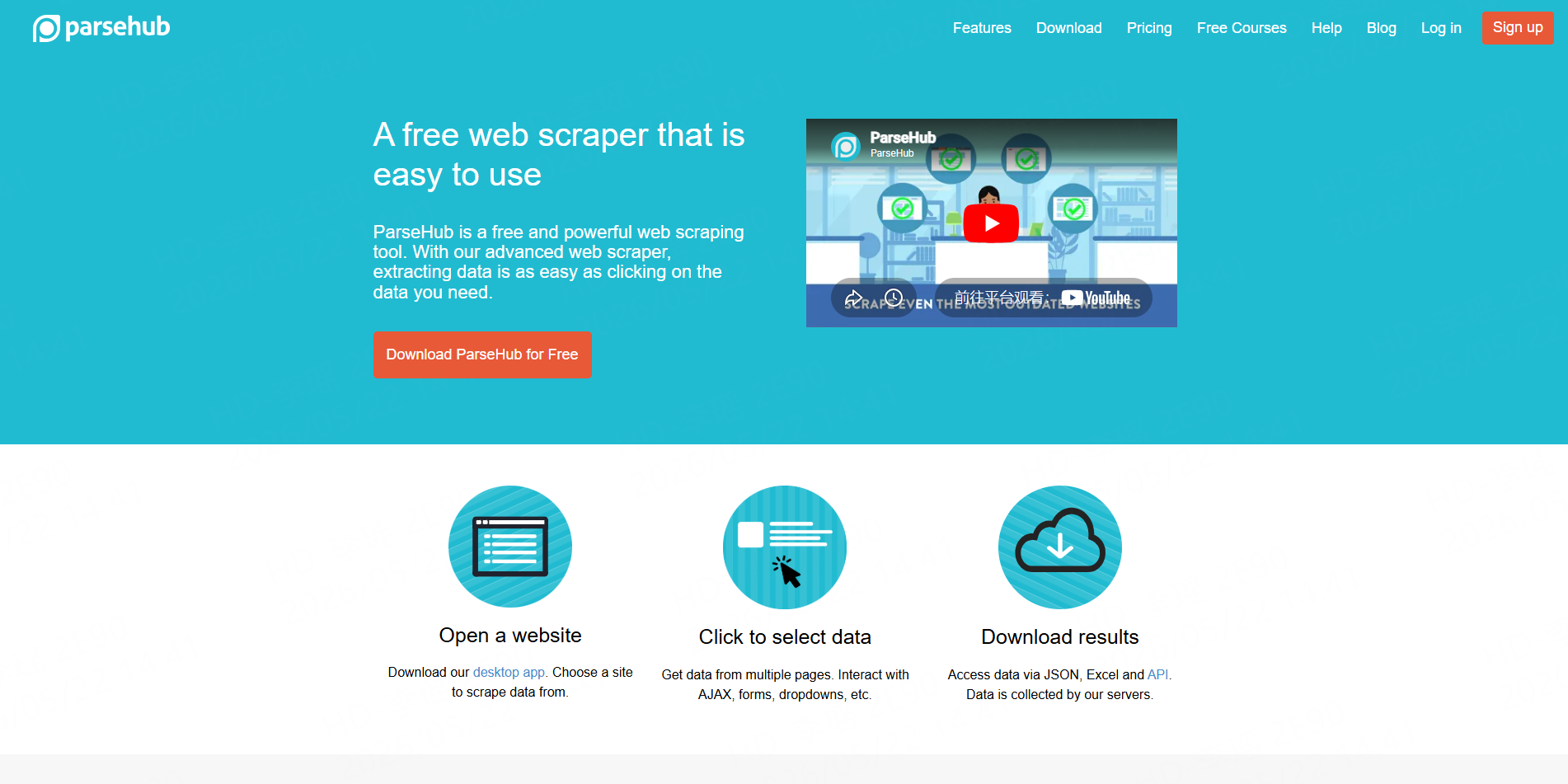
ParseHub is a visual web scraping tool that lets users click on website elements and extract data without writing code.
It is useful for people who prefer a visual interface instead of APIs or scripts.
Key Features
- Point-and-click scraper builder
- Handles multi-page websites
- Supports forms, dropdowns, and search pages
- Data export
- Cloud-based scraping
Pros
ParseHub is easier for beginners than code-based tools.
Cons
Complex websites can still require careful setup.
Best For
ParseHub is best for non-technical users who want a visual scraping tool.
7. Octoparse
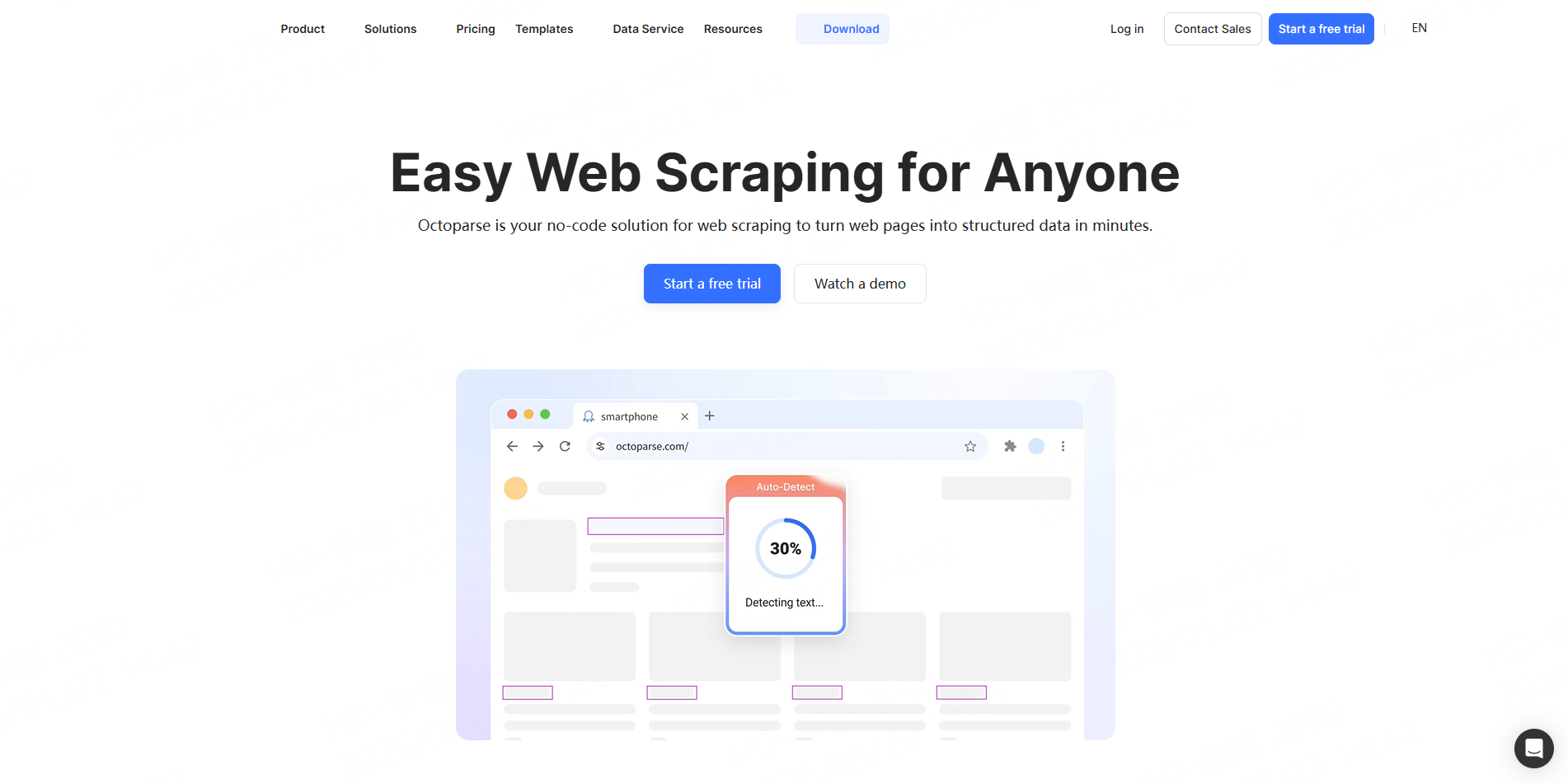
Octoparse is a no-code web scraping tool designed for users who want to extract website data through a visual interface.
It is commonly used for business research, product data extraction, lead collection, and content scraping.
Key Features
- No-code scraper builder
- Prebuilt templates
- Cloud extraction
- Scheduled scraping
- Excel, CSV, and database export
- Visual workflow setup
Pros
Octoparse is beginner-friendly and works well for many common scraping tasks.
Cons
Advanced websites may still need more setup and testing.
Best For
Octoparse is best for business users who want a no-code scraping tool.
8. ScraperAPI
ScraperAPI is a developer-focused scraping API that handles proxies, browsers, and anti-bot systems in the background.
Developers can send requests through ScraperAPI instead of setting up their own scraping infrastructure.
Key Features
- Proxy rotation
- JavaScript rendering
- CAPTCHA handling
- Geotargeting
- API-based access
- Structured data endpoints
Pros
ScraperAPI is straightforward for developers who want to scrape at scale.
Cons
It is less suitable for users who want a visual, no-code interface.
Best For
ScraperAPI is best for developers who need a simple scraping API.
9. Zyte
Zyte, previously known for Scrapy Cloud and scraping infrastructure, provides managed web scraping services and data extraction tools.
It is often used by companies that want professional scraping infrastructure without building every part themselves.
Key Features
- Managed scraping infrastructure
- Data extraction services
- Proxy management
- Browser rendering
- Scrapy support
- Enterprise data delivery
Pros
Zyte is strong for managed and professional scraping projects.
Cons
It may be more complex than needed for simple, one-time scraping jobs.
Best For
Zyte is best for companies that want managed web data extraction.
10. Diffbot
Diffbot is an AI-powered web data extraction tool. Instead of relying only on manual rules, it uses machine learning to understand pages and extract structured information.
It is often used for articles, products, organizations, people, and other web entities.
Key Features
- AI-based extraction
- Automatic page understanding
- Knowledge graph
- Article extraction
- Product extraction
- Entity data
Pros
Diffbot can reduce manual setup for certain types of pages.
Cons
It may be expensive for smaller teams.
Best For
Diffbot is best for teams that need AI-powered web data extraction.
11. Import.io
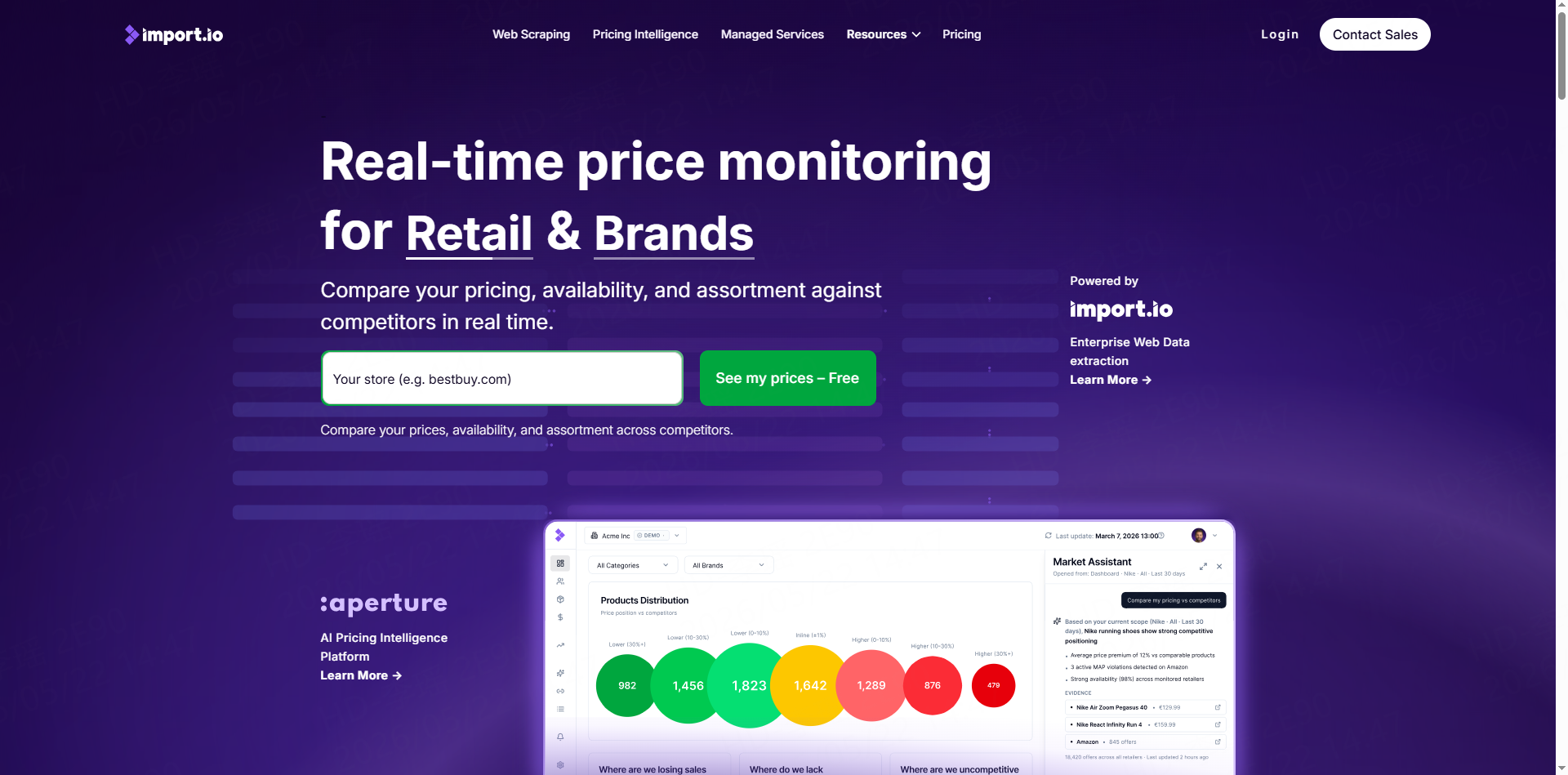
Import.io is a business-focused web data extraction platform. It is often used by larger teams that need recurring data feeds, dashboards, and managed extraction.
Key Features
- Web data extraction
- Scheduled data collection
- Data transformation
- Business dashboards
- Enterprise support
- Data delivery workflows
Pros
Import.io is useful for business teams that need structured data regularly.
Cons
It is more enterprise-oriented and may not be ideal for casual users.
Best For
Import.io is best for companies that need ongoing business data extraction.
12. WebScraper.io
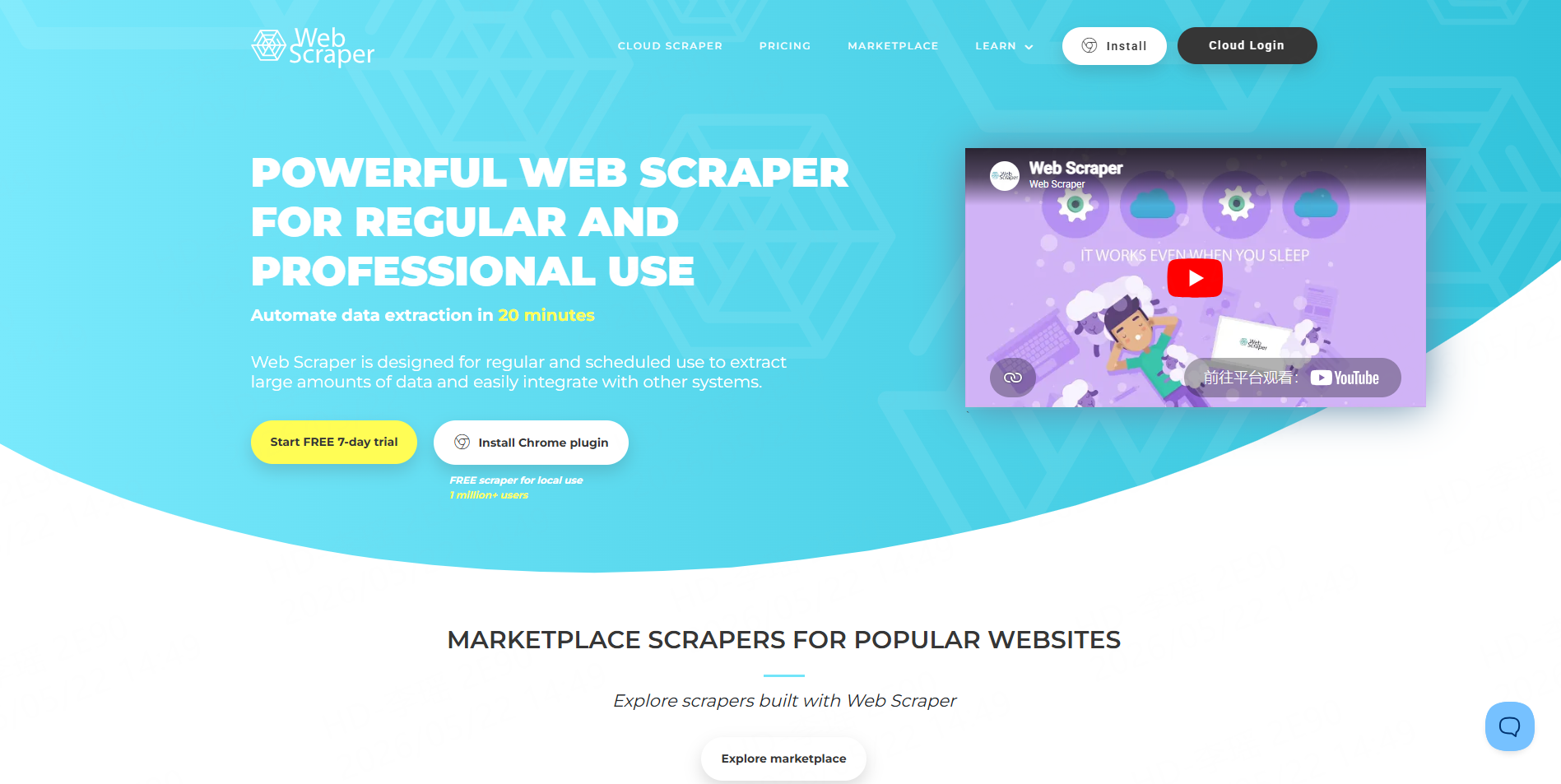
WebScraper.io started as a browser extension and also offers cloud scraping. It lets users create sitemaps and define how data should be extracted from websites.
Key Features
- Chrome extension
- Visual sitemap builder
- Cloud scraping
- CSV export
- Scheduled scraping
- Browser-based setup
Pros
WebScraper.io is simple and accessible for smaller scraping tasks.
Cons
Large or complex websites may require more advanced tools.
Best For
WebScraper.io is best for users who want a simple browser-based scraping tool.
13. Scrapy
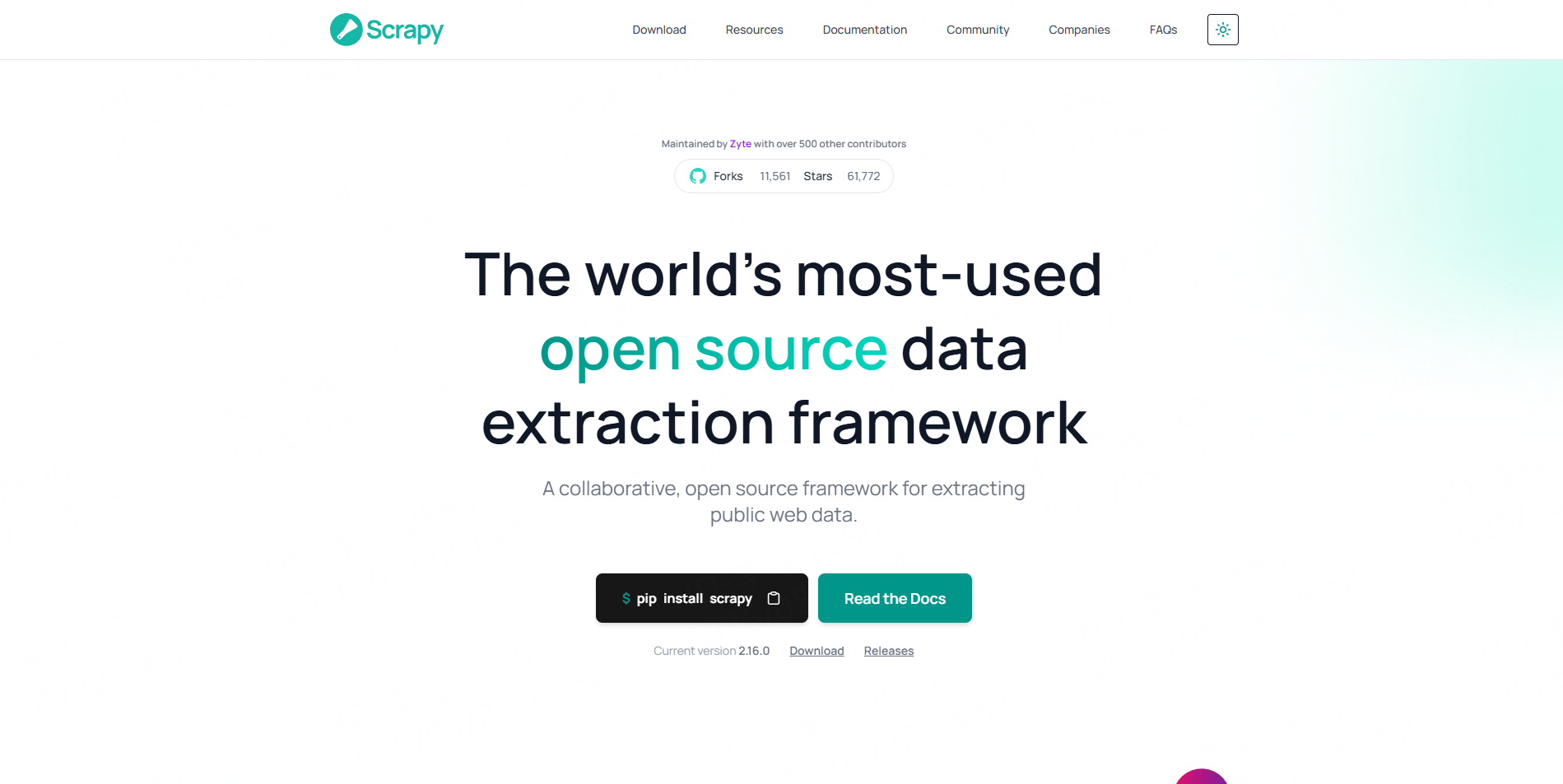
Scrapy is an open-source Python framework for building web crawlers. It is one of the most widely known tools in the scraping world.
It is not a no-code tool. It is built for developers who want full control over how websites are crawled and how data is processed.
Key Features
- Open-source Python framework
- Fast crawling
- Custom spiders
- Data pipelines
- Middleware support
- Large community
Pros
Scrapy is powerful, flexible, and free to use.
Cons
It requires coding and ongoing maintenance.
Best For
Scrapy is best for Python developers building custom scrapers.
14. Beautiful Soup
Beautiful Soup is a Python library for parsing HTML and XML. It is often used for smaller scraping projects or for extracting data from already downloaded pages.
Key Features
- HTML parsing
- Simple Python syntax
- Works well with requests
- Good for small projects
- Easy to learn
Pros
Beautiful Soup is lightweight and beginner-friendly for Python users.
Cons
It does not handle browser rendering, proxies, or large crawling by itself.
Best For
Beautiful Soup is best for simple Python scraping projects.
15. Puppeteer
Puppeteer is a Node.js library for controlling Chrome or Chromium. It is often used when a website relies heavily on JavaScript.
With Puppeteer, developers can open pages, click buttons, wait for content to load, take screenshots, and extract data from dynamic websites.
Key Features
- Browser automation
- JavaScript rendering
- Screenshot support
- Page interaction
- Form submission
- Dynamic page scraping
Pros
Puppeteer is powerful for websites that need a real browser.
Cons
It requires coding and can be heavier to run than simple HTML scraping.
Best For
Puppeteer is best for developers scraping JavaScript-heavy websites.
How to Choose the Best Web Scraping Tool
The best web scraping tool depends on how much control, simplicity, and scale you need.
For most business users, a no-code or ready-made scraper is easier than building a scraper from scratch. Tools like CoreClaw are good starting points.
For developers, API and open-source tools are usually more flexible. ScrapingBee, ScraperAPI, Scrapy, Beautiful Soup, and Puppeteer are common choices.
Final Thoughts
Web scraping tools have become much easier to use. Teams no longer need to build everything from scratch just to collect useful web data.
For users who want to avoid building scrapers from scratch, CoreClaw is a practical option because it offers ready-made web data Workers, no-code setup, CSV/Excel export, API access, and pay-per-success pricing.
Frequently Asked Questions

Content Writer @CafeScraper · Last Updated 2026-05-22
Lena Kovalenko researches how modern software systems expose and organize information online. Her writing focuses on the interaction between APIs, web platforms, and automated data workflows. When exploring a topic she typically compares multiple tools to understand their design assumptions. These comparisons often lead to articles that help readers see how different technical approaches influence reliability and efficiency.
View Author Profile →Disclaimer: Views expressed are solely the author's and do not constitute business commitments.