Earn More Free Results for Every Friend You Invite
Launch Offer: $9 Starter Credits · Get Up to 10K Results

Web Scraping Platform & Ready-Made Data Workers

Get Web Data Without Coding

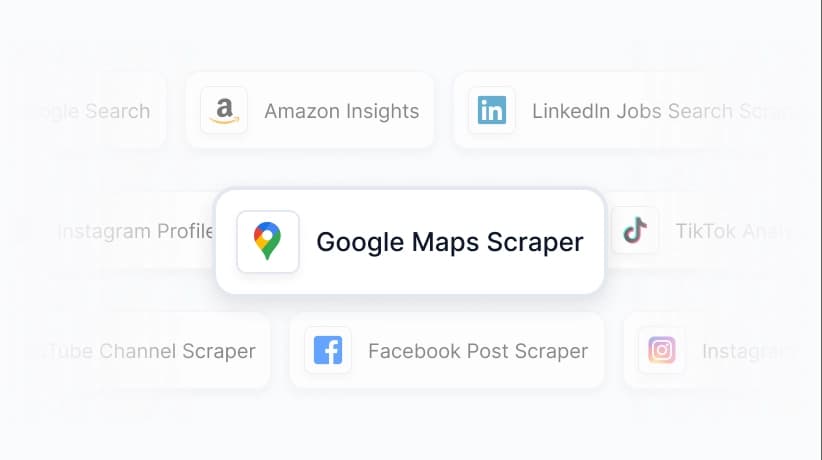
Scrape Google Maps, Google Search, Amazon, Instagram and more with ready-made workers.No coding required. Pay per success.

Worker Marketplace

Ready-Made Workers for Popular Platforms

Pick a ready-made Worker, enter your scraping parameters, and download structured data results in minutes.

Extract full B2B lead data from Google Maps via keyword search.It covers business owner name, phone, website, address, available email, ratings, reviews, opening hours, categories, price range, photos, menu data and more.Bypass Google Places API limits, with data export available in CSV and JSON formats.

Success Rate
99.46%
Input
-
Total Runtime
1319

It queries the Google search engine by keyword and returns a structured SERP summary, including the final search parameters, organic results, related queries, and people-also-ask data.

Success Rate
100.00%
Input
Keywords
Total Runtime
136

Enter the URL of a Google Maps business detail page to scrape comprehensive review and business data, including business name, address, phone number, website, ratings, reviewer information, photos and more.No browser session required, and no Google Places API key is needed.

Success Rate
93.81%
Input
URL
Total Runtime
116

Extract public product data from Amazon global marketplaces by keywords. Capture details such as product title, brand, price, discount, currency, review count, ASIN, sales, ranking, and more. Export the data, access it via API, or integrate it with third-party tools.

Success Rate
99.29%
Input
Keywords
Total Runtime
144

eBay Data Scraper

@CoreClaw
4.5

Extract public eBay product data by keywords. Capture details such as product URL, title, price, reviews, seller information, shipping, return policy, and more. Export the data in structured formats, access it via API, or integrate it with third-party tools.

Success Rate
100.00%
Input
Keywords
Total Runtime
115

Extract public Instagram post data via URLs, including user info, engagement and profile details. One-click CSV/JSON export, batch scraping, no coding needed.

Success Rate
100.00%
Input
URL
Total Runtime
17
Browse Full Marketplace

Or publish your Worker and start earning revenue

Try It Instantly

Try Without Registration

Pick a Worker, enter a URL, see instant results.

Select a Demo

Demo Mode

The demo mode always returns 1 result. Sign up or log in to customize more parameters in the console.

Use Cases

Turn public web data into business decisions

CoreClaw Workers can scrape the latest web data from any public website—no code required.

Data for AI

Extract clean web content, product data and reviews to support AI training, RAG, and data enrichment workflows.

View Details

B2B Lead Generation

Extract public business information from platforms like Google Maps and LinkedIn, and turn it into prospect data.

View Details

E-Commerce

Collect product listings, prices, seller information, and availability data from ecommerce platforms for analysis and monitoring.

View Details

Price Monitoring

Monitor product prices, stock status, promotions, and seller changes across ecommerce websites.

View Details

Influencer Discovery

Extract public posts, engagement data, hashtags, and profile information from social platforms to find creators for potential partnerships.

View Details

Market Research

Track public market signals from reviews, product listings, search results, forums, and competitor pages.

View Details

Need Help With Web Data? We’ve Got You Covered

From setup to custom scraping, our team helps you choose the right Worker, learn with documentation, or build a custom data workflow.

Talk to a Web Data Expert
Get help choosing the right Workers, setting up your task, or planning a data collection workflow.
Learn with Documentation
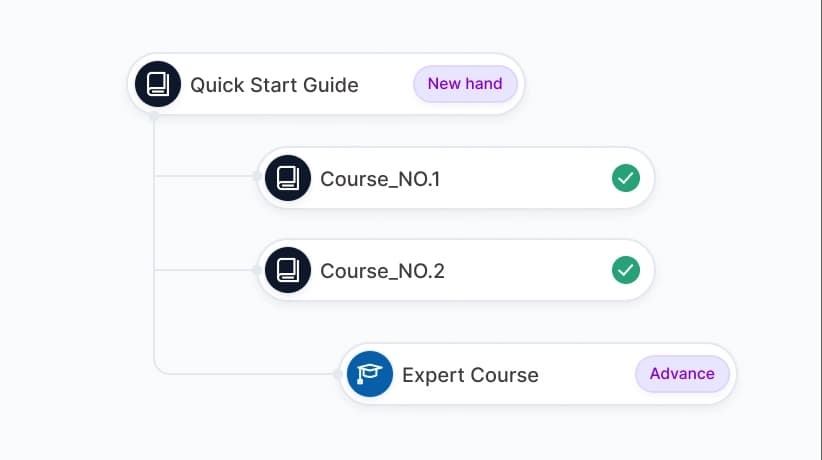
Follow step-by-step guides to run Workers, configure inputs, export results, and connect data to your workflow.
Get Custom Workers
Our experienced team can help you design, implement, and successfully execute your web scraping project.

Request a Custom Worker

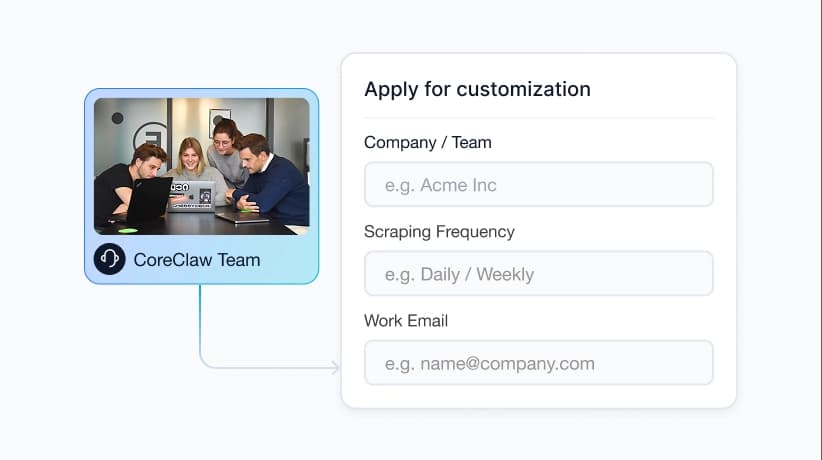
Tell us what website, data fields, and delivery format you need. Our team will review your request and suggest the best approach.

View Documentation
Average response time: under 2 hoursOur team will help you choose the right Worker or design a custom workflow.
For Worker Creators

Publish Workers, Earn Revenue

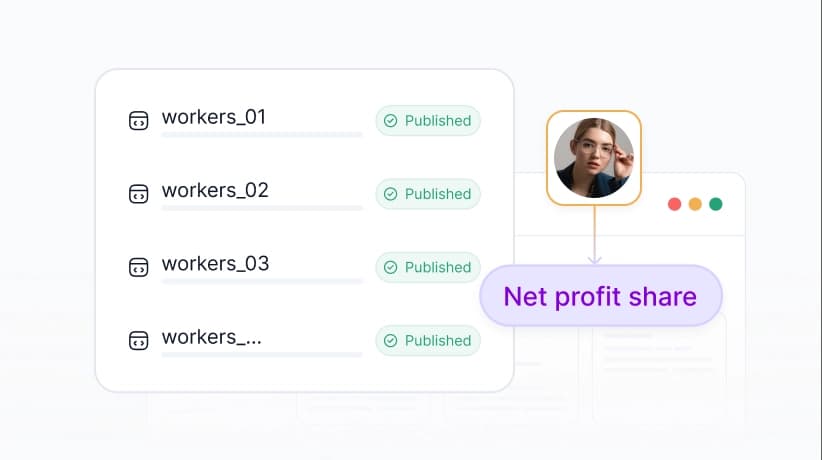
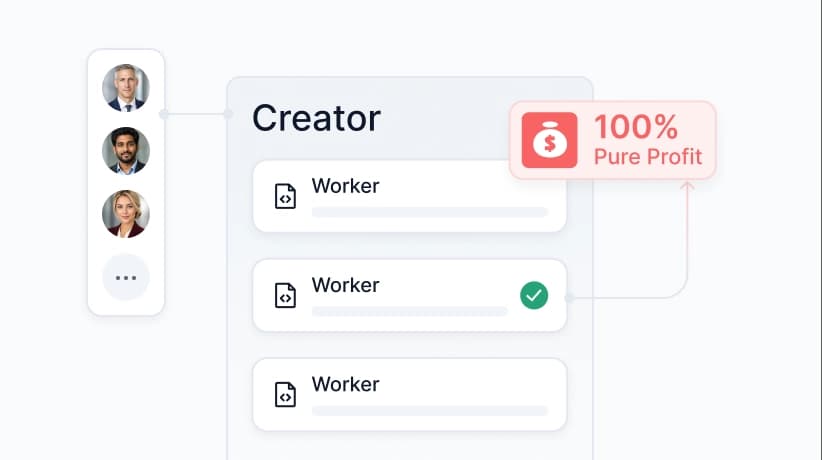
Turn your scraping scripts and automation workflows into reusable Workers. Publish them on CoreClaw, reach real users, and earn revenue from successful runs.

No Upfront Costs

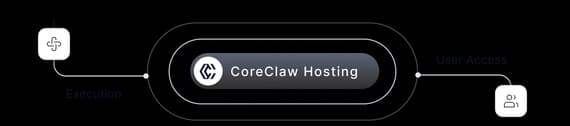
Publish your Worker for free. CoreClaw handles hosting, execution, and user access, so you can start without building a full SaaS product.

Rely on CoreClaw Infrastructure

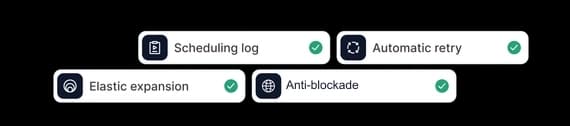
Your Workers run on managed infrastructure with scheduling, logs, retries, and scaling support built in.

Distribution and Billing Included

Reach users through the CoreClaw marketplace. We handle usage tracking, billing, and payouts so you can focus on building better Workers.

#!/usr/bin/env python3
import requests
import json
from typing import Dict, Any, Optional

# API URL
API_URL = "https://openapi.coreclaw.com/api/v1/scraper/run"

# Your API KEY
API_KEY = "<YOUR_API_KEY>"

# Curl timeout (seconds)
TIMEOUT = 30

def run_scraper(params: Dict[str, Any], api_key: str) -> Dict[str, Any]:
    headers = {
        "api-key": api_key,
        "Content-Type": "application/json"
    }

    try:
        # Send POST request
        response = requests.post(
            API_URL,
            headers=headers,
            json=params,
            timeout=TIMEOUT
        )

        # Check HTTP status code
        if response.status_code != 200:
            return {
                "success": False,
                "run_slug": None,
                "error": f"HTTP error: {response.status_code} - {response.text}"
            }

        # Parse response
        result = response.json()

        # Check business error code
        if result.get("code") != 0:
            return {
                "success": False,
                "run_slug": None,
                "error": f"Business error: {result.get("message", "Unknown error")} (code: {result.get("code")})"
            }

        # Return success result
        return {
            "success": True,
            "run_slug": result.get("data", {}).get("run_slug"),
            "error": None
        }

    except requests.exceptions.Timeout:
        return {
            "success": False,
            "run_slug": None,
            "error": f"Request timeout after {TIMEOUT} seconds"
        }
    except requests.exceptions.RequestException as e:
        return {
            "success": False,
            "run_slug": None,
            "error": f"Request error: {str(e)}"
        }
    except json.JSONDecodeError as e:
        return {
            "success": False,
            "run_slug": None,
            "error": f"JSON decode error: {str(e)}"
        }

def main():
    # Build request parameters
    request_params = {
        "scraper_slug": "01KG3VTPJMC1AYPTBPACKQKJBV",
        "version": "v1.0.7",
        "input": {
            "parameters": {
                "system": {
                    "proxy_region": "",
                    "cpus": 0.125,
                    "memory": 512,
                    "execute_limit_time_seconds": 1800,
                    "max_total_charge": 0,
                    "max_total_traffic": 0
                },
                "custom": {
                   "url": [
                       {
                           "url": "https://www.facebook.com/share/p/1K6xfHFkrK/",
                           "comments_sort": "All comments",
                           "limit_records": "",
                           "get_all_replies": ""
                       }
                   ]
               }
            }
        },
        "callback_url": "https://your-domain.com/callback"
    }

    # Send request
    print("Sending request to API...")
    result = run_scraper(request_params, API_KEY)

    # Handle result
    if result["success"]:
        print("Worker run successful!")
        print(f"Run ID: {result['run_slug']}")
        print("You can use this ID to query run status and results")
    else:
        print("Request failed!")
        print(f"Error message: {result['error']}")

if __name__ == "__main__":
    main()
Customer Reviews

Loved by Our Customers

Real feedback from 500+ enterprise customers worldwide

"We used to spend hours manually copying contacts from Google Maps. Now it takes 5 minutes. Collecting contacts and info from Google Maps manually is reduced from hours to minutes, powering cold outreach and saving your team 10+ hours weekly."

Olivia Carter
Olivia Carter
Sales Director
B2B Marketing Agency

"Finally a price tracking tool that works. We monitor ~500 SKUs on Amazon and Taobao. Had some rate limit issues at first, but support sorted it out. Would be great if they add Shopee."

William Clark
William Clark
E-commerce Manager
Cross-border E-commerce

"Not a developer, so building scrapers was always a pain. These Workers are pretty plug-and-play. CSV export fits right into my pipeline. Took a bit to learn the scheduling, but now it just runs."

Daniel Lewis
Daniel Lewis
Data Analyst
Market Research Firm
Compliance Certifications - CCPA, GDPR, ISO 27001:2013
COMPLIANCE

Ethical Web Data Collection

CoreClaw is committed to ethical web data practices. We extract only publicly available information, respect robots.txt and website terms, and maintain transparent data use policies. No personal data collection. No private information access.

FAQ

Frequently Asked Questions