Local lead generation is the process of finding businesses in a specific city, region, or service category that may become customers. For example, an SEO agency may want to find dentists in Austin with weak websites. A reputation management company may look for restaurants with low ratings. A B2B SaaS company may search for local retailers that need better operations software.
The best local lead generation tools do more than collect names. They help teams find real businesses, gather useful contact details, filter prospects, and move qualified leads into a sales workflow.
What Makes a Local Lead Generation Tool Useful?
A useful local lead generation tool should solve three problems.
First, it should help users discover businesses by location and category. Local prospecting usually starts with a search such as “plumbers in Chicago,” “gyms in Miami,” or “real estate agencies in Phoenix.”
Second, it should provide actionable contact data. A business name alone is not enough. Sales teams usually need a website, phone number, email, address, rating, business category, and sometimes social profile links.
Third, it should support prioritization. Not every business is a good lead. A local SEO agency may care about companies with no website. A review management agency may focus on businesses with low ratings or many negative reviews. A web design agency may look for businesses with outdated sites.
Best Local Lead Generation Tools Compared
1.CoreClaw
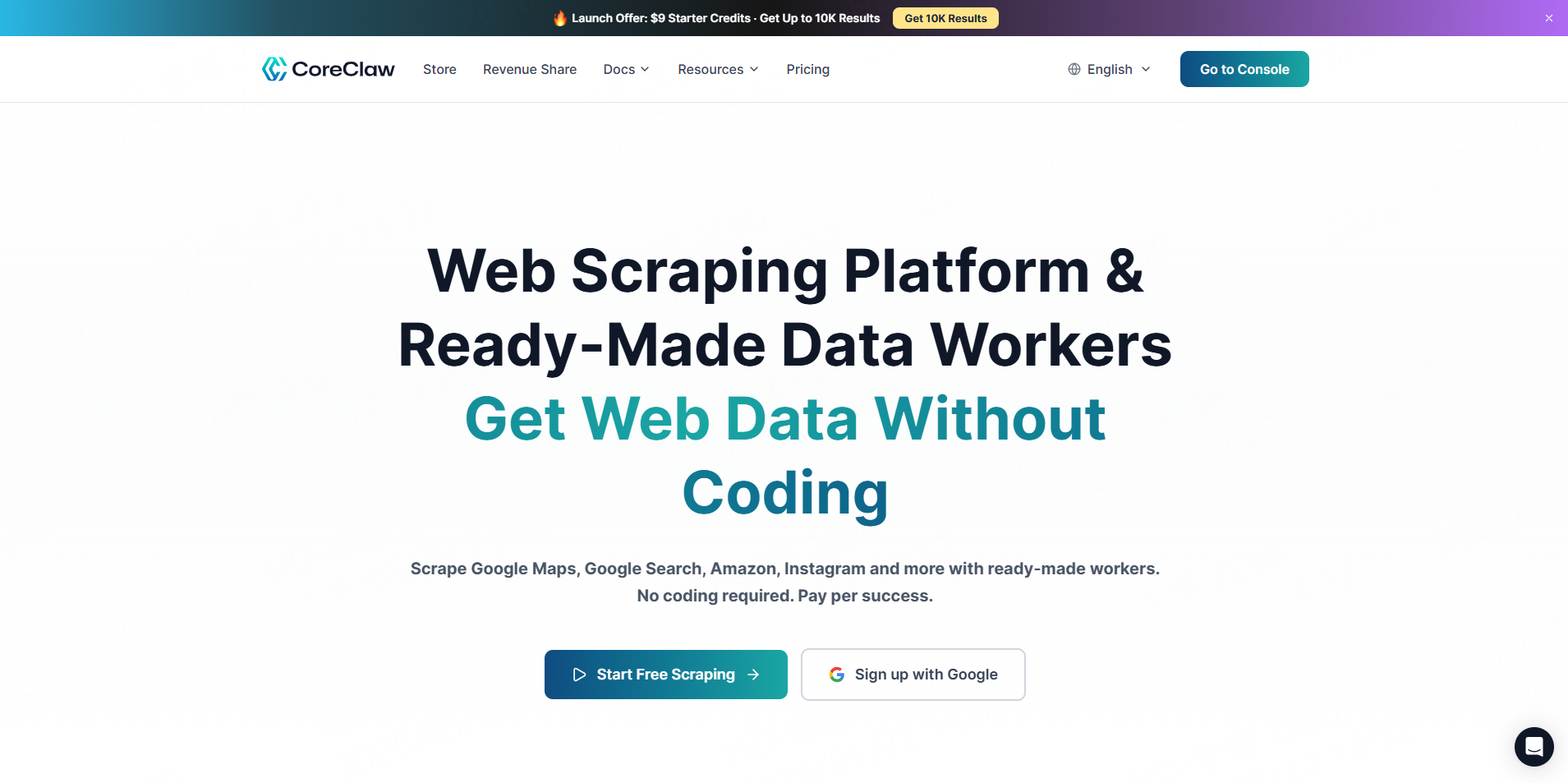
CoreClaw is a practical option for teams that want to collect public local business data without coding. Its Google Maps B2B Leads Generation Scraper allows users to enter keywords and locations to extract business names, phone numbers, websites, addresses, available emails, ratings, reviews, hours, categories, and related fields. Results can be exported in CSV,Excel or JSON, which makes the data easier to use in spreadsheets, CRMs, or analysis workflows.
This makes CoreClaw especially useful for local marketing agencies, SEO consultants, sales development teams, and market researchers. Instead of manually copying business information from Google Maps, users can build local prospect lists faster and filter them by category, rating, status, or contact availability. CoreClaw also supports no-code Workers, API access, and pay-only-for-results positioning, which can fit teams that want flexible data collection without a fixed subscription.
Best for: Google Maps lead lists, local agency prospecting, market research, and no-code public data collection.
2.Apify
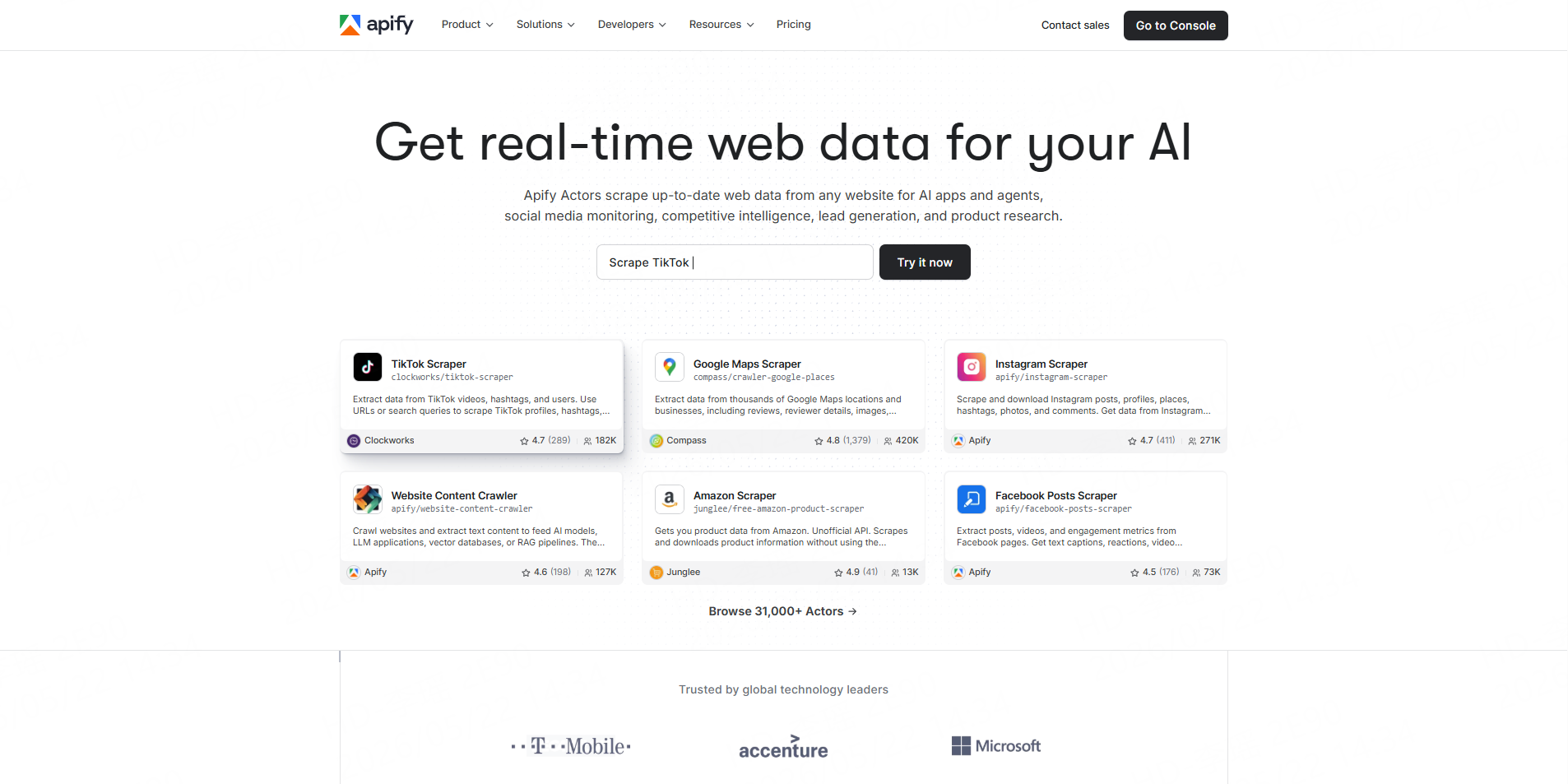
Apify is a cloud platform and marketplace for web data extraction and automation tools called Actors.
For local lead generation, Apify offers Google Maps scraping options that can extract business data by keyword, category, location, URL, coordinates, or other filters. Some Google Maps Actors support fields such as addresses, contact information, opening hours, ratings, prices, menus, and popular times, with export and API workflow options depending on the Actor.
Best for: flexible scraping workflows, technical teams, custom automation, and testing multiple Google Maps scraper options.
3.Bright Data
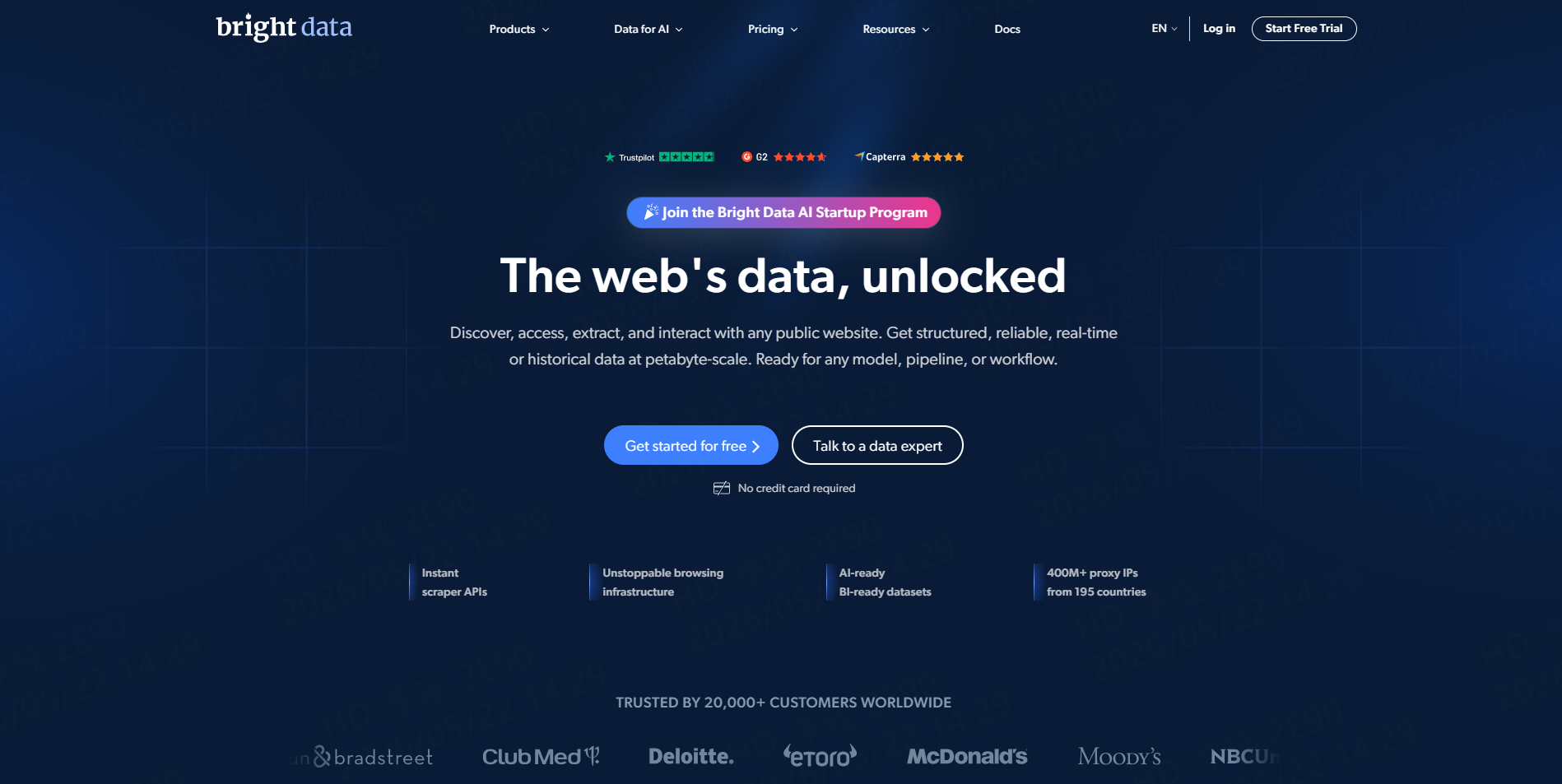
Bright Data is an enterprise-grade web data platform designed for large-scale public web data collection.
For local lead generation, Bright Data offers a Google Maps Scraper API that can return Google Maps data in HTML or JSON and includes proxy management, browser fingerprinting, CAPTCHA solving, and automated retries. This makes it more suitable for developer-led teams or enterprises that need high-volume, API-first data collection rather than a simple no-code workflow.
Best for: enterprise scraping, API-first local data pipelines, large-scale Google Maps data collection, and teams with technical operations support.
4.LinkedIn Sales Navigator
LinkedIn Sales Navigator is useful when the sales process depends on finding specific people, not just businesses. It offers advanced search filters, lead and account insights, CRM integrations, and InMail outreach. LinkedIn describes top Sales Navigator features as advanced search filters, AI-driven account and lead insights, CRM integrations, and direct outreach tools.
For local lead generation, Sales Navigator works best after a business list already exists. For example, a team may first collect local businesses from Google Maps, then use LinkedIn to find owners, managers, founders, or operations leaders.
Best for: finding decision-makers at target companies.
5.Apollo
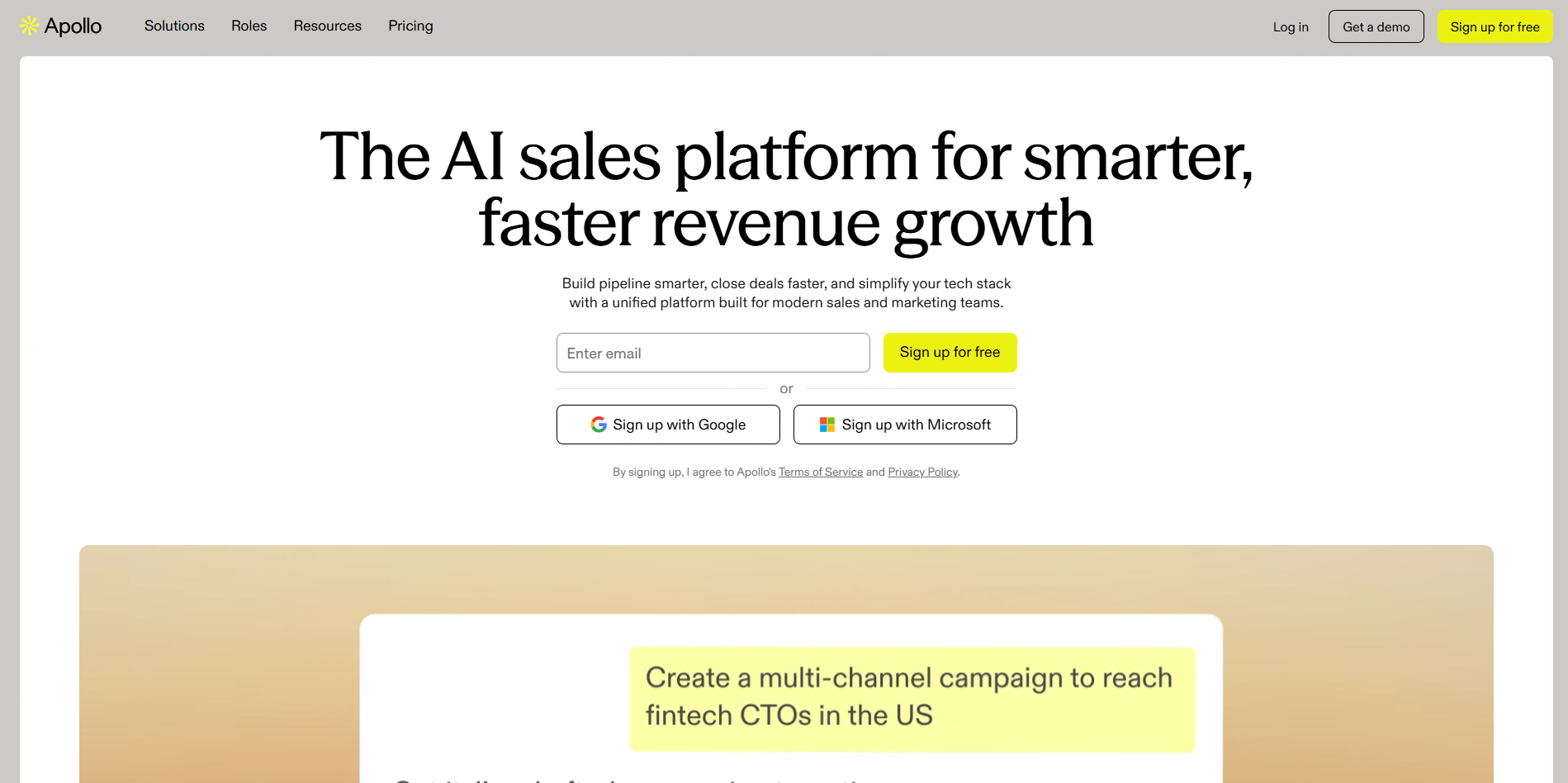
Apollo is a strong fit for teams that want prospecting, contact data, and outbound sales workflows in one platform. Its positioning focuses on B2B prospecting, lead generation, and sales automation.
For local lead generation, Apollo can help enrich company lists, find contacts, and support email sequences. It is often more useful for structured B2B sales teams than for one-off local research.
Best for: outbound sales teams that need contact data plus outreach automation.
6.Hunter
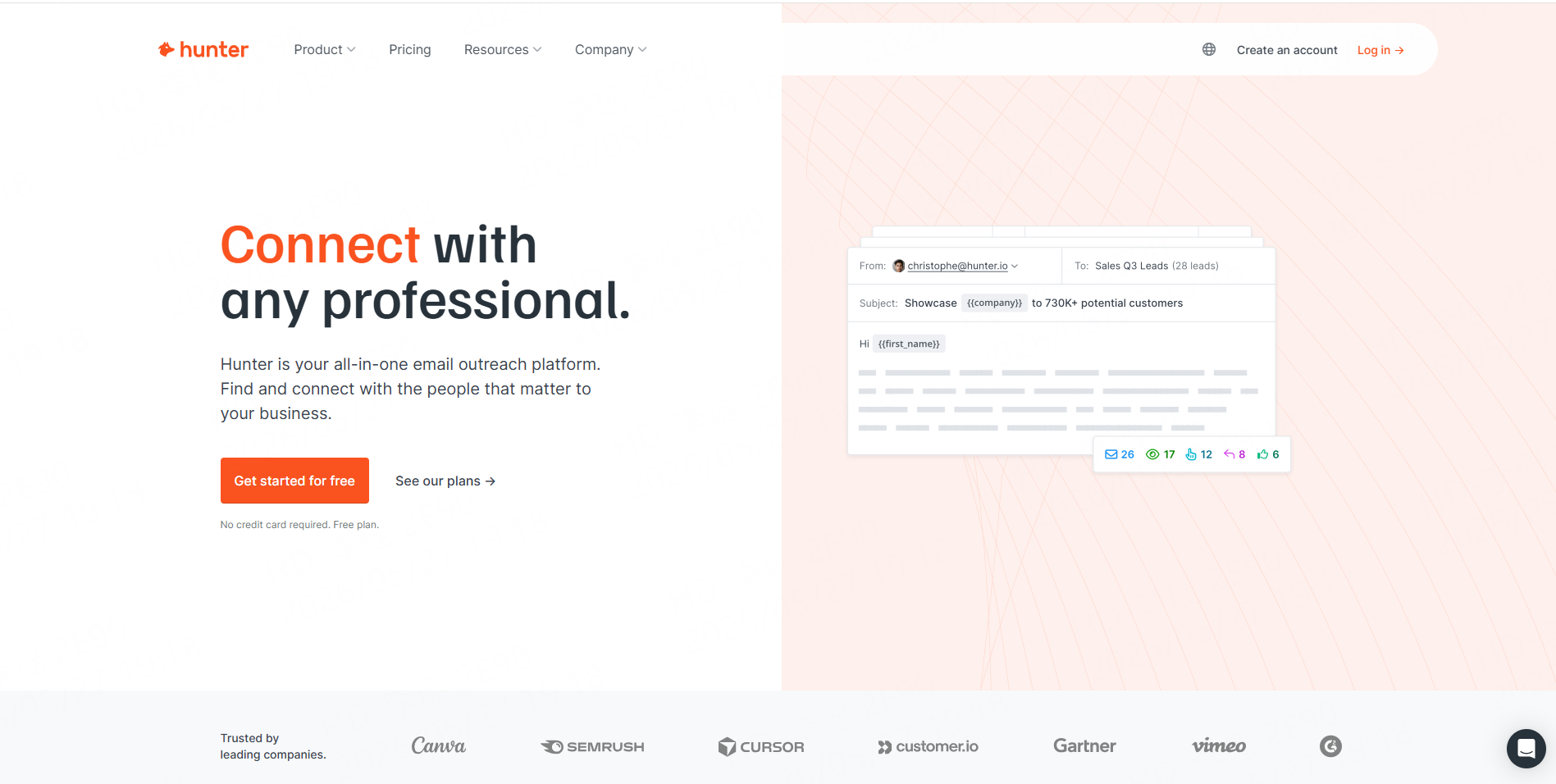
Hunter is useful when a team already has a list of companies but needs better email data. It offers email finding, domain search, email verification, and outreach features. Hunter states that it helps users find, verify, and enrich contact details, and its Email Verifier is designed to reduce bounces and protect sender reputation.
For local prospecting, Hunter can be used after collecting businesses from Google Maps, local directories, or niche websites. It helps turn company records into reachable contacts.
Best for: email discovery, verification, and list cleanup.
7.HubSpot
HubSpot is not mainly a local business discovery tool. It is better for capturing, organizing, and nurturing leads once they enter the funnel. HubSpot’s free marketing and lead generation tools include landing pages, forms, ads, contact management, and reporting dashboards.
For local agencies, HubSpot can work as the system of record. Leads found through CoreClaw, LinkedIn, Apollo, or Hunter can be imported into HubSpot, assigned to sales reps, and tracked through a pipeline.
Best for: CRM, forms, landing pages, and lead management.
8.Local Directories and Review Sites
Local directories, review platforms, chamber of commerce websites, and industry-specific directories can reveal businesses that may not appear in general B2B databases. These sources are useful for niche prospecting, such as restaurants, clinics, contractors, real estate firms, salons, gyms, and local service providers.
The downside is manual work. Many directories are inconsistent, and contact fields may be incomplete. For small research projects, manual review may be enough. For larger projects, a structured data collection workflow is usually more efficient.
Best for: niche market research and local competitor discovery.
Comparison Table
Tool | Best For | Main Strength | Best User Type |
No-code Google Maps lead generation | Ready-made Workers, structured export, pay for successful results | Agencies, sales teams, non-technical users | |
Apify | Flexible scraper marketplace | Many Actors, custom automation, API workflows | Technical teams, growth ops, developers |
Bright Data | Enterprise-scale data collection | Scraping APIs, proxy infrastructure, large-scale structured data | Enterprises, data teams, API-first teams |
LinkedIn Sales Navigator | Finding decision-makers | Professional profiles and account research | B2B sales teams |
Apollo | Sales intelligence and outreach | Contact enrichment, prospecting, outbound workflows | SDR and revenue teams |
Hunter | Email finding and verification | Email discovery and deliverability checks | Outreach teams |
HubSpot | CRM and lead management | Contact management, forms, lead capture, follow-up tracking | Teams managing leads after collection |
A Simple Local Lead Generation Workflow
Start by defining the market. Choose a location, industry, and customer pain point. For example: “dentists in Los Angeles with fewer than 50 reviews,” or “restaurants in Seattle with low ratings.”
Next, collect business data. Using our "Google Maps B2B Leads Generation Scraper," you can extract publicly available business data based on keywords and geographic locations, and subsequently export it for filtering and review.
Before export, the collected data goes through a cleaning and filtering process to help remove irrelevant or low-quality records. As a result, teams can import a more organized lead list directly into their CRM or outreach tools. Add tags such as city, niche, service need, and priority level. This makes follow-up easier and helps teams personalize messages.
Finally, track outcomes. Measure calls, replies, booked meetings, and closed deals. Over time, this shows which cities, categories, and lead signals produce the best results.
Common Mistakes to Avoid
The first mistake is buying generic lead lists. These lists may be outdated, overused, or poorly matched to the offer.
The second mistake is ignoring local intent signals. A company with no website, low ratings, outdated business information, or weak local visibility may be a better prospect than a random business with complete contact data.
The third mistake is sending outreach without verification. Bad email data can increase bounce rates and damage sender reputation. A verification step is especially important before any cold email campaign.
Conclusion
Local lead generation is not just about finding more contacts. It is about building a reliable data workflow that helps teams identify the right local businesses, organize them clearly, and act on them efficiently.
For CoreClaw, this is the core principle behind local lead generation: high-quality leads start with clean, structured, and relevant business data. When teams can collect, filter, and segment local business information properly, outreach becomes more focused, follow-up becomes easier, and sales teams waste less time on poor-fit prospects.
Frequently Asked Questions

Content Writer @CoreClaw · Last Updated 2026-05-27
Lena Kovalenko researches how modern software systems expose and organize information online. Her writing focuses on the interaction between APIs, web platforms, and automated data workflows. When exploring a topic she typically compares multiple tools to understand their design assumptions. These comparisons often lead to articles that help readers see how different technical approaches influence reliability and efficiency.
查看作者资料 →免责声明:CoreClaw 博客上的所有信息均按“原样”提供,仅供参考。对于因您使用 CoreClaw 博客上发布的信息(或通过链接跳转至的任何第三方网站上的信息)而产生的任何后果,CoreClaw 不作任何陈述,亦不承担任何责任。在进行任何数据抓取活动之前,请务必咨询法律顾问,查阅目标网站的服务条款,并在必要时获取许可。