Instagram is one of the most useful public data sources for influencer discovery, brand monitoring, content research, competitor analysis, and social trend tracking. But copying profile details, post captions, Reels metrics, comments, hashtags, and engagement signals by hand is slow and difficult to scale.
An Instagram scraper helps teams collect public Instagram data and convert it into structured formats such as CSV, JSON, or spreadsheet-ready tables. The best tool depends on your workflow: some teams need a no-code scraper, some need an API, some need enterprise infrastructure, and others need clean data they can export directly into research, CRM, or AI workflows.
Quick Comparison of the Best Instagram Scraper Tools
Tool | Best For | Main Strength |
No-code Instagram data workflows | Ready-made Workers, clean export, API, custom Workers | |
Bright Data | Enterprise-scale Instagram scraping | API/no-code scraper and large-scale delivery |
Apify | Flexible scraper marketplace | Instagram Actors, scheduling, API, exports |
Octoparse | Non-technical users | Visual no-code scraping templates |
PhantomBuster | Profile and lead workflows | Profile scraping and CSV exports |
ScrapingBee | Developers | Proxy and browser handling through API |
Zyte | Managed social data projects | API and managed public social data extraction |
Oxylabs | Enterprise scraping infrastructure | Web Scraper API, browser rendering, scheduler |
8 Best Instagram Scraper Tools in 2026
1. CoreClaw
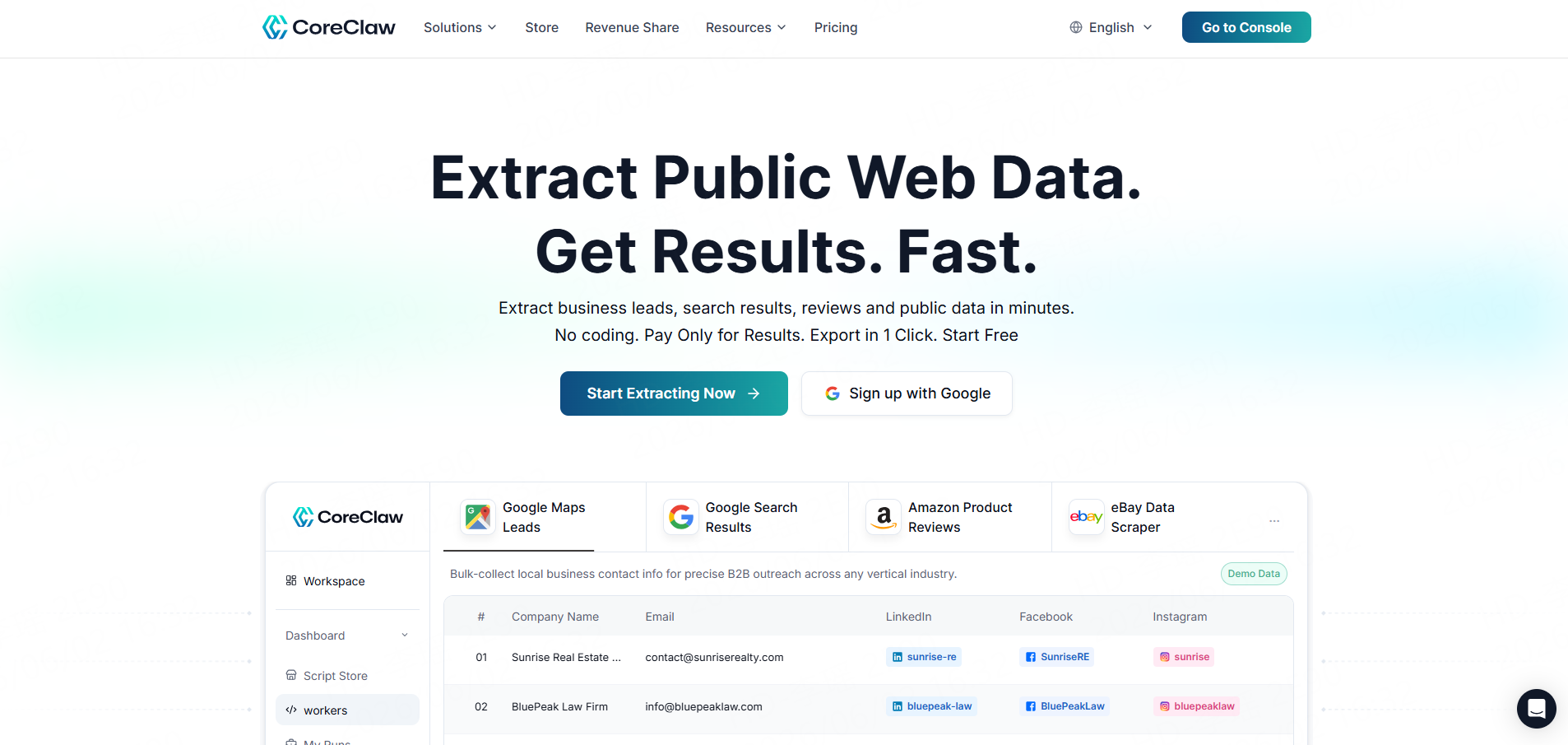
CoreClaw is a web scraping platform built around ready-made data Workers. Instead of building a scraper from scratch, users choose a Worker, enter the required input, run the task, and export structured results.
For Instagram workflows, CoreClaw offers Instagram scraping tools for public profiles, posts, comments, Reels, and hashtag-related content. Its Instagram product page positions these Workers for influencer discovery, brand monitoring, content trend analysis, and structured export.
CoreClaw’s Instagram Post Scraper extracts public post data through URLs, including user information, engagement, and profile details, with one-click CSV/JSON export and batch scraping. Its Instagram Profile Data Scraper supports profile URLs and can export structured results in CSV or JSON, while also supporting API integration and third-party synchronization.
Key Features
- Ready-made Instagram Workers
- No coding required
- Public profile, post, comment, Reel, and hashtag workflows
- CSV and JSON export
- API integration
- Custom Worker option
- Pay only for successful results
Pros
CoreClaw is practical for teams that want cleaned and filtered structured data instead of raw page content. It is especially useful when Instagram data needs to move into spreadsheets, dashboards, influencer lists, AI datasets, or internal research workflows.
Cons
CoreClaw works best when a ready-made Worker matches the target workflow. For highly specific Instagram use cases, teams may need a custom Worker.
Best For
CoreClaw is best for marketers, researchers, ecommerce teams, growth teams, and non-technical users who want Instagram data without managing scraping scripts.
2. Bright Data
Bright Data offers an Instagram scraper for collecting public data such as followers, comments, account details, hashtags, posts, profile data, views, timestamps, likes, and biographies. It supports both API and no-code scraping options and includes bulk request handling.
Key Features
- Instagram Scraper API
- No-code scraper option
- Bulk URL handling
- Multiple output formats
- Enterprise infrastructure
Pros
Bright Data is strong for large-scale Instagram data collection and enterprise workflows.
Cons
It may be more complex than smaller teams need, especially if the goal is a simple spreadsheet-ready dataset.
Best For
Bright Data is best for enterprises and data teams that need large-scale public Instagram scraping.
3. Apify
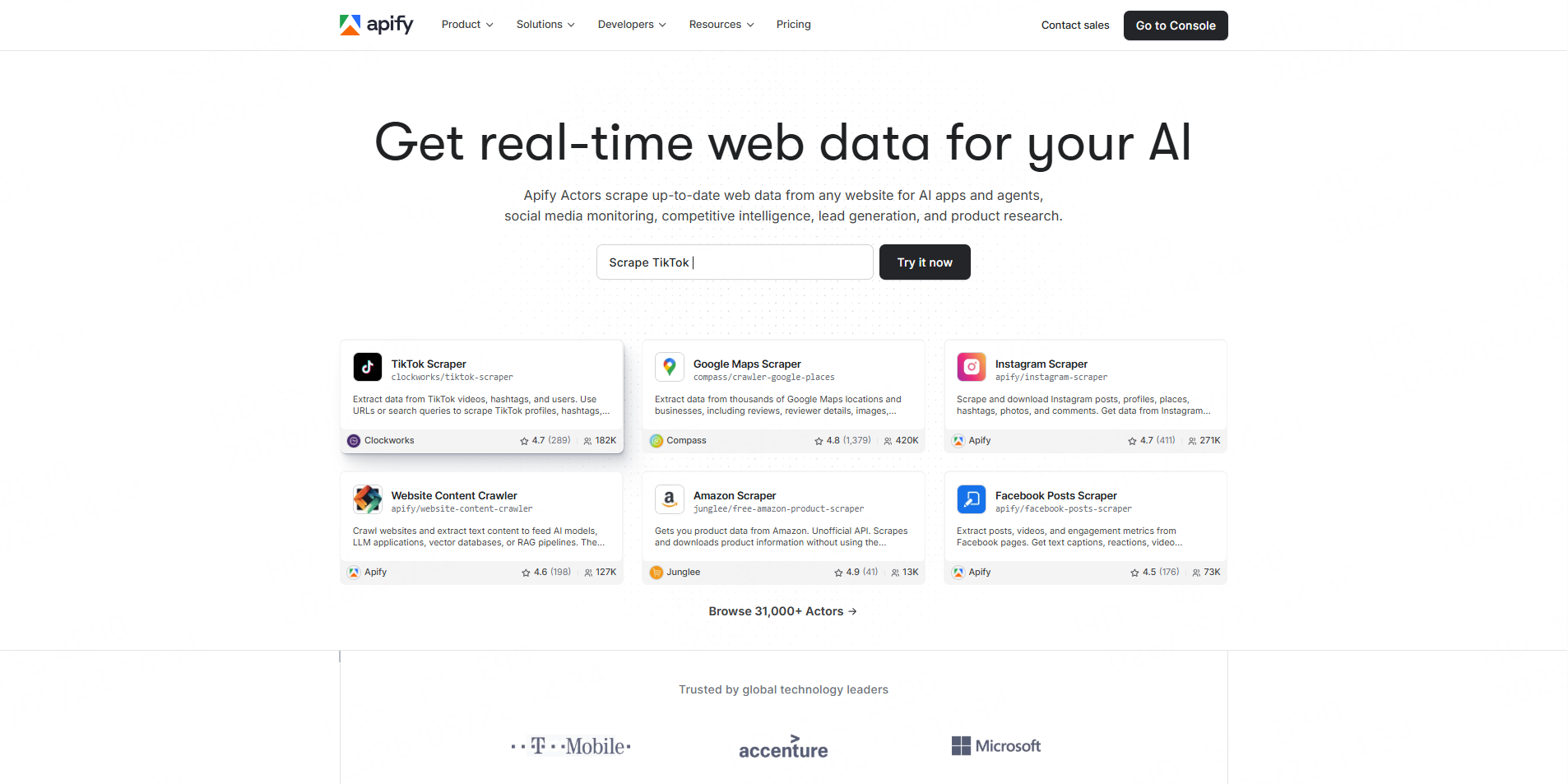
Apify provides an Instagram Scraper Actor that can collect data from Instagram profiles, posts, locations, search results, comments, mentions, hashtags, likes, photos, and Reels. It supports exporting data, running via API, scheduling tasks, monitoring runs, and integrating with other tools.
Key Features
- Instagram Actor marketplace
- API access
- Task scheduling
- Monitoring
- Export options
- Custom automation support
Pros
Apify is flexible. Users can start with a ready-made Actor and later customize workflows if needed.
Cons
Some Actors require testing and configuration, so beginners may face a learning curve.
Best For
Apify is best for technical marketers, developers, and automation teams.
4. Octoparse
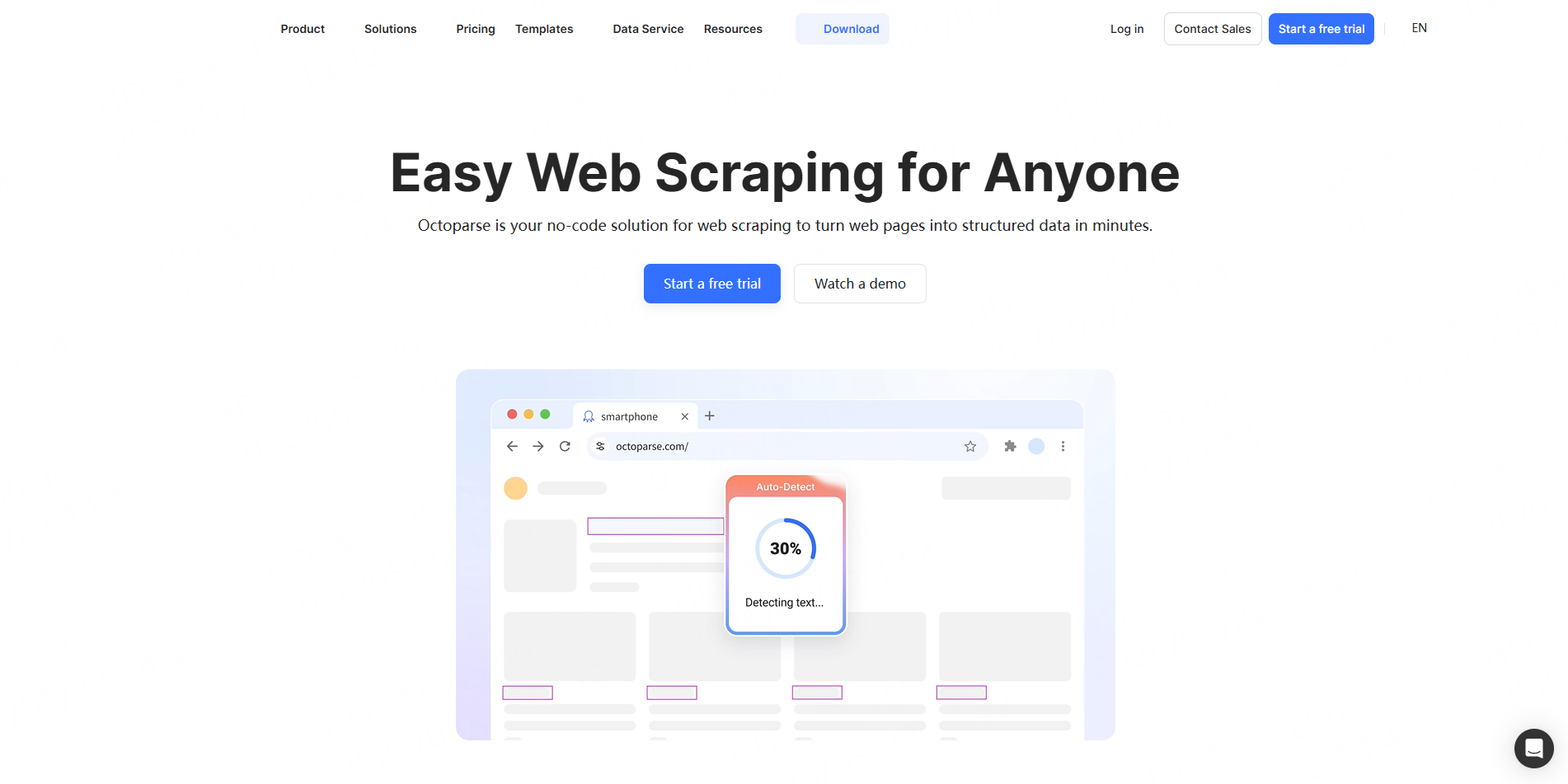
Octoparse is a no-code scraping tool often used by business users who prefer visual workflows. SERP results commonly position Octoparse as a beginner-friendly Instagram scraping option, with point-and-click setup and cloud scraping for users who do not want to code.
Key Features
- No-code scraper builder
- Visual workflow setup
- Cloud scraping
- Prebuilt templates
- Spreadsheet-style export
Pros
Octoparse is easier for non-technical users than developer APIs.
Cons
Complex Instagram workflows may still require testing, adjustments, and workflow maintenance.
Best For
Octoparse is best for users who want a visual no-code scraping interface.
5. PhantomBuster
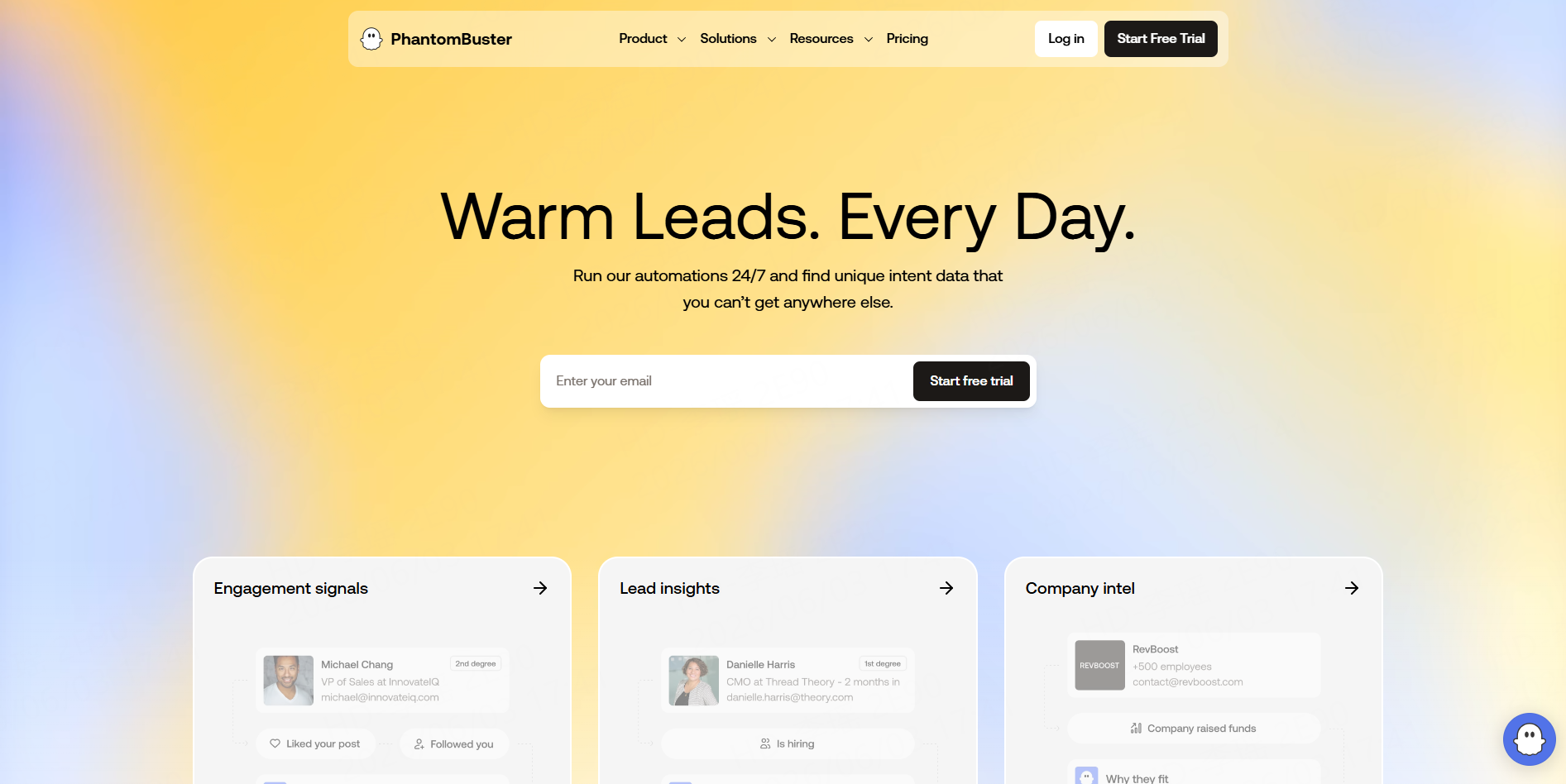
PhantomBuster offers Instagram automation tools such as the Instagram Profile Scraper. Its profile scraper can collect public profile data, including profile picture, username, full name, bio, follower count, following count, mutual followers, post count, and emails when they are publicly listed in bios.
Key Features
- Instagram profile scraping
- CSV-style output
- Public bio data extraction
- Lead research workflows
- Automation sequences
Pros
PhantomBuster is useful for prospecting and influencer research workflows.
Cons
It is more focused on profile and automation workflows than broad Instagram data extraction.
Best For
PhantomBuster is best for sales teams, growth teams, and influencer prospecting.
6. ScrapingBee
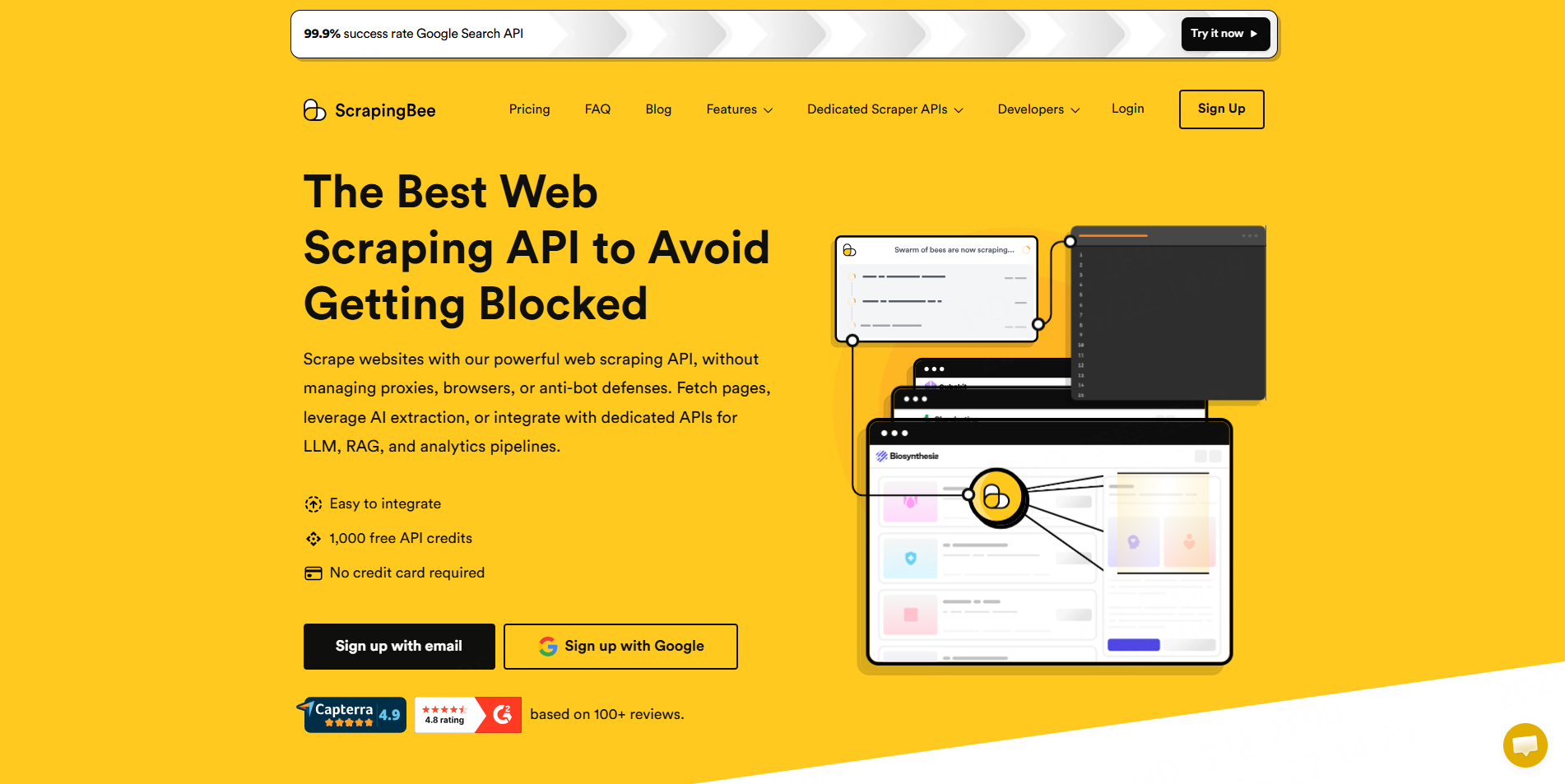
ScrapingBee is a developer-focused web scraping API. It handles proxies, headless browsers, JavaScript rendering, and anti-bot logic, so developers can focus on extraction logic and data processing.
Key Features
- Web scraping API
- Proxy handling
- JavaScript rendering
- Headless browser support
- Backend automation
Pros
ScrapingBee is useful when developers want scraping infrastructure without building proxy and browser systems themselves.
Cons
It is not a ready-made Instagram scraper for business users. Developers still need to build the extraction workflow.
Best For
ScrapingBee is best for developers creating custom Instagram data pipelines.
7. Zyte
Zyte offers social media scraping services and API-based data extraction. Its social media scraping page emphasizes public data only, standardized schemas, managed data extraction, and API-based social data workflows.
Key Features
- Social media scraper API
- Managed data extraction
- Standardized schemas
- Public data focus
- Enterprise support
Pros
Zyte is useful for companies that want managed public social data feeds instead of building everything in-house.
Cons
It may be more service-oriented than what a small team needs for one-off Instagram research.
Best For
Zyte is best for companies that need managed social media data extraction.
8. Oxylabs
Oxylabs provides a Web Scraper API designed to gather public data from websites at scale. Its Web Scraper API supports JavaScript rendering, structured JSON delivery, scheduling, and pay-only-for-successful-results positioning.
Key Features
- Web Scraper API
- JavaScript rendering
- Structured JSON output
- Scheduler for recurring jobs
- Enterprise infrastructure
Pros
Oxylabs is strong for technical teams that need scalable scraping infrastructure.
Cons
It is more API- and infrastructure-oriented than no-code Instagram tools.
Best For
Oxylabs is best for enterprise engineering and data teams.
What Instagram Data Can You Extract?
Common public Instagram data includes:
Data Type | Example Fields |
Profile Data | Username, full name, bio, follower count, website, profile URL |
Post Data | Caption, post URL, publish time, likes, comments, media links |
Reels Data | Reel URL, title, hashtags, views, plays, likes, publish date |
Comment Data | Comment text, commenter, reply data, timestamp, engagement |
Hashtag Data | Hashtag posts, content themes, engagement signals |
Influencer Data | Profile details, audience signals, engagement history |
CoreClaw is especially useful when teams need this data in cleaner, structured outputs before export. Instead of storing messy raw page content, users can work with organized fields that are easier to filter, review, and import into analysis tools.
Final Thoughts
The best Instagram scraper tool in 2026 depends on what your team needs. For CoreClaw users, the main advantage is workflow simplicity. With ready-made Instagram Workers, cleaned and filtered structured outputs, CSV/JSON export, API integration, custom Worker support, and pay-per-success pricing, CoreClaw helps teams turn public Instagram data into usable datasets for influencer discovery, brand monitoring, content research, and market analysis.
Frequently Asked Questions

Content Writer @CoreClaw · Last Updated 2026-06-03
Lena Kovalenko researches how modern software systems expose and organize information online. Her writing focuses on the interaction between APIs, web platforms, and automated data workflows. When exploring a topic she typically compares multiple tools to understand their design assumptions. These comparisons often lead to articles that help readers see how different technical approaches influence reliability and efficiency.
查看作者资料 →免责声明:CoreClaw 博客上的所有信息均按“原样”提供,仅供参考。对于因您使用 CoreClaw 博客上发布的信息(或通过链接跳转至的任何第三方网站上的信息)而产生的任何后果,CoreClaw 不作任何陈述,亦不承担任何责任。在进行任何数据抓取活动之前,请务必咨询法律顾问,查阅目标网站的服务条款,并在必要时获取许可。