TikTok profile data helps marketing and research teams evaluate creators, monitor competitors, build influencer shortlists, and compare content performance. Useful fields can include usernames, bios, follower counts, verification status, total likes, recent videos, engagement metrics, hashtags, and public profile links.
Collecting that information manually becomes inefficient when research covers dozens or hundreds of creators. TikTok profile scraper tools automate the process, but they differ significantly in data depth, no-code usability, export options, and API support.
What Should a TikTok Profile Scraper Collect?
A useful profile scraper should return structured creator information rather than raw webpage content. At minimum, teams may need username, nickname, bio, profile URL, avatar, followers, following, verification status, total likes, and video count.
For influencer and competitor research, video-level data makes the profile record more useful. Metrics such as views, likes, comments, shares, hashtags, music, and publish times help teams evaluate how a creator’s audience responds to actual content.
5 Best TikTok Profile Scraper Tools Compared
Tool | Best For | No-Code | API | Main Strength |
CoreClaw | Creator research | Yes | Yes | Profile + video data |
Apify | Flexible automation | Yes | Yes | Configurable Actors |
Bright Data | Enterprise pipelines | Yes | Yes | Structured API |
Octoparse | Business users | Yes | Yes | Visual workflow |
ScrapeCreators | Developer apps | No | Yes | Social data API |
1. CoreClaw
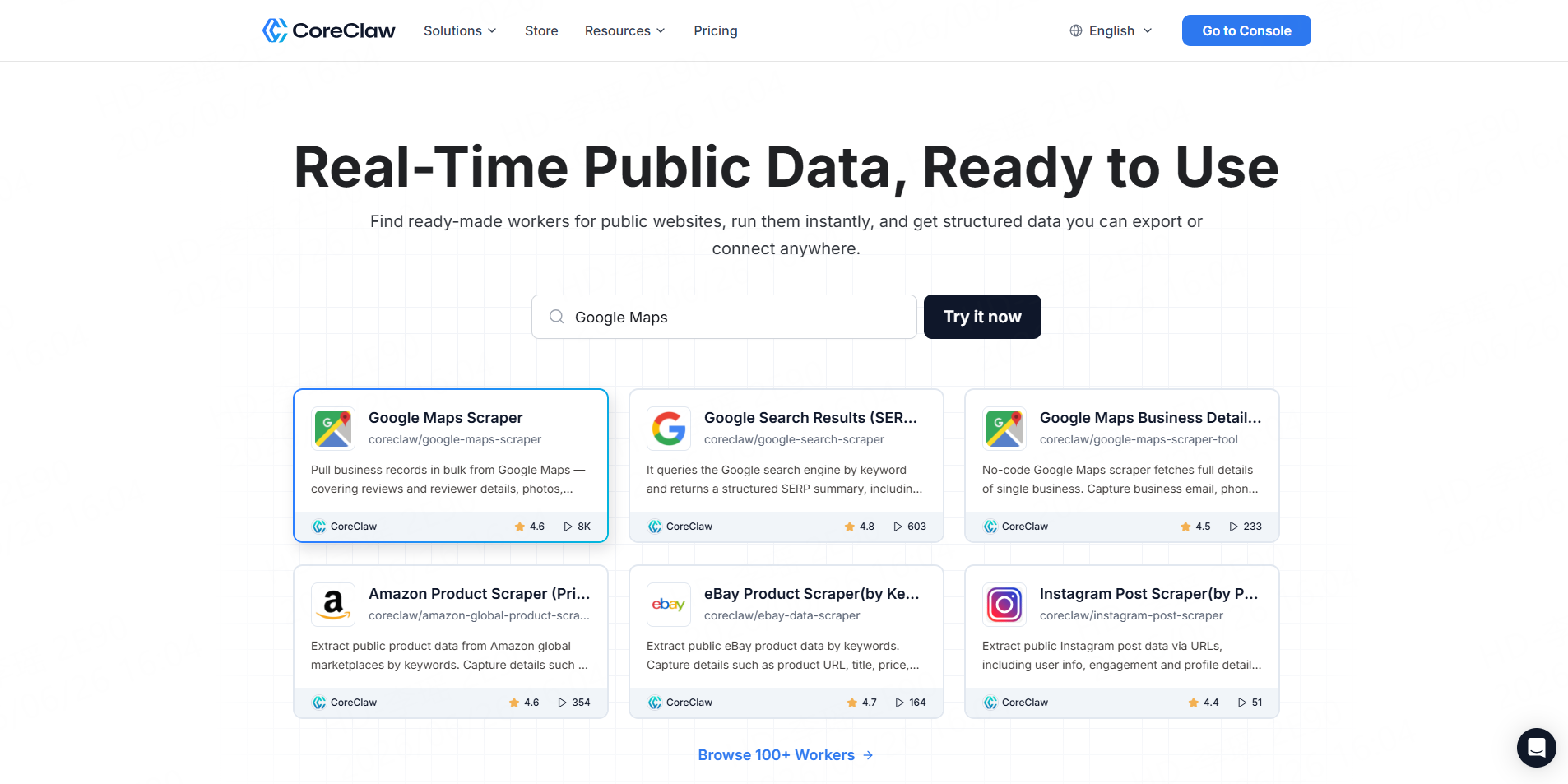
CoreClaw’s TikTok Profile Scraper converts TikTok usernames or user IDs into structured creator and profile-video data. Current output covers creator metadata such as username, nickname, bio, avatar, region, follower and like counts alongside video views, likes, comments, shares, hashtags, music information, mentions, and other public content fields.
Best for: Influencer discovery, competitor monitoring, creator databases, and non-technical teams.
Key features: Bulk account input, no-code runs, multiple sorting options, structured datasets, eight export formats, and REST API integration.
Pros: Ready-made workflow; cleaned and organized output; no independent scraper infrastructure.
Cons: Highly specialized collection logic may require another Worker or a custom implementation.
Use case: Compare a shortlist of creators by profile size, recent content, posting activity, and engagement before campaign outreach.
Teams needing other TikTok datasets can use the CoreClaw TikTok Scraper Store for video, comment, trend, search, and TikTok Shop workflows.
2. Apify
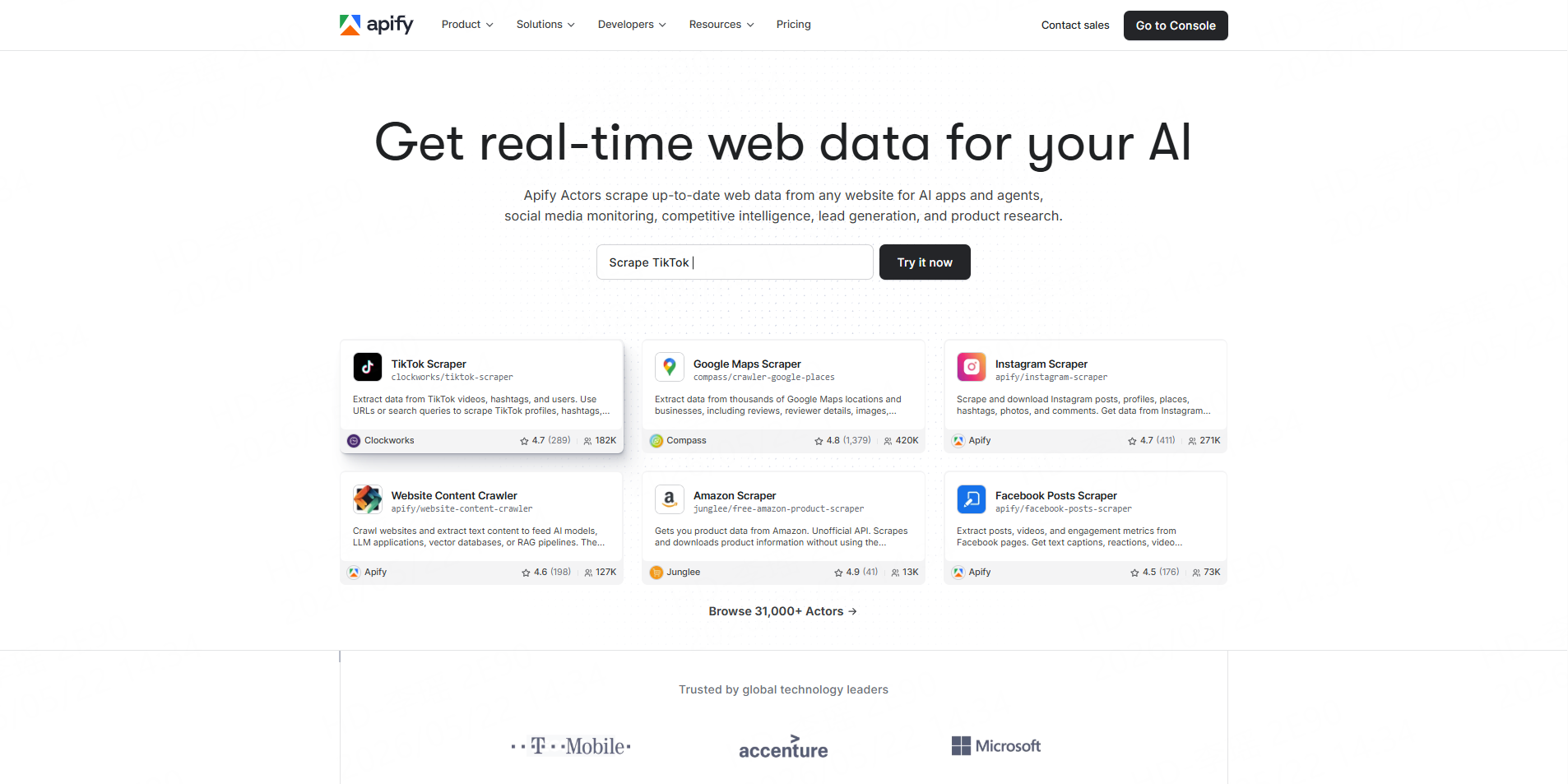
Apify’s TikTok Profile Scraper extracts public profile information and videos posted by selected creators. Its TikTok Actors support structured exports, API execution, scheduling, monitoring, and integrations.
Best for: Technical teams that want configurable cloud automation.
Pros: Flexible Actor ecosystem and scheduling.Cons: More platform configuration than a simple dedicated profile-data workflow.
Use case: Run recurring profile monitoring and send results into an internal data pipeline.
3. Bright Data
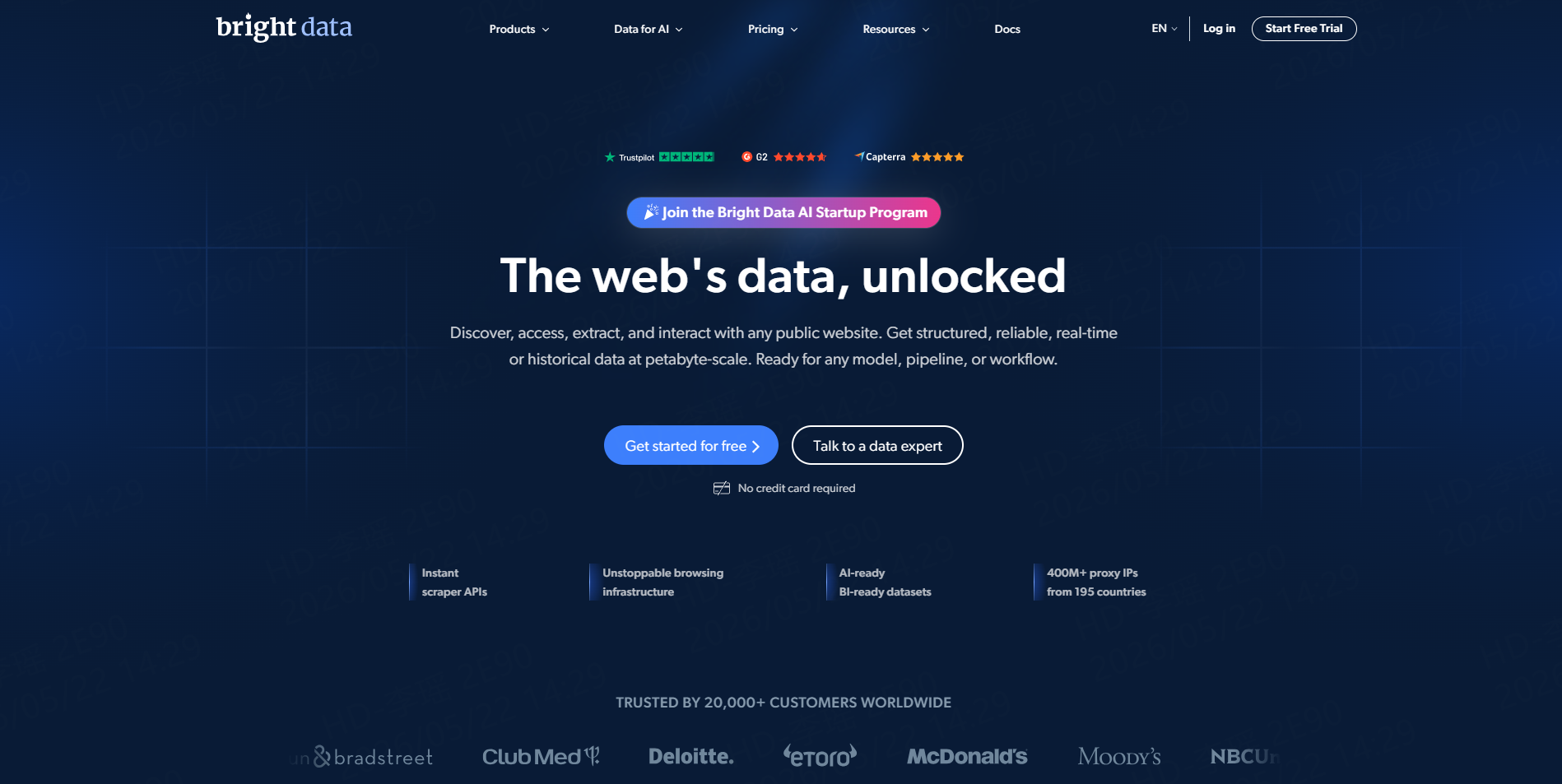
Bright Data provides TikTok Scraper APIs covering public profiles as well as posts, comments, and Shop data. Users can submit supported TikTok URLs and receive structured JSON while the service manages collection infrastructure.
Best for: Enterprises and API-first data teams.
Pros: Dedicated TikTok endpoints and scalable infrastructure.Cons: More infrastructure-oriented than many spreadsheet-based research teams need.
Use case: Feed profile information into a recurring enterprise creator-intelligence system.
4. Octoparse
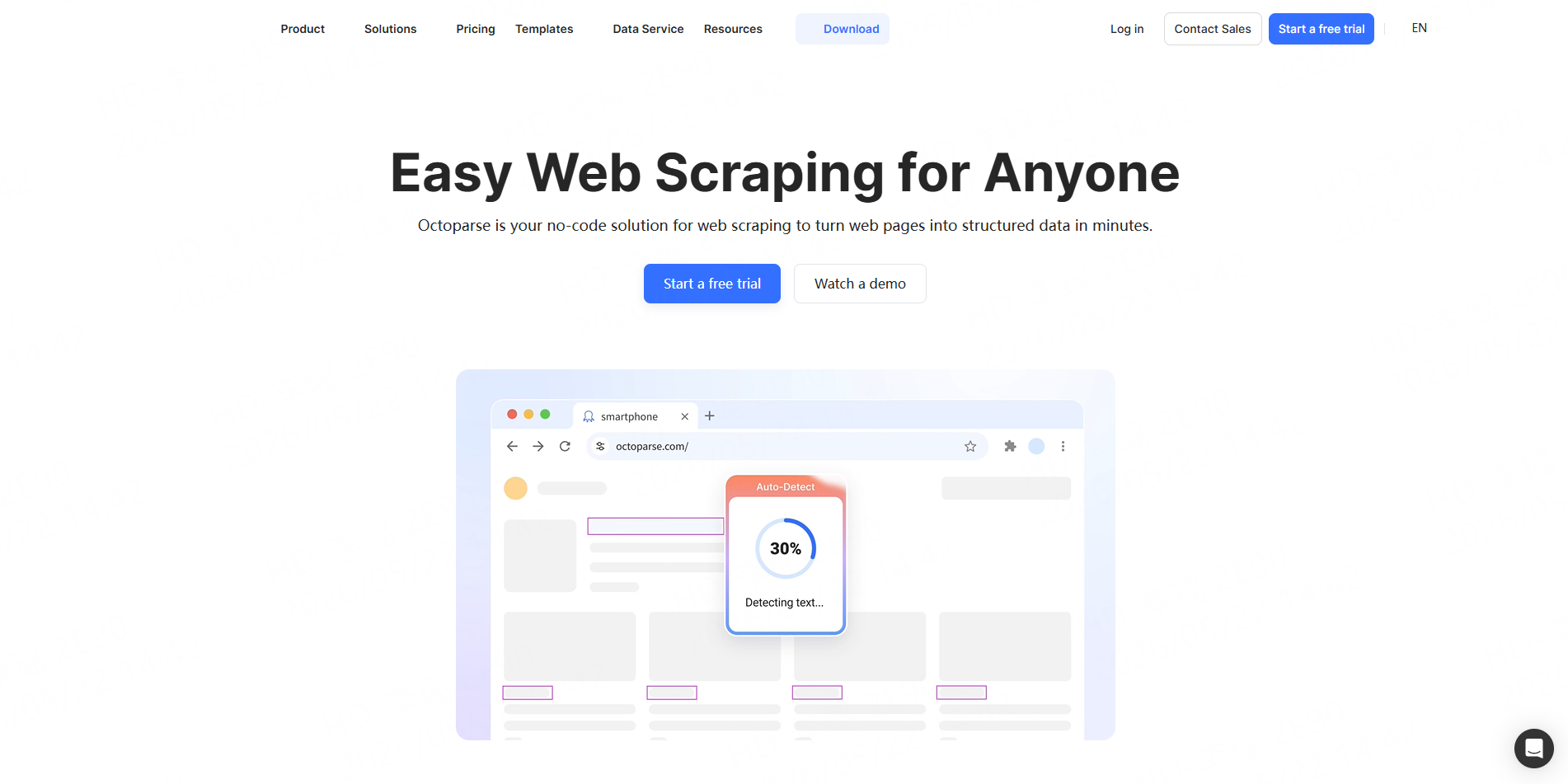
Octoparse provides a pre-built TikTok Profile Scraper template that accepts profile URLs and returns public profile details and video metadata. Its current template supports structured Excel, CSV, and JSON output without requiring users to write scraping scripts.
Best for: Analysts who prefer a visual no-code environment.
Pros: Familiar spreadsheet exports and visual workflows.Cons: Custom extraction workflows can require more setup than a source-specific Worker.
Use case: Collect creator profile information into Excel for manual influencer screening.
5. ScrapeCreators
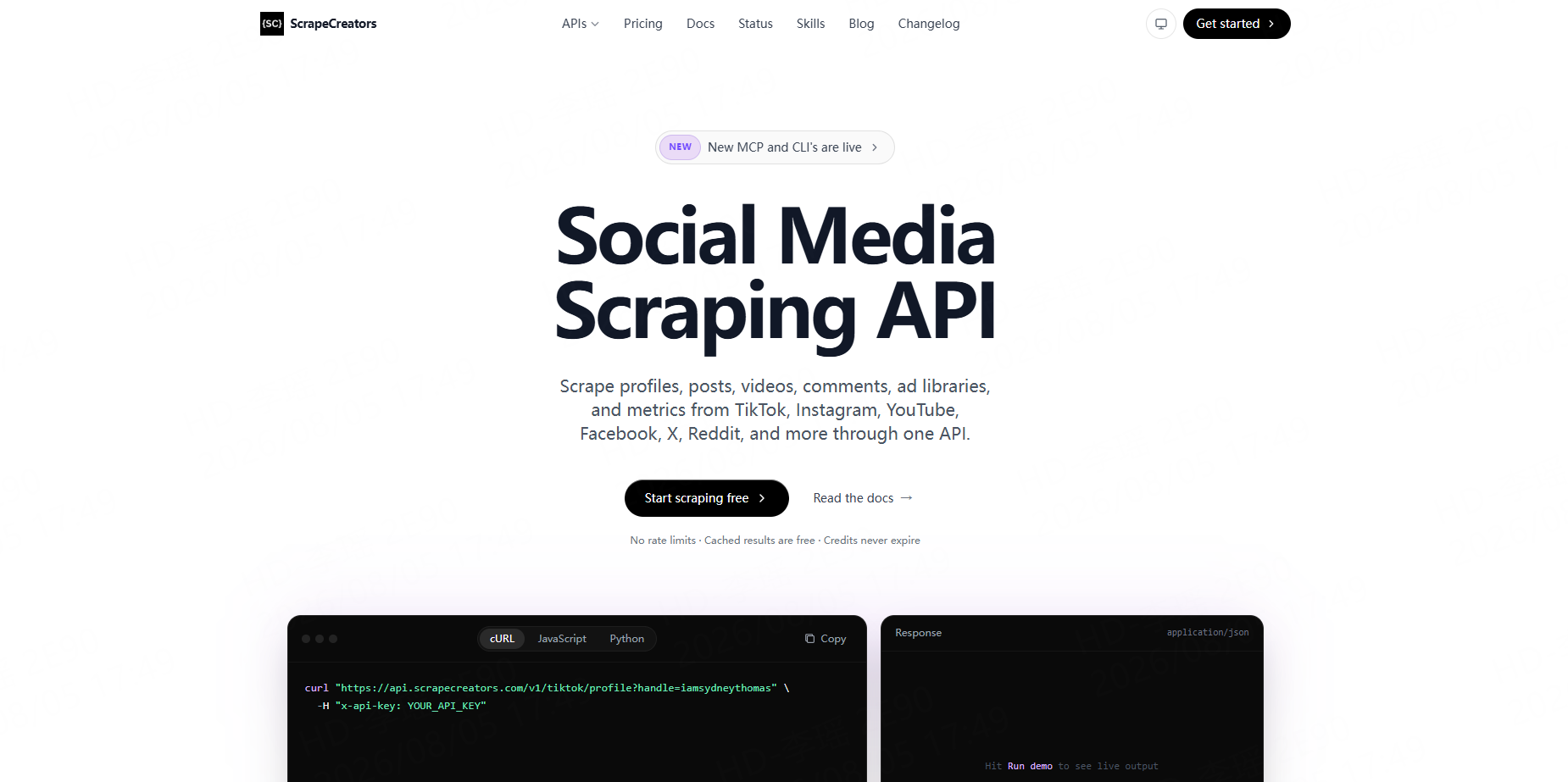
ScrapeCreators provides a developer-focused TikTok API for profiles, posts, metrics, and other public TikTok data. Its current TikTok API exposes multiple endpoints and returns structured JSON responses.
Best for: Developers building social-data products.
Pros: API-first workflow and support for multiple social platforms.Cons: Less suitable for business users who primarily want a downloadable spreadsheet.
Use case: Add TikTok profile intelligence to an existing creator-management application.
Build a TikTok Creator Research Workflow With CoreClaw
Start with a defined creator list and run a small sample through the TikTok Profile Scraper. Keep only profile and engagement fields that matter to the campaign, then clean and filter the results before comparing creators.
For deeper content research, add the TikTok Bulk Video Scraper. Audience research can extend the dataset with the TikTok Comments Scraper.
Recurring workflows can use the CoreClaw API to launch Workers and retrieve or export results programmatically. Developers can also publish custom scraping Workers when a ready-made workflow does not cover a specialized requirement.
Data Quality and Responsible Collection
Follower counts and engagement metrics can change, so important creator decisions should be based on recent data and checked against a sample of original profiles. Teams should also remove unnecessary fields rather than treating every accessible data point as useful.
TikTok provides Research Tools for qualifying non-commercial researchers to access specified public account data. Other collection workflows should likewise be evaluated against current platform requirements, privacy obligations, and the intended use of the dataset.
Conclusion
The best TikTok profile scraper depends on whether a team wants a spreadsheet, configurable automation, or an API pipeline.
With CoreClaw, teams can turn public TikTok creator information into cleaned and structured datasets without building scraping infrastructure, extend profile research with video and comment Workers, and automate recurring workflows through an API. Applicable usage follows pay-only-for-successful-results pricing, while custom and developer-published Workers support more specialized requirements.
Frequently Asked Questions

Content Writer @CoreClaw · Last Updated 2026-08-11
Lena Kovalenko researches how modern software systems expose and organize information online. Her writing focuses on the interaction between APIs, web platforms, and automated data workflows. When exploring a topic she typically compares multiple tools to understand their design assumptions. These comparisons often lead to articles that help readers see how different technical approaches influence reliability and efficiency.
查看作者资料 →免责声明:CoreClaw 博客上的所有信息均按“原样”提供,仅供参考。对于因您使用 CoreClaw 博客上发布的信息(或通过链接跳转至的任何第三方网站上的信息)而产生的任何后果,CoreClaw 不作任何陈述,亦不承担任何责任。在进行任何数据抓取活动之前,请务必咨询法律顾问,查阅目标网站的服务条款,并在必要时获取许可。