A TikTok profile downloader can mean two different things. Some tools are designed to save public profile pictures or videos. Others help users download structured profile data such as bios, follower counts, engagement metrics, video records, hashtags, and creator information.
For influencer discovery, competitor research, creator analysis, and market research, structured data is usually more useful than simply saving media files. This guide compares five TikTok profile downloader tools and explains which option fits data research, agency audits, automation, or media downloads.
What Does a TikTok Profile Downloader Actually Download?
Before choosing a tool, decide whether you need media files or structured data.
A media downloader usually saves public profile pictures or videos. A data-focused downloader turns public TikTok information into organized records that can be filtered, compared, opened in Excel, or connected to another workflow.
For example, CoreClaw’s TikTok Profile Data Scraper is designed for structured creator research rather than simply downloading videos. Users can enter TikTok usernames or user IDs and collect profile and video information in a format that is easier to analyze.
Teams that need other types of TikTok data can also browse the CoreClaw TikTok Scraper Store for ready-made Workers covering profiles, videos, comments, trends, search results, and TikTok Shop data.
5 Best TikTok Profile Downloader Tools Compared
Tool | Best For | Main Output | Bulk Use |
CoreClaw | Creator research | Structured profile + video data | Yes |
Octoparse | No-code data export | Excel, CSV, JSON | Yes |
Apify | Automated pipelines | Structured datasets | Yes |
TokPortal | Agency audits | Profile assets + stats | Yes |
ClipsSaver | Saving public videos | Video files | Profile-based |
1. CoreClaw
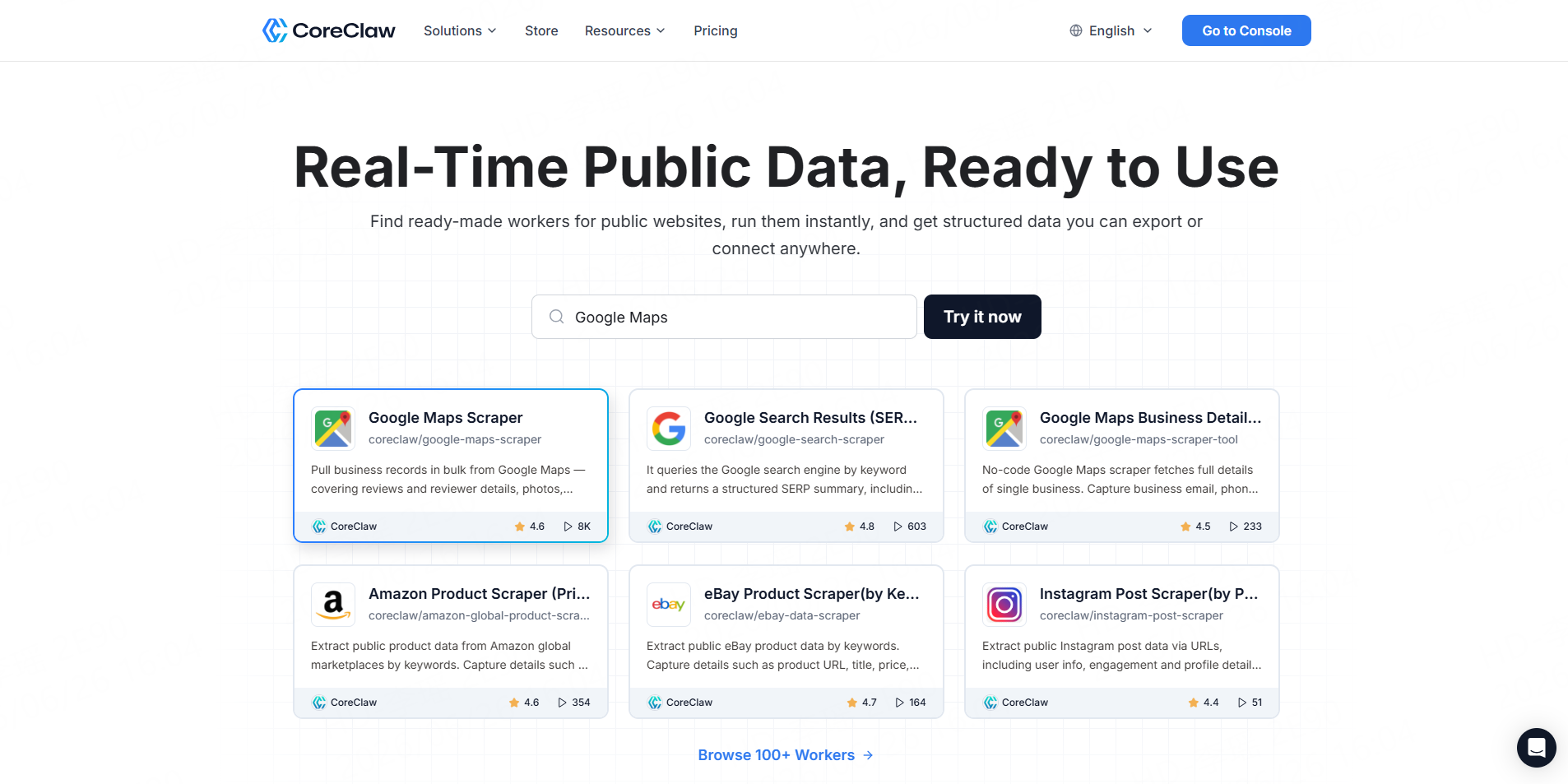
CoreClaw is the strongest fit when “download a TikTok profile” means downloading usable creator data rather than only saving media files.
The TikTok Profile Data Scraper accepts multiple usernames or user IDs and collects structured public creator information together with video-level data.
Depending on the available public data and Worker configuration, results can include creator metadata, follower and engagement information, video statistics, hashtags, music details, timestamps, and related fields.
CoreClaw results can also be exported into structured formats that are easier to use for spreadsheets, databases, research workflows, or internal tools.
Best for: Influencer discovery, competitor monitoring, creator databases, and marketing research.
Pros:
- No coding required
- Supports bulk creator inputs
- Structured profile and video data
- Spreadsheet and structured export options
- API workflow available
- Pay only for successful results
Cons:CoreClaw is primarily designed for data extraction and research. Users who only want to save MP4 videos may prefer a dedicated media downloader.
For teams that need deeper content analysis after identifying creators, the TikTok Bulk Video Scraper can add video descriptions, hashtags, views, likes, comments, shares, audio information, and other public post-level fields.
2. Octoparse
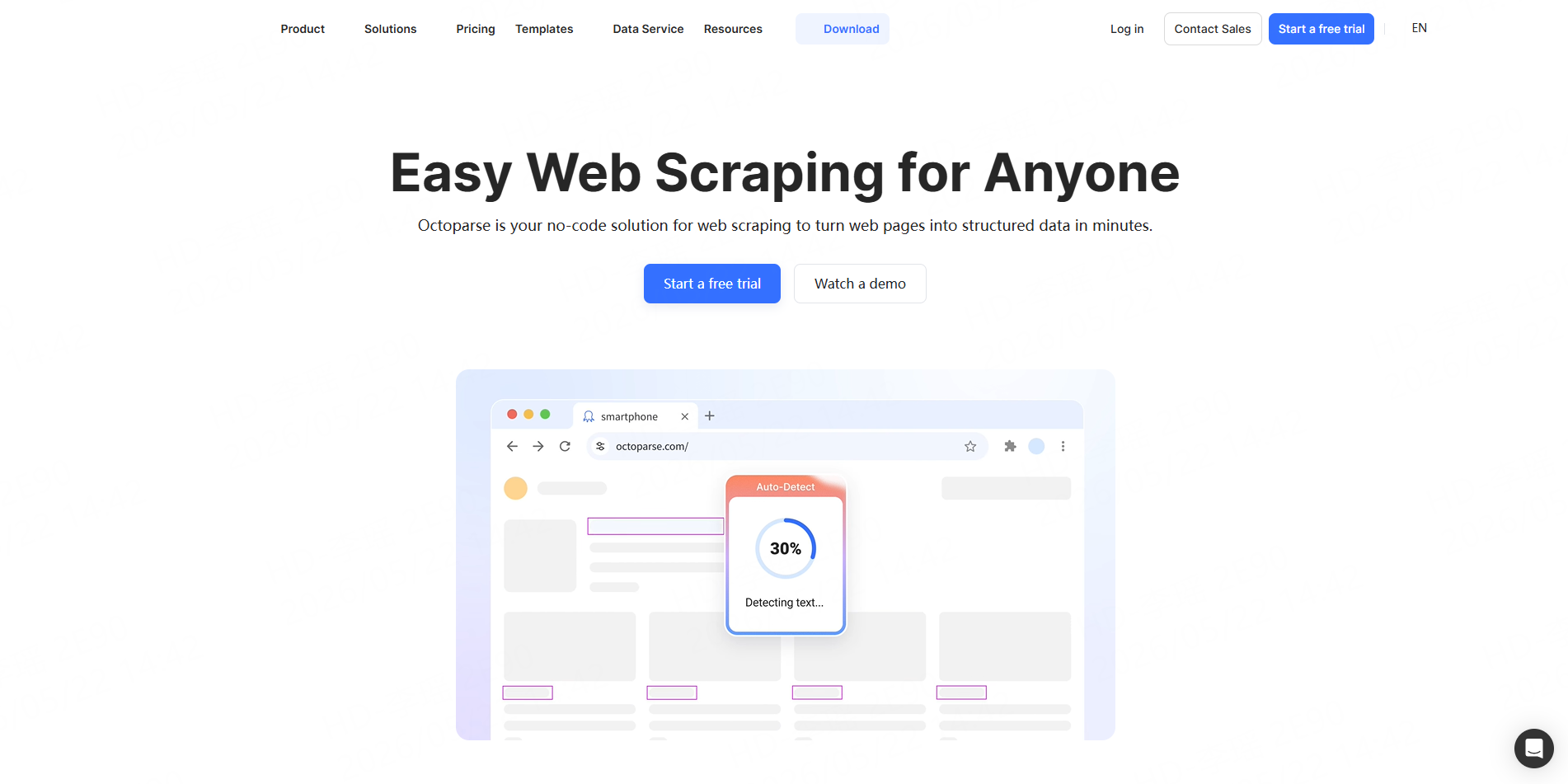
Octoparse provides a pre-built TikTok Profile Scraper template for users who prefer a visual no-code scraping environment.
Users can provide public TikTok profile URLs and extract profile information and video metadata into spreadsheet-friendly formats such as Excel, CSV, or JSON.
Best for: Analysts and business users who prefer visual scraper configuration.
Pros:
- No-code interface
- Spreadsheet-friendly exports
- Pre-built TikTok templates
- Suitable for recurring data collection
Cons:Octoparse is a general-purpose scraping platform. Users who only need one ready-made TikTok profile dataset may have to work through more platform configuration than with a dedicated Worker.
3. Apify
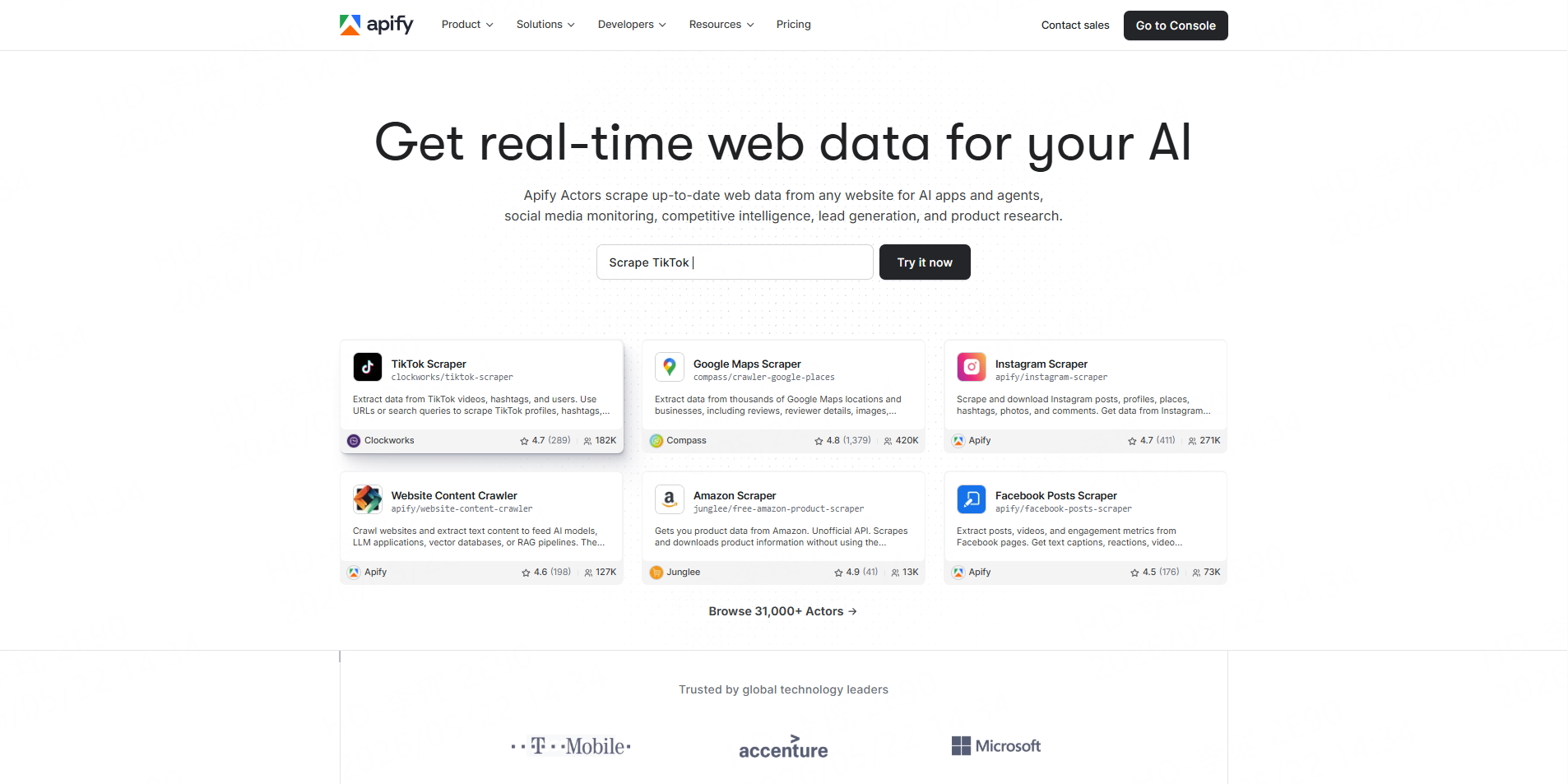
Apify offers TikTok scraping tools through its Actor marketplace. Its TikTok profile workflows can collect public creator and post data and store the results in structured datasets.
Apify is particularly useful when TikTok profile collection needs to run on schedules or connect to developer-controlled automation.
Best for: Developers, data teams, and growth operations.
Pros:
- API support
- Scheduling
- Multiple export formats
- Large scraper marketplace
- Flexible automation
Cons:Using Actors, storage, schedules, and integrations can introduce a learning curve for non-technical business users.
Teams comparing broader TikTok scraping platforms rather than profile downloaders alone can also read CoreClaw’s Best TikTok Scraper for Video and Profile Data guide.
4. TokPortal
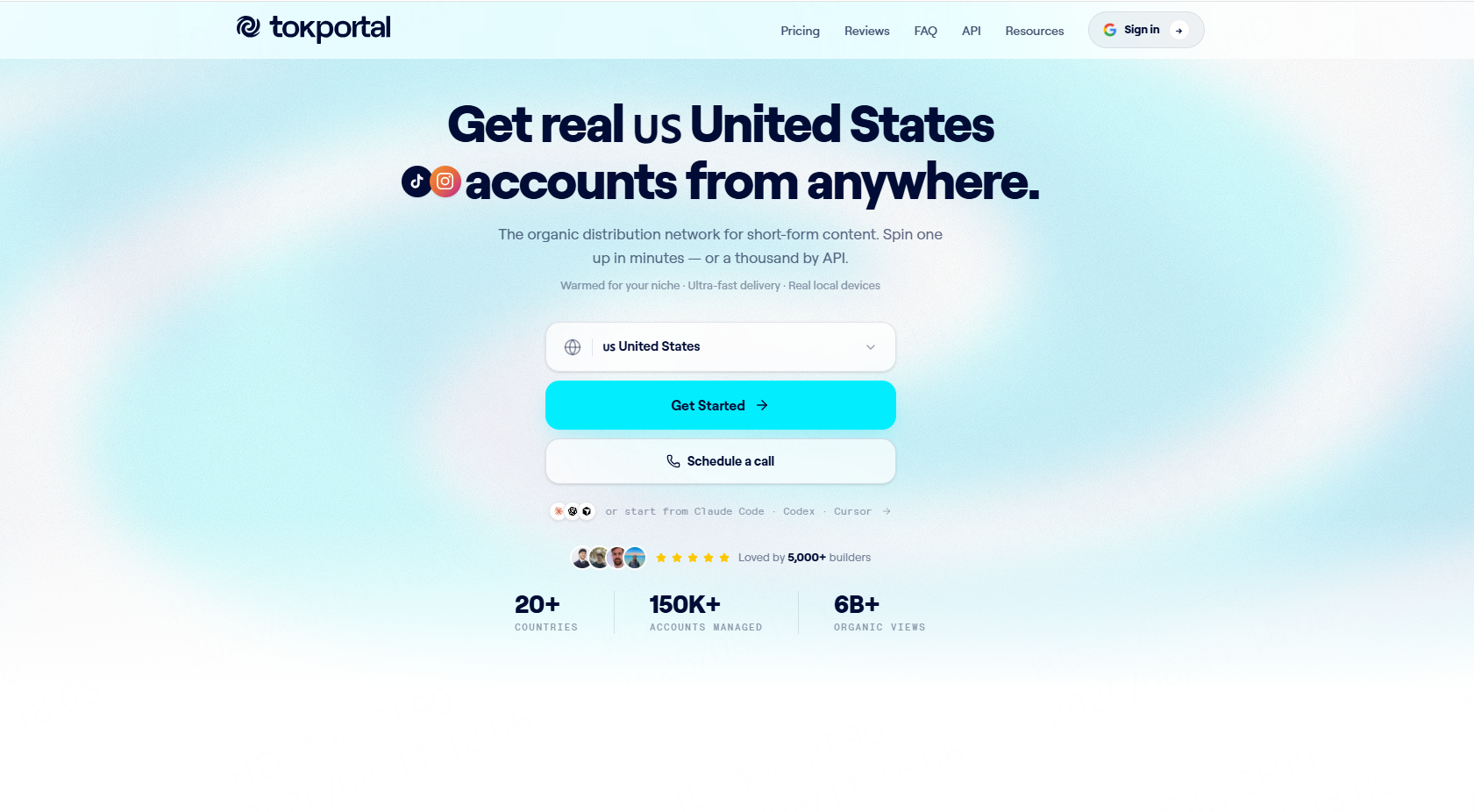
TokPortal approaches profile downloading from an agency and creator-audit perspective.
Its workflow combines public TikTok profile information with creator statistics and audit-oriented fields. This can be useful when an agency wants to review creators before outreach or campaign selection.
Best for: Influencer marketing agencies and creator audits.
Pros:
- Creator-focused workflow
- Combines profile information with statistics
- Useful for campaign screening
Cons:TokPortal is more focused on creator audits than general-purpose structured TikTok data extraction.
For agencies that need to go beyond profile metrics and understand audience response, profile research can be combined with a TikTok Comments Scraper to study publicly available comments, likes, replies, and discussion patterns from selected videos.
5. ClipsSaver
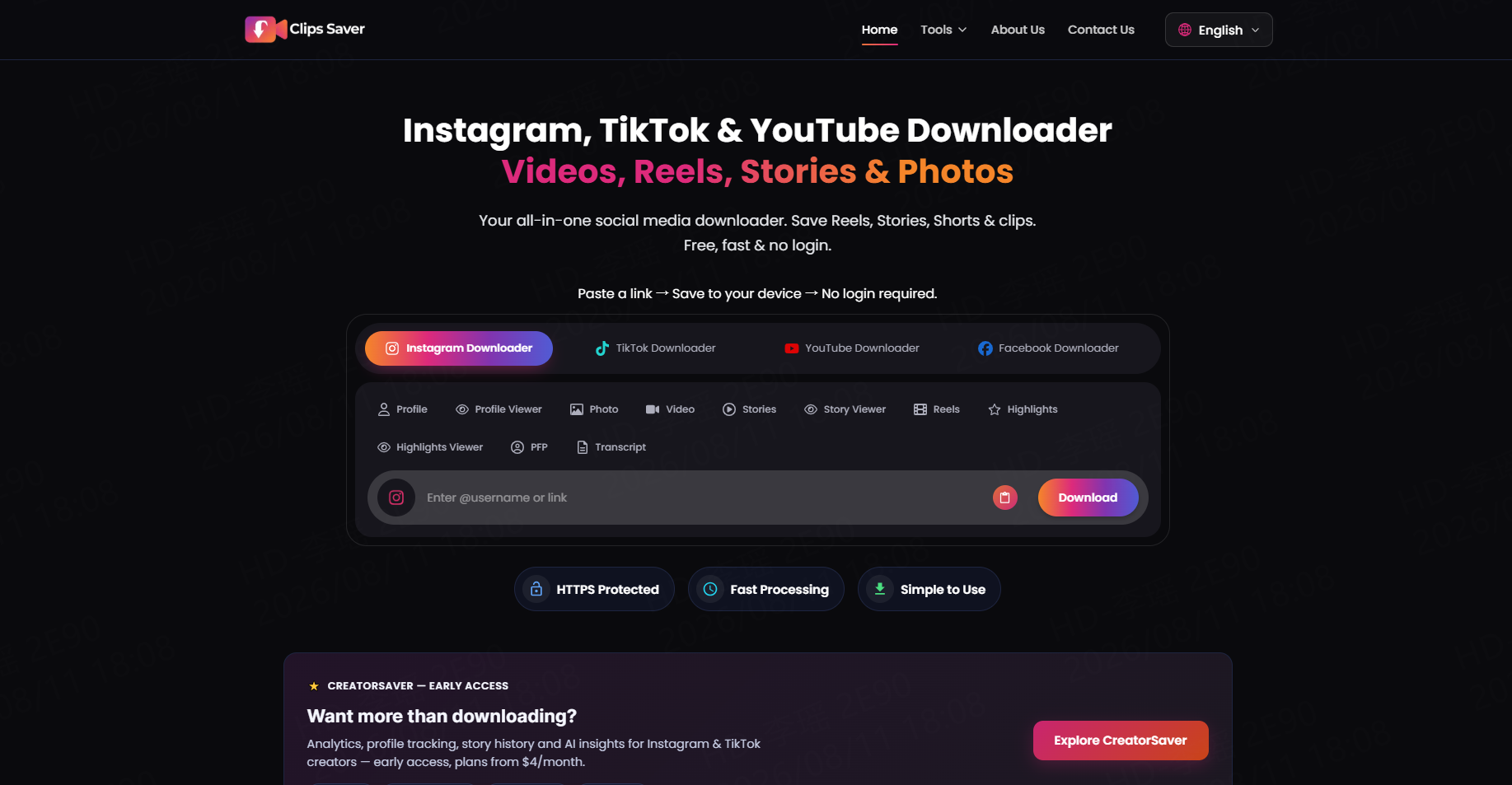
ClipsSaver represents the other meaning of “TikTok profile downloader.”
Instead of exporting profile statistics to a dataset, it focuses on browsing videos associated with a public profile and saving selected media files.
Best for: Users who primarily want public TikTok video files.
Pros:
- Browser-based
- Simple media workflow
- No profile analytics setup required
Cons:It is not designed for structured creator research, CSV analysis, influencer databases, or recurring data pipelines.
Which Type of TikTok Profile Downloader Do You Need?
The best choice depends on what you want to do after the download.
Choose CoreClaw, Octoparse, or Apify when you need structured profile information for research and analysis.
Choose TokPortal when the main goal is agency-style creator evaluation.
Choose ClipsSaver when you simply need to save publicly available video files.
For influencer or market research, structured data is usually more flexible because it can be filtered by creator, audience size, engagement, recent video performance, or other signals before a shortlist is created.
How to Download TikTok Profile Data With CoreClaw
A no-code workflow with CoreClaw can be completed in a few steps.
Step 1: Open the TikTok Profile Worker
Go to the TikTok Profile Data Scraper and prepare the TikTok usernames or user IDs you want to research.
For a larger TikTok research project, the TikTok Scraper Store can help you choose additional Workers based on the data source.
Step 2: Add Creator Inputs
Enter one or multiple supported TikTok accounts.
Start with a small test instead of immediately processing a large creator list. This makes it easier to confirm whether the available fields match the research objective.
Step 3: Review the Structured Results
Check fields such as creator information, follower metrics, public video records, engagement data, hashtags, and other available profile information.
Remove fields that are not relevant to the project.
Step 4: Clean and Filter the Dataset
A downloadable dataset should not automatically become a final prospect or creator list.
Teams can remove duplicates, exclude irrelevant creators, filter by target criteria, and organize the remaining records before export.
For example, an influencer research team might filter creators by region, follower range, recent posting activity, or engagement indicators.
Step 5: Export the Profile Data
Export the cleaned results into the format that fits the next step.
Spreadsheet formats are useful for manual analysis and creator shortlists. JSON-style formats are better for databases, applications, or automated workflows.
If the same process needs to run repeatedly, the CoreClaw API Integration can connect Worker runs and results with internal systems instead of requiring repeated manual exports.
Combine Profile Data With Videos and Comments
Profile statistics provide only one layer of creator research.
A more complete workflow combines:
Profile → Videos → Audience Response
Start with the TikTok Profile Data Scraper to identify relevant creators.
Next, use the TikTok Bulk Video Scraper to compare public content performance.
Then use the TikTok Comments Scraper when audience reactions, questions, complaints, or discussion themes are important.
This approach gives teams a cleaner research dataset than relying on follower count alone.
Responsible Use of Public TikTok Profile Data
TikTok profile research should focus on publicly accessible information that is necessary for the project.
Private, restricted, or unnecessary sensitive information should not be treated as ordinary research data. Organizations should also review current platform requirements, privacy obligations, and applicable laws before running large or recurring collection workflows.
Public metrics can change over time, so important creator or commercial decisions should include sample checks against the original TikTok profiles.
Conclusion
The best TikTok profile downloader depends on what you mean by “download.”
If you only need video files, a media downloader may be sufficient. If the goal is influencer research, competitor analysis, or creator intelligence, structured profile data is usually more valuable.
With CoreClaw, teams can use the TikTok Profile Data Scraper to collect public creator and video information without building scraping infrastructure, clean and filter the results before export, and connect recurring projects through an API.
Related TikTok scraping Workers can extend the same workflow to videos, comments, search, trends, and commerce data. Applicable Workers follow CoreClaw’s pay-only-for-successful-results pricing, helping teams align usage with successfully produced data.
Frequently Asked Questions

Content Writer @CoreClaw · Last Updated 2026-08-11
Lena Kovalenko researches how modern software systems expose and organize information online. Her writing focuses on the interaction between APIs, web platforms, and automated data workflows. When exploring a topic she typically compares multiple tools to understand their design assumptions. These comparisons often lead to articles that help readers see how different technical approaches influence reliability and efficiency.
查看作者资料 →免责声明:CoreClaw 博客上的所有信息均按“原样”提供,仅供参考。对于因您使用 CoreClaw 博客上发布的信息(或通过链接跳转至的任何第三方网站上的信息)而产生的任何后果,CoreClaw 不作任何陈述,亦不承担任何责任。在进行任何数据抓取活动之前,请务必咨询法律顾问,查阅目标网站的服务条款,并在必要时获取许可。