TikTok profiles and videos contain useful public signals for creator discovery, competitor research, campaign planning, trend analysis, and social media monitoring. However, manually opening profiles and copying follower counts, captions, hashtags, views, likes, and video URLs becomes impractical once a project covers more than a few creators.
A TikTok scraper automates this work by collecting public page information and converting it into structured data. The best option is not necessarily the tool that returns the most rows. It is the one that collects the fields your team needs, produces organized outputs, and fits your technical workflow.
What Should a TikTok Scraper Collect?
A useful scraper should separate profile-level information from individual video records.
Profile data may include:
- Username and profile URL
- Display name and biography
- Follower and following counts
- Total likes
- Verification status
- Avatar URL
- Published video count
- Profile-level engagement indicators
Video data may include:
- Video URL and ID
- Caption and publishing date
- View, like, comment, and share counts
- Hashtags and mentions
- Music or audio information
- Duration and thumbnail
- Creator information
Collecting both levels makes the analysis more reliable. A large follower count may look attractive, but recent video views and engagement provide better context about current content performance.
Best TikTok Scrapers Compared
The best TikTok scraper depends on what the team actually needs. Some platforms provide ready-made TikTok tools that return structured profiles and video records. Others provide scraping infrastructure that developers must configure with their own extraction logic.
The following comparison focuses on TikTok data coverage, ease of use, output quality, automation options, and technical requirements.
1. CoreClaw
Best for: Ready-to-use TikTok video and profile data without coding
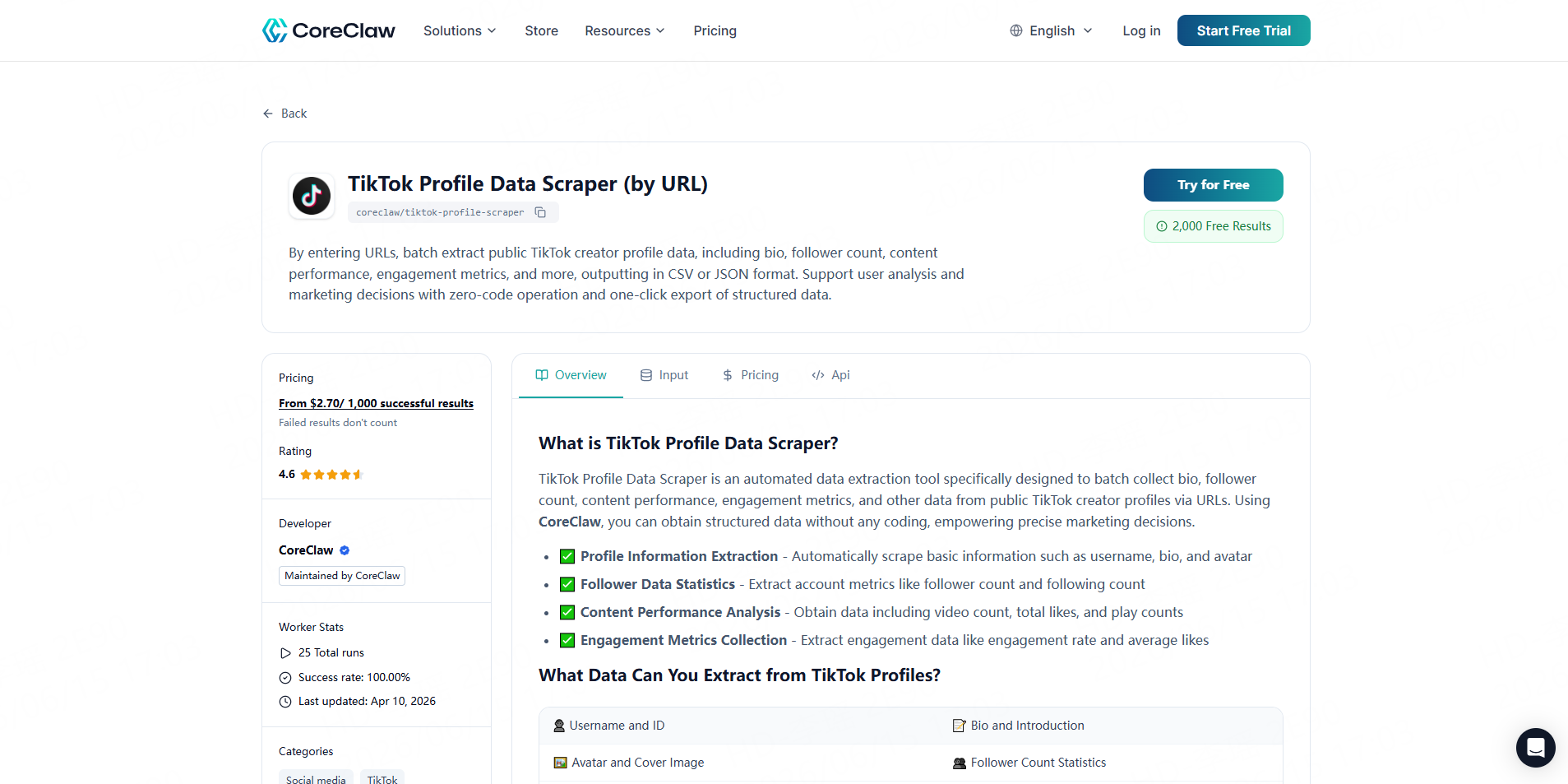
CoreClaw is a practical choice for marketing teams, agencies, researchers, and business users who want structured TikTok data without building a scraper. Its ready-made TikTok Workers cover profile data, bulk video records, comments, and TikTok Shop information.
The TikTok Profile Data Scraper can batch-collect public creator information such as biographies, follower counts, content performance, and engagement metrics. The TikTok Bulk Video Scraper collects public post data from profile URLs, including engagement signals, trend-related fields, and audio information. Results can be downloaded as structured CSV or JSON files.
Key features
- Ready-made TikTok profile, video, comment, and Shop Workers
- No-code task setup
- Batch URL processing
- Cleaned and normalized structured results
- CSV, JSON, and spreadsheet-ready exports
- API access for recurring workflows
- Pay only for successful results
Pros
- Business users can start without writing extraction scripts
- Separate Workers help teams collect only the data they need
- Structured outputs require less manual cleaning before analysis
- Suitable for creator discovery, content research, and campaign preparation
Cons
- A highly specialized TikTok workflow may require a custom Worker
Use case
An influencer agency can first run creator URLs through the TikTok Profile Data Scraper, then collect recent posts with the TikTok Bulk Video Scraper. The team can filter creators by follower count, recent views, posting frequency, or engagement signals before exporting the shortlist.
2. Apify
Best for: Flexible TikTok Actors and customizable automation
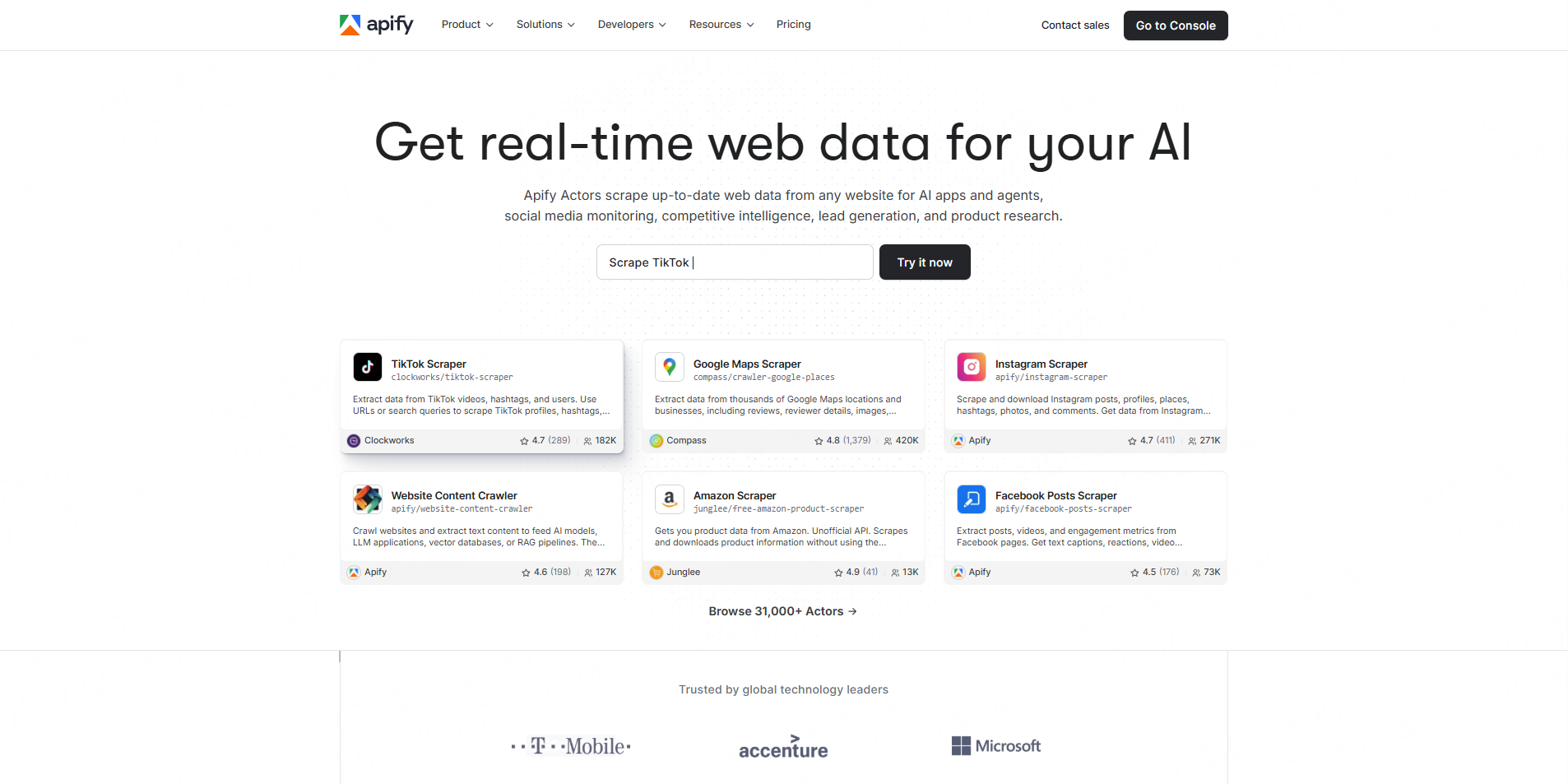
Apify provides TikTok scrapers through its marketplace of cloud tools, known as Actors. Available Actors can collect information from profiles, videos, hashtags, comments, search queries, and music pages. Users can export datasets, schedule runs, call Actors through an API, or connect them with other automation tools.
Key features
- Multiple TikTok Actors from marketplace developers
- Profile, video, hashtag, search, and comment extraction
- Scheduling and monitoring
- API access
- CSV, JSON, and other dataset exports
- Integrations with external workflow tools
Pros
- Broad selection of TikTok-specific tools
- Flexible enough for both simple and advanced projects
- Strong scheduling and automation options
- Useful for developers who may later build custom Actors
Cons
- Actor quality, maintenance, pricing, and field coverage can vary
- Users may need to test several Actors before choosing one
- Advanced workflows can involve a steeper learning curve
Use case
A growth team can schedule an Actor to collect posts from selected TikTok profiles every week and send the resulting dataset into an internal analytics pipeline.
3. Bright Data
Best for: Enterprise TikTok APIs and high-volume data pipelines
Bright Data offers dedicated TikTok Scraper APIs for public profiles, posts, comments, and Shop products. Users can submit TikTok URLs and receive structured results while Bright Data manages proxies, CAPTCHA handling, and parsing. Its tools support both API-driven and no-code collection options.
Key features
- Dedicated TikTok profile, post, comment, and Shop endpoints
- Structured JSON output
- Bulk URL requests
- Asynchronous data collection
- Proxy and CAPTCHA management
- API and no-code access
- Cloud delivery options
Pros
- Strong infrastructure for large recurring projects
- TikTok-specific endpoints reduce the need to build every parser internally
- Suitable for integration into enterprise data systems
- Supports several TikTok content types
Cons
- More infrastructure-oriented than many business teams require
- API configuration may require developer support
- Enterprise capabilities may be unnecessary for occasional spreadsheet projects
Use case
A data team can submit batches of TikTok profile or post URLs, monitor asynchronous jobs, and load returned JSON records into a data warehouse for recurring analysis.
4. Octoparse
Best for: Visual, no-code TikTok scraping workflows
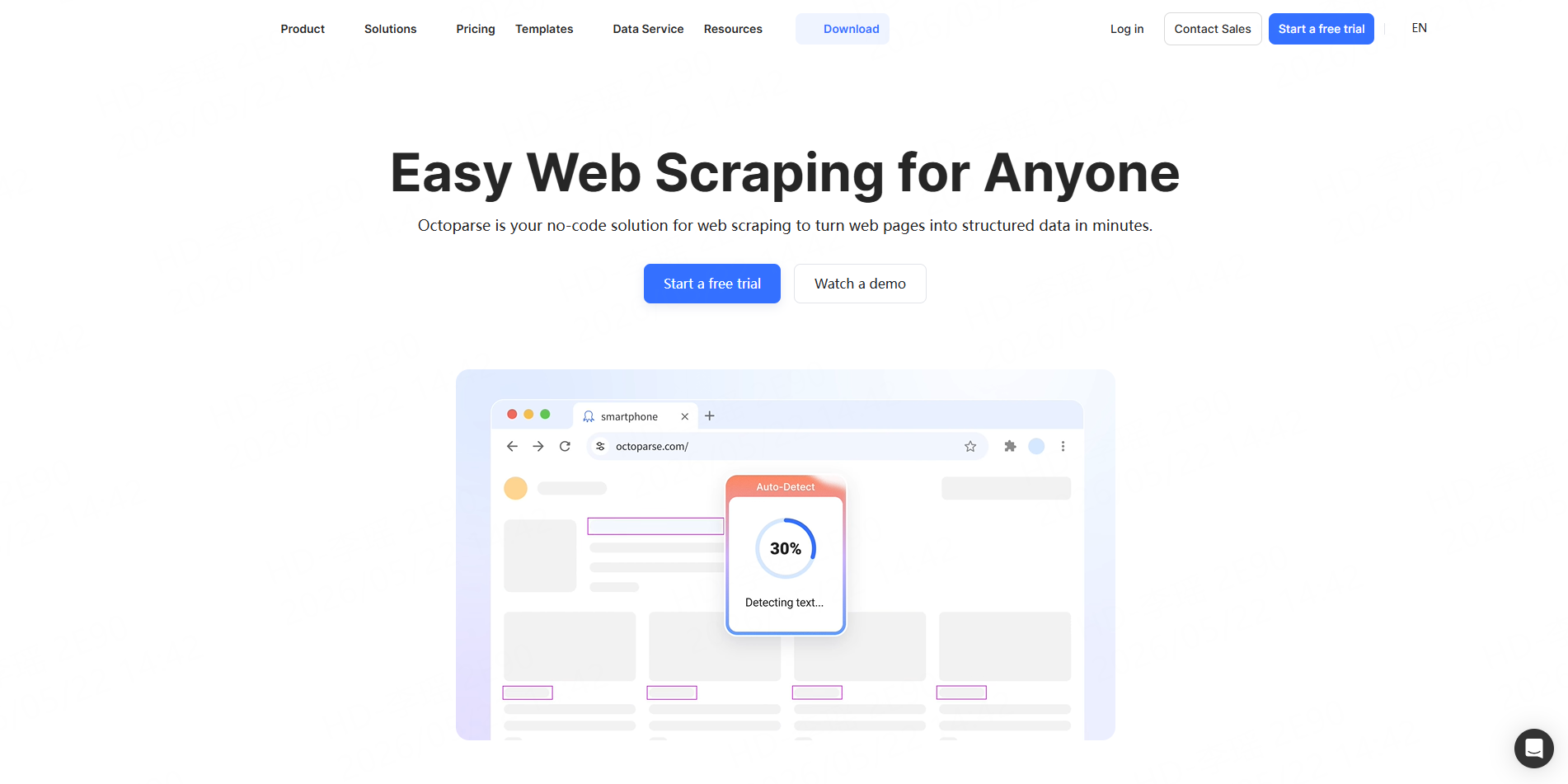
Octoparse provides prebuilt TikTok templates and a visual workflow builder. Its TikTok tools cover profiles, videos, comments, hashtags, and keyword-based searches. Users can run tasks in the cloud, schedule collection, and export results to Excel, CSV, JSON, or Google Sheets.
Key features
- Ready-made TikTok templates
- Visual workflow configuration
- Profile, video, comment, and search extraction
- Cloud runs and scheduling
- Excel, CSV, JSON, and Google Sheets export
- No-code interface
Pros
- Accessible to users without programming experience
- Visual workflows offer more customization than fixed templates
- Convenient spreadsheet export options
- Useful for one-time research and scheduled tasks
Cons
- Visual workflows may require repair when page structures change
- Some TikTok templates have different inputs, limitations, and usage costs
- Complex projects can become difficult to maintain through a visual interface
Use case
A social media analyst can use a TikTok profile template to collect creator and recent-video information, then export it to Excel for manual review and campaign scoring.
5. Oxylabs
Best for: Developer-led TikTok and TikTok Shop data collection
Oxylabs provides TikTok support through its Web Scraper API, with documented targeting focused particularly on TikTok Shop pages. The API can manage access challenges, JavaScript rendering, scheduling, and delivery while allowing developers to define custom parsing rules for structured results.
Key features
- Web Scraper API
- TikTok and TikTok Shop targeting
- JavaScript rendering
- Proxy and CAPTCHA handling
- Custom parsing with XPath or CSS selectors
- Scheduler for recurring jobs
- API or cloud-storage delivery
Pros
- Suitable for high-volume developer workflows
- Reduces the need to manage proxy infrastructure internally
- Custom parsing supports specialized field requirements
- Strong fit for ecommerce and TikTok Shop research
Cons
- Less convenient than a ready-made profile or video Worker for non-technical users
- Developers may need to define and maintain extraction logic
- Public documentation currently emphasizes TikTok Shop more than general creator research
Use case
An ecommerce intelligence team can collect TikTok Shop product pages, extract pricing and product fields, and schedule recurring runs to monitor listings over time.
6. ScrapingBee
Best for: Developers who want a straightforward TikTok scraping API
ScrapingBee provides general web scraping infrastructure and dedicated TikTok-oriented API pages. Its TikTok tools are positioned for collecting public profile information, videos, statistics, and search or trend data. The platform manages proxies, headless browsers, JavaScript rendering, and anti-bot handling, while developers define how results are extracted and used.
Key features
- TikTok scraper and search API options
- JavaScript rendering
- Rotating proxies
- Headless browser management
- AI and rule-based extraction
- Geotargeting
- API integration
Pros
- Simple API model for developers
- Handles several difficult parts of page access
- Can be integrated into scripts, applications, and scheduled pipelines
- Flexible extraction rules support custom fields
Cons
- Generally requires programming and extraction configuration
- Business users may need developer support
- More setup is required to produce a clean, campaign-ready dataset
- Teams should test actual field coverage before committing to a large project
Use case
A developer can send TikTok profile URLs through the API, render the required page content, and apply extraction rules for usernames, biographies, follower counts, and recent content statistics.
TikTok Scraper Comparison Table
Tool | Ready-Made TikTok Tools | No-Code Friendly | API | Best For |
CoreClaw | Yes | Yes | Yes | Export-ready profile and video data |
Apify | Yes, through Actors | Partial | Yes | Flexible automation and customization |
Bright Data | Yes | Partial | Yes | Enterprise TikTok data pipelines |
Octoparse | Yes, through templates | Yes | Available | Visual no-code workflows |
Oxylabs | Partial, with TikTok Shop focus | No | Yes | Developer-led and ecommerce projects |
ScrapingBee | TikTok-oriented API options | No | Yes | Custom developer integrations |
How to Choose the Right TikTok Data Tool
Choose by input method
Some projects begin with known profile URLs. Others start with hashtags, keywords, or individual videos. Confirm that a tool supports the input type you already have.
For example, an influencer agency with a shortlist of usernames needs profile and recent-video extraction. A trend research team may need keyword or hashtag discovery before collecting creator profiles.
Compare output quality, not row count
A large dataset is not useful when video records are duplicated, dates are inconsistent, numbers are stored as text, or creator fields cannot be connected to videos.
Look for normalized field names, consistent URLs, timestamps, deduplication, and filtering. CoreClaw focuses on cleaned and filtered structured outputs so teams can review the data before exporting it to spreadsheets, analytics tools, or internal systems.
Match the tool to technical resources
Business teams usually benefit from ready-made Workers or visual templates. Developers may prefer an API that feeds JSON directly into a database. A custom scraper makes sense only when the requirements justify ongoing engineering and maintenance.
A Practical TikTok Creator Research Workflow
Start by defining the creator niche, region, campaign goal, and minimum activity level. Avoid collecting thousands of unrelated profiles before deciding what makes a creator relevant.
Next, run profile URLs through CoreClaw’s TikTok Profile Data Scraper. Collect follower counts, biographies, total likes, profile URLs, and other available public fields.
Then use the TikTok Bulk Video Scraper to gather recent post data. Compare views, likes, comments, shares, captions, hashtags, and posting dates. A median across several recent videos is generally more useful than judging a creator from one viral post.
Finally, export to CSV, JSON, or Excel. Teams with recurring processes can use the CoreClaw API to send results into a dashboard, creator database, or campaign-management workflow.
Important campaign decisions should still include manual sampling. Automated data helps narrow the list, but content quality, brand alignment, audience relevance, and suspicious engagement patterns require human review.
Responsible TikTok Data Collection
Teams should focus on public information needed for a legitimate business or research purpose. They should avoid private, login-restricted, sensitive, or unnecessary personal data.
Public accessibility does not remove every legal or contractual consideration. Applicable laws, TikTok’s terms, intellectual-property rights, privacy rules, and the intended use of the data may all matter. Legal analysis of web scraping also distinguishes public access from separate contractual and state-law risks.
Use reasonable collection volumes, keep source URLs and timestamps, protect stored datasets, and seek legal advice for high-risk or large-scale projects.
Conclusion
The best TikTok scraper depends on whether a team needs flexible infrastructure or ready-to-use data.
CoreClaw is the practical choice for teams that want to collect public TikTok profile and video data without building or maintaining scraping infrastructure. With ready-made Workers, cleaned and filtered outputs, API access, CSV/JSON/Excel export, pay-per-success pricing, and custom Worker support, teams can move from profile URLs to an organized research dataset with fewer technical steps.
Frequently Asked Questions

Content Writer @CoreClaw · Last Updated 2026-06-15
Lena Kovalenko researches how modern software systems expose and organize information online. Her writing focuses on the interaction between APIs, web platforms, and automated data workflows. When exploring a topic she typically compares multiple tools to understand their design assumptions. These comparisons often lead to articles that help readers see how different technical approaches influence reliability and efficiency.
查看作者资料 →免责声明:CoreClaw 博客上的所有信息均按“原样”提供,仅供参考。对于因您使用 CoreClaw 博客上发布的信息(或通过链接跳转至的任何第三方网站上的信息)而产生的任何后果,CoreClaw 不作任何陈述,亦不承担任何责任。在进行任何数据抓取活动之前,请务必咨询法律顾问,查阅目标网站的服务条款,并在必要时获取许可。