A maps scraper & leads extractor helps teams collect public local business data from map platforms and turn it into structured lead lists. Instead of manually copying business names, phone numbers, websites, addresses, ratings, and reviews, teams can export the data into CSV, Excel, JSON, or API workflows.
For sales teams, local SEO agencies, market researchers, and growth teams, the goal is not just to collect more rows. The goal is to build a clean, filtered, and useful prospect list that can be reviewed, segmented, imported into a CRM, and used responsibly for outreach.
What Is a Maps Scraper & Leads Extractor?
A maps scraper collects visible public business information from map results. A leads extractor focuses on turning that information into usable prospect records.
In practice, the two terms often overlap. A good tool should help users search by keyword, category, city, or map URL, then extract structured fields such as business name, phone number, website, address, rating, review count, category, opening hours, email when available, and source URL.
What Data Should a Good Leads Extractor Collect?
A useful local lead dataset should include contact fields and qualification signals.
Field | Why It Matters |
Business name | Identifies the company |
Website | Helps verify and personalize outreach |
Phone number | Supports sales follow-up |
Address and city | Enables territory targeting |
Category | Helps segment by industry |
Rating and reviews | Shows reputation and activity |
Email, when available | Supports outreach after verification |
Source URL | Makes the record auditable |
Export timestamp | Helps track data freshness |
The best tools do more than return raw page content. They help users work with structured, cleaner datasets before export.
Best Maps Scraper & Leads Extractor Tools Compared
1. CoreClaw
Best for: No-code local business lead generation and structured exports.
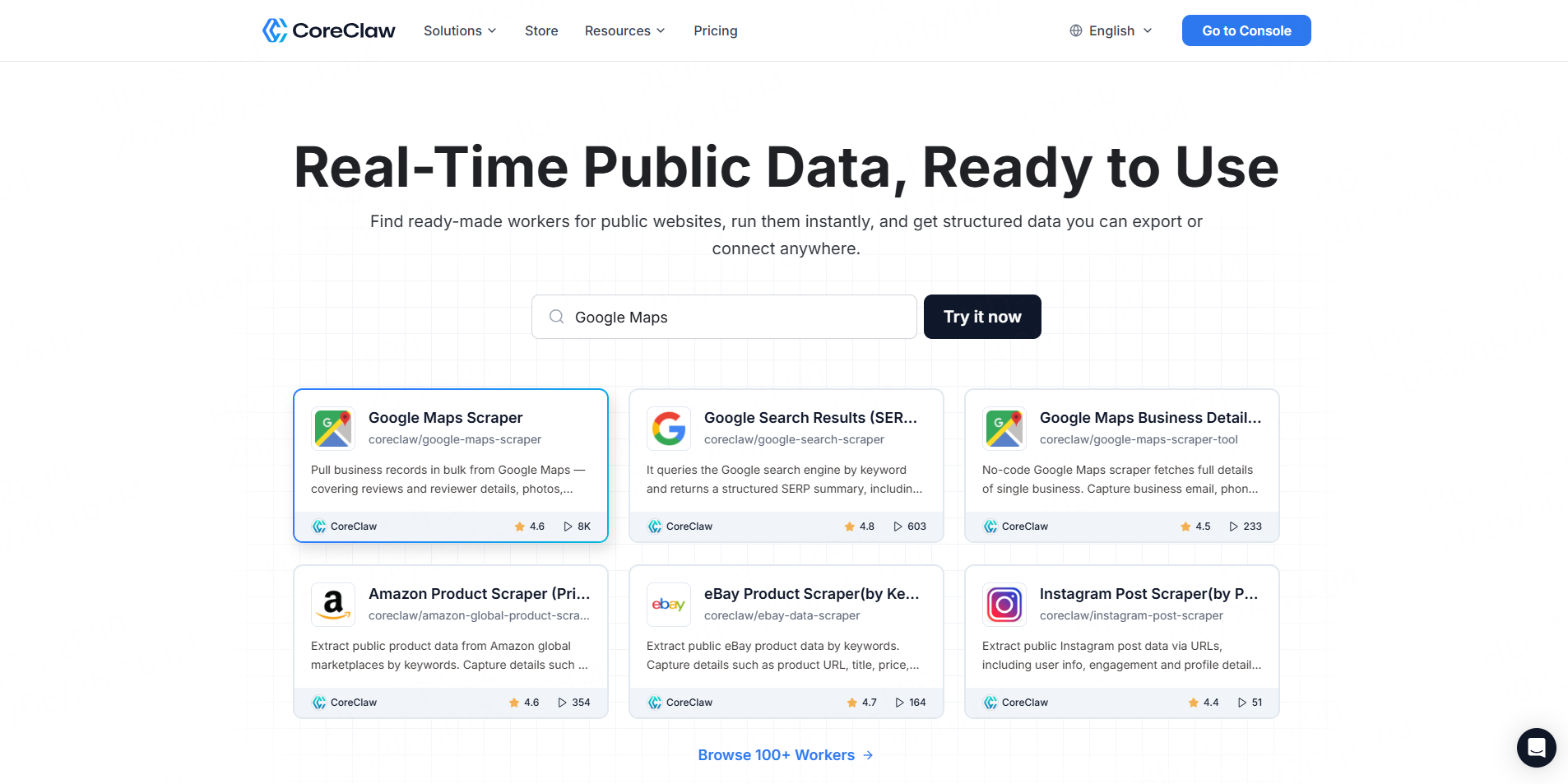
CoreClaw is a web scraping platform with ready-made data Workers. Its Google Maps Scraper can pull business records in bulk from Google Maps, including reviews, photos, contact information, opening hours, prices, and related details. Results can be exported in formats including CSV, JSON, JSONL, XLS, XLSX, HTML, XML, and RSS.
CoreClaw is especially useful for teams that want usable lead data without writing scripts or managing scraping infrastructure. Users can run a ready-made Worker, review results in a table, clean and filter fields, export data, or connect workflows through API, MCP, n8n, or automation layers.
Pros: No coding required, ready-made Workers, cleaned and filtered outputs, many export formats, API access, pay only for successful results, custom Worker option.Cons: Best when a matching Worker exists; niche sources may need a custom Worker.
2. Outscraper
Best for: Google Maps scraping with cloud and API options.
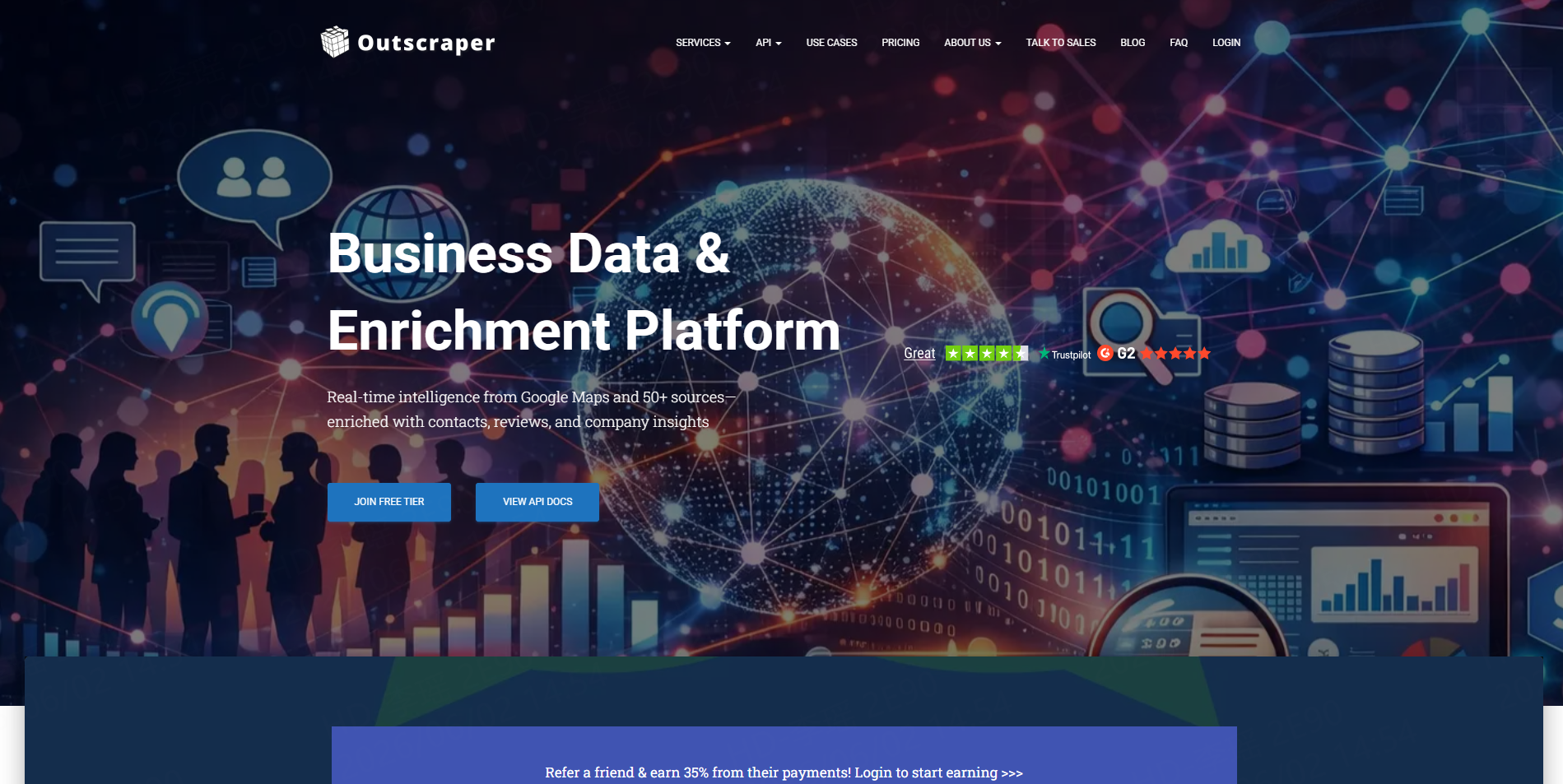
Outscraper offers a Google Maps Scraper that extracts business names, emails, phone numbers, reviews, and ratings. Its 2026 comparison guide also positions Google Maps scraping tools across cloud, API, and extension categories.
Outscraper is a practical option for teams that want a dedicated Google Maps data tool. CoreClaw may be more suitable when teams also need ready-made Workers across other sources such as Google Search, Amazon, eBay, TikTok, Instagram, LinkedIn, and more.
3. G Maps Extractor
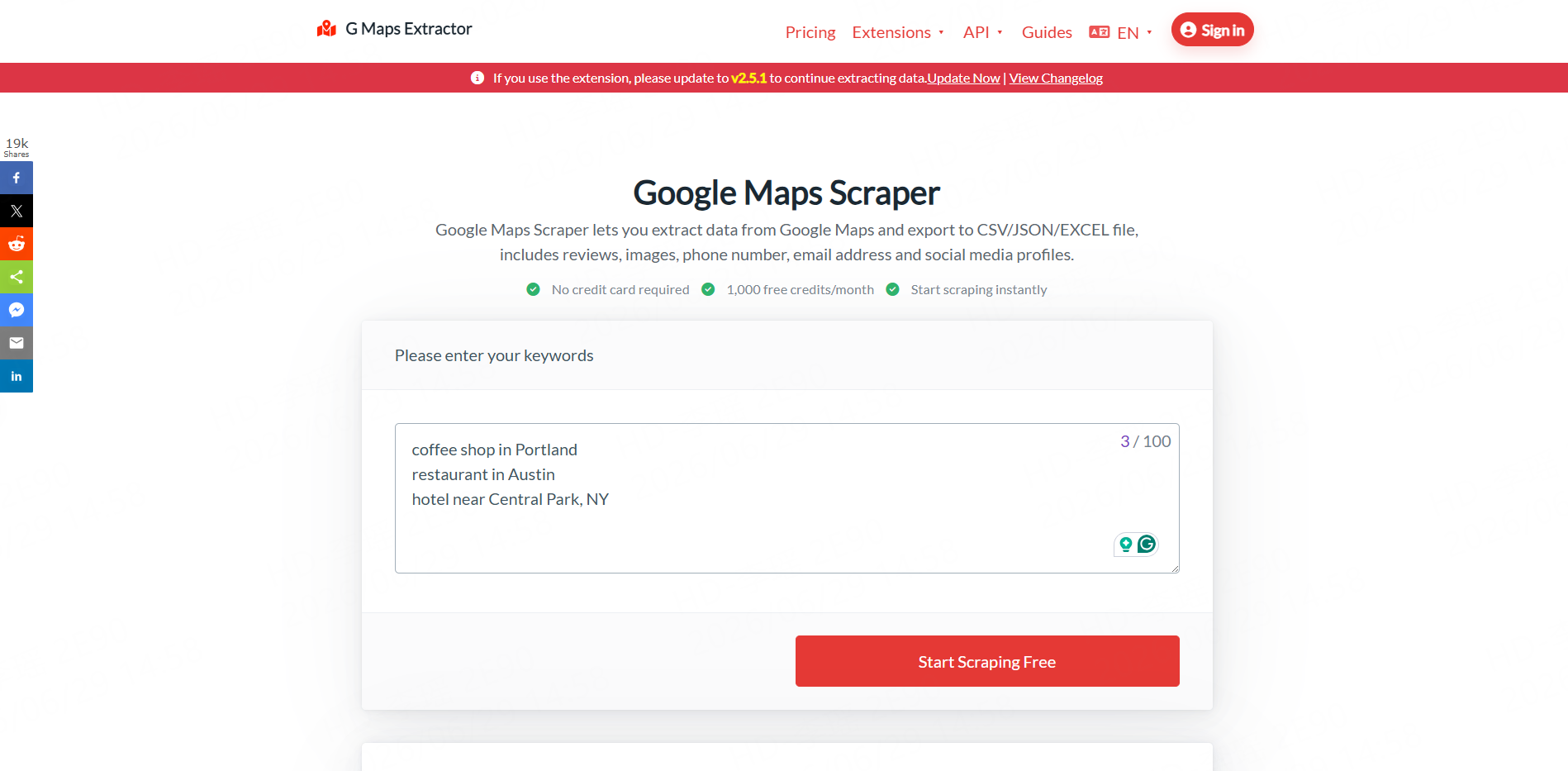
Best for: Users looking for a simple Google Maps extraction tool.
G Maps Extractor positions its tool as a Google Maps scraper that exports to CSV, JSON, and Excel. Its page mentions fields such as reviews, images, phone numbers, email addresses, and social media profiles.
It can fit users who want a direct Google Maps data extractor. Teams that need broader automation, custom Workers, or multi-source workflows may prefer a platform-style tool such as CoreClaw.
4. Apify
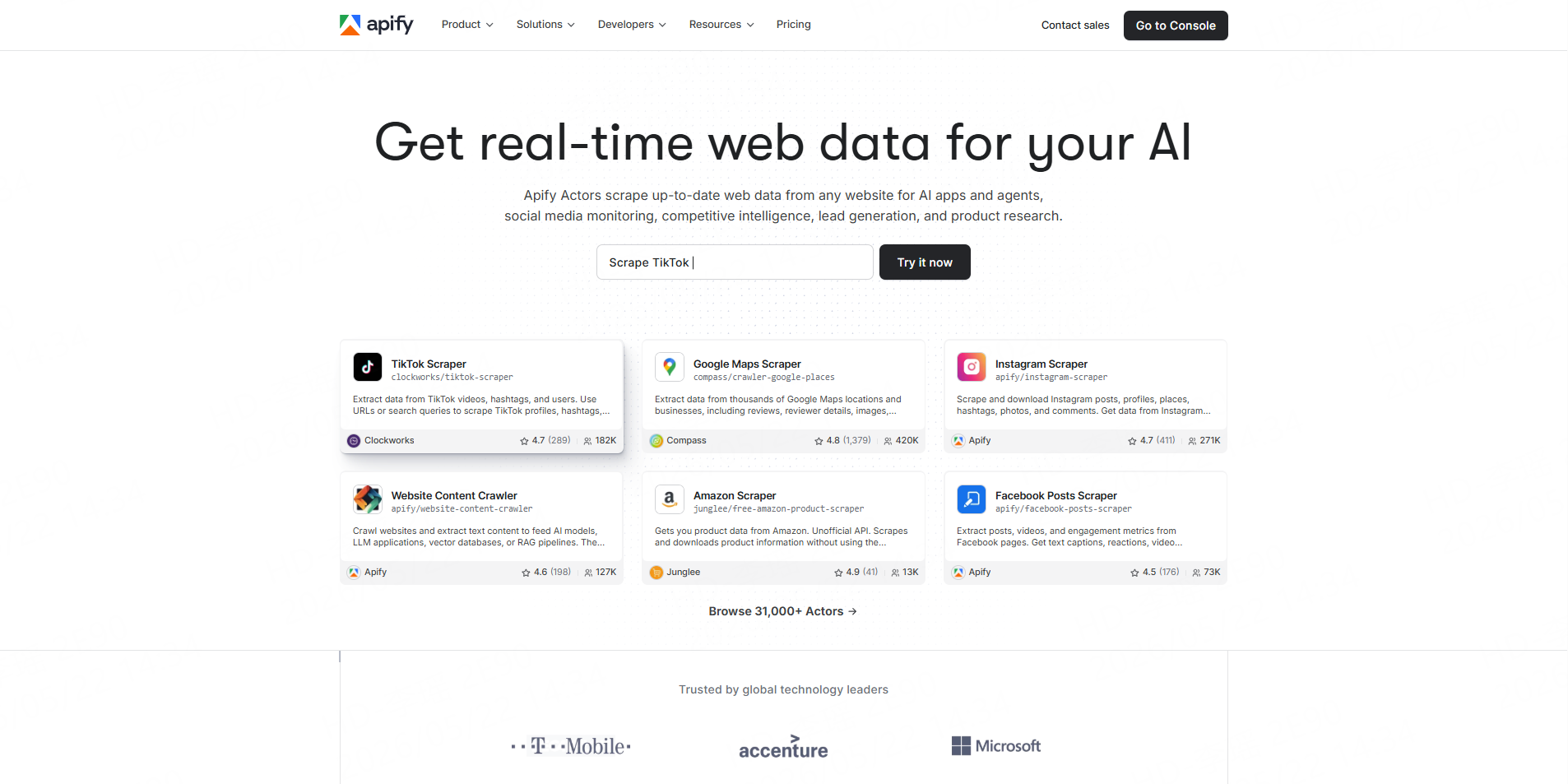
Best for: Technical users who want marketplace-based scrapers.
Apify offers many scraping tools through its Actor marketplace. For Google Maps, users can find different Actors for business data extraction, lead generation, and map result exports. Apify is useful when teams want flexibility and developer customization.
The tradeoff is that users need to choose, test, and maintain the right Actor for their workflow. CoreClaw is more direct when a team wants a ready-made Worker and business-friendly exports.
5. Prospeo
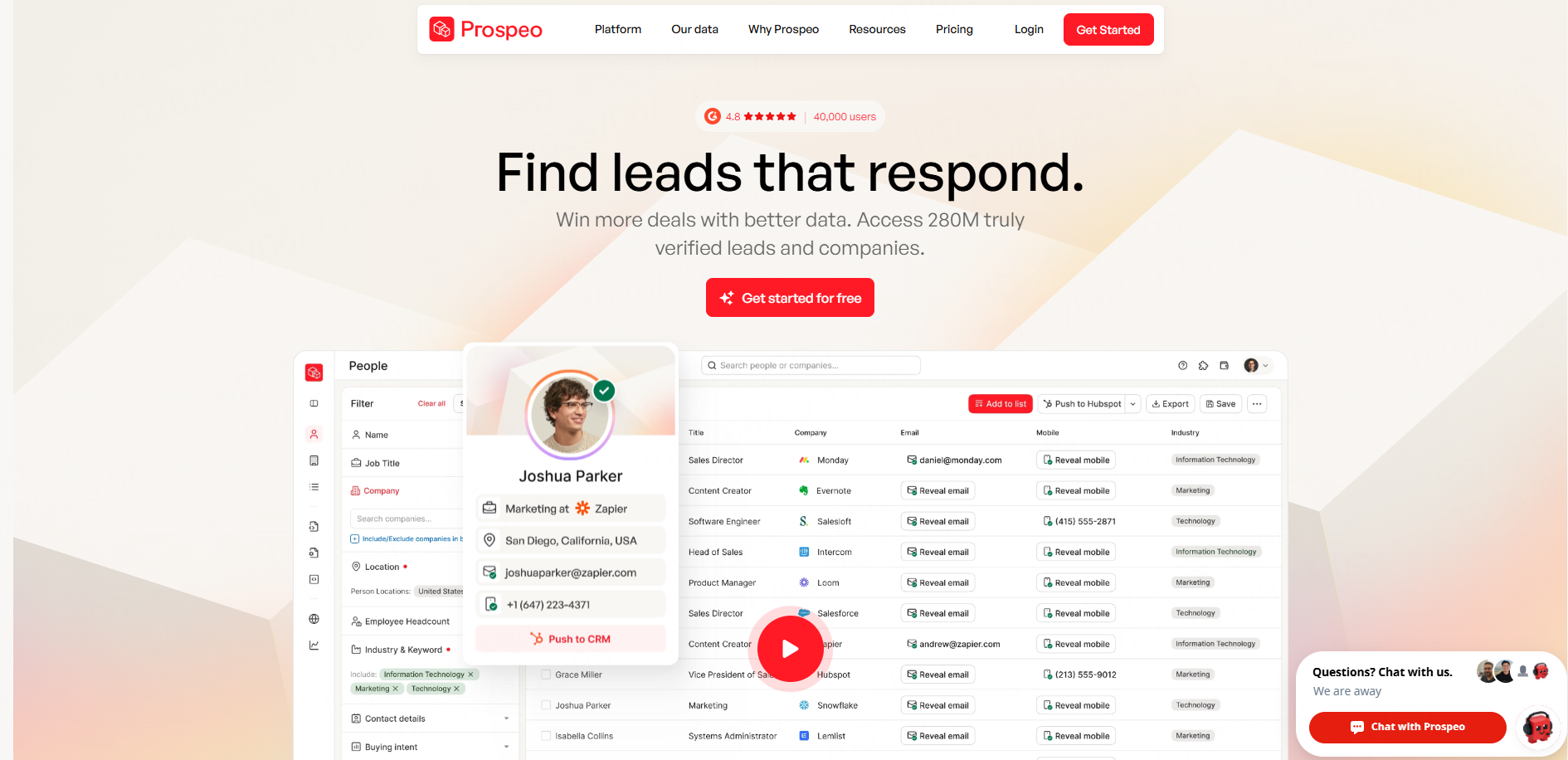
Best for: Comparing Google Maps scraping options before choosing a tool.
Prospeo publishes a 2026 guide comparing Google Maps scraping tools across cloud scrapers, extensions, open-source options, and B2B databases.
Prospeo is useful as a research reference for understanding the category. For actual extraction workflows, teams still need to choose a tool that matches their data fields, export format, and scale.
Comparison Table
Tool | Best For | Main Strength | Best User |
No-code Google Maps lead generation | Ready-made Workers, cleaned exports, API access | Sales, agencies, data teams | |
Outscraper | Dedicated Google Maps scraping | Google Maps data extraction and API options | Growth and data teams |
G Maps Extractor | Simple Google Maps export | CSV/JSON/Excel extraction | Small teams |
Apify | Marketplace automation | Many scraper Actors and customization | Developers, ops teams |
Prospeo | Tool research | Comparison and buying guidance | Evaluators |
How to Build a Clean Local Lead Workflow with CoreClaw
Start with a narrow target. For example, instead of collecting “all businesses in California,” search for “dentists in Austin,” “roofing companies in Denver,” or “coffee shops in Seattle.”
Next, run CoreClaw’s Google Maps Scraper. Collect public business records and review fields such as name, phone, website, category, rating, review count, address, opening hours, and source URL.
Then clean and filter the results. A local SEO agency may prioritize businesses with low ratings or many reviews. A web design agency may focus on businesses without websites. A sales team may filter for records with phone numbers, websites, or available emails.
Finally, export the dataset to CSV, Excel, JSON, or API. CSV and Excel work well for spreadsheet review and CRM import. JSON and API workflows are better for dashboards, RevOps systems, or recurring data pipelines.
What to Check Before Choosing a Tool
Before choosing a maps scraper & leads extractor, review five things:
Factor | Why It Matters |
Supported source | Google Maps, Bing Maps, directories, or multiple sources |
Lead fields | Names, phones, websites, emails, ratings, reviews |
Export formats | CSV, Excel, JSON, API |
Ease of use | No-code Worker, extension, dashboard, or developer API |
Data cleanup | Deduplication, filtering, field selection, source URLs |
Also consider responsible outreach. In the United States, the FTC says commercial email should avoid misleading headers and deceptive subject lines, identify the message appropriately, include a valid physical address, and provide an opt-out method.
Final Thoughts
The best maps scraper & leads extractor tools in 2026 are not just about pulling data from map pages. They help teams turn public local business information into clean, structured, and actionable lead lists.
With CoreClaw, teams can use ready-made Google Maps Workers, collect public business data without coding, filter and clean results before export, download CSV/JSON/Excel-friendly files, connect workflows through API access, pay only for successful results, and request custom Workers for niche sources. For local sales, SEO agencies, market research, and growth teams, CoreClaw provides a practical path from map search to CRM-ready local leads.
Frequently Asked Questions

Content Writer @CoreClaw · Last Updated 2026-06-29
Lena Kovalenko researches how modern software systems expose and organize information online. Her writing focuses on the interaction between APIs, web platforms, and automated data workflows. When exploring a topic she typically compares multiple tools to understand their design assumptions. These comparisons often lead to articles that help readers see how different technical approaches influence reliability and efficiency.
查看作者资料 →免责声明:CoreClaw 博客上的所有信息均按“原样”提供,仅供参考。对于因您使用 CoreClaw 博客上发布的信息(或通过链接跳转至的任何第三方网站上的信息)而产生的任何后果,CoreClaw 不作任何陈述,亦不承担任何责任。在进行任何数据抓取活动之前,请务必咨询法律顾问,查阅目标网站的服务条款,并在必要时获取许可。