Google SERP API helps teams collect search engine results data in a structured format. Instead of manually checking rankings, People Also Ask boxes, related searches, snippets, URLs, and domains, teams can use an API to collect SERP data at scale.
For SEO teams, this data supports rank tracking, keyword research, competitor monitoring, content gap analysis, and SERP feature reporting. For data teams, it can power dashboards, internal tools, market research systems, and automated reporting pipelines.
What Is a Google SERP API?
Google SERP API is a tool that collects Google search results and returns them in a machine-readable format, usually JSON, CSV, or another structured output. API means “a way for software tools to talk to each other,” so a SERP API lets your app, spreadsheet workflow, or dashboard request search results automatically.
The best tools do more than return raw HTML. They organize the result into fields such as keyword, position, title, URL, snippet, domain, related searches, People Also Ask, ads, local results, and sometimes AI-related SERP elements.
Why SEO and Data Teams Use SERP APIs
SEO teams use SERP APIs because search results change by keyword, location, language, device, and time. A keyword ranking in New York may look different from the same keyword in Los Angeles. A desktop result may differ from a mobile result.
Data teams care about consistency. They need clean fields, predictable schemas, export options, API access, and repeatable jobs. A SERP API is most useful when it turns unstable search pages into structured, cleaned, and filtered data that can be analyzed without manual copy-paste.
Best Google SERP API Tools Compared
1. CoreClaw
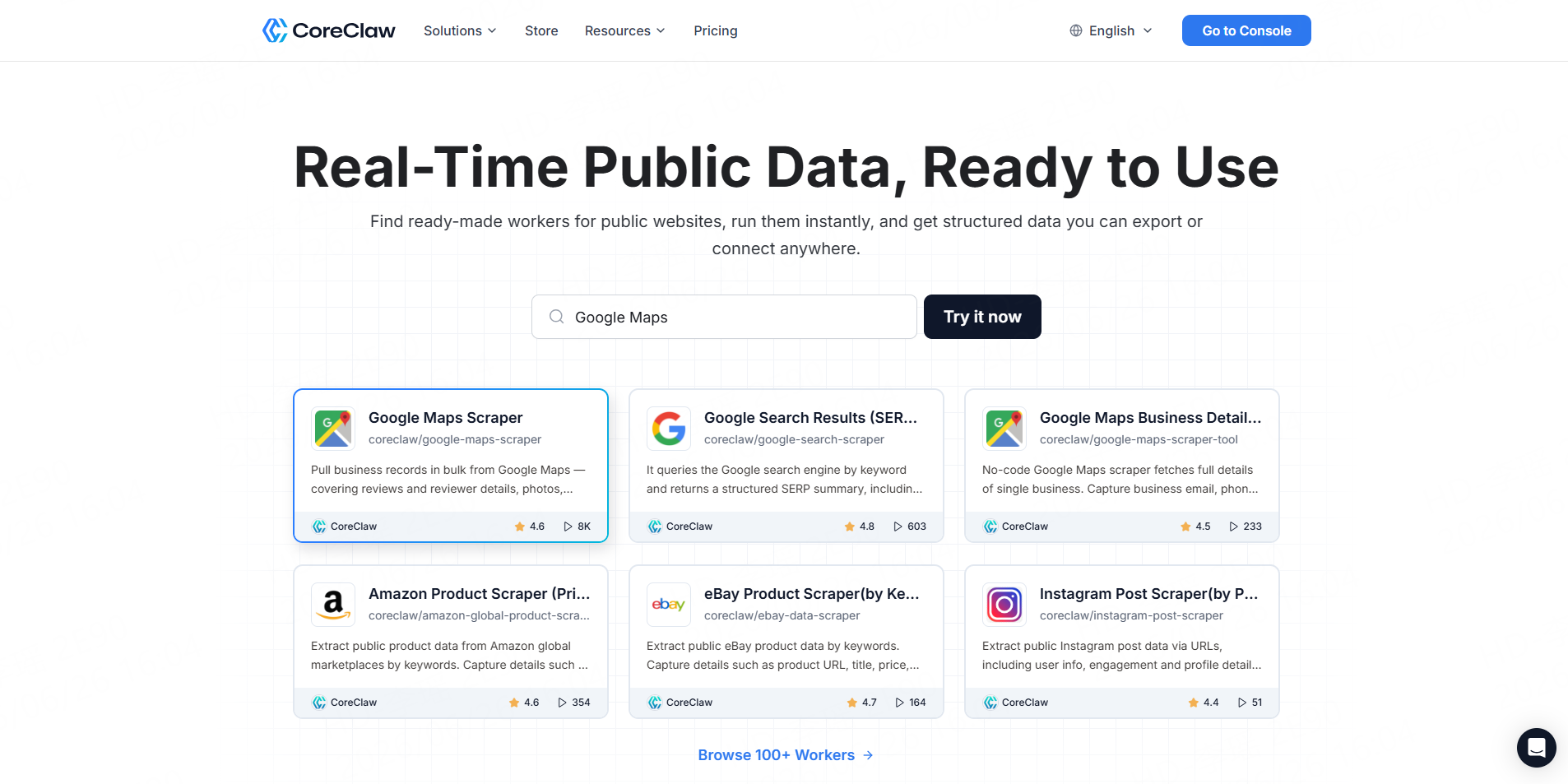
Best for: SEO teams and business users that want Google SERP data without building scraping infrastructure.
CoreClaw’s Google Search Results (SERP) Scraper API lets users batch extract Google search result pages by keyword and return structured SERP summaries, including organic results, related queries, People Also Ask data, and AI Overview-related output. The CoreClaw page also shows keyword input, result limits, and structured output options for practical search data extraction.
CoreClaw is a strong fit when the goal is not just “make an API request,” but collect usable SEO data. Teams can run ready-made Workers, export cleaned and filtered outputs, use CSV/JSON/Excel formats, connect through API workflows, and pay only for successful results. For custom SERP workflows, teams can also request a custom Worker.
2. SerpApi
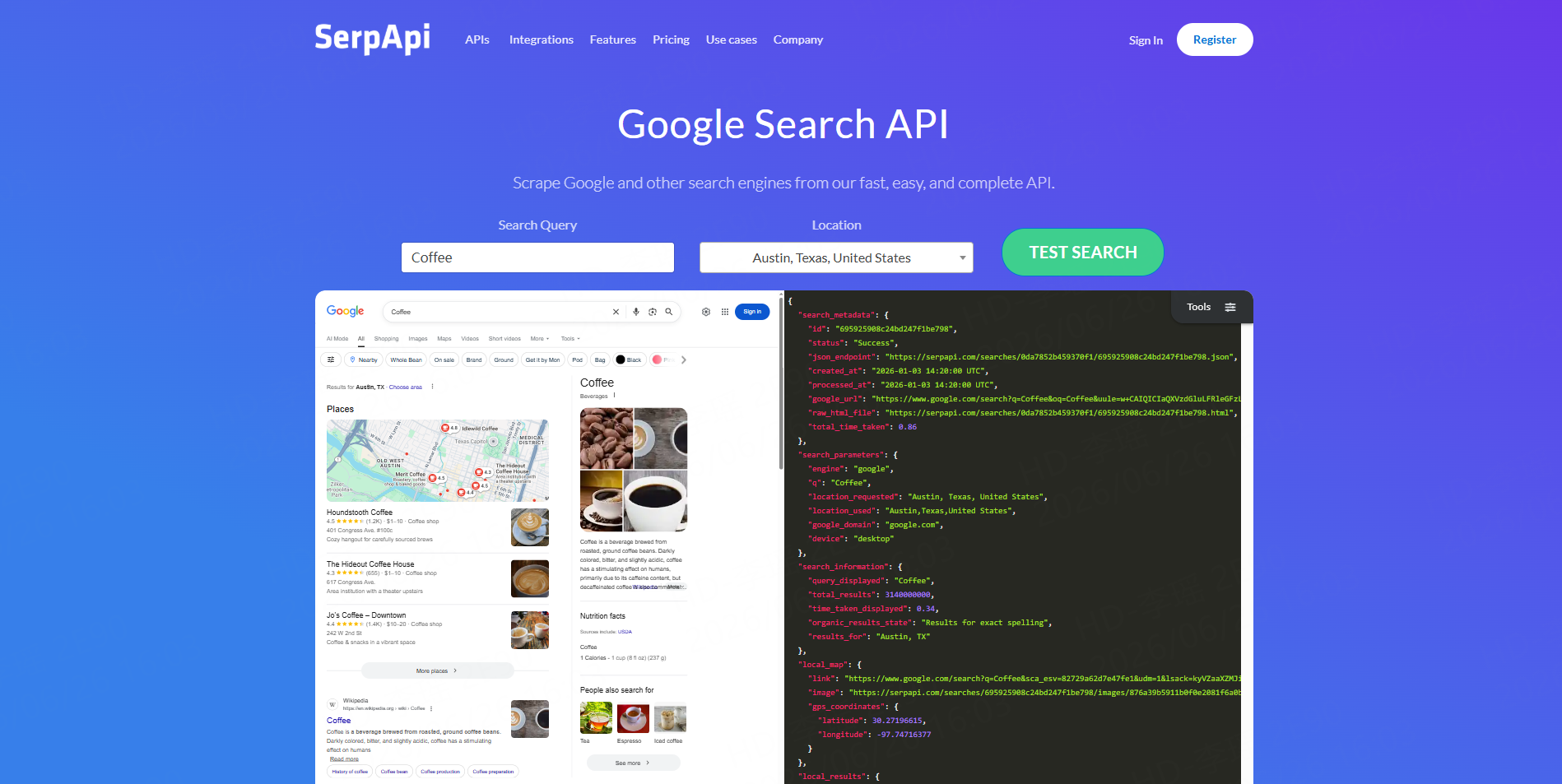
Best for: Developers who need a mature Google Search API with rich result parsing.
SerpApi positions its Google Search API as a real-time API that handles proxies, CAPTCHA solving, browser execution, and structured SERP parsing. It supports JSON results and covers organic results plus SERP elements such as Maps, Local, Shopping, Direct Answer, and Knowledge Graph data.
SerpApi is useful for engineering teams that want broad search engine coverage and detailed response fields. It may be more technical than needed for non-developer SEO teams that mainly want clean exports and repeatable workflows.
3. DataForSEO
Best for: SEO platforms, rank tracking tools, and data-heavy SEO products.
DataForSEO’s Google SERP API is designed to provide a detailed overview of Google results pages, including organic results, paid results, featured snippets, map packs, knowledge graphs, carousels, desktop SERPs, and mobile SERPs.
It is a good option when a team is building SEO software, keyword databases, or large-scale reporting systems. It offers strong SEO-specific coverage, but setup and interpretation may require more technical or data operations support.
4. Bright Data
Best for: Enterprise teams that need large-scale SERP data infrastructure.
Bright Data offers a SERP API for collecting structured results from Google, Bing, and other engines without managing proxies, CAPTCHAs, or parsing. Its documentation describes structured search result collection with no proxy setup.
Bright Data is powerful for high-volume, enterprise-grade data access. For smaller SEO teams that mainly need keyword result exports, it may be more infrastructure-heavy than necessary.
5. ScraperAPI
Best for: Developers who want SERP data plus broader scraping infrastructure.
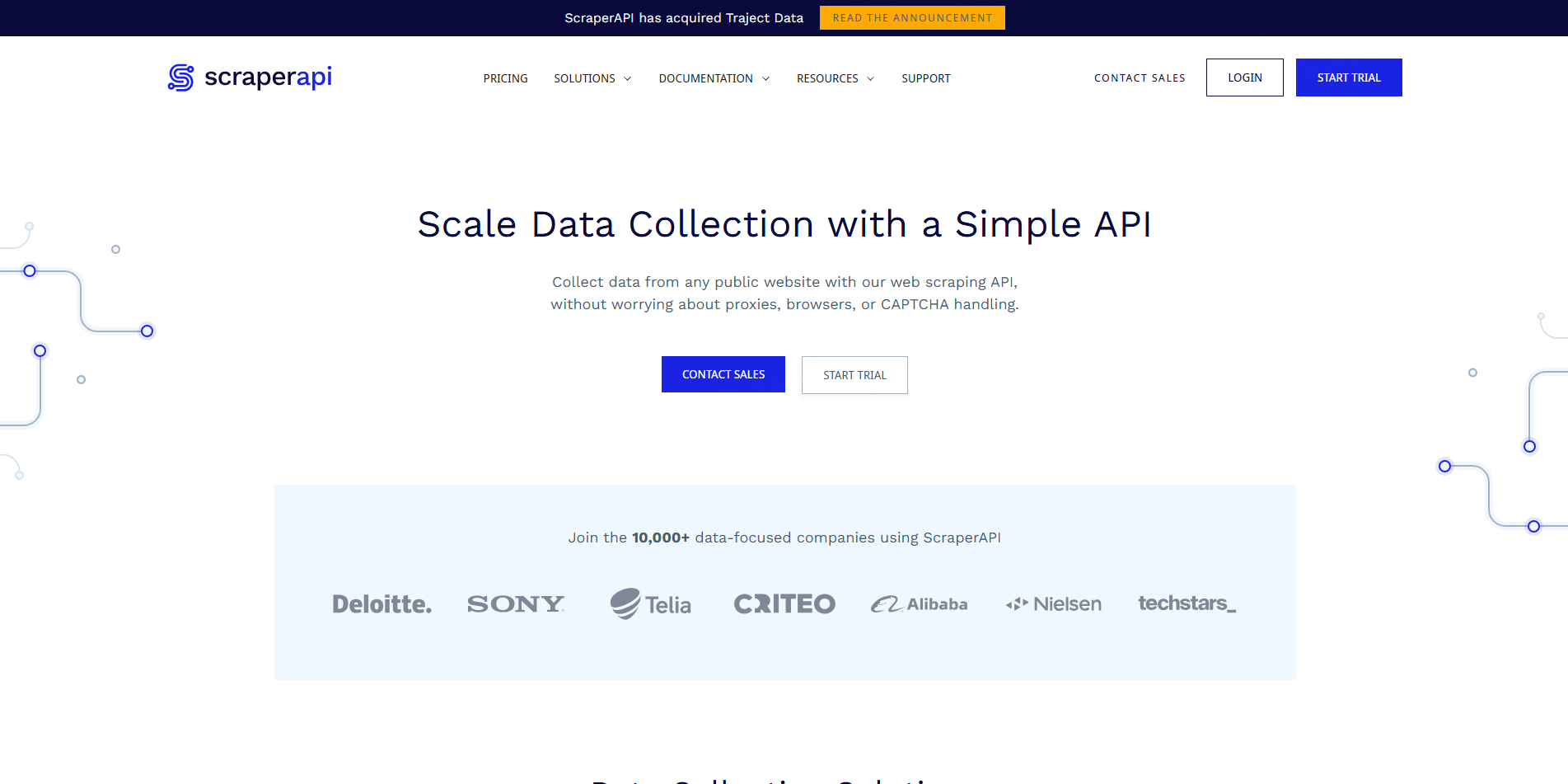
ScraperAPI offers a Google SERP API endpoint that retrieves Google search result data and transforms it into usable JSON. Its SERP data collection page also highlights keyword monitoring, brand monitoring, competitor rankings, ad data, localized SERP data, and scheduling through its DataPipeline workflow.
ScraperAPI works well for developer-led teams that want both SERP endpoints and broader scraping capabilities. Non-technical users may still need help configuring requests, schedules, and downstream parsing.
6. Apify
Best for: Teams that want a scraper marketplace and flexible automation.
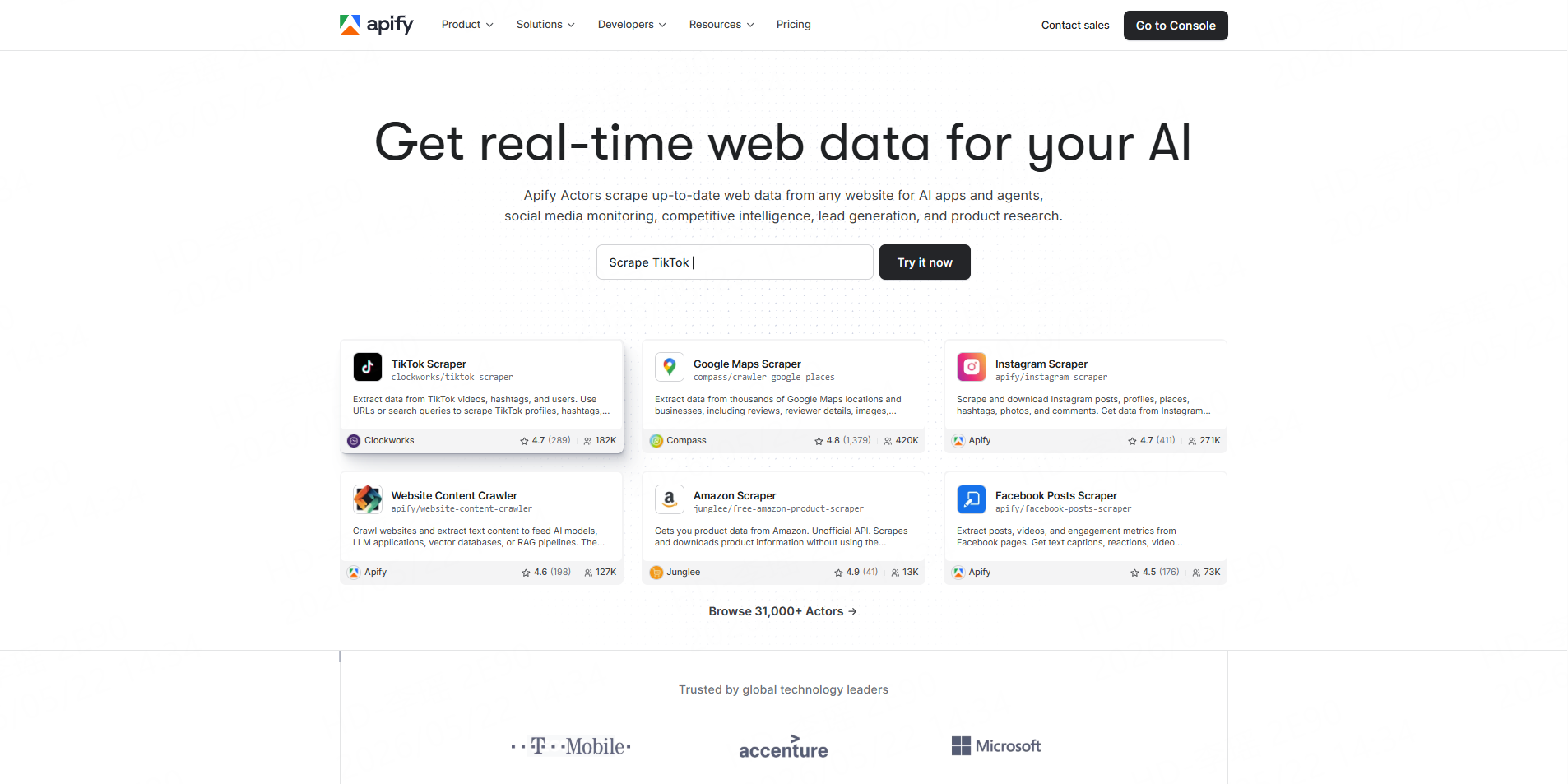
Apify provides Google Search Results Scraper tools that can be run through its platform, API, or automation workflows. Its Google Search Scraper page describes a workflow where users add inputs, start the scraper, and download data in formats such as JSON, XML, CSV, Excel, or HTML.
Apify is flexible and developer-friendly. It is useful when teams want to test multiple scraping actors or build custom workflows, though users may need to evaluate actor quality, configuration, and maintenance.
Comparison Table: Which Google SERP API Fits Your Workflow?
Tool | Best For | Main Strength | Best User Type |
SEO data collection without coding | Ready-made Worker, structured exports, API access, pay per successful result | SEO teams, agencies, data teams | |
SerpApi | Detailed Google Search API access | Rich SERP parsing and broad coverage | Developers |
DataForSEO | SEO software and rank tracking | SEO-specific SERP features and location/device support | SEO platforms, data teams |
Bright Data | Enterprise SERP infrastructure | Large-scale structured search data | Enterprises |
ScraperAPI | SERP plus general scraping | JSON endpoints and scheduling options | Developers |
Apify | Marketplace-based automation | Scraper actors and flexible workflows | Growth ops, developers |
A Practical Google SERP Data Workflow with CoreClaw
1.Create a free CoreClaw account
2.Open the Google Search Scraper dashboard
3.Enter your keyword — any search term in any language
4.Set Max Pages — how many SERP pages to fetch (default 1)
5.Optionally configure domain, country, language, and advanced filters
6.Click "Start" and let our cloud servers handle the scraping
7.Download results in your preferred format (JSON, CSV, JSONL, XLS, XLSX, HTML Table, XML, RSS)
Before using the data for business decisions, sample-check important fields. SERP data changes often, so timestamps, keyword inputs, location settings, and result limits should be stored with every export.
What to Check Before Choosing a SERP API
Choose based on workflow, not only feature lists. SEO teams usually need clean exports, keyword batching, SERP feature fields, location support, and easy filtering. Developers usually care about schema stability, request limits, latency, documentation, and API integration.
Also review responsible use. Teams should focus on legitimate public data workflows, respect applicable laws and platform terms, avoid unnecessary data collection, and validate important results before using them in reports or automated decisions.
Final Thoughts
The best Google SERP API tool depends on whether your team needs scraping infrastructure or ready-to-use SEO data.
For teams that want a practical workflow, CoreClaw helps collect structured Google SERP data without building a scraper from scratch. With ready-made Workers, API access, CSV/JSON/Excel export, cleaned and filtered outputs, pay-per-success pricing, and custom Worker options, CoreClaw gives SEO and data teams a clear path from keyword input to usable search intelligence.
Frequently Asked Questions

Content Writer @CoreClaw · Last Updated 2026-06-26
Lena Kovalenko researches how modern software systems expose and organize information online. Her writing focuses on the interaction between APIs, web platforms, and automated data workflows. When exploring a topic she typically compares multiple tools to understand their design assumptions. These comparisons often lead to articles that help readers see how different technical approaches influence reliability and efficiency.
查看作者资料 →免责声明:CoreClaw 博客上的所有信息均按“原样”提供,仅供参考。对于因您使用 CoreClaw 博客上发布的信息(或通过链接跳转至的任何第三方网站上的信息)而产生的任何后果,CoreClaw 不作任何陈述,亦不承担任何责任。在进行任何数据抓取活动之前,请务必咨询法律顾问,查阅目标网站的服务条款,并在必要时获取许可。