An Instagram follower scraper is a tool that collects follower usernames, profile links, verification status, biographies, follower counts, or other publicly visible fields and converts them into structured data. Marketing and research teams use these datasets for influencer vetting, audience overlap analysis, creator discovery, and competitive research.
However, “follower scraping” can mean two different things. Some tools export the identities in a follower list, while others collect only an account’s follower count and profile metadata. This comparison explains that difference and identifies the right option for each workflow.
Quick Comparison of Instagram Follower Scrapers
Tool | Best for | Main strength | Main tradeoff |
CoreClaw | Clean audience datasets | No-code Workers, enrichment, API and custom workflows | Ready-made profile Worker focuses on metadata |
Bright Data | Enterprise pipelines | Dedicated follower scraper API | More infrastructure than small teams need |
Apify | Flexible automation | Multiple follower Actors and scheduling | Actor quality varies by developer |
PhantomBuster | Growth workflows | Watcher mode and automation sequences | Requires an Instagram session |
Lobstr.io | Simple full-list exports | Dedicated no-code follower scraper | Narrower platform ecosystem |
Datablist | Spreadsheet enrichment | Multi-profile extraction and filtering | Per-profile collection limits |
ExportComments | File and API exports | Excel, CSV, JSON and API delivery | Limits depend on plan |
IGFollow | One-time browser exports | Simple Chrome-based CSV output | Requires extension permissions |
IG Exporter & Scraper | Large browser exports | Followers and following lists | Dependent on browser sessions |
Instaloader | Custom Python projects | Open-source control | Requires coding and maintenance |
10 Best Instagram Follower Scrapers in 2026
1. CoreClaw
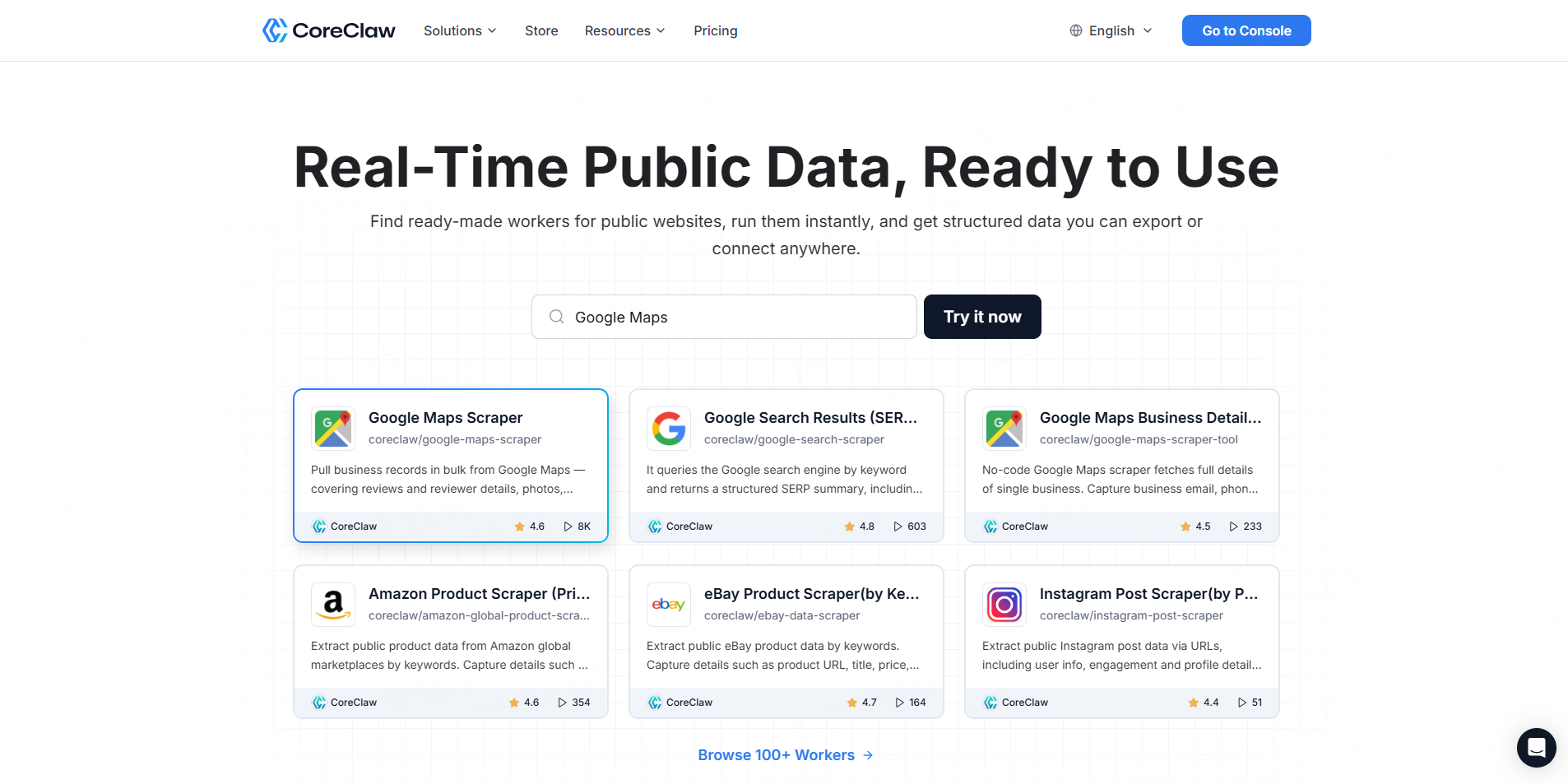
CoreClaw is best for teams that need an organized audience-research workflow rather than an unprocessed username list. Its Instagram Profile Data Scraper collects profile URLs, usernames, bios, follower counts, websites, and related public metadata in structured formats.
Best for: Profile enrichment, influencer screening, cleaned and filtered datasets, and custom follower workflows.
Pros: No coding, CSV/JSON export, API access, and pay-per-success pricing.
Cons: The current ready-made profile Worker does not claim to export every follower identity. Full-list projects may require a custom Worker.
2. Bright Data
Bright Data provides a dedicated Instagram Followers Scraper that can return follower usernames, IDs, profile links, biographies, follower counts, and following counts through API or no-code workflows.
Best for: Large, recurring enterprise datasets.
Pros: Dedicated endpoint and scalable infrastructure.
Cons: Setup and platform scope may be excessive for a one-time spreadsheet.
3. Apify
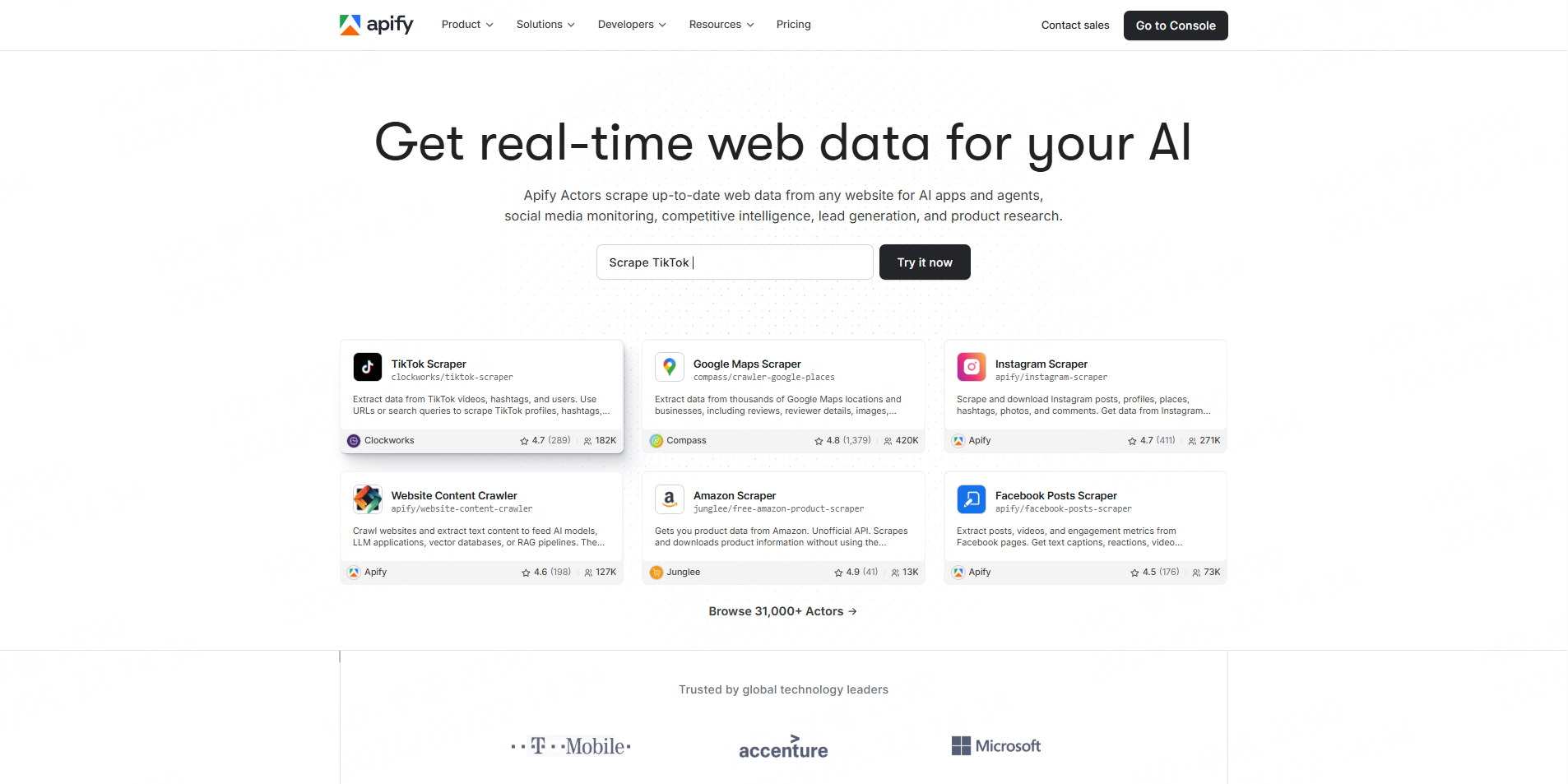
Apify’s marketplace includes dedicated Actors for collecting followers, following lists, verification status, privacy flags, profile images, and optional profile enrichment.
Best for: Developers and technical marketers.
Pros: API access, scheduling, pagination, and configurable limits.
Cons: Community-maintained Actors should be tested individually.
4. PhantomBuster
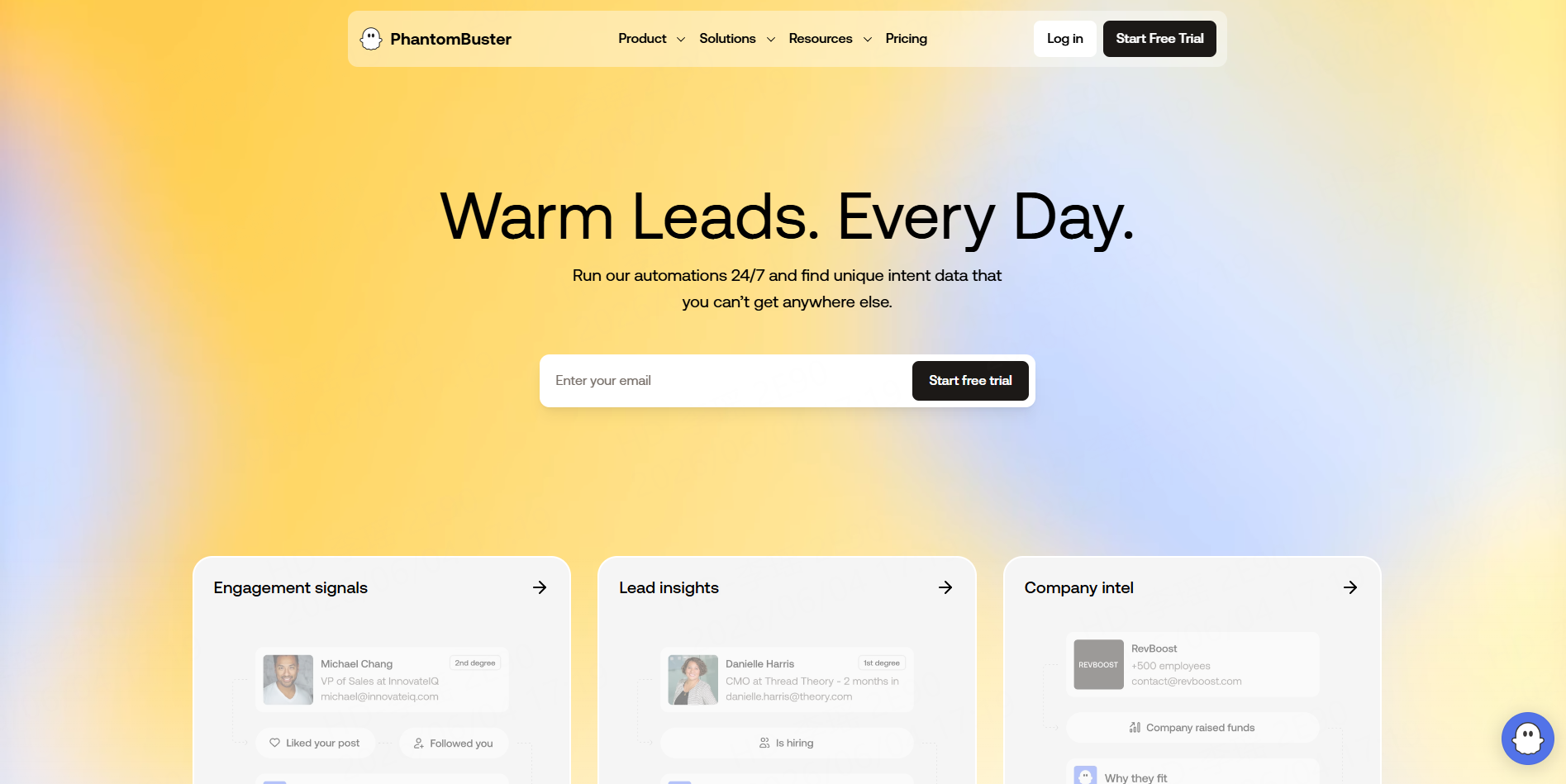
PhantomBuster’s Instagram Follower Collector exports follower profiles and can run repeatedly in Watcher mode to identify newly visible followers.
Best for: Growth teams building connected automation sequences.
Pros: CSV/JSON output and recurring monitoring.
Cons: It requires a connected Instagram session, and some profiles expose only a limited number of followers on the web.
5. Lobstr.io
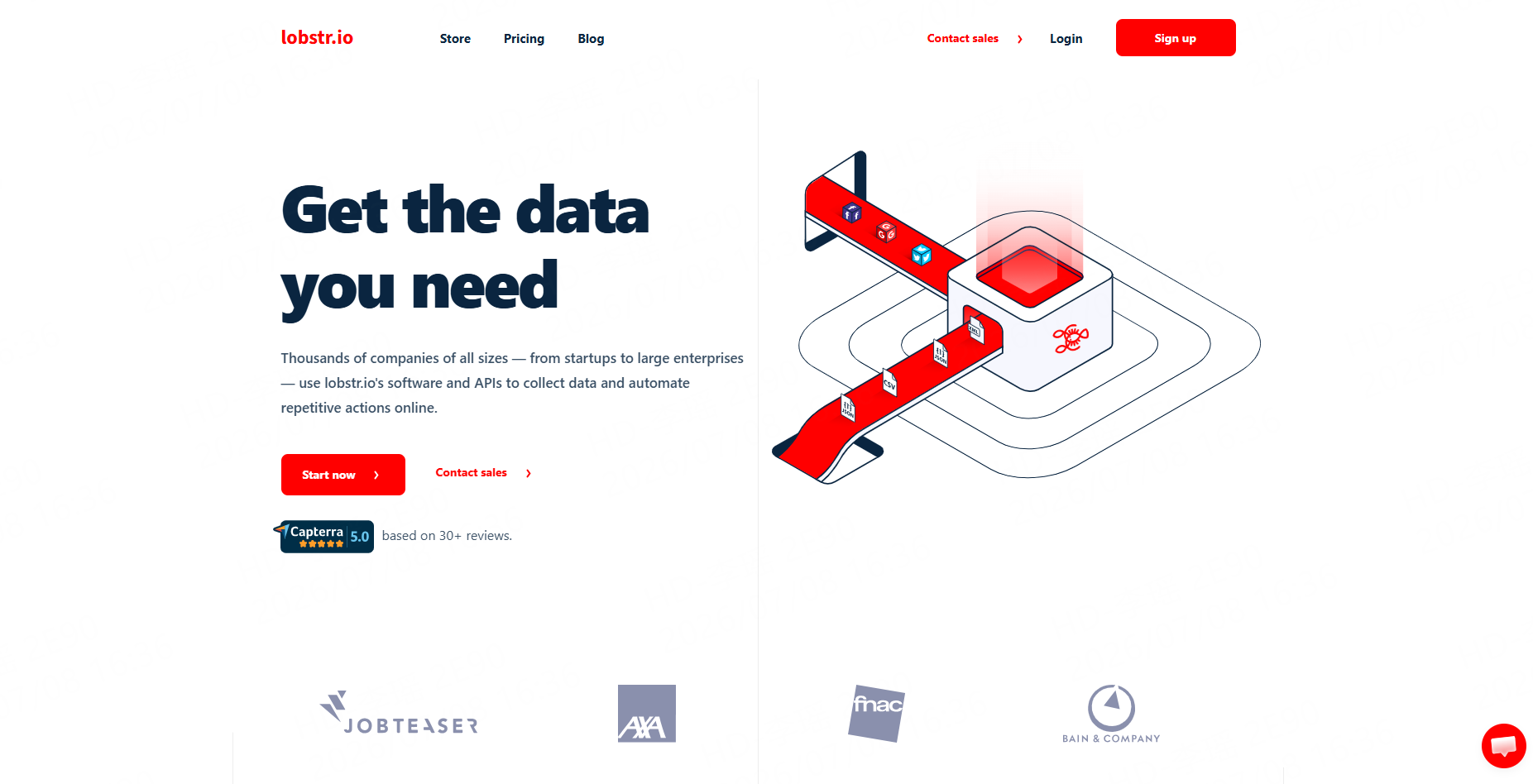
Lobstr.io offers a dedicated no-code scraper for public Instagram follower lists, including usernames, names, profile pictures, and verification status.
Best for: Straightforward public-profile exports.
Pros: Focused interface and structured results.
Cons: It offers fewer broader automation options than general data platforms.
6. Datablist
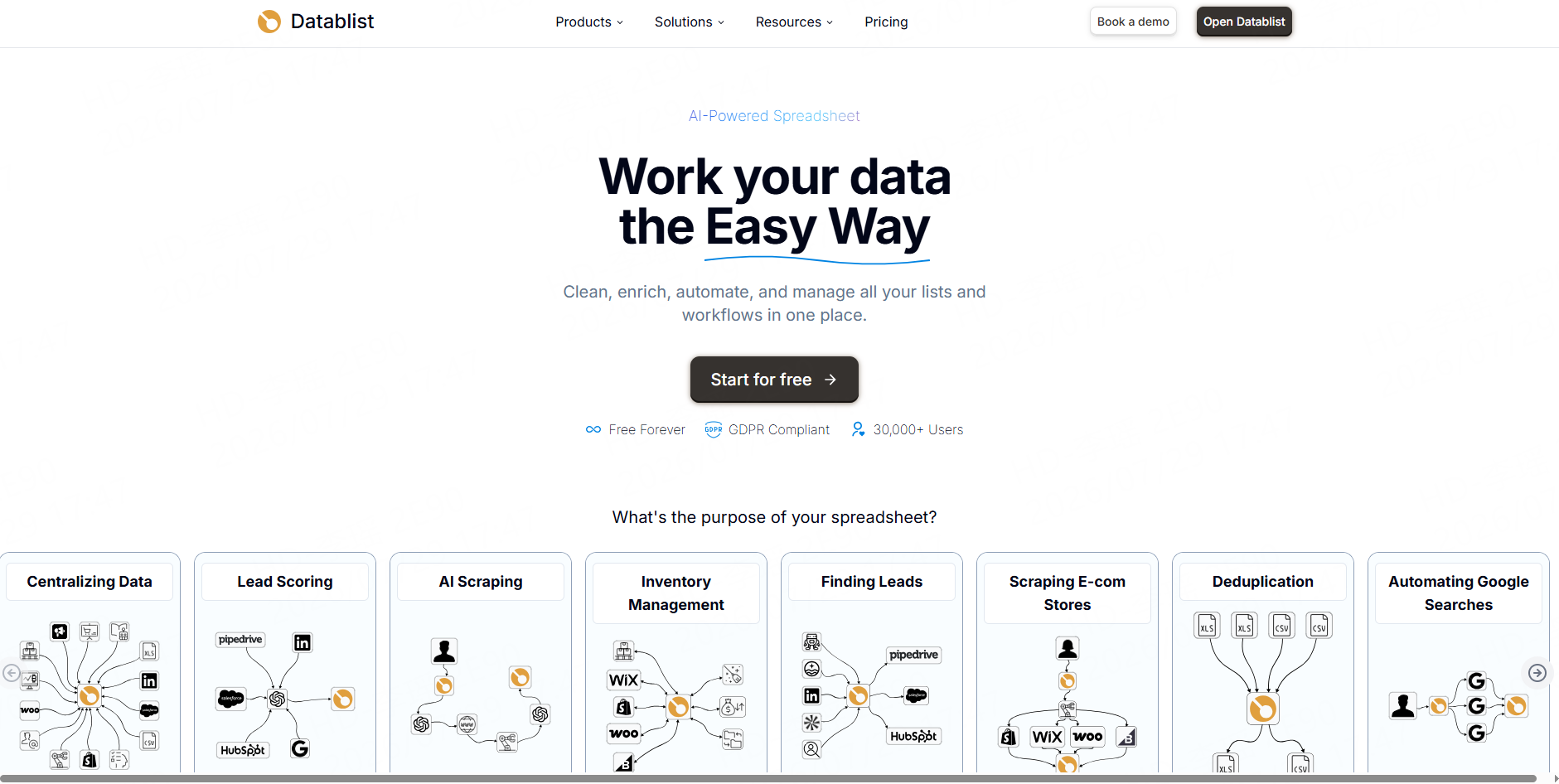
Datablist combines follower extraction with spreadsheet-style data management. Users can submit multiple profiles, set limits, and continue filtering or enriching records in the same workspace.
Best for: Marketers working primarily in tables.
Pros: Multi-profile input and integrated list processing.
Cons: Collection limits apply to each target profile.
7. ExportComments
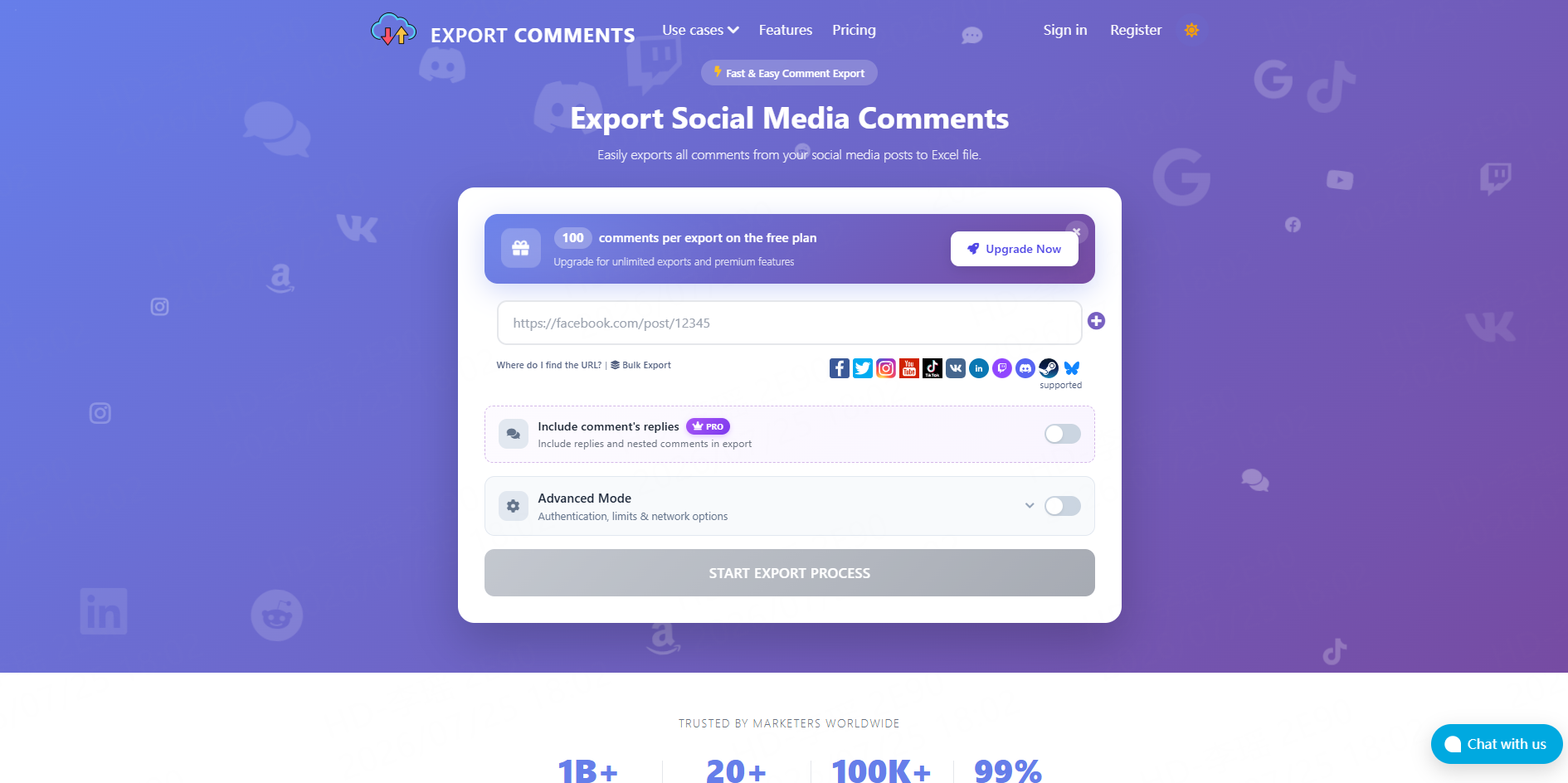
ExportComments can download public follower lists with usernames, bios, follower counts, and verification fields in Excel, CSV, or JSON. API access is also available for recurring jobs.
Best for: File-based exports and lightweight API workflows.
Pros: Several output formats.
Cons: Export size and API availability depend on the selected tier.
8. IGFollow
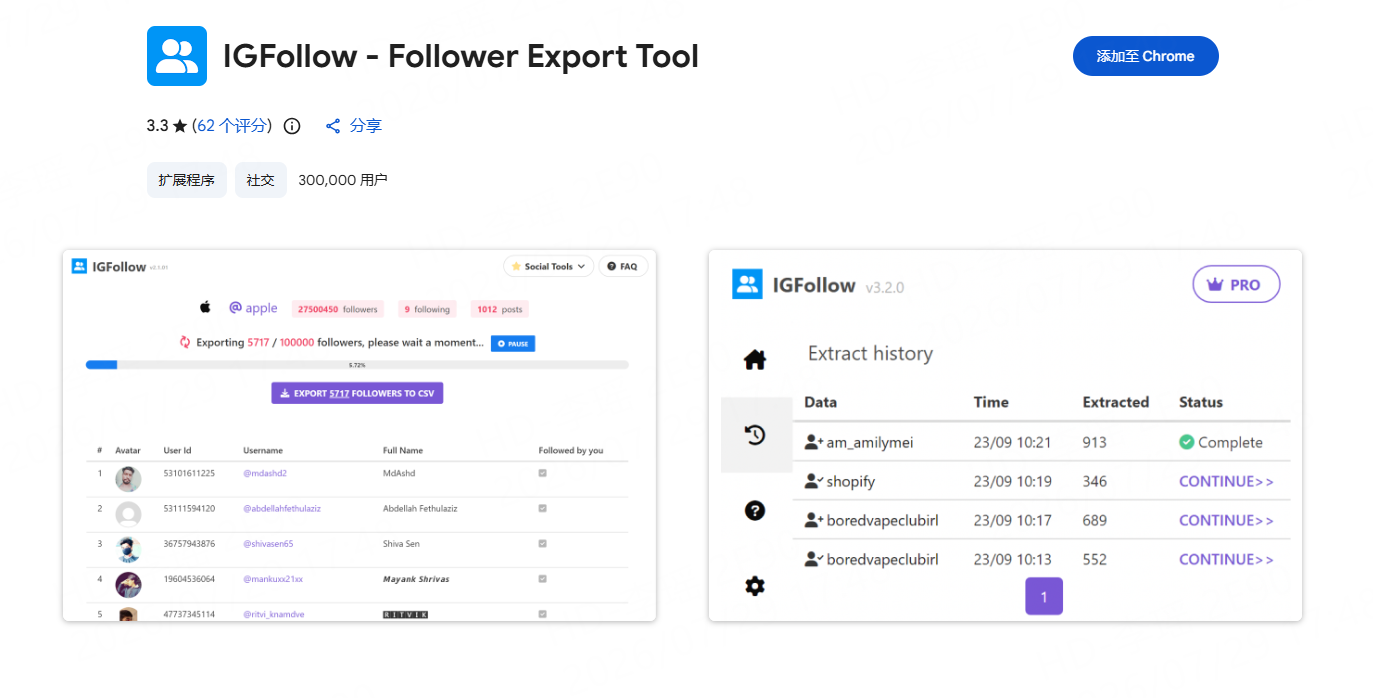
IGFollow is a Chrome extension that exports followers or following lists to CSV and can optionally collect additional profile details.
Best for: Small, one-time browser-based projects.
Pros: Simple workflow.
Cons: Teams should review extension permissions and data-handling practices before using a logged-in session.
9. IG Exporter & Scraper
IG Exporter & Scraper is another browser extension designed to export follower and following lists to CSV or Excel.
Best for: Users who prefer a browser-only interface.
Pros: Familiar spreadsheet output.
Cons: Reliability depends on the extension, browser session, and changes to Instagram’s interface.
10. Instaloader
Instaloader is an open-source Python tool whose profile objects support follower and followee retrieval. It gives developers control over collection, storage, and downstream processing.
Best for: Technical teams building custom scripts.
Pros: Open source and programmable.
Cons: Login is generally required for relationship data, and the team must maintain the workflow.
A Practical Instagram Audience Workflow with CoreClaw
Start with a dedicated follower-list tool when the project requires every visible follower username. Then pass the resulting profile URLs into CoreClaw’s profile Worker to add bios, follower counts, websites, verification fields, and other useful context.
Teams can clean, deduplicate, and filter the dataset before using CSV, JSON, or Excel export. Recurring processes can use the CoreClaw API integration, while a specialized schema or unsupported collection method can be handled by requesting a custom Worker.
The same profiles can be analyzed further with an Instagram Post Scraper or Instagram Comment Scraper. Developers can also publish scraping Workers through the platform.
Responsible Use and Common Limitations
Instagram’s terms place restrictions on automated data collection and state that unauthorized scraping can lead to account restrictions. Teams should limit collection to necessary public data, avoid private or sensitive information, use reasonable request rates, and review applicable laws and platform terms before starting a project.
Follower lists can also be incomplete because of private accounts, login requirements, rate limits, web-interface restrictions, deleted profiles, and platform changes. Important datasets should be sampled and validated before they influence business decisions.
Conclusion
The best Instagram follower scraper depends on whether a team needs a quick list, a recurring API pipeline, or a richer audience dataset. With CoreClaw, teams can enrich public profiles, clean and filter results, export structured data, automate collection through an API, and request custom Workers for specialized requirements—all while paying only for successfully delivered results.
Frequently Asked Questions

Content Writer @CoreClaw · Last Updated 2026-07-29
Lena Kovalenko researches how modern software systems expose and organize information online. Her writing focuses on the interaction between APIs, web platforms, and automated data workflows. When exploring a topic she typically compares multiple tools to understand their design assumptions. These comparisons often lead to articles that help readers see how different technical approaches influence reliability and efficiency.
查看作者资料 →免责声明:CoreClaw 博客上的所有信息均按“原样”提供,仅供参考。对于因您使用 CoreClaw 博客上发布的信息(或通过链接跳转至的任何第三方网站上的信息)而产生的任何后果,CoreClaw 不作任何陈述,亦不承担任何责任。在进行任何数据抓取活动之前,请务必咨询法律顾问,查阅目标网站的服务条款,并在必要时获取许可。